


 Скачать презентацию Automated Installation Windows Unattended Client PC Setup Vahid
6dd481a9a8ab82da39a34c8206281e65.ppt
- Количество слайдов: 15
 Automated Installation Windows Unattended Client PC Setup Vahid Ajimine W. M. Keck Observatory Mentor: Jason Ward Home institution: University of Hawaii at Hilo Akamai Internship Program by Cf. AO 1
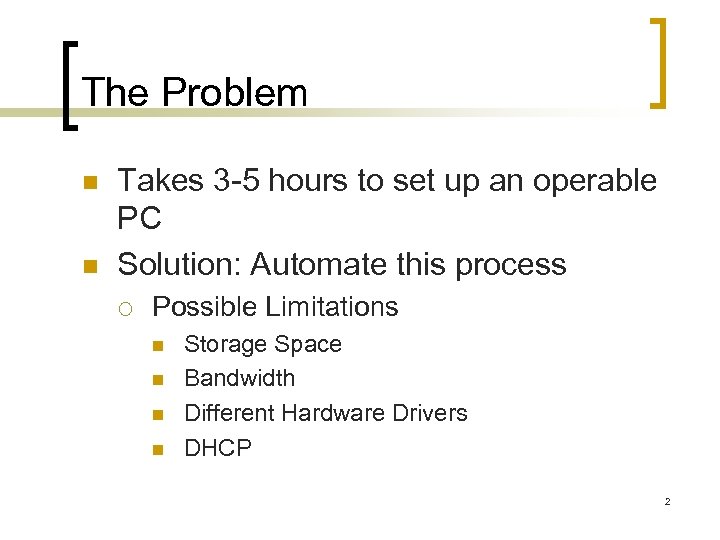 The Problem n n Takes 3 -5 hours to set up an operable PC Solution: Automate this process ¡ Possible Limitations n n Storage Space Bandwidth Different Hardware Drivers DHCP 2
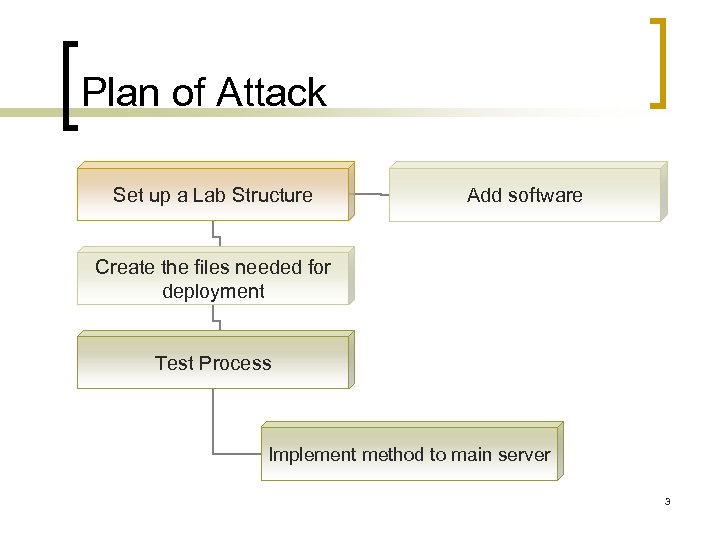 Plan of Attack Set up a Lab Structure Add software Create the files needed for deployment Test Process Implement method to main server 3
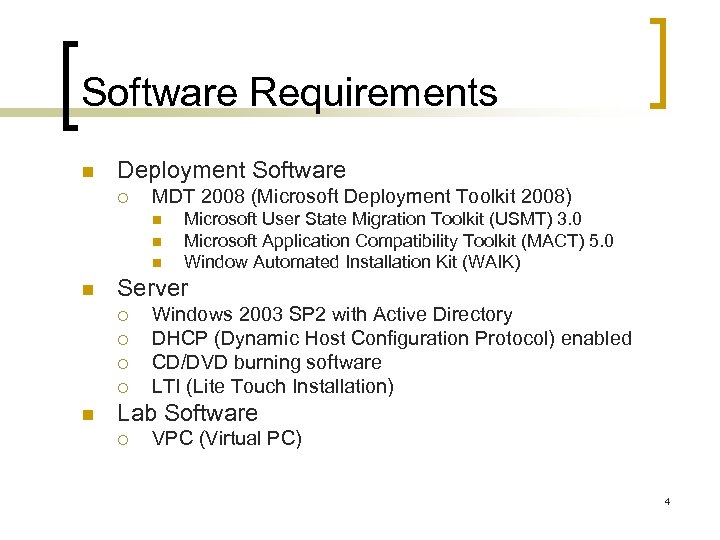 Software Requirements n Deployment Software ¡ MDT 2008 (Microsoft Deployment Toolkit 2008) n n Server ¡ ¡ n Microsoft User State Migration Toolkit (USMT) 3. 0 Microsoft Application Compatibility Toolkit (MACT) 5. 0 Window Automated Installation Kit (WAIK) Windows 2003 SP 2 with Active Directory DHCP (Dynamic Host Configuration Protocol) enabled CD/DVD burning software LTI (Lite Touch Installation) Lab Software ¡ VPC (Virtual PC) 4
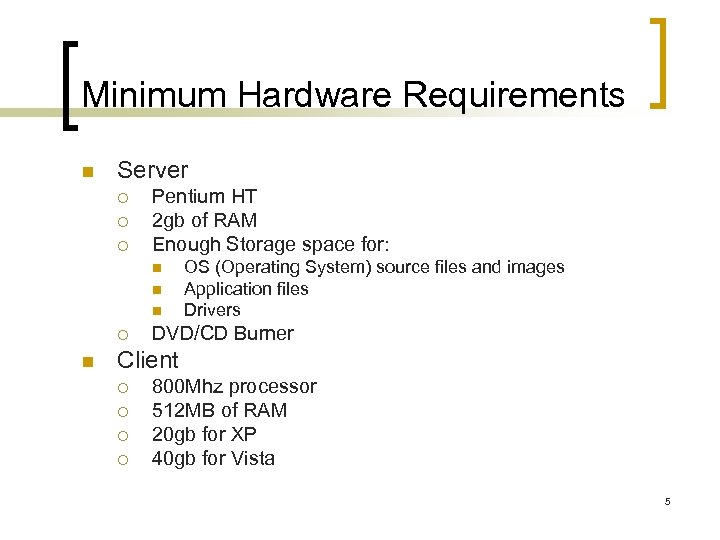 Minimum Hardware Requirements n Server ¡ ¡ ¡ Pentium HT 2 gb of RAM Enough Storage space for: n n n ¡ n OS (Operating System) source files and images Application files Drivers DVD/CD Burner Client ¡ ¡ 800 Mhz processor 512 MB of RAM 20 gb for XP 40 gb for Vista 5
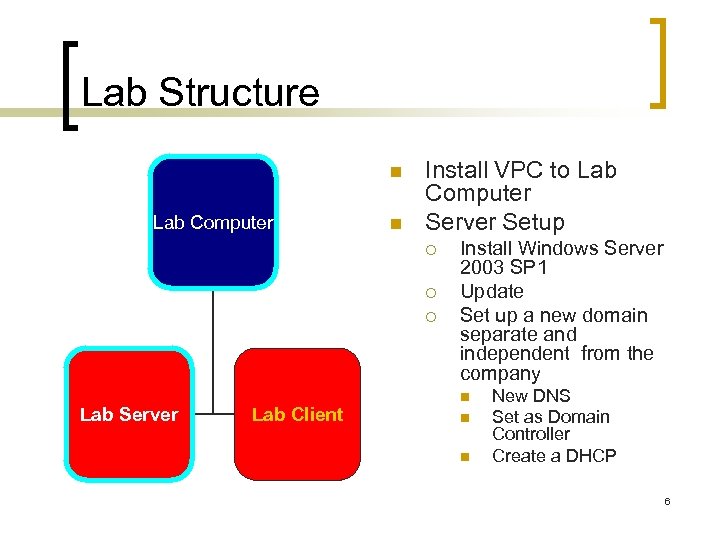 Lab Structure n Lab Computer n Install VPC to Lab Computer Server Setup ¡ ¡ ¡ Lab Server Lab Client Install Windows Server 2003 SP 1 Update Set up a new domain separate and independent from the company n n n New DNS Set as Domain Controller Create a DHCP 6
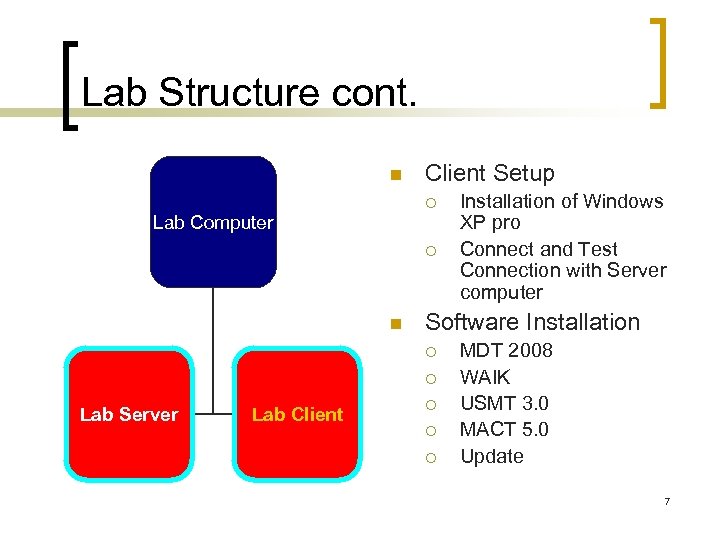 Lab Structure cont. n Client Setup ¡ Lab Computer ¡ n Software Installation ¡ ¡ Lab Server Lab Client Installation of Windows XP pro Connect and Test Connection with Server computer ¡ ¡ ¡ MDT 2008 WAIK USMT 3. 0 MACT 5. 0 Update 7
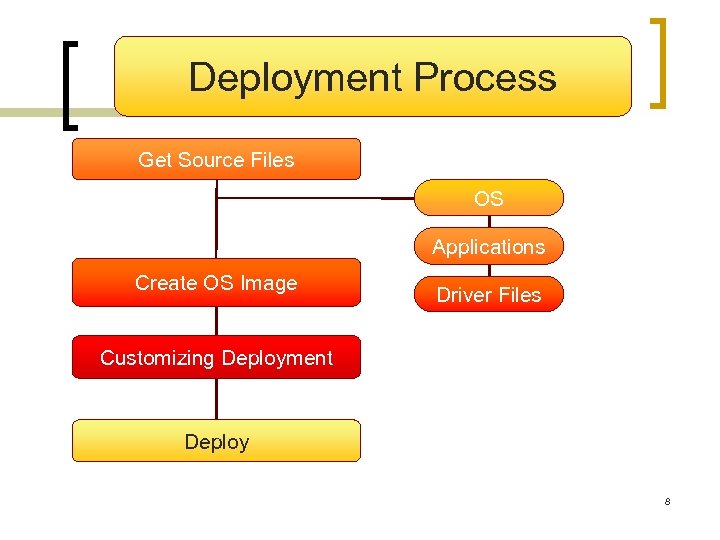 Deployment Process Get Source Files OS Applications Create OS Image Driver Files Customizing Deployment Deploy 8
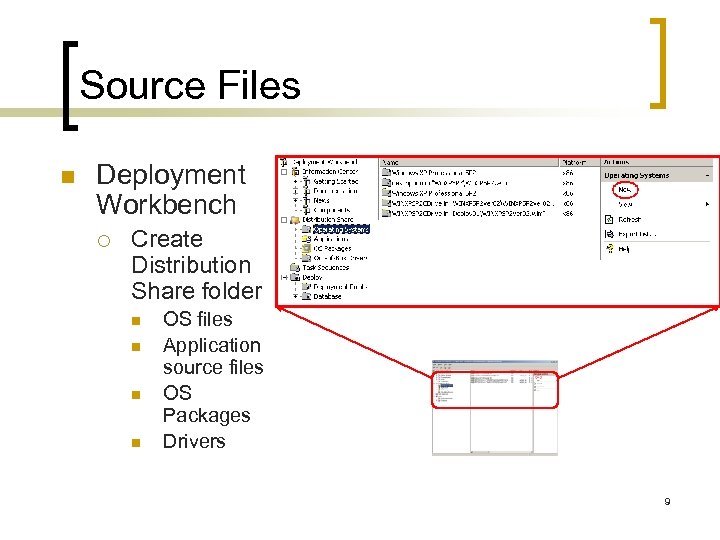 Source Files n Deployment Workbench ¡ Create Distribution Share folder n n OS files Application source files OS Packages Drivers 9
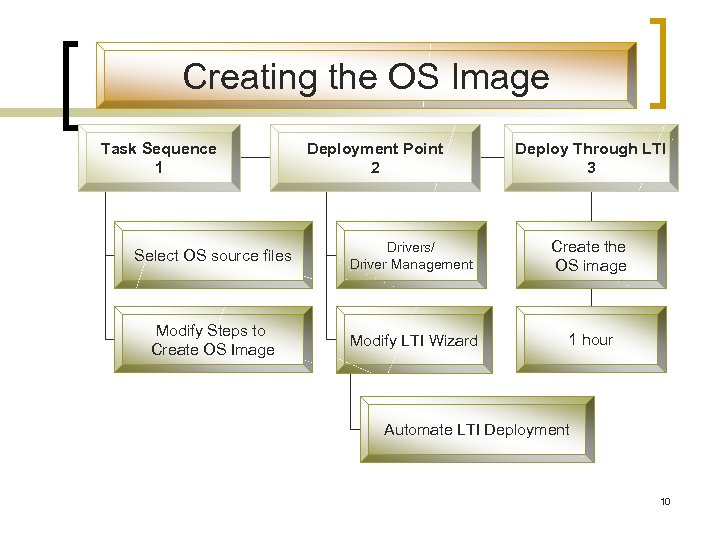 Creating the OS Image Task Sequence 1 Deployment Point 2 Deploy Through LTI 3 Select OS source files Drivers/ Driver Management Create the OS image Modify Steps to Create OS Image Modify LTI Wizard 1 hour Automate LTI Deployment 10
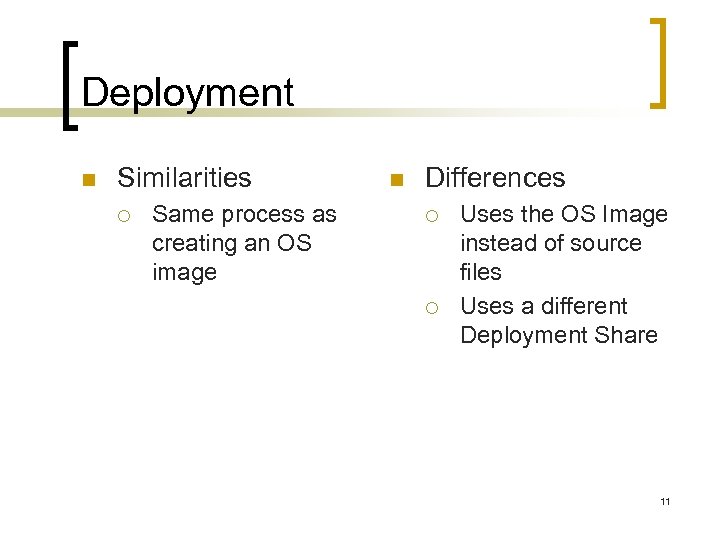 Deployment n Similarities ¡ Same process as creating an OS image n Differences ¡ ¡ Uses the OS Image instead of source files Uses a different Deployment Share 11
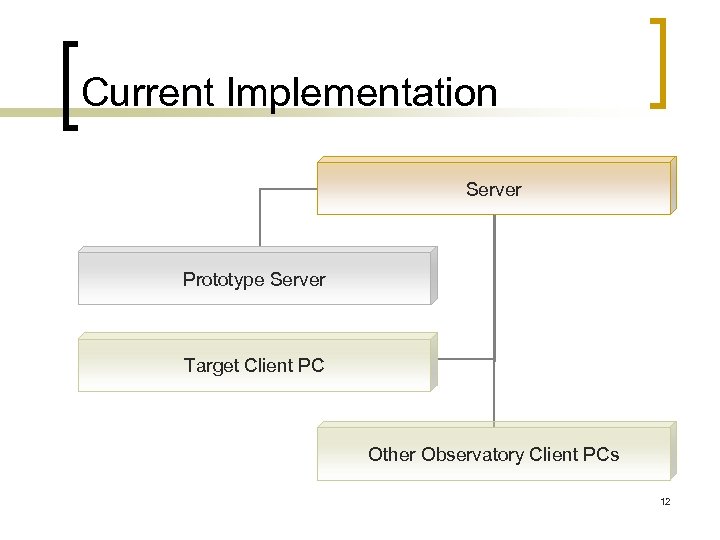 Current Implementation Server Prototype Server Target Client PC Other Observatory Client PCs 12
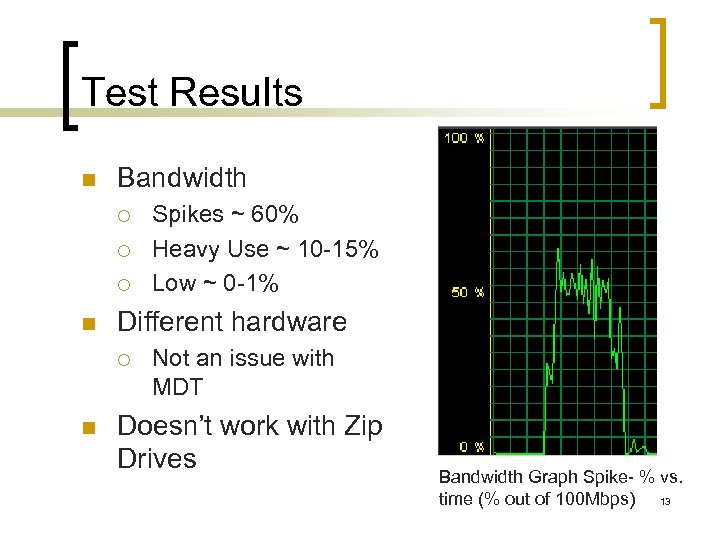 Test Results n Bandwidth ¡ ¡ ¡ n Different hardware ¡ n Spikes ~ 60% Heavy Use ~ 10 -15% Low ~ 0 -1% Not an issue with MDT Doesn’t work with Zip Drives Bandwidth Graph Spike- % vs. time (% out of 100 Mbps) 13
 Test Results cont. n Server Storage Requirements ¡ ¡ ¡ n n n 1 gb per image Applications Drivers Requires DHCP Vista migration made easy 3 -5 man-hours vs: ¡ User Interaction n ¡ 0 -15 minutes of user interaction Net Deployment Time n 1 -2 hours 14
 Acknowledgements n n W. M. Keck Observatory Akamai Internship Program ¡ ¡ ¡ n n Lisa Hunter Sarah Anderson Lynne Raschke Scott Seagroves Center for Adaptive Optics Jason Ward Internet The Akamai Internship Program is funded by the Center for Adaptive Optic through its National Science Foundation Science and Technology Center grant (#AST-987683) 15