


 Скачать презентацию Automated Approach of Cataloguing Tera Scan Images Utilizing
97399fa5c66e83d10c2035e5617eb37a.ppt
- Количество слайдов: 49
 Automated Approach of Cataloguing Tera. Scan Images Utilizing Active Server Pages 2005 -2006 ONR Multimedia
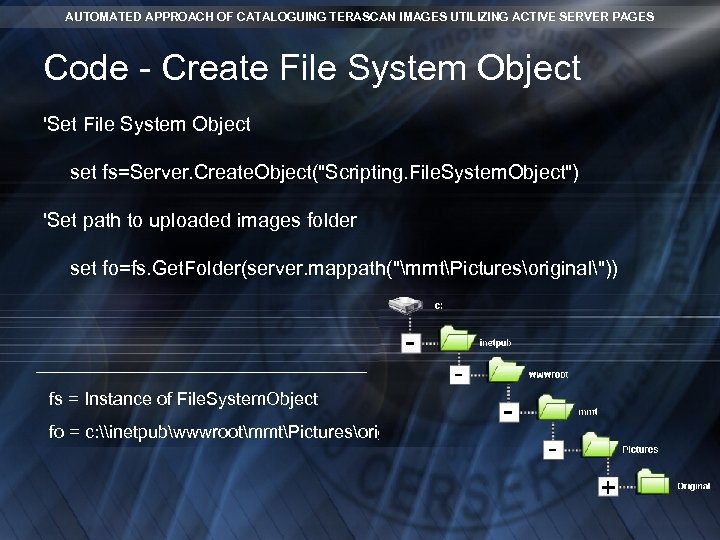
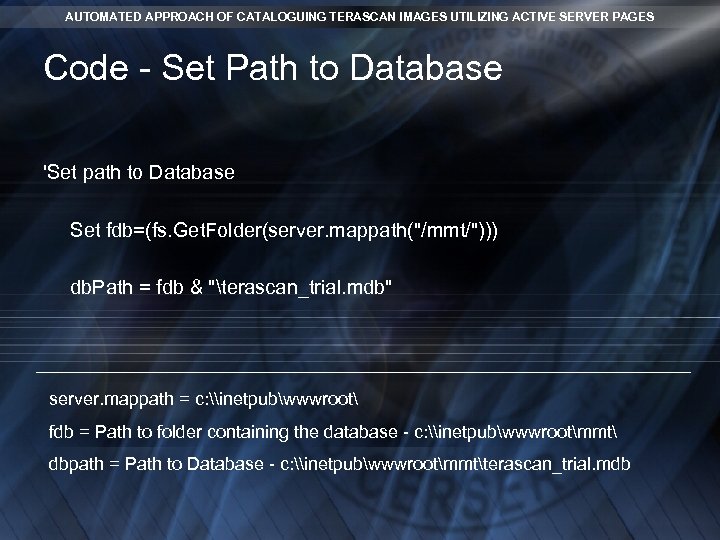
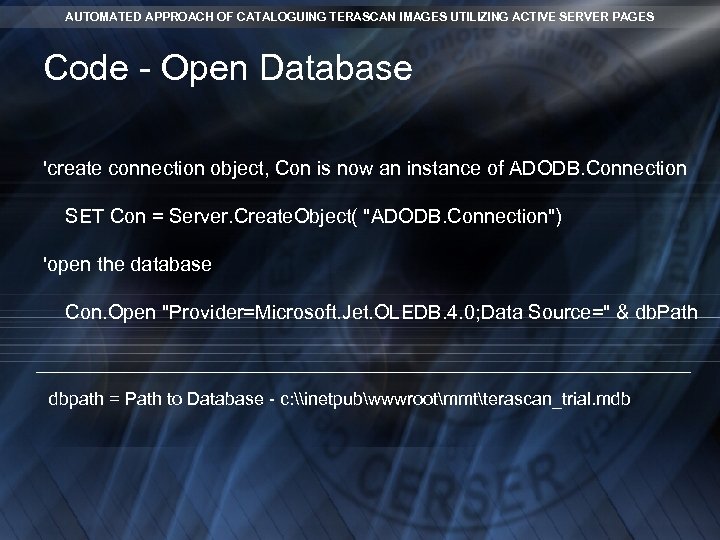
 AUTOMATED APPROACH OF CATALOGUING TERASCAN IMAGES UTILIZING ACTIVE SERVER PAGES Abstract The Center of Excellence in Remote Sensing Education and Research (CERSER) on the campus of Elizabeth City State University is currently tasked with the responsibility of receiving remotely sensed Advanced Very High Resolution Radiometer (AVHRR) and Sea Wide Field-of-View Sensor (Sea. Wi. FS) data for research projects year round. This data is collected, processed, annotated, and transformed into images in the Tagged Image File Format (tiff). These tiff images are then uploaded to the CERSER archive library server located at http: //cerser. ecsu. edu. Once uploaded, they are converted into various resolutions and their information is added to a tracking database maintained with Microsoft Access software. This database provides a searchable means for retrieving satellite image data through various parameters.
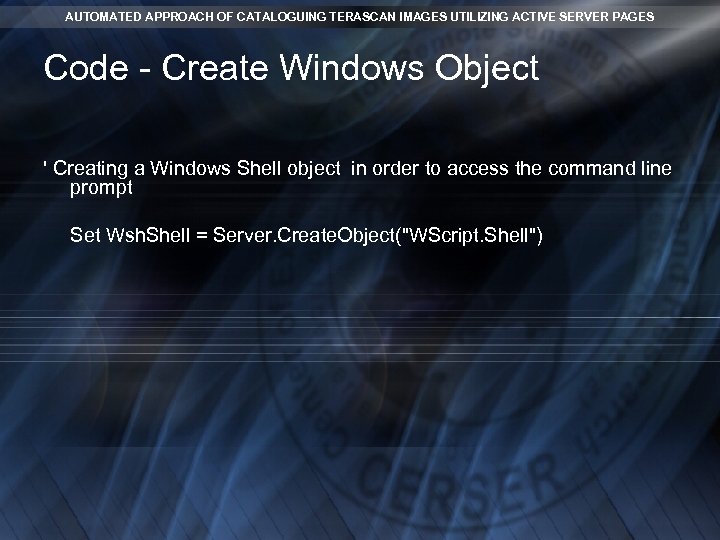
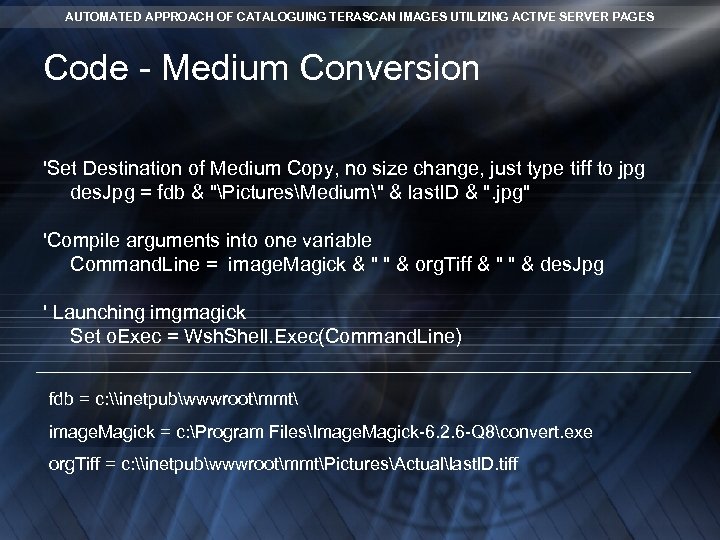
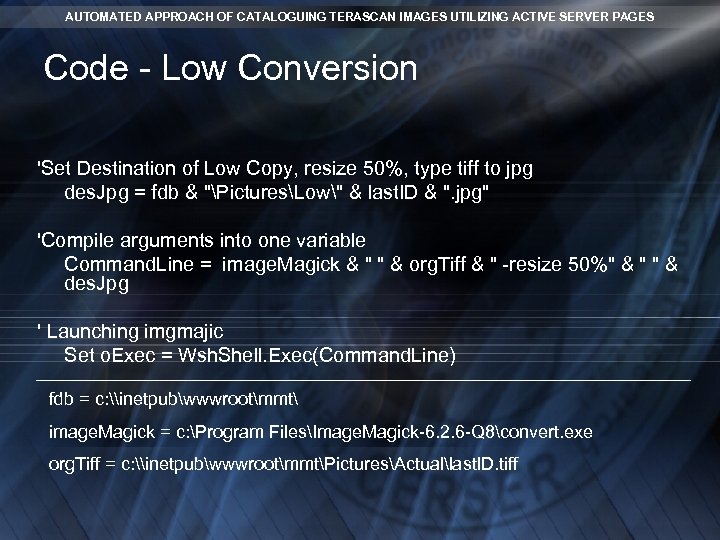
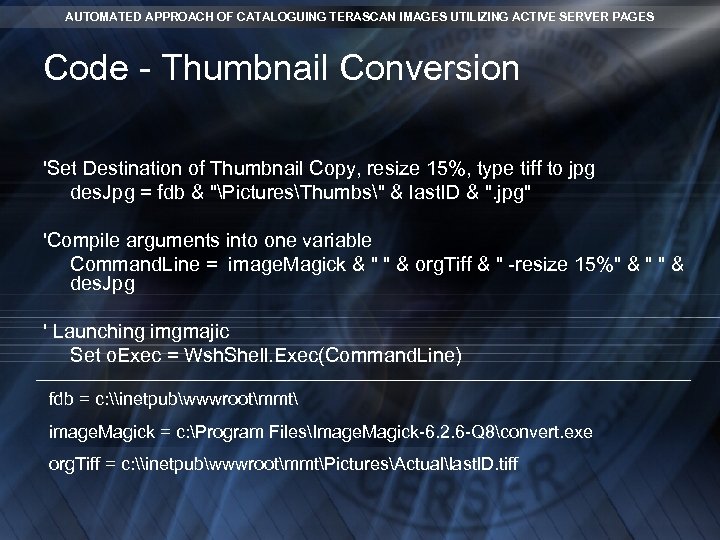
 AUTOMATED APPROACH OF CATALOGUING TERASCAN IMAGES UTILIZING ACTIVE SERVER PAGES Abstract (cont) The automatic conversion of the original tiff file to various Joint Photographic Experts Group (jpeg) format sizes and the entry of information into the tracking database were completed during this project. Active Server Pages were developed utilizing Visual Basic Scripting, Structured Query Language, and Command Line instructions to the software package Image. Magick™ to complete the tasks. The final file developed was added as a scheduled task to be implemented at a certain time each day on the CERSER platform. This file inventories the “original” folder located on the CERSER server to determine if any files have been uploaded and then processes those that have.
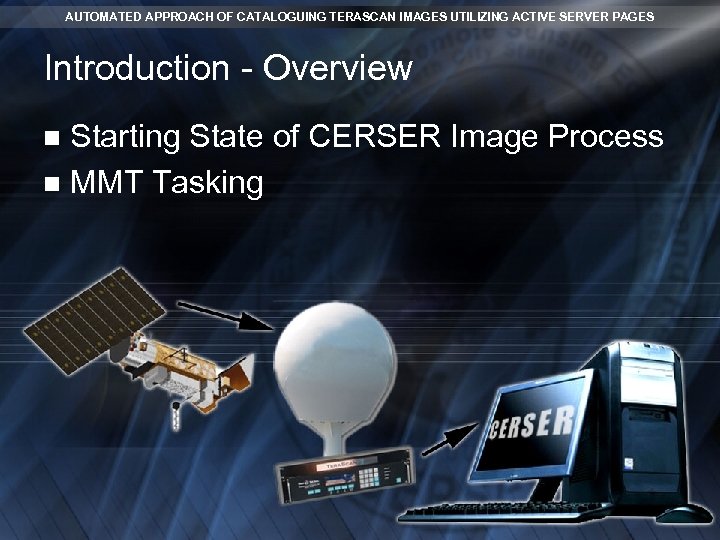 AUTOMATED APPROACH OF CATALOGUING TERASCAN IMAGES UTILIZING ACTIVE SERVER PAGES Introduction - Overview Starting State of CERSER Image Process n MMT Tasking n
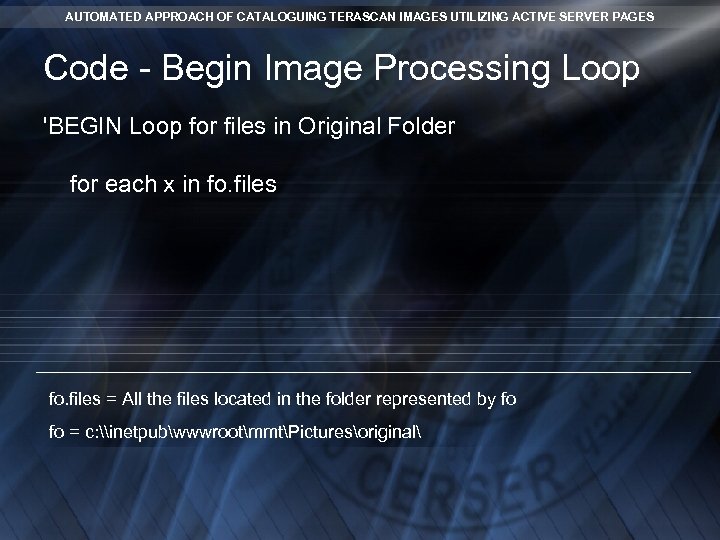
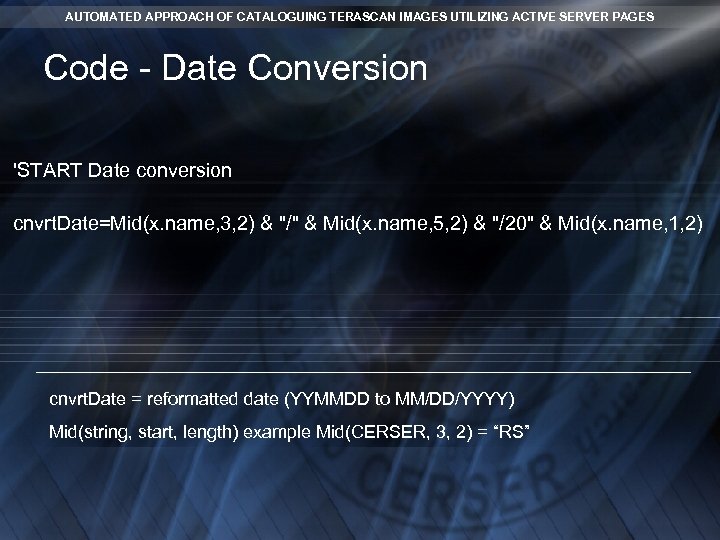
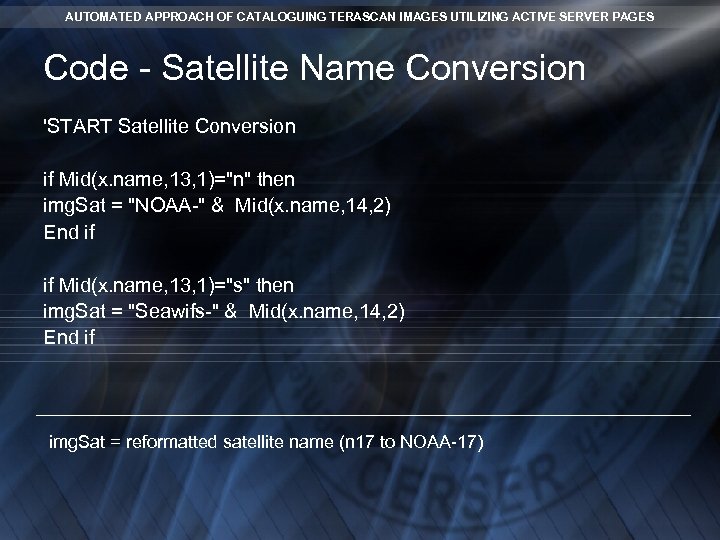
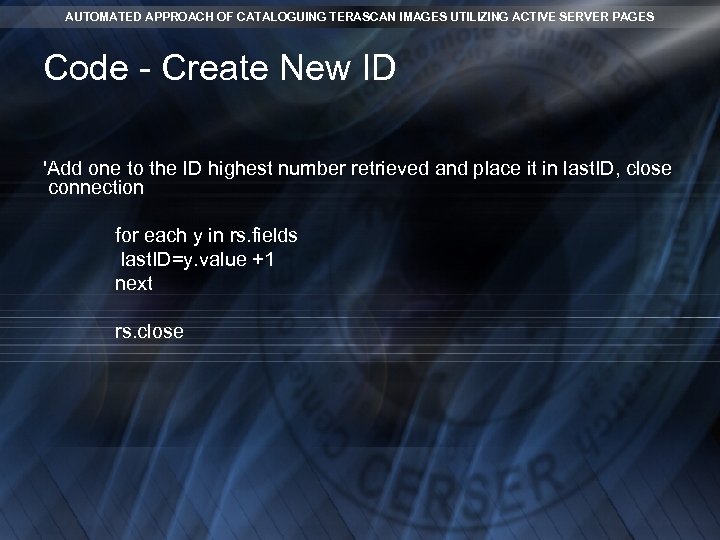
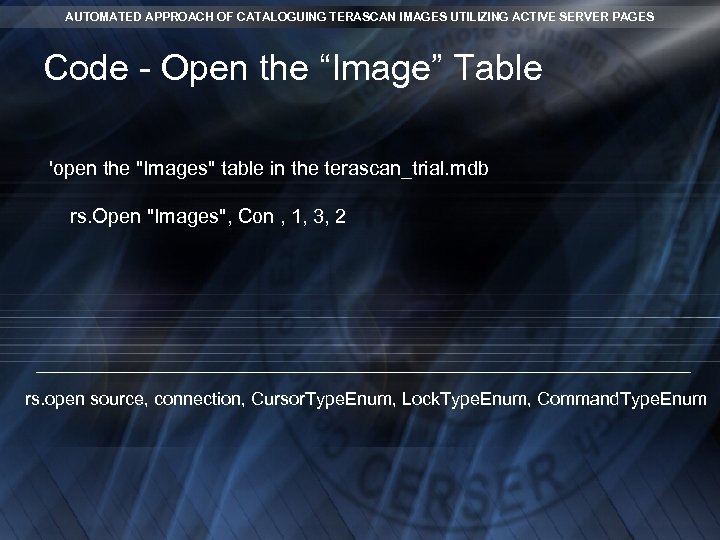
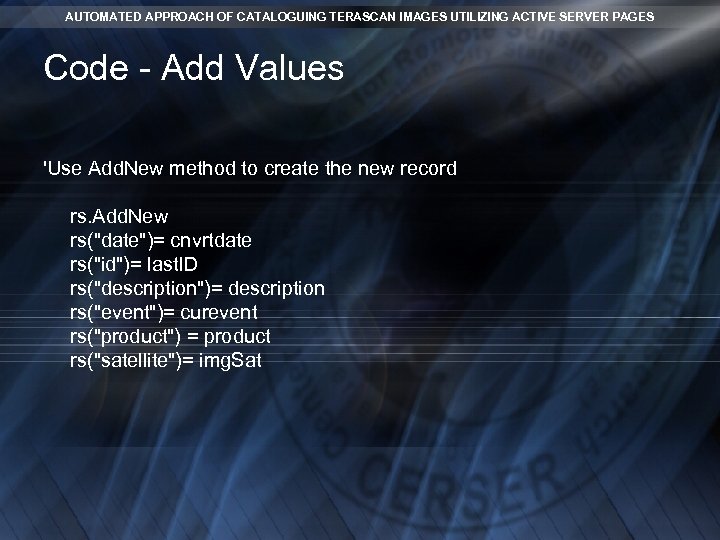
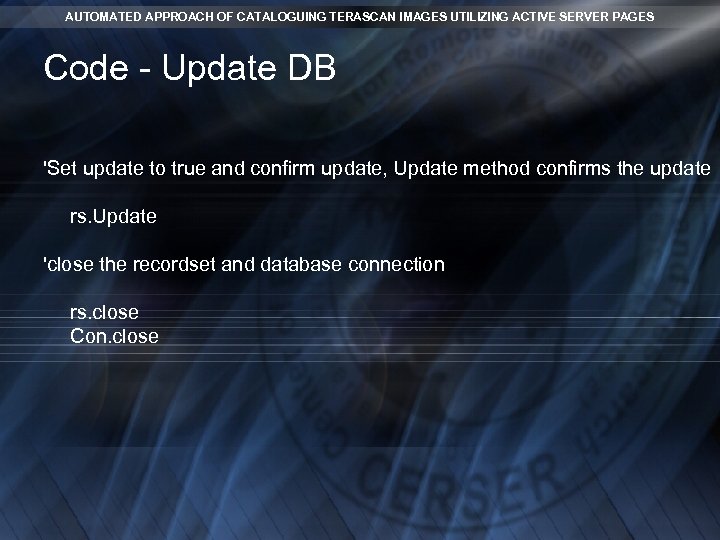
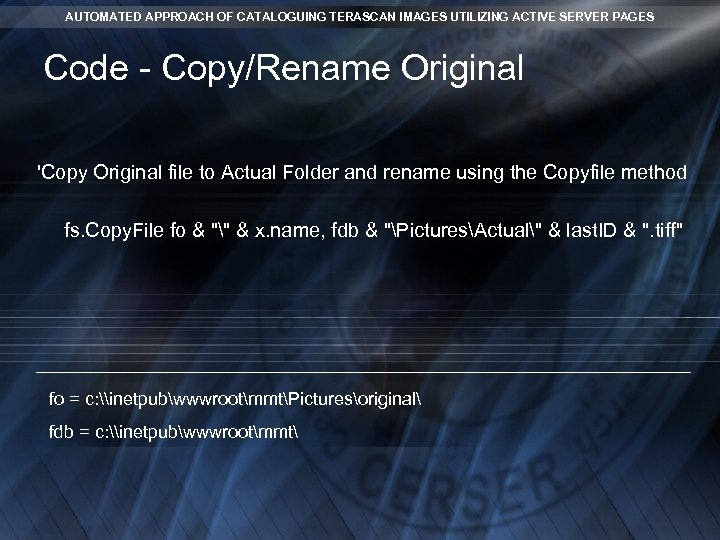
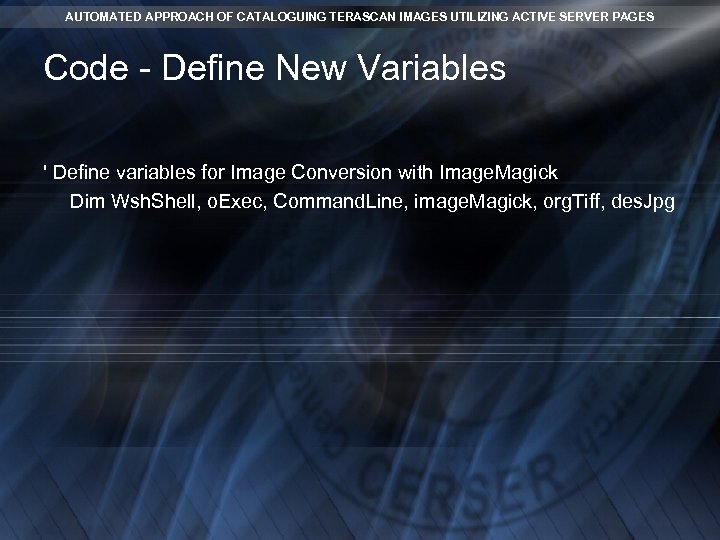
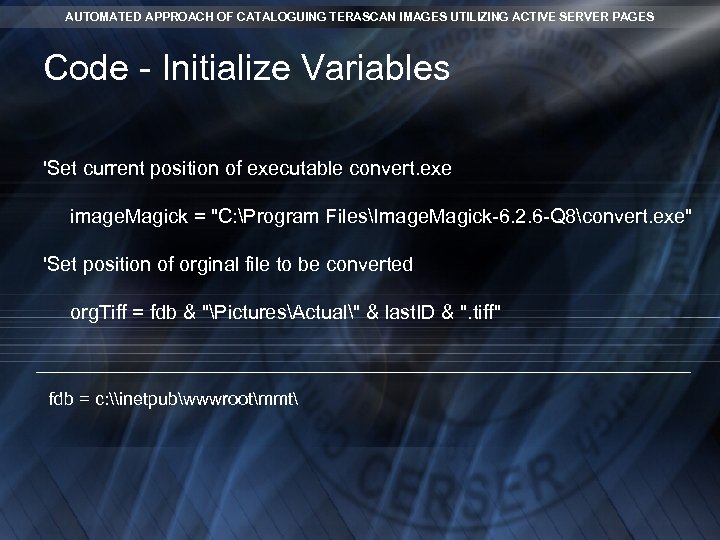
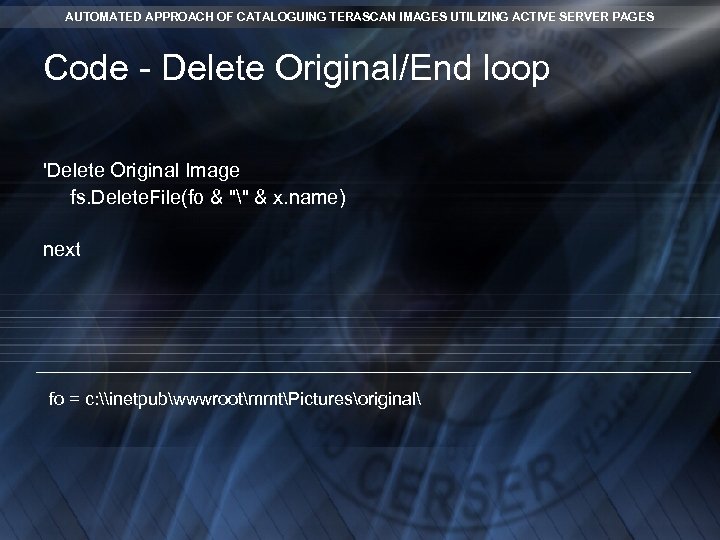
 AUTOMATED APPROACH OF CATALOGUING TERASCAN IMAGES UTILIZING ACTIVE SERVER PAGES Introduction - Process Goals n n Call the ASP page daily ASP Image Conversion Tasks: ¨ ¨ ¨ Convert Date and Satellite information from the file name Open Terascan Database to obtain new file name Write new record to the database Open Image. Magick® Convert/Resize/Rename original image to Actual, Medium, Low, and thumbnail folders Delete original image file
 AUTOMATED APPROACH OF CATALOGUING TERASCAN IMAGES UTILIZING ACTIVE SERVER PAGES Active Server Pages Defined n Their Use n Languages n Microsoft Internet Information Services (IIS) Server n
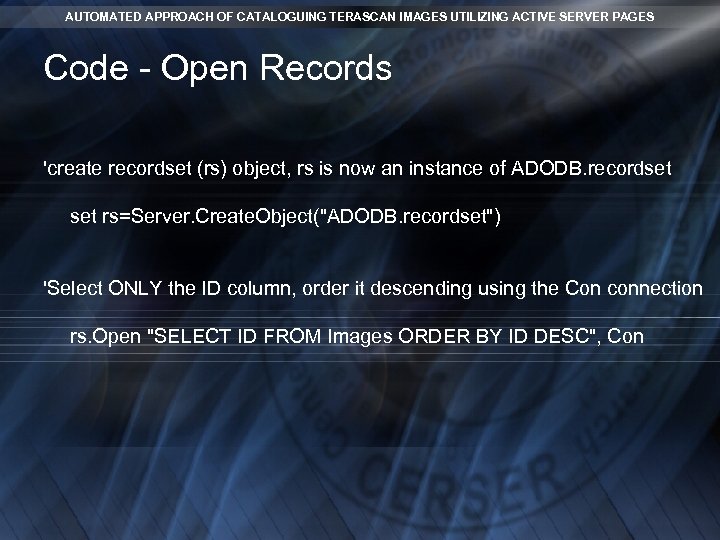
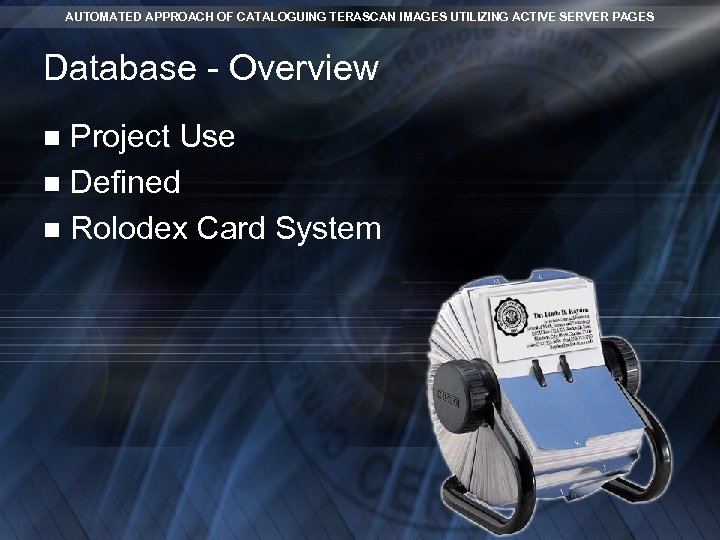 AUTOMATED APPROACH OF CATALOGUING TERASCAN IMAGES UTILIZING ACTIVE SERVER PAGES Database - Overview Project Use n Defined n Rolodex Card System n
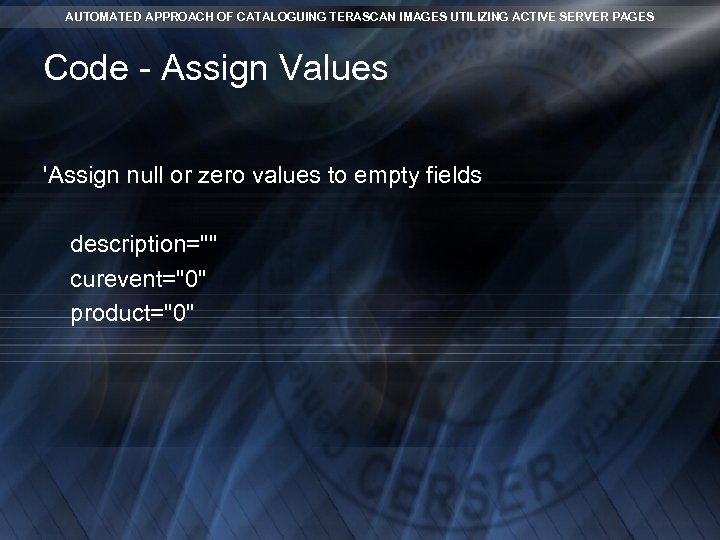
 AUTOMATED APPROACH OF CATALOGUING TERASCAN IMAGES UTILIZING ACTIVE SERVER PAGES Database - Fields Cells that contain actual data n Tera. Scan DB field titles are: ID, Date, Satellite, Product, Description, and Event n Field Title > Data Type Selected n Examples: Currency, Date & Time, Number, text, etc. . . n
 AUTOMATED APPROACH OF CATALOGUING TERASCAN IMAGES UTILIZING ACTIVE SERVER PAGES Database - The Project Select information provided by the image file name: ID, Satellite, and Date n Convert this information to the correct format (example: 060330 to 03/30/2006) n Add a new record for each image n
 AUTOMATED APPROACH OF CATALOGUING TERASCAN IMAGES UTILIZING ACTIVE SERVER PAGES Image. Magick® - Overview Description n Formats Supported n Actions Available n MMT Project Use n
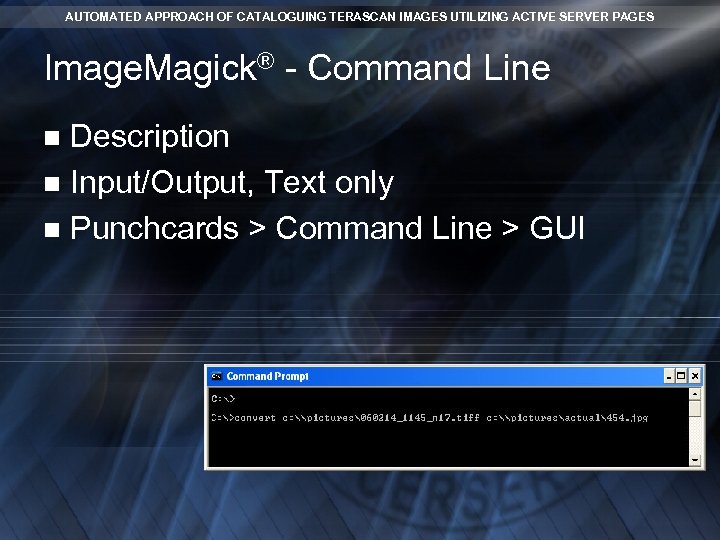 AUTOMATED APPROACH OF CATALOGUING TERASCAN IMAGES UTILIZING ACTIVE SERVER PAGES Image. Magick® - Command Line Description n Input/Output, Text only n Punchcards > Command Line > GUI n
 AUTOMATED APPROACH OF CATALOGUING TERASCAN IMAGES UTILIZING ACTIVE SERVER PAGES Scheduled Tasks - Overview CERSER Operating System n Scheduled Tasks n Scheduling the ASP file n
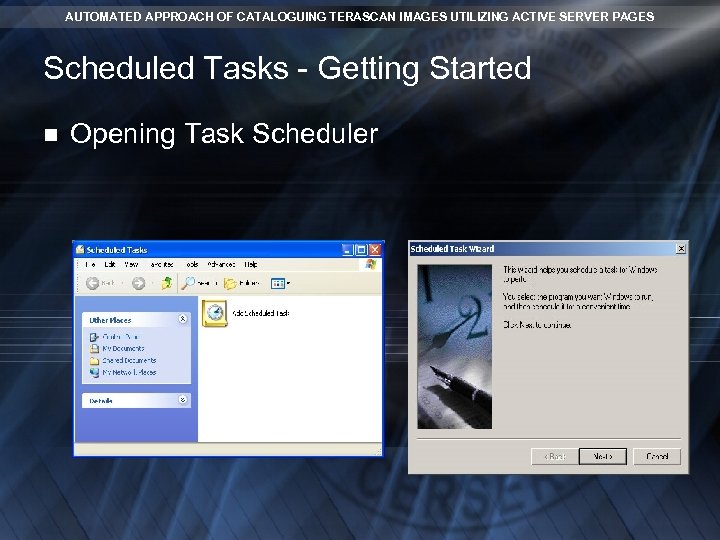 AUTOMATED APPROACH OF CATALOGUING TERASCAN IMAGES UTILIZING ACTIVE SERVER PAGES Scheduled Tasks - Getting Started n Opening Task Scheduler
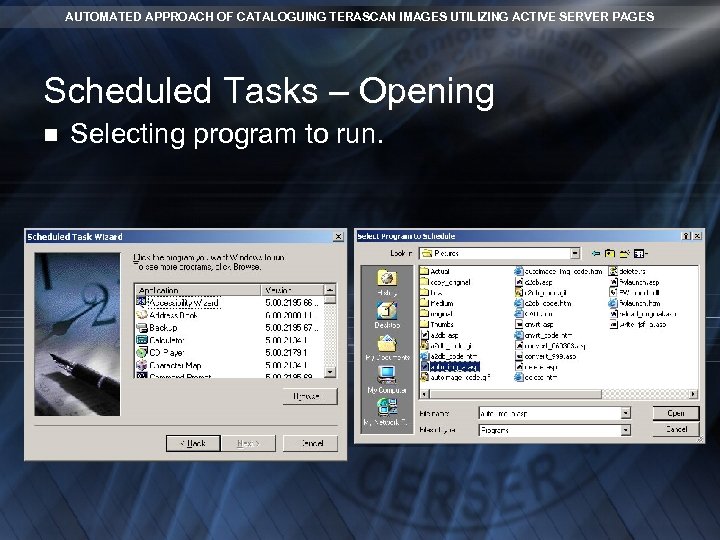 AUTOMATED APPROACH OF CATALOGUING TERASCAN IMAGES UTILIZING ACTIVE SERVER PAGES Scheduled Tasks – Opening n Selecting program to run.
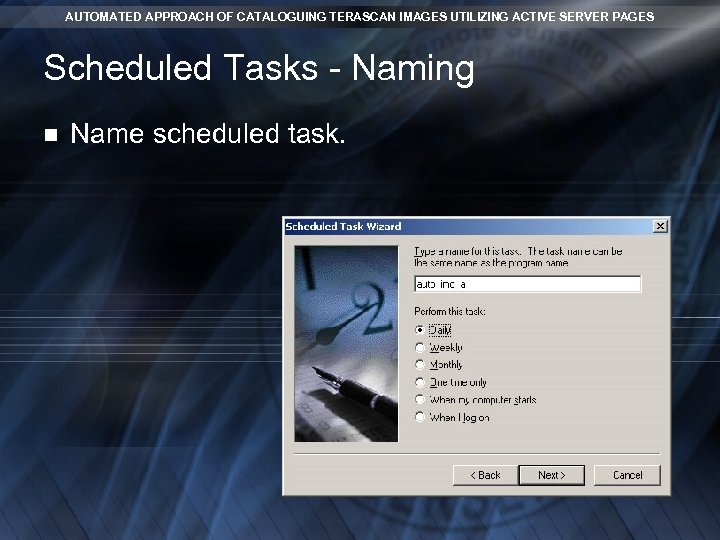 AUTOMATED APPROACH OF CATALOGUING TERASCAN IMAGES UTILIZING ACTIVE SERVER PAGES Scheduled Tasks - Naming n Name scheduled task.
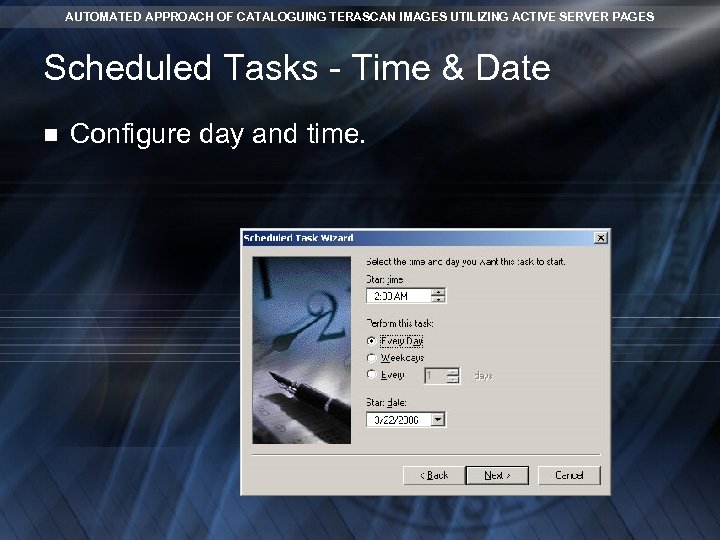 AUTOMATED APPROACH OF CATALOGUING TERASCAN IMAGES UTILIZING ACTIVE SERVER PAGES Scheduled Tasks - Time & Date n Configure day and time.
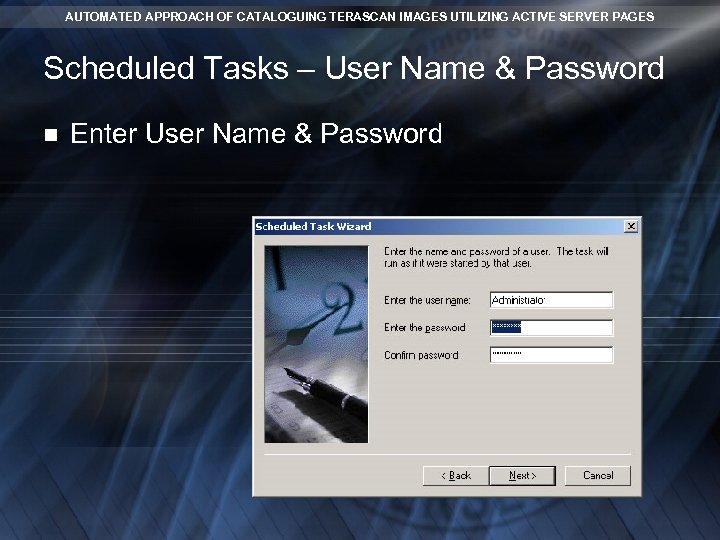 AUTOMATED APPROACH OF CATALOGUING TERASCAN IMAGES UTILIZING ACTIVE SERVER PAGES Scheduled Tasks – User Name & Password n Enter User Name & Password
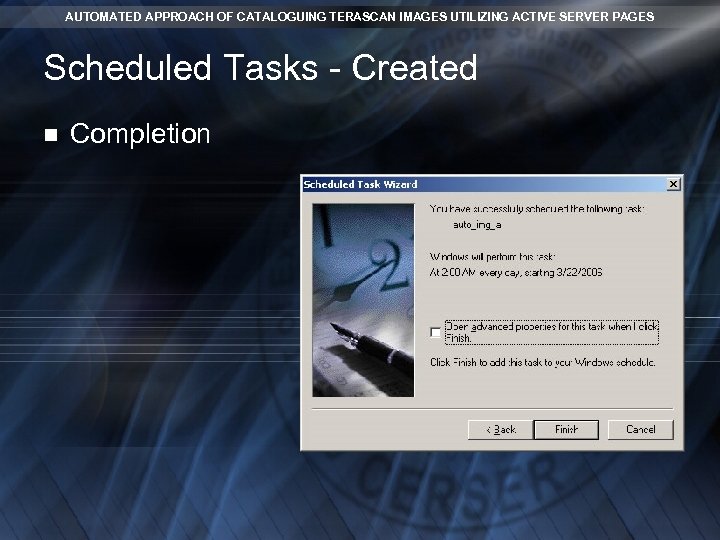 AUTOMATED APPROACH OF CATALOGUING TERASCAN IMAGES UTILIZING ACTIVE SERVER PAGES Scheduled Tasks - Created n Completion
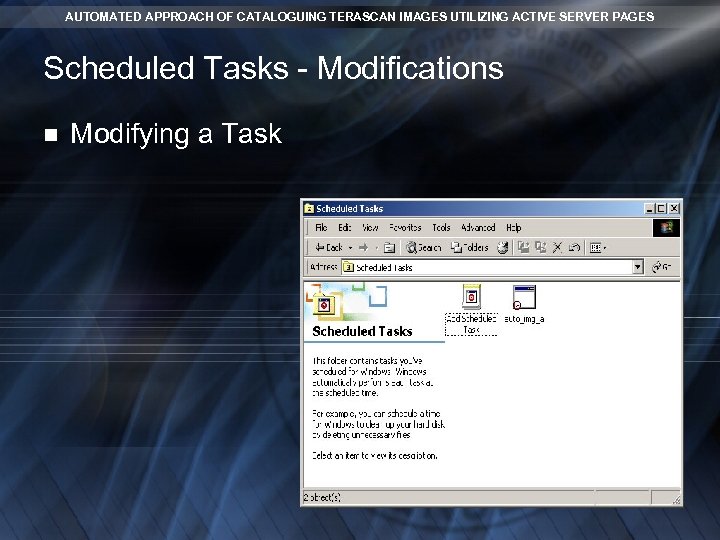 AUTOMATED APPROACH OF CATALOGUING TERASCAN IMAGES UTILIZING ACTIVE SERVER PAGES Scheduled Tasks - Modifications n Modifying a Task
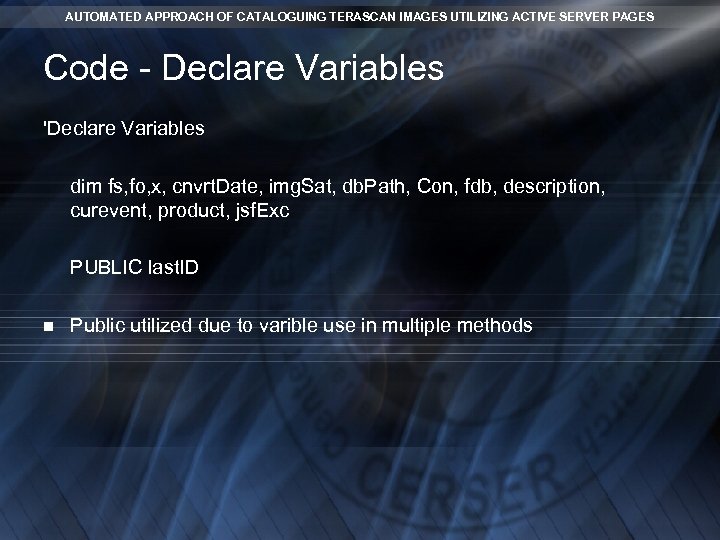
 AUTOMATED APPROACH OF CATALOGUING TERASCAN IMAGES UTILIZING ACTIVE SERVER PAGES Code -Pseudocode Defined n Example n ¨ Pseudocode - Display on the screen the variable X ¨ VBScript Coding - response. write(x)
 AUTOMATED APPROACH OF CATALOGUING TERASCAN IMAGES UTILIZING ACTIVE SERVER PAGES Code - Begin ASP Code <% %>
 AUTOMATED APPROACH OF CATALOGUING TERASCAN IMAGES UTILIZING ACTIVE SERVER PAGES Results Trial Code n reponse. write() n Final Version n Folder Permissions n
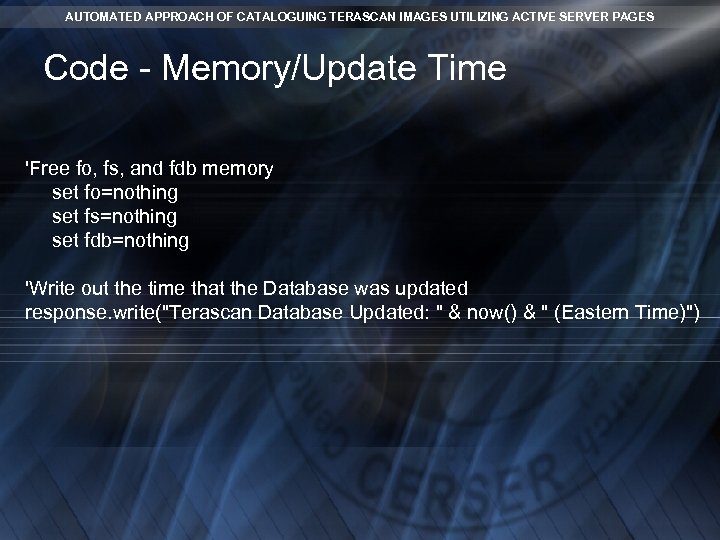
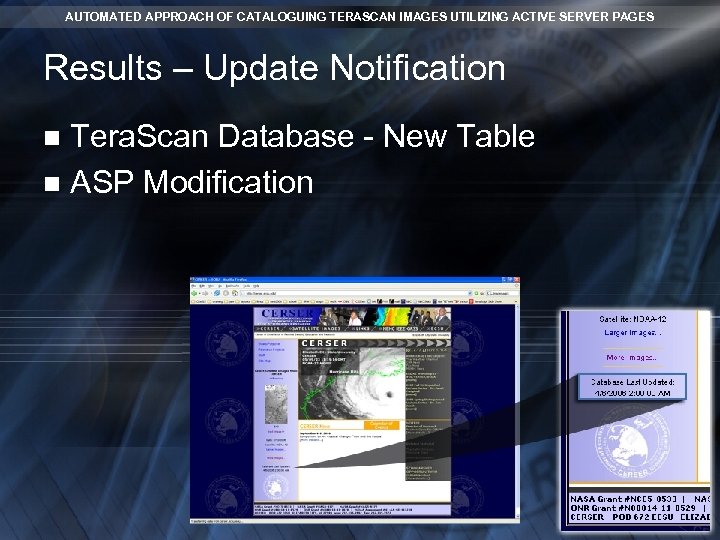 AUTOMATED APPROACH OF CATALOGUING TERASCAN IMAGES UTILIZING ACTIVE SERVER PAGES Results – Update Notification Tera. Scan Database - New Table n ASP Modification n
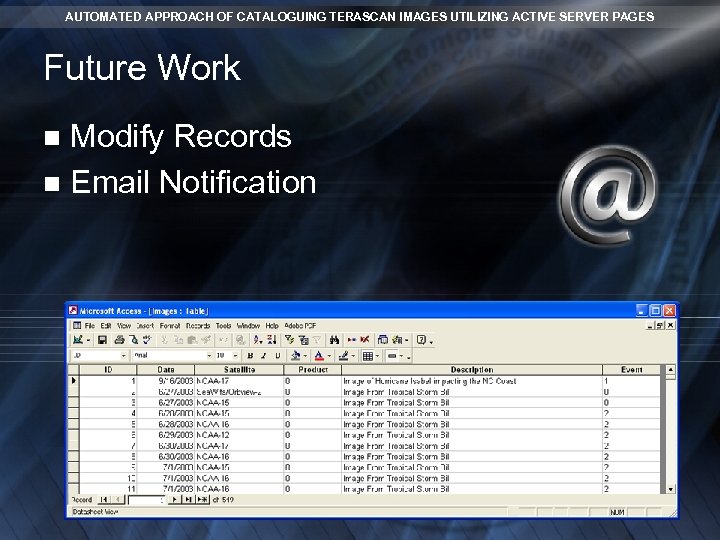 AUTOMATED APPROACH OF CATALOGUING TERASCAN IMAGES UTILIZING ACTIVE SERVER PAGES Future Work Modify Records n Email Notification n
 Questions