


 Скачать презентацию Authoring a Scientific Paper in Computer Graphics Michael
80220131b4ab6f89d8524bc465c85b01.ppt
- Количество слайдов: 29
 Authoring a Scientific Paper in Computer Graphics Michael Wimmer Institute of Computer Graphics and Algorithms Vienna University of Technology
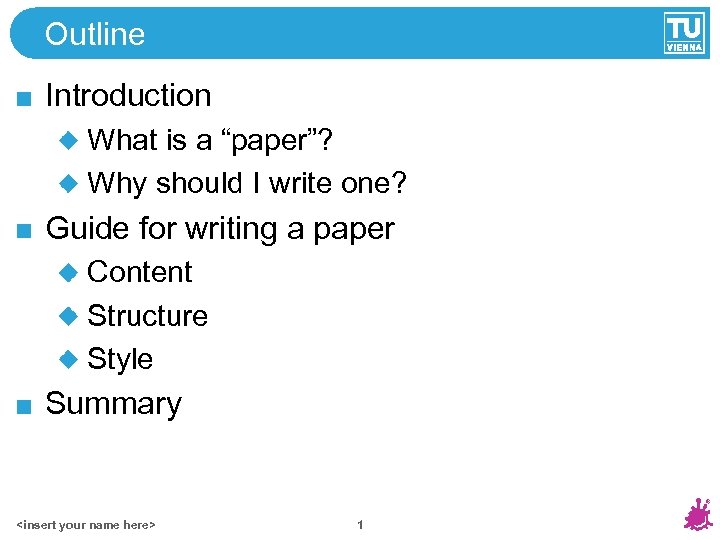 Outline Introduction What is a “paper”? Why should I write one? Guide for writing a paper Content Structure Style Summary
 What Is a „Paper“? Scientific text About a research contribution Published in a scientific forum
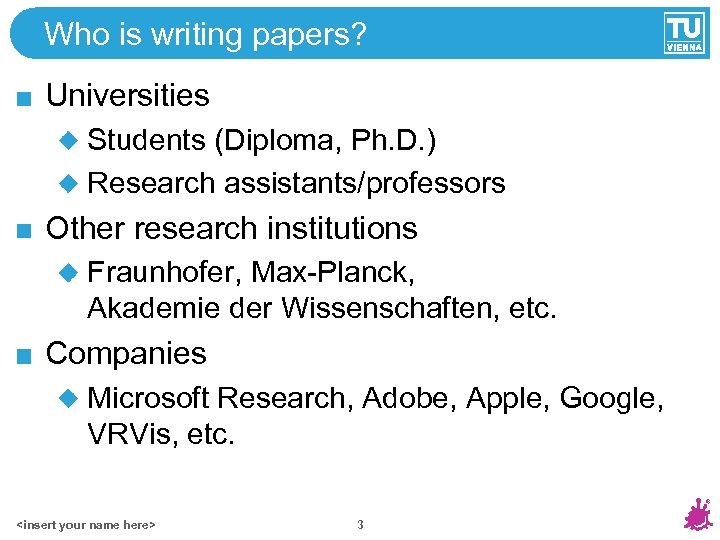 Who is writing papers? Universities Students (Diploma, Ph. D. ) Research assistants/professors Other research institutions Fraunhofer, Max-Planck, Akademie der Wissenschaften, etc. Companies Microsoft Research, Adobe, Apple, Google, VRVis, etc.
 Where are papers published? Conferences Organized by scientific societies “ACM Siggraph”, “Eurographics”, “EGSR”, “Pacific Graphics”, “WSCG”, “SCCG”, … Call for papers (hard deadline) Peer reviewing (double blind) Evaluation by several scientists in the field Ensures high quality Give a talk at the conference Paper printed in conference proceedings
 Where are papers published? Scientific journals Publishing house and/or scientific societies “Transactions on Graphics”, “Computer Graphics Forum”, “TVCG”, “C&G”, … No hard deadlines Peer reviewing (single blind) Publishing process takes ½ up to 2 years Technical report Internal in institution, put online Should avoid stealing of ideas. . (? )
 What are papers good for? Knowledge dissemination Performance evaluation for scientists Number and quality of papers per year H-Index, publish or perish Performance evaluation for Universities/institutions/etc. Increase visibility Get more money through project proposals Invitations to talks, STAR reports, etc. Invitations to program committees, scientific societies, etc.
 Guide for writing a paper
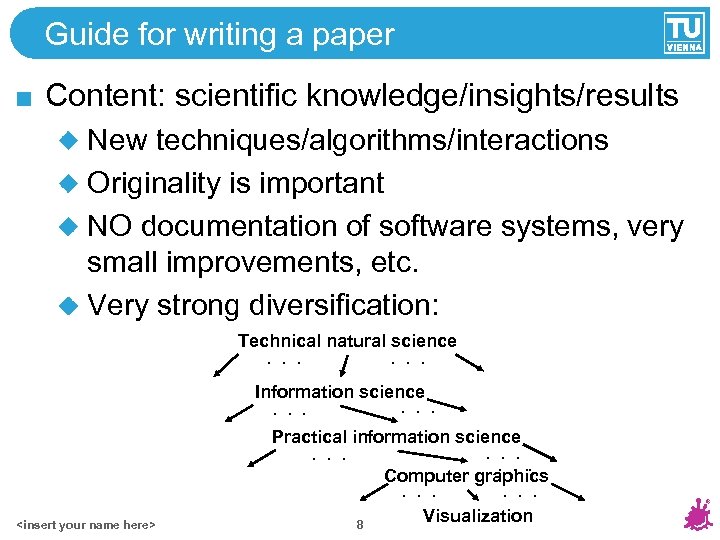 Guide for writing a paper Content: scientific knowledge/insights/results New techniques/algorithms/interactions Originality is important NO documentation of software systems, very small improvements, etc. Very strong diversification: Technical natural science. . . Information science. . .
 Guide for writing a paper Target audience: researcher Reader not necessarily insider generally understandable style Easy extraction of relevant information Main points accurate, but compact (!)
 Key Ingredients of a Good Paper Motivation Contribution Tell it in the Abstract Introduction Conclusion Story
 Guide for writing a paper Structure: Heading, authors (+ affiliations) Abstract Problem description and main solution idea NO background knowledge, details, etc. 100 -300 words (1 -3 paragraphs) Introduction Problem statement and importance Assumptions / limitations and rough solution Advantages compared to previous solutions
 Guide for writing a paper Structure (cont): Related work Scope of own idea and difference to existing work Solid literature review! Did not cite “not read” or “not recognized” Paper quality determined by no. of references Description of actual work Conceptual view (solution idea) Implementation (concrete example) Results
 Guide for writing a paper Structure (cont): Summary and conclusion Repeat problem, solution idea and results Discuss limitations, unanswered / new questions Future work (improvements, extensions) Acknowledgements Bibliography
 Guide for writing a paper Style: English! (by far most common) Leo Dictionary: http: //dict. leo. org/? lang=de Use a spellchecker Grammar slammer (hyphens, capitalization, that/which/commas, …) Give colleagues for proof reading Objectivity No humorous descriptions, exaggerations, excessively long texts, etc.
 Guide for writing a paper Style (cont): Introduce abbreviations on first use Short, simple sentences Complexity in content, not in style! No-go: “if X and Y or Z, then P or Q” Consistency Time Don’t use 10 words for the same thing No deep hierarchies No single-sentence paragraphs
 Guide for writing a paper Style (cont): Figures and tables Continuous enumeration Each has to be referenced in text Useful captions (more than 1 -2 words) Formatting Typically given by conference/journal template Latex helps
 Guide for writing a paper Style (cont): Citations and bibliography Only cite most relevant parts Verbal citing very uncommon in CG Avoid citing websites Not very reliable information Useful to find technical reports Many different citation and bibliography styles Typically given by templates Citation is not a noun!
 Latex Writing a paper = using Latex!!! Great tools for windows: Miktex Texniccenter (others are available) Create a project file Idea: use an svn for Latex Sumatrapdf: supports forward search! Google „sumatrapdf forward“
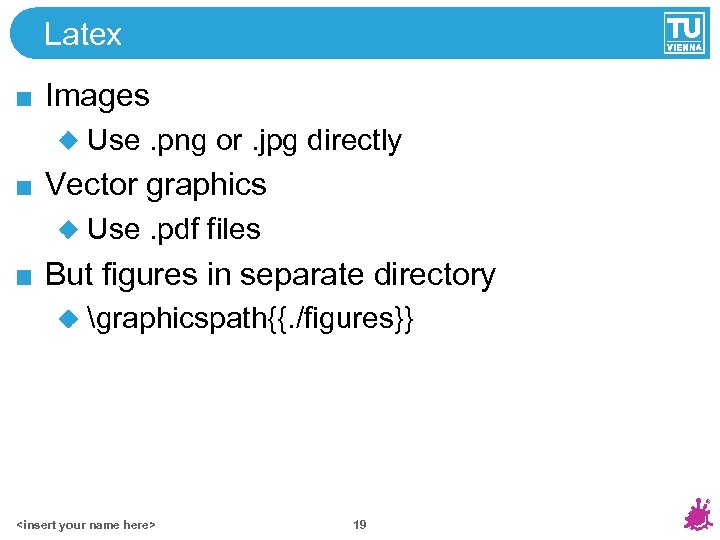 Latex Images Use. png or. jpg directly Vector graphics Use. pdf files But figures in separate directory graphicspath{{. /figures}}
 Where to find papers? There are 3 ways how to find papers: 1. Google 2. Google 3. Google
 Where to find papers? Problem 1: finding the reference Problem 2: finding the full text
 Finding the Reference Start with an existing paper and look at refs Google keywords together with „eurographics“, „siggraph“ etc. Bibliography engines important forward citations! ACM Digital library Citeseer Google Scholar
 Finding the Full Text Google Scholar (scholar. google. com) MS Academic Search (academic. research. microsoft. com) Author homepages Citeseer (caches many pdfs) Hardcopy in library! www. cg. tuwien. ac. at/library Via Hauptbibliothek (electronic journals)
 Finding the Full Text Directly from Publisher: ACM Digital library (www. acm. org/dl) Access with IP at TU Wien (use VPN) EUROGRAPHICS digital library (www. eg. org) Access with IP from Institute (come here ) IEEE (www. ieeexplore. org) Access with IP at TU Wien Important: use ieeexplore for search
 Plagiarism Citing other people‘s work Citing your own work Figures
 Summary Introduction What is a “paper”? Who writes papers? Where are they published? Guide for writing a paper Content Structure Style
 Authoring a scientific paper in CG Thank you for your attention! Are there any questions?
 Presentation Notes Show actual material: Siggraph/Eurographics webpage Siggraph review form A paper (e. g. : Imperfect Shadow Maps) Demonstrate everything on this paper