


 Скачать презентацию Audit Issues regarding Passwords on Elevated Privilege Accounts
6cceb556d111ad0bd8239767113dc14e.ppt
- Количество слайдов: 26
 Audit Issues regarding Passwords on Elevated Privilege Accounts Gene Scheckel Global Internal Audit
 Audit Issues on Elevated Privilege Accounts • Passwords are not changed regularly. • Passwords on shared accounts are not changed when an individual with knowledge of the passwords leaves the department.
 Audit Issues on Elevated Privilege Accounts • On shared accounts, there is no individual accountability. • On shared accounts, passwords are stored in a location that is widely accessible to large group of people.
 Audit Issues on Elevated Privilege Accounts • Password complexity is not enforced. • System default passwords from the software vendor are still active in the production environment.
 Business and Policy Considerations for an Electronic Password Vault Richard Leonard Global Information Protection & Assurance 918 -661 -3918 Richard. e. leonard@conocophillips. com
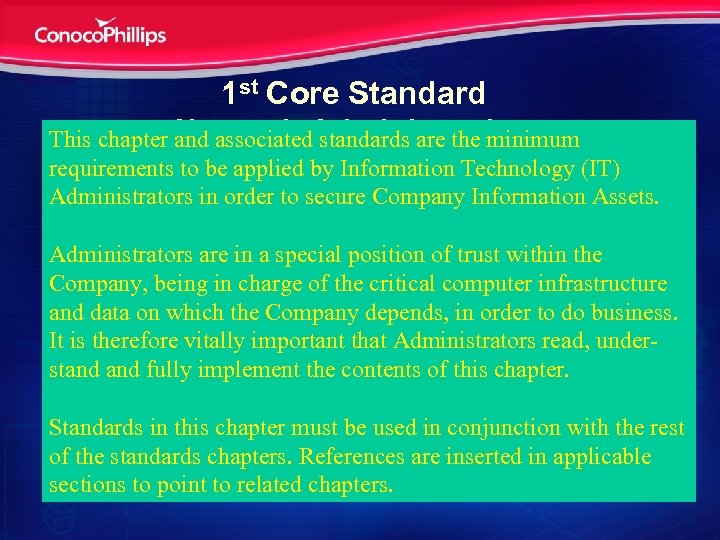 1 st Core Standard This chapter Network Administration and associated standards are the minimum requirements to be applied by Information Technology (IT) • System and application protection Administratorssystem security and usage. Information Assets. • Monitoring in order to secure Company • Workforce and staffing Administrators are in a ID for administrator within the – Separate Login special position of trust Company, being in charge of the critical computer infrastructure – Granting system privileges necessary for them to and data on out their jobs carry which the Company depends, in order to do business. It is–therefore vitally important that Administrators read, under. Administration and management of businessstand critical systems must not becomethis chapter. and fully implement the contents of dependent upon a single individual – Immediate withdrawal be used in privileges with Standards in this chapter must of system conjunctionfrom the rest staff in trusted positions of the standards chapters. References are inserted in applicable sections to point to related chapters.
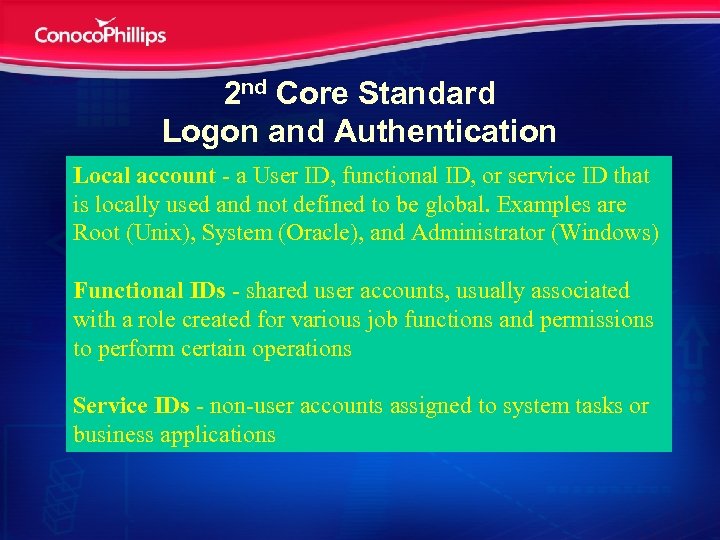 2 nd Core Standard Logon and Authentication Local account - a User ID, functional ID, or service ID that • Accounts and accounts management is locally used and not defined to be global. Examples are Root (Unix), System (Oracle), and Administrator (Windows) • System Access • Authentication Functional IDs - shared user accounts, usually associated • Password requirements with a role created for various job functions and permissions to perform certain operations • Activity monitoring and logs Service IDs - non-user accounts assigned to system tasks or business applications
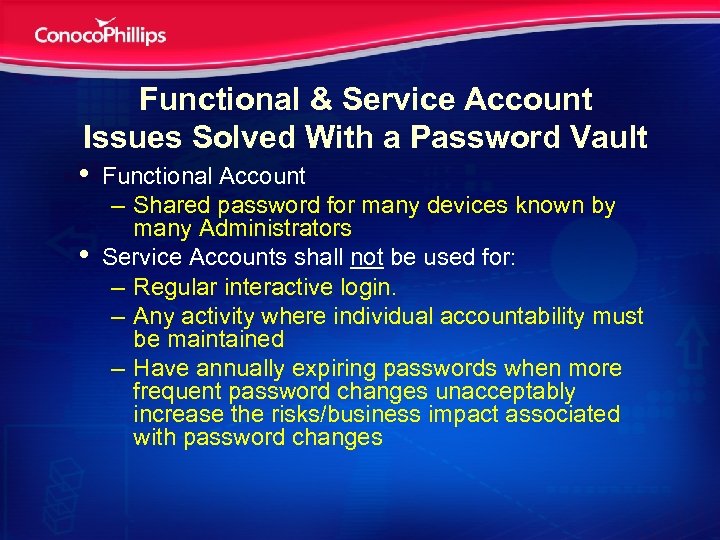 Functional & Service Account Issues Solved With a Password Vault • Functional Account • – Shared password for many devices known by many Administrators Service Accounts shall not be used for: – Regular interactive login. – Any activity where individual accountability must be maintained – Have annually expiring passwords when more frequent password changes unacceptably increase the risks/business impact associated with password changes
 Business Drivers • • • Audit non-compliance findings with PCI, HIPAA, and SOX audits Lack of individual accountability when using shared passwords on privileged accounts Ongoing burden of password changes in application accounts Ongoing break-fix events caused by unsynchronized password changes Ongoing unsecure methods for communicating passwords amongst Administrators Disparate privileged account management models
 Balance of Operational and Security Considerations Operations • • • Common functional account use by Administrators Automated password changes for applications and systems Password changes because of staff rotations Reduced break-fix because of password changes Activity monitoring and staff accountability Passwords confidential and protected Security • • Multiple passwords for a functional account Strong password maintenance • Best practices insider threats • Best practices, password change cycle Best practices log monitoring and accountability Passwords encrypted in transit and at rest • •
 Risks to Implement a Password Vault • • New Technology Risk – Password Vault environment – May not implemented correctly – can’t support Information Services effectively on an ongoing basis Support and applications groups resisting a privileged account management model that changes procedures and culture User password maintenance may bypasswords managed by a password vault Professional services may not be provided on a timely basis Project funding to implement the vault may be constrained Password Vault may not be technically compatible with some applications, devices, and systems Compliance rather than ROI funding justifications Management support and emphasis
 Results & Questions • Password vault selected • Infrastructure architected and implemented • Password vaulting efforts initiated • Questions at end of joint presentation
 Technical Aspects of the Password Vault Glenn Davis Sr. Analyst, Identity Management/Vault Administrator Glenn. R. Davis@conocophillips. com
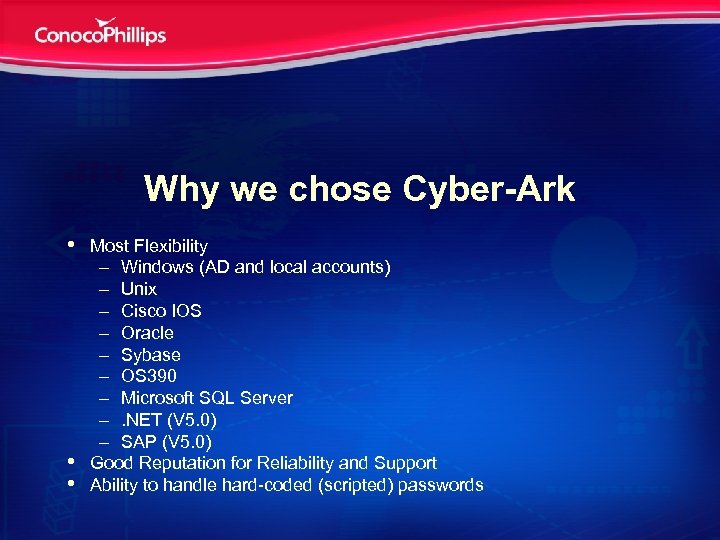 Why we chose Cyber-Ark • • • Most Flexibility – Windows (AD and local accounts) – Unix – Cisco IOS – Oracle – Sybase – OS 390 – Microsoft SQL Server –. NET (V 5. 0) – SAP (V 5. 0) Good Reputation for Reliability and Support Ability to handle hard-coded (scripted) passwords
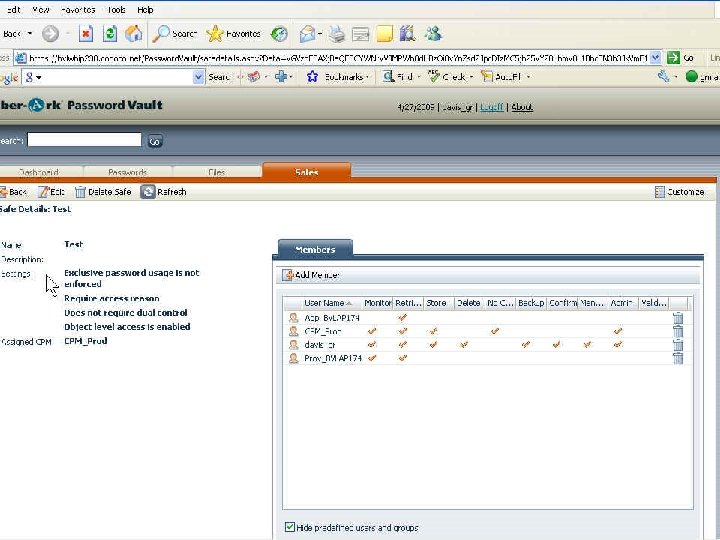
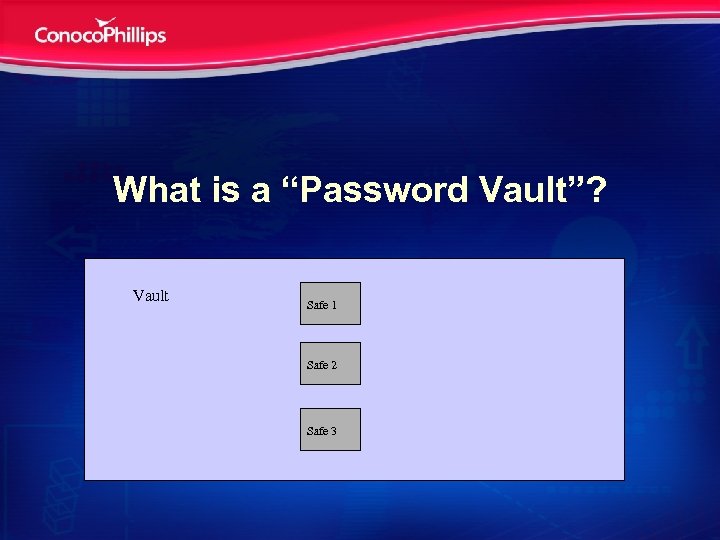 What is a “Password Vault”? Vault Safe 1 Safe 2 Safe 3
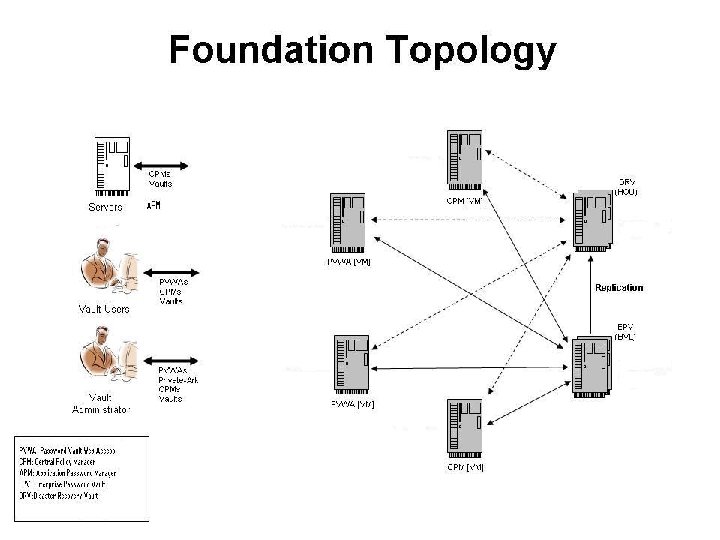
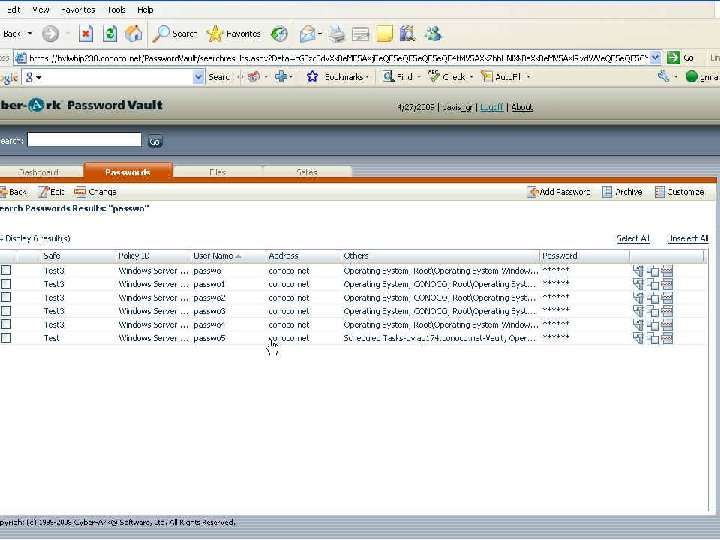
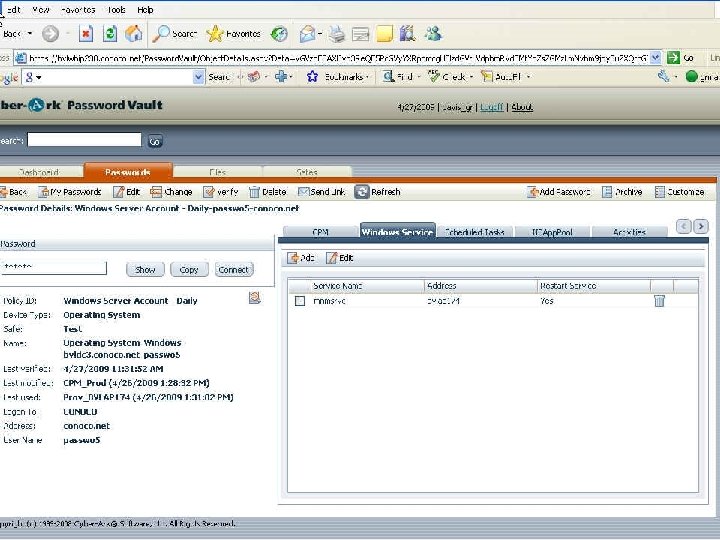
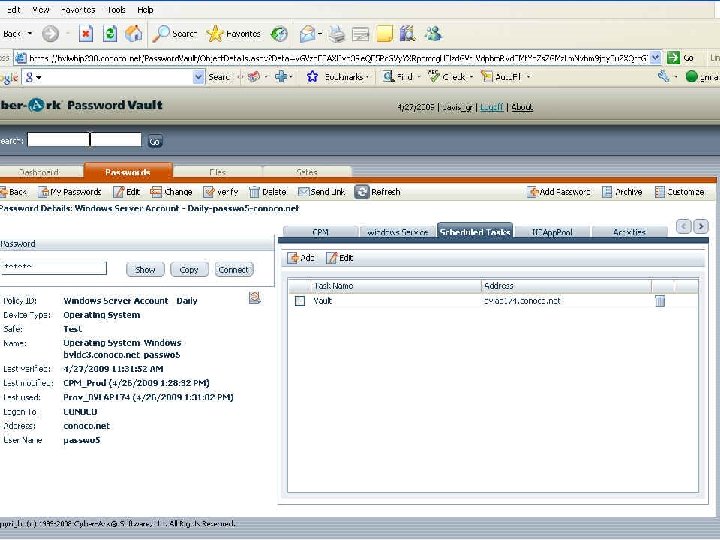
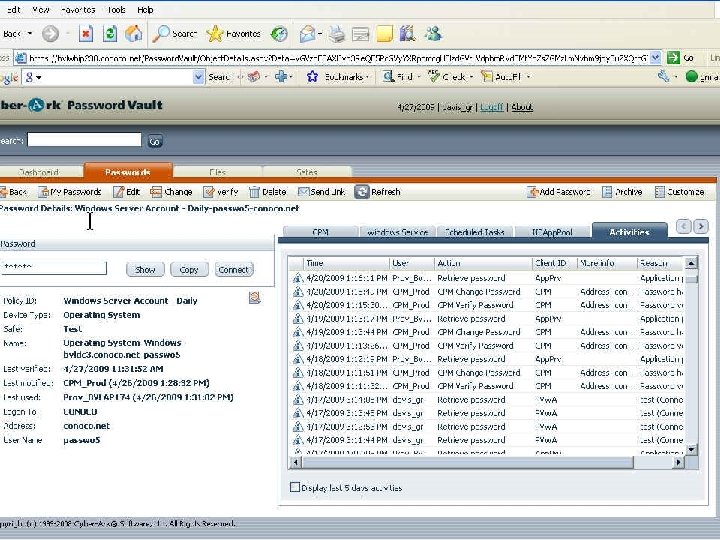
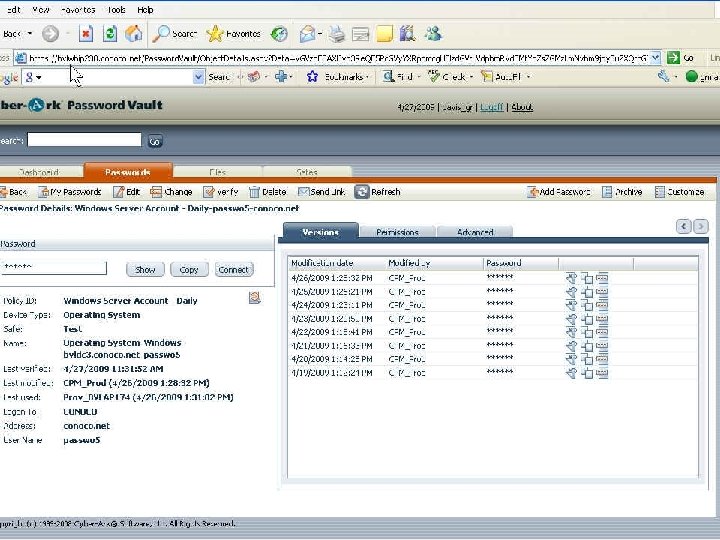
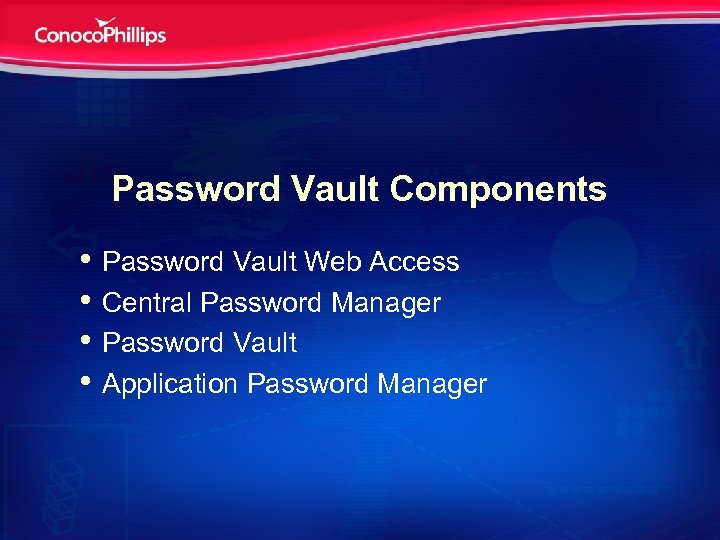 Password Vault Components • Password Vault Web Access • Central Password Manager • Password Vault • Application Password Manager
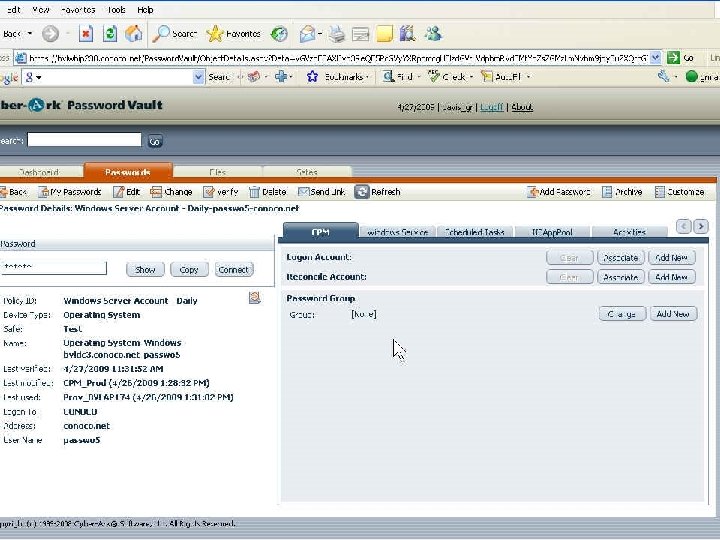
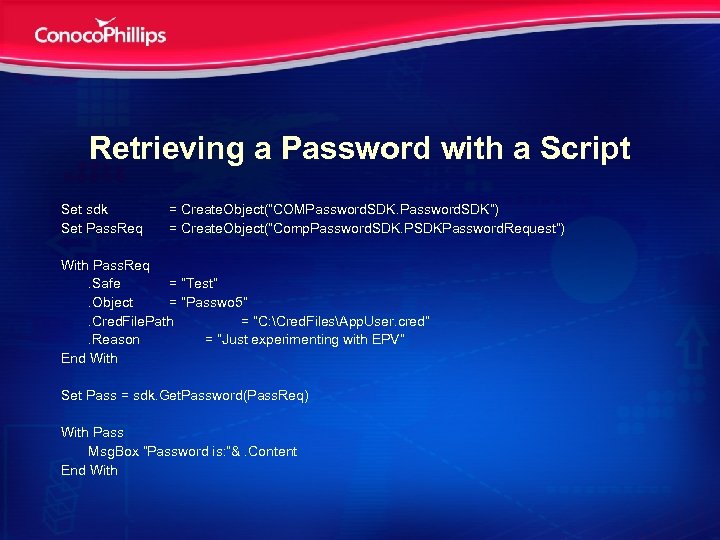 Retrieving a Password with a Script Set sdk Set Pass. Req = Create. Object(“COMPassword. SDK”) = Create. Object(“Comp. Password. SDK. PSDKPassword. Request”) With Pass. Req. Safe = “Test”. Object = “Passwo 5”. Cred. File. Path = “C: Cred. FilesApp. User. cred”. Reason = “Just experimenting with EPV” End With Set Pass = sdk. Get. Password(Pass. Req) With Pass Msg. Box “Password is: ”&. Content End With
 Questions?