 Скачать презентацию Atlfast and RTT plus DCube Christmas Meeting 18 12 2007
c62c10ff1200479eb3e7452df38f955e.ppt
- Количество слайдов: 26



Atlfast and RTT (plus DCube) Christmas Meeting 18/12/2007 Alexander Richards, UCL 1
Atlfast Fast Simulation Package Alexander Richards, UCL 2
What is Atlfast ? n n ATLAS fast simulation It includes most crucial detector aspects: jets reconstruction in the calorimeter, momentum/energy smearing for leptons and photons, magnetic fields effects and missing transverse energy It provides, starting from the list of particles in the event, the list of reconstructed jets, isolated leptons and photons and expected missing transverse energy. Optionally package provides a list of reconstructed charge tracks Alexander Richards, UCL 3
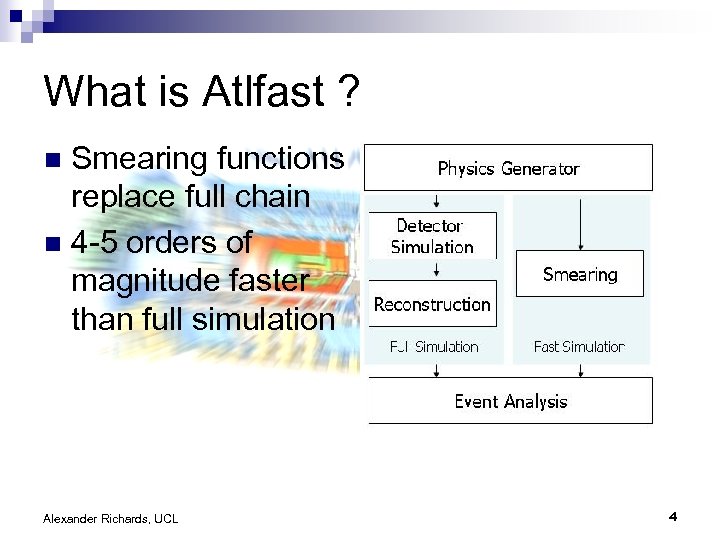
What is Atlfast ? Smearing functions replace full chain n 4 -5 orders of magnitude faster than full simulation n Alexander Richards, UCL 4
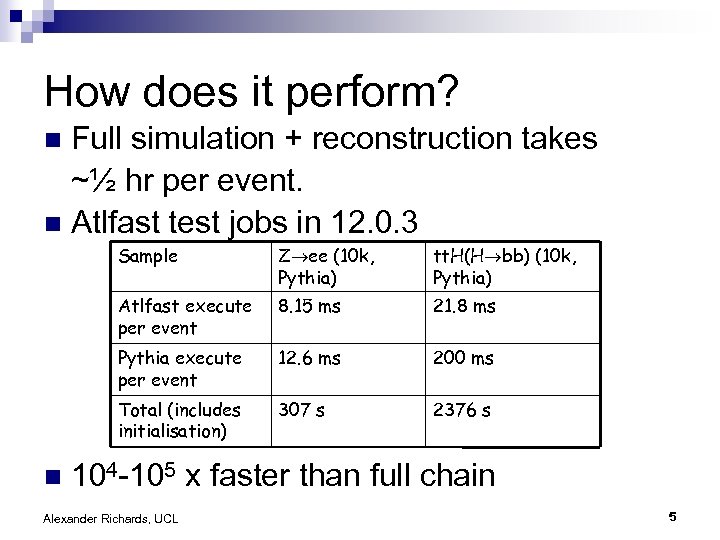
How does it perform? Full simulation + reconstruction takes ~½ hr per event. n Atlfast test jobs in 12. 0. 3 n Sample tt. H(H bb) (10 k, Pythia) Atlfast execute per event 8. 15 ms 21. 8 ms Pythia execute per event 12. 6 ms 200 ms Total (includes initialisation) n Z ee (10 k, Pythia) 307 s 2376 s 104 -105 x faster than full chain Alexander Richards, UCL 5
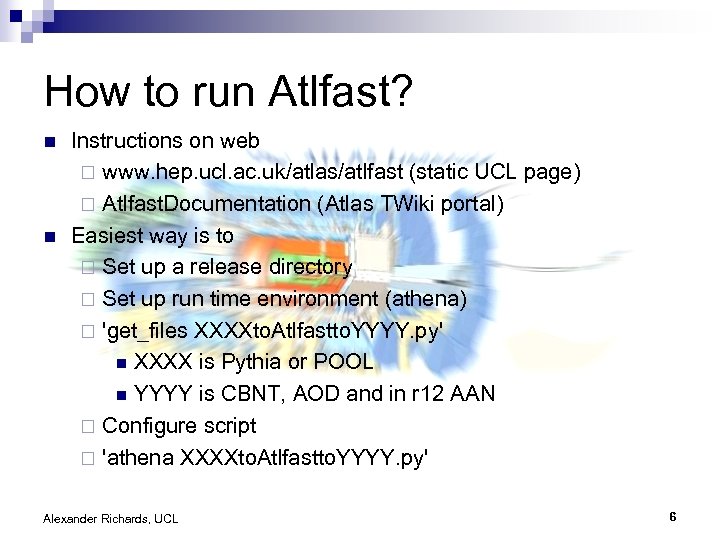
How to run Atlfast? n n Instructions on web ¨ www. hep. ucl. ac. uk/atlas/atlfast (static UCL page) ¨ Atlfast. Documentation (Atlas TWiki portal) Easiest way is to ¨ Set up a release directory ¨ Set up run time environment (athena) ¨ 'get_files XXXXto. Atlfastto. YYYY. py' n XXXX is Pythia or POOL n YYYY is CBNT, AOD and in r 12 AAN ¨ Configure script ¨ 'athena XXXXto. Atlfastto. YYYY. py' Alexander Richards, UCL 6
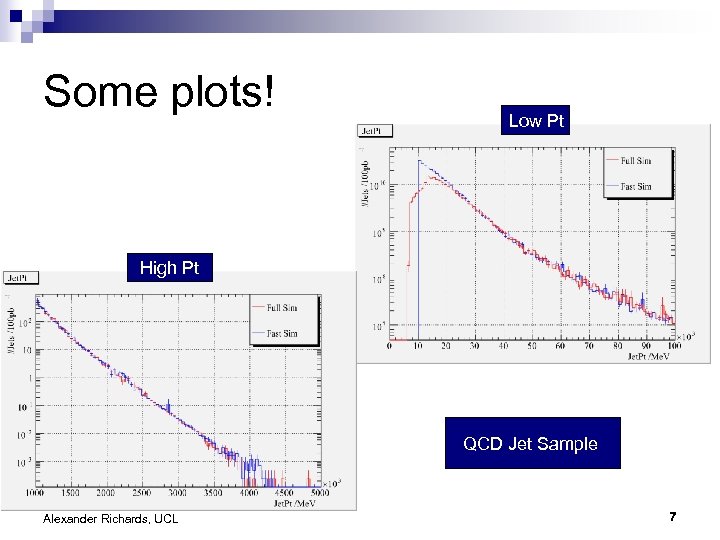
Some plots! Low Pt High Pt QCD Jet Sample Alexander Richards, UCL 7
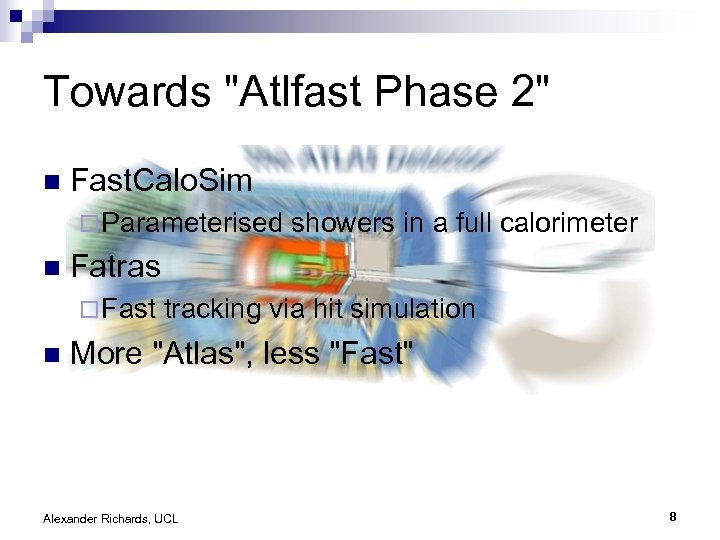
Towards "Atlfast Phase 2" n Fast. Calo. Sim ¨ Parameterised n Fatras ¨ Fast n showers in a full calorimeter tracking via hit simulation More "Atlas", less "Fast" Alexander Richards, UCL 8
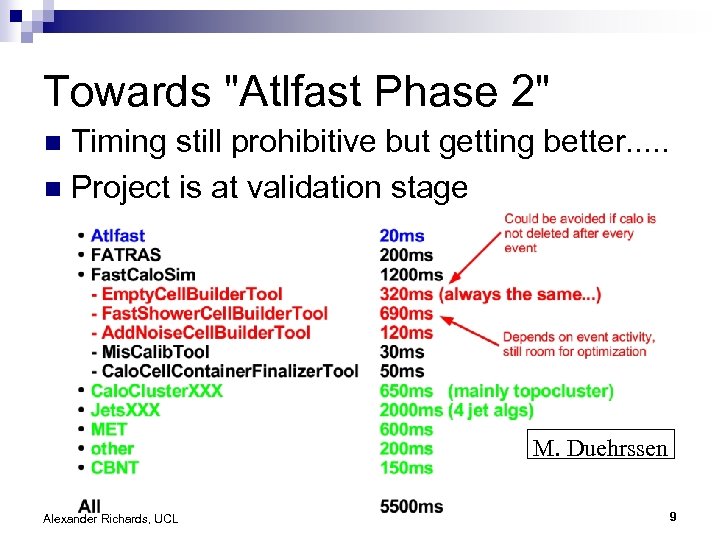
Towards "Atlfast Phase 2" Timing still prohibitive but getting better. . . n Project is at validation stage n M. Duehrssen Alexander Richards, UCL 9
RTT Run Time Tester Alexander Richards, UCL 10
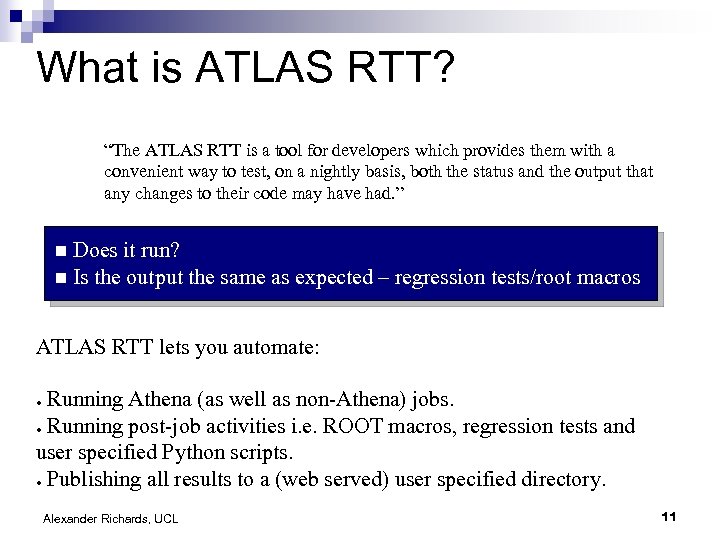
What is ATLAS RTT? “The ATLAS RTT is a tool for developers which provides them with a convenient way to test, on a nightly basis, both the status and the output that any changes to their code may have had. ” Does it run? n Is the output the same as expected – regression tests/root macros n ATLAS RTT lets you automate: Running Athena (as well as non-Athena) jobs. ● Running post-job activities i. e. ROOT macros, regression tests and user specified Python scripts. ● Publishing all results to a (web served) user specified directory. ● Alexander Richards, UCL 11
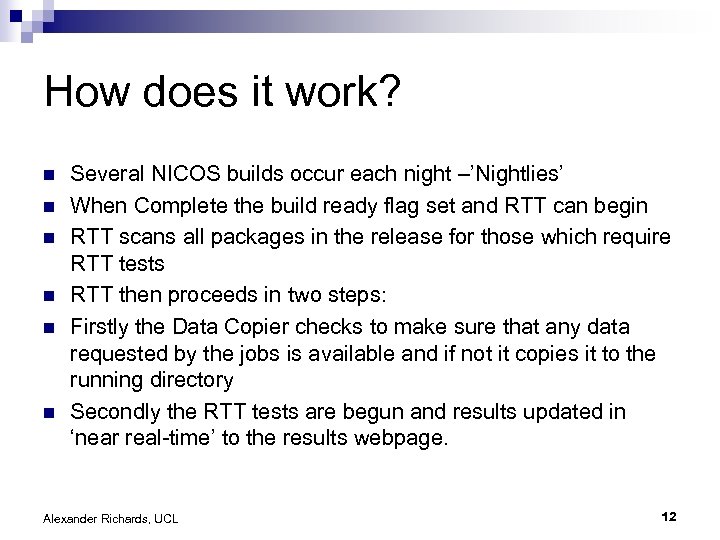
How does it work? n n n Several NICOS builds occur each night –’Nightlies’ When Complete the build ready flag set and RTT can begin RTT scans all packages in the release for those which require RTT tests RTT then proceeds in two steps: Firstly the Data Copier checks to make sure that any data requested by the jobs is available and if not it copies it to the running directory Secondly the RTT tests are begun and results updated in ‘near real-time’ to the results webpage. Alexander Richards, UCL 12
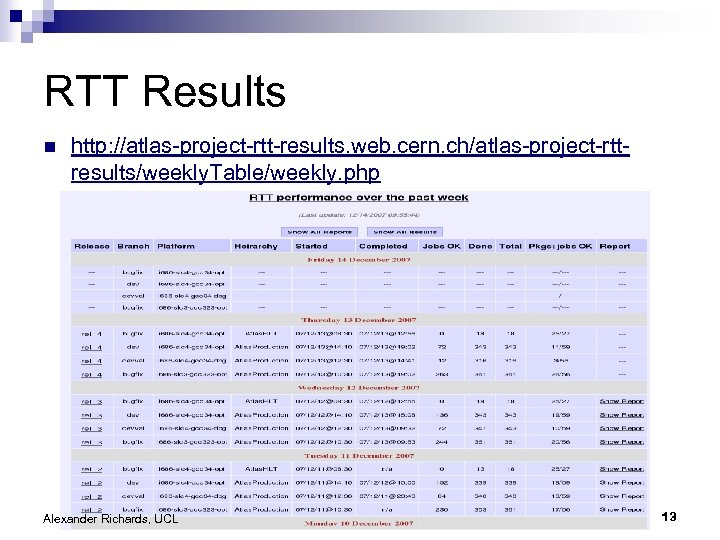
RTT Results n http: //atlas-project-rtt-results. web. cern. ch/atlas-project-rttresults/weekly. Table/weekly. php Alexander Richards, UCL 13
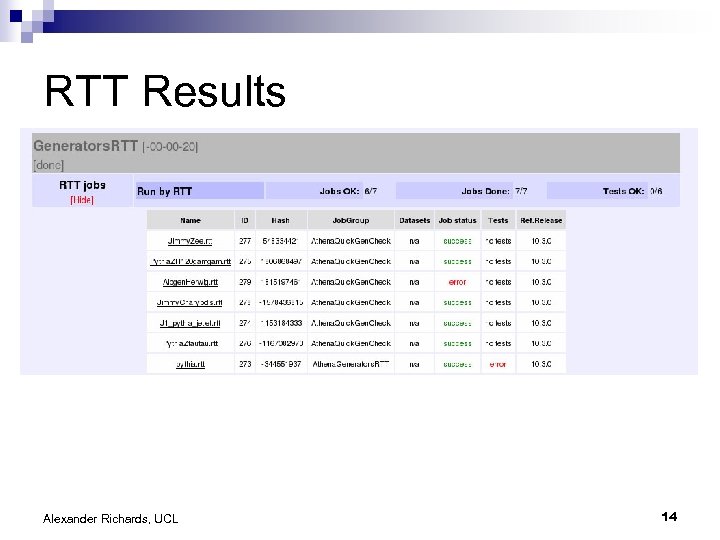
RTT Results Alexander Richards, UCL 14
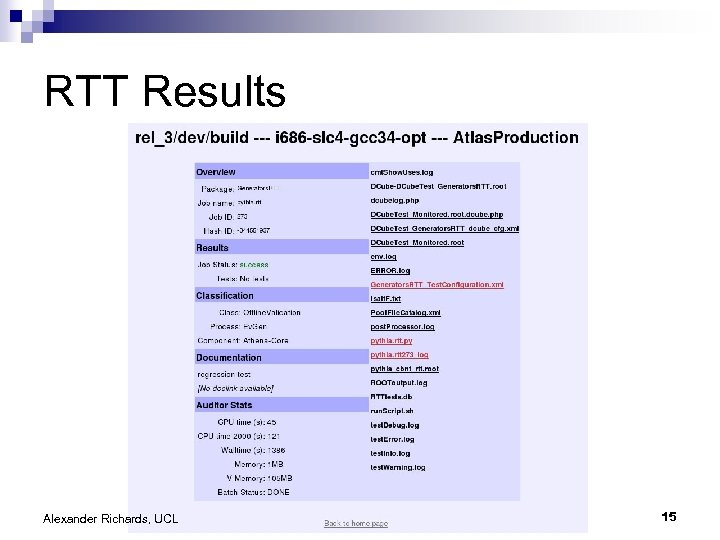
RTT Results Alexander Richards, UCL 15
Including RTT jobs n n n For RTT to pick up that your package requires RTT tests you must add lines to your requirements file. RTT steered by an. xml configuration file, which must be store it in a subdirectory of your package called ‘test’. . xml file may be validated on the RTT main page: ¨ n n n http: //www. hep. ucl. ac. uk/atlas/Atlas. Testing/ Every job must belong to a ‘jobgroup’, the name of which must be registered with one of the RTT developers. Jobs belonging to a job group are treated the same way by the RTT with respect to any post Athena actions/tests. As many jobgroups as required may be registered to your package. Alexander Richards, UCL 16
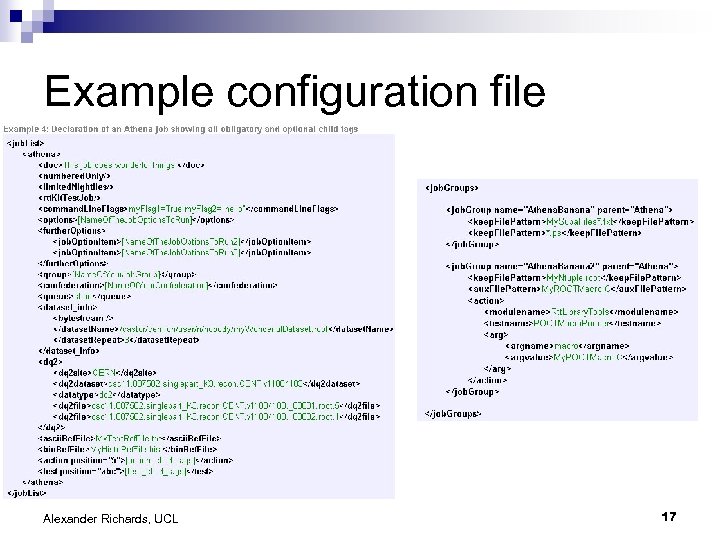
Example configuration file Alexander Richards, UCL 17
DCube Histogram Comparison Alexander Richards, UCL 18
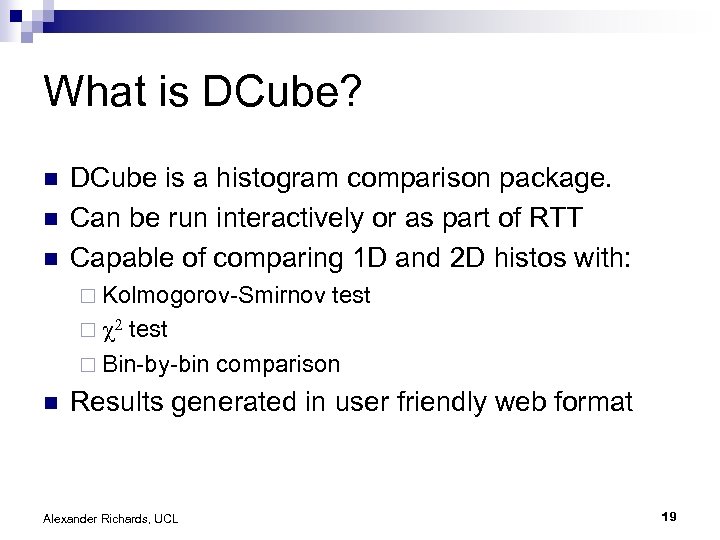
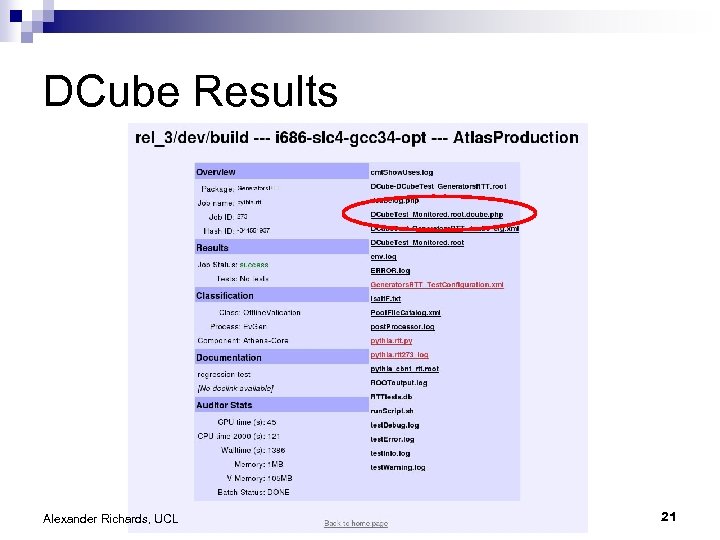
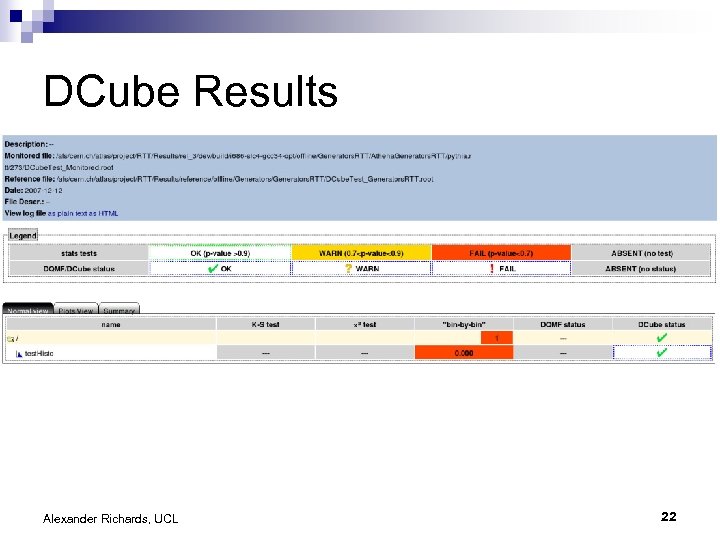
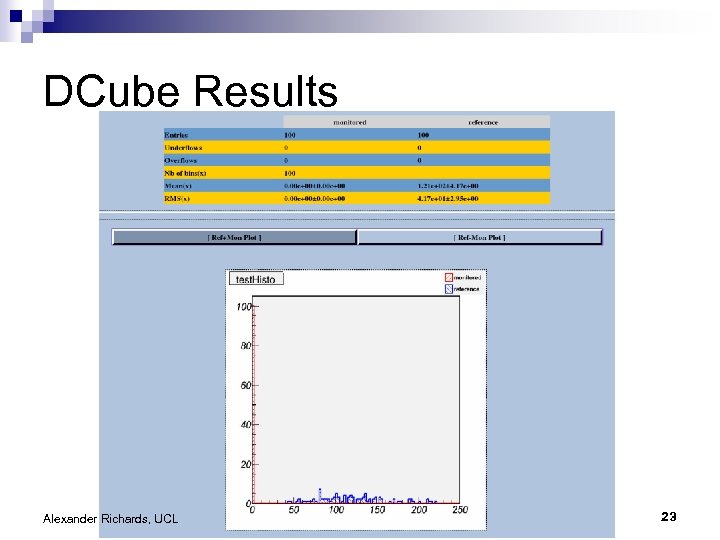
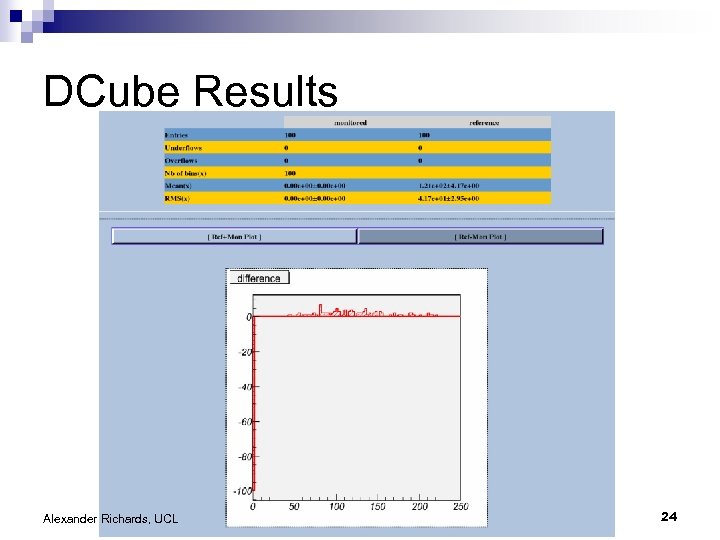
What is DCube? n n n DCube is a histogram comparison package. Can be run interactively or as part of RTT Capable of comparing 1 D and 2 D histos with: ¨ Kolmogorov-Smirnov test ¨ c 2 test ¨ Bin-by-bin comparison n Results generated in user friendly web format Alexander Richards, UCL 19
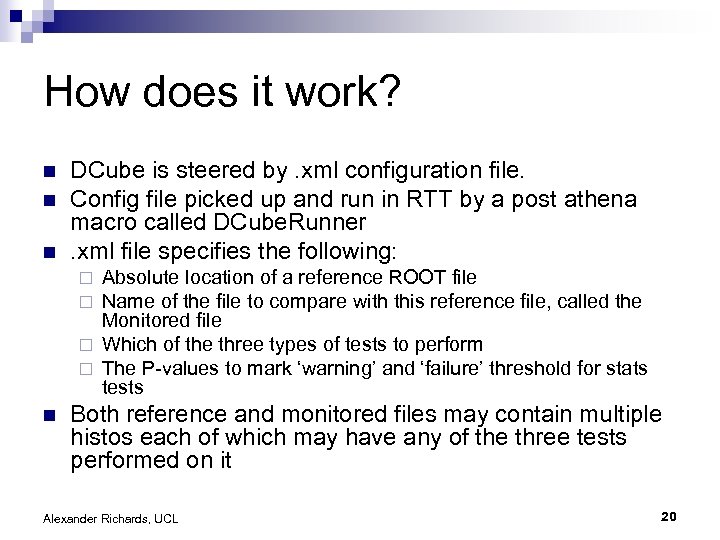
How does it work? n n n DCube is steered by. xml configuration file. Config file picked up and run in RTT by a post athena macro called DCube. Runner. xml file specifies the following: Absolute location of a reference ROOT file Name of the file to compare with this reference file, called the Monitored file ¨ Which of the three types of tests to perform ¨ The P-values to mark ‘warning’ and ‘failure’ threshold for stats tests ¨ ¨ n Both reference and monitored files may contain multiple histos each of which may have any of the three tests performed on it Alexander Richards, UCL 20
DCube Results Alexander Richards, UCL 21
DCube Results Alexander Richards, UCL 22
DCube Results Alexander Richards, UCL 23
DCube Results Alexander Richards, UCL 24
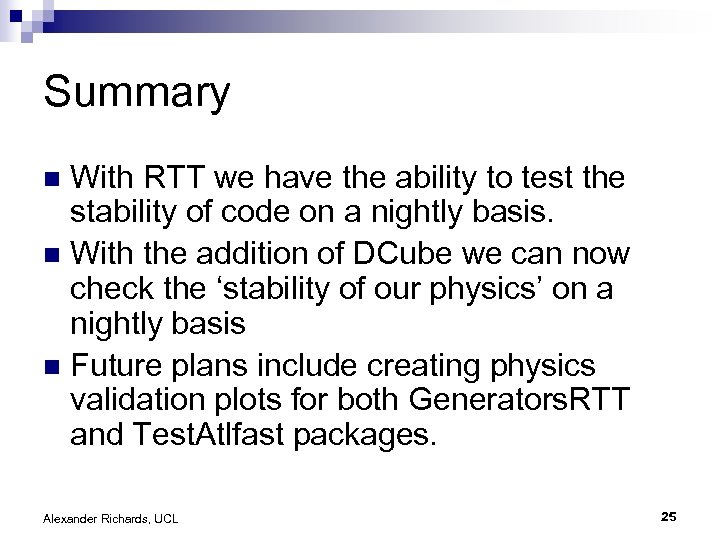
Summary With RTT we have the ability to test the stability of code on a nightly basis. n With the addition of DCube we can now check the ‘stability of our physics’ on a nightly basis n Future plans include creating physics validation plots for both Generators. RTT and Test. Atlfast packages. n Alexander Richards, UCL 25

Alexander Richards, UCL 26
Скачать презентацию Atlfast and RTT plus DCube Christmas Meeting 18 12 2007
c62c10ff1200479eb3e7452df38f955e.ppt