


 Скачать презентацию Asterisk Home Tutorial Kerry Garrison Director of Technical Services
036289605eecd2e98cf92aec61b90569.ppt
- Количество слайдов: 37
 Asterisk@Home Tutorial Kerry Garrison Director of Technical Services Tech Data Pros (949) 502 -7819 (888) I-DO-VOIP kerryg@techdatapros. com http: //techdatapros. com Publisher http: //VOIPSpeak. net
 Asterisk@Home http: //asteriskathome. sourceforge. net
 What is a PBX? § Private Branch Exchange § Connects office telephony equipment to PSTN (Public Switched Telephone Network) § Manages internal extensions § Voicemail / Message Indicators § Transfers / Hold / Conf Calls § Typically large box hanging on a wall somewhere in “the phone room” § Expensive § Difficult to manage (have to call the phone guy) § Very limited in choices of telephones
 Asterisk PBX § Open Source Software (Free) § Runs on standard PC hardware § Uses inexpensive cards to connect to PSTN, T 1/E 1, ISDN § Ability to use ITSP’s § Uses standard protocols (SIP, IAX) § Lots of telephone choices § By itself, is not very easy to maintain
 What is Asterisk@Home § Complete ISO image that installs Cent. OS Linux and § § § Asterisk PBX AAH is a FULL VERSION of Asterisk and is not limited in any way! Installs in about an hour Includes web-based management tools § AMP (Asterisk Management Portal) § Handbook project is under way § Lots of community support § § Geek Gazette Nerd Vittles Slashdot VOIPSpeak. net
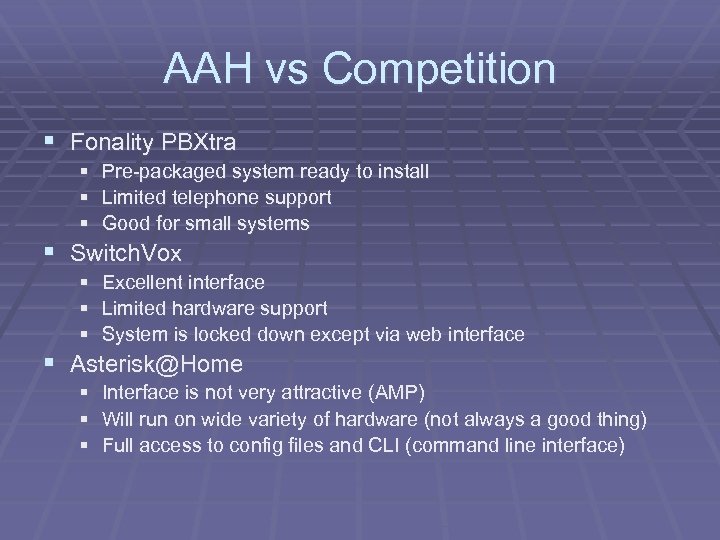 AAH vs Competition § Fonality PBXtra § Pre-packaged system ready to install § Limited telephone support § Good for small systems § Switch. Vox § Excellent interface § Limited hardware support § System is locked down except via web interface § Asterisk@Home § § § Interface is not very attractive (AMP) Will run on wide variety of hardware (not always a good thing) Full access to config files and CLI (command line interface)
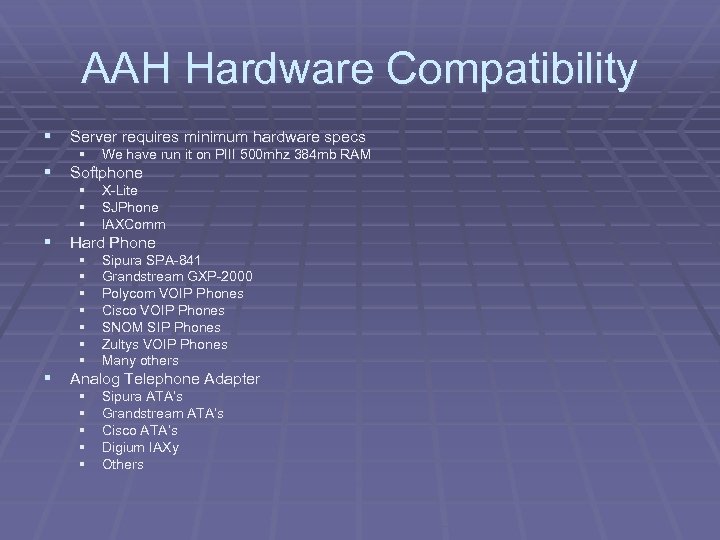 AAH Hardware Compatibility § Server requires minimum hardware specs § We have run it on PIII 500 mhz 384 mb RAM § § § X-Lite SJPhone IAXComm § § § § Sipura SPA-841 Grandstream GXP-2000 Polycom VOIP Phones Cisco VOIP Phones SNOM SIP Phones Zultys VOIP Phones Many others § § § Sipura ATA’s Grandstream ATA’s Cisco ATA’s Digium IAXy Others § Softphone § Hard Phone § Analog Telephone Adapter
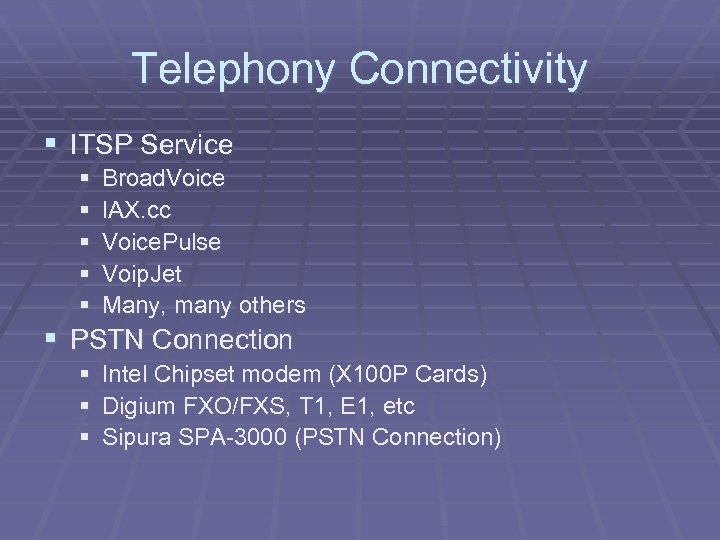 Telephony Connectivity § ITSP Service § § § Broad. Voice IAX. cc Voice. Pulse Voip. Jet Many, many others § PSTN Connection § Intel Chipset modem (X 100 P Cards) § Digium FXO/FXS, T 1, E 1, etc § Sipura SPA-3000 (PSTN Connection)
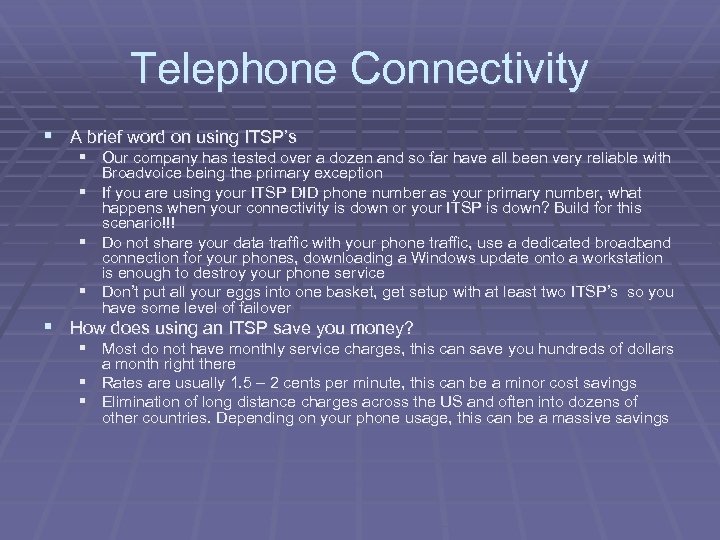 Telephone Connectivity § A brief word on using ITSP’s § Our company has tested over a dozen and so far have all been very reliable with Broadvoice being the primary exception § If you are using your ITSP DID phone number as your primary number, what happens when your connectivity is down or your ITSP is down? Build for this scenario!!! § Do not share your data traffic with your phone traffic, use a dedicated broadband connection for your phones, downloading a Windows update onto a workstation is enough to destroy your phone service § Don’t put all your eggs into one basket, get setup with at least two ITSP’s so you have some level of failover § How does using an ITSP save you money? § Most do not have monthly service charges, this can save you hundreds of dollars a month right there § Rates are usually 1. 5 – 2 cents per minute, this can be a minor cost savings § Elimination of long distance charges across the US and often into dozens of other countries. Depending on your phone usage, this can be a massive savings
 Basic Functions - Extensions § An extension is an individually addressable location § Mailbox § Telephone § Mailboxes and telephone devices may be tied together via the AMP interface § Ring Group § Queue
 Accessing Voicemail § Asterisk’s voicemail is called Comedian Mail § Alison § From any extension or when dialing into the system, dial *98 to enter the voicemail system. § You will be given voice prompts telling you what to do § Using *97 will take you directly to the voice mailbox of the extension you are on § You will then be asked for your password
 Asterisk@Home Extension Demonstration
 Basic Functions – Ring Groups § A ring group is a group of extensions tied together under one parent extension § When a ring group extension is dialed, all of the phones in that ring group ring at the same time, the first to pick up takes the call § Ring groups can consist of external phone numbers such as cell phones § A ring group has several settings to determine how the calls are handled
 Asterisk@Home Ring Group Demonstration
 Basic Functions - Queues § A queue is a holding area for inbound calls so that callers can sit on hold waiting for someone to answer instead of getting a busy signal or being forced to immediately leave a message § The Asterisk queue system can tell callers their place in the queue and the estimated wait time § Agents must be logged into the queue for calls to be routed to them
 Asterisk@Home Queue Demonstration
 Basic Functions - Trunks § A trunk is a circuit that defines an inbound or outbound connection configuration. § Zaptel is the standard PSTN trunk § SIP/IAX Trunks are for ITSP connections § Some trunks may handle inbound, outbound, or both
 Asterisk@Home Trunk Demonstration
 Basic Functions - Outbound Rules § Outbound rules define what paths an outgoing call will take § An outbound rule with multiple trunks assigned acts as a failover in case the preceding trunk is not available § Outbound rules are best used for least-cost routing by sending certain calls over specific trunks that have the most favorable calling rates for the call destination
 Asterisk@Home Outbound Rules Demonstration
 Basic Functions - Di. D § Di. D stands for Direct In-Dial § Rules set where a call from a phone number will go to § Employees with their own phone numbers § Fax machines § Toll-Free numbers § All inbound lines “should” have a Di. D set for future compatibility and maintenance
 Asterisk@Home Di. D Demonstration
 Basic Functions – Auto Attendant § Most companies will want an autoattendant or “IVR” (Interactive Voice Response) system for inbound calls § Building a basic menu system in AMP is fairly simple § Complex, multi-level IVR systems are also possible with AMP/AAH
 Asterisk@Home Auto Attendant Demonstration
 Basic Functions – Incoming Calls § The Incoming Calls configuration ties all the inbound configuration together § Sets “day” and “night” hours § Sets where incoming calls go to
 Asterisk@Home Incoming Calls Demonstration
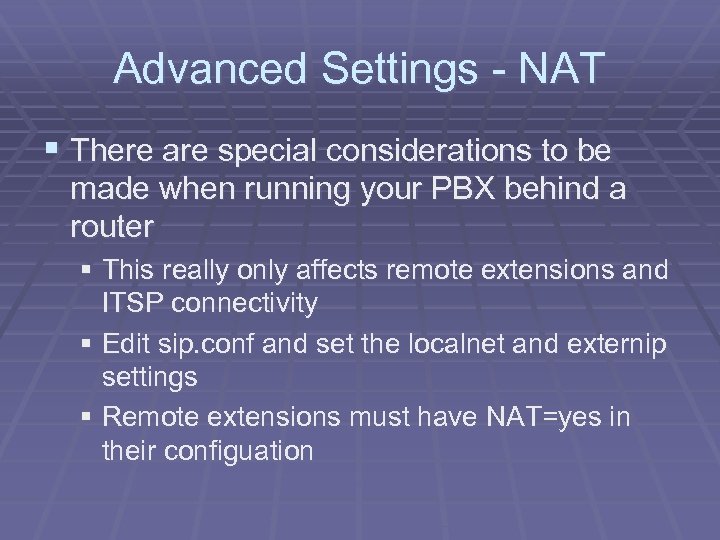 Advanced Settings - NAT § There are special considerations to be made when running your PBX behind a router § This really only affects remote extensions and ITSP connectivity § Edit sip. conf and set the localnet and externip settings § Remote extensions must have NAT=yes in their configuation
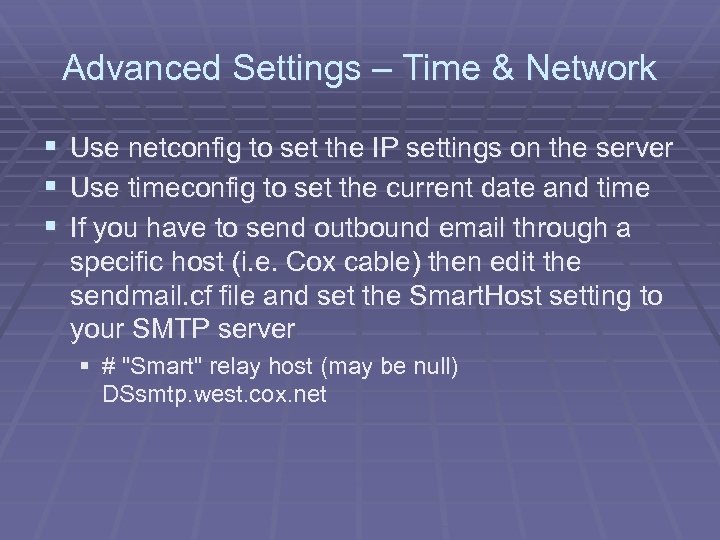 Advanced Settings – Time & Network § Use netconfig to set the IP settings on the server § Use timeconfig to set the current date and time § If you have to send outbound email through a specific host (i. e. Cox cable) then edit the sendmail. cf file and set the Smart. Host setting to your SMTP server § # "Smart" relay host (may be null) DSsmtp. west. cox. net
 Advanced Settings – Updating Cent. OS § Yes, just like Windows, Linux system have regular updates too, be sure and keep your server up-to-date. § yum –y update
 Advanced Settings – Web Meetme § Web Meet. Me is a conference room system for use by all users § Prepend 8 to the extensions to access that extension’s Meet. Me room § For extension 200, use 8200 § You can control the room via the web interface
 Asterisk@Home Meet. Me Demonstration
 Advanced Settings – Updating Asterisk § In the past, the AAH install included a script to update to the current HEAD version of Asterisk, while this worked in the past, the next version of Asterisk has so many changes, that a simple upgrade script isn’t going to be feasible § With AAH 2. 0, which will include the upcoming new version of Asterisk, getting back on a scripted upgrade path is most likely not going to be a problem
 Advanced Settings – Remote Extensions § Setting up a remote user is no different than setting up a regular user § Take into consideration NAT traversal (localnet, externip on server and nat=yes on extension config) § Difficult configurations can sometimes be overcome by using a STUN server § IAX is less prone to NAT problems than SIP but very few remote devices support IAX today
 Sugar. CRM § Sugar. CRM is the premier commercial open source customer relationship management application provider, breaking the rules set by conventional CRM solutions.
 Flash Operator Panel § Displays status of all connections § Extensions § Queues § Trunks § Enables basic operator functions § § § Transfer calls: by dragging the phone icon to the destination you want Hang-up calls: by double clicking on the red button Originate calls: by dragging an available extension to an available destination § Conference calls: You can add a third person to an existing conversation by dragging an available extension to a leg of an already connected call. § Mute/Unmute meetme members: just double click on the arrow of a meetme participant § Get information about last call: double click on the arrow of an available button
 Reporting (CDR) § AAH Contains a good Call Data Reporting system § Add-ons include account codes
 Questions & Answers Thank you for coming Kerry Garrison Director of Technical Services Tech Data Pros – http: //techdatapros. com (949) 502 -7819 (888) I-DO-VOIP kerryg@techdatapros. com Publisher http: //VOIPSpeak. net