


 Скачать презентацию Assistive Technology Tools software Assessment Cindy Nankee
78f5cabf2525b1ae3b7a550e1ccf8eeb.ppt
- Количество слайдов: 149
 Assistive Technology Tools & software Assessment Cindy Nankee CESA #3 WATI Consultant cnankee@cesa 3. k 12. wi. us www. wati. org
 Agenda • Intro • Course outline • ASNAT • Online Lending Library • NIMAS • AT in the IEP • STAGES • ATLAS • Evalu. Ware • TASP
 Course Intro • 7 sessions • 1 or 2 credits from Viterbo • objecdtives • assignment
 Session Objectives • Participants will develop: • Knowledge of best practices in the area of AT • Competence in the use of AT assessment tools • Competence in the use of AT tools and software
 Session Objectives • Participants will develop: • Ability to instruct students in the use of AT • Ability to integrate AT into the classroom • Ability to mentor and in-service fellow peers
 Final Assignment • Paper summary of pre & post assessment, materials used, results of AT use, what you have learned. • Class presentation 10 -15 min. – Video pre and post session – Show any materials you may have developed – Demonstrate curriculum infusion/ class inclusion • Plan AT in-service at your school
 Session I Assignment • Select target student – video release • Select AT focus (reading/writing/AAC) • Video tape 3 -5 min. student activity you anticipate being your focus • Assess using one of the tools covered today • Select and check out materials from loan library • Schedule instructor visit
 Assessment • Assessment: a group of activities conducted to determine a child’s Specific needs. • Evaluation: a group of activities conducted to determine a child’s eligibility for special education.
 ASNAT • Assessing Students Needs for Assistive Technology – A Resource Manual for School District Teams – WATI (Wisconsin Assistive Technology Initiative) – www. wati. org
 ASNAT • Assessment Process • AT for – Computer Access – Writing – Communication – Reading – Recreation, Leisure & ADL’s – Positioning Seating & Mobility – Vision & Hearing
 ASNAT • Writing AT into the IEP • Funding AT • Appendix – References – Vendors – WATI product Catalog • Assessment Forms
 The Law IDEA 2004 Laws and Policy The Individuals with Disabilities Education Improvement Act of 2004 (IDEA) aligns IDEA closely to the No Child Left Behind Act (NCLB), helping to ensure equity, accountability and excellence in education for children with disabilities. While regulations implementing the IDEA 2004 are being prepared, the regulations implementing the 1997 law remain in effect, to the extent that they are consistent with the IDEA 2004 statute. (http: //www. ed. gov/policy/speced/guid/idea 2004. html)
 Assistive Technology Each public agency shall ensure that assistive technology devices or assistive technology services or both, as those terms are defined …. Are made available to a child with a disability as required as a part of the child’s – Special Education – Related Service – Supplementary aids and services 602 (26) (A)(B) and (29) (A)(B)
 AT Law affecting Schools Assistive Technology Device Any item, piece of equipment, or product system, whether acquired commercially off the shelf, modified, or customized, that is used to increase, maintain, or improve functional capabilities of children with disabilities. 602 (1) (A) *EXCEPTION- The term does not include a medical device that is surgically implanted, or the replacement of such device. 602 (1) (B)
 Assistive Technology Service Any service that directly assists a child with a disability in the selection, acquisition, or use of an assistive technology device. Includes: • Evaluation of needs including a functional evaluation, in the child’s customary environment; • Purchasing, leasing, or otherwise providing for the acquisition of the AT devices; • Selecting, designing, fitting, customizing, adapting. Applying, maintaining, repairing or replacing of AT devices;
 • Coordinating with otherapies, interventions, or services with AT devices • Training or technical assistance for a child with disabilities, or where appropriate that child’s family; and • Training and technical assistance for professionals, employers or others who provide services to employ, or are substantially involved in the major life functions of children with disabilities. 602 (2) (A-F)
 National Instructional Materials Accessibility Standard • Provide instructional materials to persons with print disabilities in a timely manner. – 2 years after enactment or July 1, 2007 • State educational agency (SEA) is required to: – Contract with publishers to provide the National Instructional Materials Access Center with electronic files of print materials OR – Purchase materials from publishers in specialized formats. 613 (a)(6)(A) and (B) and 612 (a)(23)
 AT Roles and Responsibilities Range of situations: • No one responsible for AT • One person responsible for AT - little or no reduction in responsibilities • One person – with some reduction in responsibilities • Small team with some reduction in responsibilities • Building level teams • Well trained AT teams in each building with back-up from district AT team!
 Consideration • IDEA ’ 97 added the requirement that each IEP Team consider the need for assistive technology as part of the consideration of special factors. – The IEP Team shall … • consider whether the child requires assistive technology devices and services.
 “Consider” – American Heritage Dictionary “To think carefully about, to form an opinion about, or to look at thoughtfully!”
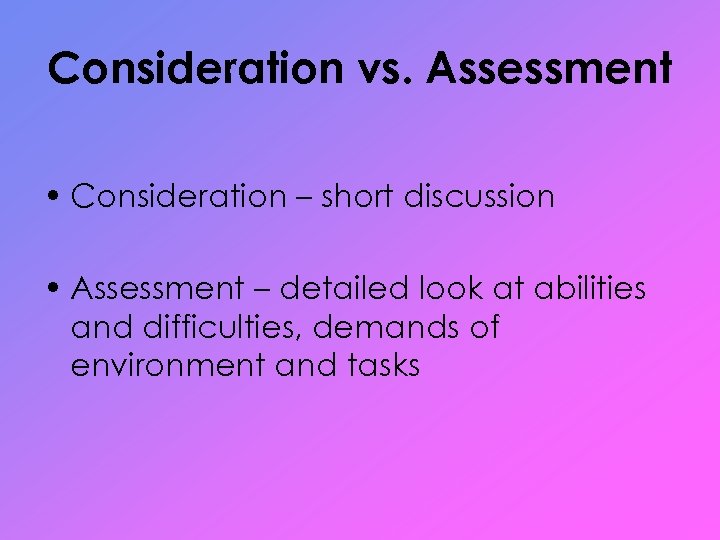 Consideration vs. Assessment • Consideration – short discussion • Assessment – detailed look at abilities and difficulties, demands of environment and tasks
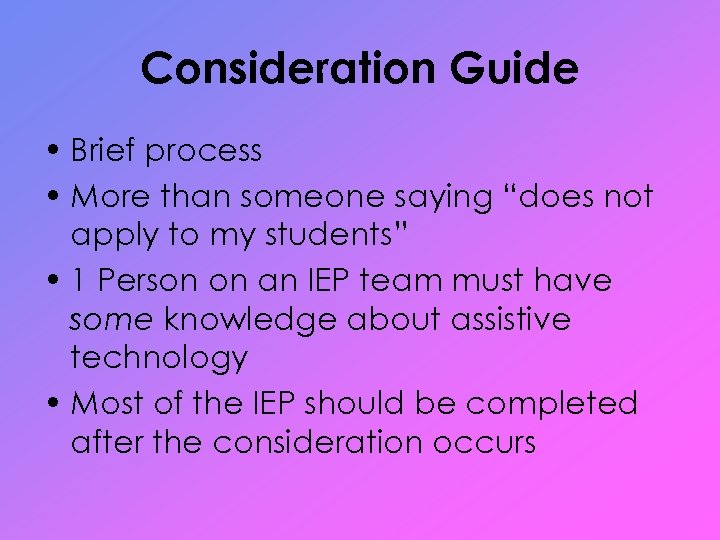 Consideration Guide • Brief process • More than someone saying “does not apply to my students” • 1 Person on an IEP team must have some knowledge about assistive technology • Most of the IEP should be completed after the consideration occurs
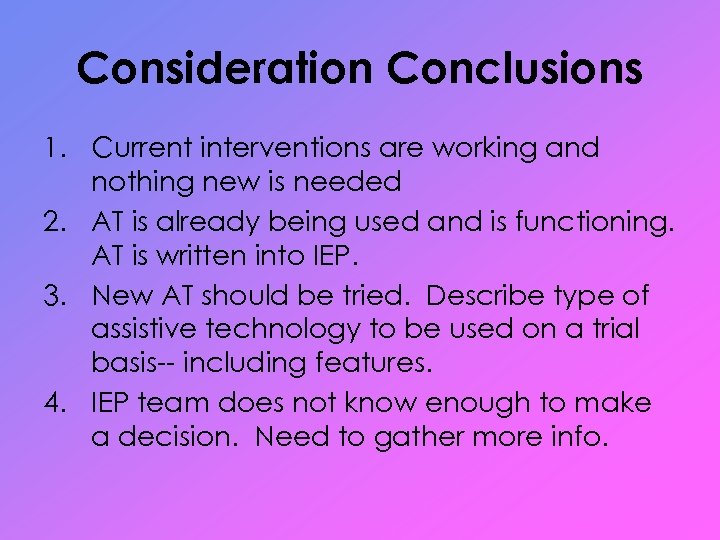 Consideration Conclusions 1. Current interventions are working and nothing new is needed 2. AT is already being used and is functioning. AT is written into IEP. 3. New AT should be tried. Describe type of assistive technology to be used on a trial basis-- including features. 4. IEP team does not know enough to make a decision. Need to gather more info.
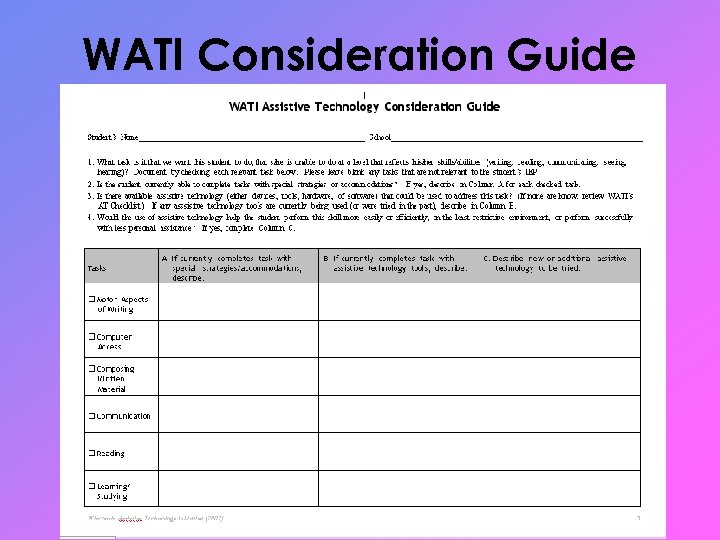 WATI Consideration Guide
 Tools for the Team • AT Checklist • AT Consideration Wheel • How Do You Know It? How do You Show It? • Closing the Gap Resource Directory $15. www. closingthegap. com • DESK • www. abledata. com
 AT Checklist • Computer Access • Writing – Motor Aspects of Writing – Composing Written Material • • Communication Reading Studying Math • Recreation & Leisure • Activities of Daily Living • Mobility • Positioning and Seating • Vision • Hearing
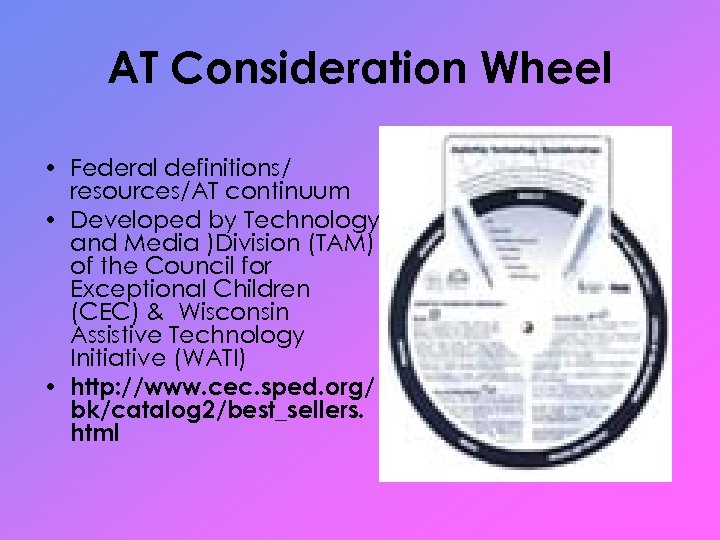 AT Consideration Wheel • Federal definitions/ resources/AT continuum • Developed by Technology and Media )Division (TAM) of the Council for Exceptional Children (CEC) & Wisconsin Assistive Technology Initiative (WATI) • http: //www. cec. sped. org/ bk/catalog 2/best_sellers. html
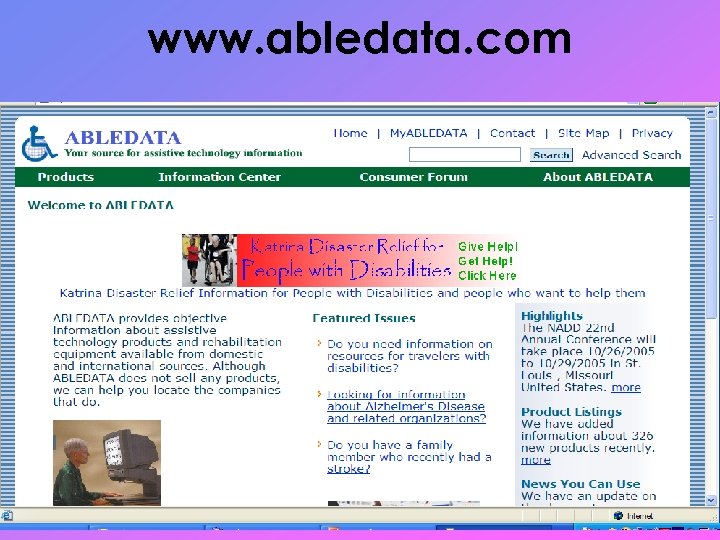 www. abledata. com
 Skip ahead to AT categories come back to assessment
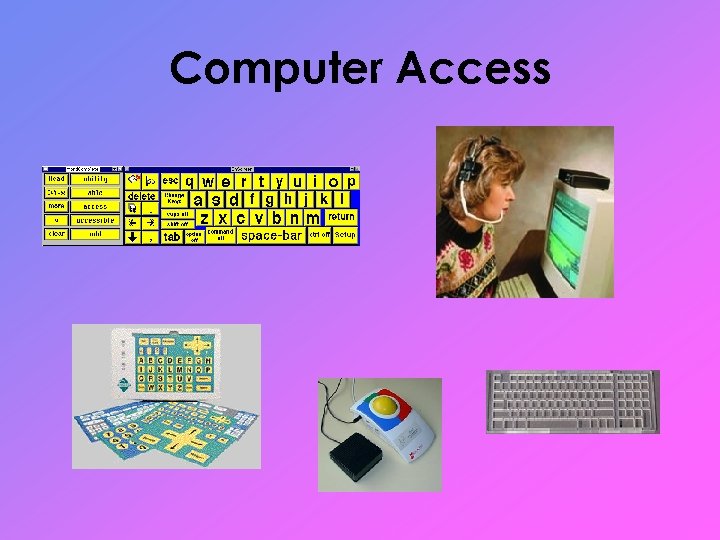
 Computer Access • • • Keyboard using accessibility options Word prediction, abbreviation expansion Keyguard Arm supports Trackball/trackpad Alternative keyboard Mouth stick Switch with morse code Switch with scanning Voice recognition software
 Computer Access
 Writing • Motor Aspects of Writing • Composing Written Material
 Motor Aspects of Writing • • Regular pencil/pen with adaptive grip Adapted paper Slant board Prewritten words and phrases Templates Portable word processors Computer with word processing software Voice recognition software to word process
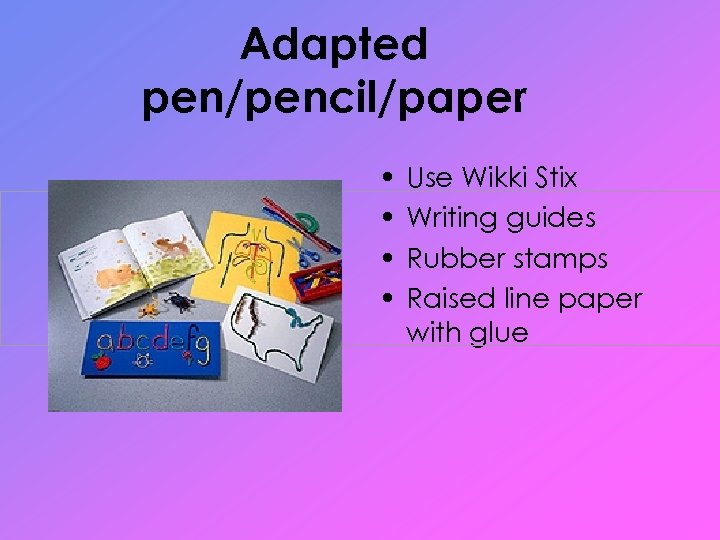 Adapted pen/pencil/paper • • Use Wikki Stix Writing guides Rubber stamps Raised line paper with glue
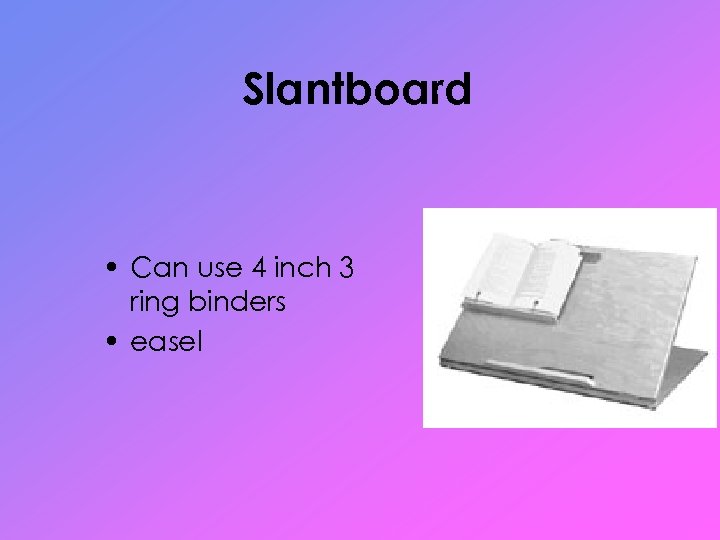 Slantboard • Can use 4 inch 3 ring binders • easel
 Preprinted words/phrases • Magnetic poetry • Magnetic alphabet letters on cookie sheet • Software – Writing with Symbols – Pix. Writer – Intellitalk III
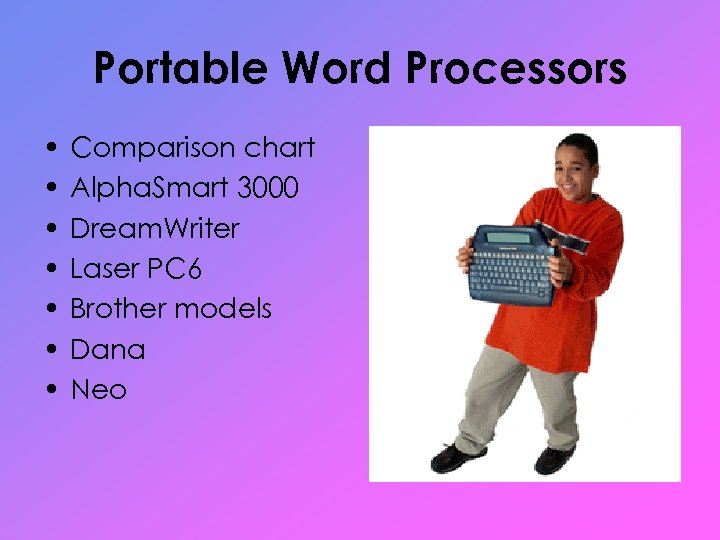 Portable Word Processors • • Comparison chart Alpha. Smart 3000 Dream. Writer Laser PC 6 Brother models Dana Neo
 Voice Recognition Software • Available on Mac and PC’s • Discrete vs. Continuous • Digital Portable recorders • Via. Voice by IBM for Mac • Dragon Naturally Speaking 8. 0 - PC
 Composing Written Language • • Word Cards/books Pocket dictionary Writing templates Electronic talking dictionary/spell checker • Word processor with spell checking, grammar checking • Talking Word Processors • Abbreviation Expansion • Word Proc with word prediction • Multimedia software • Voice recognition software
 Word Cards/Word Books/Word Wall • Commonly used within elementary schools • Personal word books • Word. Maker – Don Johnston software
 Writing Templates • Setup with subjects --- verbs --- objects and modifiers • May include “Story Starters” • Writing with Symbols • Pix. Writer • Clicker 5
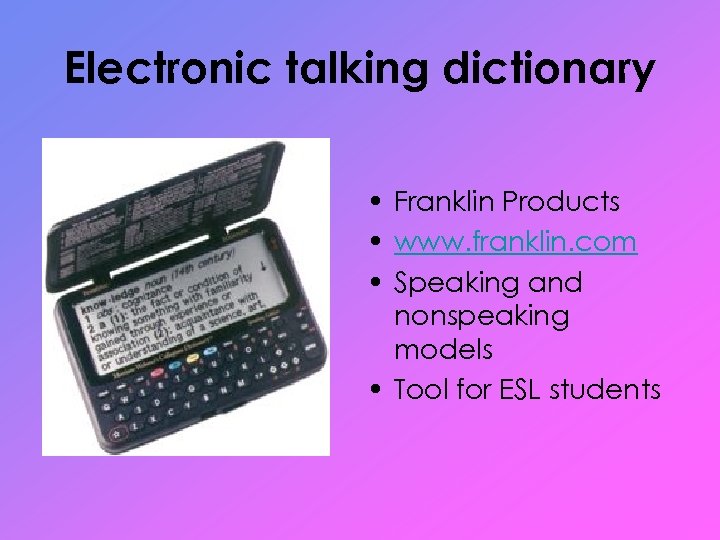 Electronic talking dictionary • Franklin Products • www. franklin. com • Speaking and nonspeaking models • Tool for ESL students
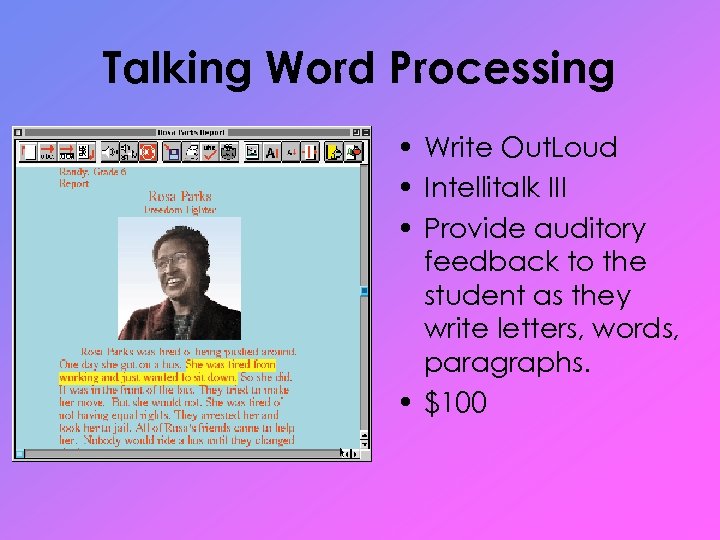 Talking Word Processing • Write Out. Loud • Intellitalk III • Provide auditory feedback to the student as they write letters, words, paragraphs. • $100
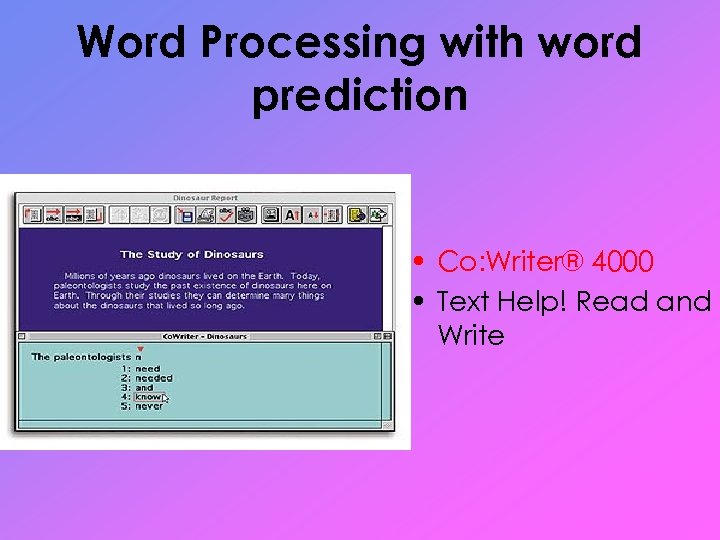 Word Processing with word prediction • Co: Writer® 4000 • Text Help! Read and Write
 Abbreviation/Expansion • Type. It 4 Me – Macintosh shareware • Shorthand 4. 0 – PC • Feature often offered within regular word processing program
 Word Processing with Writing Support • Co: Writer 4000 - The Total Vocabulary System - TVS - lets teachers provide concise vocabulary that lets students write on any topic. It consists of TVS Main Dictionaries, Personal Dictionaries, Topic Dictionaries and the Topic Dictionary Toolkit. • Draft: Builder Framework for organizing thoughts and information to develop first drafts. Includes outliner, notetaker and draft tool.
 Draft: Builder • Includes outliner, notetaker and draft tool • Bibliographer tool • $149
 Activities of Daily Living (ADLS) • Non slip materials to hold things in place • Universal cuff/strap to hold items in hand • Color coded items for easier locating and identifying • Adaptive eating utensils (foam handles, deep sides) • Adaptive drinking devices (cup with cutout rim) • Adaptive dressing equipment (button hook, elastic shoe laces, Velcro instead of buttons, etc. ) • Adaptive devices for hygiene (toothbrush, raised toilet seat, etc. ) • Adaptive bathing devices • Adaptive equipment for cooking
 Communication • Communication board/book • Eye gaze display • Simple voice output • Voice output with levels • Voice output with icon sequencing • Voice output with dynamic display • Device with speech synthesis for typing
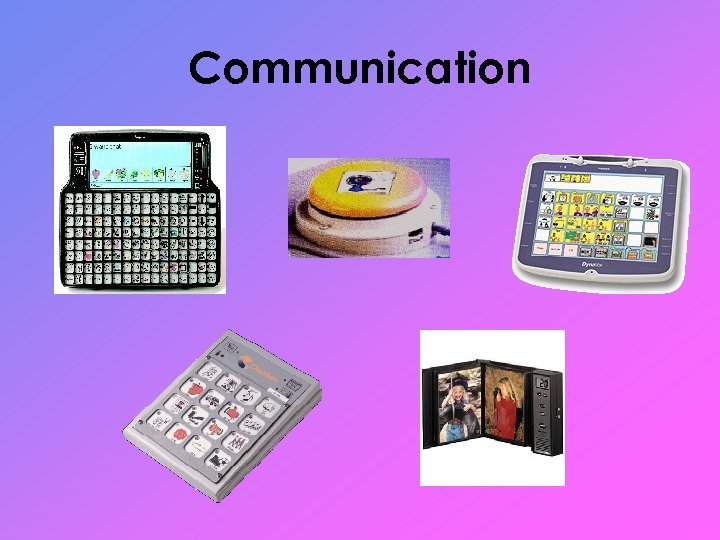 Communication
 Reading • Standard text • Predictable books • Changes in text size, spacing, color, background color • Books adapted for page turning • Use of pictures/symbols with text • Talking electronic devices/software • Single word scanners • Scanner with OCR and talking word processor • Electronic books
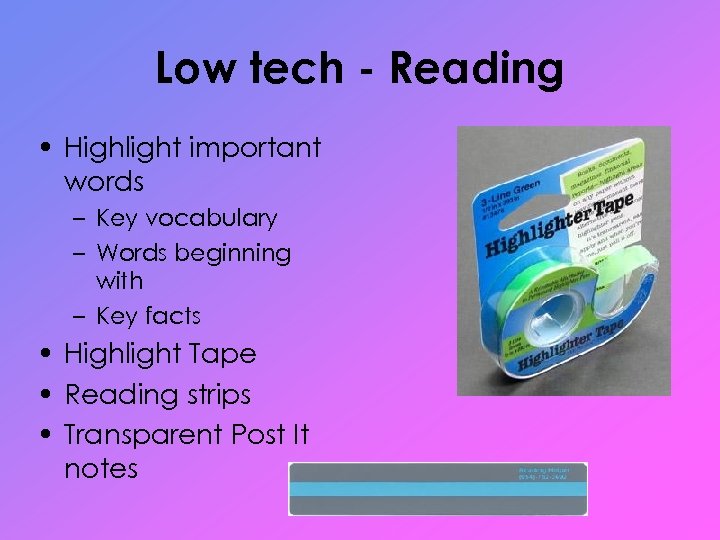 Low tech - Reading • Highlight important words – Key vocabulary – Words beginning with – Key facts • Highlight Tape • Reading strips • Transparent Post It notes
 Text, Spacing, Color • Color Overlays • Background Color for word processing • Increase space between words, lines of text Supplement Text with Pictures • Picture IT by Slater Software • Boardmaker
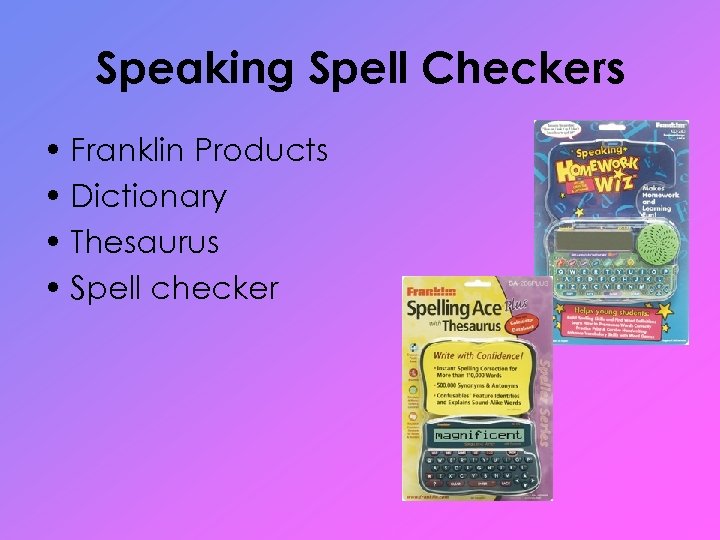 Speaking Spell Checkers • Franklin Products • Dictionary • Thesaurus • Spell checker
 Electronic Books • Start-to Finish Books by Don Johnston – Gold – Grade 2 -3 readability – Blue – Grade 4 -5 readability • Each Book includes the Book, Book on CD, and cassette tape of book • Teacher materials included
 Create your own e-books • Kid Pix 2 • Hyperstudio • Buildability • Intellipics Studio • My Own Bookshelf • Clicker 5 • Power Point • www. starfall. com
 Use Computer to Speak Text • Talking Word Processing – Write. Out. Loud – Intellitalk III – Read & Write Gold – Read Please – WYNN
 Learning & Studying • Print/picture schedule • Low tech aids to find materials • Highlighted text • Recorded material • Voice output reminders • Electronic organizers • Pagers/electronic reminders • Single Word Scanners • Hand-held scanners • Hand-held computers • Software for manipulation of objects • Software for organization of ideas
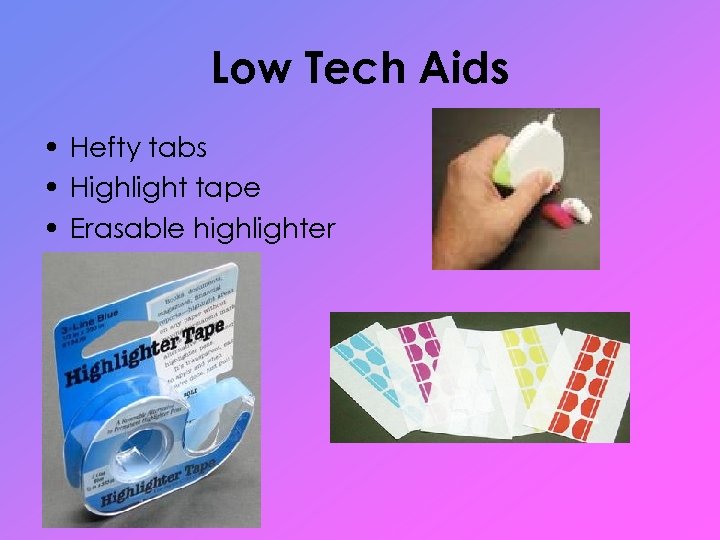 Low Tech Aids • Hefty tabs • Highlight tape • Erasable highlighter
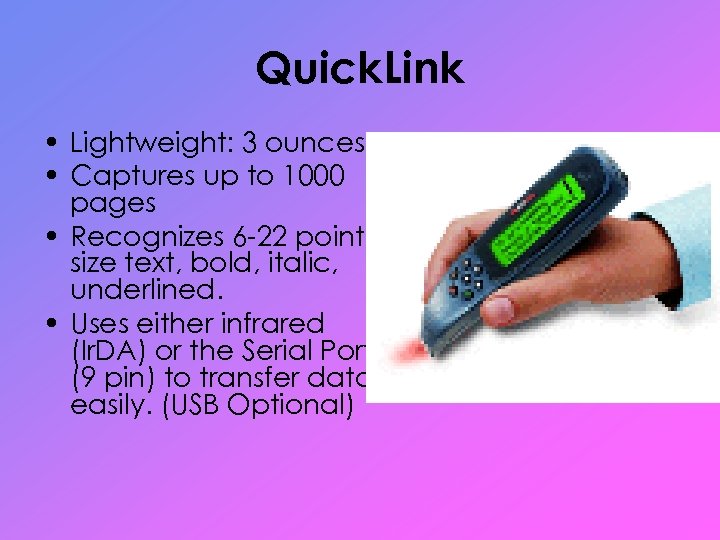 Quick. Link • Lightweight: 3 ounces • Captures up to 1000 pages • Recognizes 6 -22 point size text, bold, italic, underlined. • Uses either infrared (Ir. DA) or the Serial Port (9 pin) to transfer data easily. (USB Optional)
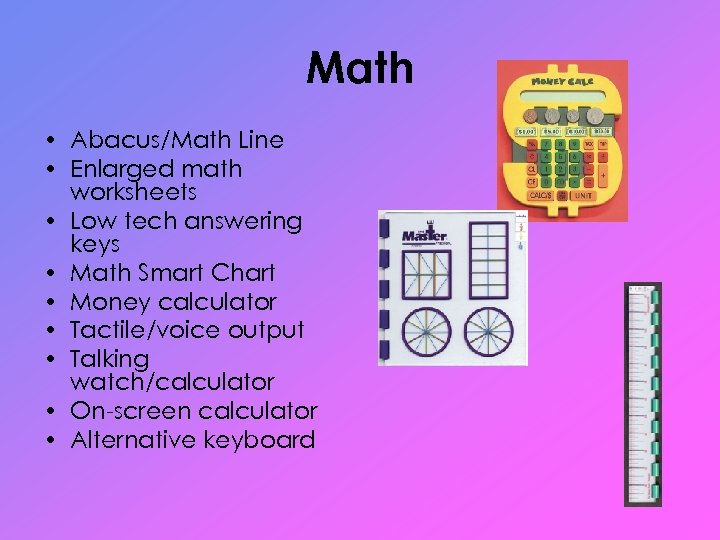 Math • Abacus/Math Line • Enlarged math worksheets • Low tech answering keys • Math Smart Chart • Money calculator • Tactile/voice output • Talking watch/calculator • On-screen calculator • Alternative keyboard
 Recreation and Leisure • Toys adapted with Velcro, magnets, handles, etc. • Toys adapted with single switch operation • Adapted sporting equipment (lighted or beeping ball) • Universal cuff/strap to hold crayons, markers, etc. • Modified utensils (rubber stamps, brushes, etc. ) • Ergo Rest or other arm support for drawing/painting • Electronic aids to control/operate TV, VCR, DVD, CD player, etc. • Software • Completion of art activities • Games on computer • Other computer software
 Activities of Daily Living (ADLS) • Non slip materials to hold things in place • Universal cuff/strap to hold items in hand • Color coded items for easier locating and identifying • Adaptive eating utensils (foam handles, deep sides) • Adaptive drinking devices (cup with cutout rim) • Adaptive dressing equipment (button hook, elastic shoe laces, Velcro instead of buttons, etc. ) • Adaptive devices for hygiene (toothbrush, raised toilet seat, etc. ) • Adaptive bathing devices • Adaptive equipment for cooking
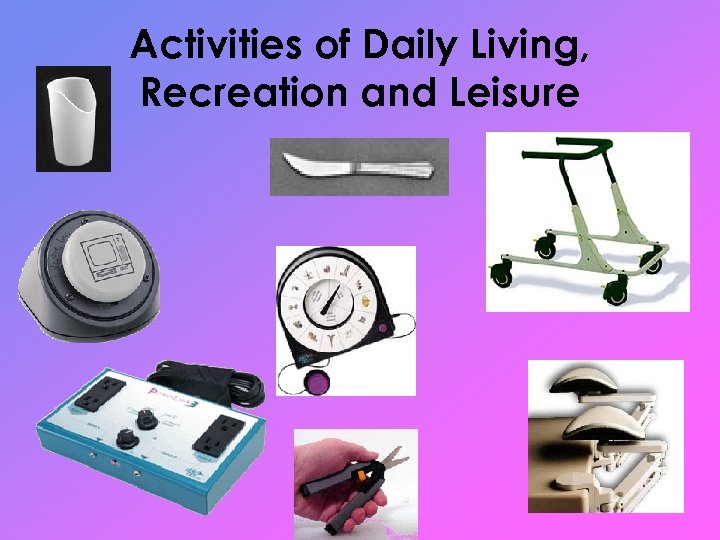 Activities of Daily Living, Recreation and Leisure
 ADL Resources • Abledata, a database of over 19, 000 devices www. abledata. com • Atstar offers AT Strategies, tools, accommodations and resources www. atstar. org/at_daily_living. htm • Sammons Preston Rolyan is a catalog for rehab specialists www. sammonspreston. com • Tech Connections website that connects people with AT www. techconnections. org/resources/pubs. L ev 3 cfm? category=3&subcat=1405
 Positioning and Seating • Non-slip surface on chair to prevent slipping (Dycem) • Bolster, rolled towel, blocks for feet • Adapted/alternate chair, sidelyer, stander • Custom fitted wheelchair or insert
 Mobility • • • Walker Grab bars and rails Manual wheelchair including sports chair Powered mobility (Cooper Car, Go. Bot) Powered scooter or cart Powered wheelchair w/ joystick or other control • Adapted vehicle for driving
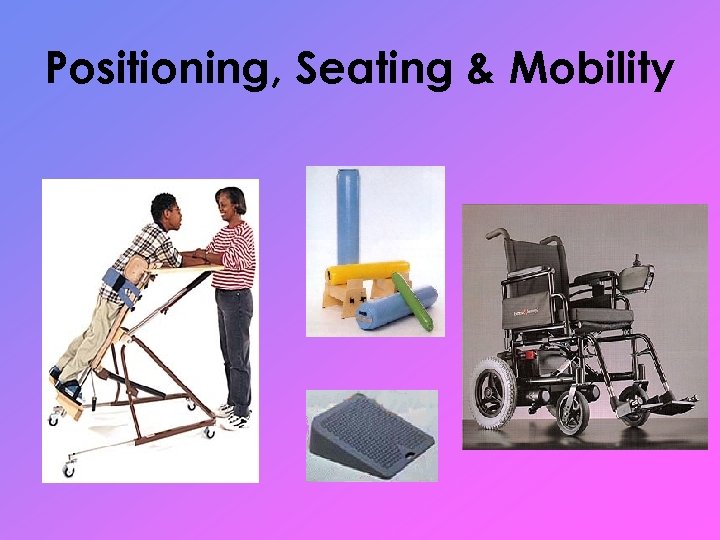 Positioning, Seating & Mobility
 Vision • • • Eye glasses Optical aids Large print materials Auditory materials Dictation software (voice output) • CCTV (closed circuit television) • Screen magnifier (mounted over screen) • Screen magnification software • Screen color contrast • Screen reader, text reader • Braille notetaker • Braille translation software • Braille embosser • Enlarged or Braille/tactile labels for keyboard • Alternate keyboard
 Hearing • Pen and paper • Computer/portable word processor • TDD for phone access with or without relay • Signaling device (flashing light or vibrating pager) • Closed captioning • Real Time captioning • Computer aided note taking • Screen flash for alert signals on computer • Phone amplifier • Personal amplification system/hearing aid • FM or loop system • Infrared system
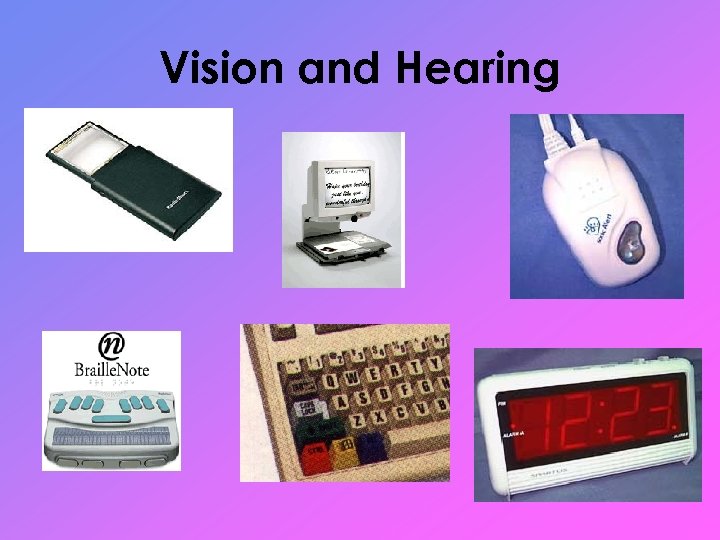 Vision and Hearing
 Online Lending Library • www. wati. org release form • www. cesa 3. k 12. wi. us handout
 WATI Assessment Process • Not a standardized tool • PROCESS • Involves team of professionals • Designed as a tool to provide a process for teachers/therapists to assess a students need for assistive technology
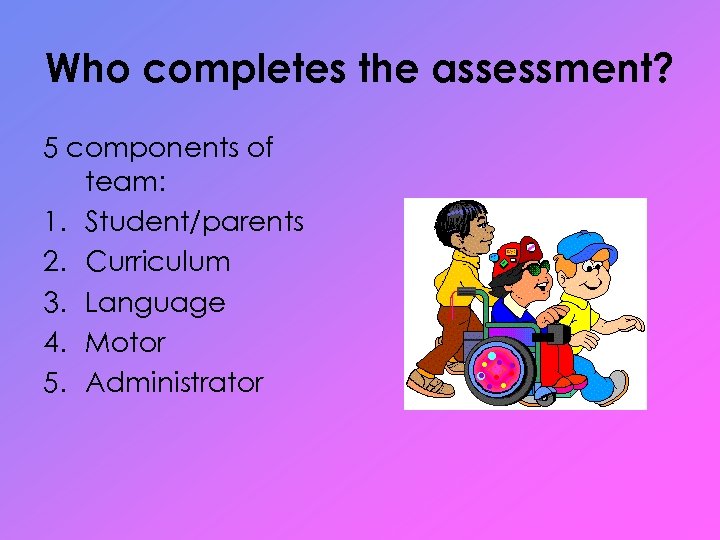 Who completes the assessment? 5 components of team: 1. Student/parents 2. Curriculum 3. Language 4. Motor 5. Administrator
 WATI Forms • WATI AT Assessment Directions/Procedure Guide • WATI Student Information Guide • WATI Environmental Observation Guide • WATI Assistive Technology Decision Making Guide • WATI Assistive Technology Checklist • WATI Trial Use Guide and Summary
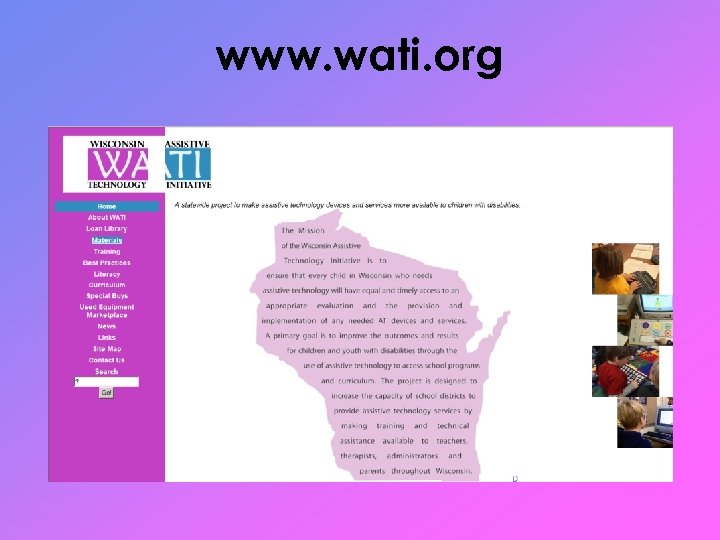 www. wati. org
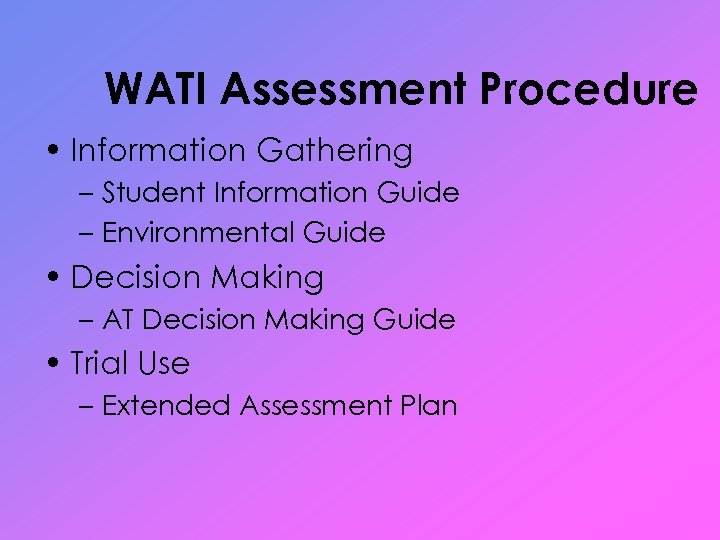 WATI Assessment Procedure • Information Gathering – Student Information Guide – Environmental Guide • Decision Making – AT Decision Making Guide • Trial Use – Extended Assessment Plan
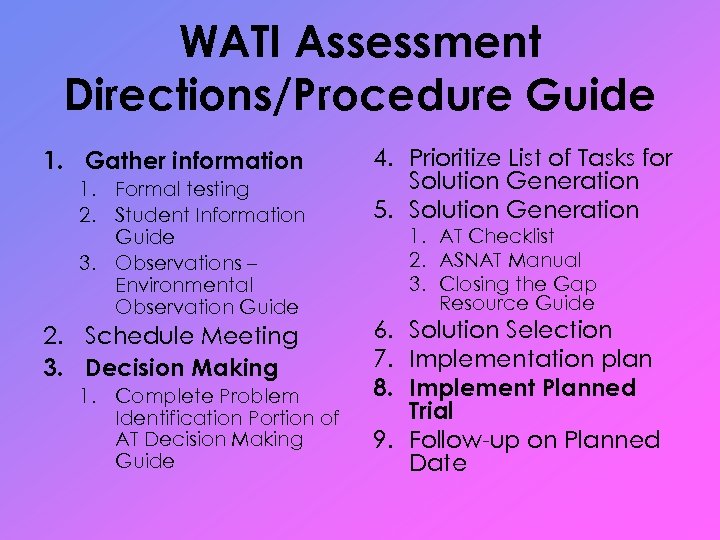 WATI Assessment Directions/Procedure Guide 1. Gather information 1. Formal testing 2. Student Information Guide 3. Observations – Environmental Observation Guide 2. Schedule Meeting 3. Decision Making 1. Complete Problem Identification Portion of AT Decision Making Guide 4. Prioritize List of Tasks for Solution Generation 5. Solution Generation 1. AT Checklist 2. ASNAT Manual 3. Closing the Gap Resource Guide 6. Solution Selection 7. Implementation plan 8. Implement Planned Trial 9. Follow-up on Planned Date
 Information Gathering • Student Information Guide • Not a”test” • Review what is all ready known – What AT is currently being used/past use? • Identify what we do not know – Administer test – Interview – Observe child
 Complete the Referral/Question Identification Guide
 Student Information Guide For this course please choose one of the following categories: • Writing • Reading • Communication Also complete section 13 “General” for all students
 Information Gathering • Environmental Observation Guide • Attempt to observe the child in several different environments • Consider all customary environments – – – Lunchroom Playground Classrooms Assemblies Home
 Information Gathering • Environmental Observation Guide • What are the tasks being conducted? • Is the student an active participant? • What adaptations or modifications are being used? • What AT does the student currently use?
 Environmental Considerations • Who are the primary people interacting with student? Where are they positioned? • How is instruction currently being delivered? • What modifications are typically made? • Where is the student positioned in the room and why? • What are the typical auditory and visual stimulation levels in the room? • Other sensory considerations (touch, movement, proprioception, smell, tastes, textures, small spaces vs. large spaces, etc. )
 AT Decision Making Guide • Problem Identification • Solution Generation • Solution Selection • Implementation • Follow up
 WATI Assessment Materials Incorporate SETT Framework (Zabala, 1994) – Problem Identification • Student –Describe abilities and difficulties • Environment – where student learns, works, lives, and plays • Tasks – curricular tasks • Tools - to help child succeed
 Throughout the Process • Present information in written format where everyone can see it – White board, flip chart, overhead projector • Create a shared group memory • Share roles and responsibilities – Facilitator – Recorder – Timekeeper
 Solution Generation • Discuss brainstorming “rules” to create a climate of trust • All suggestions are written on chart paper – AT Checklist – AT wheel
 Solution Selection • Encourage combining, sequencing, and prioritizing • Obtain consensus from all participants • Avoid: – Majority rule – Minority rule – Authority rule
 Complete Assistive Technology Decision Making Guide Process • Student: 5 – 10 minutes • Environment: 5 -10 minutes • Tasks: 5 -10 minutes • Solution Generation : 5 minutes • Solution Selection : 20 minutes • Follow-Up Plan: 2 minutes
 Class Act • Yellow Handout • Flip chart • Facilitator • Recorder • Time keeper
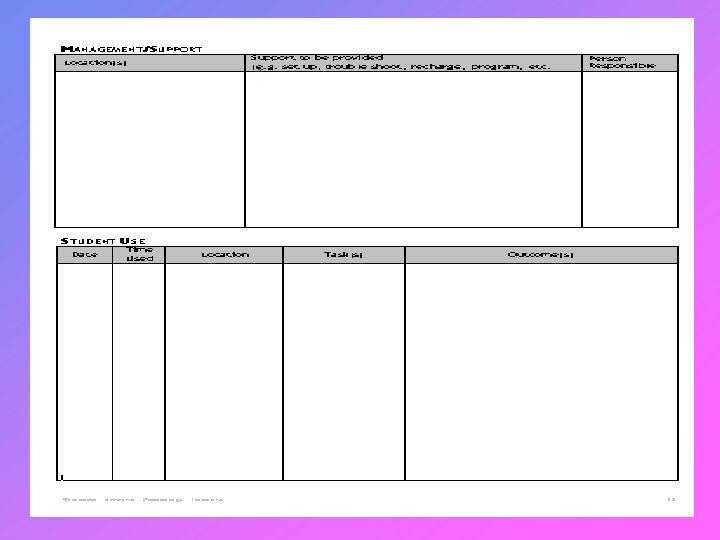
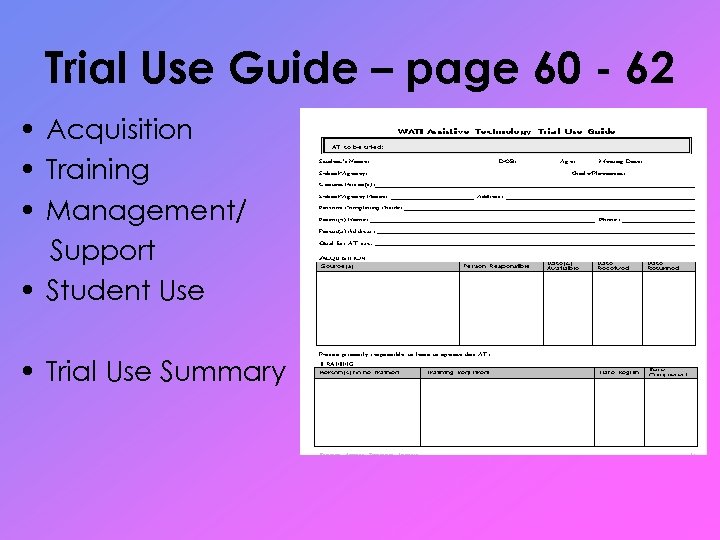 Trial Use Guide – page 60 - 62 • Acquisition • Training • Management/ Support • Student Use • Trial Use Summary
 Writing AT into the IEP • Many “right” ways to include AT in the IEP -Brent Odell DPI • Most important points: -clearly communicate what services the district will provide and, -the intended outcomes for the student
 Writing AT into the IEP • ASNAT www. wati. org • Writing Measurable IEP Goals & Objectives by Barbara D. Bateman & Cynthia M. Herr – $25. 00 • Using AT to meet Literacy Standards by Sherry L. Purcell, Ph. D. and Debbie Grant, M. A – For grades K-3 – For grades 4 -6 – $49. 00 • Attainment Company www. Attainment. Company. com 845 -7880 1 -608 -
 Consideration of Special Factors • IDEA ’ 97 added the requirement that each IEP Team consider the need for assistive technology as part of the consideration of special factors. – The IEP Team shall … • consider whether the child requires assistive technology devices and services.
 Consideration vs. Assessment • Consideration – short discussion • Assessment – detailed look at abilities and difficulties, demands of environment and tasks
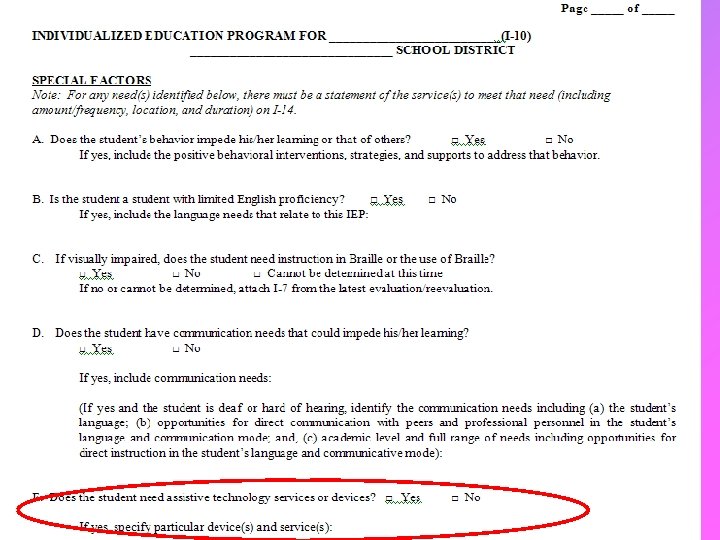
 Individual Education Program (I-10)Special Factors Worksheets • One of the places assistive technology needs to be addressed is on the SPECIAL FACTORS WORKSHEET (1 -10).
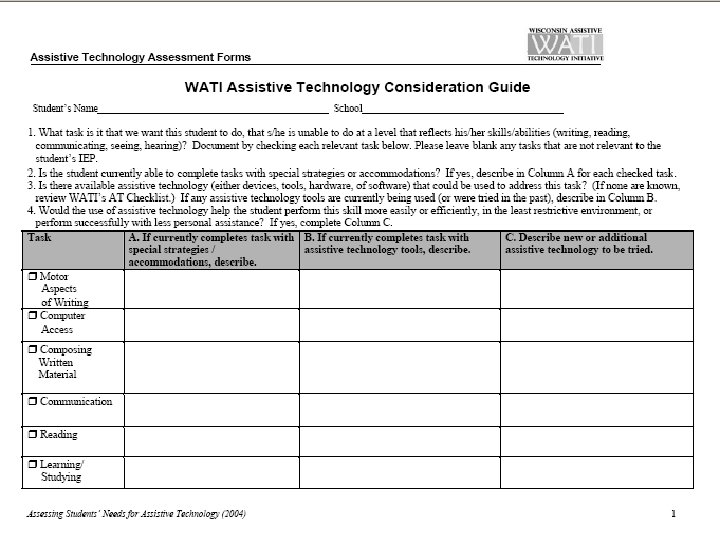
 WATI Consideration Guide • Brief process • More than someone saying “does not apply to my students” • 1 Person on an IEP team must have some knowledge about assistive technology • Teams find it more logical to complete goals and objectives then come back to consideration
 Consideration Conclusions 1. Current interventions are working and nothing new is needed 2. AT is already being used and is functioning. AT is written into IEP. 3. New AT should be tried. Describe type of assistive technology to be used on a trial basis-- including features. 4. IEP team does not know enough to make a decision. Need to gather more info.
 AT Checklist • Computer Access • Writing – Motor Aspects of Writing – Composing Written Material • • Communication Reading Studying Math • Recreation & Leisure • Activities of Daily Living • Mobility • Positioning and Seating • Vision • Hearing
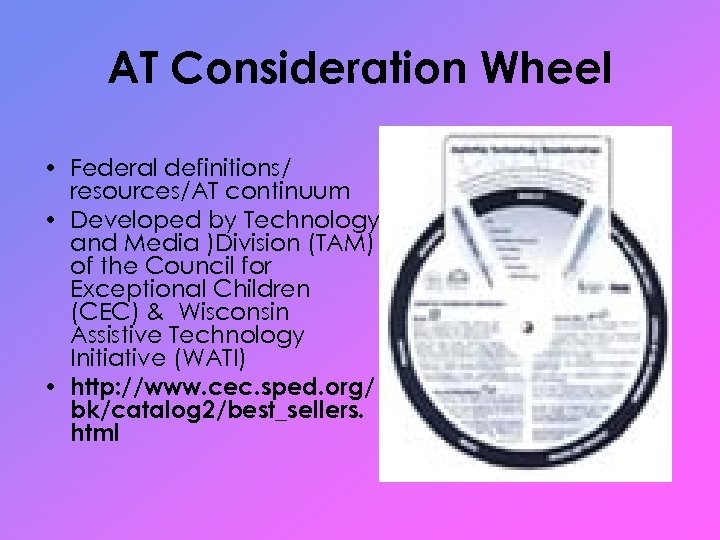 AT Consideration Wheel • Federal definitions/ resources/AT continuum • Developed by Technology and Media )Division (TAM) of the Council for Exceptional Children (CEC) & Wisconsin Assistive Technology Initiative (WATI) • http: //www. cec. sped. org/ bk/catalog 2/best_sellers. html
 I-11, I-12, Present Level of Educational Performance Annual goal or in short term objectives Write this in terms of functional use of AT.
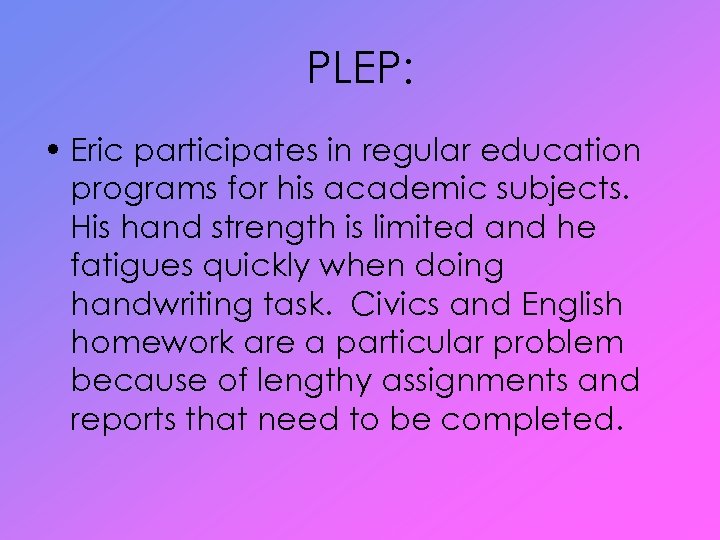 PLEP: • Eric participates in regular education programs for his academic subjects. His hand strength is limited and he fatigues quickly when doing handwriting task. Civics and English homework are a particular problem because of lengthy assignments and reports that need to be completed.
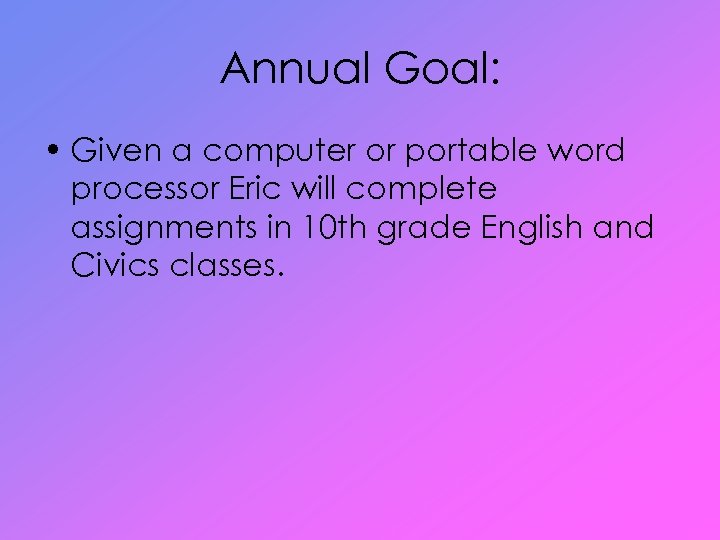 Annual Goal: • Given a computer or portable word processor Eric will complete assignments in 10 th grade English and Civics classes.
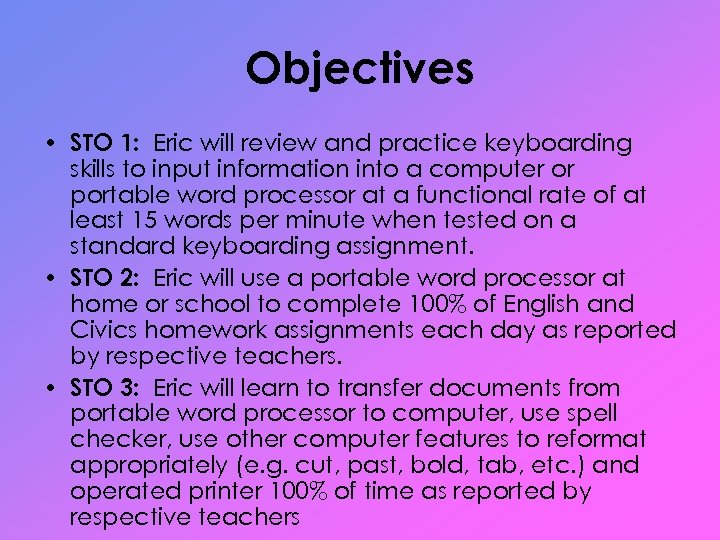 Objectives • STO 1: Eric will review and practice keyboarding skills to input information into a computer or portable word processor at a functional rate of at least 15 words per minute when tested on a standard keyboarding assignment. • STO 2: Eric will use a portable word processor at home or school to complete 100% of English and Civics homework assignments each day as reported by respective teachers. • STO 3: Eric will learn to transfer documents from portable word processor to computer, use spell checker, use other computer features to reformat appropriately (e. g. cut, past, bold, tab, etc. ) and operated printer 100% of time as reported by respective teachers
 I-13 Transition Planning • This page is currently in transition. There has been a second page added to the I-13 that specifically asks for measurable postsecondary goals based upon age appropriate transition assessments related to the following areas: Training, Education, Employment, & Independent Living Skills. Consider whether AT is needed to attain these postsecondary goals in the areas of Communication, Writing, Reading, Independent Living Skills should be considered
 I-13 Transition • It specifically asks for transition services as well as course(s) of study needed to assist the student in reaching the above goals. • It would be appropriate to write assistive technology into services required to attain goals in any or all of the categories. • However, if it is already written elsewhere
 Related Services (I-14) • If the IEP team feels that AT is best included for this child under Related Services, it will be written on I-14. AT is best listed here when it is not an integral part of the student's educational program, but is necessary in order to access or benefit from the educational program, e. g. a walker or wheelchair. Remember frequency and amount of AT services must be identified.
 Supplementary Aid or Service • If the AT is more appropriately viewed as a Supplementary Aid or Service, it will appear in question III on I-14 (page 2). It makes most sense to list it here when the AT tools and services enhance the placement of a student in the LRE. It helps to remember that it should be listed here when it requires little instruction for the child to use and/or allows the student to be more independent, e. g. talking spell checker, portable word processor for a student who already knows how to use it.
 Supports for School Personnel Question IV on I-14 • (Page 2), is another place that may need to be completed if school personnel need specific training or technical assistance in use or operation of the assistive technology device or software. • Any needed staff training should be listed here.
 Participation in Statewide Assessments (I-9 -A) • Assistive technology may be listed as an accommodation under PARTICIPATION IN STATEWIDE ASSESSMENTS or PARTICIPATION IN DISTRICTWIDE ASSESSMENTS or both. • A child should not use assistive technology as an accommodation in testing unless they are familiar with it and using it in other aspects of their Individualized Education Program.
 What if you are doing trials? Where does it go in the IEP? • It depends, on what the team decided
 • If they decided, Oh, we don't know for sure, lets try some AT to see if he needs it—then that is an assessment and the "trials" would be listed under related services most likely as an evaluation.
 • If the team decided, "yes", he definitely needs AT, but we are not sure what exact brand or model, then it might be listed anywhere any other service is listed, as part of a goal, as a supplementary aid and service, as a related services. It doesn't matter, the point is to make it the most understandable place you can.
 • It’s the decision that needs to be communicated and where it is written isn't very important. It is equally as strong any place.
 Funding AT • • Schools (IDEA) (borrow/rent/seek 3 party payment) Vocational (Rehab Act of 1993) Medical Assistance (Medicaid) Private Insurance Service Clubs Grants SSI (Supplemental Security Income) • Resources pg. 258 rd
 Nothing is Impossible!
 Team Work!
 Lo. TTIE Kit Low Tech Tools for Inclusive Education by Onion Mountain Technology Inc.
 LOTTIE Kit • Low Tech Tools for Inclusive Education • Basic • Literacy • Math • Special Papers • Colors • Little Kids • Personalize My Lo. TTIE Kit
 Lo. TTIE Kit • Designed as an informal tool for assessment or for student trials • Includes a handbook with a variety of curriculum and evaluation ideas • Each kit includes 20 to 30 or more items
 Lo. TTIE Kits • Onion Mountain Technology Inc. • www. onionmountaintech. com • 1 -8600693 -2683 • Judi Sweeney • Prices vary from $400. -$425 plus S&H
 Assistive Technology Tools & Strategies Assessment Kit for Children with Autism • Set of materials to assess the impact of assistive technology for students with Autism Spectrum Disorder – Communication boards/talking picture frame/visual timer/picture cards/visual schedule maker/folding easel etc. • Guide – Assessment tool focuses on sensory, communication, academic, behavior, social and transition – WATI assessment forms
 ATLAS Assistive Technology & Language Assessment Software By Laureate
 ATLAS • Low and High tech assessment to determine appropriate software from Laureate collections • Laureate has 50 programs, ATLAS includes 12 of these programs • www. laureatelearning. com theory and practice correlated to state standards • PDF standards (not Wisconsin’s) • ESL use this to assess where their at with English
 3 Easy Steps to ATLAS Assessment • Low tech: Fill out Assessment Questionnaire • High Tech: Go to corresponding Stage in notebook, Use Assessment Programs listed to begin evaluation – Runs off the CD, no installation • Low Tech: Fill out Assessment Summary form with observations and recommended Core Training Programs
 Linguistic Hierarchy (7 Stages) • Interpreted communication • Intentional Communication • Single Words • Word Combinations • Early syntax • Syntax Mastery • Complete Generative Grammar
 Each Category includes • Language Characteristics • Training goals • Primary Assessment Program • Core Training Programs • Software Descriptions
 ATLAS Demo/Hands On • Insert CD • New Educator/new Student • Program Settings – Activity/intro/background/direct select or scanning/mouse or touch window/response time/cursor/verbal prompts/duration time – Back to menu • • Go Demo version will allow a limited number Demo will compile/file/print reports www. laureatelearning. com theory and practice
 ATLAS Purchase info • www. laureatelearning. com • 1 -507 -248 -3294 • www. laureatefamily. com 50% savings • Hybrid (Win/Mac) • $495 ATLAS software + full day training
 STAGES Alternate assessment framework to help identify learning needs, assess skills, report progress over time and select appropriate educational software for learners with special needs By Assistive Technology, Inc
 STAGES • Stages Book • Stages Assessment Software • Data Collection • Report Wizard • Software Feature Comparison Charts • Curriculum software
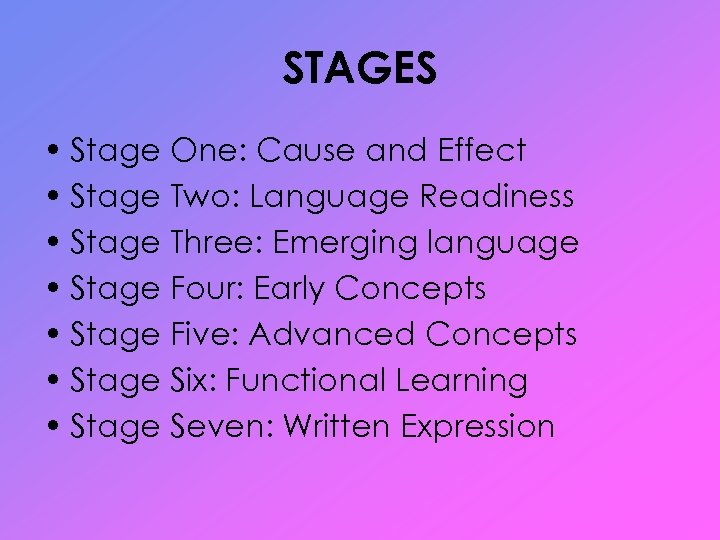 STAGES • Stage One: Cause and Effect • Stage Two: Language Readiness • Stage Three: Emerging language • Stage Four: Early Concepts • Stage Five: Advanced Concepts • Stage Six: Functional Learning • Stage Seven: Written Expression
 Assistive Technology, Inc. Software Demo – Assessment software/STAGES demo – State Standards – Software Search http: //64. 65. 232. 102: 591/chartsonline. htm – File/Explore A Stage – Activity Samples • About this Stage • About Learner • Assessment Activities
 STAGES Assessment Activity • Choose Activity • Change Settings – Input (mouse/touchscreen) – Animation speed – Prompt type/frequency • View Report – – Report summary Print Save Done
 STAGES Purchase Info • Assistive Technology, Inc. • www. assistivetech. com • 1 -800 -793 -9227 • Madalaine Pugliese • Hybrid (Win/Mac) • $795.
 Evalu. Ware • Evalu. Ware is a software program that helps identify the best computer access methods and ideal AAC setups for users with special needs. • Evalu. Ware combines several types of assessments into one package to identify the best settings and preferences for the user based on motor/access, looking, listening and other related skills.
 Evalu. Ware • Evalu. Ware Features & Benefits – Motor/Access Skills are assessed through identifying the learner's: – appropriate input method - touchscreen, mouse, switch, keyboard or alternative pointer – ideal settings for that access method
 Evalu. Ware • Evalu. Ware Features & Benefits – Looking Skills are assessed through identifying the learner's: – ideal visual target - select size of square target, thickness of border and text size – optimum number of targets - select up to 24 targets displayed per screen – type of image used as target - select photographs, color symbols, drawings or text
 Evalu. Ware • Evalu. Ware Features & Benefits – Listening Skills are assessed through identifying the learner's: – preferred type of feedback - up to 6 sounds available when a target is selected – preferred voice - choose from 3 male, 3 female, boy, girl or 3 fun voices
 Evalu. Ware • Evalu. Ware Features & Benefits – Other Related Skills are assessed through identifying the learner's: – ability to use an on-screen keyboard – readiness to use word prediction software
 Evalu. Ware • Evalu. Ware Features & Benefits – Build A Screen • Build a custom screen based preferences you select – Recording Results • Onscreen report form • Print report form • Does not gather data
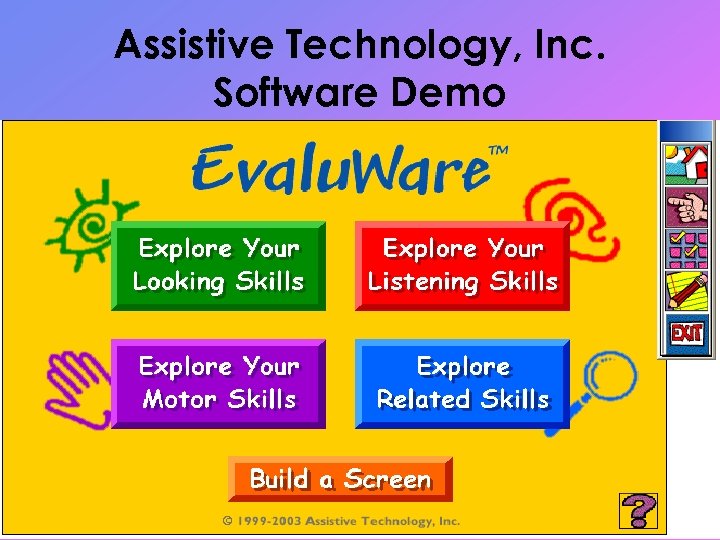 Assistive Technology, Inc. Software Demo
 Evalu. Ware Purchase Info • Assistive Technology, Inc. • www. assistivetech. com • 1 -800 -793 -9227 • Hybrid (Win/Mac) • $125.
 Assignment • Select target student • Assess using one of the tools covered today • Select and check out materials from loan library • Collect data using the Trial Use Guide
 Thank You Contact me with any questions Cindy Nankee cnankee@cesa 3. k 12. wi. us 1 -608 -822 -3276