 Скачать презентацию Asset Integration From The Bottom Up Darren Rozenek
b0ff6688530f56a0e6f2c80e55deffb0.ppt
- Количество слайдов: 19



Asset Integration From The Bottom Up Darren Rozenek, GISP GIS Administrator City of Akron, Public Utilities Bureau 2008 Ohio GIS Conference September 10 -12, 2008 Crowne Plaza North Hotel Columbus, Ohio
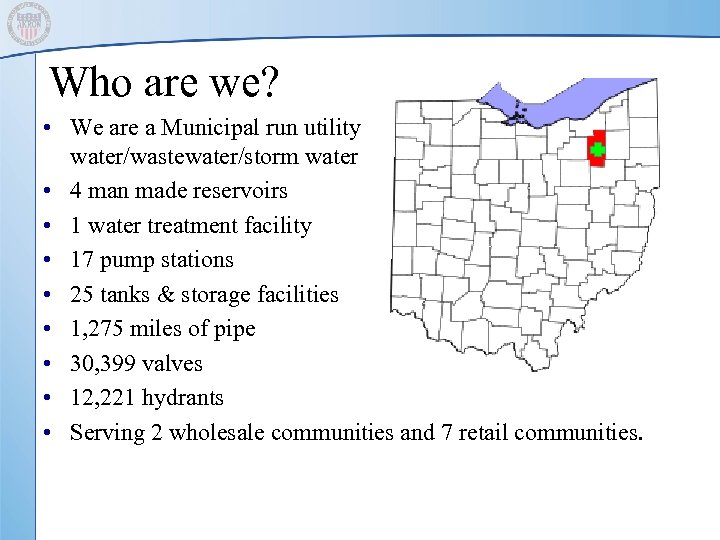
Who are we? • We are a Municipal run utility water/wastewater/storm water • 4 man made reservoirs • 1 water treatment facility • 17 pump stations • 25 tanks & storage facilities • 1, 275 miles of pipe • 30, 399 valves • 12, 221 hydrants • Serving 2 wholesale communities and 7 retail communities.
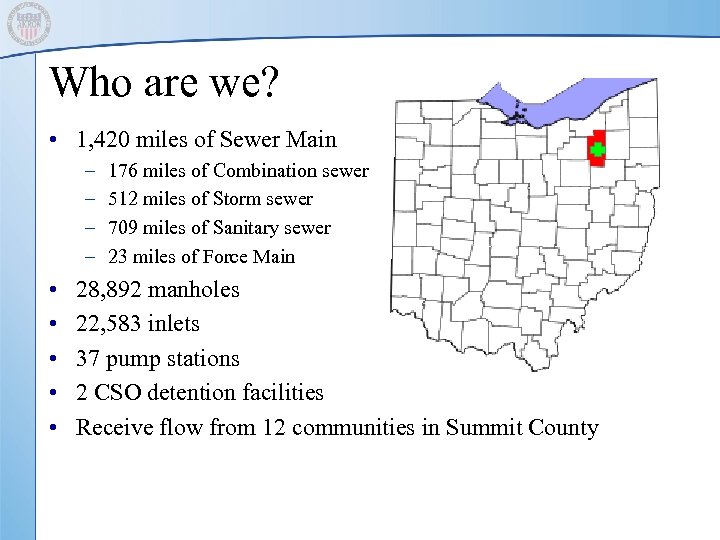
Who are we? • 1, 420 miles of Sewer Main – – • • • 176 miles of Combination sewer 512 miles of Storm sewer 709 miles of Sanitary sewer 23 miles of Force Main 28, 892 manholes 22, 583 inlets 37 pump stations 2 CSO detention facilities Receive flow from 12 communities in Summit County
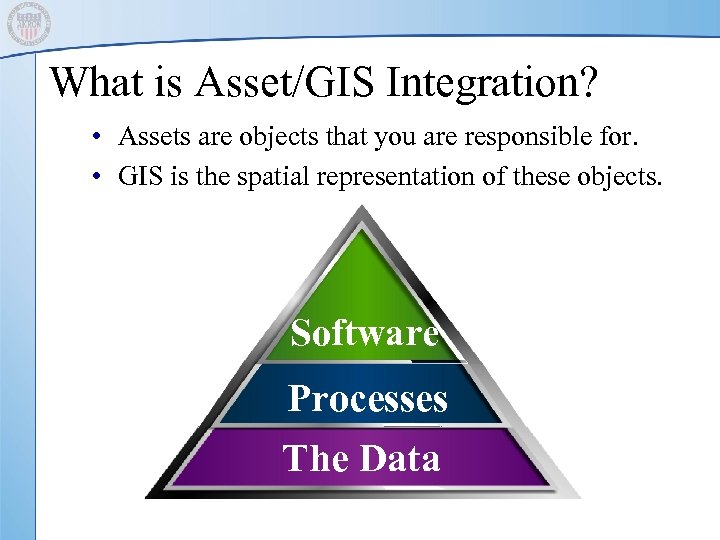
What is Asset/GIS Integration? • Assets are objects that you are responsible for. • GIS is the spatial representation of these objects. Software Processes The Data
The Questions that need answered • • Why integrate your assets? What are the obstacles? How do we integrate your assets? What do we want to integrate your assets with? • What do you want from your asset integration?
Why integrate your assets? • Increasing Demands on APUB Resources – Smaller Workforce and Shrinking Budgets – Growing Service Area and Customer Needs • Need was Identified to Manage Resources More Effectively – Restructure Organizational Reporting and Accountability – Redesign Work Practices – Implement Technology to Support APUB Objectives
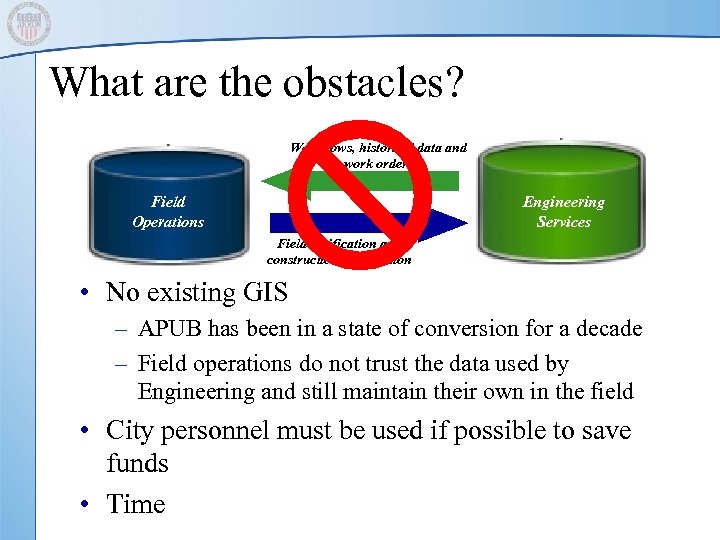
What are the obstacles? Workflows, historical data and work orders Field Operations Engineering Services Field verification and construction information • No existing GIS – APUB has been in a state of conversion for a decade – Field operations do not trust the data used by Engineering and still maintain their own in the field • City personnel must be used if possible to save funds • Time
The Data
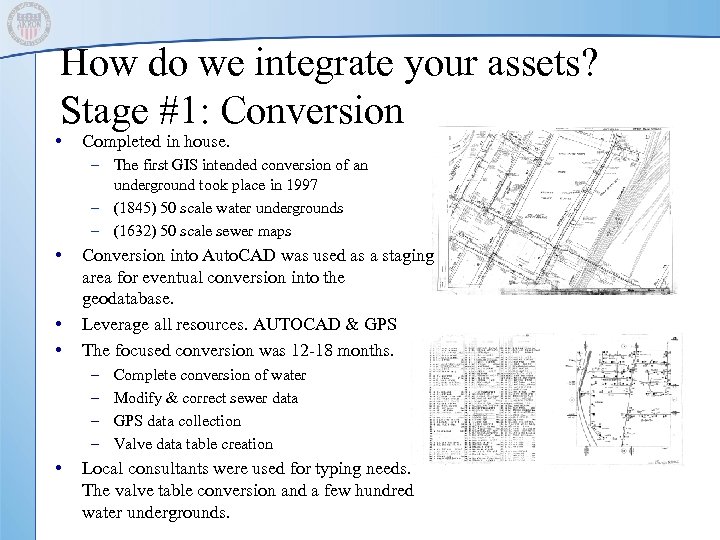
How do we integrate your assets? Stage #1: Conversion • Completed in house. – The first GIS intended conversion of an underground took place in 1997 – (1845) 50 scale water undergrounds – (1632) 50 scale sewer maps • • • Conversion into Auto. CAD was used as a staging area for eventual conversion into the geodatabase. Leverage all resources. AUTOCAD & GPS The focused conversion was 12 -18 months. – – • Complete conversion of water Modify & correct sewer data GPS data collection Valve data table creation Local consultants were used for typing needs. The valve table conversion and a few hundred water undergrounds.
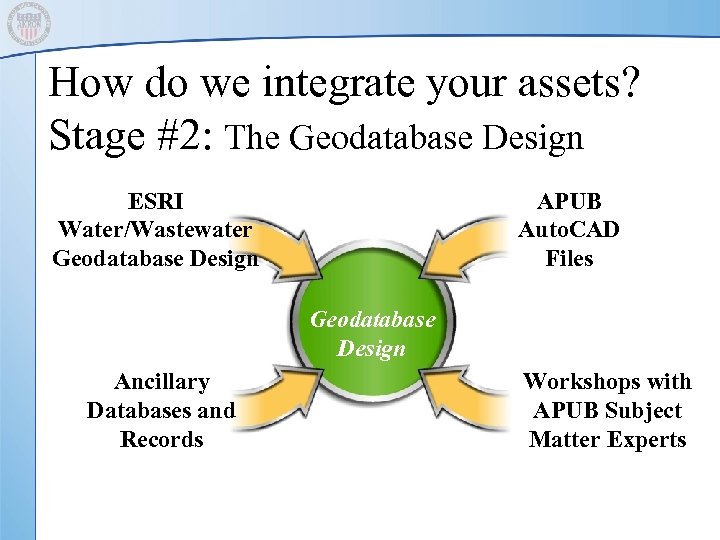
How do we integrate your assets? Stage #2: The Geodatabase Design ESRI Water/Wastewater Geodatabase Design APUB Auto. CAD Files Geodatabase Design Ancillary Databases and Records Workshops with APUB Subject Matter Experts
Processes
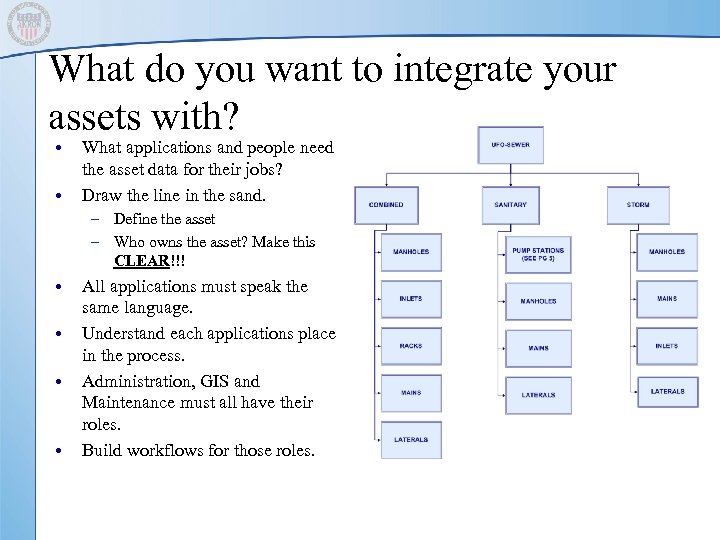
What do you want to integrate your assets with? • • What applications and people need the asset data for their jobs? Draw the line in the sand. – Define the asset – Who owns the asset? Make this CLEAR!!! • • All applications must speak the same language. Understand each applications place in the process. Administration, GIS and Maintenance must all have their roles. Build workflows for those roles.
Software
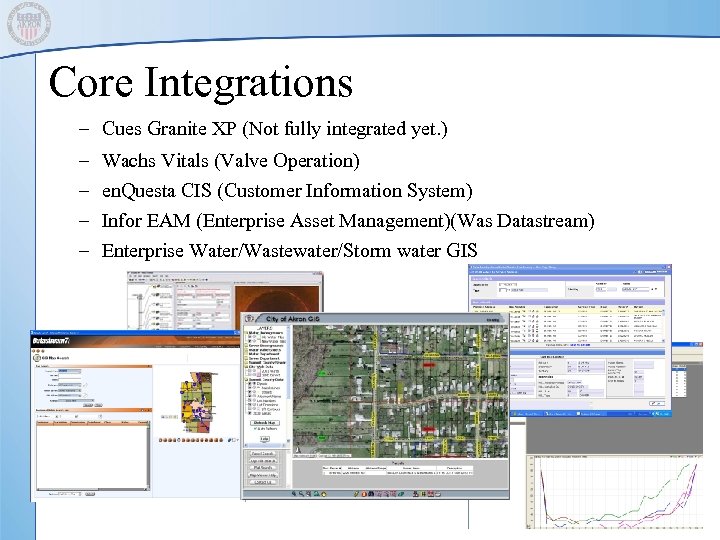
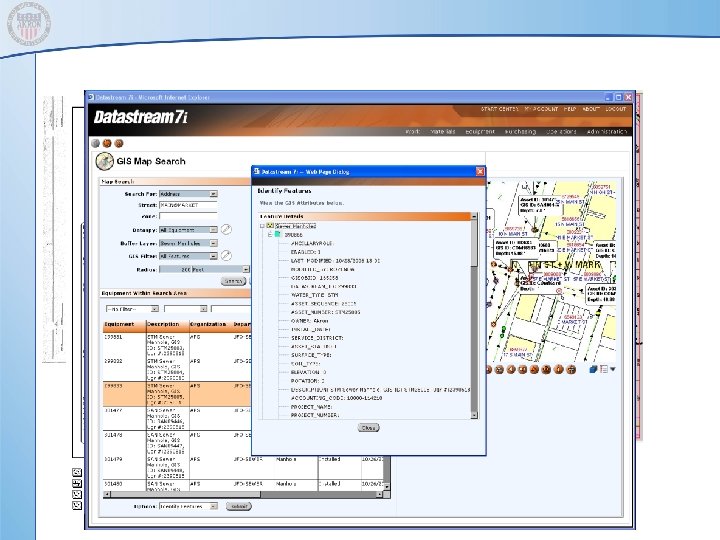
Core Integrations – Cues Granite XP (Not fully integrated yet. ) – – Wachs Vitals (Valve Operation) en. Questa CIS (Customer Information System) Infor EAM (Enterprise Asset Management)(Was Datastream) Enterprise Water/Wastewater/Storm water GIS
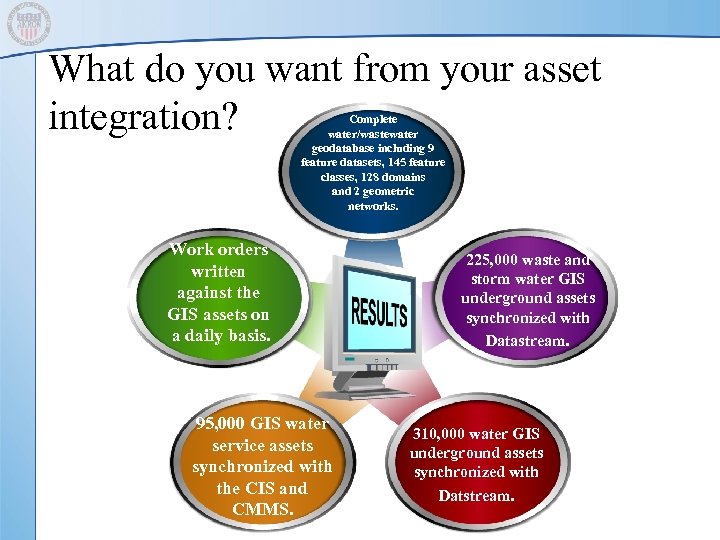
What do you want from your asset integration? Complete water/wastewater geodatabase including 9 feature datasets, 145 feature classes, 128 domains and 2 geometric networks. Work orders written against the GIS assets on a daily basis. 95, 000 GIS water service assets synchronized with the CIS and CMMS. 225, 000 waste and storm water GIS underground assets synchronized with Datastream. 310, 000 water GIS underground assets synchronized with Datstream.
The Lessons 1. 2. Set a clear future vision. Organization, personnel, project Define the project guidelines and stay focused on them. If you try to take on every task that comes up you will solve none of them. Do not sweat the small stuff. Have a good understanding of the available resources. 3. • • 4. Auto. CAD can be a friend GPS is quick and cheap Define the required accuracy…… There are huge cost differences What level of skill do the personnel have. Users & creators Do you need it all now? Is it a race or a marathon. • • • What software must we have now Does ESRI have any available start-up grants? Data (Best bang for the buck)
The Lessons 5. Stage the progress where possible. Talk about it at the same time but do not try to implement it all at once. • • 6. 7. 8. Conversion Work order management Work flow Applications Get buy in. All parties should have a say in the implementation/creation/conclusion. Field-Office. Administration Set standards and stick with them. Document everything. Standard Operating Procedures (SOP) Communication between the field and office is key.
Questions? ? ?
Скачать презентацию Asset Integration From The Bottom Up Darren Rozenek
b0ff6688530f56a0e6f2c80e55deffb0.ppt