 Скачать презентацию Assembly Language for Intel-Based Computers 5 th Edition
2644994ed8cabf5afd0127854b045e64.ppt
- Количество слайдов: 58



Assembly Language for Intel-Based Computers, 5 th Edition Kip R. Irvine Chapter 16: Expert MS-DOS Programming Slide show prepared by the author Revision date: June 4, 2006 (c) Pearson Education, 2006 -2007. All rights reserved. You may modify and copy this slide show for your personal use, or for use in the classroom, as long as this copyright statement, the author's name, and the title are not changed.
Chapter Overview • • Defining Segments Runtime Program Structure Interrupt Handling Hardware Control Using I/O Ports Irvine, Kip R. Assembly Language for Intel-Based Computers 5/e, 2007. Web site Examples 2
Defining Segments • • Simplified Segment Directives Explicit Segment Definitions Segment Overrides Combining Segments Irvine, Kip R. Assembly Language for Intel-Based Computers 5/e, 2007. Web site Examples 3
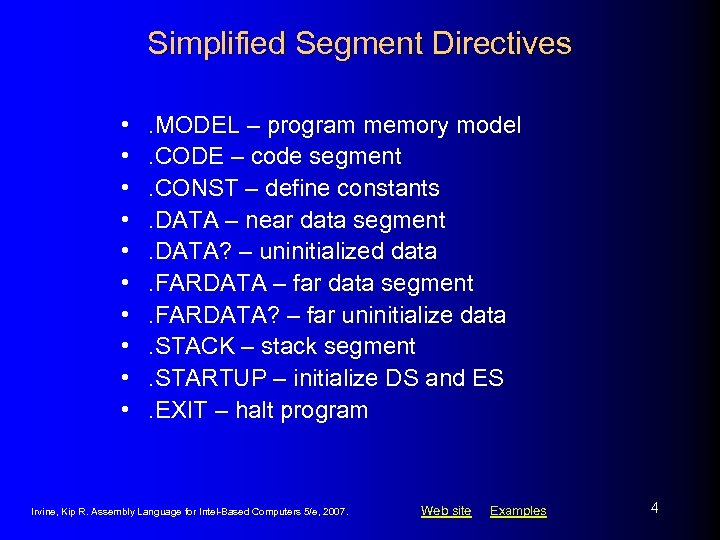
Simplified Segment Directives • • • . MODEL – program memory model. CODE – code segment. CONST – define constants. DATA – near data segment. DATA? – uninitialized data. FARDATA – far data segment. FARDATA? – far uninitialize data. STACK – stack segment. STARTUP – initialize DS and ES. EXIT – halt program Irvine, Kip R. Assembly Language for Intel-Based Computers 5/e, 2007. Web site Examples 4
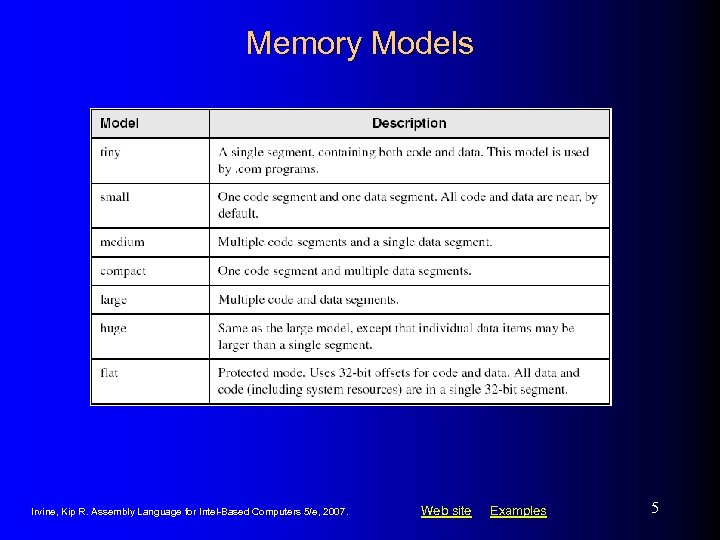
Memory Models Irvine, Kip R. Assembly Language for Intel-Based Computers 5/e, 2007. Web site Examples 5
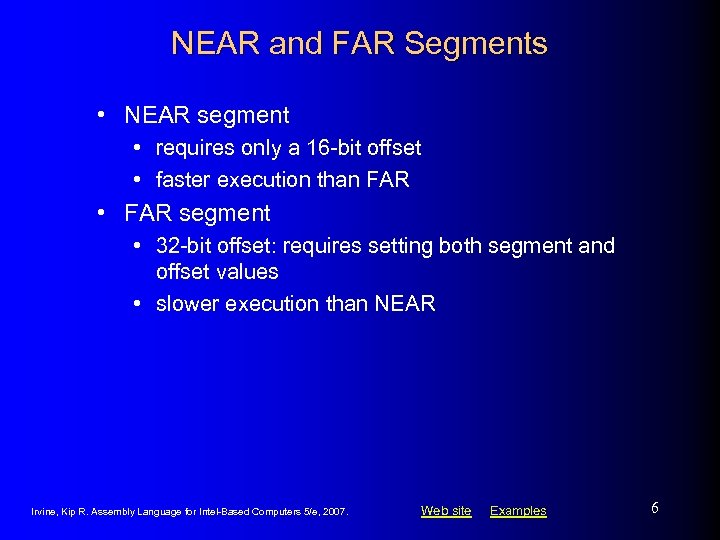
NEAR and FAR Segments • NEAR segment • requires only a 16 -bit offset • faster execution than FAR • FAR segment • 32 -bit offset: requires setting both segment and offset values • slower execution than NEAR Irvine, Kip R. Assembly Language for Intel-Based Computers 5/e, 2007. Web site Examples 6
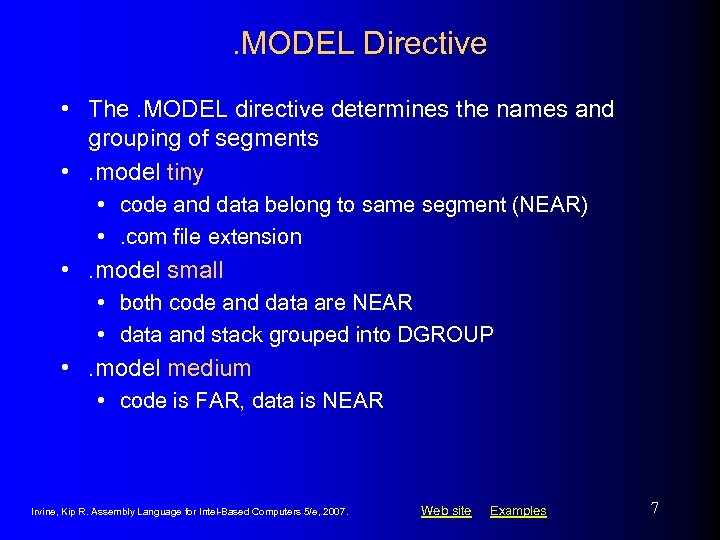
. MODEL Directive • The. MODEL directive determines the names and grouping of segments • . model tiny • code and data belong to same segment (NEAR) • . com file extension • . model small • both code and data are NEAR • data and stack grouped into DGROUP • . model medium • code is FAR, data is NEAR Irvine, Kip R. Assembly Language for Intel-Based Computers 5/e, 2007. Web site Examples 7
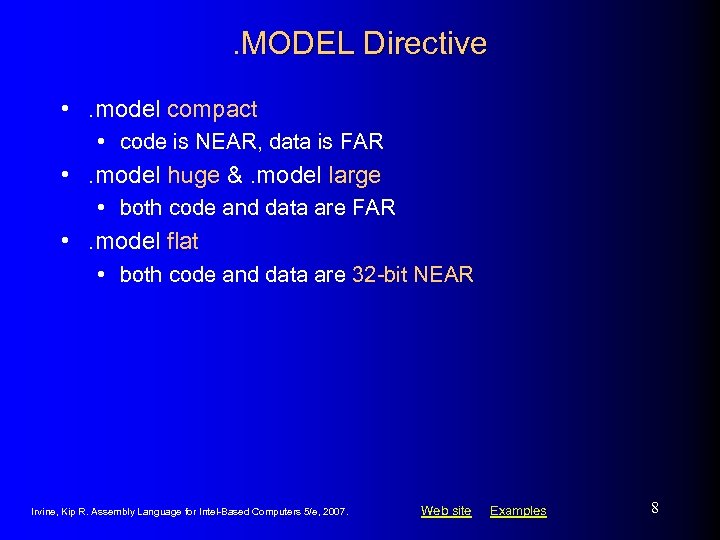
. MODEL Directive • . model compact • code is NEAR, data is FAR • . model huge &. model large • both code and data are FAR • . model flat • both code and data are 32 -bit NEAR Irvine, Kip R. Assembly Language for Intel-Based Computers 5/e, 2007. Web site Examples 8
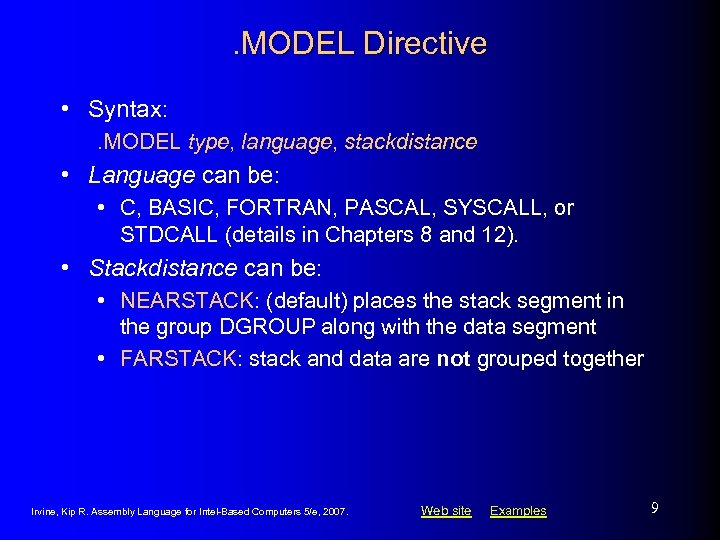
. MODEL Directive • Syntax: . MODEL type, language, stackdistance • Language can be: • C, BASIC, FORTRAN, PASCAL, SYSCALL, or STDCALL (details in Chapters 8 and 12). • Stackdistance can be: • NEARSTACK: (default) places the stack segment in the group DGROUP along with the data segment • FARSTACK: stack and data are not grouped together Irvine, Kip R. Assembly Language for Intel-Based Computers 5/e, 2007. Web site Examples 9
![. STACK Directive • Syntax: . STACK [stacksize] • Stacksize specifies size of stack,](https://present5.com/presentation/2644994ed8cabf5afd0127854b045e64/image-10.jpg ". STACK Directive • Syntax: . STACK [stacksize] • Stacksize specifies size of stack,")
. STACK Directive • Syntax: . STACK [stacksize] • Stacksize specifies size of stack, in bytes • default is 1024 • Example: set to 2048 bytes: • . stack 2048 Irvine, Kip R. Assembly Language for Intel-Based Computers 5/e, 2007. Web site Examples 10
![. CODE Directive • Syntax: . CODE [segname] • optional segname overrides the default](https://present5.com/presentation/2644994ed8cabf5afd0127854b045e64/image-11.jpg ". CODE Directive • Syntax: . CODE [segname] • optional segname overrides the default")
. CODE Directive • Syntax: . CODE [segname] • optional segname overrides the default name • Small, compact memory models • NEAR code segment • segment is named _TEXT • Medium, large, huge memory models • FAR code segment • segment is named modulename_TEXT Whenever the CPU executes a FAR call or jump, it loads CS with the new segment address. Irvine, Kip R. Assembly Language for Intel-Based Computers 5/e, 2007. Web site Examples 11
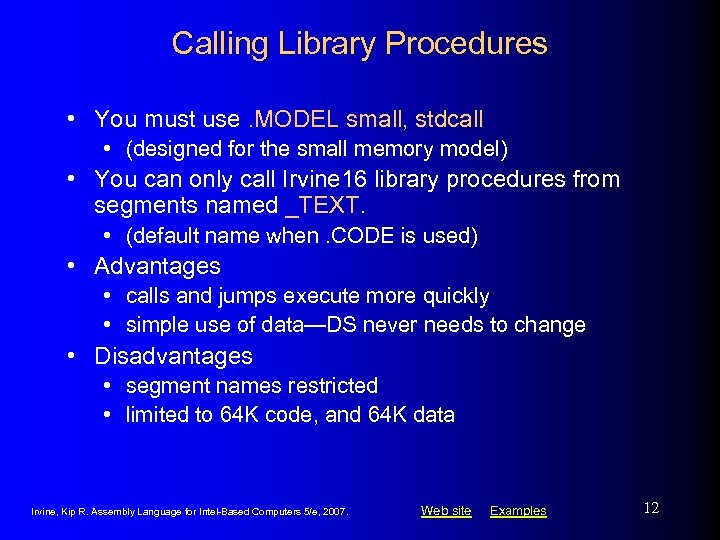
Calling Library Procedures • You must use. MODEL small, stdcall • (designed for the small memory model) • You can only call Irvine 16 library procedures from segments named _TEXT. • (default name when. CODE is used) • Advantages • calls and jumps execute more quickly • simple use of data—DS never needs to change • Disadvantages • segment names restricted • limited to 64 K code, and 64 K data Irvine, Kip R. Assembly Language for Intel-Based Computers 5/e, 2007. Web site Examples 12
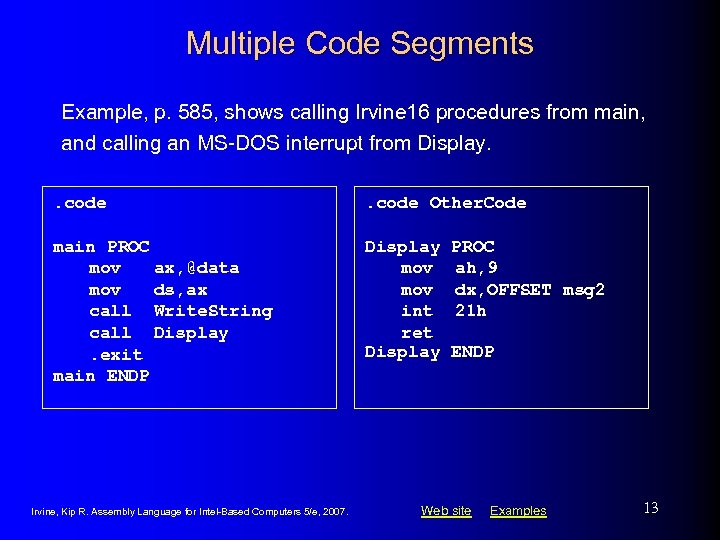
Multiple Code Segments Example, p. 585, shows calling Irvine 16 procedures from main, and calling an MS-DOS interrupt from Display. . code Other. Code main PROC mov ax, @data mov ds, ax call Write. String call Display. exit main ENDP Display mov int ret Display Irvine, Kip R. Assembly Language for Intel-Based Computers 5/e, 2007. PROC ah, 9 dx, OFFSET msg 2 21 h ENDP Web site Examples 13
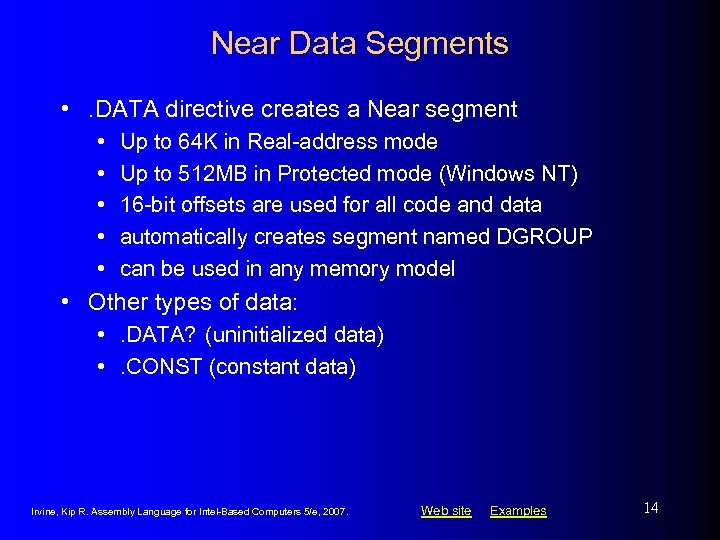
Near Data Segments • . DATA directive creates a Near segment • • • Up to 64 K in Real-address mode Up to 512 MB in Protected mode (Windows NT) 16 -bit offsets are used for all code and data automatically creates segment named DGROUP can be used in any memory model • Other types of data: • . DATA? (uninitialized data) • . CONST (constant data) Irvine, Kip R. Assembly Language for Intel-Based Computers 5/e, 2007. Web site Examples 14
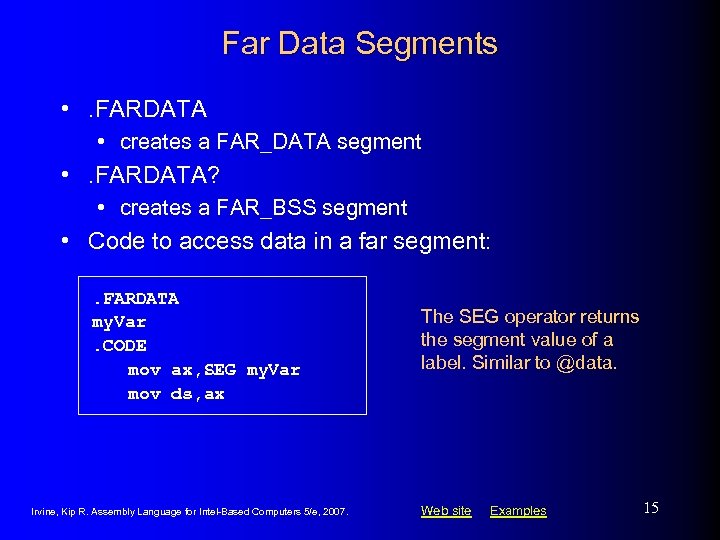
Far Data Segments • . FARDATA • creates a FAR_DATA segment • . FARDATA? • creates a FAR_BSS segment • Code to access data in a far segment: . FARDATA my. Var. CODE mov ax, SEG my. Var mov ds, ax Irvine, Kip R. Assembly Language for Intel-Based Computers 5/e, 2007. The SEG operator returns the segment value of a label. Similar to @data. Web site Examples 15
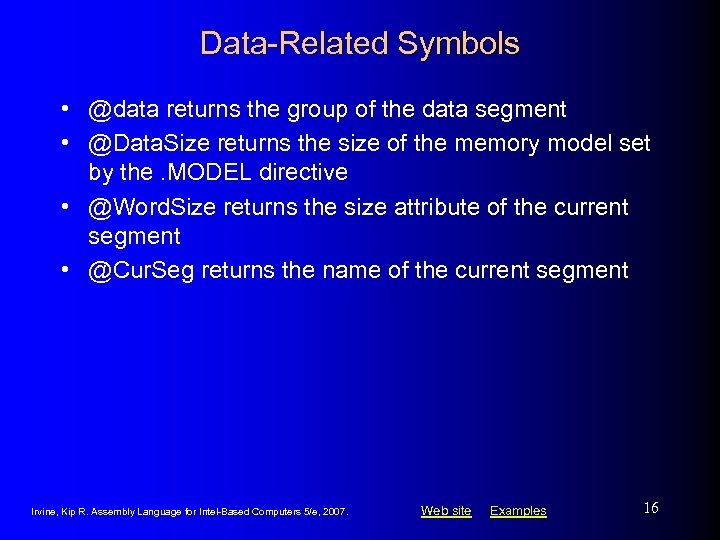
Data-Related Symbols • @data returns the group of the data segment • @Data. Size returns the size of the memory model set by the. MODEL directive • @Word. Size returns the size attribute of the current segment • @Cur. Seg returns the name of the current segment Irvine, Kip R. Assembly Language for Intel-Based Computers 5/e, 2007. Web site Examples 16
Explicit Segment Definitions • Use them when you cannot or do not want to use simplified segment directives • All segment attributes must be specified • The ASSUME directive is required Irvine, Kip R. Assembly Language for Intel-Based Computers 5/e, 2007. Web site Examples 17
![SEGMENT Directive Syntax: name SEGMENT [align] [combine] ['class'] statements name ENDS • name identifies](https://present5.com/presentation/2644994ed8cabf5afd0127854b045e64/image-18.jpg "SEGMENT Directive Syntax: name SEGMENT [align] [combine] ['class'] statements name ENDS • name identifies")
SEGMENT Directive Syntax: name SEGMENT [align] [combine] ['class'] statements name ENDS • name identifies the segment; it can either be unique or the name of an existing segment. • align can be BYTE, WORD, DWORD, PARA, or PAGE. • combine can be PRIVATE, PUBLIC, STACK, COMMON, MEMORY, or AT address. • class is an identifier used when identifying a particular type of segment such as CODE or STACK. Irvine, Kip R. Assembly Language for Intel-Based Computers 5/e, 2007. Web site Examples 18
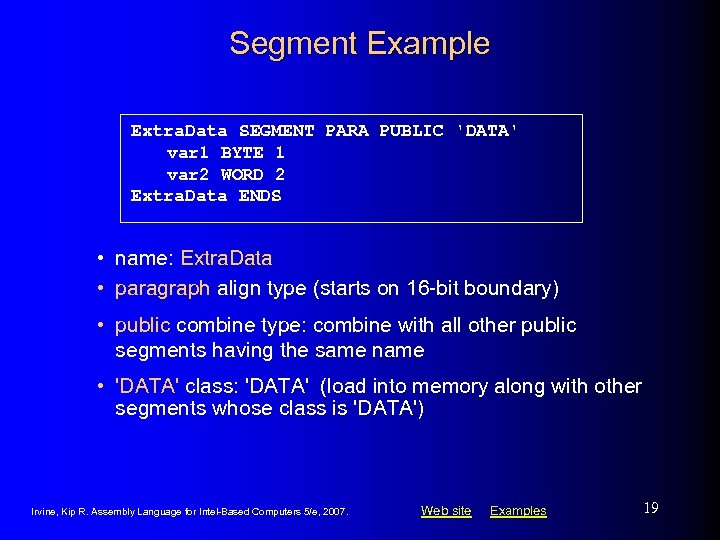
Segment Example Extra. Data SEGMENT PARA PUBLIC 'DATA' var 1 BYTE 1 var 2 WORD 2 Extra. Data ENDS • name: Extra. Data • paragraph align type (starts on 16 -bit boundary) • public combine type: combine with all other public segments having the same name • 'DATA' class: 'DATA' (load into memory along with other segments whose class is 'DATA') Irvine, Kip R. Assembly Language for Intel-Based Computers 5/e, 2007. Web site Examples 19
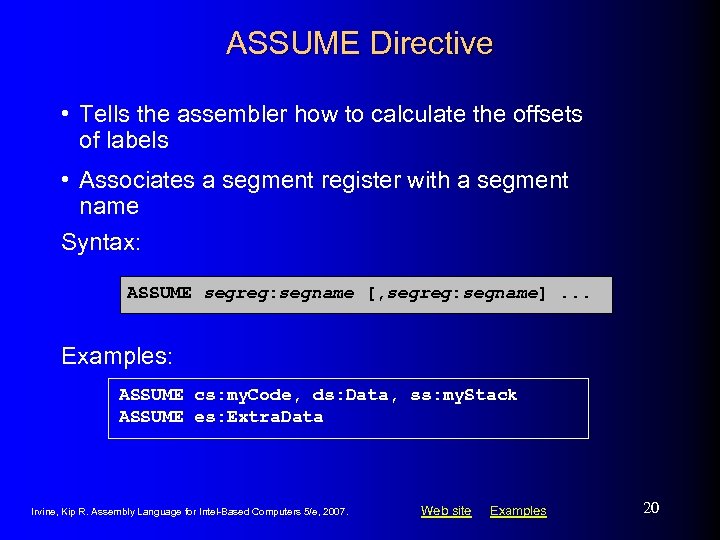
ASSUME Directive • Tells the assembler how to calculate the offsets of labels • Associates a segment register with a segment name Syntax: ASSUME segreg: segname [, segreg: segname]. . . Examples: ASSUME cs: my. Code, ds: Data, ss: my. Stack ASSUME es: Extra. Data Irvine, Kip R. Assembly Language for Intel-Based Computers 5/e, 2007. Web site Examples 20
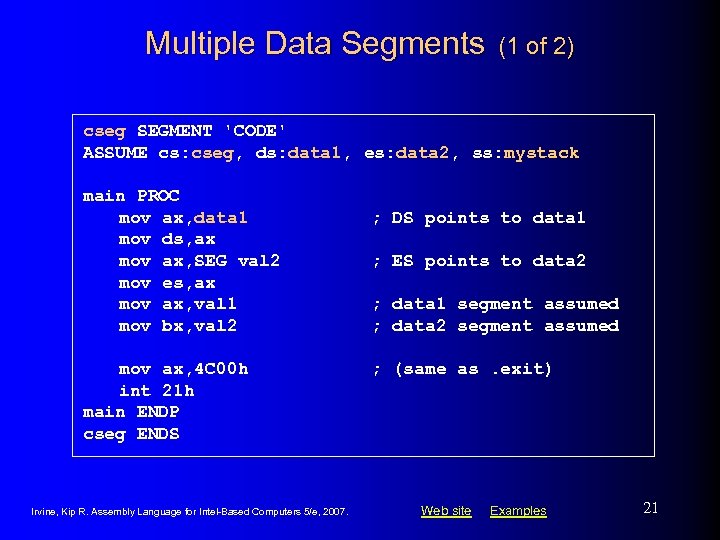
Multiple Data Segments (1 of 2) cseg SEGMENT 'CODE' ASSUME cs: cseg, ds: data 1, es: data 2, ss: mystack main PROC mov ax, data 1 mov ds, ax mov ax, SEG val 2 mov es, ax mov ax, val 1 mov bx, val 2 mov ax, 4 C 00 h int 21 h main ENDP cseg ENDS Irvine, Kip R. Assembly Language for Intel-Based Computers 5/e, 2007. ; DS points to data 1 ; ES points to data 2 ; data 1 segment assumed ; data 2 segment assumed ; (same as. exit) Web site Examples 21
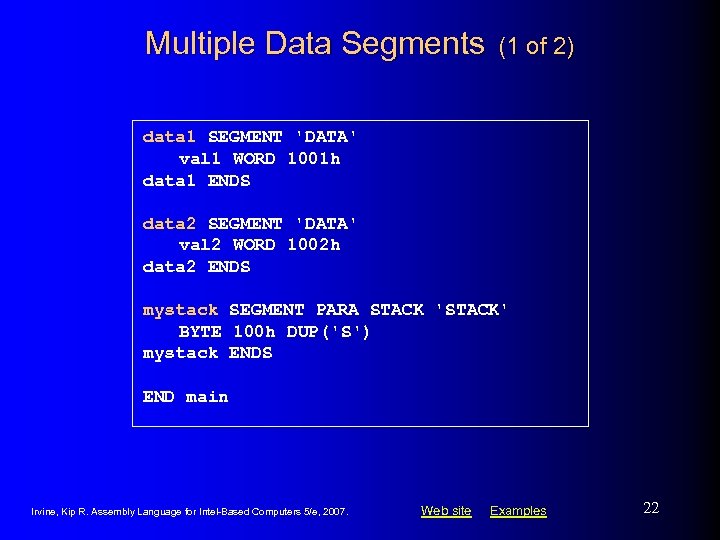
Multiple Data Segments (1 of 2) data 1 SEGMENT 'DATA' val 1 WORD 1001 h data 1 ENDS data 2 SEGMENT 'DATA' val 2 WORD 1002 h data 2 ENDS mystack SEGMENT PARA STACK 'STACK' BYTE 100 h DUP('S') mystack ENDS END main Irvine, Kip R. Assembly Language for Intel-Based Computers 5/e, 2007. Web site Examples 22
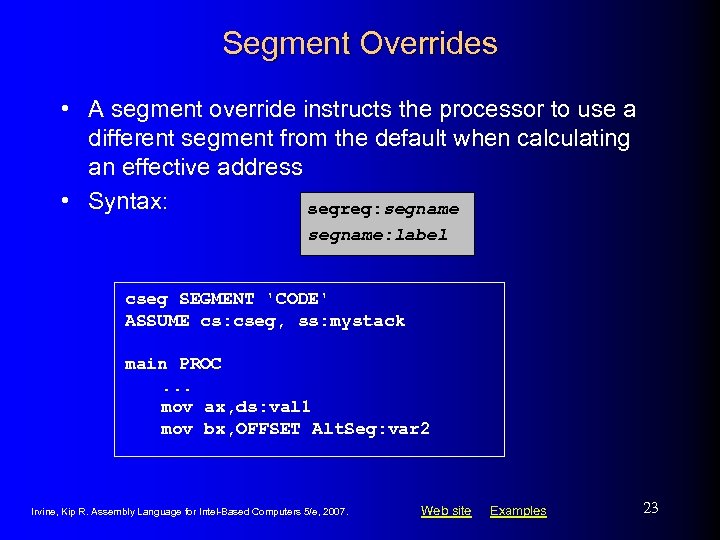
Segment Overrides • A segment override instructs the processor to use a different segment from the default when calculating an effective address • Syntax: segreg: segname: label cseg SEGMENT 'CODE' ASSUME cs: cseg, ss: mystack main PROC. . . mov ax, ds: val 1 mov bx, OFFSET Alt. Seg: var 2 Irvine, Kip R. Assembly Language for Intel-Based Computers 5/e, 2007. Web site Examples 23
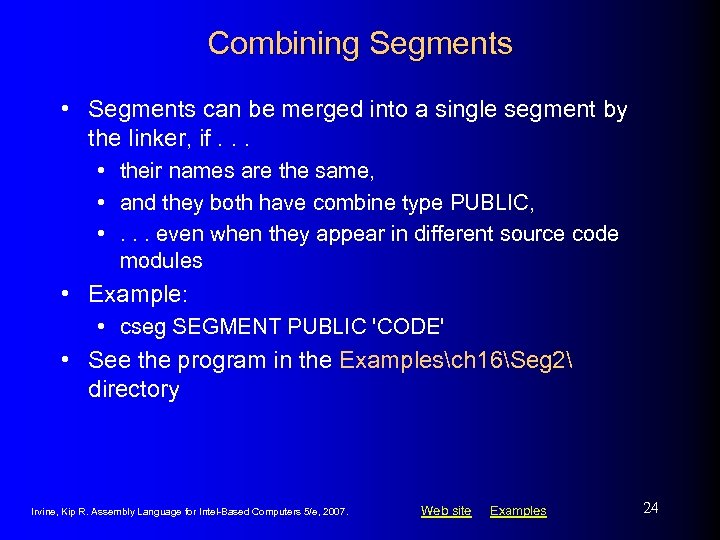
Combining Segments • Segments can be merged into a single segment by the linker, if. . . • their names are the same, • and they both have combine type PUBLIC, • . . . even when they appear in different source code modules • Example: • cseg SEGMENT PUBLIC 'CODE' • See the program in the Examplesch 16Seg 2 directory Irvine, Kip R. Assembly Language for Intel-Based Computers 5/e, 2007. Web site Examples 24
What's Next • • Defining Segments Runtime Program Structure Interrupt Handling Hardware Control Using I/O Ports Irvine, Kip R. Assembly Language for Intel-Based Computers 5/e, 2007. Web site Examples 25
Runtime Program Structure • COM Programs • EXE Programs Irvine, Kip R. Assembly Language for Intel-Based Computers 5/e, 2007. Web site Examples 26
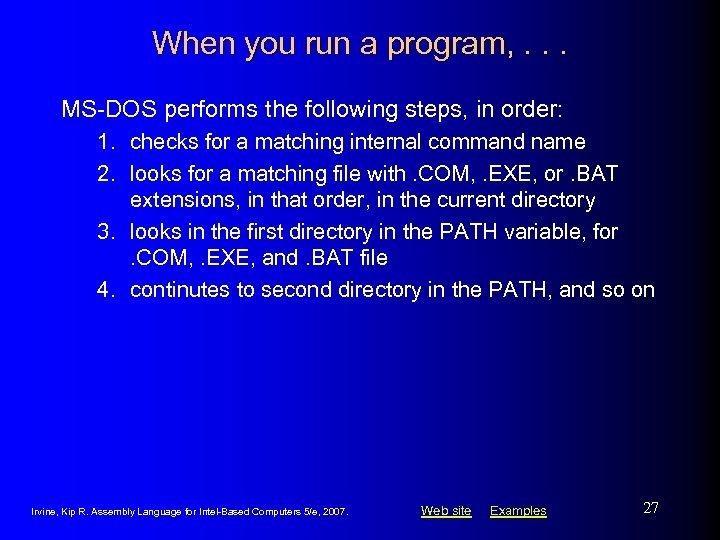
When you run a program, . . . MS-DOS performs the following steps, in order: 1. checks for a matching internal command name 2. looks for a matching file with. COM, . EXE, or. BAT extensions, in that order, in the current directory 3. looks in the first directory in the PATH variable, for. COM, . EXE, and. BAT file 4. continutes to second directory in the PATH, and so on Irvine, Kip R. Assembly Language for Intel-Based Computers 5/e, 2007. Web site Examples 27
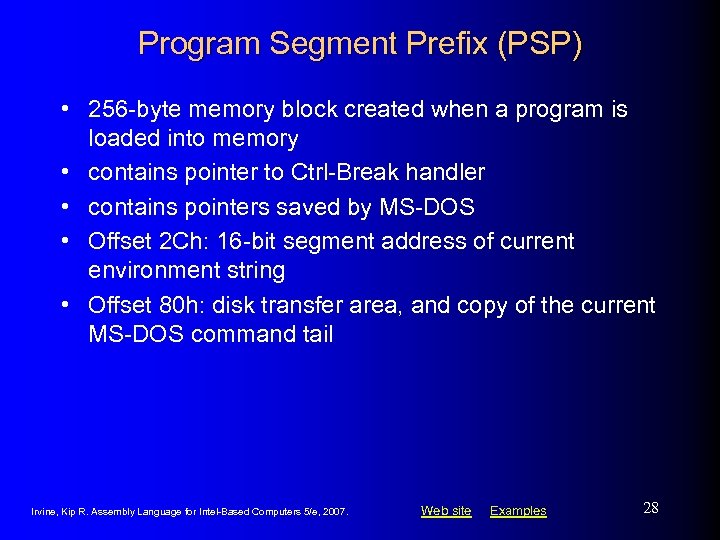
Program Segment Prefix (PSP) • 256 -byte memory block created when a program is loaded into memory • contains pointer to Ctrl-Break handler • contains pointers saved by MS-DOS • Offset 2 Ch: 16 -bit segment address of current environment string • Offset 80 h: disk transfer area, and copy of the current MS-DOS command tail Irvine, Kip R. Assembly Language for Intel-Based Computers 5/e, 2007. Web site Examples 28
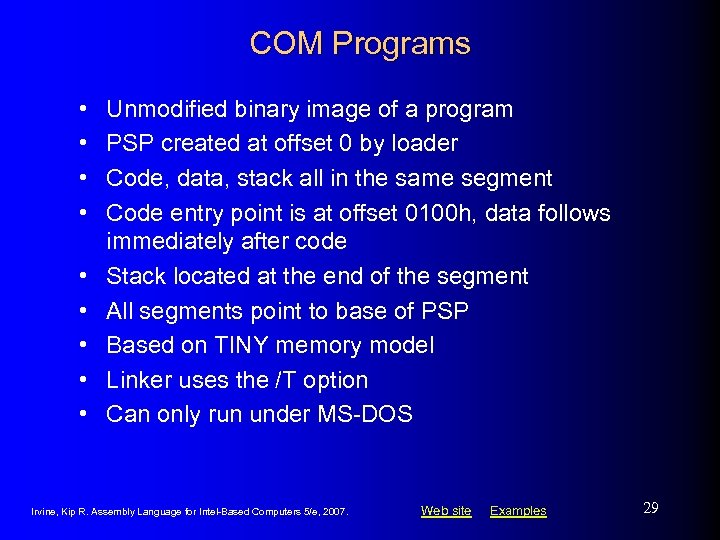
COM Programs • • • Unmodified binary image of a program PSP created at offset 0 by loader Code, data, stack all in the same segment Code entry point is at offset 0100 h, data follows immediately after code Stack located at the end of the segment All segments point to base of PSP Based on TINY memory model Linker uses the /T option Can only run under MS-DOS Irvine, Kip R. Assembly Language for Intel-Based Computers 5/e, 2007. Web site Examples 29
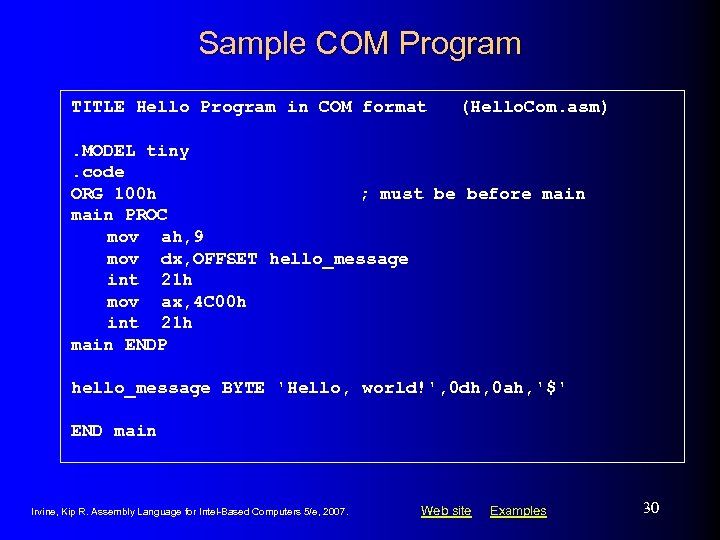
Sample COM Program TITLE Hello Program in COM format (Hello. Com. asm) . MODEL tiny. code ORG 100 h ; must be before main PROC mov ah, 9 mov dx, OFFSET hello_message int 21 h mov ax, 4 C 00 h int 21 h main ENDP hello_message BYTE 'Hello, world!', 0 dh, 0 ah, '$' END main Irvine, Kip R. Assembly Language for Intel-Based Computers 5/e, 2007. Web site Examples 30
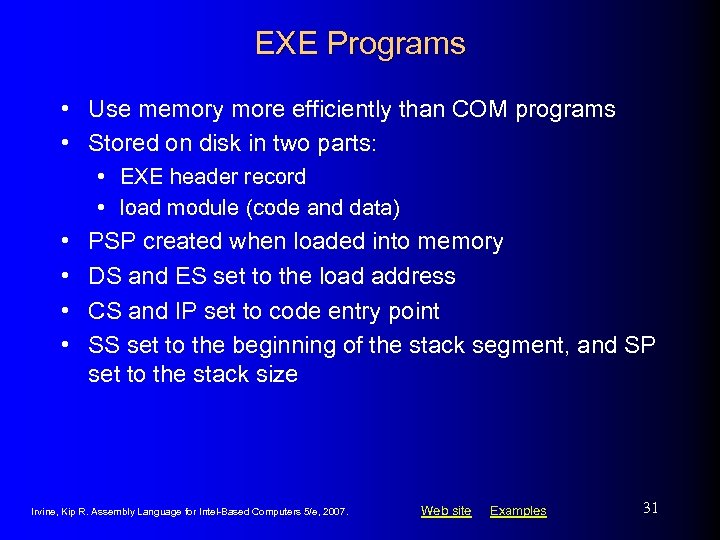
EXE Programs • Use memory more efficiently than COM programs • Stored on disk in two parts: • EXE header record • load module (code and data) • • PSP created when loaded into memory DS and ES set to the load address CS and IP set to code entry point SS set to the beginning of the stack segment, and SP set to the stack size Irvine, Kip R. Assembly Language for Intel-Based Computers 5/e, 2007. Web site Examples 31
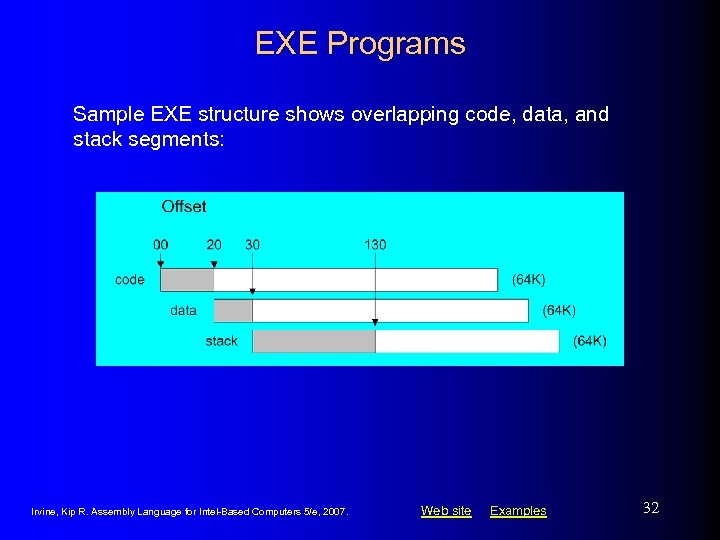
EXE Programs Sample EXE structure shows overlapping code, data, and stack segments: Irvine, Kip R. Assembly Language for Intel-Based Computers 5/e, 2007. Web site Examples 32
EXE Header Record • A relocation table, containing addresses to be calculated when the program is loaded. • The file size of the EXE program, measured in 512 -byte units. • Minimum allocation: min number of paragraphs needed above the program. • Maximum allocation: max number of paragraphs needed above the program. • Starting IP and SP values. • Displacement (in paragraphs) of the stack and code segments from the beginning of the load module. • A checksum of all words in the file, used in catching data errors when loading the program into memory. Irvine, Kip R. Assembly Language for Intel-Based Computers 5/e, 2007. Web site Examples 33
What's Next • • Defining Segments Runtime Program Structure Interrupt Handling Hardware Control Using I/O Ports Irvine, Kip R. Assembly Language for Intel-Based Computers 5/e, 2007. Web site Examples 34
Interrupt Handling • • • Overview Hardware Interrupts Interrupt Control Instructions Writing a Custom Interrupt Handler Terminate and Stay Resident Programs The No_Reset Program Irvine, Kip R. Assembly Language for Intel-Based Computers 5/e, 2007. Web site Examples 35
Overview • Interrupt handler (interrrupt service routine) – performs common I/O tasks • can be called as functions • can be activated by hardware events • Examples: • • • video output handler critical error handler keyboard handler divide by zero handler Ctrl-Break handler serial port I/O Irvine, Kip R. Assembly Language for Intel-Based Computers 5/e, 2007. Web site Examples 36
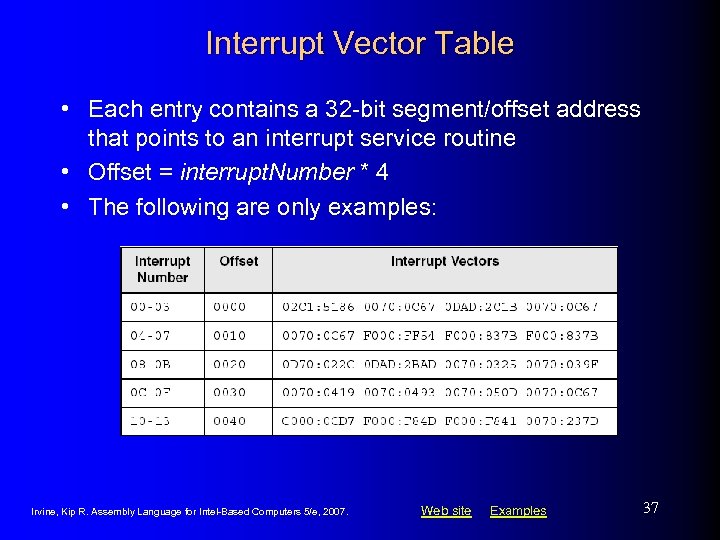
Interrupt Vector Table • Each entry contains a 32 -bit segment/offset address that points to an interrupt service routine • Offset = interrupt. Number * 4 • The following are only examples: Irvine, Kip R. Assembly Language for Intel-Based Computers 5/e, 2007. Web site Examples 37
Hardware Interrupts • Generated by the Intel 8259 Programmable Interrupt Contoller (PIC) • in response to a hardware signal • Interrupt Request Levels (IRQ) • priority-based interrupt scheduler • brokers simultaneous interrupt requests • prevents low-priority interrupt from interrupting a highpriority interrupt Irvine, Kip R. Assembly Language for Intel-Based Computers 5/e, 2007. Web site Examples 38
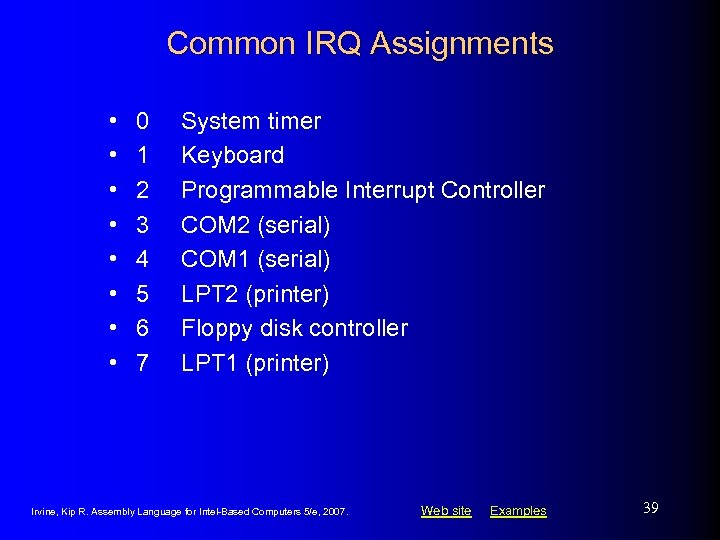
Common IRQ Assignments • • 0 1 2 3 4 5 6 7 System timer Keyboard Programmable Interrupt Controller COM 2 (serial) COM 1 (serial) LPT 2 (printer) Floppy disk controller LPT 1 (printer) Irvine, Kip R. Assembly Language for Intel-Based Computers 5/e, 2007. Web site Examples 39
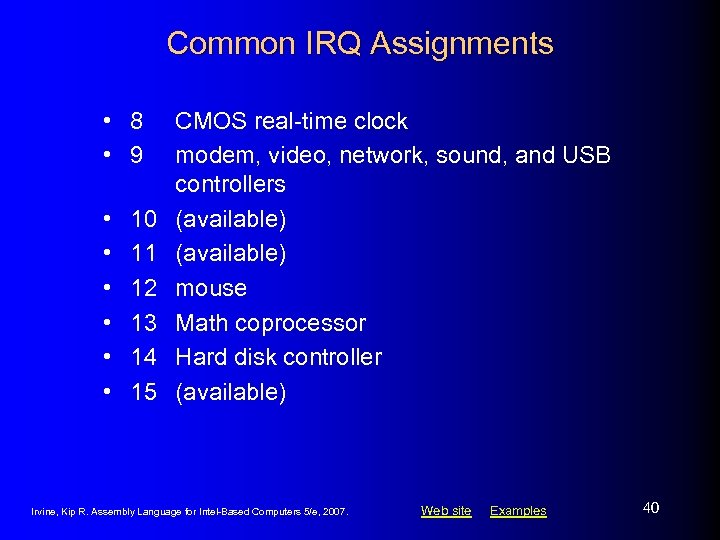
Common IRQ Assignments • 8 • 9 • • • 10 11 12 13 14 15 CMOS real-time clock modem, video, network, sound, and USB controllers (available) mouse Math coprocessor Hard disk controller (available) Irvine, Kip R. Assembly Language for Intel-Based Computers 5/e, 2007. Web site Examples 40
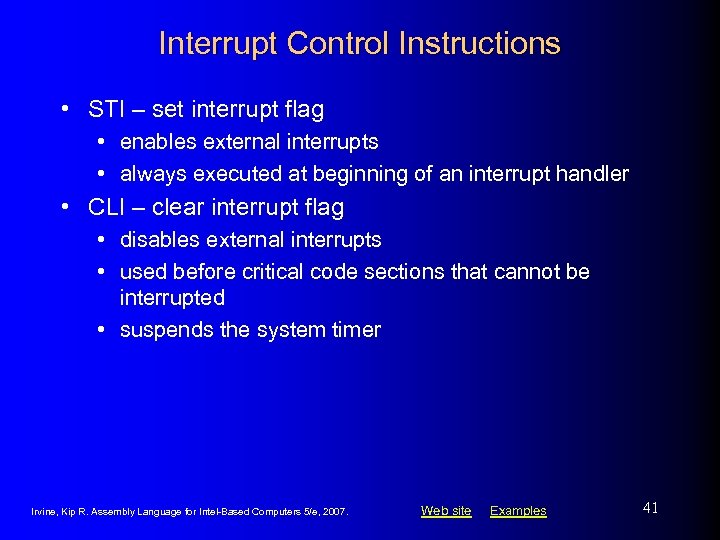
Interrupt Control Instructions • STI – set interrupt flag • enables external interrupts • always executed at beginning of an interrupt handler • CLI – clear interrupt flag • disables external interrupts • used before critical code sections that cannot be interrupted • suspends the system timer Irvine, Kip R. Assembly Language for Intel-Based Computers 5/e, 2007. Web site Examples 41
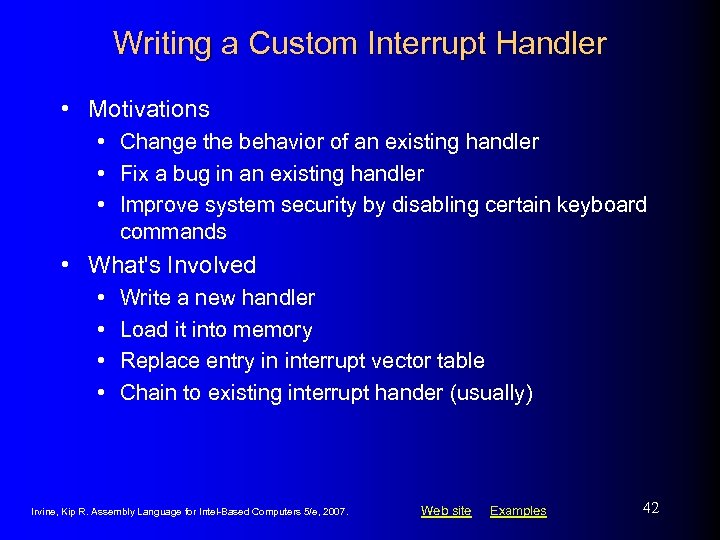
Writing a Custom Interrupt Handler • Motivations • Change the behavior of an existing handler • Fix a bug in an existing handler • Improve system security by disabling certain keyboard commands • What's Involved • • Write a new handler Load it into memory Replace entry in interrupt vector table Chain to existing interrupt hander (usually) Irvine, Kip R. Assembly Language for Intel-Based Computers 5/e, 2007. Web site Examples 42
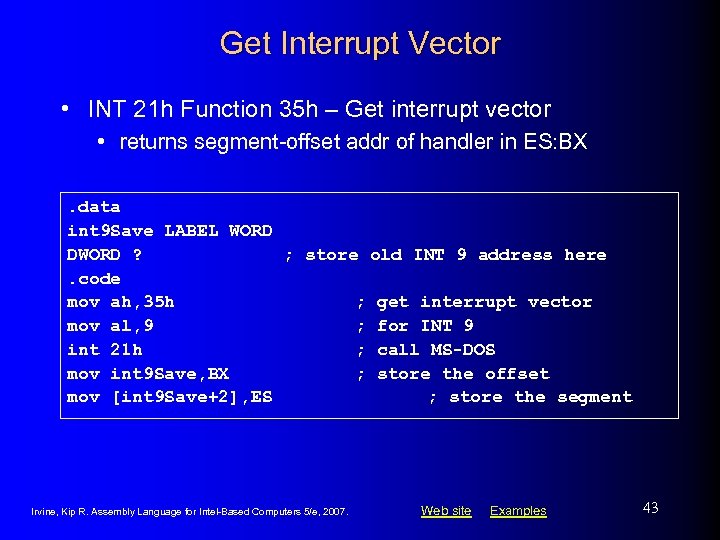
Get Interrupt Vector • INT 21 h Function 35 h – Get interrupt vector • returns segment-offset addr of handler in ES: BX. data int 9 Save LABEL WORD DWORD ? ; store old INT 9 address here. code mov ah, 35 h ; get interrupt vector mov al, 9 ; for INT 9 int 21 h ; call MS-DOS mov int 9 Save, BX ; store the offset mov [int 9 Save+2], ES ; store the segment Irvine, Kip R. Assembly Language for Intel-Based Computers 5/e, 2007. Web site Examples 43
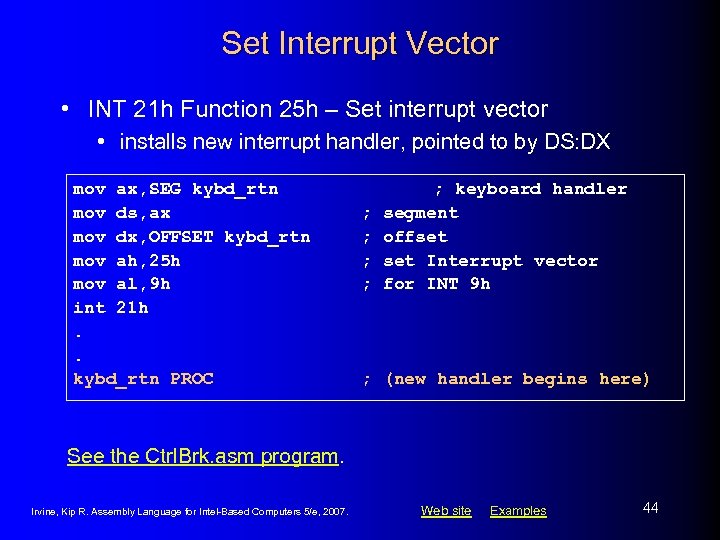
Set Interrupt Vector • INT 21 h Function 25 h – Set interrupt vector • installs new interrupt handler, pointed to by DS: DX mov ax, SEG kybd_rtn mov ds, ax mov dx, OFFSET kybd_rtn mov ah, 25 h mov al, 9 h int 21 h. . kybd_rtn PROC ; ; ; keyboard handler segment offset Interrupt vector for INT 9 h ; (new handler begins here) See the Ctrl. Brk. asm program. Irvine, Kip R. Assembly Language for Intel-Based Computers 5/e, 2007. Web site Examples 44
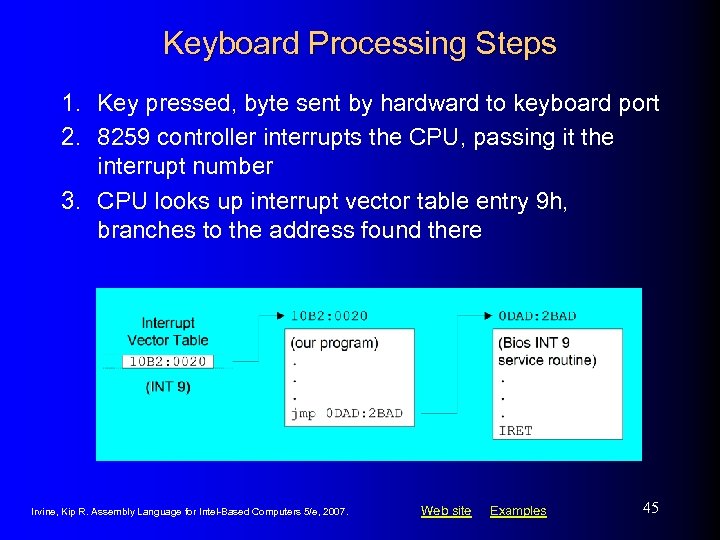
Keyboard Processing Steps 1. Key pressed, byte sent by hardward to keyboard port 2. 8259 controller interrupts the CPU, passing it the interrupt number 3. CPU looks up interrupt vector table entry 9 h, branches to the address found there Irvine, Kip R. Assembly Language for Intel-Based Computers 5/e, 2007. Web site Examples 45
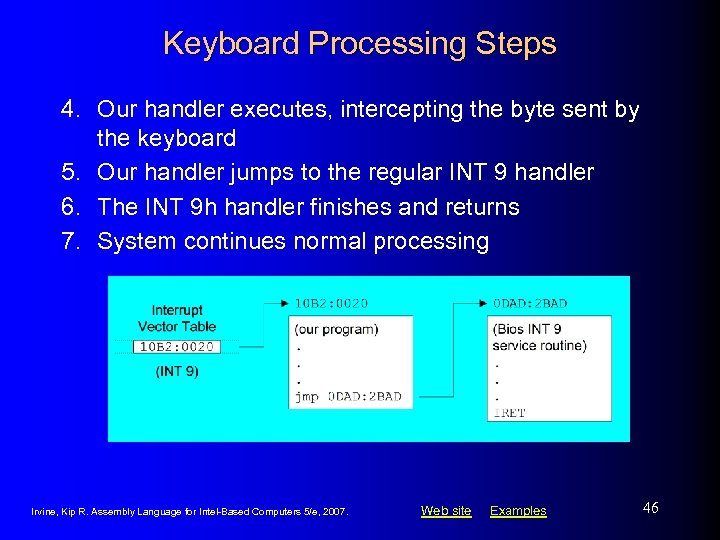
Keyboard Processing Steps 4. Our handler executes, intercepting the byte sent by the keyboard 5. Our handler jumps to the regular INT 9 handler 6. The INT 9 h handler finishes and returns 7. System continues normal processing Irvine, Kip R. Assembly Language for Intel-Based Computers 5/e, 2007. Web site Examples 46
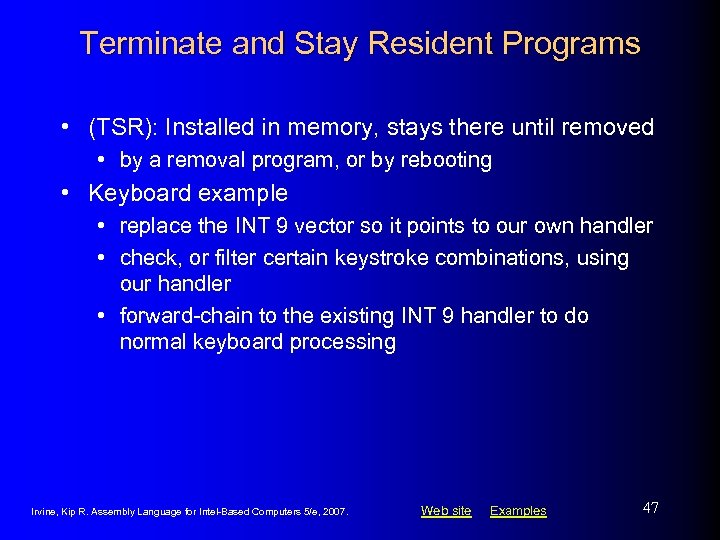
Terminate and Stay Resident Programs • (TSR): Installed in memory, stays there until removed • by a removal program, or by rebooting • Keyboard example • replace the INT 9 vector so it points to our own handler • check, or filter certain keystroke combinations, using our handler • forward-chain to the existing INT 9 handler to do normal keyboard processing Irvine, Kip R. Assembly Language for Intel-Based Computers 5/e, 2007. Web site Examples 47
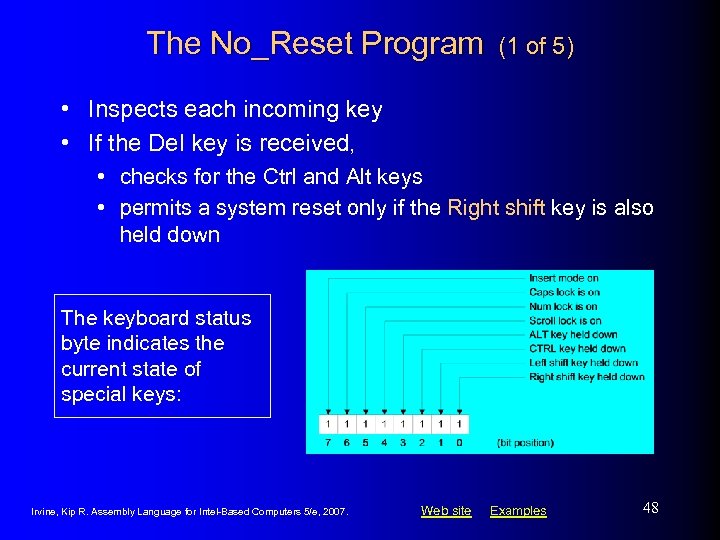
The No_Reset Program (1 of 5) • Inspects each incoming key • If the Del key is received, • checks for the Ctrl and Alt keys • permits a system reset only if the Right shift key is also held down The keyboard status byte indicates the current state of special keys: Irvine, Kip R. Assembly Language for Intel-Based Computers 5/e, 2007. Web site Examples 48
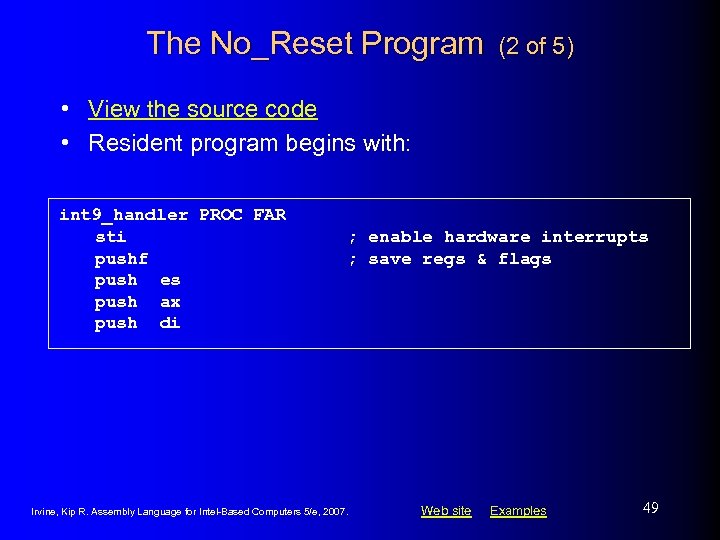
The No_Reset Program (2 of 5) • View the source code • Resident program begins with: int 9_handler PROC FAR sti pushf push es push ax push di ; enable hardware interrupts ; save regs & flags Irvine, Kip R. Assembly Language for Intel-Based Computers 5/e, 2007. Web site Examples 49
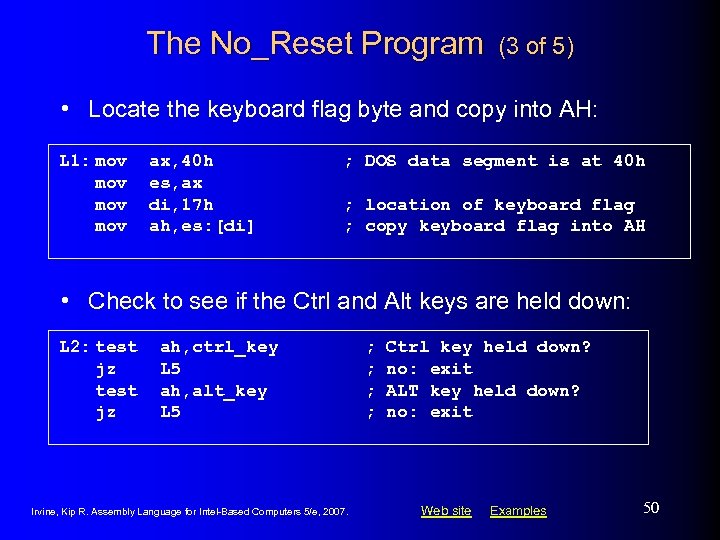
The No_Reset Program (3 of 5) • Locate the keyboard flag byte and copy into AH: L 1: mov mov ax, 40 h es, ax di, 17 h ah, es: [di] ; DOS data segment is at 40 h ; location of keyboard flag ; copy keyboard flag into AH • Check to see if the Ctrl and Alt keys are held down: L 2: test jz ah, ctrl_key L 5 ah, alt_key L 5 Irvine, Kip R. Assembly Language for Intel-Based Computers 5/e, 2007. ; ; Ctrl key held down? no: exit ALT key held down? no: exit Web site Examples 50
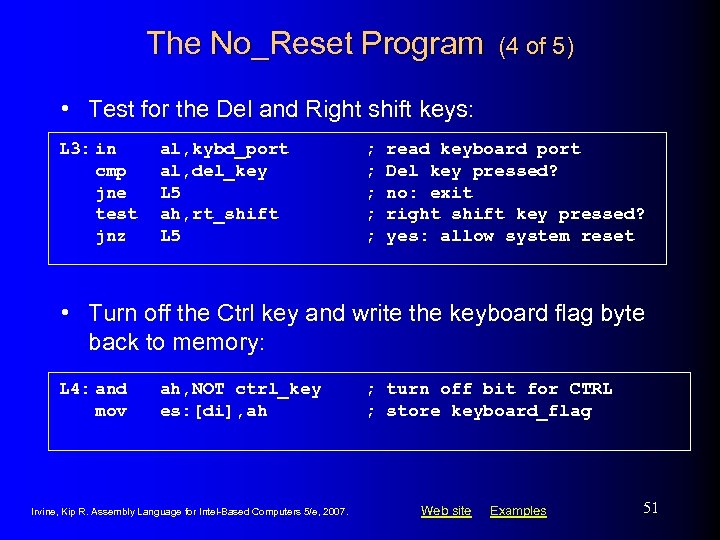
The No_Reset Program (4 of 5) • Test for the Del and Right shift keys: L 3: in cmp jne test jnz al, kybd_port al, del_key L 5 ah, rt_shift L 5 ; ; ; read keyboard port Del key pressed? no: exit right shift key pressed? yes: allow system reset • Turn off the Ctrl key and write the keyboard flag byte back to memory: L 4: and mov ah, NOT ctrl_key es: [di], ah Irvine, Kip R. Assembly Language for Intel-Based Computers 5/e, 2007. ; turn off bit for CTRL ; store keyboard_flag Web site Examples 51
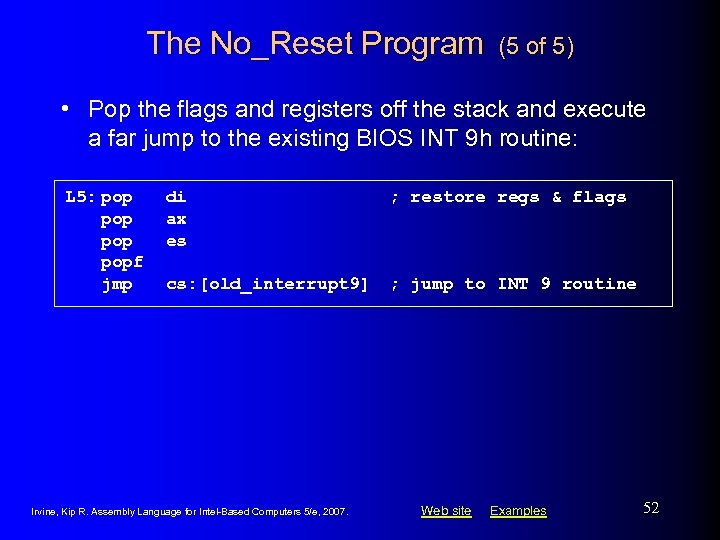
The No_Reset Program (5 of 5) • Pop the flags and registers off the stack and execute a far jump to the existing BIOS INT 9 h routine: L 5: pop popf jmp di ax es ; restore regs & flags cs: [old_interrupt 9] ; jump to INT 9 routine Irvine, Kip R. Assembly Language for Intel-Based Computers 5/e, 2007. Web site Examples 52
What's Next • • Defining Segments Runtime Program Structure Interrupt Handling Hardware Control Using I/O Ports Irvine, Kip R. Assembly Language for Intel-Based Computers 5/e, 2007. Web site Examples 53
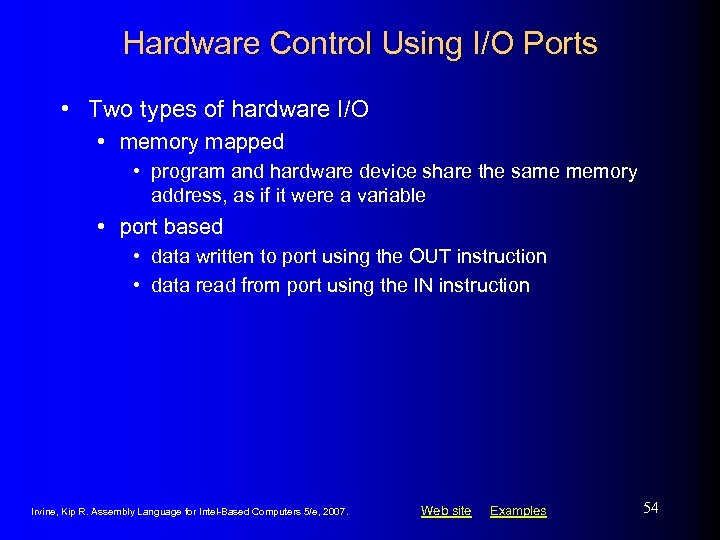
Hardware Control Using I/O Ports • Two types of hardware I/O • memory mapped • program and hardware device share the same memory address, as if it were a variable • port based • data written to port using the OUT instruction • data read from port using the IN instruction Irvine, Kip R. Assembly Language for Intel-Based Computers 5/e, 2007. Web site Examples 54
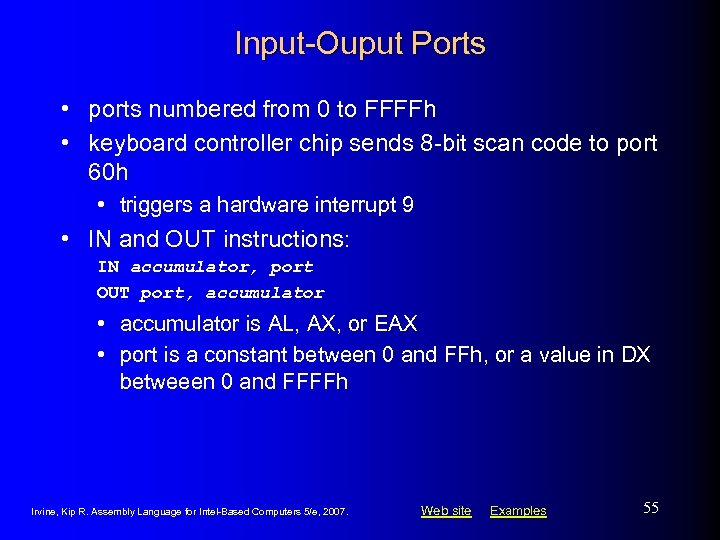
Input-Ouput Ports • ports numbered from 0 to FFFFh • keyboard controller chip sends 8 -bit scan code to port 60 h • triggers a hardware interrupt 9 • IN and OUT instructions: IN accumulator, port OUT port, accumulator • accumulator is AL, AX, or EAX • port is a constant between 0 and FFh, or a value in DX betweeen 0 and FFFFh Irvine, Kip R. Assembly Language for Intel-Based Computers 5/e, 2007. Web site Examples 55
PC Sound Program • Generates sound through speaker • speaker control port: 61 h • Intel 8255 Programmable Peripheral Interface chip turns the speaker on and off • Intel 8253 Timer chip controls the frequency • Source code Irvine, Kip R. Assembly Language for Intel-Based Computers 5/e, 2007. Web site Examples 56
Summary • Explicit segment definitions used often in custom code libraries • Directives: SEGMENT, ENDS, ASSUME • Transient programs • Program segment prefix (PSP) • Interrupt handlers, interrupt vector table • Hardware interrupt, 8259 Programmable Interrupt Controller, interrupt flag • Terminate and Stay Resident (TSR) • Memory-mapped and port-based I/O Irvine, Kip R. Assembly Language for Intel-Based Computers 5/e, 2007. Web site Examples 57
The End Irvine, Kip R. Assembly Language for Intel-Based Computers 5/e, 2007. Web site Examples 58
Скачать презентацию Assembly Language for Intel-Based Computers 5 th Edition
2644994ed8cabf5afd0127854b045e64.ppt