


 Скачать презентацию AS ICT UNIT 2 IT 2 PRESENTING
124dfc11d510b05a7af753123c820d7b.ppt
- Количество слайдов: 75
 AS ICT UNIT 2 – IT 2 PRESENTING NFORMATION ICT Department Bassaleg School

 ICT 2 – 80 UCAS points – 40% AS ICT marks ICT 2 will be the focus of your teaching and learning until Christmas Follow guidelines given to you by your teachers carefully and use the excellent resources on Moodle VLE and in the STEP 4 Student Shared Area. Understand the Marking Scheme – it is PRESCRIPTIVE! EFFORT is the Key Teachers: Mr Harries – Mr Bennett - Mrs Olsen Jones – Ms Ahmed
 Your Choice of project Take Care! • • Own individual choice WJEC does not set the context Centre does not set the context No group work
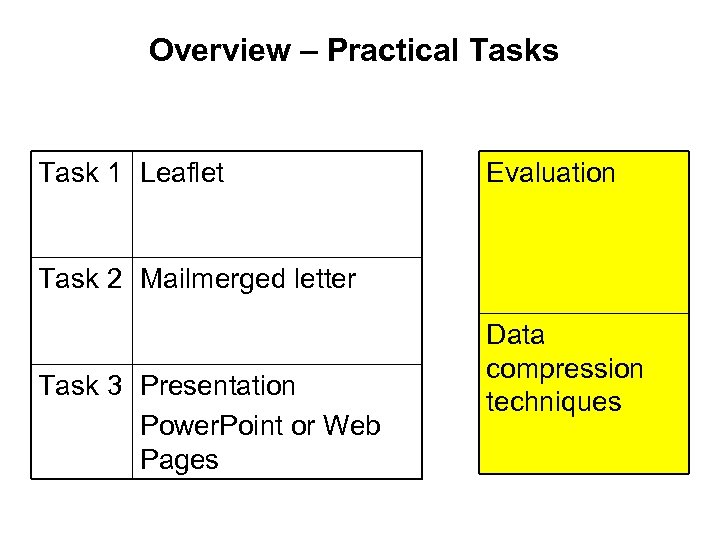 Overview – Practical Tasks Task 1 Leaflet Evaluation Task 2 Mailmerged letter Task 3 Presentation Power. Point or Web Pages Data compression techniques
 The ‘Background’ • What is their organisation? • What does it do? • Where is it? • How big is it?
 Analysis of ‘documents’ Identify documents used in the organisation • • Letters to all customers (promotional material/junk mail) Fliers Brochures or leaflets or catalogues Compliments slip Posters Web pages Slideshows Business Cards etc Scan them into report or include the originals Make sure they have a different function!!
 Analysis of all 3 documents COLLECTIVELY to determine house style / ethos / image Image and ethos Power. Point
 Image / Ethos /House style • Writing style and tone/how choice of logo and or fonts reflect this. What does the logo say about the company not just what the logo is – analyse the logo or font style • Presentation style e. g. use of colour/images • Identify consistent themes rules / procedures adopted to help clarity and consistency • Is there a house style? Why not? what could it be?
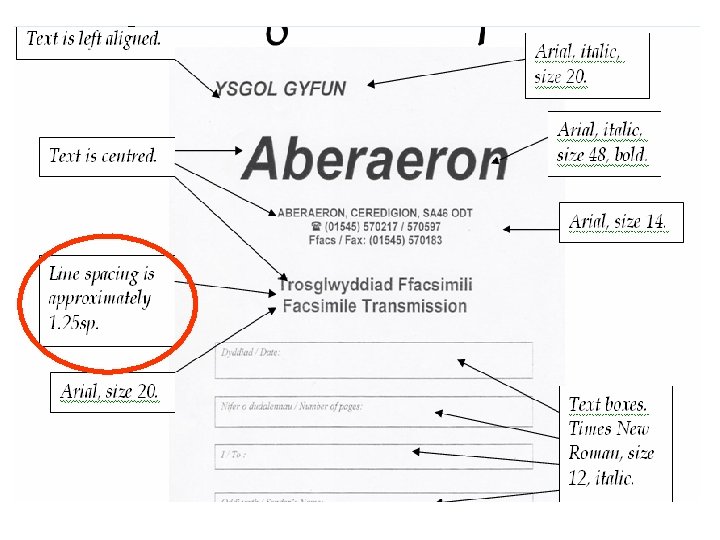
 Desktop Publishing 2 Documents Describe the main function of the document and its data; who is the intended audience? 4 Techniques What techniques have been used in the documents? e. g. • Tables • Bullets • Watermarks etc
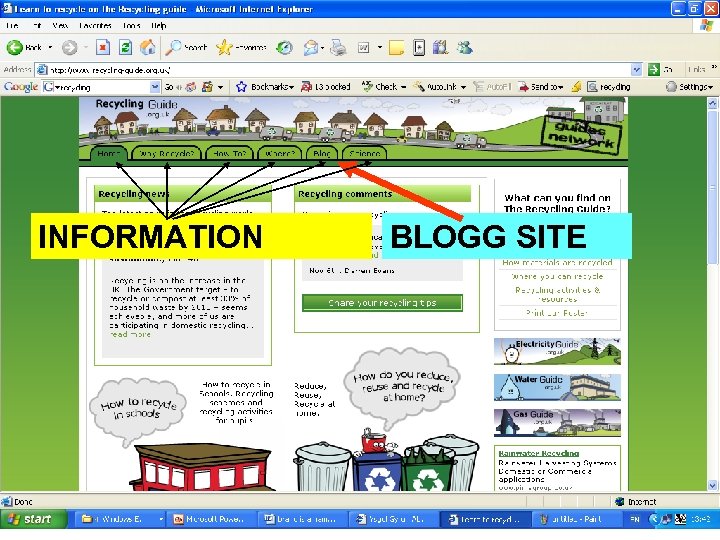
 Examining web sites and one large document Be Careful A large document and websites of many pages may still only have one purpose and count as one document. It is not about giving a description of what data is on every page (this goes for large documents as well!!!!). There must be a separate purpose if it is to count as two documents
 INFORMATION BLOGG SITE
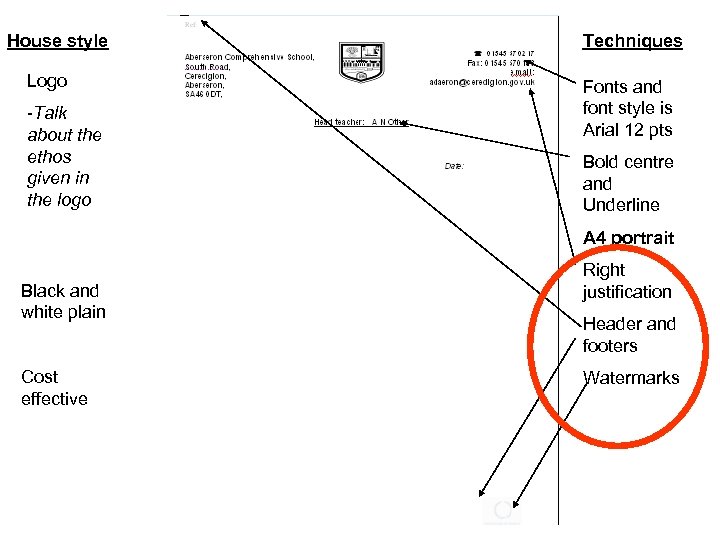 House style Logo -Talk about the ethos given in the logo Techniques Fonts and font style is Arial 12 pts Bold centre and Underline A 4 portrait Black and white plain Cost effective Right justification Header and footers Watermarks
 • Cynnal material
 Automated document • Existing or potential 1 mark for identifying a document that is or could be automated a membership card. questionnaire, invoice. What is its purpose? 1 mark for how it could be used in an automated way e, g, What fields could be merged what tick boxes option buttons etc?
 Web page or presentation • Existing or potential 1 mark for its purpose or potential purpose 1 mark for what is or could be included (Not only data but hyperlinks hotspots video sound animations etc. )
 Leaflet or magazine they will produce • Purpose What are you going to produce and what will it be used for? Who is the intended audience? • Image and ethos What image are your trying to project?
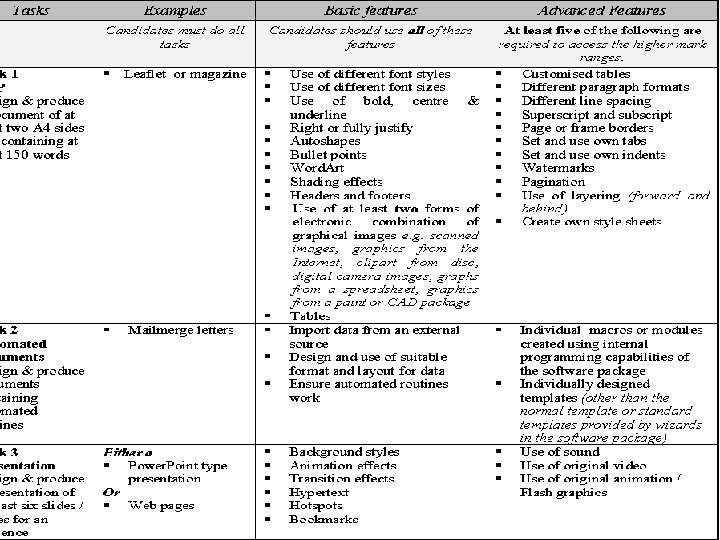
 Design of the leaflet IMPLEMENTATION IS NOT DESIGN Do not put in screenshots of implemented systems in the design section • 1 mark was awarded for an outline layout with inherent page orientation and identifying which frames were text and which were for pictures. • 1 mark was awarded for details of the ‘data’ both text and graphics • 1 mark was awarded for details of fonts and font sizes to be used • 1 mark was awarded for details of 8 special features used such as margins, tab settings line spacing paragraph styles etc.
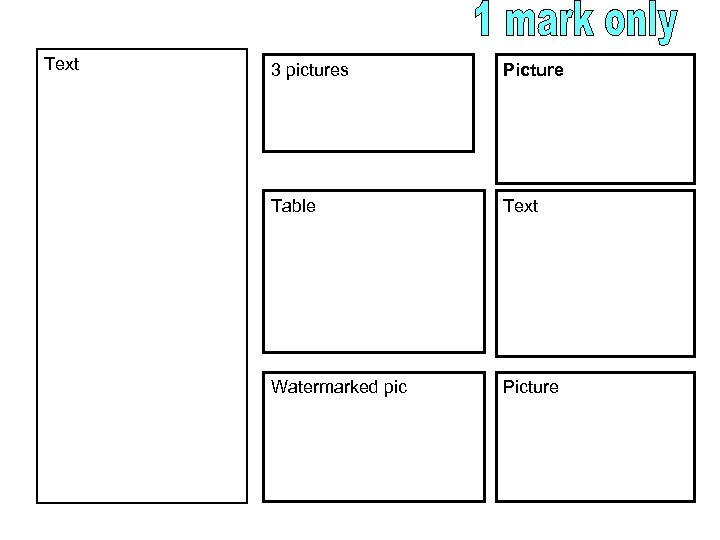 Text 3 pictures Picture Table Text Watermarked pic Picture
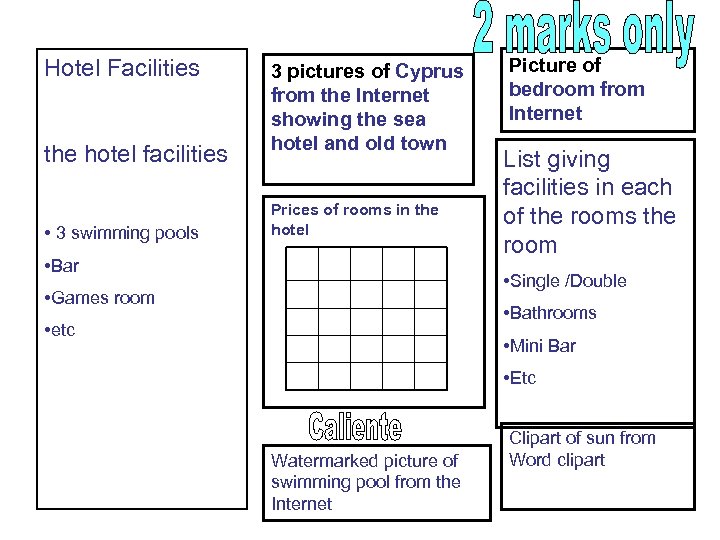 Hotel Facilities the hotel facilities • 3 swimming pools 3 pictures of Cyprus from the Internet showing the sea hotel and old town Prices of rooms in the hotel • Bar Picture of bedroom from Internet List giving facilities in each of the rooms the room • Single /Double • Games room • Bathrooms • etc • Mini Bar • Etc Watermarked picture of swimming pool from the Internet Clipart of sun from Word clipart
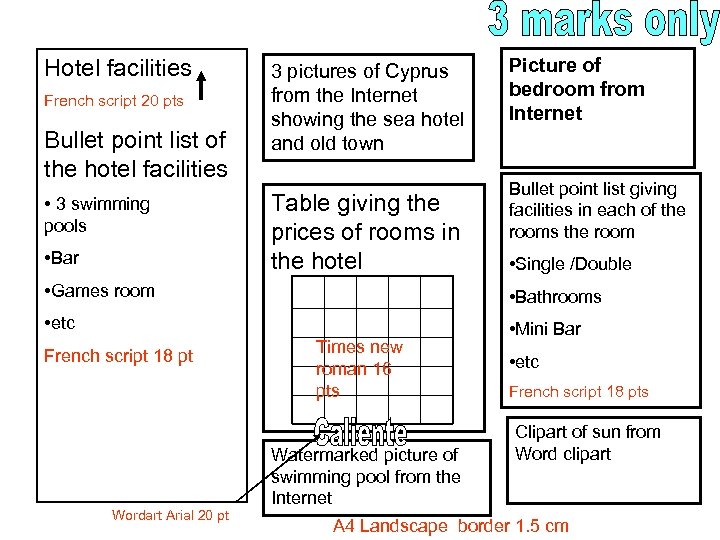 Hotel facilities French script 20 pts Bullet point list of the hotel facilities • 3 swimming pools • Bar 3 pictures of Cyprus from the Internet showing the sea hotel and old town Table giving the prices of rooms in the hotel Picture of bedroom from Internet Bullet point list giving facilities in each of the rooms the room • Single /Double • Games room • Bathrooms • etc • Mini Bar French script 18 pt Wordart Arial 20 pt Times new roman 16 pts Watermarked picture of swimming pool from the Internet • etc French script 18 pts Clipart of sun from Word clipart A 4 Landscape border 1. 5 cm
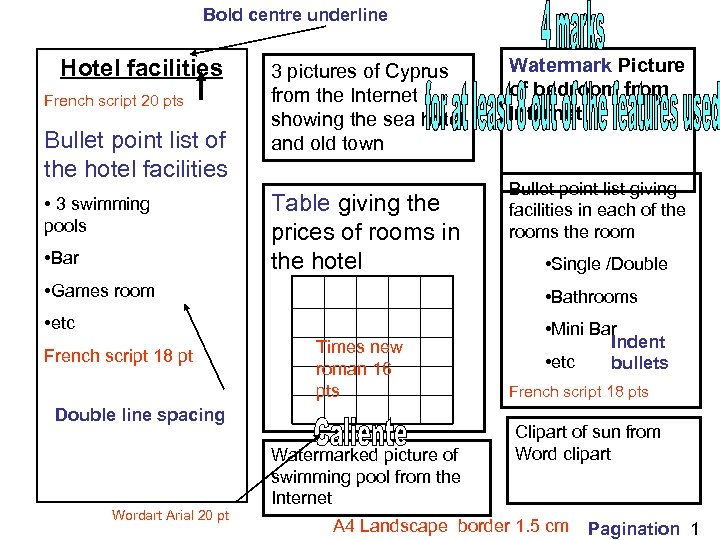 Bold centre underline Hotel facilities French script 20 pts Bullet point list of the hotel facilities • 3 swimming pools • Bar 3 pictures of Cyprus from the Internet showing the sea hotel and old town Table giving the prices of rooms in the hotel Watermark Picture of bedroom from Internet Bullet point list giving facilities in each of the rooms the room • Single /Double • Games room • Bathrooms • etc • Mini Bar Indent • etc bullets French script 18 pt Times new roman 16 pts Double line spacing Wordart Arial 20 pt Watermarked picture of swimming pool from the Internet French script 18 pts Clipart of sun from Word clipart A 4 Landscape border 1. 5 cm Pagination 1
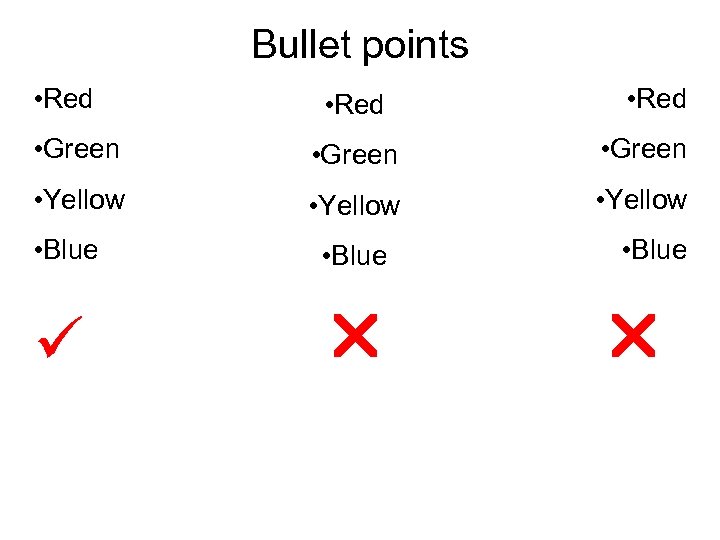 Bullet points • Red • Green • Yellow • Blue
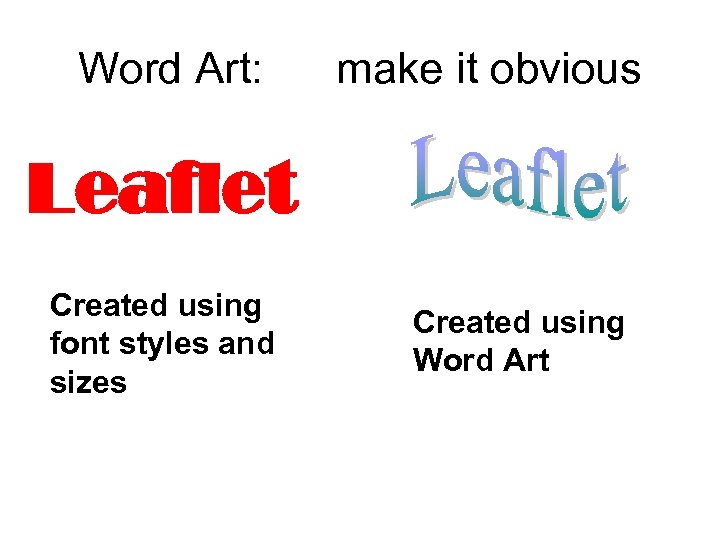 Word Art: make it obvious Leaflet Created using font styles and sizes Created using Word Art
 Shading effects • • Shade in tables Shade in text boxes Shade in text / use of coloured text Shading Word Art • NB Shading in tables is not customising a table
 Different types of graphic • Must show evidence here not enough just to say e. g. picture of telephone • • Pictures from Internet – show screen shot of web site Clipart from Word e. g. picture of telephone from clipart Create own graphic in paint Get a picture alter it in Photoshop Scan in picture Picture from a digital camera Graph from spreadsheet
 Headers and footers • Must be both there • Must appear on all sides of final printed document • Must appear on every page in same position • If pagination is part of it then cannot count as advanced feature • Ideally put one header one footer and one pagination ( 3 things)
 Evidence –all features must be on the final document Do not crop screen shots We only need evidence for the following basic skills • Origin of graphics • Headers and footers must be on the final document • Everything else we can see on the printed document • Annotating your document would help us a lot in case we miss something!!!!
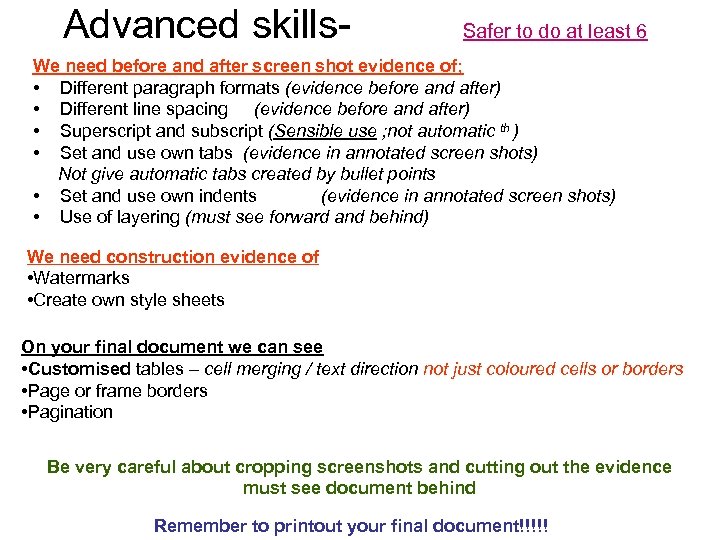 Advanced skills- Safer to do at least 6 We need before and after screen shot evidence of; • Different paragraph formats (evidence before and after) • Different line spacing (evidence before and after) • Superscript and subscript (Sensible use ; not automatic th ) • Set and use own tabs (evidence in annotated screen shots) Not give automatic tabs created by bullet points • Set and use own indents (evidence in annotated screen shots) • Use of layering (must see forward and behind) We need construction evidence of • Watermarks • Create own style sheets On your final document we can see • Customised tables – cell merging / text direction not just coloured cells or borders • Page or frame borders • Pagination Be very careful about cropping screenshots and cutting out the evidence must see document behind Remember to printout your final document!!!!!
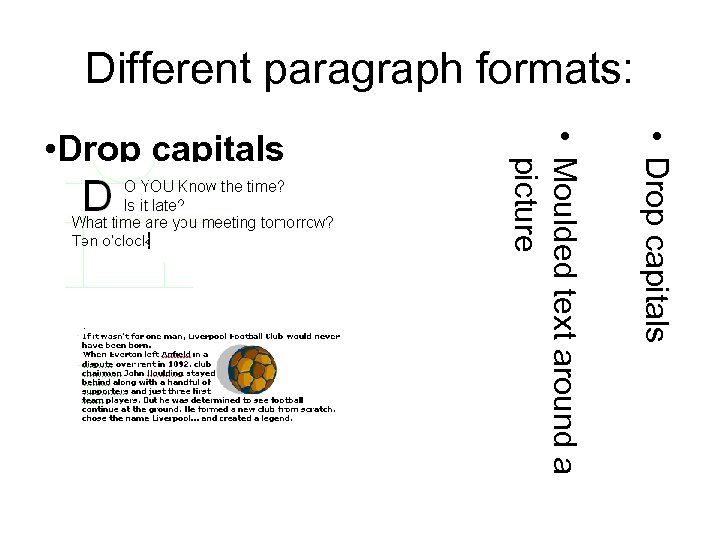 Different paragraph formats: • Drop capitals • Moulded text around a picture • Drop capitals
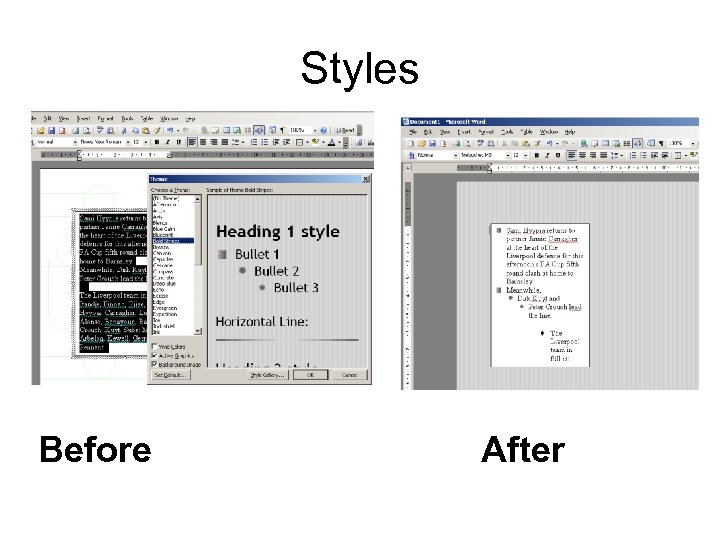 Styles Before After
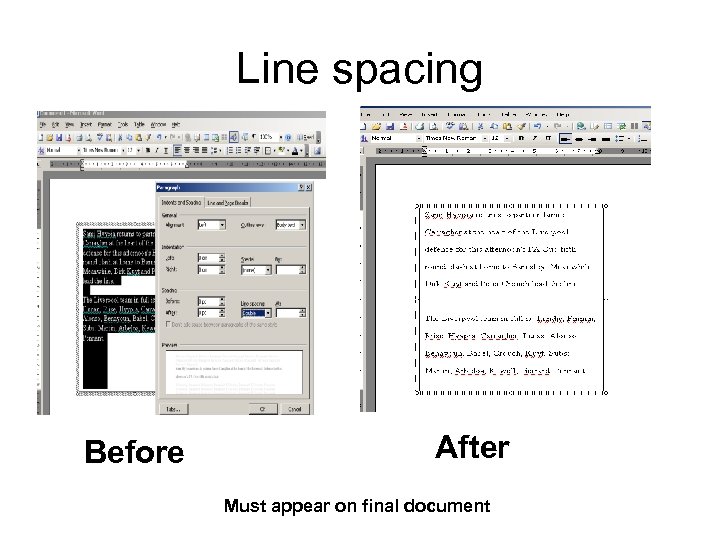 Line spacing Before After Must appear on final document
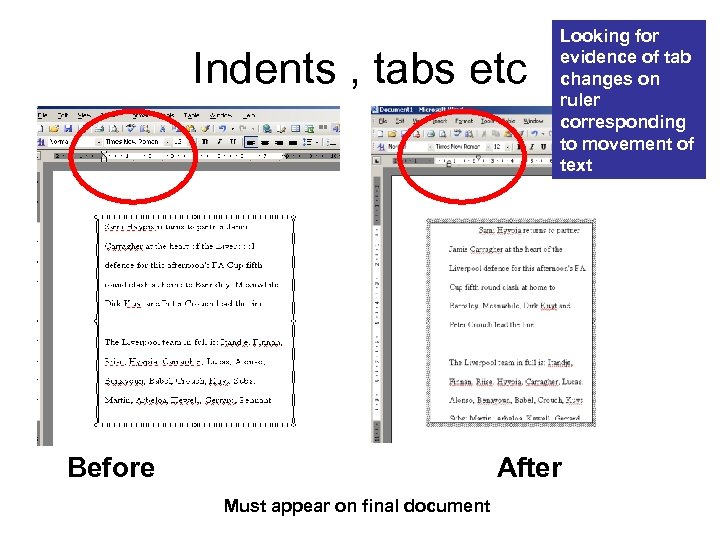 Indents , tabs etc Before Looking for evidence of tab changes on ruler corresponding to movement of text After Must appear on final document
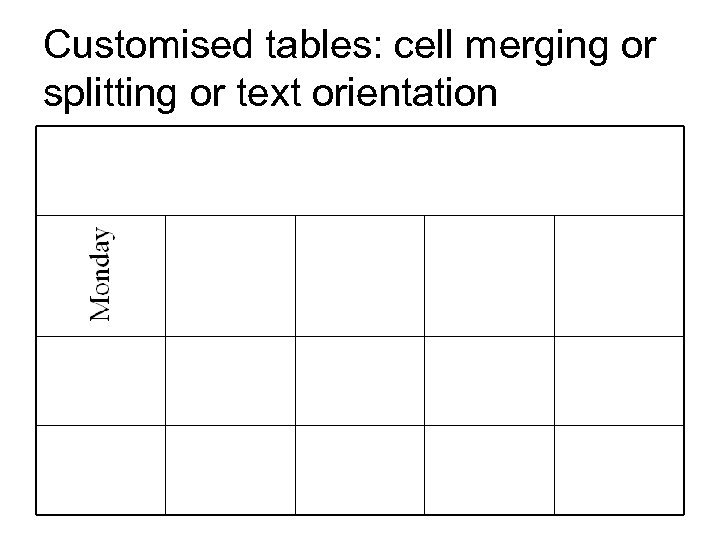 Customised tables: cell merging or splitting or text orientation
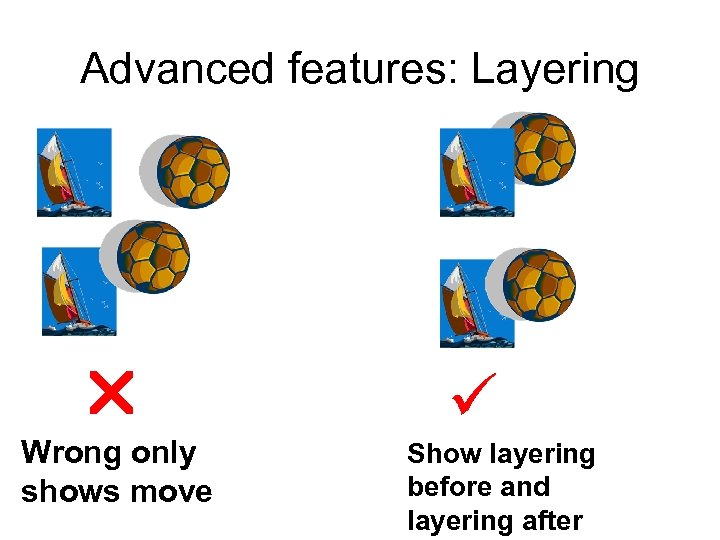 Advanced features: Layering Wrong only shows move Show layering before and layering after
 Superscripts and subscripts • Both must be there • Sensible use Not The cat sat on the mat • Do not accept 7 th unless there is a before. – 7 th and it must be on the final printed leaflet.
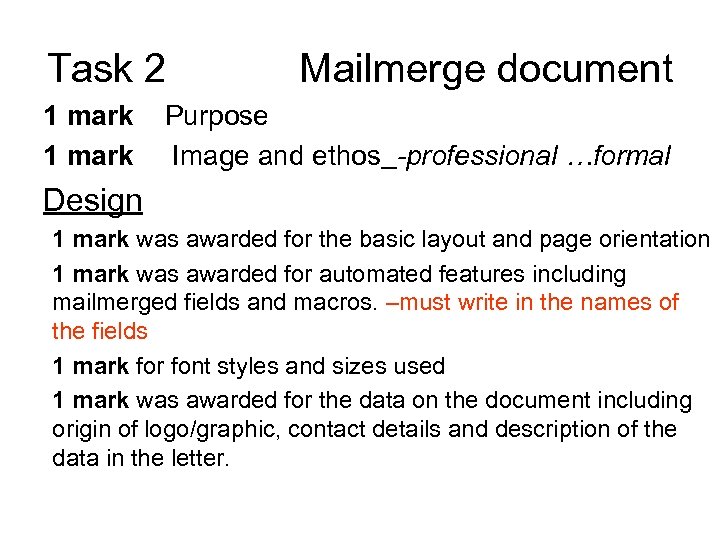 Task 2 1 mark Mailmerge document Purpose Image and ethos -professional …formal Design 1 mark was awarded for the basic layout and page orientation 1 mark was awarded for automated features including mailmerged fields and macros. –must write in the names of the fields 1 mark for font styles and sizes used 1 mark was awarded for the data on the document including origin of logo/graphic, contact details and description of the data in the letter.
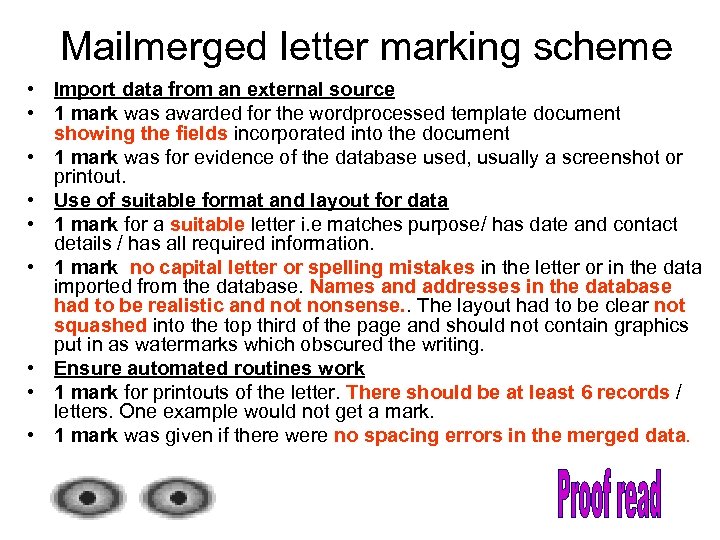 Mailmerged letter marking scheme • Import data from an external source • 1 mark was awarded for the wordprocessed template document showing the fields incorporated into the document • 1 mark was for evidence of the database used, usually a screenshot or printout. • Use of suitable format and layout for data • 1 mark for a suitable letter i. e matches purpose/ has date and contact details / has all required information. • 1 mark no capital letter or spelling mistakes in the letter or in the data imported from the database. Names and addresses in the database had to be realistic and not nonsense. . The layout had to be clear not squashed into the top third of the page and should not contain graphics put in as watermarks which obscured the writing. • Ensure automated routines work • 1 mark for printouts of the letter. There should be at least 6 records / letters. One example would not get a mark. • 1 mark was given if there were no spacing errors in the merged data.
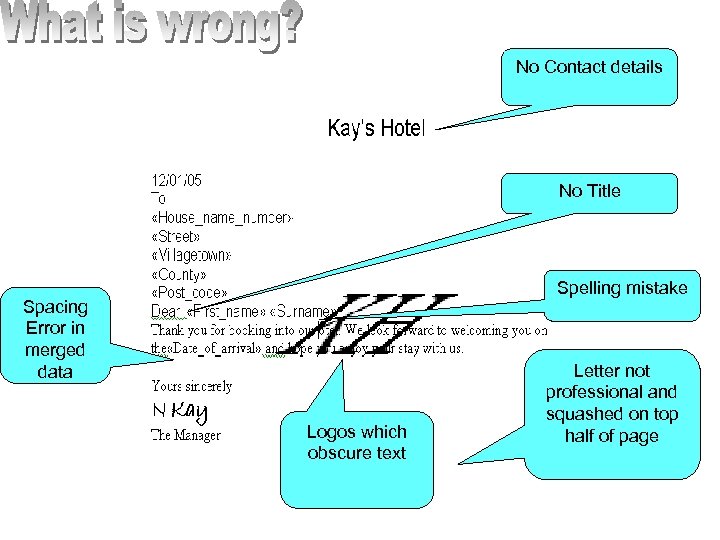 No Contact details No Title Spelling mistake Spacing Error in merged data Logos which obscure text Letter not professional and squashed on top half of page
 Unsuitable macros • • • Those that already exist Print preview Save etc
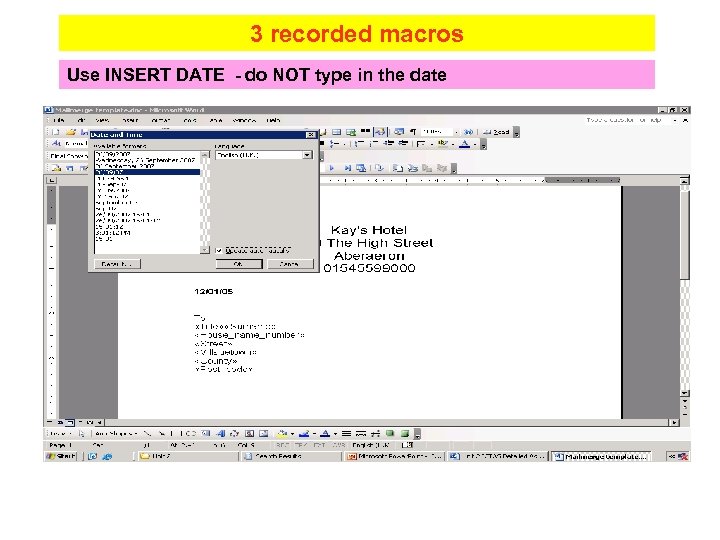 3 recorded macros Use INSERT DATE - do NOT type in the date
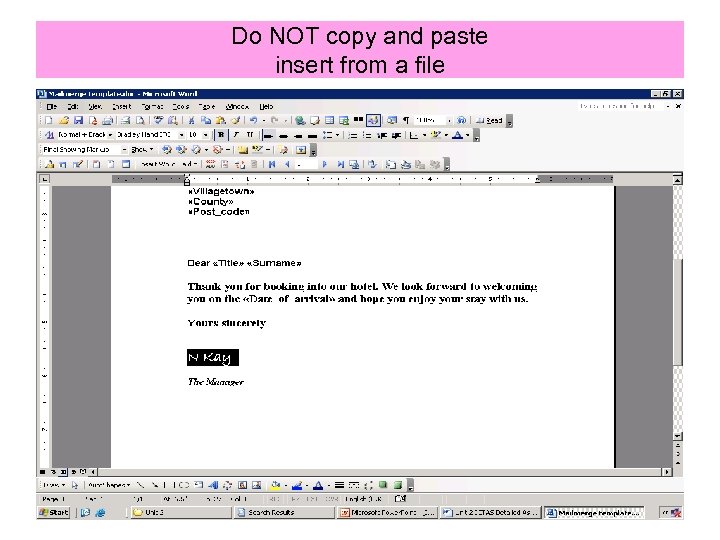 Do NOT copy and paste insert from a file
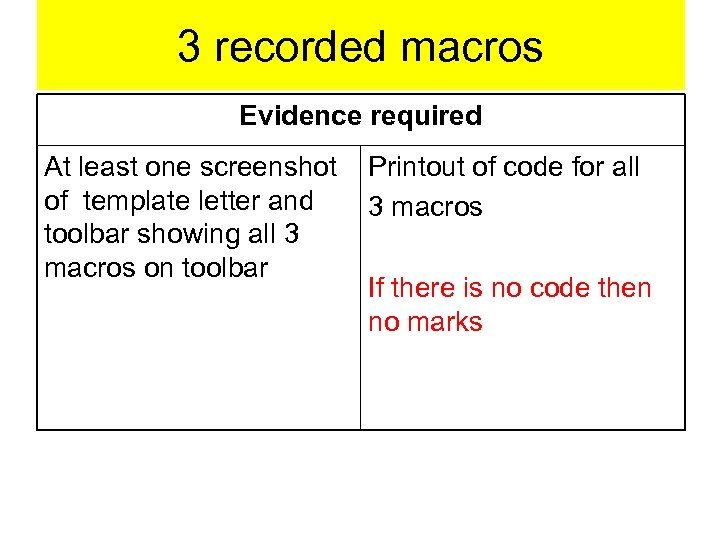 3 recorded macros Evidence required At least one screenshot of template letter and toolbar showing all 3 macros on toolbar Printout of code for all 3 macros If there is no code then no marks
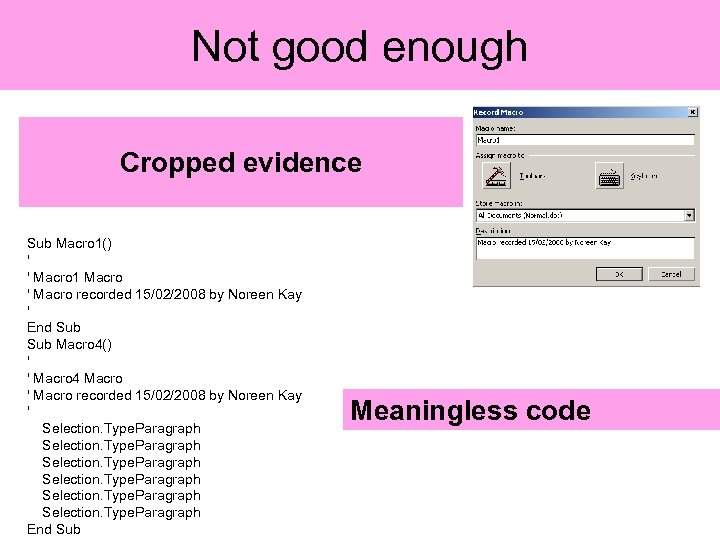 Not good enough Cropped evidence Sub Macro 1() ' ' Macro 1 Macro ' Macro recorded 15/02/2008 by Noreen Kay ' End Sub Macro 4() ' ' Macro 4 Macro ' Macro recorded 15/02/2008 by Noreen Kay ' Selection. Type. Paragraph End Sub Meaningless code
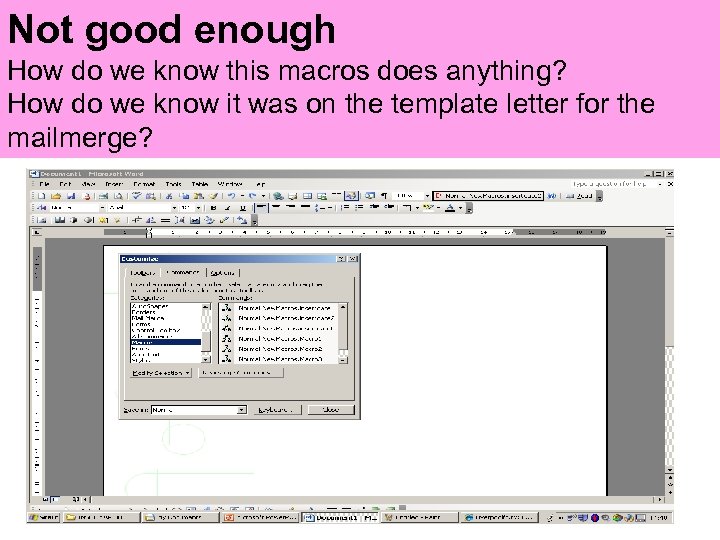 Not good enough How do we know this macros does anything? How do we know it was on the template letter for the mailmerge?
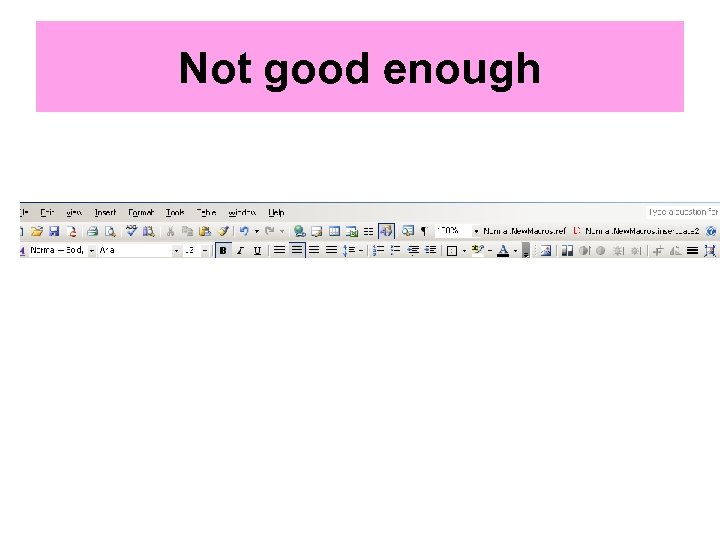 Not good enough
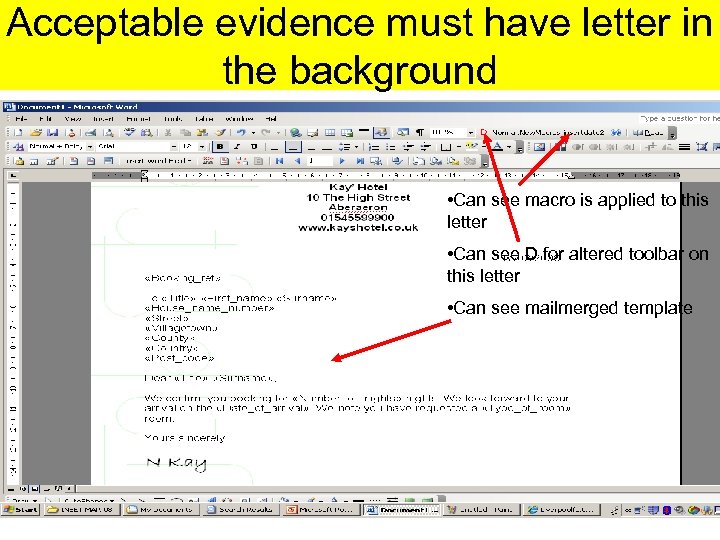 Acceptable evidence must have letter in the background • Can see macro is applied to this letter • Can see D for altered toolbar on this letter • Can see mailmerged template
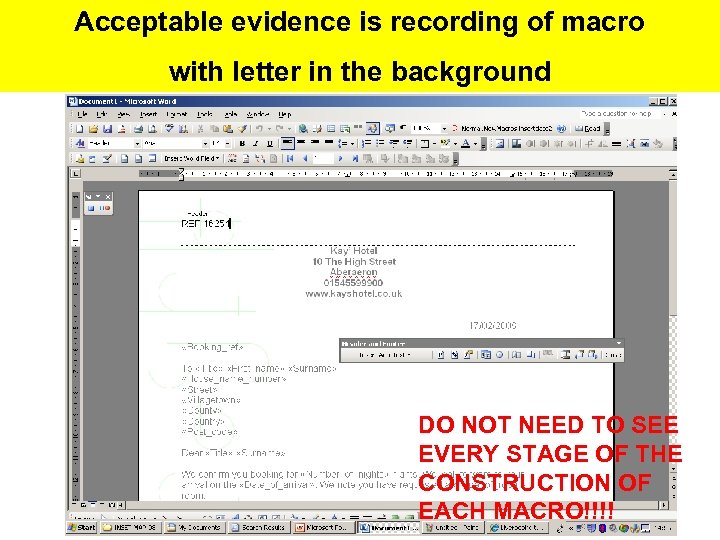 Acceptable evidence is recording of macro with letter in the background DO NOT NEED TO SEE EVERY STAGE OF THE CONSTRUCTION OF EACH MACRO!!!!
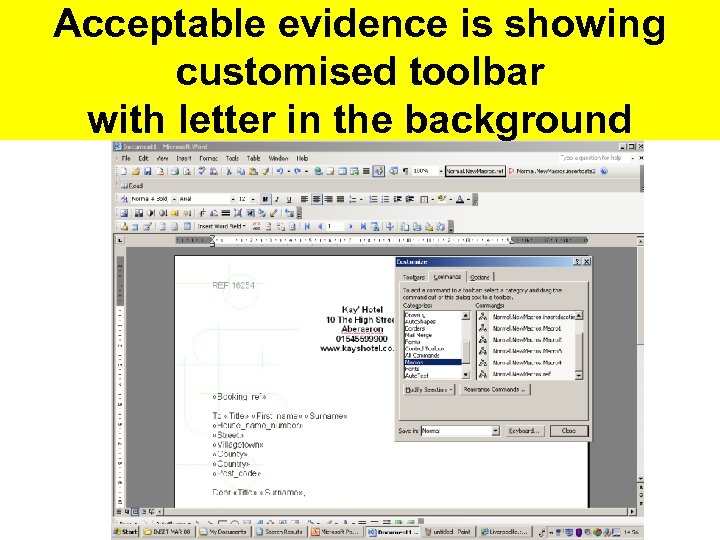 Acceptable evidence is showing customised toolbar with letter in the background
 Required Evidence • Evidence of the 3 macros with the letter template in the background. And • Print out the code for each macro.
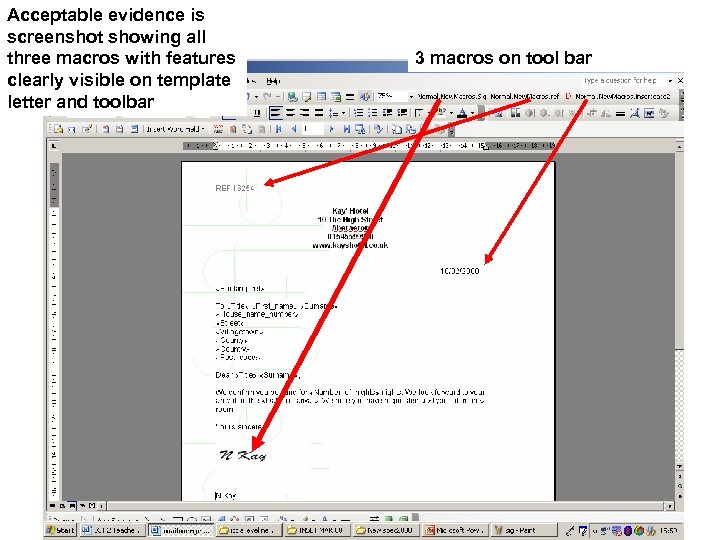 Acceptable evidence is screenshot showing all three macros with features clearly visible on template letter and toolbar 3 macros on tool bar
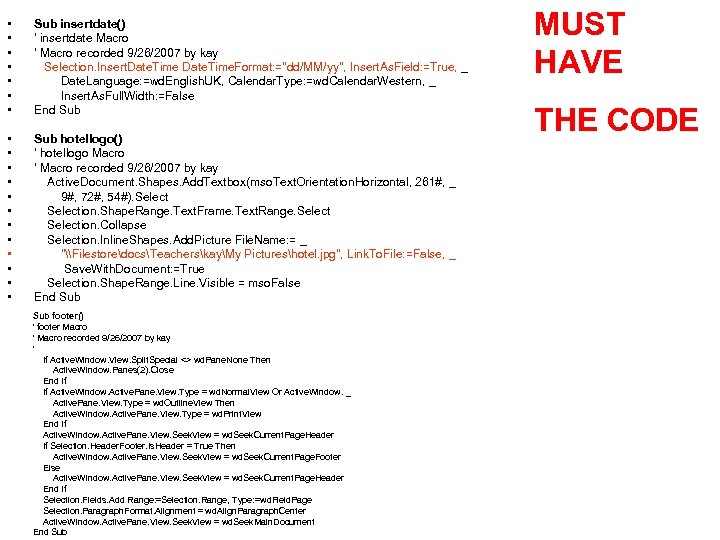 • • Sub insertdate() ' insertdate Macro ' Macro recorded 9/26/2007 by kay Selection. Insert. Date. Time. Format: ="dd/MM/yy", Insert. As. Field: =True, _ Date. Language: =wd. English. UK, Calendar. Type: =wd. Calendar. Western, _ Insert. As. Full. Width: =False End Sub • • • Sub hotellogo() ' hotellogo Macro ' Macro recorded 9/26/2007 by kay Active. Document. Shapes. Add. Textbox(mso. Text. Orientation. Horizontal, 261#, _ 9#, 72#, 54#). Selection. Shape. Range. Text. Frame. Text. Range. Selection. Collapse Selection. Inline. Shapes. Add. Picture File. Name: = _ "\FilestoredocsTeacherskayMy Pictureshotel. jpg", Link. To. File: =False, _ Save. With. Document: =True Selection. Shape. Range. Line. Visible = mso. False End Sub footer() ' footer Macro ' Macro recorded 9/26/2007 by kay ' If Active. Window. View. Split. Special <> wd. Pane. None Then Active. Window. Panes(2). Close End If If Active. Window. Active. Pane. View. Type = wd. Normal. View Or Active. Window. _ Active. Pane. View. Type = wd. Outline. View Then Active. Window. Active. Pane. View. Type = wd. Print. View End If Active. Window. Active. Pane. View. Seek. View = wd. Seek. Current. Page. Header If Selection. Header. Footer. Is. Header = True Then Active. Window. Active. Pane. View. Seek. View = wd. Seek. Current. Page. Footer Else Active. Window. Active. Pane. View. Seek. View = wd. Seek. Current. Page. Header End If Selection. Fields. Add Range: =Selection. Range, Type: =wd. Field. Page Selection. Paragraph. Format. Alignment = wd. Align. Paragraph. Center Active. Window. Active. Pane. View. Seek. View = wd. Seek. Main. Document End Sub MUST HAVE THE CODE
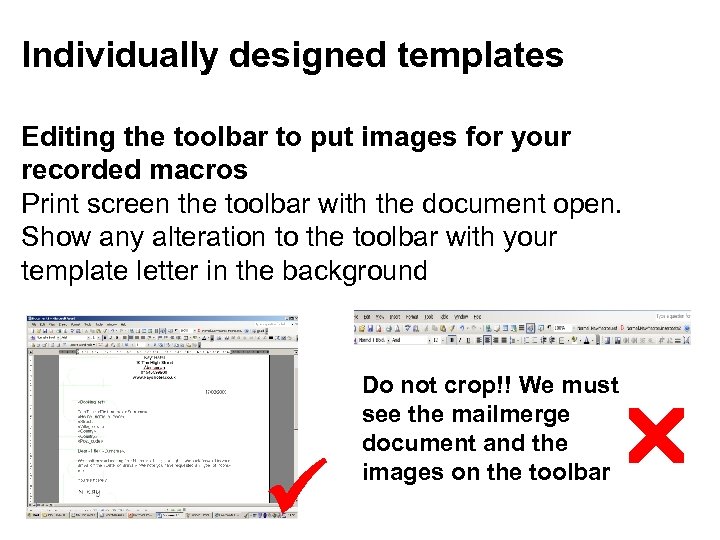 Individually designed templates Editing the toolbar to put images for your recorded macros Print screen the toolbar with the document open. Show any alteration to the toolbar with your template letter in the background Do not crop!! We must see the mailmerge document and the images on the toolbar
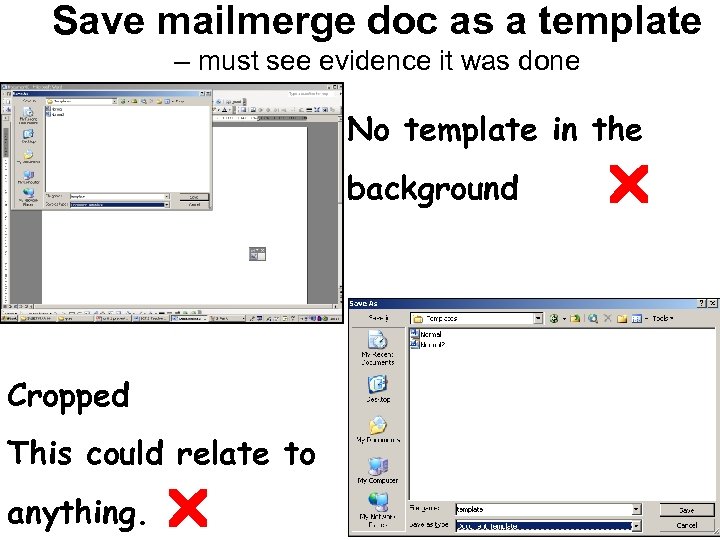 Save mailmerge doc as a template – must see evidence it was done No template in the background Cropped This could relate to anything.
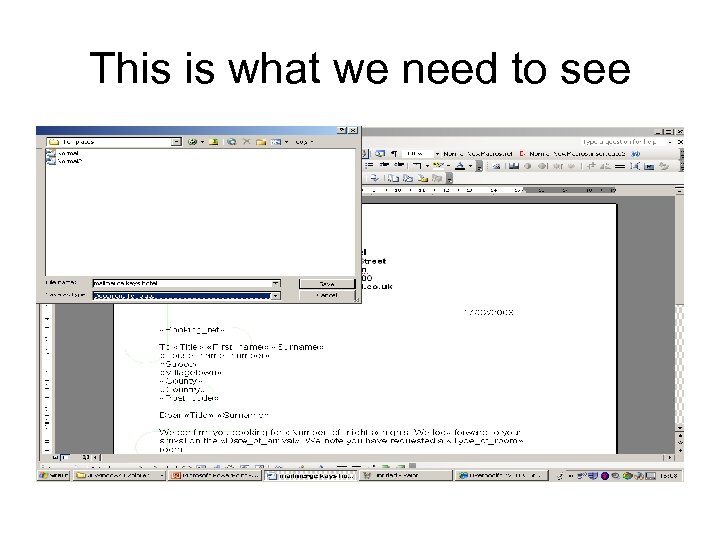 This is what we need to see
 Common Advanced features • Re-use mailmerge template for other use- must have a related use • Run the mailmerge again so print all database data in document again for new related use
 Task 3 Presentation Power. Point Or Web page • At least 6 slides /pages but no point in doing anymore you are just wasting time
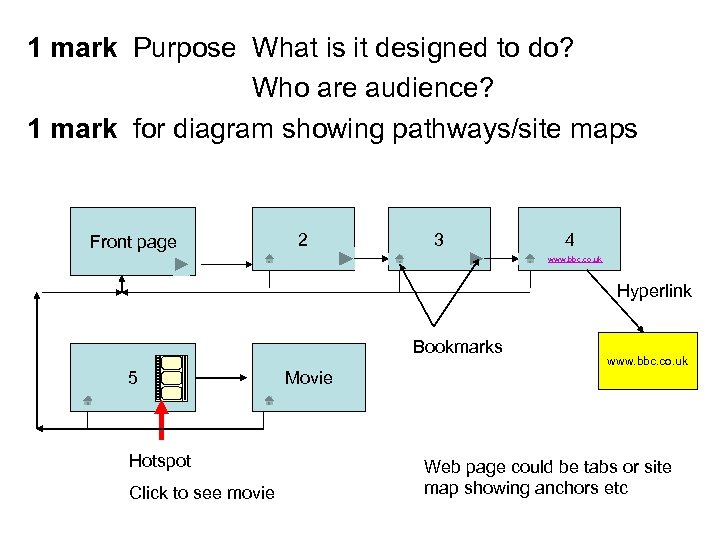 1 mark Purpose What is it designed to do? Who are audience? 1 mark for diagram showing pathways/site maps Front page 2 3 4 www. bbc. co. uk Hyperlink Bookmarks 5 Hotspot Click to see movie www. bbc. co. uk Movie Web page could be tabs or site map showing anchors etc
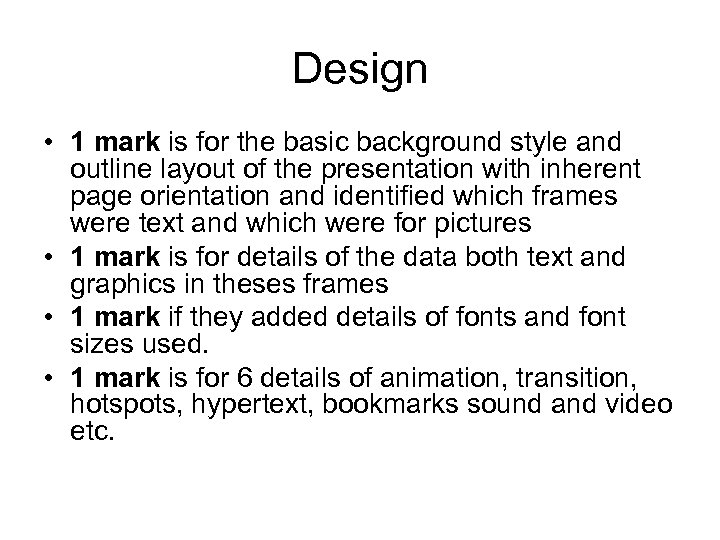 Design • 1 mark is for the basic background style and outline layout of the presentation with inherent page orientation and identified which frames were text and which were for pictures • 1 mark is for details of the data both text and graphics in theses frames • 1 mark if they added details of fonts and font sizes used. • 1 mark is for 6 details of animation, transition, hotspots, hypertext, bookmarks sound and video etc.
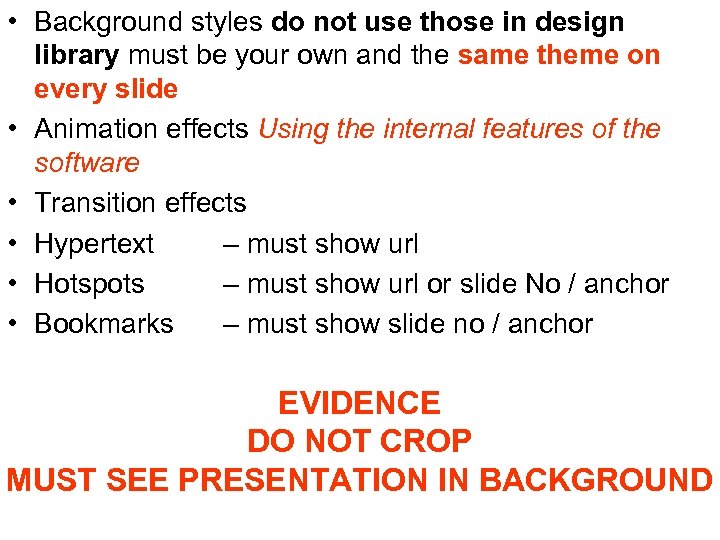 • Background styles do not use those in design library must be your own and the same theme on every slide • Animation effects Using the internal features of the software • Transition effects • Hypertext – must show url • Hotspots – must show url or slide No / anchor • Bookmarks – must show slide no / anchor EVIDENCE DO NOT CROP MUST SEE PRESENTATION IN BACKGROUND
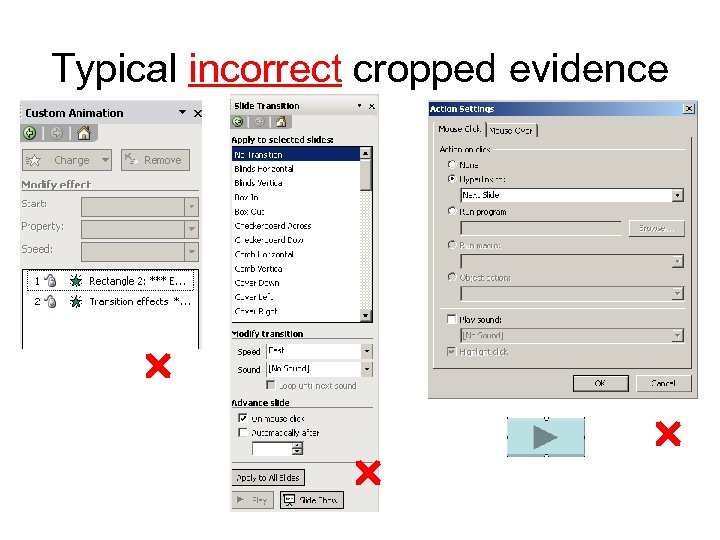 Typical incorrect cropped evidence
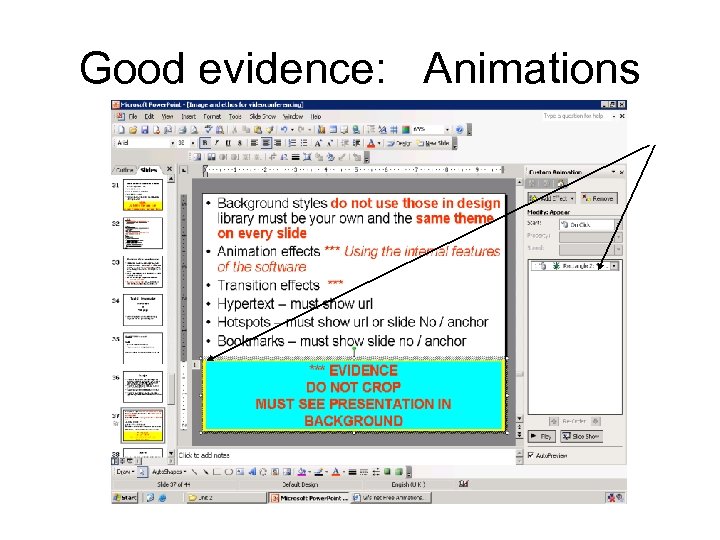 Good evidence: Animations
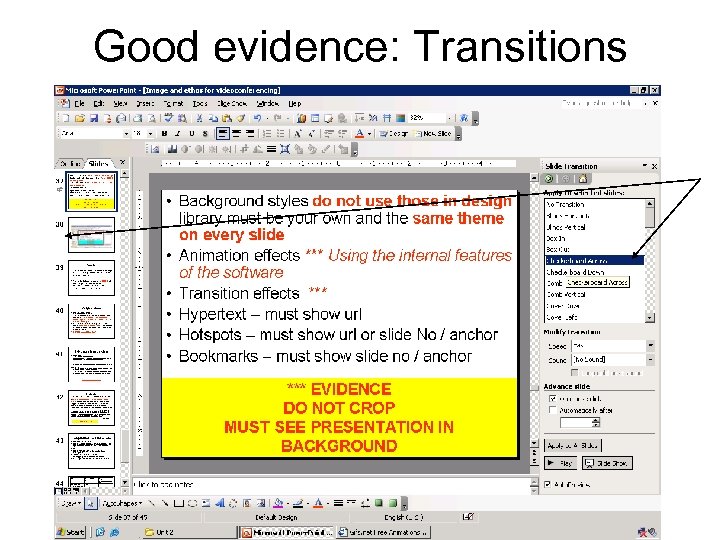 Good evidence: Transitions
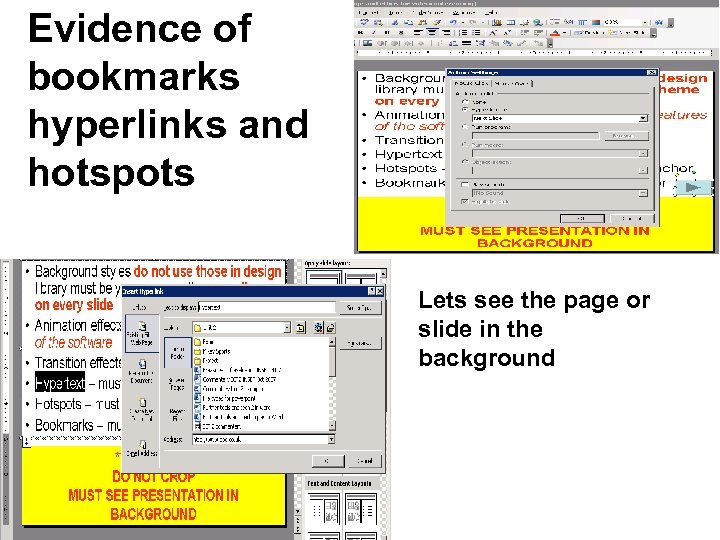 Evidence of bookmarks hyperlinks and hotspots Lets see the page or slide in the background
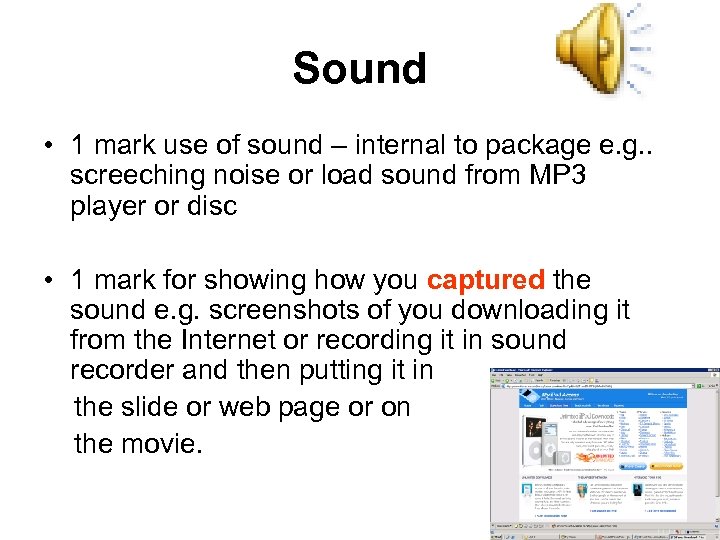 Sound • 1 mark use of sound – internal to package e. g. . screeching noise or load sound from MP 3 player or disc • 1 mark for showing how you captured the sound e. g. screenshots of you downloading it from the Internet or recording it in sound recorder and then putting it in the slide or web page or on the movie.
 Original video • Use of original video Must be own cannot copy from Youtube You cannot share a video • 1 mark record video and evidence it was put into the presentation • 1 mark for extra features e. g. planning/story board of the video not the slides/ transcript of text /timings/sound /effects on frames and between frames included in their plan
 Video editing effect put on frames e. g. Titles credits, or frame effects such as blurring. Old fashioned effects etc Video effect put on transitions between frames Provide screenshots of your video in the movie package e. g. . Moviemaker Evidence of video editing along with a written description of how you tried to match the sound and transitions and length of film and sound track
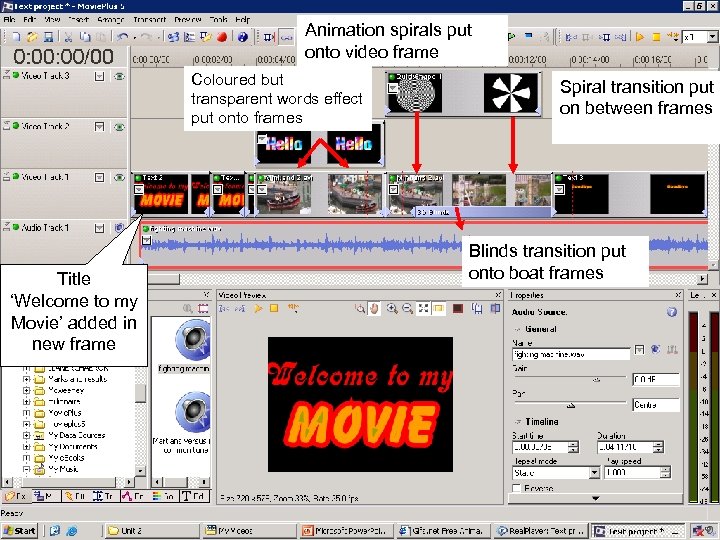 Animation spirals put onto video frame Coloured but transparent words effect put onto frames Title ‘Welcome to my Movie’ added in new frame Spiral transition put on between frames Blinds transition put onto boat frames
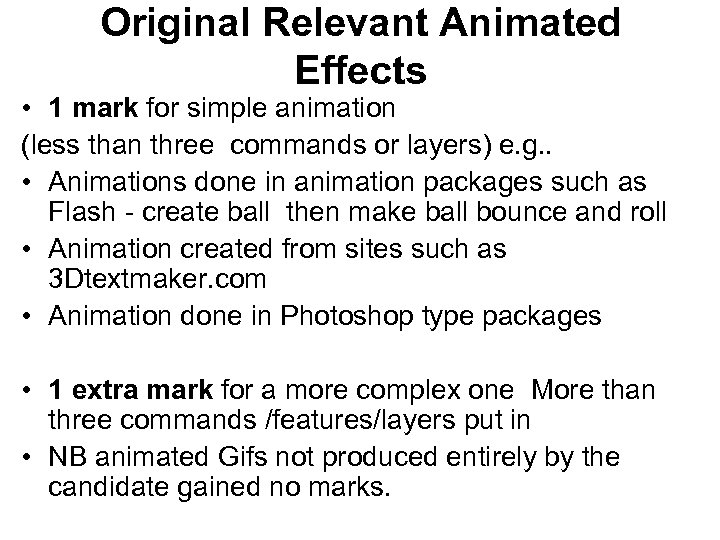 Original Relevant Animated Effects • 1 mark for simple animation (less than three commands or layers) e. g. . • Animations done in animation packages such as Flash - create ball then make ball bounce and roll • Animation created from sites such as 3 Dtextmaker. com • Animation done in Photoshop type packages • 1 extra mark for a more complex one More than three commands /features/layers put in • NB animated Gifs not produced entirely by the candidate gained no marks.
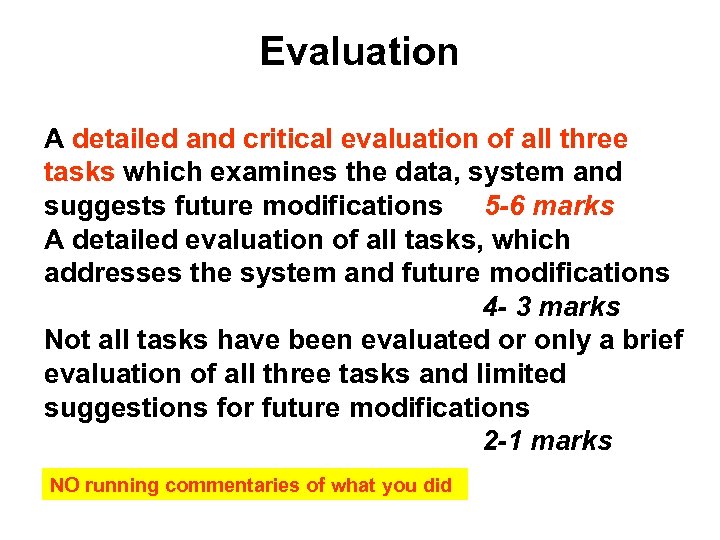 Evaluation A detailed and critical evaluation of all three tasks which examines the data, system and suggests future modifications 5 -6 marks A detailed evaluation of all tasks, which addresses the system and future modifications 4 - 3 marks Not all tasks have been evaluated or only a brief evaluation of all three tasks and limited suggestions for future modifications 2 -1 marks NO running commentaries of what you did
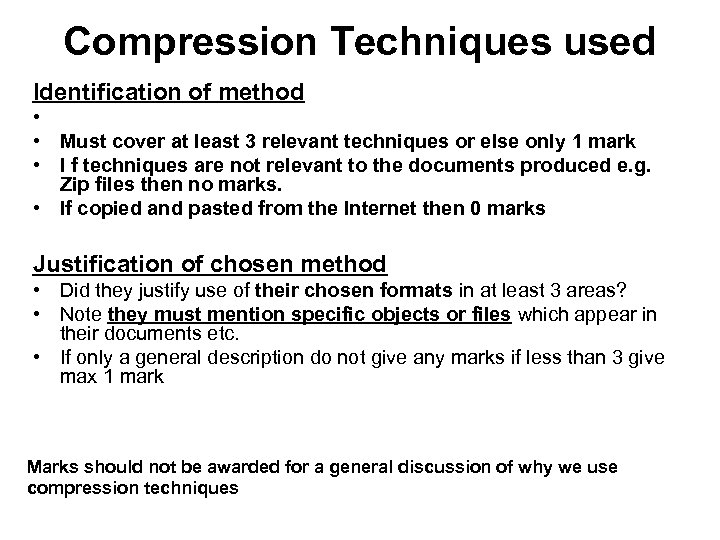 Compression Techniques used Identification of method • • Must cover at least 3 relevant techniques or else only 1 mark • I f techniques are not relevant to the documents produced e. g. Zip files then no marks. • If copied and pasted from the Internet then 0 marks Justification of chosen method • Did they justify use of their chosen formats in at least 3 areas? • Note they must mention specific objects or files which appear in their documents etc. • If only a general description do not give any marks if less than 3 give max 1 mark Marks should not be awarded for a general discussion of why we use compression techniques
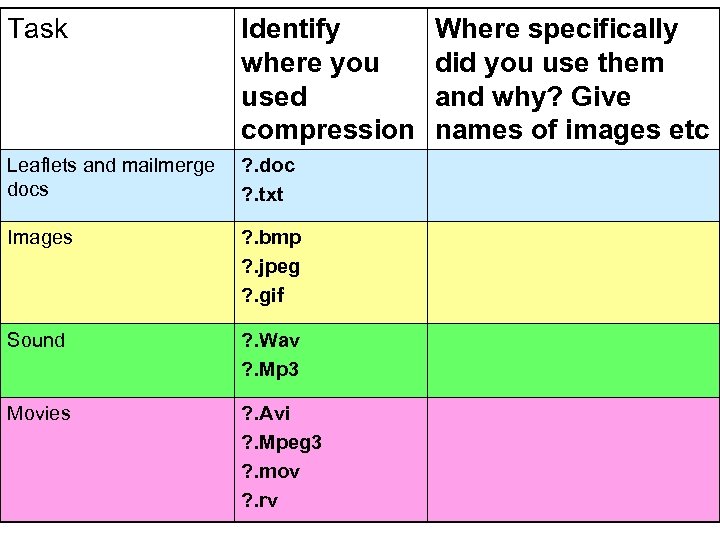 Task Identify where you used compression Leaflets and mailmerge docs ? . doc ? . txt Images ? . bmp ? . jpeg ? . gif Sound ? . Wav ? . Mp 3 Movies ? . Avi ? . Mpeg 3 ? . mov ? . rv Where specifically did you use them and why? Give names of images etc
 PRINTOUT !!!!!!! • LEAFLET • LETTERS • WEB PAGES or PRESENTATION