


 Скачать презентацию Applications of Virtualization Automation Gary Kidney Director
24e950216f0a2972dcbb362d84e3d896.ppt
- Количество слайдов: 19
 Applications of Virtualization & Automation Gary Kidney Director of Academic & Research Computing Rice University "Copyright Rice University 2009. This work is the intellectual property of the author. Permission is granted for this material to be shared for non-commercial, educational purposes, provided that this copyright statement appears on the reproduced materials and notice is given that the copying is by permission of the author. To disseminate otherwise or to republish requires written permission from the author.
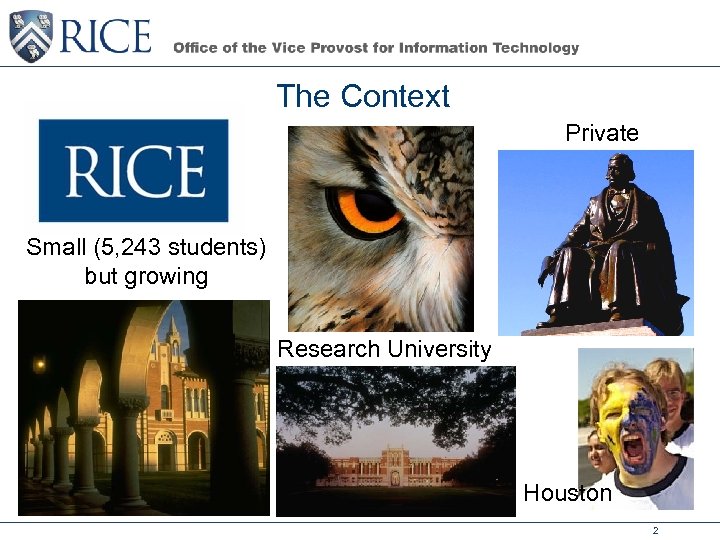 The Context Private Small (5, 243 students) but growing Research University Houston 2
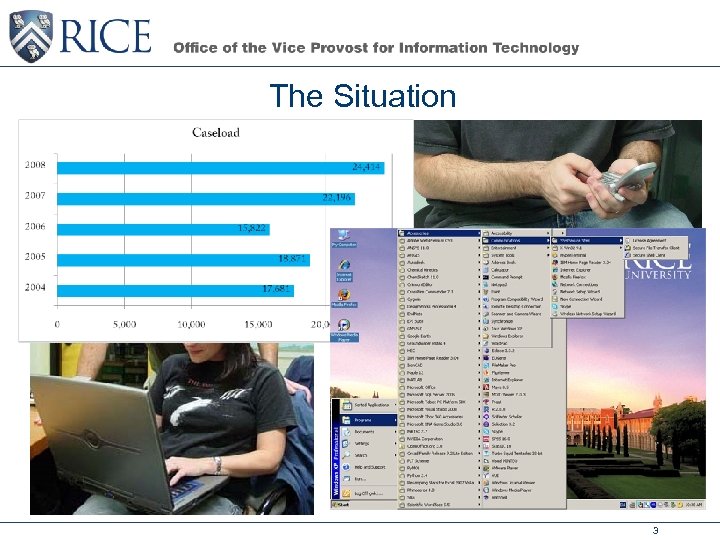 The Situation 3
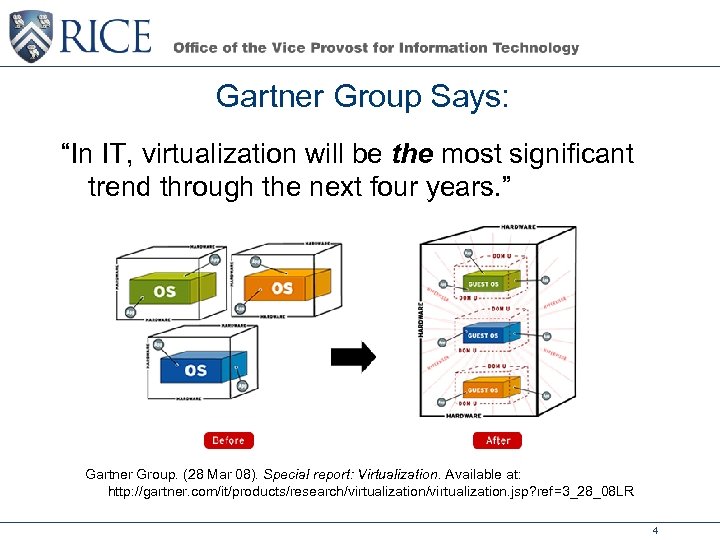 Gartner Group Says: “In IT, virtualization will be the most significant trend through the next four years. ” Gartner Group. (28 Mar 08). Special report: Virtualization. Available at: http: //gartner. com/it/products/research/virtualization. jsp? ref=3_28_08 LR 4
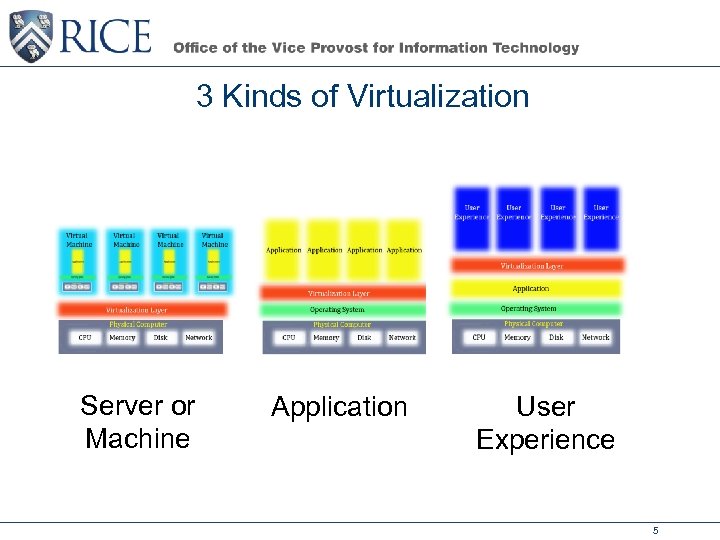 3 Kinds of Virtualization Server or Machine Application User Experience 5
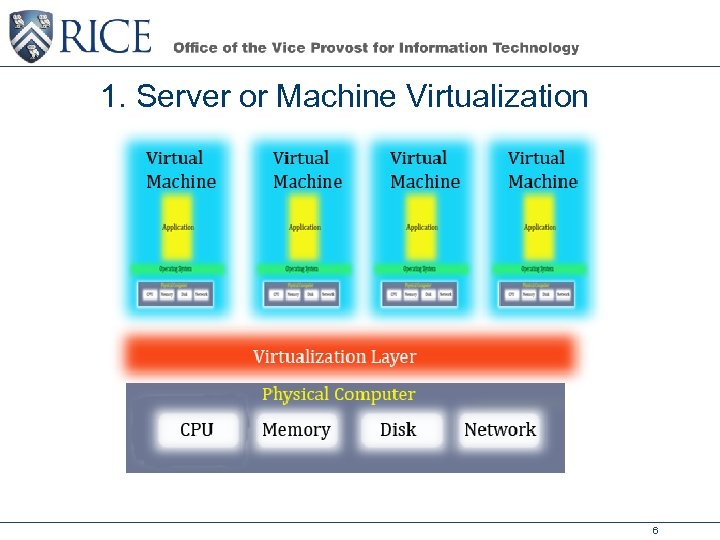 1. Server or Machine Virtualization 6
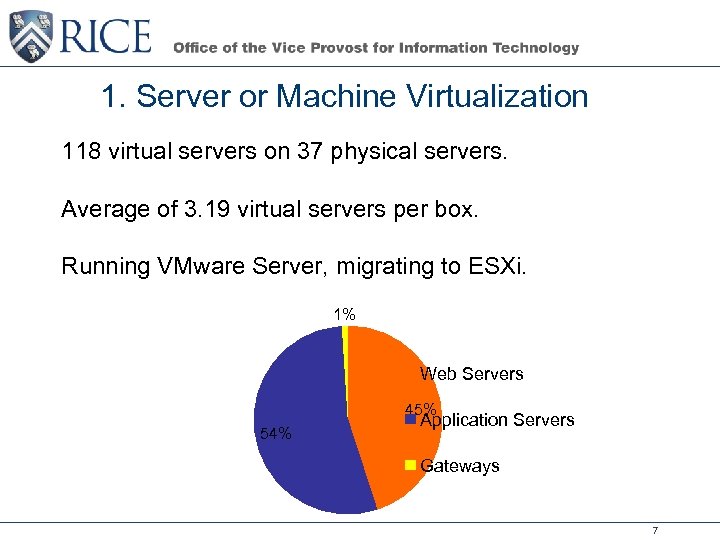 1. Server or Machine Virtualization 118 virtual servers on 37 physical servers. Average of 3. 19 virtual servers per box. Running VMware Server, migrating to ESXi. 1% Web Servers 45% 54% Application Servers Gateways 7
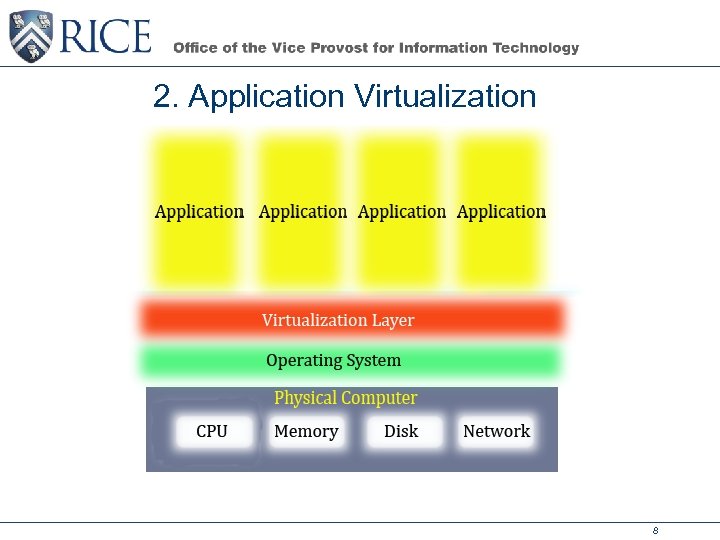 2. Application Virtualization 8
 2. Application Virtualized services on high performance computing with Red Hat Linux Advanced Platform and Zen – Login & authentication services – Application failover – Global storage – Guest operating system (coming soon). Virtualized Web spaces for students and clubs – Enterprise storage – Apache – Plone – Web. rice. edu, wikis, & blogs (coming soon) 9
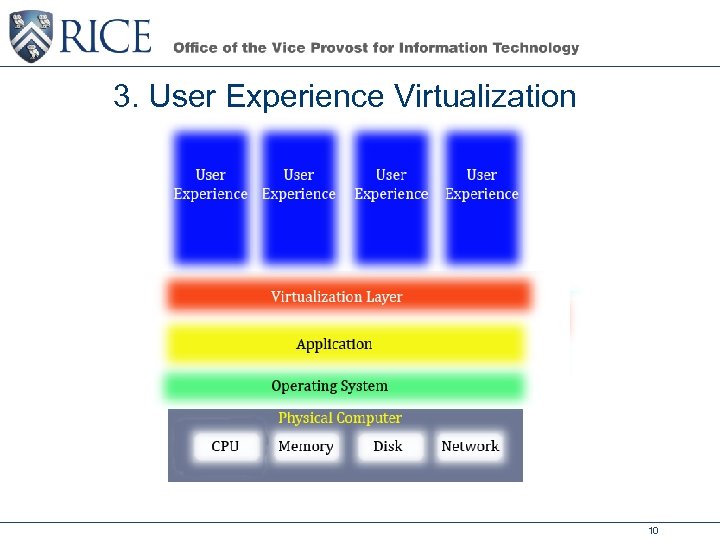 3. User Experience Virtualization 10
 3. User Experience Virtualization Applications running in high performance computing condo Altiris Endpoint Virtualization Service – Divide & conquer – Ease of administration – Adding those last minute requests as virtual apps Looking at thin-client/blade-server architectures – North Carolina State Virtual Computer Lab – Vendor presentations from HP and Dell 11
 Virtualization Benefits Reduces the quantity of physical servers needed. Saves on power and cooling. Reduces the costs of service, support, & (hopefully soon) software licensing. Enables quick, automated deployment. Provides economy of scale in system administration. 12
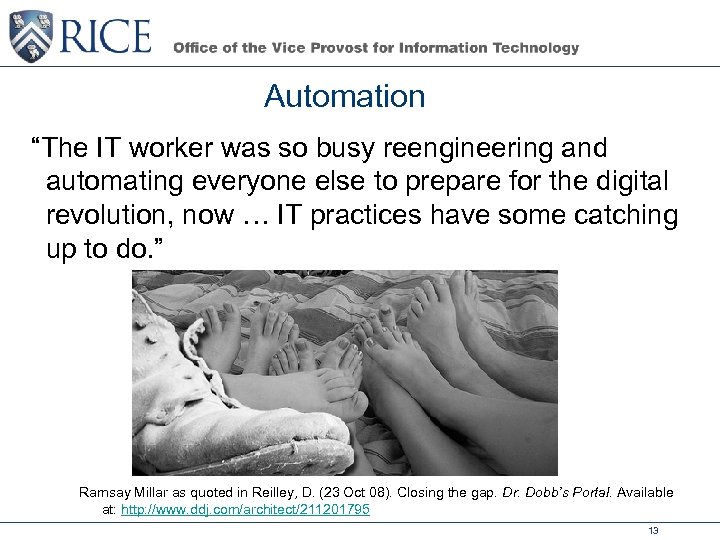 Automation “The IT worker was so busy reengineering and automating everyone else to prepare for the digital revolution, now … IT practices have some catching up to do. ” Ramsay Millar as quoted in Reilley, D. (23 Oct 08). Closing the gap. Dr. Dobb’s Portal. Available at: http: //www. ddj. com/architect/211201795 13
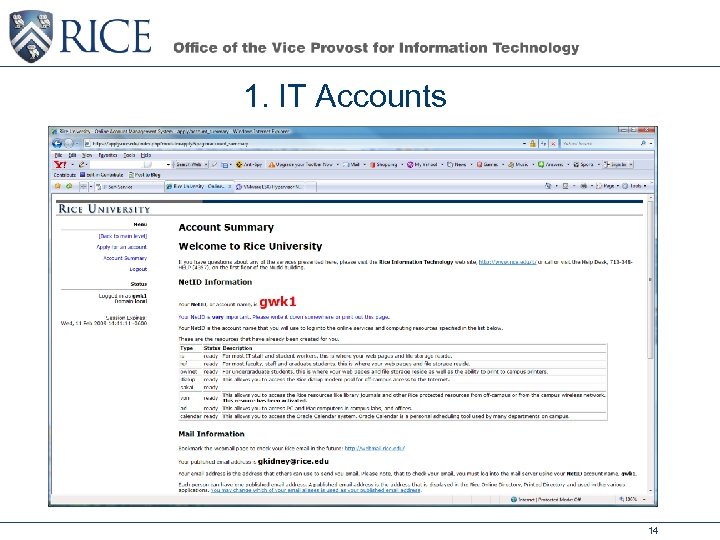 1. IT Accounts 14
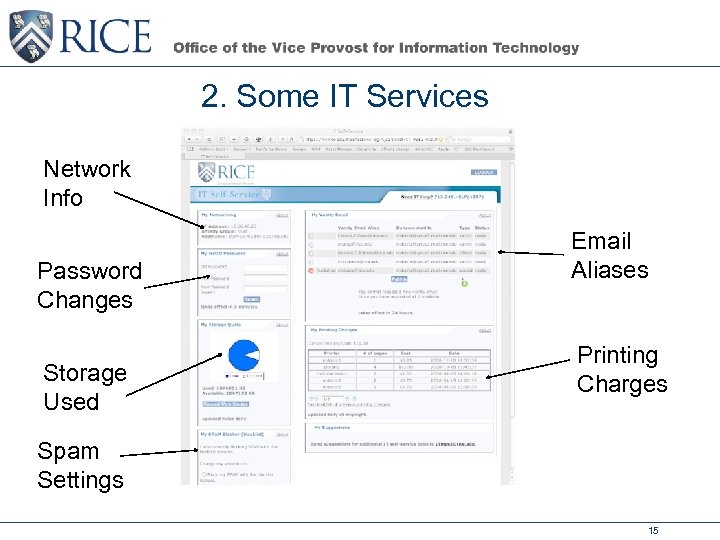 2. Some IT Services Network Info Password Changes Storage Used Email Aliases Printing Charges Spam Settings 15
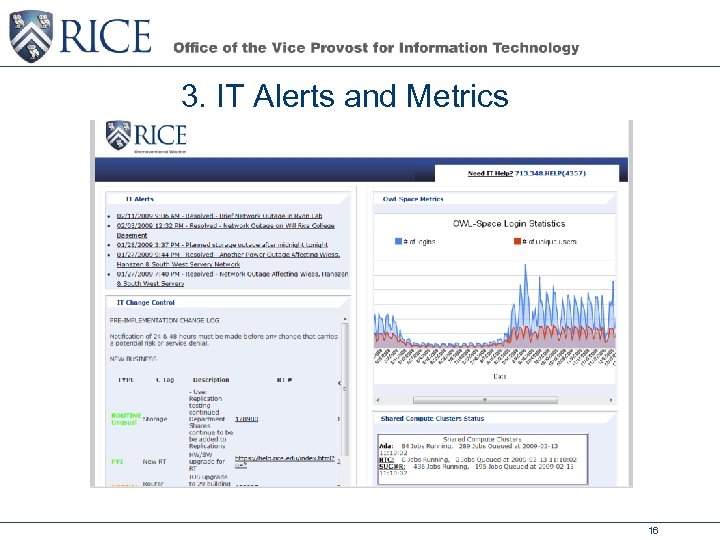 3. IT Alerts and Metrics 16
 Future Automation New tools: – Web. rice. edu – Wikis – Blogs Turn-key virtual servers Automation and integration of thin-client/blade-server architectures 17
 Lessons Learned Increase the priority of IT’s internal automation projects Virtualization and automation merge into the Cloud Our efforts helped make the campus “greener” Virtualization and automation have both integration and management issues that must be addressed Software licensing is not easy in the virtualization world. 18
 Questions Contact: Gary Kidney – gkidney@rice. edu 19