


 Скачать презентацию Application Software and Digital Media What Can Your
7326ee729022f80c9339928d304812e4.ppt
- Количество слайдов: 53
 Application Software and Digital Media What Can Your Computer Do for You? Chapter 3
 Student Learning Outcomes 1. Describe the difference between application software and system software. 2. Define key concepts in application software including personal productivity software, versions, and suites. 3. List and describe the eight major categories of personal productivity software tools. © 2003 The Mc. Graw-Hill Companies
 Student Learning Outcomes 4. Describe digital media and why knowing something about digital media is important. 5. Define the concepts related to two-dimensional images and photos, 3 -D graphics, audio, and video. © 2003 The Mc. Graw-Hill Companies
 Introduction There are two major categories of software – system software and application software. Both system and application software vitally important to your productivity. © 2003 The Mc. Graw-Hill Companies
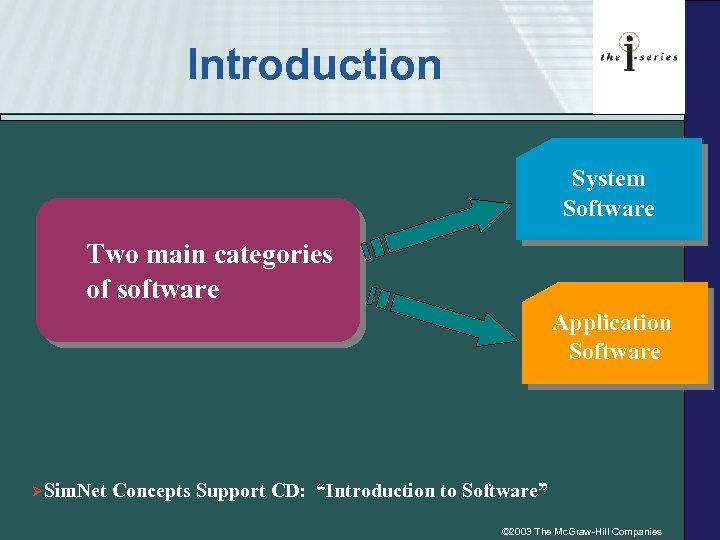 Introduction System Software Two main categories of software Application Software ØSim. Net Concepts Support CD: “Introduction to Software” © 2003 The Mc. Graw-Hill Companies
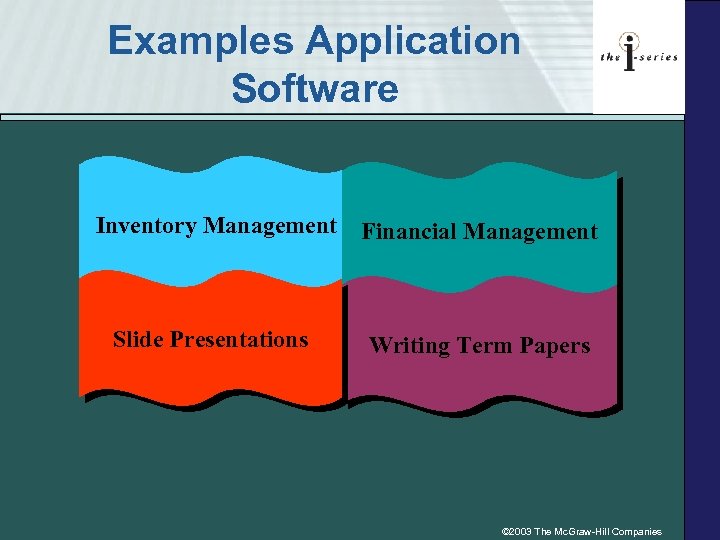 Examples Application Software Inventory Management Financial Management Slide Presentations Writing Term Papers © 2003 The Mc. Graw-Hill Companies
 3. 1 The Application Software You Need • Personal productivity software is application software that is designed to help you be more productive in performing personal tasks such as: – Writing letters – Managing your checkbook – Creating electronic slides © 2003 The Mc. Graw-Hill Companies
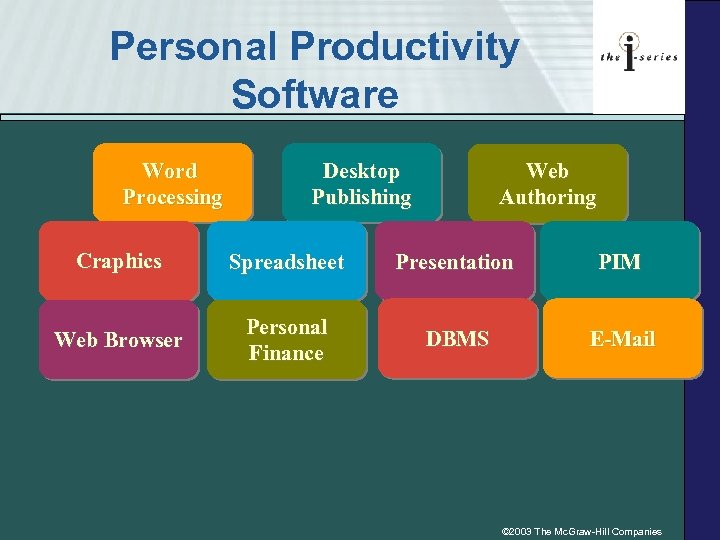 Personal Productivity Software Word Processing Desktop Publishing Web Authoring Craphics Spreadsheet Presentation PIM Web Browser Personal Finance DBMS E-Mail © 2003 The Mc. Graw-Hill Companies
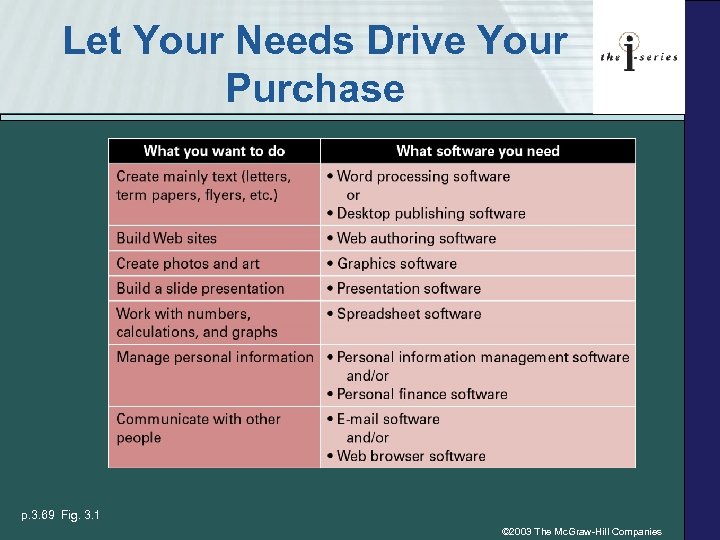 Let Your Needs Drive Your Purchase p. 3. 69 Fig. 3. 1 © 2003 The Mc. Graw-Hill Companies
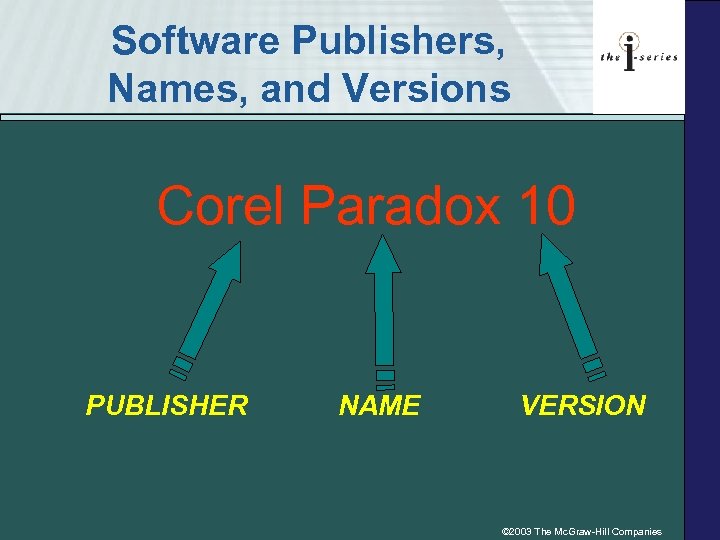 Software Publishers, Names, and Versions Corel Paradox 10 PUBLISHER NAME VERSION © 2003 The Mc. Graw-Hill Companies
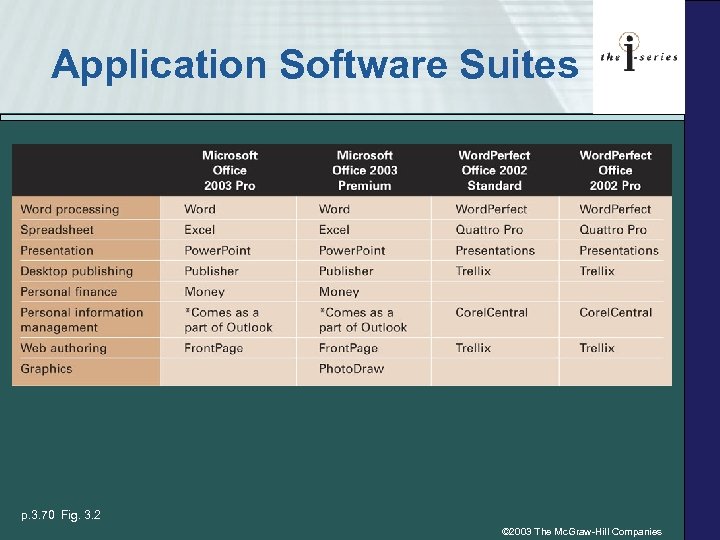 Application Software Suites p. 3. 70 Fig. 3. 2 © 2003 The Mc. Graw-Hill Companies
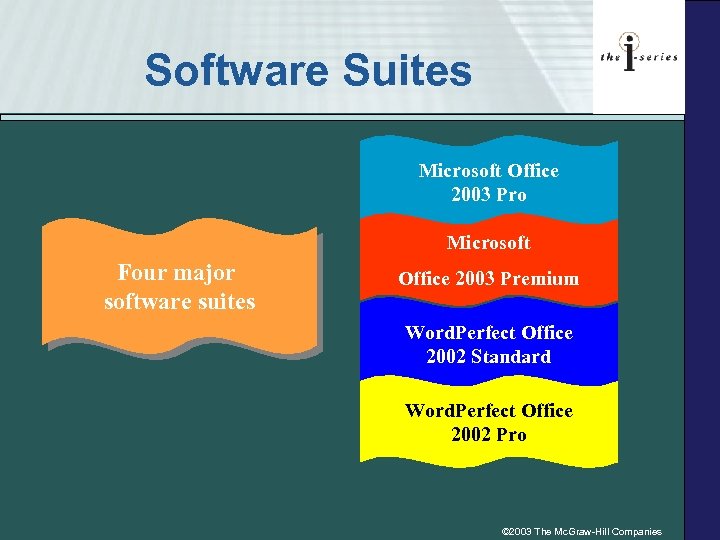 Software Suites Microsoft Office 2003 Pro Microsoft Four major software suites Office 2003 Premium Word. Perfect Office 2002 Standard Word. Perfect Office 2002 Pro © 2003 The Mc. Graw-Hill Companies
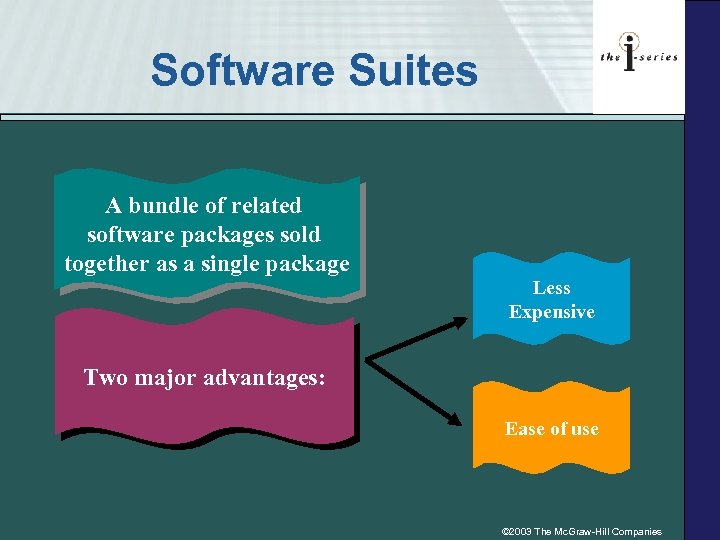 Software Suites A bundle of related software packages sold together as a single package Less Expensive Two major advantages: Ease of use © 2003 The Mc. Graw-Hill Companies
 3. 2 Personal Productivity Software Tools • Writing a letter (Word processing) • Creating a presentation (Presentation) • Maintaining a checking account balance (Spreadsheet or Personal Finance) • Creating a graph (Graphics) © 2003 The Mc. Graw-Hill Companies
 Word Processing & Desktop Publishing • Word processing software helps you create letters, memos, and other basic documents • Desktop publishing software extends word processing software to include design and formatting techniques to enhance the layout and appearance of a document © 2003 The Mc. Graw-Hill Companies
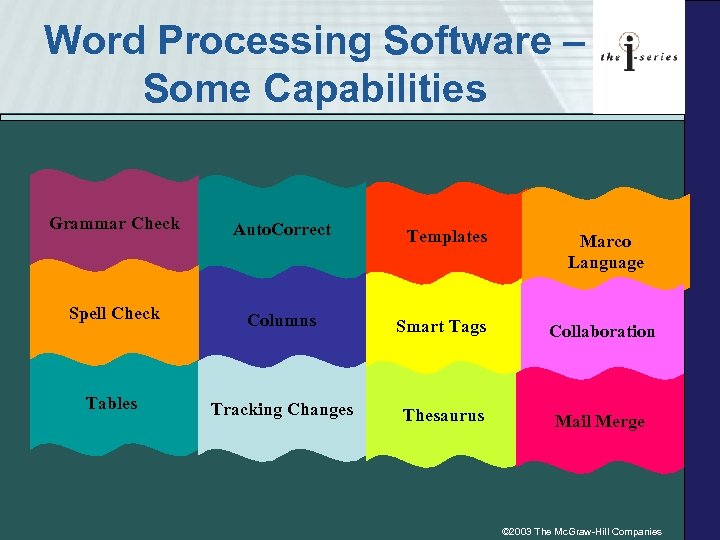 Word Processing Software – Some Capabilities Grammar Check Auto. Correct Spell Check Columns Smart Tags Collaboration Tables Tracking Changes Thesaurus Mail Merge Templates Marco Language © 2003 The Mc. Graw-Hill Companies
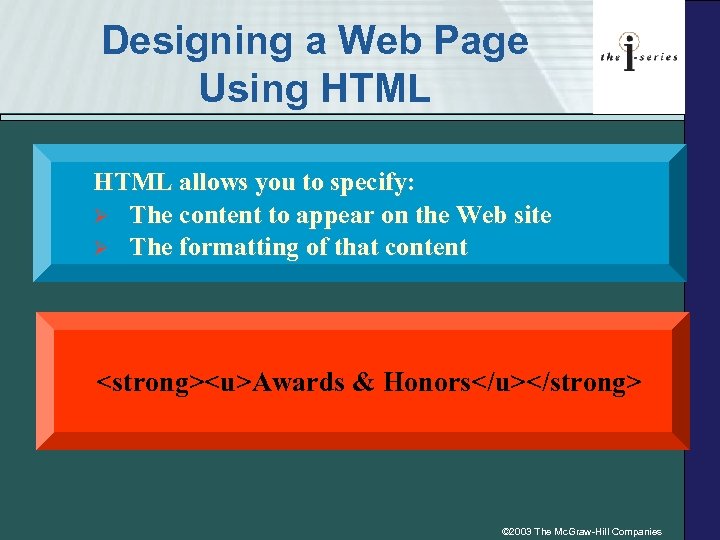 Designing a Web Page Using HTML allows you to specify: Ø The content to appear on the Web site Ø The formatting of that content Awards & Honors © 2003 The Mc. Graw-Hill Companies
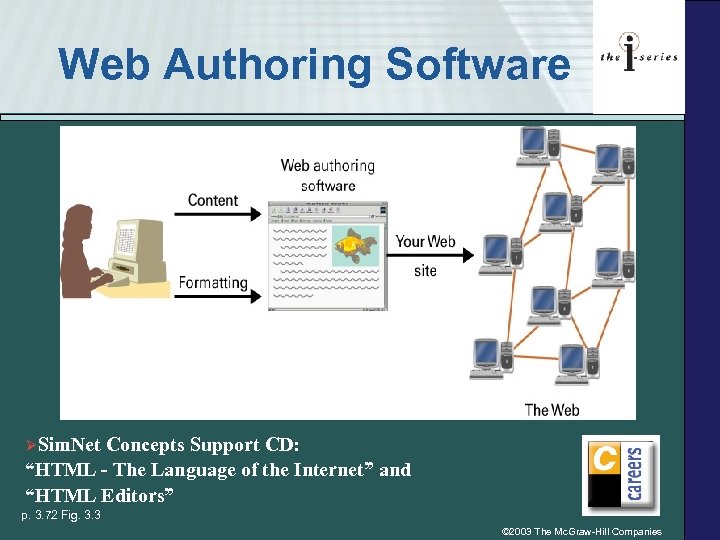 Web Authoring Software ØSim. Net Concepts Support CD: “HTML - The Language of the Internet” and “HTML Editors” p. 3. 72 Fig. 3. 3 © 2003 The Mc. Graw-Hill Companies
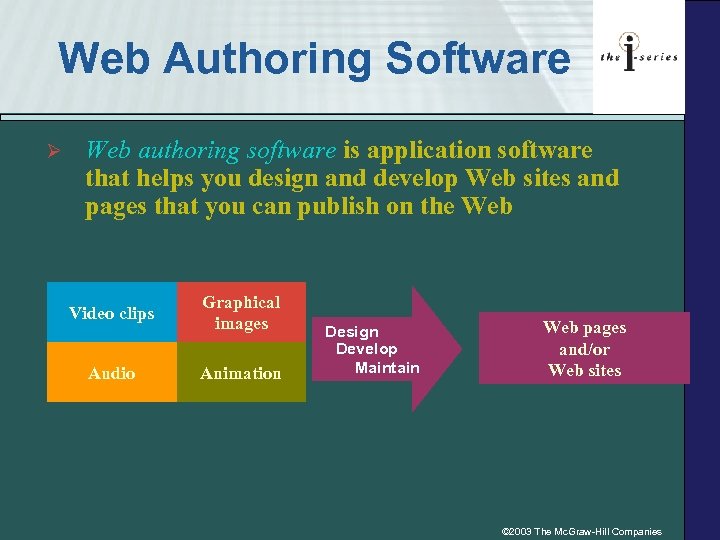 Web Authoring Software Ø Web authoring software is application software that helps you design and develop Web sites and pages that you can publish on the Web Video clips Audio Graphical images Animation Design Develop Maintain Web pages and/or Web sites © 2003 The Mc. Graw-Hill Companies
 Graphics Software • • Crop (adjust) photos to an appropriate size Add captions Change and transpose colors Combine photos to create a photo collage Work freehand to create drawings Create and manipulate 3 -D images Add animation features © 2003 The Mc. Graw-Hill Companies
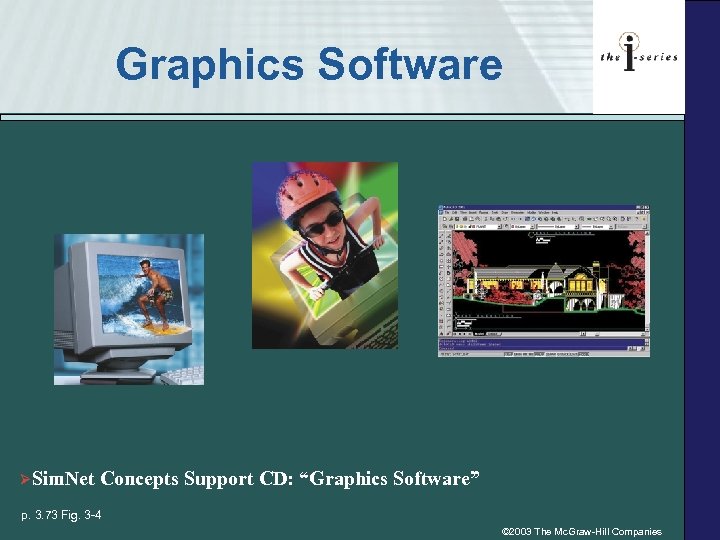 Graphics Software ØSim. Net Concepts Support CD: “Graphics Software” p. 3. 73 Fig. 3 -4 © 2003 The Mc. Graw-Hill Companies
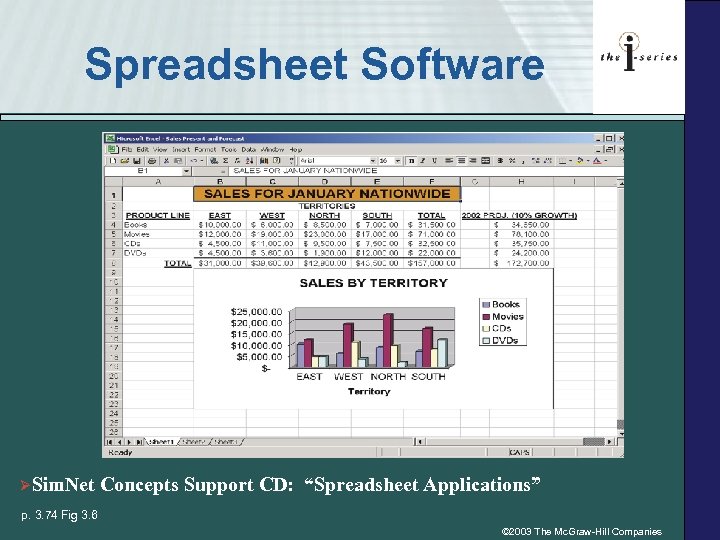 Spreadsheet Software ØSim. Net Concepts Support CD: “Spreadsheet Applications” p. 3. 74 Fig 3. 6 © 2003 The Mc. Graw-Hill Companies
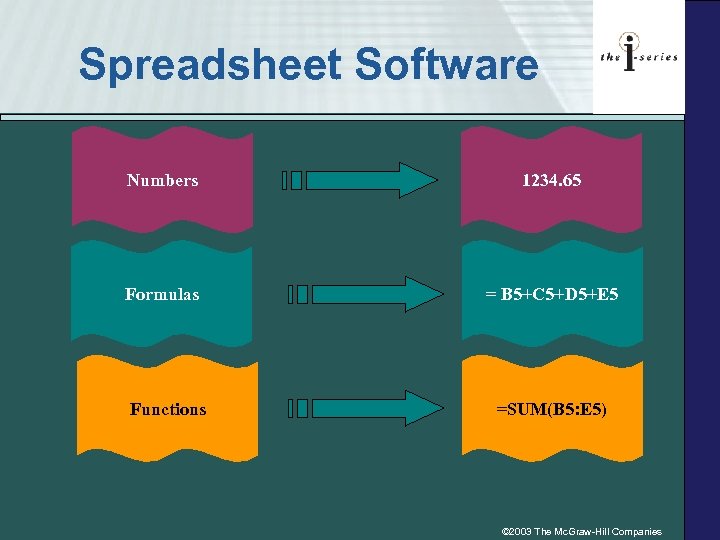 Spreadsheet Software Numbers 1234. 65 Formulas = B 5+C 5+D 5+E 5 Functions =SUM(B 5: E 5) © 2003 The Mc. Graw-Hill Companies
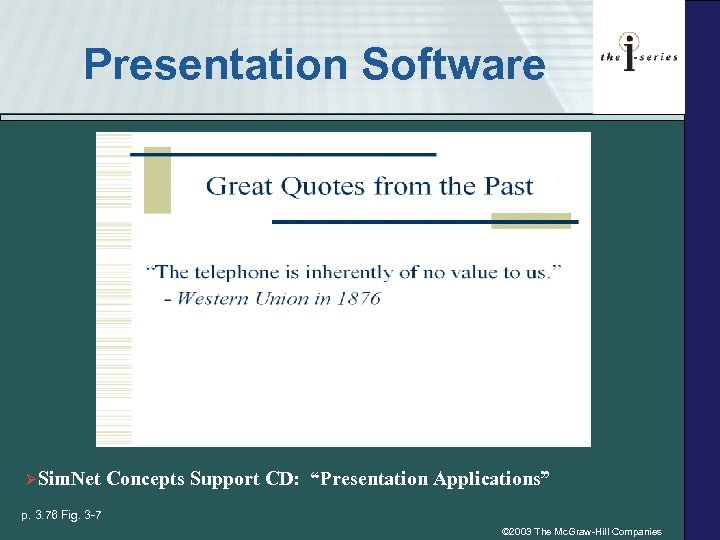 Presentation Software ØSim. Net Concepts Support CD: “Presentation Applications” p. 3. 76 Fig. 3 -7 © 2003 The Mc. Graw-Hill Companies
 Productivity with Presentation Software • • • Add audio and video Insert images, photos, and art Incorporate links to Web sites Use slide transitions to move from one slide to the next Time the changing of the slides so you don’t have to manually move from one slide to the next • Apply design templates to create a consistent look and feel for all your slides • Insert common header and footer information on all your slides • Print handout pages (with multiple slides per page) for your audience © 2003 The Mc. Graw-Hill Companies
 Personal Information Management Software • Can create and maintain… • To-do lists • Appointments and calendars • Points of contact • Primary software for PDAs or palmtop computers • Software available for desktop and notebook computers © 2003 The Mc. Graw-Hill Companies
 Personal Finance Software • Personal Finance software capabilities: – Maintain a checkbook, prepare a budget, track investments, monitor credit card balances, pay bills electronically • Online banking is the use of your computer system, to interact electronically with your bank, including: – Writing checks, transferring funds, and obtaining a list of your account transactions © 2003 The Mc. Graw-Hill Companies
 Database Management System (DBMS) Software Allows you to manage large amounts of information Arrange, modify, and extract information © 2003 The Mc. Graw-Hill Companies
 Database Management System Software • Database management system (DBMS) – Used to manage large amounts of information – Allows you to arrange, modify, and extract information from a database – Create logical relationships among groups of information • DBMSs work on everything from PDAs to large mainframes ØSim. Net Concepts Support CD: “Database Applications” and “Database Management Systems” © 2003 The Mc. Graw-Hill Companies
 Two Most Common Web Browsers Microsoft Internet Explorer ØSim. Netscape Communicator Concepts Support CD: “Web Browsers” © 2003 The Mc. Graw-Hill Companies
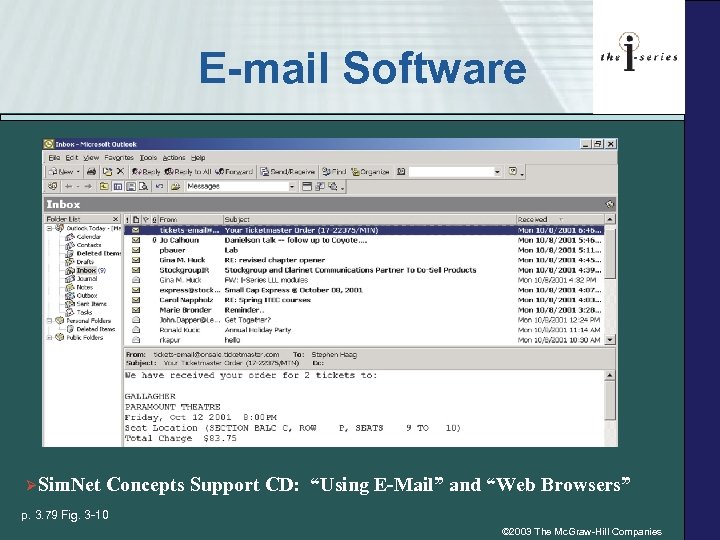 E-mail Software ØSim. Net Concepts Support CD: “Using E-Mail” and “Web Browsers” p. 3. 79 Fig. 3 -10 © 2003 The Mc. Graw-Hill Companies
 3. 3 Digital Media • Digital media is any type of media or information that is represented and stored discretely as a series of 0 s and 1 s Animation Images Photos Sounds Video Art © 2003 The Mc. Graw-Hill Companies
 Digital Media: Word of Caution • When creating a Web site with media that is not text, you must walk a fine line between your desire for photos and images with a high quality of resolution and the issue of how long it will take somebody to download those photos and images © 2003 The Mc. Graw-Hill Companies
 Two-Dimensional Images and Photos • Bitmap graphic (raster graphic or a bitmap) is a grid of dots, with each dot representing a specific color, which makes up the entire image or photo • Vector graphic creates and stores a set of instructions for re-creating the image or photo • Image resolution refers to the density of the grid used for the image © 2003 The Mc. Graw-Hill Companies
 Two-Dimensional Images and Photos • Color palette is the selection of colors that will be used for each dot in the bitmap graphic grid • Grayscale palette a color palette which is used to produce images and photos in a black-and-white style using shades of grays • True color or 24 -bit color palette a color palette having 16. 7 million colors • True color 32 -bit color palette a color palette having 16. 7 million colors and special effects such as transparency and dithering © 2003 The Mc. Graw-Hill Companies
 Variety Graphics Formats. jpeg or. jpg . bmp. gif. tiff or. tif . png © 2003 The Mc. Graw-Hill Companies
 Three Dimensional (3 -D) • 3 -D – Technology that presents information to you in such a way that you have the illusion that the object you’re viewing is actually in the room with you • 3 -D graphics instructions including length, width, locations, and drawing parameters for creating a wireframe of the image © 2003 The Mc. Graw-Hill Companies
 3 -D Terminology Wireframe is the complete skeletal structure of a 3 -D graphic image Rendering is the process of covering the wireframe with colors and textures Ray tracing is a technique for adding shades and shadows to a 3 -D graphic based on the location of a light source © 2003 The Mc. Graw-Hill Companies
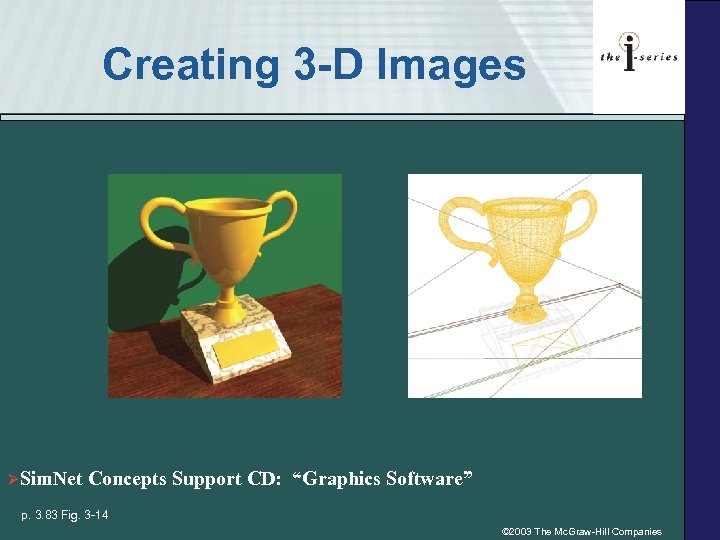 Creating 3 -D Images ØSim. Net Concepts Support CD: “Graphics Software” p. 3. 83 Fig. 3 -14 © 2003 The Mc. Graw-Hill Companies
 Newest Types of Digital Media Audio Video ØSim. Net Concepts Support CD: “Sound and Video Software” © 2003 The Mc. Graw-Hill Companies
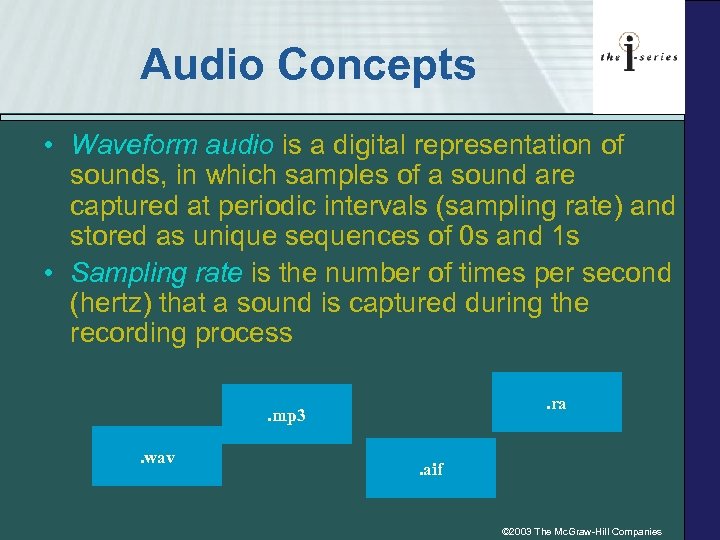 Audio Concepts • Waveform audio is a digital representation of sounds, in which samples of a sound are captured at periodic intervals (sampling rate) and stored as unique sequences of 0 s and 1 s • Sampling rate is the number of times per second (hertz) that a sound is captured during the recording process. ra . mp 3. wav . aif © 2003 The Mc. Graw-Hill Companies
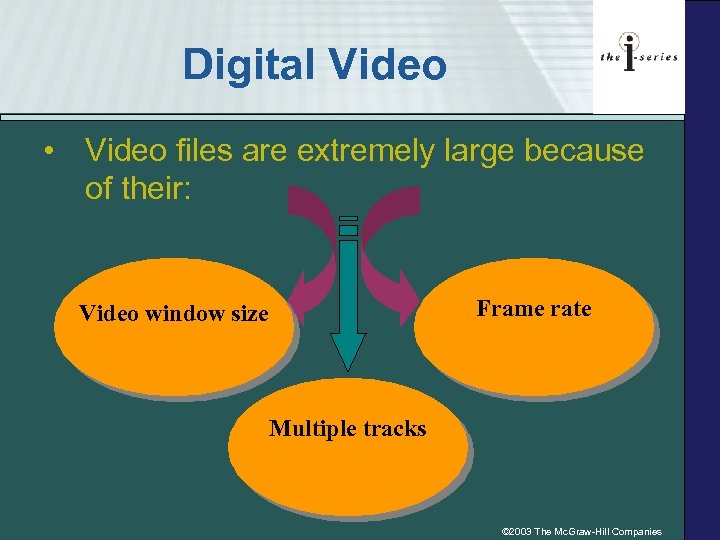 Digital Video • Video files are extremely large because of their: Frame rate Video window size Multiple tracks © 2003 The Mc. Graw-Hill Companies
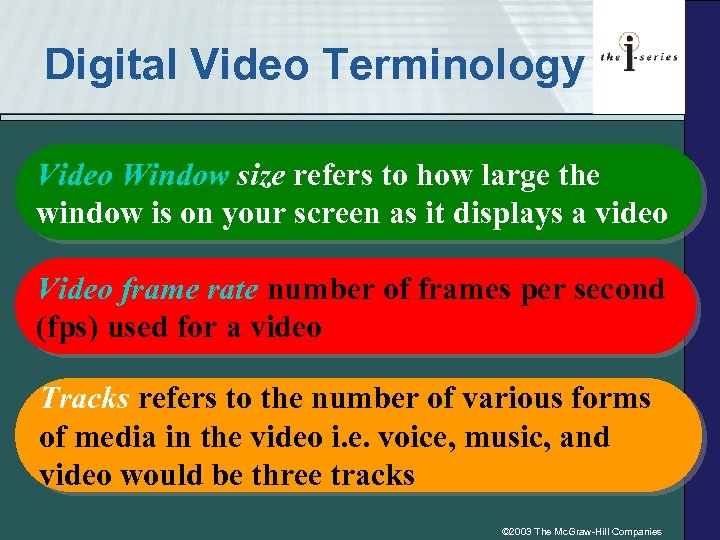 Digital Video Terminology Video Window size refers to how large the window is on your screen as it displays a video Video frame rate number of frames per second (fps) used for a video Tracks refers to the number of various forms of media in the video i. e. voice, music, and video would be three tracks © 2003 The Mc. Graw-Hill Companies
 © 2003 The Mc. Graw-Hill Companies
 3. 4 Consumer Q&A 1. When I Buy Software, Do I Really Own it? 2. Is There Software I Can Try Out before I Buy It? 3. Is Installing Software a Difficult Task? 4. How Can I Add Video to My Web Site? © 2003 The Mc. Graw-Hill Companies
 3. 6 Key Terms • . aif (Audio Interchange Format) • . bmp • . gif (Graphics Image format • . jpeg • . mp 3 • . png (Portable Network Graphic) • • . ra (Real. Audio). tiff. wav (Wave) 3 -D graphics Application software Bitmap graphic Color palette © 2003 The Mc. Graw-Hill Companies
 3. 6 Key Terms • Database management system software (DBMS) • Desktop publishing software • Graphics software • Image resolution • Personal finance software • Personal information management (PIM) software • Personal productivity software • Presentation software • Ray tracing • Rendering © 2003 The Mc. Graw-Hill Companies
 3. 6 Key Terms • • • Sampling rate Spreadsheet software System software Vector graphic Video frame rate Waveform audio • Web authoring software • Wireframe • Word processing software © 2003 The Mc. Graw-Hill Companies
 Review of Concepts 1. Identifying Personal Productivity Software Tools 2. Matching Careers to Personal Productivity Software Tools Ø What software is in your future? 3. Understanding Formulas and Functions Ø Buy a home for an investment © 2003 The Mc. Graw-Hill Companies
 Hands On Projects E-Commerce 1. Downloading Players and Plug-Ins Ø Enjoy all forms of Web multimedia 2. Finding Freeware and Shareware Ø Caution: Freeware may not be “free” 3. Buying Software Ø Download it from the Web © 2003 The Mc. Graw-Hill Companies
 Hands On Projects Ethics, Security & Privacy 1. Software Piracy Ø It’s a big problem world wide Ø Should poorer countries be denied access to software and other technologies? Ø How much is too much money for software publishers to make? © 2003 The Mc. Graw-Hill Companies
 Hands On Projects on the Web 1. Storing Your Personal Files on the Web Ø It can be free 2. Learning More about Digital Media Ø What’s a bitblt? 3. Downloading Free Images, Photos, and Art 4. Finding Free Screen Savers Ø Are they really necessary? © 2003 The Mc. Graw-Hill Companies
 Hands On Projects Group Activities 1. Building a Web Page with Microsoft Word Ø It’s as simple as typing 2. Capturing Audio on Your Computer Ø It’s as simple as speaking 3. Games and Entertainment Software 4. Using Microsoft Paint Ø Can you draw with your mouse? © 2003 The Mc. Graw-Hill Companies