


 Скачать презентацию APPENDIX A HARDWARE AND SOFTWARE Mc Graw-Hill Irwin Copyright
f024a4911887c9102f97d41c288afe2a.ppt
- Количество слайдов: 15
 APPENDIX A HARDWARE AND SOFTWARE Mc. Graw-Hill/Irwin Copyright © 2013 by The Mc. Graw-Hill Companies, Inc. All rights reserved.
 A-2 INTRODUCTION § Information technology (IT) - Any computer-based tool that people use to work with information and support the information and information-processing needs of an organization • Hardware - Consists of the physical devices associated with a computer system • Software - The set of instructions that the hardware executes to carry out specific tasks
 A-3 HARDWARE BASICS § Computer - An electronic device operating under the control of instructions stored in its own memory that can accept, manipulate, and store data § Hardware components include: 1. 2. 3. 4. 5. 6. Central processing unit (CPU) Primary storage Secondary storage Input device Output device Communication device
 A-4 CENTRAL PROCESSING UNIT § Central processing unit (CPU) (or microprocessor) The actual hardware that interprets and executes the program (software) instructions and coordinates how all the other hardware devices work together § Control unit - Interprets software instructions and literally tells the other hardware devices what to do, based on the software instructions § Arithmetic-logic unit (ALU) - Performs all arithmetic operations (for example, addition and subtraction) and all logic operations (such as sorting and comparing numbers)
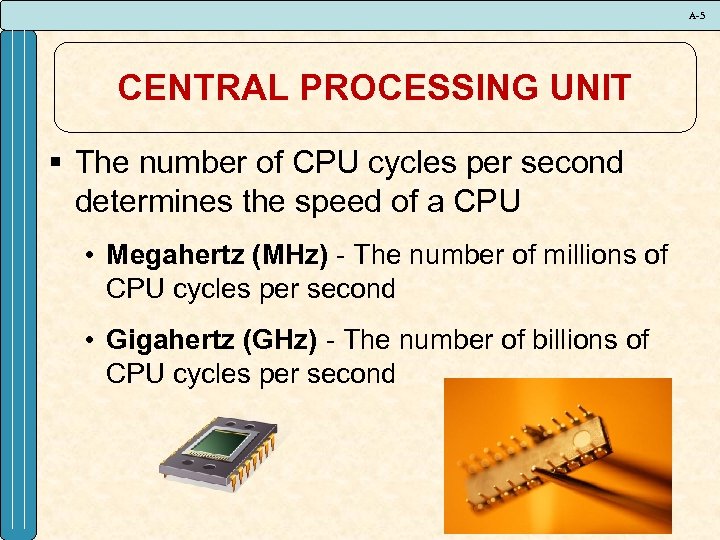 A-5 CENTRAL PROCESSING UNIT § The number of CPU cycles per second determines the speed of a CPU • Megahertz (MHz) - The number of millions of CPU cycles per second • Gigahertz (GHz) - The number of billions of CPU cycles per second
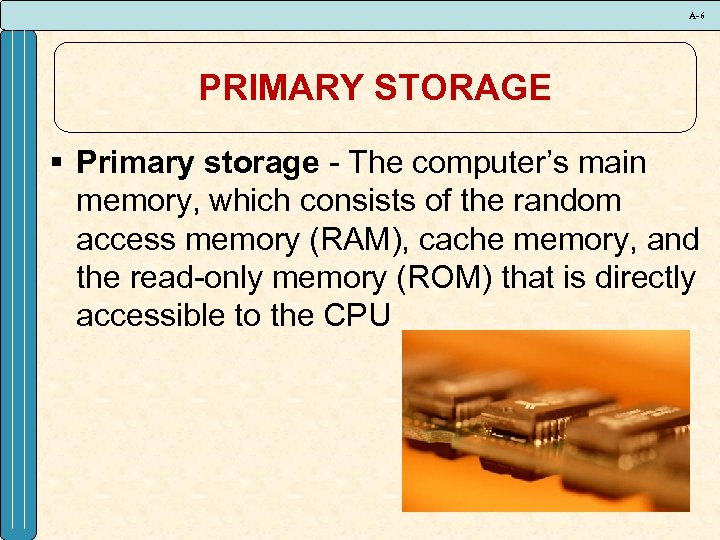 A-6 PRIMARY STORAGE § Primary storage - The computer’s main memory, which consists of the random access memory (RAM), cache memory, and the read-only memory (ROM) that is directly accessible to the CPU
 A-7 SECONDARY STORAGE § Secondary storage - Consists of equipment designed to store large volumes of data for long-term storage • Megabyte (MB or Meg) - Roughly 1 million bytes • Gigabyte (GB) - Roughly 1 billion bytes • Terabyte (TB) - Roughly 1 trillion bytes
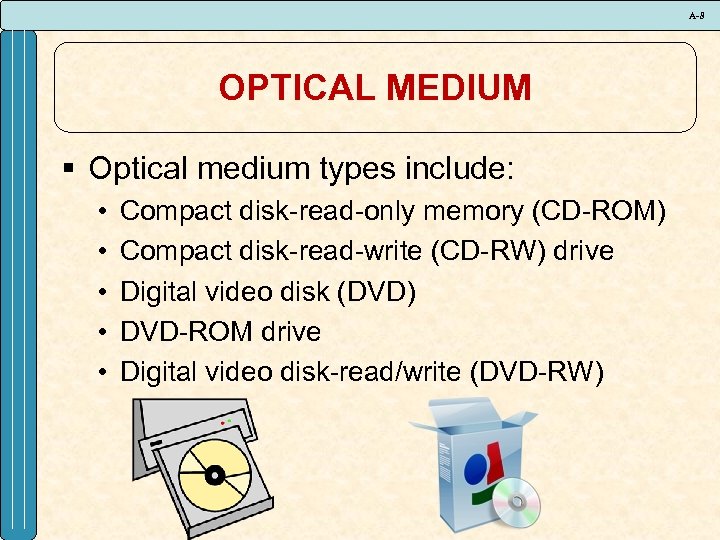 A-8 OPTICAL MEDIUM § Optical medium types include: • • • Compact disk-read-only memory (CD-ROM) Compact disk-read-write (CD-RW) drive Digital video disk (DVD) DVD-ROM drive Digital video disk-read/write (DVD-RW)
 A-9 INPUT DEVICES § Input device - Equipment used to capture information and commands • Manual input devices v. Joystick v. Keyboard v. Microphone • Automated input devices v. Bar code scanner v. Digital camera v. Magnetic ink character reader
 A-10 OUTPUT DEVICES § Output device - Equipment used to see, hear, or otherwise accept the results of information processing requests • • • Cathode-ray tube (CRT) Liquid crystal display (LCD) Laser printer Ink-jet printer Plotter
 A-11 COMMUNICATION DEVICES § Communication device - Equipment used to send information and receive it from one location to another • • • Dial-up access Cable Digital subscriber line Wireless Satellite
 A-12 COMPUTER CATEGORIES § Computer categories include: • • Personal digital assistant (PDA) Laptop Tablet Desktop Workstation Minicomputer Mainframe computer Supercomputer
 A-13 SOFTWARE BASICS § System software - Controls how the various technology tools work together along with the application software • Operating system software • Utility software • Application software
 A-14 UTILITY SOFTWARE § Types of utility software • • • Crash-proof Disk image Disk optimization Encrypt data File and data recovery Text protect Preventative security Spyware Uninstaller
 A-15 APPLICATION SOFTWARE § Types of application software • • • Bowser Communication Data management Desktop publishing Email Groupware Presentation graphics Programming Spreadsheet Word processing