


 Скачать презентацию App Metrics Monitoring for COM Components Scott
e5554ebc6c994abd4db4e7bcd371225e.ppt
- Количество слайдов: 21
 App. Metrics – Monitoring for COM+ Components Scott Matsumoto Chief Technical Officer Xtremesoft, Inc
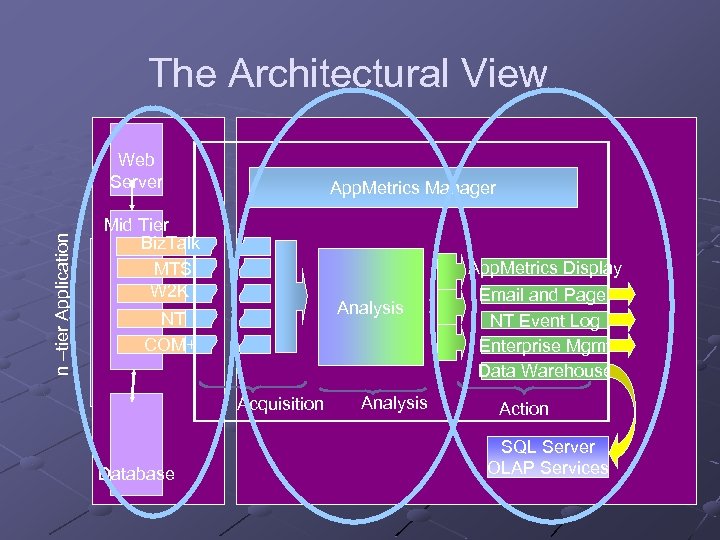 The Architectural View n –tier Application Web Server App. Metrics Manager Mid Tier Biz. Talk MTS W 2 K App. Metrics Display Analysis NT COM+ Acquisition Database Analysis Email and Pager NT Event Log Enterprise Mgmt Data Warehouse Action SQL Server OLAP Services
 Digging In Facilities provided by MTS/COM+ and Biz. Talk How App. Metrics utilizes these facilities Metrics and Reports from App. Metrics for monitoring application state
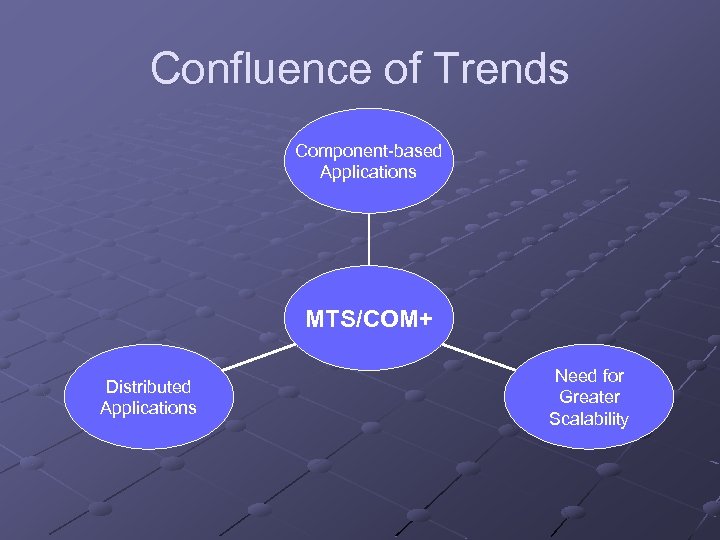 Confluence of Trends Component-based Applications MTS/COM+ Distributed Applications Need for Greater Scalability
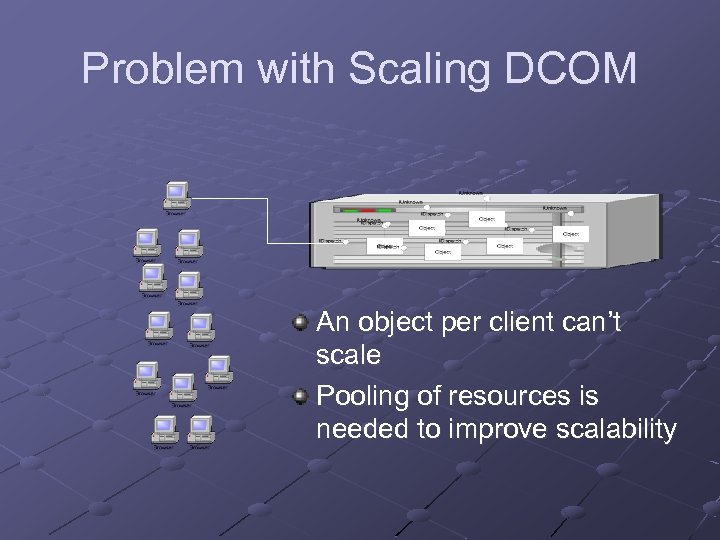 Problem with Scaling DCOM An object per client can’t scale Pooling of resources is needed to improve scalability
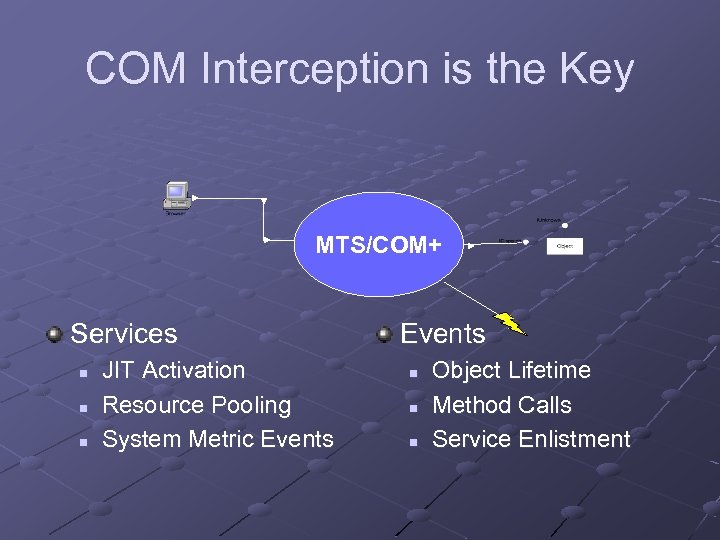 COM Interception is the Key MTS/COM+ Services n n n JIT Activation Resource Pooling System Metric Events n n n Object Lifetime Method Calls Service Enlistment
 System Metric Events Examples n n n n Object. Create Object. Release Object. Activate Object. Deactivate Method. Call Method Return More… Instance based Correlated externally n n n Primary Key Foreign Key No correlation within MTS/COM+ Not ordered No guaranteed delivery Lots of them!
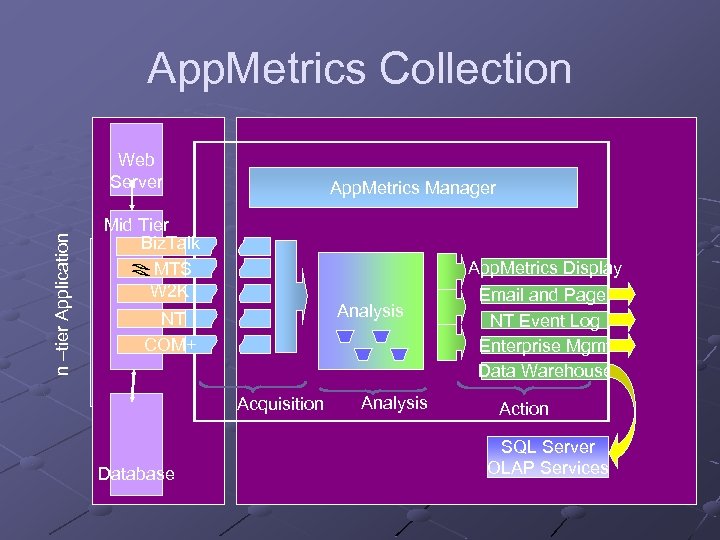 App. Metrics Collection n –tier Application Web Server App. Metrics Manager Mid Tier Biz. Talk MTS W 2 K App. Metrics Display Analysis NT COM+ Acquisition Database Analysis Email and Pager NT Event Log Enterprise Mgmt Data Warehouse Action SQL Server OLAP Services
 Event Correlation Events describe something that happened in the services infrastructure Events are associated by data in their event parameters Parameter data is optimized to reduce overhead during generation
 App. Metrics Application/Package n n Process to Package mapping Alerts on process statistics Components n n n Organized by Class Durations Counts “Transactions” n n Logical Activities Cross Package/Process boundries
 Putting the Data to Use Alerts n n n Process Component Transaction Reports n n n Production Diagnostics Drill Down
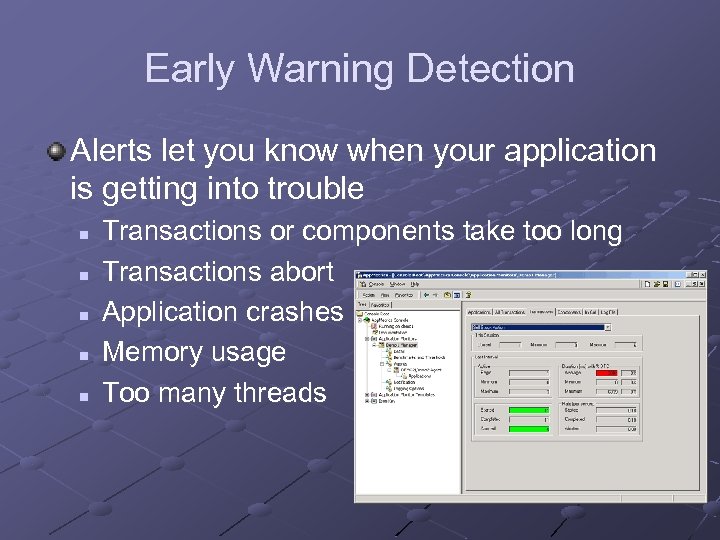 Early Warning Detection Alerts let you know when your application is getting into trouble n n n Transactions or components take too long Transactions abort Application crashes Memory usage Too many threads
 Alert and Notify Integrate with Enterprise Management Frameworks n MOM, Net. IQ, Tivoli, etc. Email and pager Windows event log Trigger automated process to take corrective action
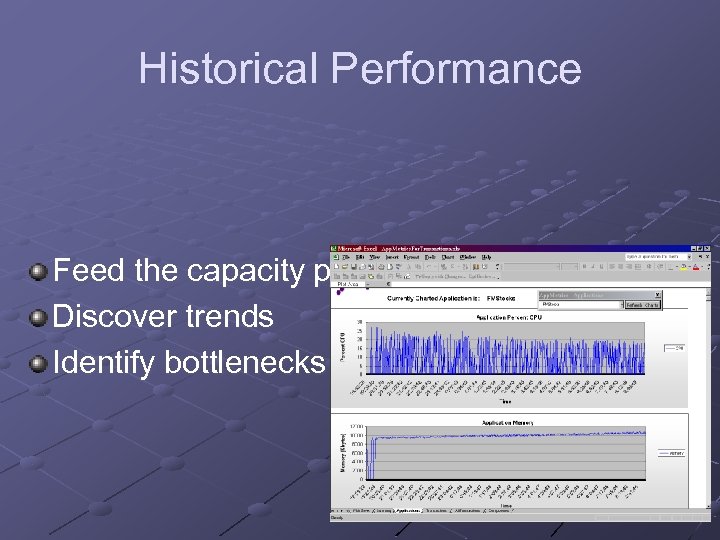 Historical Performance Feed the capacity planning process Discover trends Identify bottlenecks
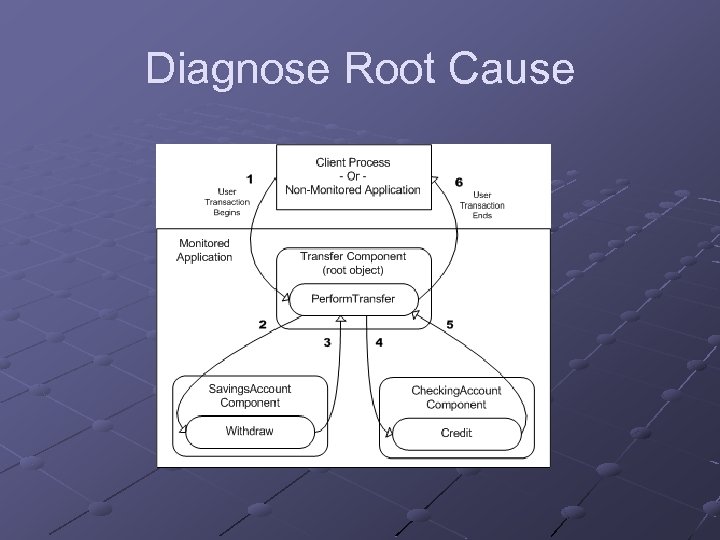 Diagnose Root Cause
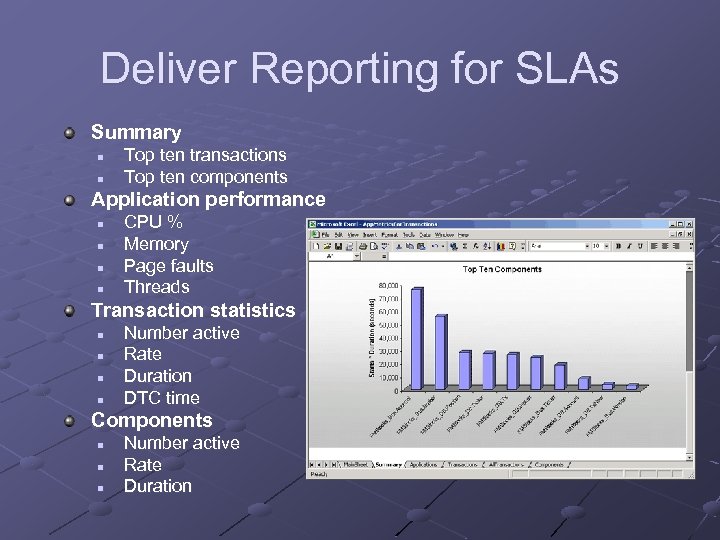 Deliver Reporting for SLAs Summary n n Top ten transactions Top ten components Application performance n n CPU % Memory Page faults Threads Transaction statistics n n Number active Rate Duration DTC time Components n n n Number active Rate Duration
 Monitoring Biz. Talk Applications Biz. Talk also has event-based monitoring Biz. Talk Orchestration n n Orchestrations generate events to report progress Reporting on business process state Biz. Talk Messaging n n XML Document throughput Document “suspended” event
 . NET and Beyond. NET Framework has components Enterprise Services is implemented with by COM+ services Minor “gotchas” to deal with n n System metrics events must be turned on Many run in the aspnet_wp. exe processes Support in. NET Server 2003 and Everett needed for method detail
 Why Monitor Application State? Improve Application Performance n n Minimize time spent troubleshooting Eliminate downtime, outages & bottlenecks Eliminate “manual” monitoring n n Become proactive rather than reactive Improve application control & uptime Improve Service to customers & end users n n Proactive application management Meet & exceed application SLAs
 Conclusion Having an accurate view of application state is a valuable addition to overall system monitoring Applications on the Microsoft platform expose application state through high volume events App. Metrics makes this data available to you
 Questions Contact: scottm@xtremesoft. com