 Скачать презентацию APP程式開發的資安風險 葉光釗 台灣微軟公共事業群技術長 應用開發的資安挑戰 Challenges Hackers vs
8eb1a7bd1a92b878f928df7b14f01bf9.ppt
- Количество слайдов: 30



APP程式開發的資安風險 葉光釗 台灣微軟公共事業群技術長
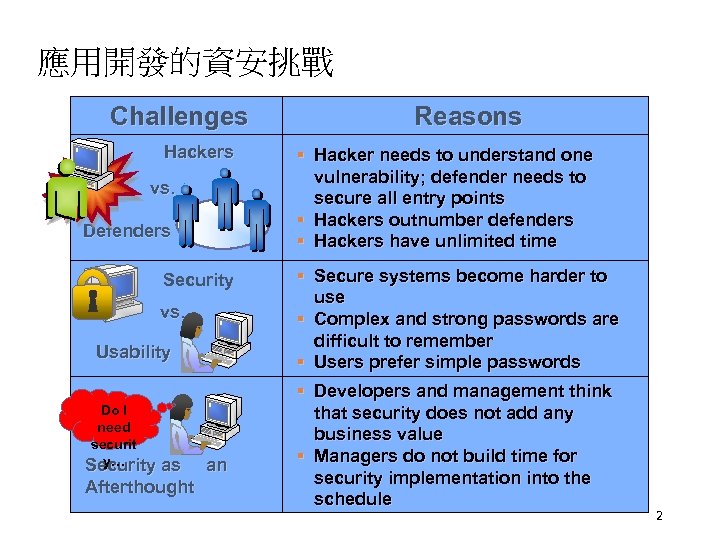
應用開發的資安挑戰 Challenges Hackers vs. Defenders Security vs. Usability Do I need securit y… Security as an Afterthought Reasons § Hacker needs to understand one vulnerability; defender needs to secure all entry points § Hackers outnumber defenders § Hackers have unlimited time § Secure systems become harder to use § Complex and strong passwords are difficult to remember § Users prefer simple passwords § Developers and management think that security does not add any business value § Managers do not build time for security implementation into the schedule 2
防禦者的兩難 • Defender must defend all points; Attacker can choose weakest point • Defender can only defend against known attacks; Attacker can probe for unknown vulnerabilities • Defender must be constantly vigilant; Attacker can strike at will • Defender must play by rules; Attacker can play dirty 3
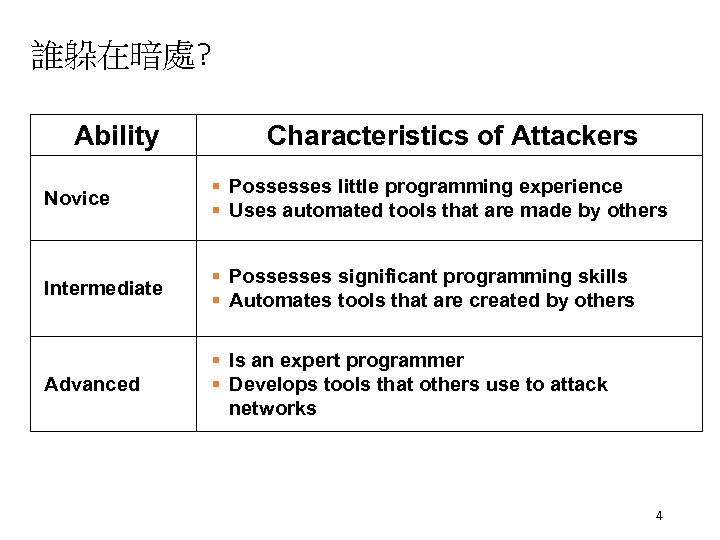
誰躲在暗處? Ability Characteristics of Attackers Novice § Possesses little programming experience § Uses automated tools that are made by others Intermediate § § Advanced § Is an expert programmer § Develops tools that others use to attack networks Possesses significant programming skills Automates tools that are created by others 4
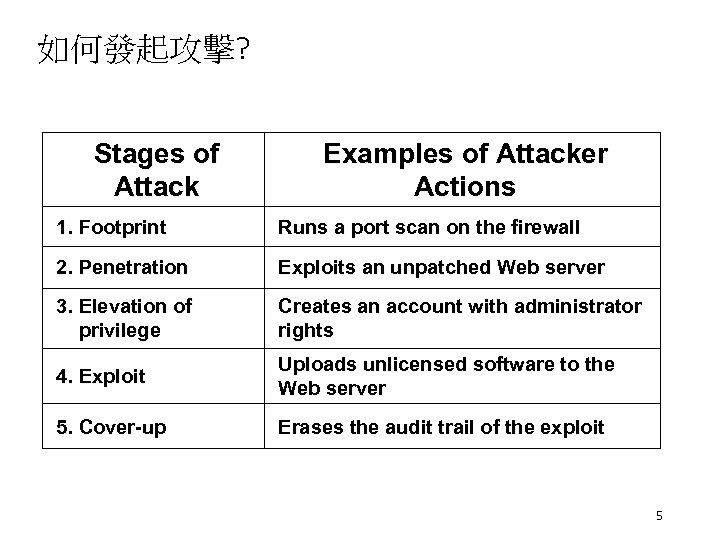
如何發起攻擊? Stages of Attack Examples of Attacker Actions 1. Footprint Runs a port scan on the firewall 2. Penetration Exploits an unpatched Web server 3. Elevation of privilege Creates an account with administrator rights 4. Exploit Uploads unlicensed software to the Web server 5. Cover-up Erases the audit trail of the exploit 5
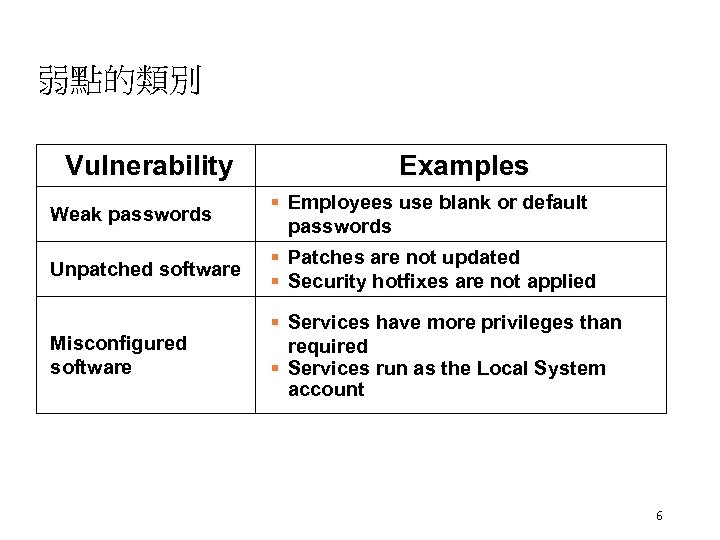
弱點的類別 Vulnerability Weak passwords Unpatched software Misconfigured software Examples § Employees use blank or default passwords § Patches are not updated § Security hotfixes are not applied § Services have more privileges than required § Services run as the Local System account 6
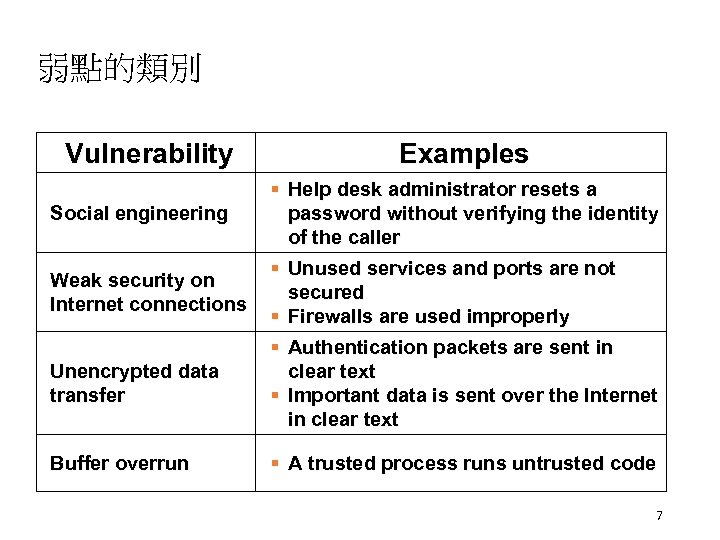
弱點的類別 Vulnerability Social engineering Weak security on Internet connections Unencrypted data transfer Buffer overrun Examples § Help desk administrator resets a password without verifying the identity of the caller § Unused services and ports are not secured § Firewalls are used improperly § Authentication packets are sent in clear text § Important data is sent over the Internet in clear text § A trusted process runs untrusted code 7
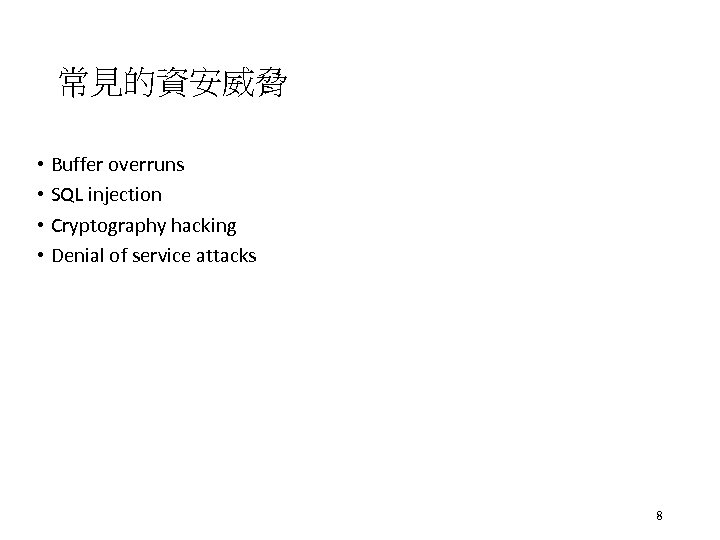
常見的資安威脅 • Buffer overruns • SQL injection • Cryptography hacking • Denial of service attacks 8
分層防禦 • Perimeter Security • Network • Sever Security • Application Security • Desktop / Laptop Security 9
分層防禦 • Perimeter Security • Firewall • VPN • IDS (Intrusion Detection Systems) 10
分層防禦 • Network • IDS • Strong Authentication • IPSEC • SSL 11
分層防禦 • Server Security • Physical security • Smart Card login • IPSEC • AD / GPO (Group Policies) • Hardening Guidance • Reduce Attack Surface • AV 12
分層防禦 • Application Security • Strong Authentication / Authorization • Fail Securely • Error Messages • Least privileges • Fault Injection Testing 13
分層防禦 • Desktop / Laptop Security • Reduce Attack surface • Reduced Privileges • Smart Card Login • Hardening guidance • EFS • AV 14

Appendix 15
What Is a Buffer Overrun? • The most common and dangerous security risk • Primarily exists in C/C++ code • Data exceeds expected size overwrites values • Examples: • Overruns/overwriting • • • Static buffer Heap overruns V-table Function pointer Exception handler overwriting 16
Defending Against Buffer Overruns • Best practices • • • Do not trust user input Security as a design feature Run with least privilege Defense in depth Fail intelligently Test security 17
Defending Against Buffer Overruns (2) • Be wary of using certain functions • strcpy, strncpy, Copy. Memory, Multi. Byte. To. Wide. Char • Use managed code • Use the /GS compile option in Microsoft® Visual C®++. NET with existing C and C++ code • Using this does not replace careful programming • Use Strsafe. h for safer buffer handling 18
SQL Injection • SQL injection occurs when users control the criteria of SQL statements and hackers enter values that change the original intention of the SQL statement • Four common examples of SQL injection: • • Probing databases Bypassing authorization Executing multiple SQL statements Calling built-in stored procedures 19
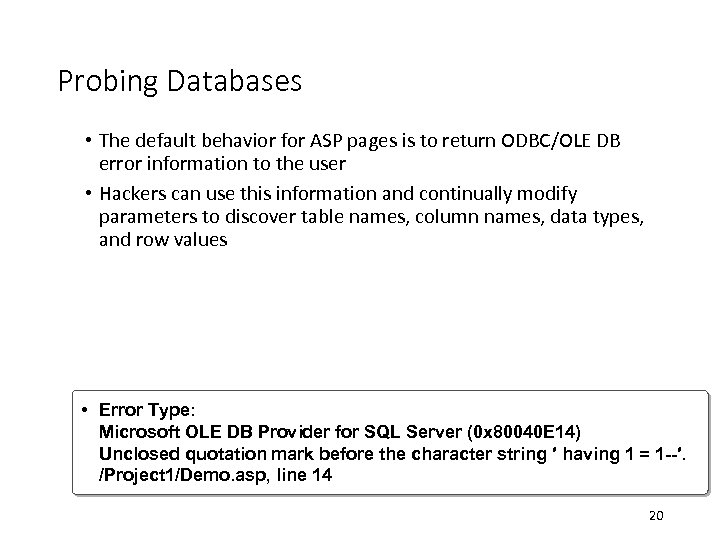
Probing Databases • The default behavior for ASP pages is to return ODBC/OLE DB error information to the user • Hackers can use this information and continually modify parameters to discover table names, column names, data types, and row values Error Type: Microsoft OLE DB Provider for SQL Server (0 x 80040 E 14) Unclosed quotation mark before the character string ′ having 1 = 1 --′. /Project 1/Demo. asp, line 14 20
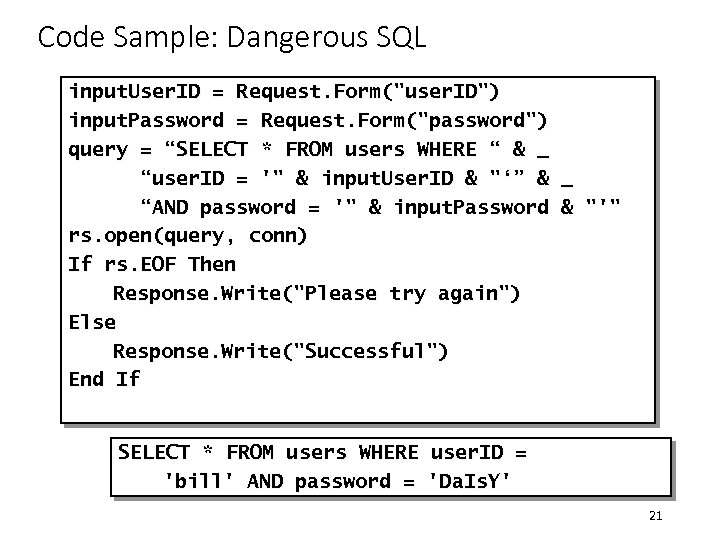
Code Sample: Dangerous SQL input. User. ID = Request. Form("user. ID") input. Password = Request. Form("password") query = “SELECT * FROM users WHERE “ & _ “user. ID = '" & input. User. ID & "‘” & _ “AND password = '" & input. Password & "'" rs. open(query, conn) If rs. EOF Then Response. Write("Please try again") Else Response. Write("Successful") End If SELECT * FROM users WHERE user. ID = 'bill' AND password = 'Da. Is. Y' 21
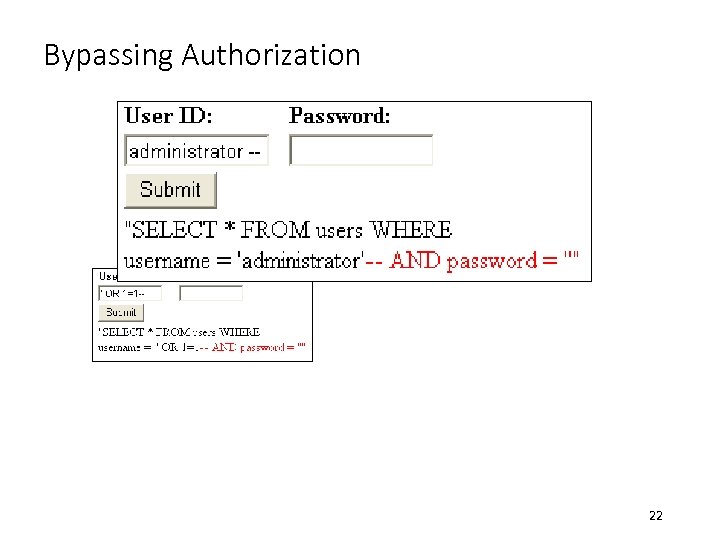
Bypassing Authorization 22
Defending Against SQL Injection • Best practices • • • Do not trust user input Run with least privilege Defense in depth Fail intelligently Test security • Remove unused stored procedures • Enable logging • Do not use string concatenations to build SQL queries • Use parameterized queries or stored procedures instead 23
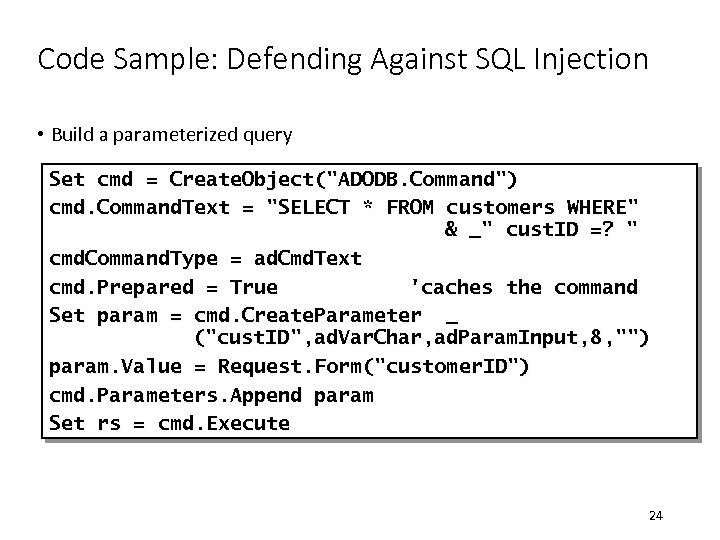
Code Sample: Defending Against SQL Injection • Build a parameterized query Set cmd = Create. Object("ADODB. Command") cmd. Command. Text = "SELECT * FROM customers WHERE" & _" cust. ID =? " cmd. Command. Type = ad. Cmd. Text cmd. Prepared = True 'caches the command Set param = cmd. Create. Parameter _ ("cust. ID", ad. Var. Char, ad. Param. Input, 8, "") param. Value = Request. Form("customer. ID") cmd. Parameters. Append param Set rs = cmd. Execute 24
Cryptography Hacking • What do the following events have in common? • Mary Queen of Scots is decapitated in 1586 • The United States enters World War I in 1917 • The United States wins at the Battle of Midway in World War II • They were all a result of failures in cryptography 25
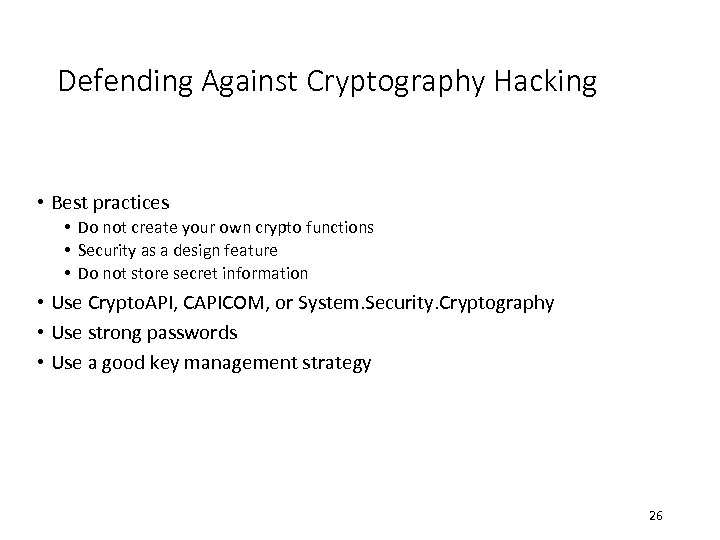
Defending Against Cryptography Hacking • Best practices • Do not create your own crypto functions • Security as a design feature • Do not store secret information • Use Crypto. API, CAPICOM, or System. Security. Cryptography • Use strong passwords • Use a good key management strategy 26
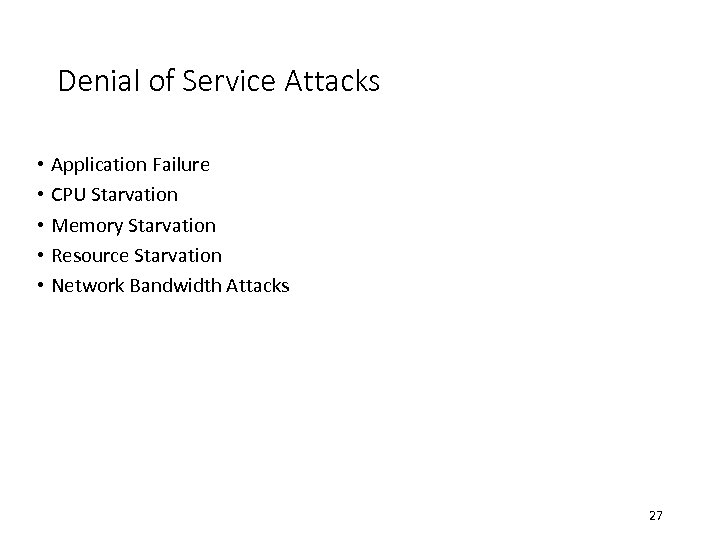
Denial of Service Attacks • Application Failure • CPU Starvation • Memory Starvation • Resource Starvation • Network Bandwidth Attacks 27
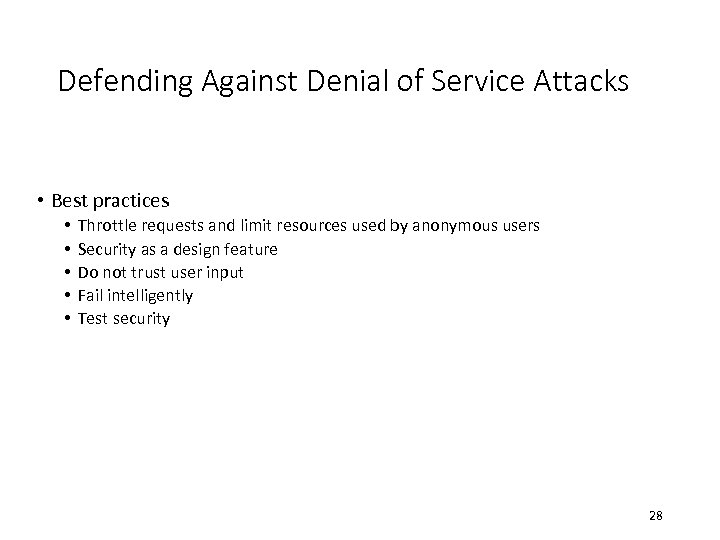
Defending Against Denial of Service Attacks • Best practices • • • Throttle requests and limit resources used by anonymous users Security as a design feature Do not trust user input Fail intelligently Test security 28
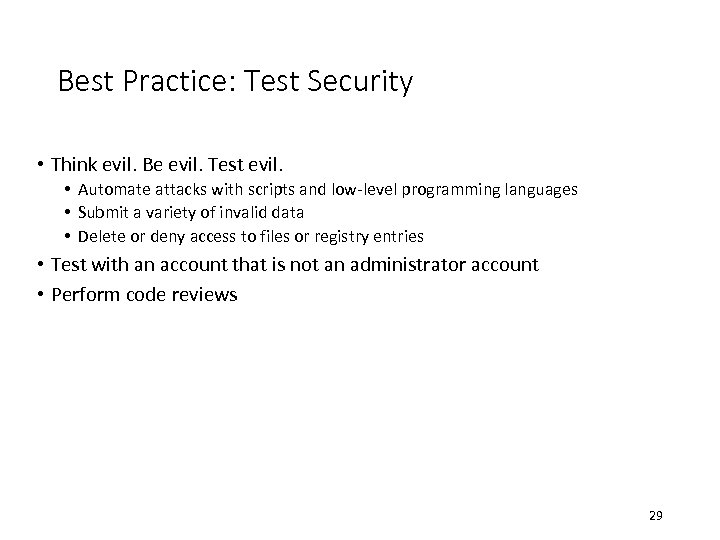
Best Practice: Test Security • Think evil. Be evil. Test evil. • Automate attacks with scripts and low-level programming languages • Submit a variety of invalid data • Delete or deny access to files or registry entries • Test with an account that is not an administrator account • Perform code reviews 29
Additional Resources • 196061, “HOWTO: Tie Active. X Controls to a Specific Domain” • Writing Secure Code, Second Edition by Michael Howard and David Le. Blanc 30
Скачать презентацию APP程式開發的資安風險 葉光釗 台灣微軟公共事業群技術長 應用開發的資安挑戰 Challenges Hackers vs
8eb1a7bd1a92b878f928df7b14f01bf9.ppt