 Скачать презентацию Apache Web Server Quick and Dirty Steve Gibbard
305b4862c2bb944fe49189f08b41f095.ppt
- Количество слайдов: 15



Apache Web Server Quick and Dirty Steve Gibbard for SANOG 16 (Originally by Joel Jaeggli for Af. NOG 2007)
About Apache http server project http: //httpd. apache. org Apache foundation started to support the web server project, but now extends to a multitude of other projects.
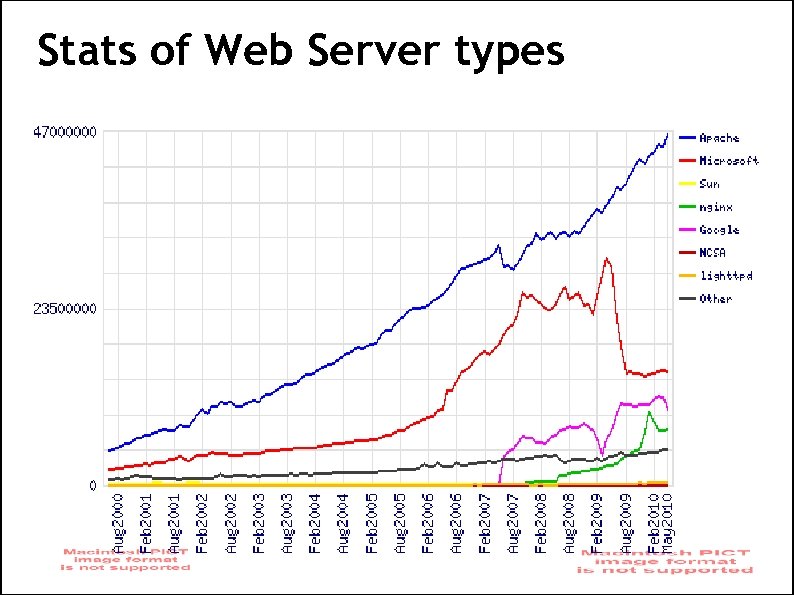
Stats of Web Server types

What the Busiest 1 M Websites use
Apache Installation on Free. BSD Apache can be installed from Ports /usr/ports/www/apache 22 Can be installed from pkg_add Or from source if one requires a more recent version what's on Free. BSD source ports tree
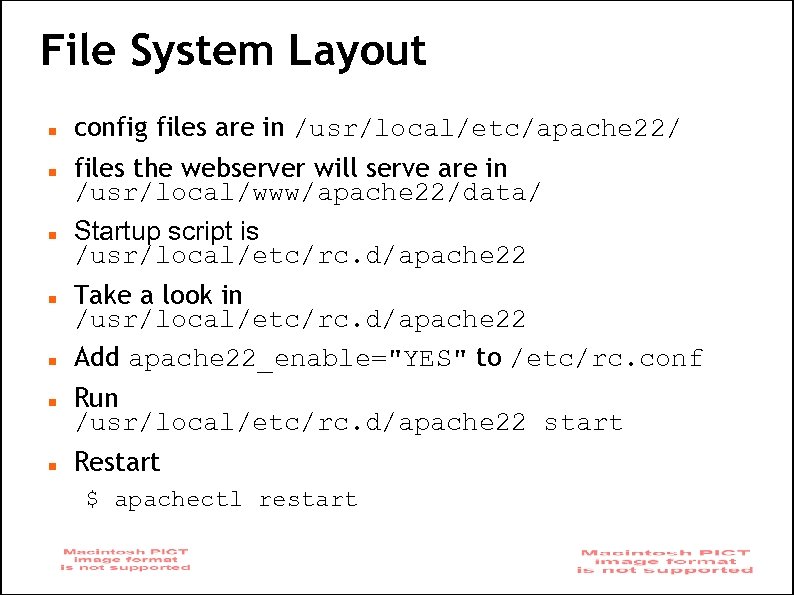
File System Layout config files are in /usr/local/etc/apache 22/ files the webserver will serve are in /usr/local/www/apache 22/data/ Startup script is /usr/local/etc/rc. d/apache 22 Take a look in /usr/local/etc/rc. d/apache 22 Add apache 22_enable="YES" to /etc/rc. conf Run /usr/local/etc/rc. d/apache 22 start Restart $ apachectl restart
Apache SSL Secure Socket Layer (SSL) port is 443 SSL is important to protect communication between browser and web-server Requires the creation of SSL certificates and Certificate Signing Requests (CSR) For integrity SSL certificates are signed by a Certificate Authority’s (CA) such as Verisign Self signed Certificates will also work but your browser will not trust it and will give a warning to users (which most don’t read) Refer to the Creating SSL Certificate Exercise Section
How SSL Works Each SSL certificate has a Public and Private key The Public Key is used to encrypt the information The Public Key is accessible to everyone The private Key is used to decipher the information The private should be not be disclosed
Role of Certificate Authority There a number of CA that certify certificates Most browsers have pre-included public Keys from the CA’s A CA certified certificate will have validation information signed by the CA’s private key The browser will decrypt the validation information using the public key and verify that the certificate is certified by the CA If this fails a warning is given
Virtual Hosting Apache Provides multiple options of virtual hosting and scales IP Based Virtual Hosts Name Based virtual hosts Aliases Its recommended to use an IP address over hostnames in virtual hosting configuration Refer to virtual hosting Exercise section
Installing PHP & Mysql Ph. P and Mysql implementations have increased driven mainly by development requests LAMP and WAMP are the most common implementations Free. BSD = “FAMP” ? http: //geekybits. blogspot. com/2007/09/creating -famp-server. html Installation via ports and relatively straight forward See PHP & Mysql installation exercise section
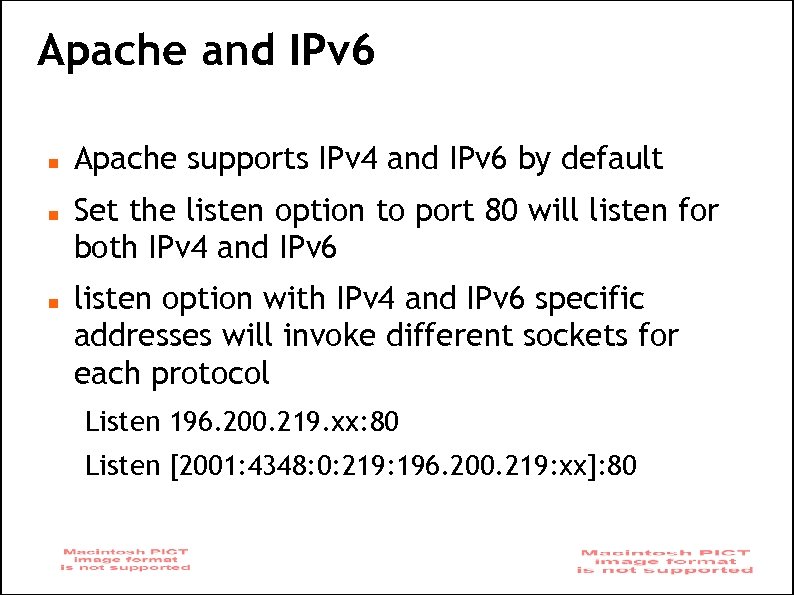
Apache and IPv 6 Apache supports IPv 4 and IPv 6 by default Set the listen option to port 80 will listen for both IPv 4 and IPv 6 listen option with IPv 4 and IPv 6 specific addresses will invoke different sockets for each protocol Listen 196. 200. 219. xx: 80 Listen [2001: 4348: 0: 219: 196. 200. 219: xx]: 80
Start Apache! /usr/local/etc/rc. d/apache 22 start Check that you can access http: //localhost in your browser Check that you can access https: //localhost in your browser, and that you get a certificate warning Click on the padlock icon in your browser and check that the certificate details are correct Profit!
Apache implementations Apache is widely used to serve many content applications Webmail, Blogs, Wiki’s, CMS etc Attempt to install wordpress and configure it
Start Exercises
Скачать презентацию Apache Web Server Quick and Dirty Steve Gibbard
305b4862c2bb944fe49189f08b41f095.ppt