


 Скачать презентацию Apache Security Travis Jeffries Introduction Security Topics
81732faa5fa58c4103e1dc7d1989f4c1.ppt
- Количество слайдов: 16
 Apache Security Travis Jeffries
 Introduction Security Topics to be Covered • • • Authentication and Authorization Strict Access Methods Defending against Attacks Bad CGI Programs Apache with SSL Exploits
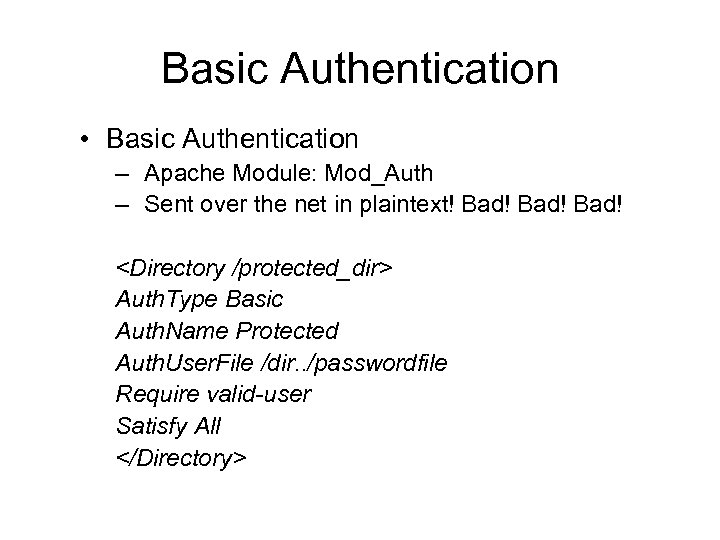 Basic Authentication • Basic Authentication – Apache Module: Mod_Auth – Sent over the net in plaintext! Bad!
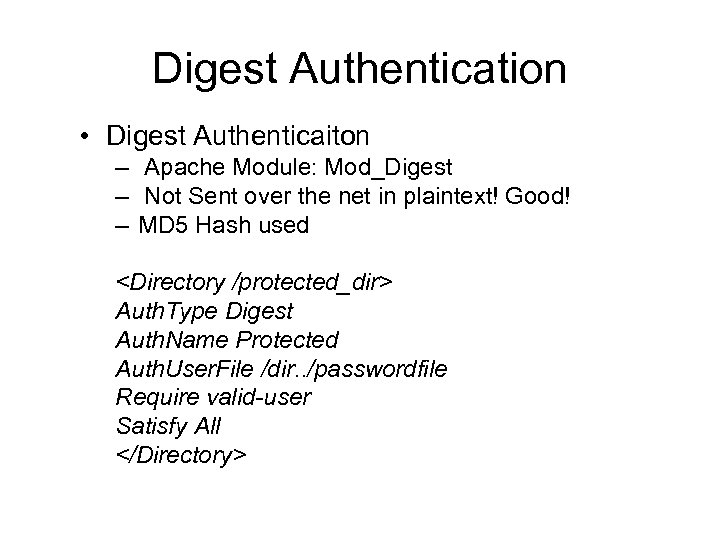 Digest Authentication • Digest Authenticaiton – Apache Module: Mod_Digest – Not Sent over the net in plaintext! Good! – MD 5 Hash used
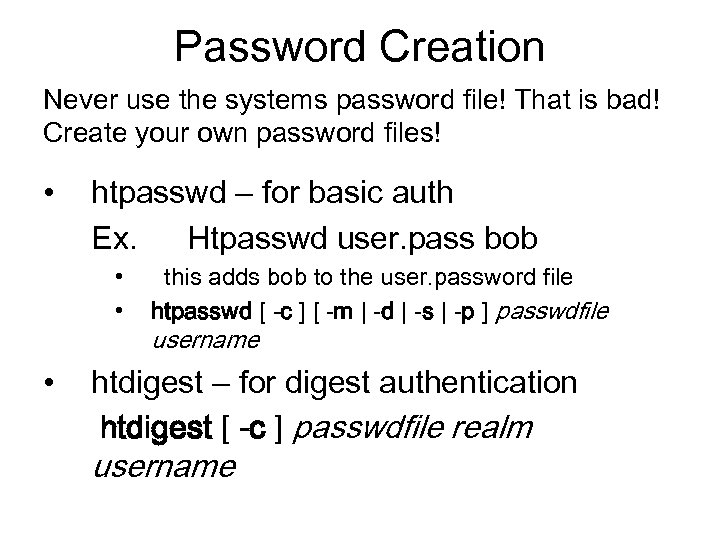 Password Creation Never use the systems password file! That is bad! Create your own password files! • htpasswd – for basic auth Ex. Htpasswd user. pass bob • • • this adds bob to the user. password file htpasswd [ -c ] [ -m | -d | -s | -p ] passwdfile username htdigest – for digest authentication htdigest [ -c ] passwdfile realm username
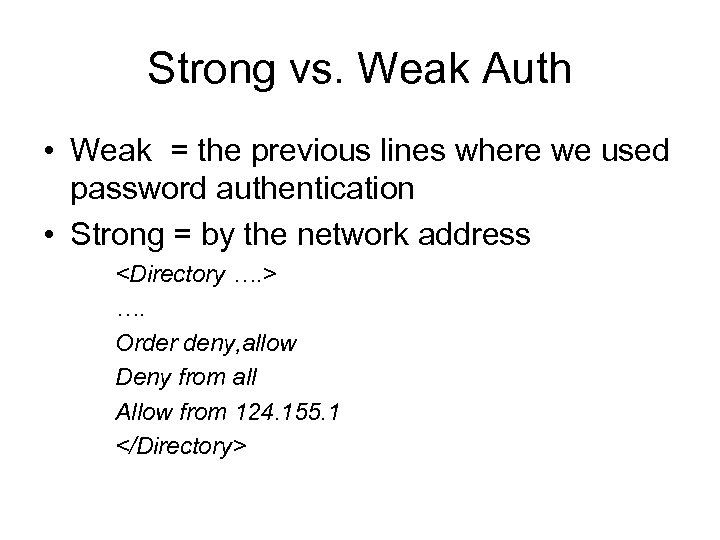 Strong vs. Weak Auth • Weak = the previous lines where we used password authentication • Strong = by the network address
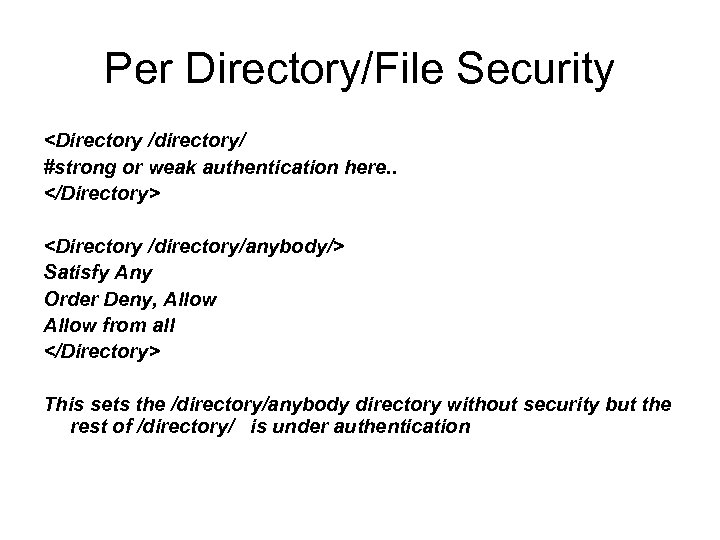 Per Directory/File Security
![Defending Against Simple Attacks • Preventing Huge Uploads Set. Env. If Content-Length “[1 -9][0](https://present5.com/presentation/81732faa5fa58c4103e1dc7d1989f4c1/image-8.jpg "Defending Against Simple Attacks • Preventing Huge Uploads Set. Env. If Content-Length “[1 -9][0") Defending Against Simple Attacks • Preventing Huge Uploads Set. Env. If Content-Length “[1 -9][0 -9]{4, }” upload_to_large=1
Defending Against Simple Attacks • Preventing Huge Uploads Set. Env. If Content-Length “[1 -9][0 -9]{4, }” upload_to_large=1
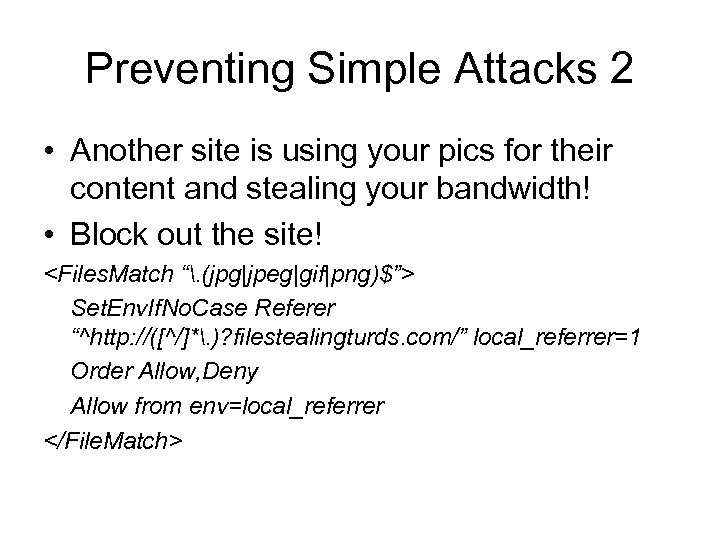 Preventing Simple Attacks 2 • Another site is using your pics for their content and stealing your bandwidth! • Block out the site!
 Brute Force Password Attacks • No Solution in Apache – No link between login attempts – You can use mod Apache: : Brute. Watch • Watches the log files and will send an e-mail to the admin if it thinks an attack is happening http: //cvs. lplug. org/cvsweb. cgi/Apache-Brute. Watch/
 DOS Attacks • Easy Solution: Limit Server Forks Heres the line you change in httpd. conf MAXCLIENTS 5
 Bad CGI Scripts • We will not cover all the possible stupid things a badly written script can do • But in the realm of apache itself… – All scripts are run as the user: Nobody – Make sure Nobody can’t write to anything else on the system, so a compromise is sandboxed find / -user nobody find / -group nobody
 Apache with SSL • Mod_SSL – standard on 2. 0, can be installed on 1. 3 • SSL already covered in class so lets talk about tools. . • Open. SSL – make keys, make certificate signing requests, sign the certificate if you want to • CA. pl – same as above but you can make a. pem file the user can import into the broswer to remove annoying warning messages about the certificate
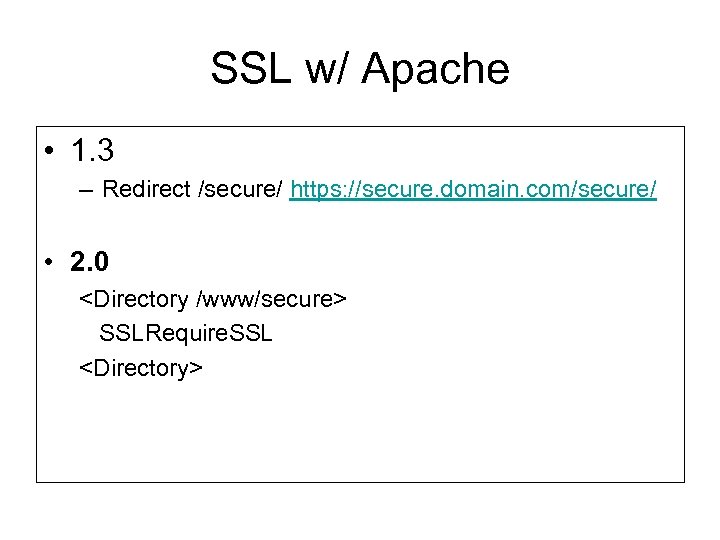 SSL w/ Apache • 1. 3 – Redirect /secure/ https: //secure. domain. com/secure/ • 2. 0
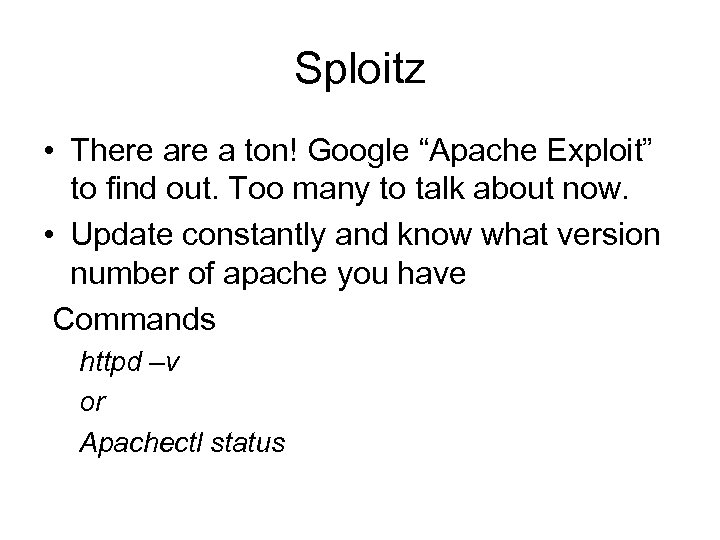 Sploitz • There a ton! Google “Apache Exploit” to find out. Too many to talk about now. • Update constantly and know what version number of apache you have Commands httpd –v or Apachectl status
 Yay it’s over Ask questions