 Скачать презентацию Anti-Spam Anti-Virus Wisc Mail Implementation Lagoda Bogdan
thompson.ppt
- Количество слайдов: 10



Anti-Spam & Anti-Virus Wisc. Mail Implementation Lagoda Bogdan IS-52 s
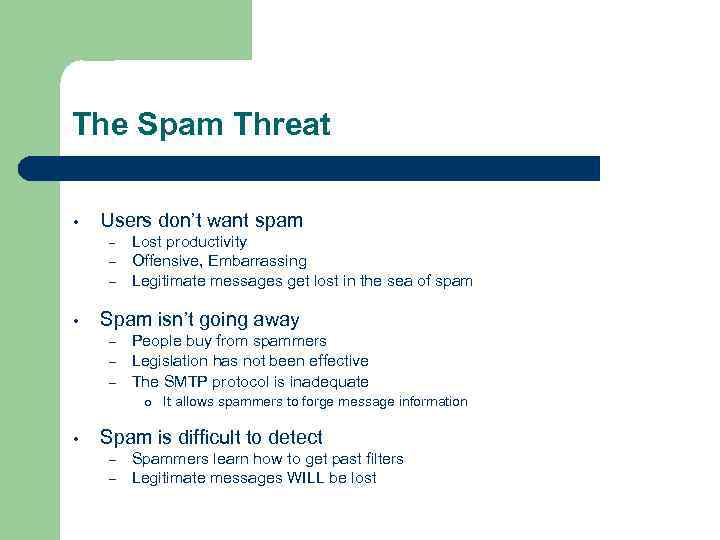
The Spam Threat • Users don’t want spam – – – • Lost productivity Offensive, Embarrassing Legitimate messages get lost in the sea of spam Spam isn’t going away – – – People buy from spammers Legislation has not been effective The SMTP protocol is inadequate o • It allows spammers to forge message information Spam is difficult to detect – – Spammers learn how to get past filters Legitimate messages WILL be lost
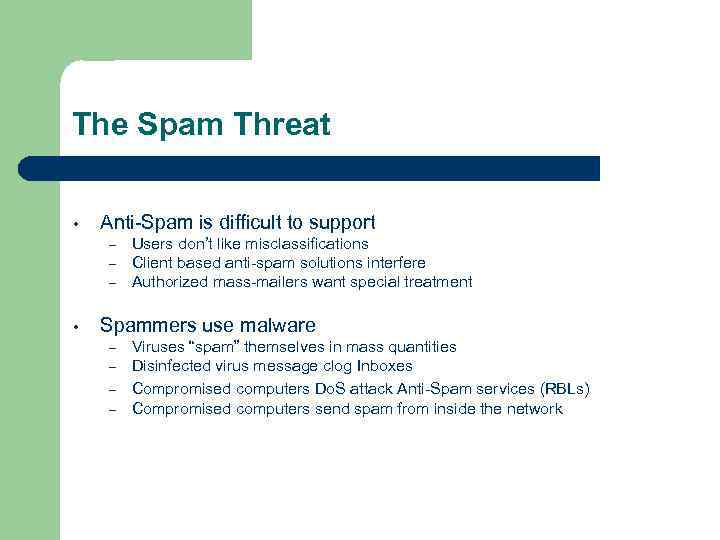
The Spam Threat • Anti-Spam is difficult to support – – – • Users don’t like misclassifications Client based anti-spam solutions interfere Authorized mass-mailers want special treatment Spammers use malware – – Viruses “spam” themselves in mass quantities Disinfected virus message clog Inboxes Compromised computers Do. S attack Anti-Spam services (RBLs) Compromised computers send spam from inside the network
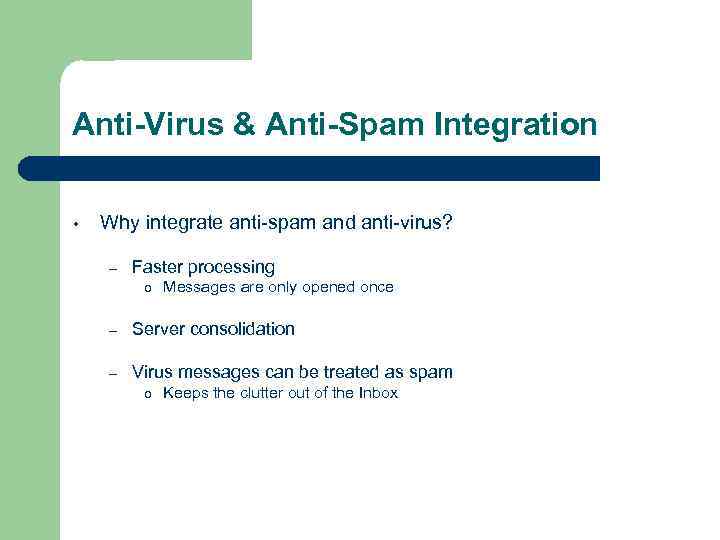
Anti-Virus & Anti-Spam Integration • Why integrate anti-spam and anti-virus? – Faster processing o Messages are only opened once – Server consolidation – Virus messages can be treated as spam o Keeps the clutter out of the Inbox
How it works 1. Scan all incoming messages for spam and viruses – – – 2. All potentially unsafe messages are scanned Messages are marked with a spam “score” and then delivered as intended Virus messages are deleted or disinfected Filter the messages – – Users choose whether or not to filter spam messages Users choose what threshold (based on spam score) to filter spam
Spam Filtering • Junk Mail Filter – – • Accept List Filter – • Moves all mail from specified senders to the ‘Junk Mail’ folder Mailing Lists Filter – • Keeps all mail from specified senders in the Inbox Block List Filter – • Users specify desired spam threshold (based on spam score) Moves all spam marked at the specified level (or higher) into ‘Junk Mail’ folder Keeps mail addressed to list addresses in the Inbox Custom Filters – – Users can create filters to move messages into IMAP folders e. g. “If the Subject contains ‘CSG’ move the message into the CSG folder”
Other Tools & Techniques • Server Filters – – • Similar to user-level filters, but applies to all messages Saves load on spam and virus scanners, by deleting or rejecting at the front door Hundreds of thousands of So. Big messages stopped during 2003 outbreak Only works if the messages have definable characteristics Site RBL – – – Real-time Blocking List DNS Based Allows us to dynamically block abusive computers from connecting to our mail servers
Other Tools & Techniques • Require SMTP Authentication – • Compromised (zombie) machines are becoming the major source of spam Rate Limit incoming and outgoing traffic – Limit abuse from spammers
New Technologies • Sender Authentication with Content Signing – What is it? o o – Domain. Keys o o – Helps prevent address spoofing Uses SSL certificates to ensure that messages are sent by legitimate senders from the domain Specification submitted to IETF by Yahoo Stores certificates in DNS This technology is not as advanced as sender authentication with IP addresses
Future Plans • Sender Authentication (SPF) – – • Publish SPF records Filter based on SPF Possible use of quarantining – Advantages o o o – Keep spam on spam servers instead of Junk Mail folder Users can choose what to do with the messages that are quarantined Users can correct the spam server so that it makes the right decisions in the future Disadvantages o o There are compatibility issues with our infrastructure Users would have to learn yet another process
Скачать презентацию Anti-Spam Anti-Virus Wisc Mail Implementation Lagoda Bogdan
thompson.ppt