Скачать презентацию Analyzing Security In A Novell Environment www novell
46c7b8368cafa3e011f2b9ce41fc87ff.ppt
- Количество слайдов: 60
 Analyzing Security In A Novell Environment www. novell. com Alan Mark Chief Security Strategist Novell, Inc. amark@novell. com Geir Mork Manager, Products and Services Sospita geir@mork. com
 Vision…one Net A world where networks of all types—corporate and public, intranets, extranets, and the Internet—work together as one Net and securely connect employees, customers, suppliers, and partners across organizational boundaries Mission To solve complex business and technical challenges with Net business solutions that enable people, processes, and systems to work together and our customers to profit from the opportunities of a networked world
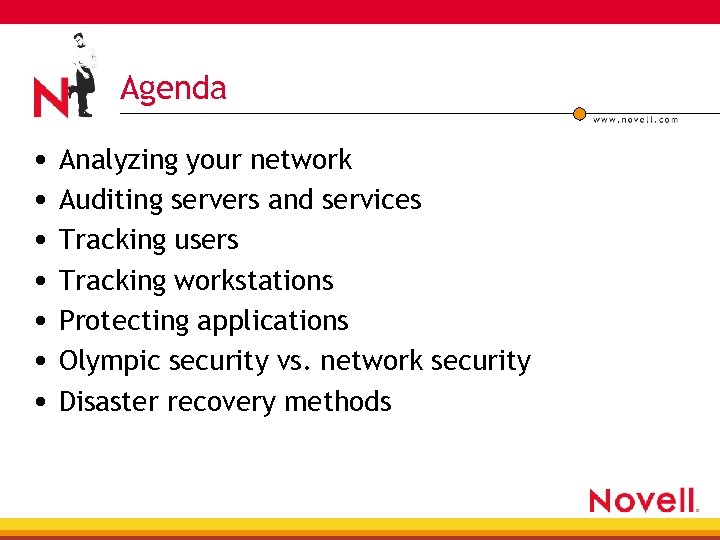 Agenda • Analyzing your network • Auditing servers and services • Tracking users • Tracking workstations • Protecting applications • Olympic security vs. network security • Disaster recovery methods
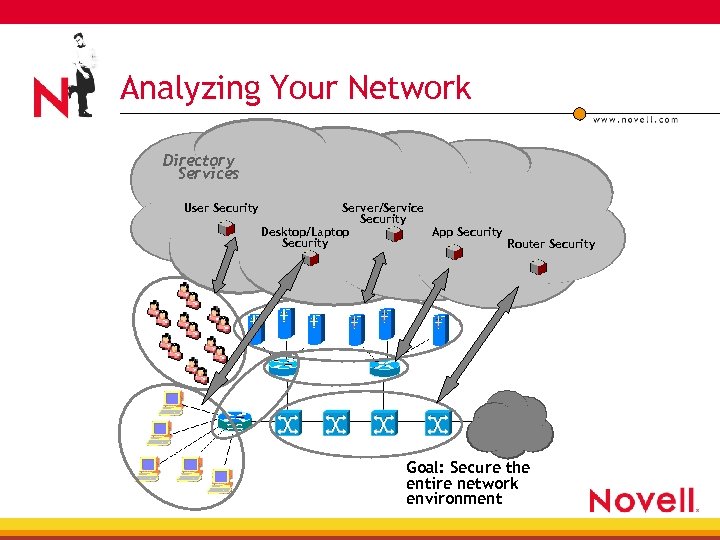 Analyzing Your Network Directory Services User Security Server/Service Security Desktop/Laptop App Security Router Security Goal: Secure the entire network environment
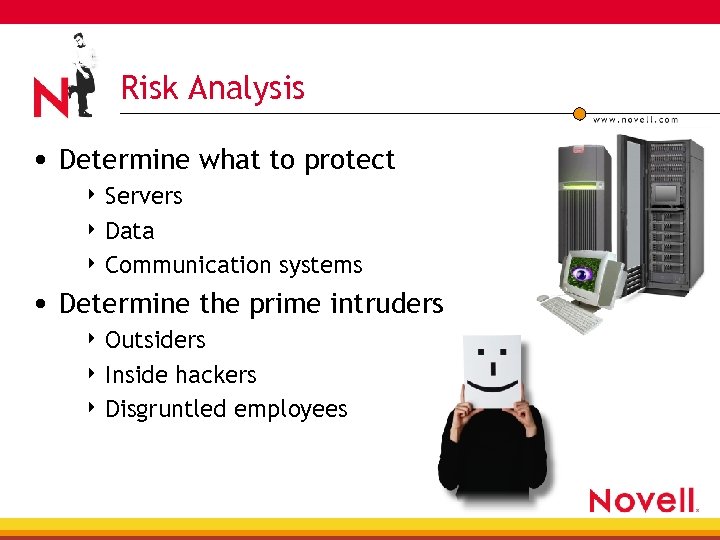 Risk Analysis • Determine what to protect 4 Servers 4 Data 4 Communication systems • Determine the prime intruders 4 Outsiders 4 Inside hackers 4 Disgruntled employees
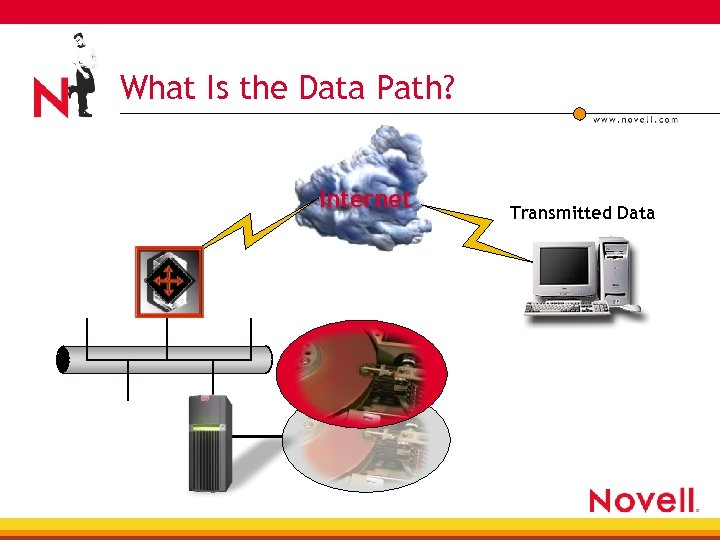 What Is the Data Path? Internet Transmitted Data
 Where Is Your Data? • Electronic 4 Secured servers 4 Public servers 4 Secluded systems • Printed 4 Stored in closets 4 Sent to off-site warehouses 4 The public printer exposed
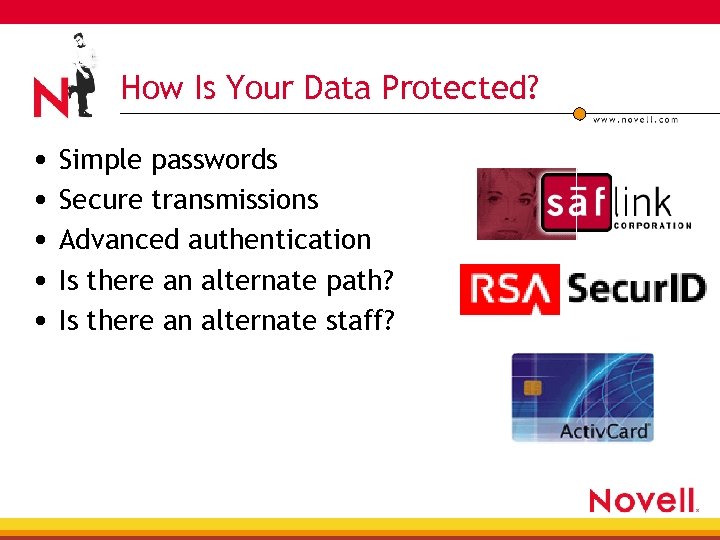 How Is Your Data Protected? • Simple passwords • Secure transmissions • Advanced authentication • Is there an alternate path? • Is there an alternate staff?
 How Do You Get Data? • Communication channels 4 Traditional cabling (e. g. , Ethernet) 4 Dial-up 4 DSL/ISDN 4 Wireless 4 VPN 4 Determine the weakest link…
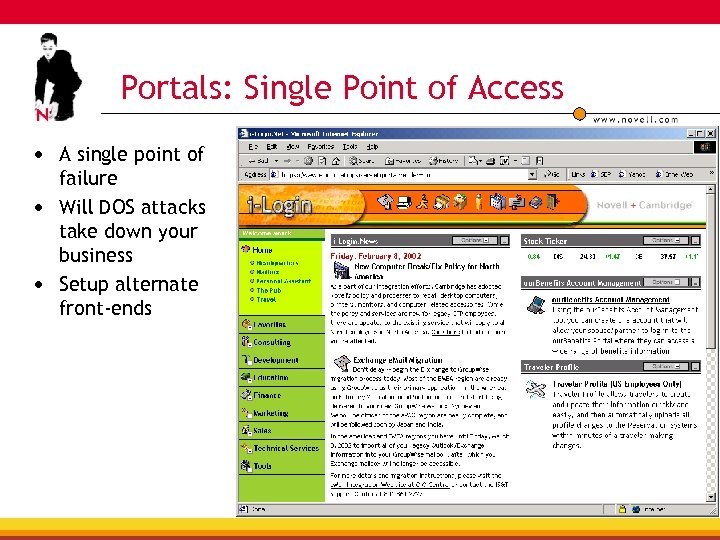 Portals: Single Point of Access • A single point of failure • Will DOS attacks take down your business • Setup alternate front-ends
 Who Holds the Keys • Encrypted data may be secure, but who can decrypt it • PKI for everyone
 Security Policies • Policies are both written and electronic • Periodically evaluate policies • Use ZENworks® and other products to enforce • Ensure that IS staff follows policies
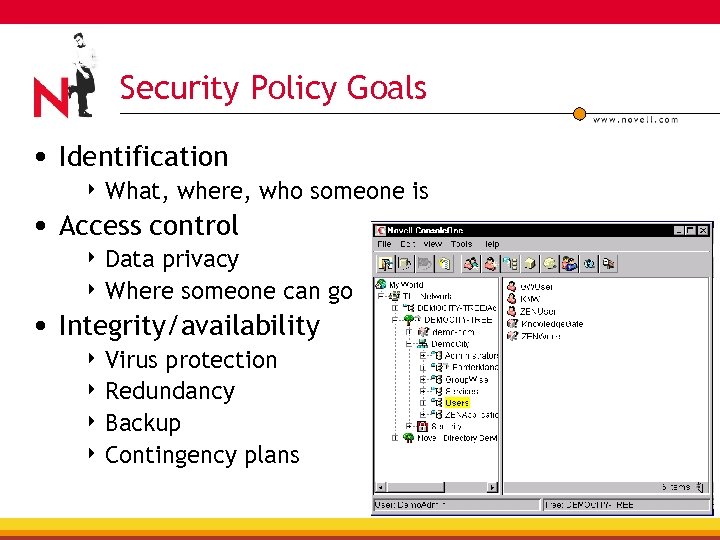 Security Policy Goals • Identification 4 What, where, who someone is • Access control 4 Data privacy 4 Where someone can go • Integrity/availability 4 Virus protection 4 Redundancy 4 Backup 4 Contingency plans
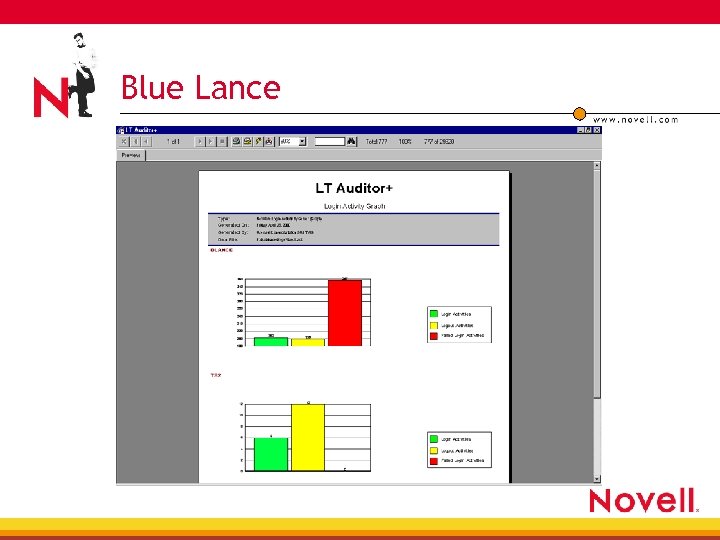 Blue Lance
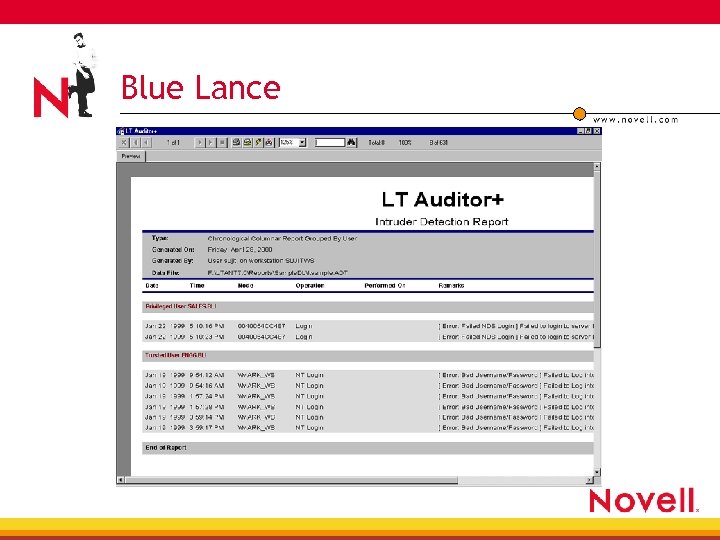 Blue Lance
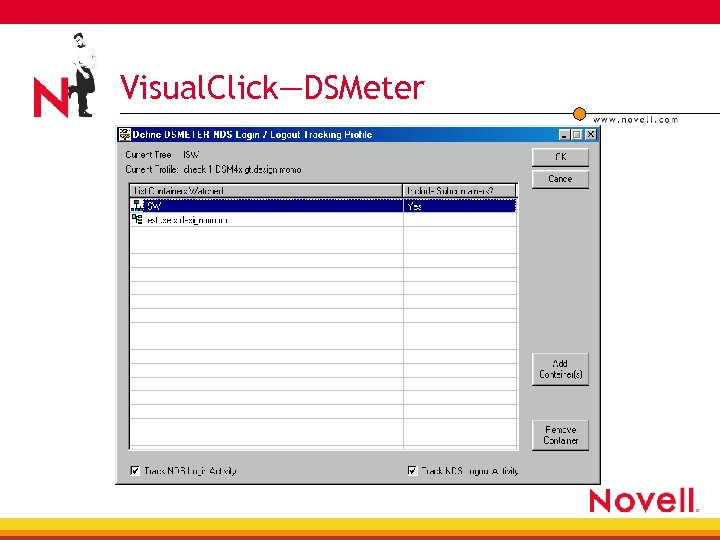 Visual. Click—DSMeter
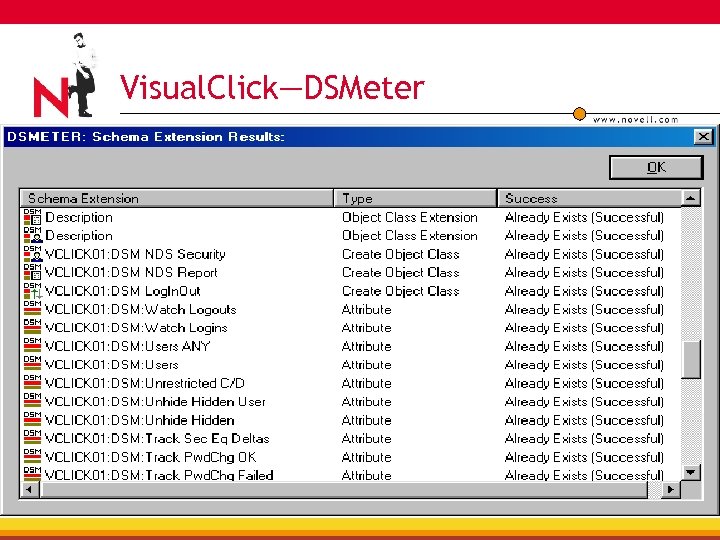 Visual. Click—DSMeter
 Net. Vision • Net. Vision’s Policy Management Suite—Security for Novell e. Directory®, Net. Ware® OS/file system, real-time monitoring, auditing and enforcement 4 Automate policy enforcement 4 Detect security breaches in real-time 4 Trigger action to reverse the change, disable the user account and stop the perpetrator 4 Automate the granting and revoking of access rights
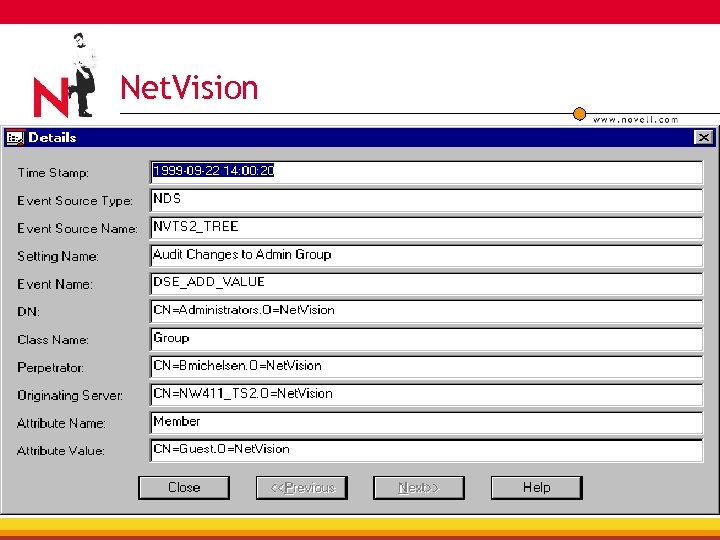 Net. Vision
 Novell Advanced Auditing Services • Auditing framework 4 The frame work will be a common piece which can be applied on to any product which has an auditing requirement 4 The frame work will export several interfaces to develop Audit Solutions for applications 4 The framework will be available cross-platform • Auditing solutions for Novell products 4 All Novell products to be based on the above frame work 4 This will result in a uniform auditing and reporting solution across Novell products
 Tracking Server Access • Control physical access to servers • Watch where departmental servers reside • Control console access with third-party utilities
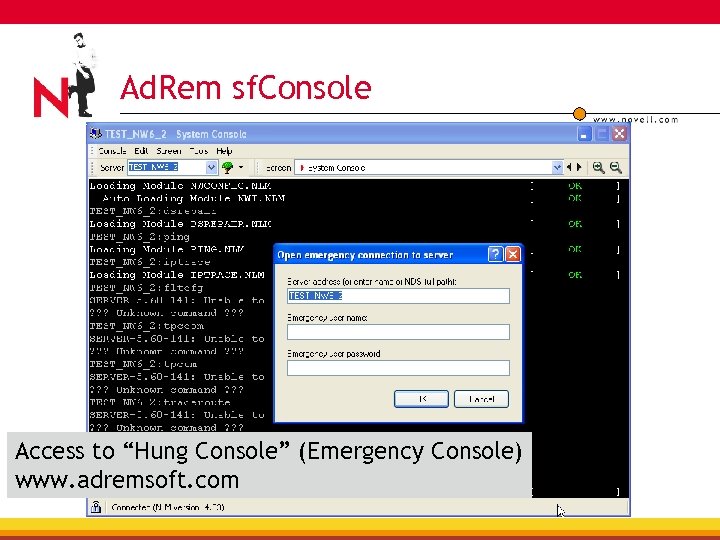 Ad. Rem sf. Console Access to “Hung Console” (Emergency Console) www. adremsoft. com
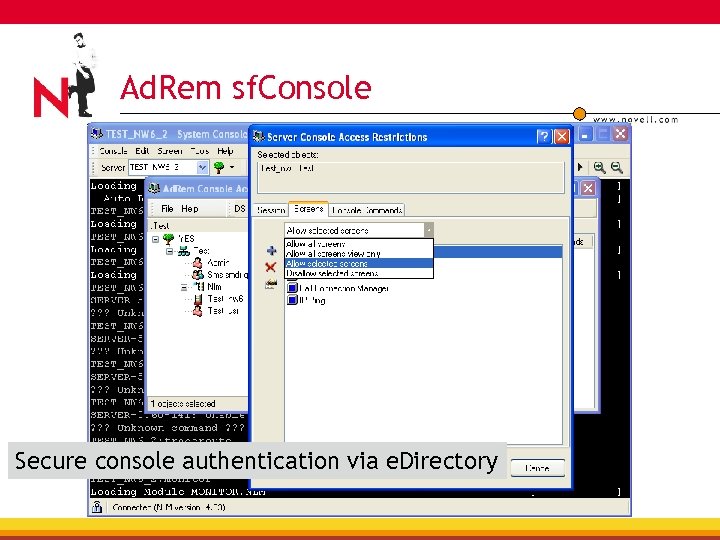 Ad. Rem sf. Console Secure console authentication via e. Directory
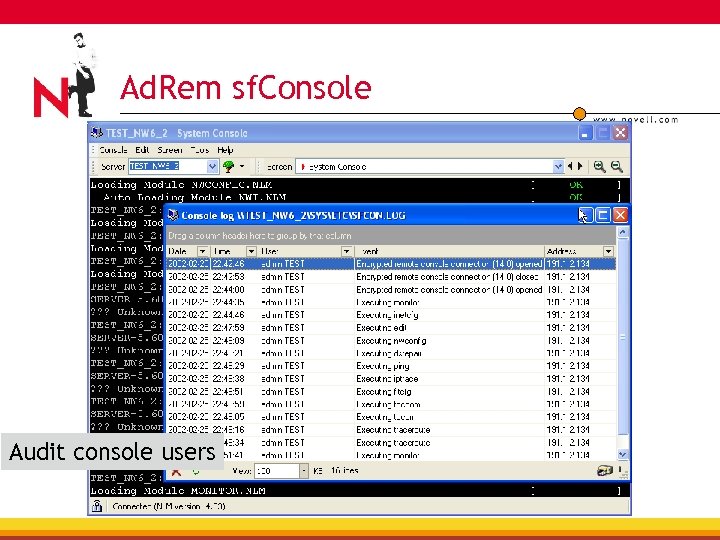 Ad. Rem sf. Console Audit console users
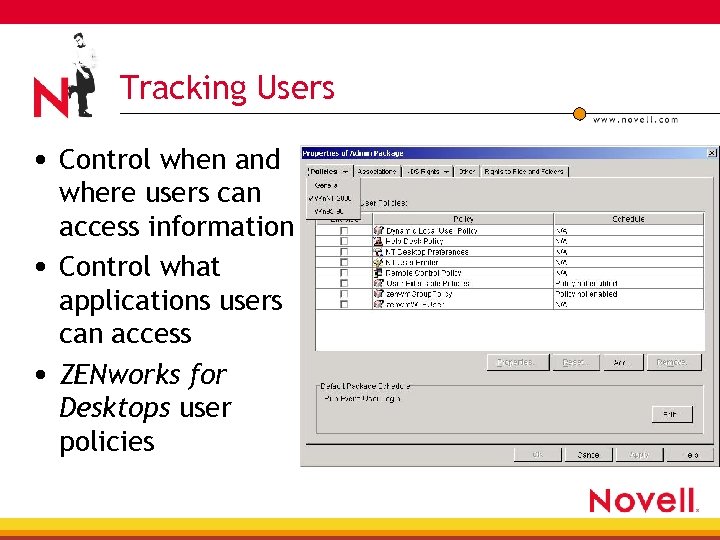 Tracking Users • Control when and where users can access information • Control what applications users can access • ZENworks for Desktops user policies
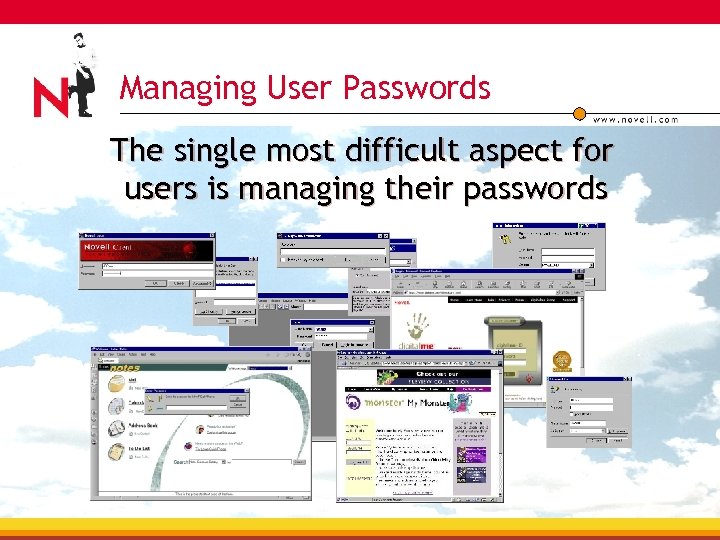 Managing User Passwords The single most difficult aspect for users is managing their passwords
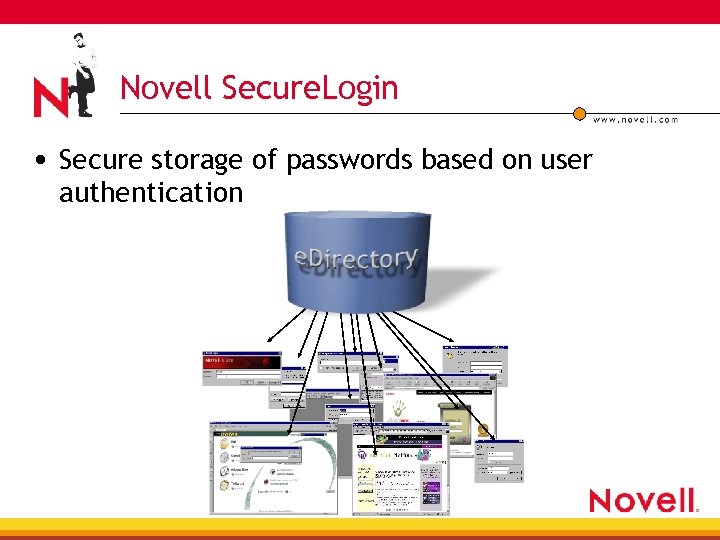 Novell Secure. Login • Secure storage of passwords based on user authentication
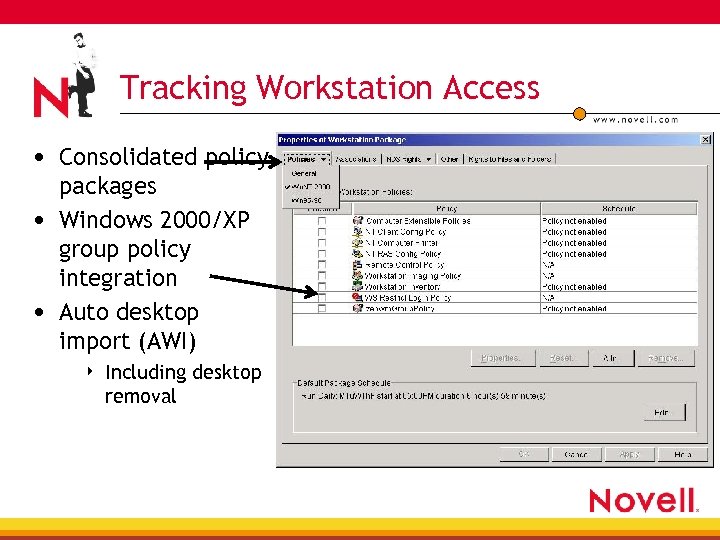 Tracking Workstation Access • Consolidated policy packages • Windows 2000/XP group policy integration • Auto desktop import (AWI) 4 Including desktop removal
 Application Policies in ZENworks for Desktops • Managed exposure of applications 4 Users get consistent view of applications 4 Users successfully run ANY application they can “see” • Fault-tolerant 4 Desktop always goes to correct “state” for the application 4 Uninstall option • Application installation/execution 4 Force-run virus check 4 Repair damaged apps 4 CD creation utility—install applications
 Protecting Your Applications In A Novell Environment www. novell. com Geir Mork Technical Product Manager Sospita
 Sospita License Protection (SLP) Overview Of SLP • Application protection solution • Prevents un-authorized use of applications • A solution for both in-house developers and ISVs • SLP is based on smart card technology • Supports several programming languages • Easy-to-use interface • Integrated with MS Visual Studio
 Sospita License Protection Key Features • Execution of protected source code on smart cards or USB tokens (Secure Token) • Unique four-step security provided through 4 “Best Practise” software protection 4 3 DES encryption 4 Security evaluated micro chips 4 Individual transport codes available for software vendors
 Sospita License Protection Key Features (cont. ) • Protecting valuable source code from being reengineered • Protecting software applications from being used by non authorized end-users • Providing a variety of secure licensing schemes • Providing Secure Electronic Software Distribution opportunities (SESD)
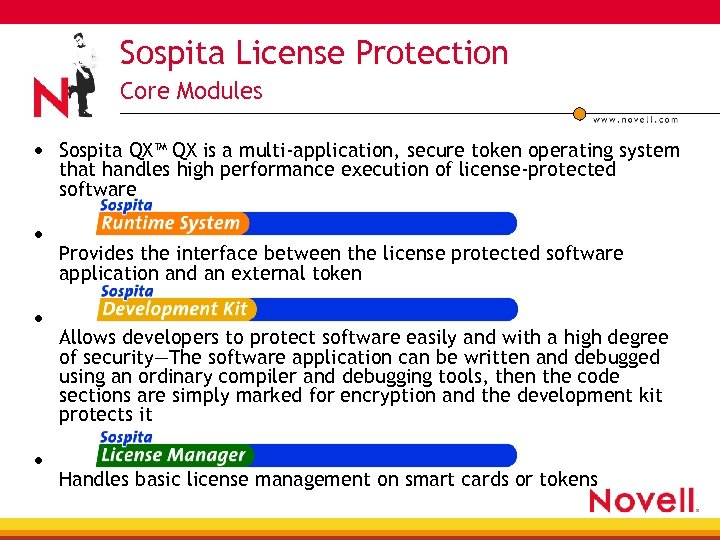 Sospita License Protection Core Modules • Sospita QX™ QX is a multi-application, secure token operating system that handles high performance execution of license-protected software • • • Provides the interface between the license protected software application and an external token Allows developers to protect software easily and with a high degree of security—The software application can be written and debugged using an ordinary compiler and debugging tools, then the code sections are simply marked for encryption and the development kit protects it Handles basic license management on smart cards or tokens
 Protecting Applications in Your Environment • Using the SLP enables full control of application code with Authorization to the smart card 4 Authorization to single applications 4 32 different access rights levels per applications (modules or functions) 4 Time-based usage constraints 4
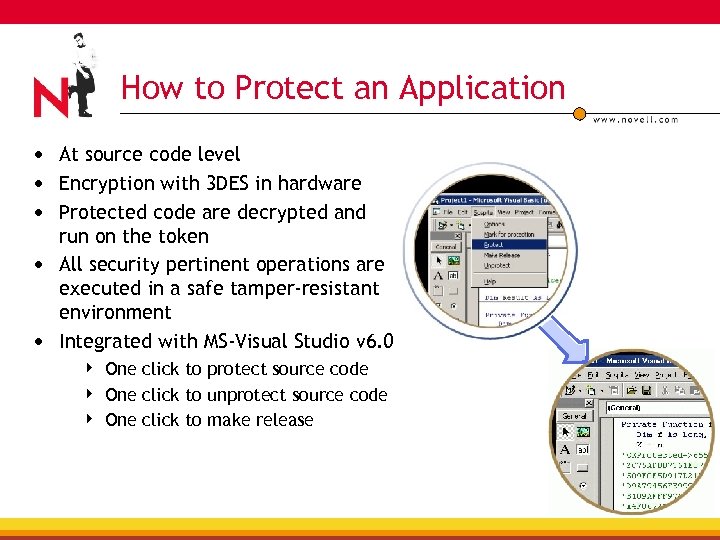 How to Protect an Application • At source code level • Encryption with 3 DES in hardware • Protected code are decrypted and run on the token • All security pertinent operations are executed in a safe tamper-resistant environment • Integrated with MS-Visual Studio v 6. 0 4 4 4 One click to protect source code One click to unprotect source code One click to make release
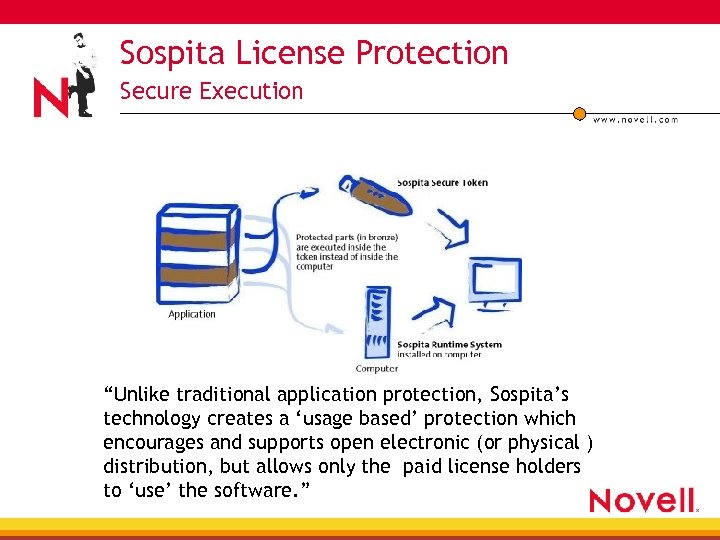 Sospita License Protection Secure Execution “Unlike traditional application protection, Sospita’s technology creates a ‘usage based’ protection which encourages and supports open electronic (or physical ) distribution, but allows only the paid license holders to ‘use’ the software. ”
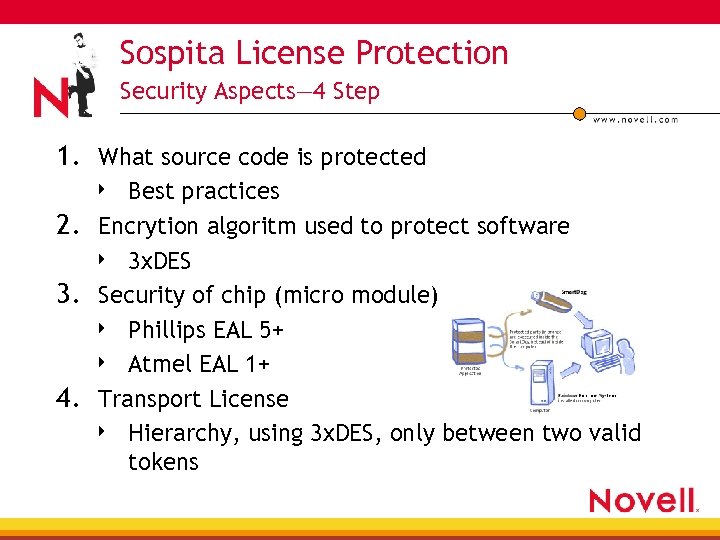 Sospita License Protection Security Aspects— 4 Step 1. What source code is protected Best practices 2. Encrytion algoritm used to protect software 4 3 x. DES 3. Security of chip (micro module) 4 Phillips EAL 5+ 4 Atmel EAL 1+ 4. Transport License 4 Hierarchy, using 3 x. DES, only between two valid tokens 4
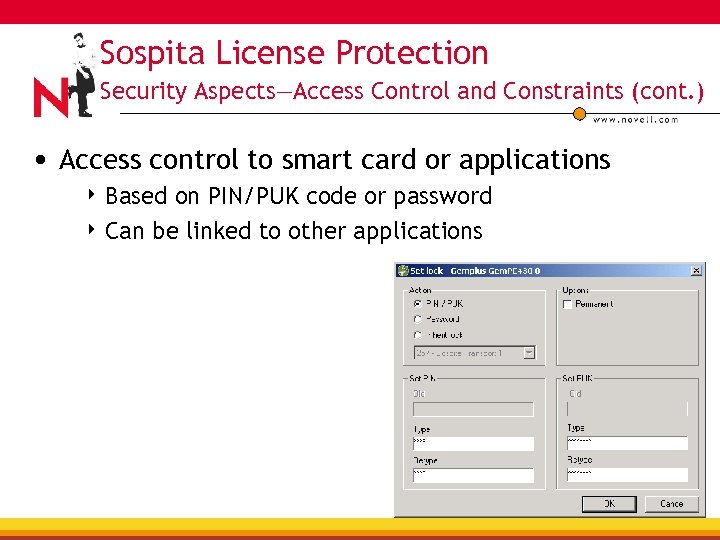 Sospita License Protection Security Aspects—Access Control and Constraints (cont. ) • Access control to smart card or applications 4 Based on PIN/PUK code or password 4 Can be linked to other applications
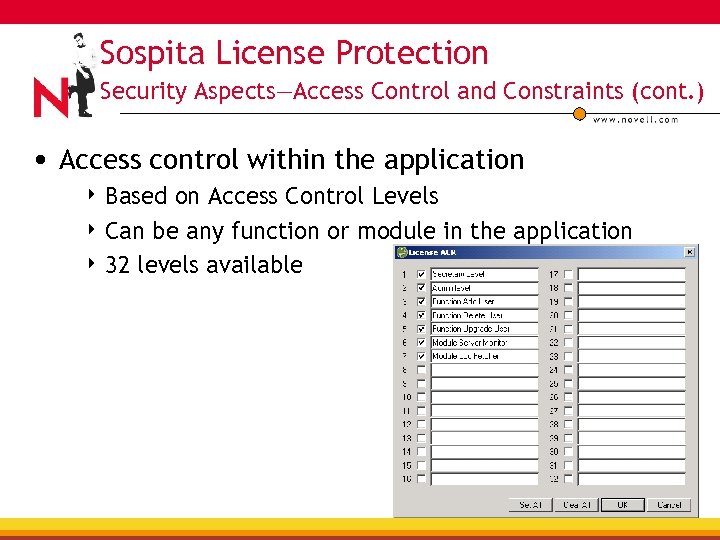 Sospita License Protection Security Aspects—Access Control and Constraints (cont. ) • Access control within the application 4 Based on Access Control Levels 4 Can be any function or module in the application 4 32 levels available
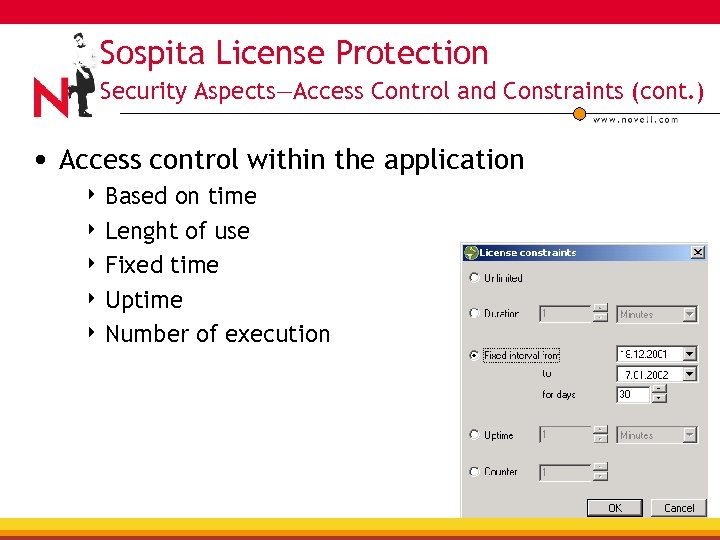 Sospita License Protection Security Aspects—Access Control and Constraints (cont. ) • Access control within the application 4 Based on time 4 Lenght of use 4 Fixed time 4 Uptime 4 Number of execution combinations
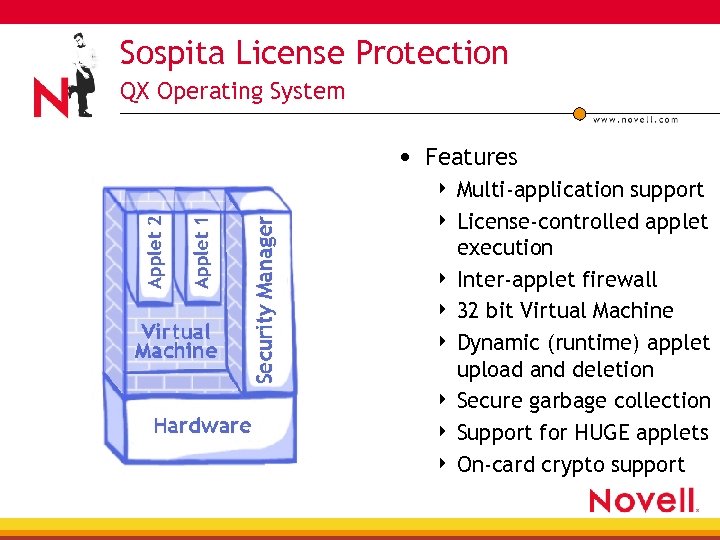 Sospita License Protection QX Operating System • Features Multi-application support 4 License-controlled applet execution 4 Inter-applet firewall 4 32 bit Virtual Machine 4 Dynamic (runtime) applet upload and deletion 4 Secure garbage collection 4 Support for HUGE applets 4 On-card crypto support 4
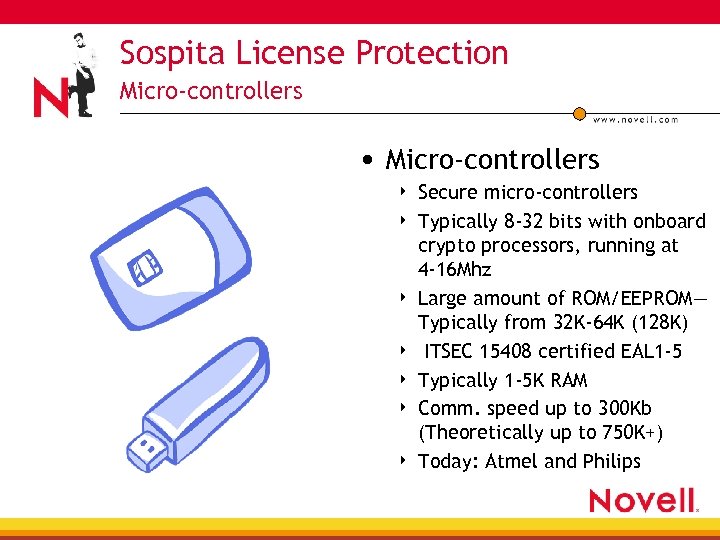 Sospita License Protection Micro-controllers • Micro-controllers 4 4 4 4 Secure micro-controllers Typically 8 -32 bits with onboard crypto processors, running at 4 -16 Mhz Large amount of ROM/EEPROM— Typically from 32 K-64 K (128 K) ITSEC 15408 certified EAL 1 -5 Typically 1 -5 K RAM Comm. speed up to 300 Kb (Theoretically up to 750 K+) Today: Atmel and Philips
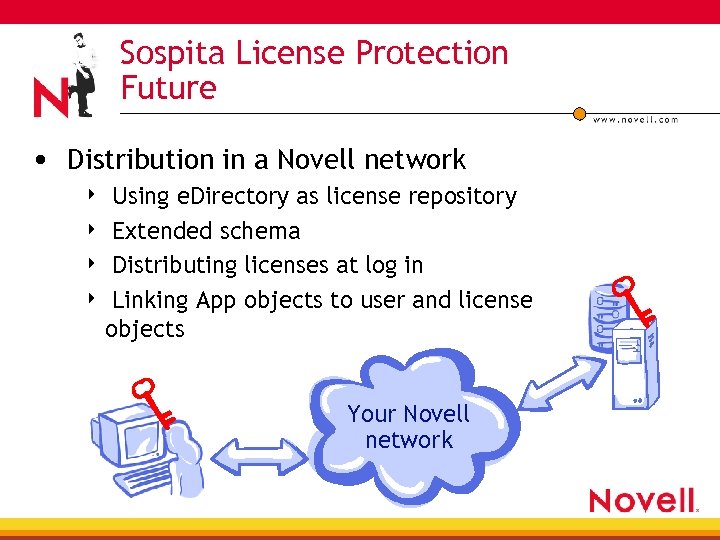 Sospita License Protection Future • Distribution in a Novell network Using e. Directory as license repository 4 Extended schema 4 Distributing licenses at log in 4 Linking App objects to user and license objects 4 Your Novell network
 Sospita License Protection Thank you for your time— Back to you, Alan. . .
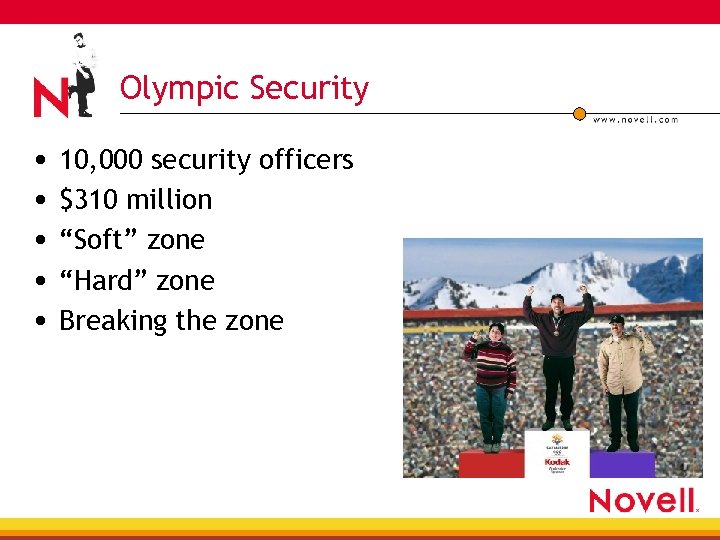 Olympic Security • 10, 000 security officers • $310 million • “Soft” zone • “Hard” zone • Breaking the zone
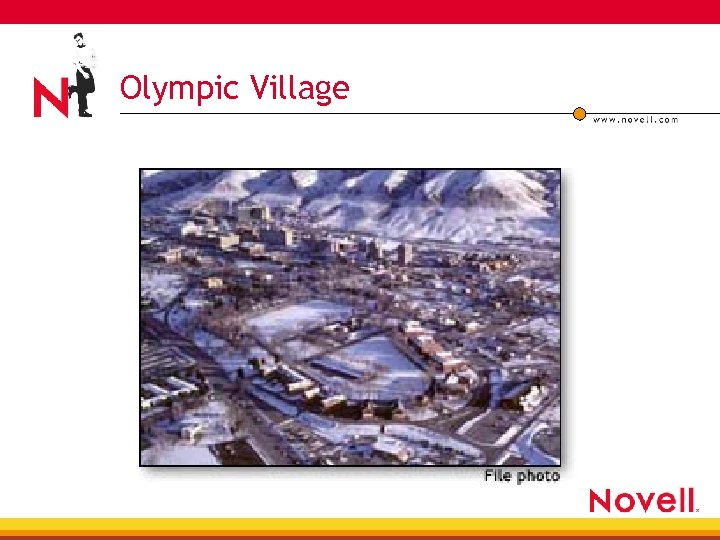 Olympic Village
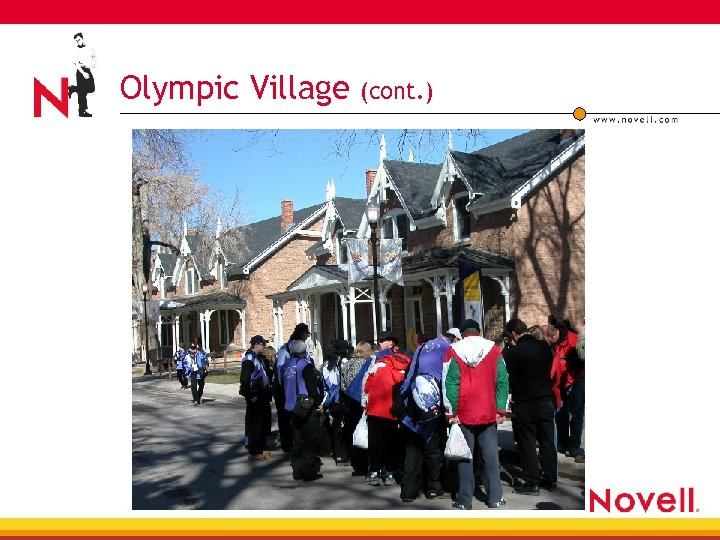 Olympic Village (cont. )
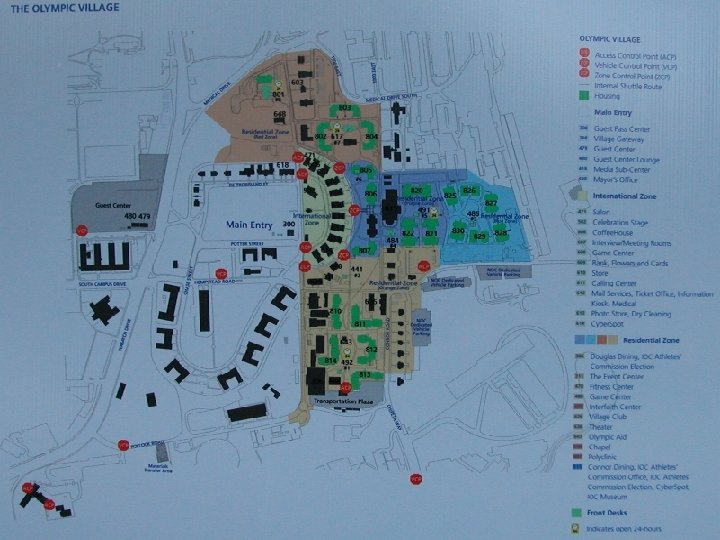 Olympic Village
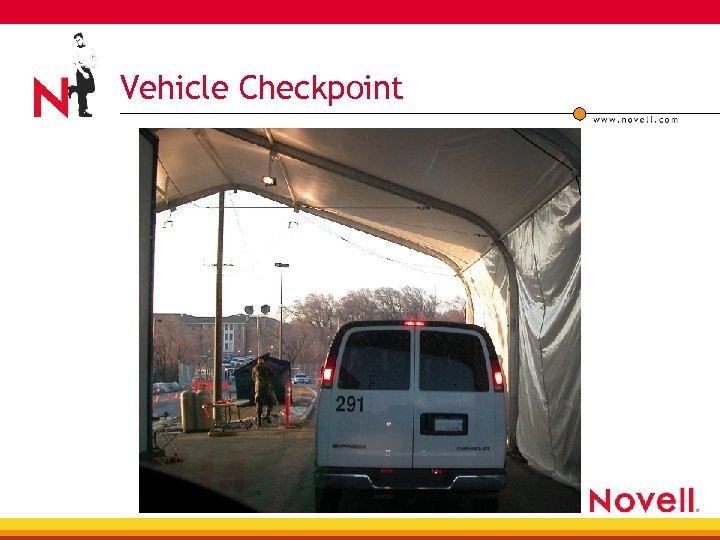 Vehicle Checkpoint
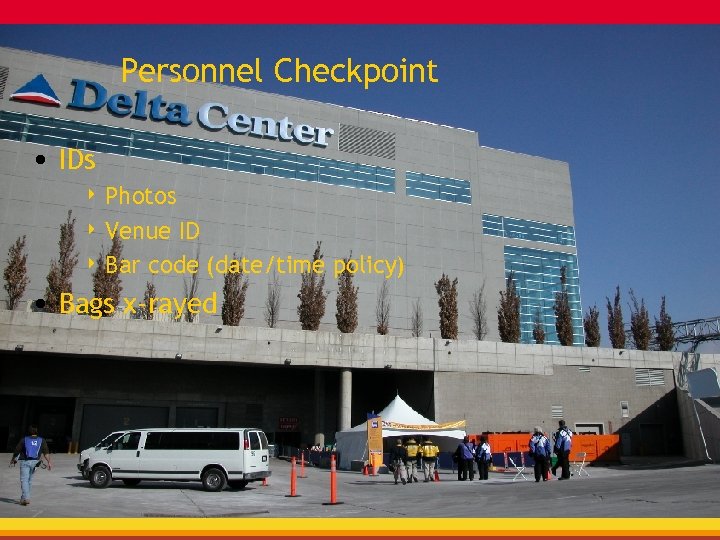 Personnel Checkpoint • IDs 4 Photos 4 Venue ID 4 Bar code (date/time policy) • Bags x-rayed
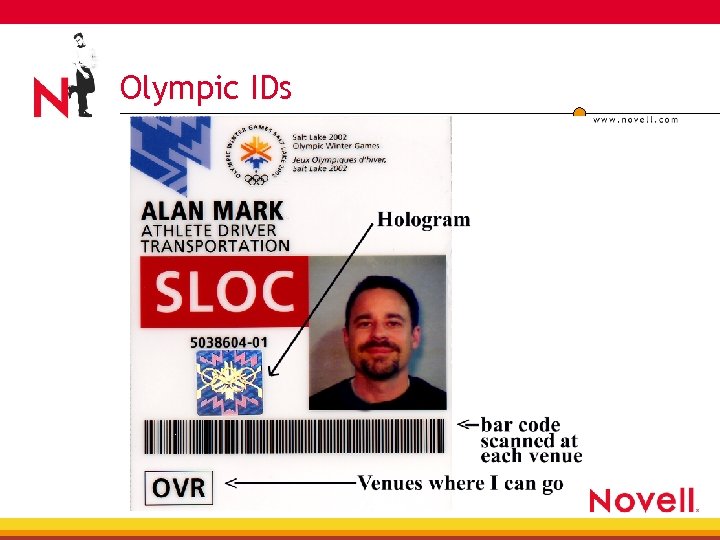 Olympic IDs
 Disaster Recovery • Also known as business continuity • What’s new after September 11? 4 Backup systems really are important 4 Cross-trained personnel really is important • New threats face western businesses 4 Security needed for remote offices 4 Quick-ship startup systems (wireless, NAS, pre-configured workstations)
 Disaster Recovery Basics • Create a duplicate hardware and software environment away from the main business • Test the backup system by restoring data • Cross-train personnel on key systems • Document key systems, including any tricks that are learned
 DR Basics • Create basic server images on bootable CD or DVD, ready to be installed • Create a method to store keys and passwords in a safe place • Outsource some services, especially web-based applications
 More Info • See Novell Connections articles from January (“Rethinking Security”) and April 2002 (“Disaster Recovery”) • http: //www. nwconnection. com/
 wi. N big visit the Access and Security table in the one Net solutions lab to obtain an entry form