


 Скачать презентацию An Introduction to Machine Learning and Natural Language
d6cdceda8e7d8950b9f546e985ede556.ppt
- Количество слайдов: 19
 An Introduction to Machine Learning and Natural Language Processing Tools Presented by: Mark Sammons, Vivek Srikumar (Many slides courtesy of Nick Rizzolo) 8/24/2010 - 8/26/2010
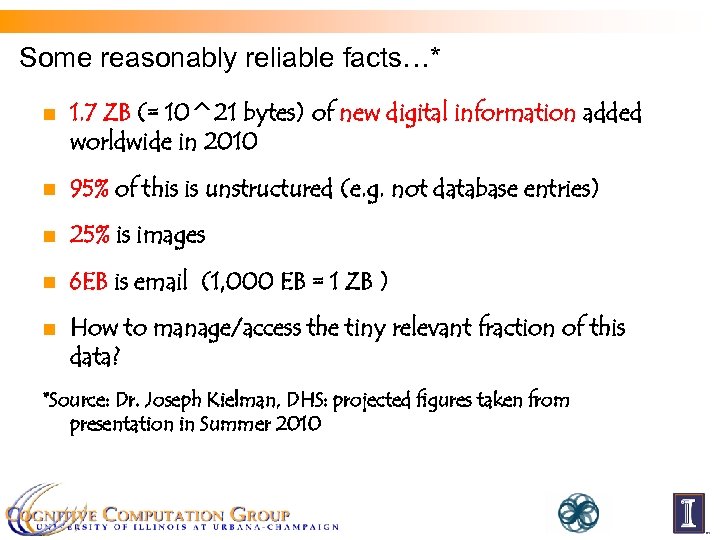 Some reasonably reliable facts…* n 1. 7 ZB (= 10^21 bytes) of new digital information added worldwide in 2010 n 95% of this is unstructured (e. g. not database entries) n 25% is images n 6 EB is email (1, 000 EB = 1 ZB ) n How to manage/access the tiny relevant fraction of this data? *Source: Dr. Joseph Kielman, DHS: projected figures taken from presentation in Summer 2010
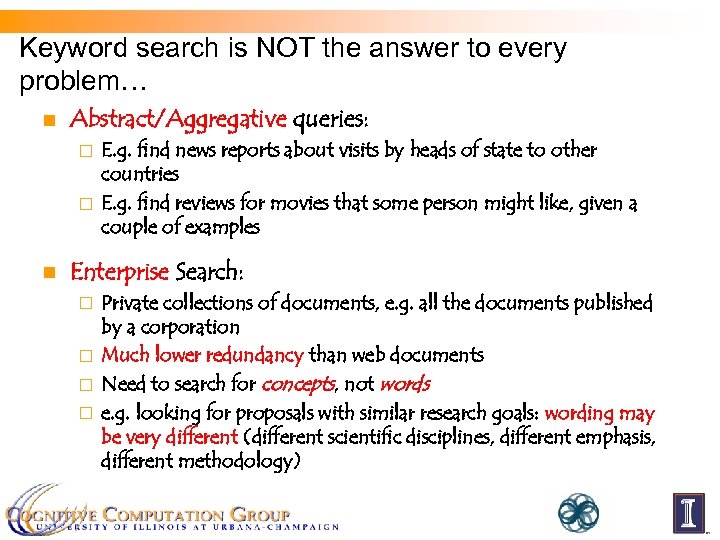 Keyword search is NOT the answer to every problem… n Abstract/Aggregative queries: E. g. find news reports about visits by heads of state to other countries ¨ E. g. find reviews for movies that some person might like, given a couple of examples ¨ n Enterprise Search: Private collections of documents, e. g. all the documents published by a corporation ¨ Much lower redundancy than web documents ¨ Need to search for concepts, not words ¨ e. g. looking for proposals with similar research goals: wording may be very different (different scientific disciplines, different emphasis, different methodology) ¨
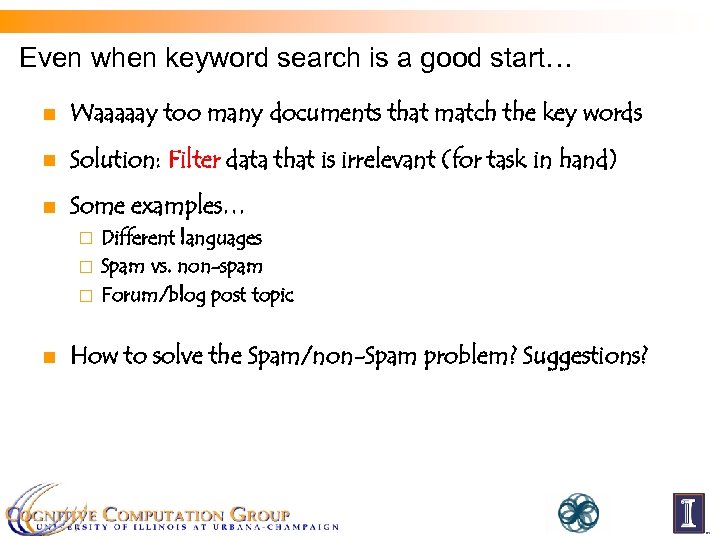 Even when keyword search is a good start… n Waaaaay too many documents that match the key words n Solution: Filter data that is irrelevant (for task in hand) n Some examples… Different languages ¨ Spam vs. non-spam ¨ Forum/blog post topic ¨ n How to solve the Spam/non-Spam problem? Suggestions?
 Machine Learning could help… n Instead of writing/coding rules (“expert systems”), use statistical methods to “learn” rules that perform a classification task, e. g. given a blog post, which of N different topics is it most relevant to? ¨ Given an email, is it spam or not? ¨ Given a document, which of K different languages is it in? ¨ n … and now, a demonstration… n The demonstration shows what a well-designed classifier can achieve. Here’s a very high-level view of how classifiers work in the context of NLP.
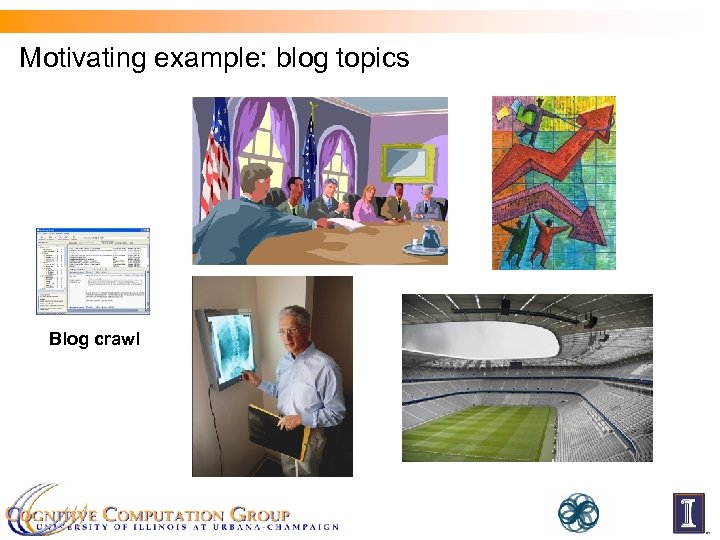 Motivating example: blog topics Blog crawl
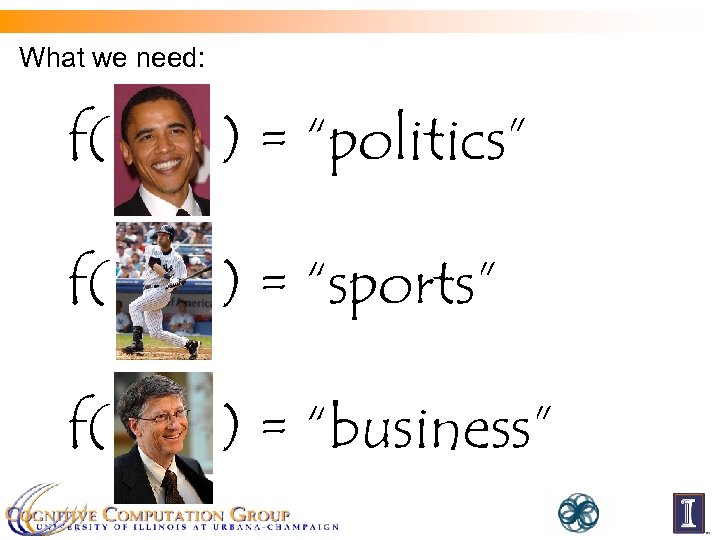 What we need: f( ) = “politics” f( ) = “sports” f( ) = “business”
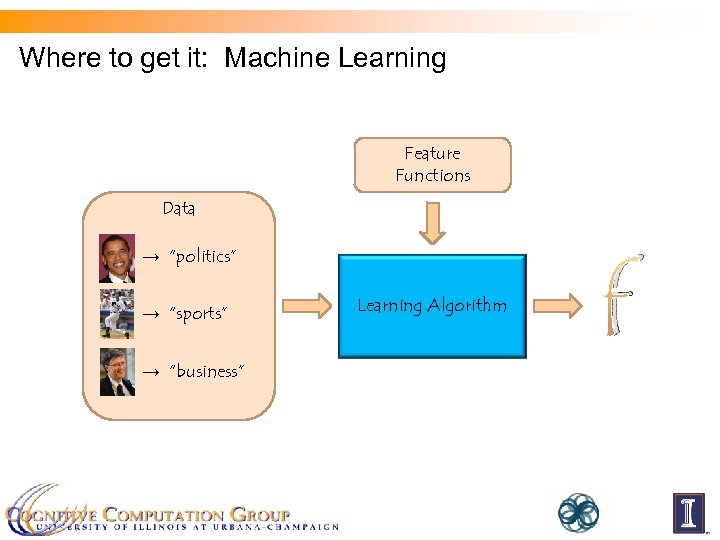 Where to get it: Machine Learning Feature Functions Data → “politics” → “sports” → “business” Learning Algorithm f
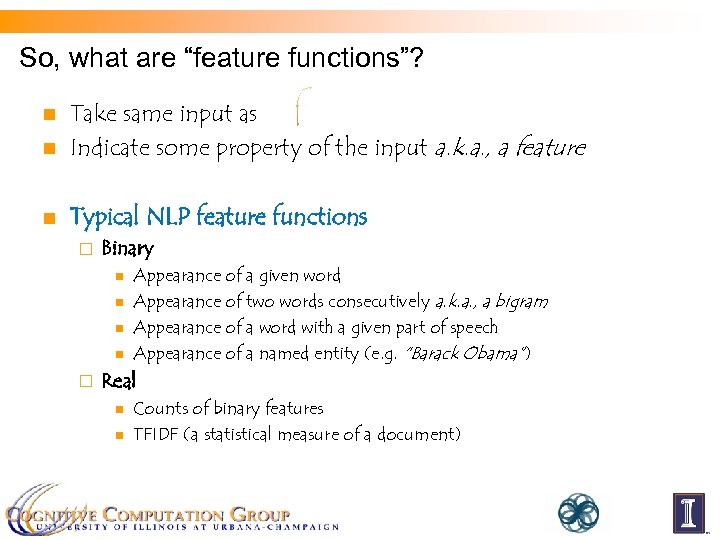 So, what are “feature functions”? n Take same input as Indicate some property of the input a. k. a. , a feature n Typical NLP feature functions n ¨ Binary n n ¨ Appearance of a given word Appearance of two words consecutively a. k. a. , a bigram Appearance of a word with a given part of speech Appearance of a named entity (e. g. “Barack Obama”) Real n n Counts of binary features TFIDF (a statistical measure of a document)
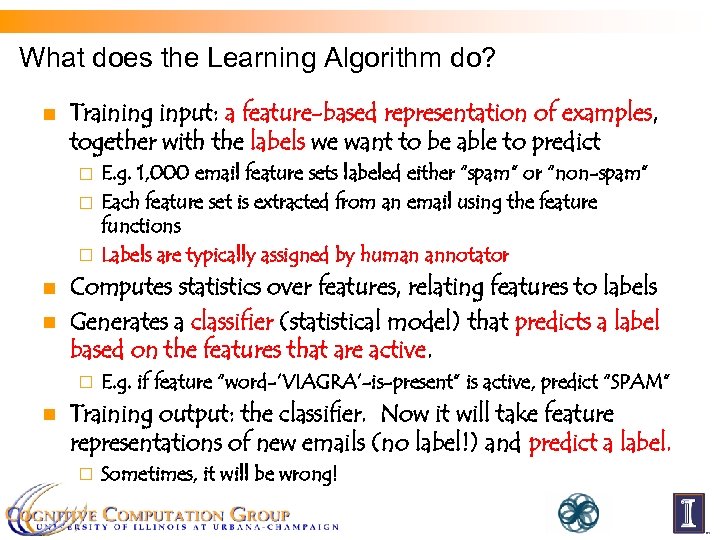 What does the Learning Algorithm do? n Training input: a feature-based representation of examples, together with the labels we want to be able to predict E. g. 1, 000 email feature sets labeled either “spam” or “non-spam” ¨ Each feature set is extracted from an email using the feature functions ¨ Labels are typically assigned by human annotator ¨ n n Computes statistics over features, relating features to labels Generates a classifier (statistical model) that predicts a label based on the features that are active. ¨ n E. g. if feature “word-’VIAGRA’-is-present” is active, predict “SPAM” Training output: the classifier. Now it will take feature representations of new emails (no label!) and predict a label. ¨ Sometimes, it will be wrong!
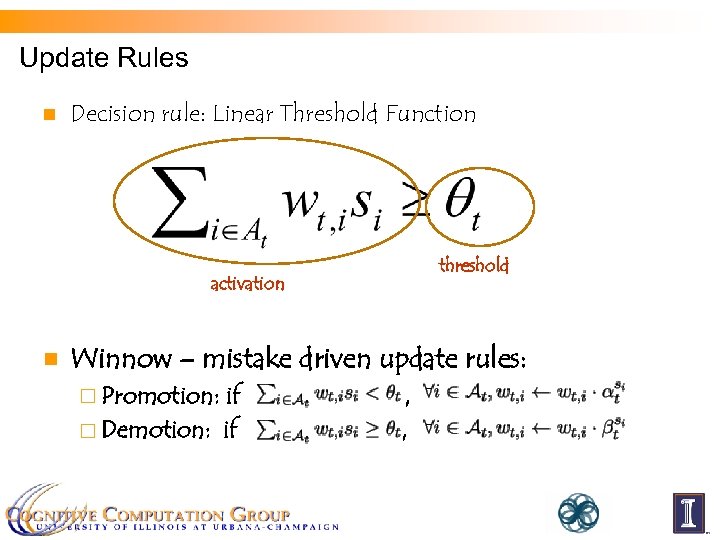 Update Rules n Decision rule: Linear Threshold Function threshold activation n Winnow – mistake driven update rules: ¨ Promotion: if ¨ Demotion: if , ,
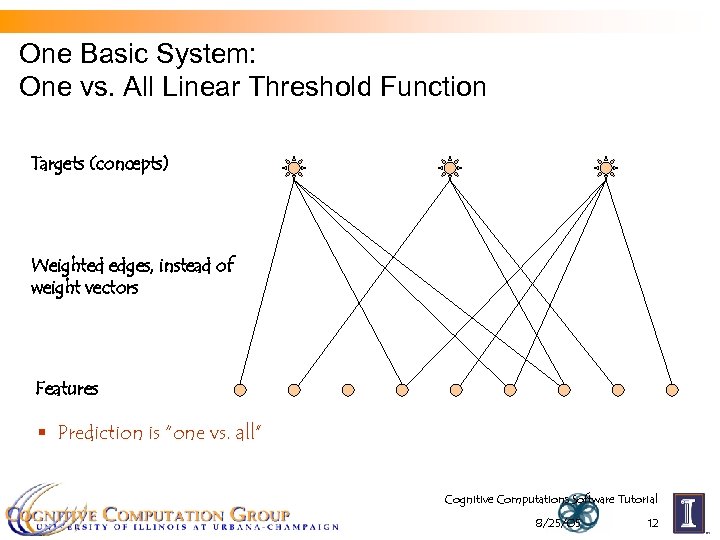 One Basic System: One vs. All Linear Threshold Function Targets (concepts) Weighted edges, instead of weight vectors Features § Prediction is “one vs. all” Cognitive Computations Software Tutorial 8/25/05 12
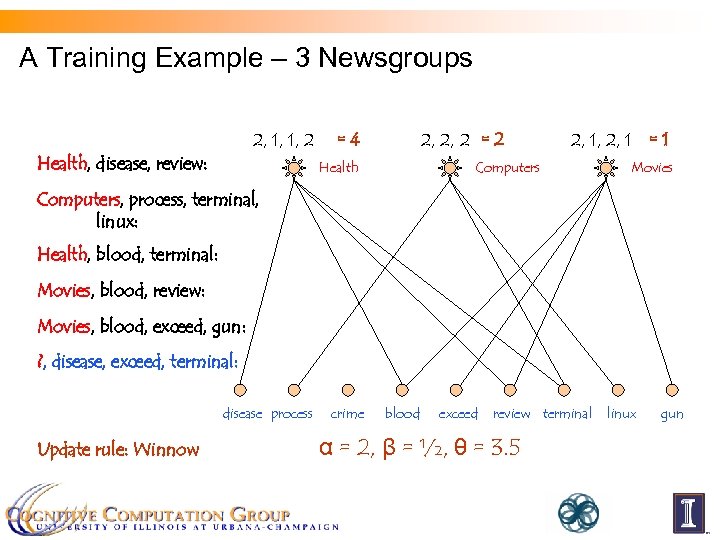 A Training Example – 3 Newsgroups 2, 1, 2 1 2, 1, 2, 22 = 4 1, 2, Health, disease, review: 2, 2, 1, 1, 12 = 2 Health 2, 1, 12 1 = 1 2, 2, Computers Movies Computers, process, terminal, linux: Health, blood, terminal: Movies, blood, review: Movies, blood, exceed, gun: ? , disease, exceed, terminal: disease process Update rule: Winnow crime blood exceed review terminal α = 2, β = ½, θ = 3. 5 linux gun
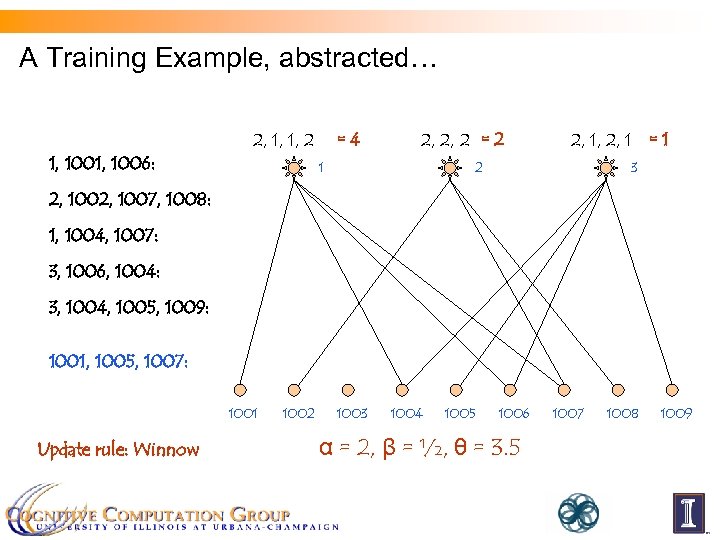 A Training Example, abstracted… 2, 1, 2 1 2, 1, 2, 22 = 4 1, 2, 1, 1006: 2, 2, 1, 1, 12 = 2 1 2, 1, 12 1 = 1 2, 2, 2 3 2, 1007, 1008: 1, 1004, 1007: 3, 1006, 1004: 3, 1004, 1005, 1009: 1001, 1005, 1007: 1001 Update rule: Winnow 1002 1003 1004 1005 1006 α = 2, β = ½, θ = 3. 5 1007 1008 1009
 Adapting to New Task: Spam Filtering n What if we want to learn Spam vs. Non-Spam? n Demonstration showed that the same black box can be adapted to multiple problems… so what happens internally? n Feature functions are generic pattern extractors… ¨ for a new set of documents, new features will be extracted ¨ E. g. for Spam, we’d expect to see some features like “word-’VIAGRA’ -is-present” n New documents come with their own set of labels (again, assigned by human annotators) n So we reuse the same code, but generate a new classifier…
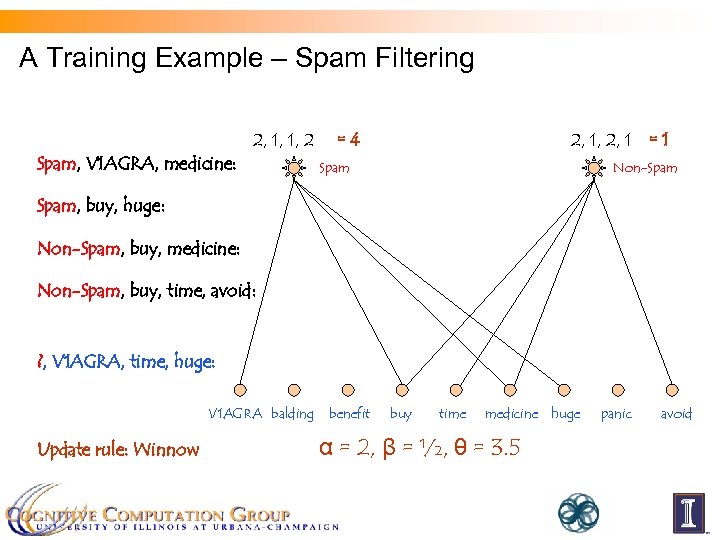 A Training Example – Spam Filtering 2, 1, 2 1 2, 1, 2, 22 = 4 1, 2, Spam, V 1 AGRA, medicine: 2, 1, 12 1 = 1 2, 2, Spam Non-Spam, buy, huge: Non-Spam, buy, medicine: Non-Spam, buy, time, avoid: ? , V 1 AGRA, time, huge: V 1 AGRA balding Update rule: Winnow benefit buy time medicine huge α = 2, β = ½, θ = 3. 5 panic avoid
 Some Analysis… n n n We defined a very generic feature set – ‘bag-of-words’ We did reasonably well on three different tasks Can we do better on each task? …of course. If we add good feature functions, the learning algorithm will find more useful patterns. Suggestions for patterns for… Spam filtering? ¨ Newsgroup classification? ¨ …are the features we add for Spam filtering good for Newsgroups? ¨ When we add specialized features, are we “cheating”? ¨ n In fact, a lot of time is usually spent engineering good features for individual tasks. It’s one way to add domain knowledge.
 A Caveat n n It’s often a lot of work to learn to use a new tool set It can be tempting to think it would be easier to just implement what you need yourself Sometimes, you’ll be right ¨ But probably not this time ¨ n Learning a tool set is an investment: payoff comes later It’s easy to add new functionality – it may already be a method in some class in a library; if not, there’s infrastructure to support it ¨ You will avoid certain errors: someone already made them and coded against them ¨ Probably, it’s a lot more work than you think to DIY ¨
 Homework (!) To prepare for tomorrow’s tutorial, you should: n Log in to the DSSI server via SSH n Check that you can transfer a file to your home directory from your laptop n If you have any questions, ask Tim or Yuancheng: Tim: ¨ Yuancheng: ¨ n weninge 1@illinois. edu ytu@illinois. edu Bring your laptop to the tutorial!!!