 Скачать презентацию An Introduction to Distributed Security Concepts and Public
0a513c11ffec2537f25047c23472c9de.ppt
- Количество слайдов: 35



An Introduction to Distributed Security Concepts and Public Key Infrastructure (PKI) Mary Thompson Oleg Kolesnikov
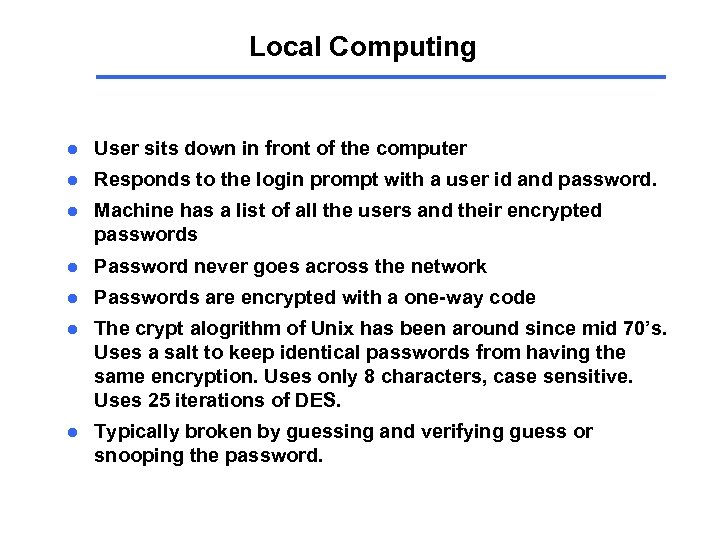
Local Computing l User sits down in front of the computer l Responds to the login prompt with a user id and password. l Machine has a list of all the users and their encrypted passwords l Password never goes across the network l Passwords are encrypted with a one-way code l The crypt alogrithm of Unix has been around since mid 70’s. Uses a salt to keep identical passwords from having the same encryption. Uses only 8 characters, case sensitive. Uses 25 iterations of DES. l Typically broken by guessing and verifying guess or snooping the password.
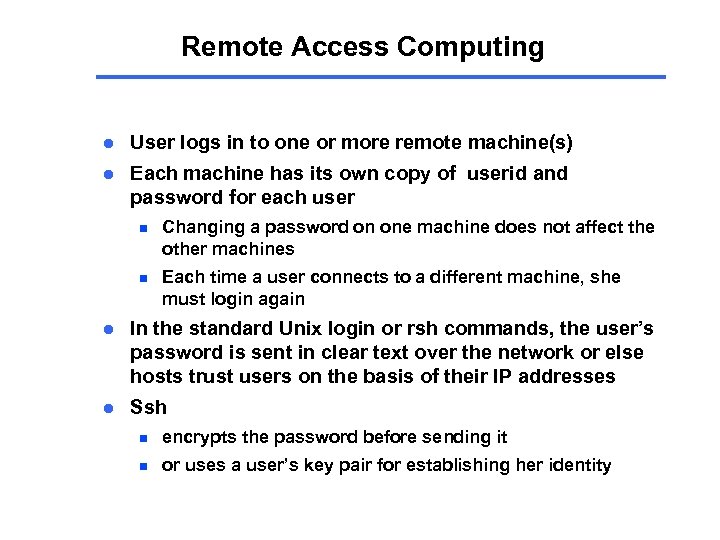
Remote Access Computing l User logs in to one or more remote machine(s) l Each machine has its own copy of userid and password for each user n Changing a password on one machine does not affect the other machines n Each time a user connects to a different machine, she must login again l In the standard Unix login or rsh commands, the user’s password is sent in clear text over the network or else hosts trust users on the basis of their IP addresses l Ssh n encrypts the password before sending it n or uses a user’s key pair for establishing her identity
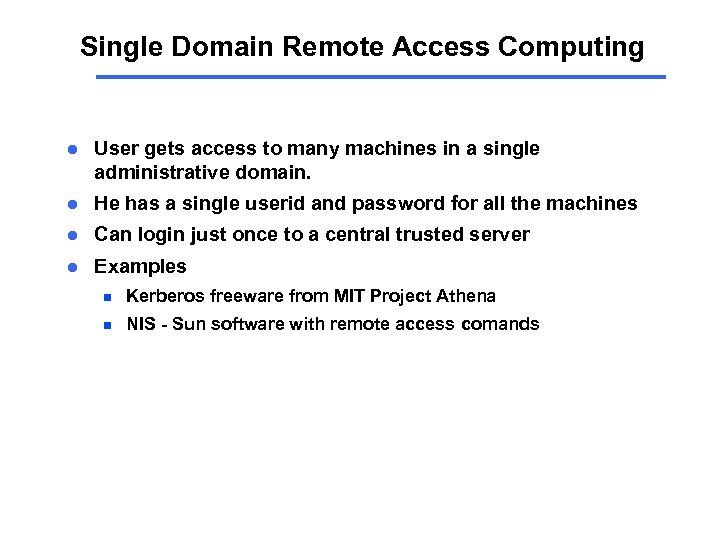
Single Domain Remote Access Computing l User gets access to many machines in a single administrative domain. l He has a single userid and password for all the machines l Can login just once to a central trusted server l Examples n Kerberos freeware from MIT Project Athena n NIS - Sun software with remote access comands
Kerberos l User - password based authentication based on late-70’s Needham -Schroeder algorithms. l Kerberos Authentication Server aka KDC (Key Distribution Center) shares long-term secret (password) with each authorized user. l User logs in and established a short term session key with the AS which can be used to establish his identity with other entities, e. g. file system, other hosts or services each of which trusts the authority server. l The authorization mechanism needs to be integrated with the each function, e. g. file access, login, telnet, ftp, . . . l The central server is a single point of vulnerablity to attack and failure. l Been in use for 20 years. We are now at version 5.
NIS l Central server has all the user ids and passwords, don’t need to store passwords locally. l Facilitates the same user id and passwords on all machines on a network l Then rlogin and rsh allow the user to have access to all the hosts in the hosts. equiv and. rhost files l No real security, depends IP addresses l Integrated with NFS to allow access to NFS files from any host to which they are exported.
Cross Domain Authentication l Holy Grail is to allow a user to login in once and get access to a ticket that will identify him to all machines on which he is allowed to run. l Kerberos supports cross realm authentication, but it is politically difficult to achieve. Used for multiple AFS/DFS cells within a single institution. CMU, DOE weapons labs l X. 509 Identity certificates. An IETF standard. Contains a multi-part unique name and a public key. The legitimate owner of the certificate has the matching private key.
Motivation for Universal Identity certificate l Distributed computing environments, collaborative research environments l Resources, stakeholders and users are all distributed l Spanning organizational as well as geographical boundaries, e. g. , DOE Collaboratories l Requires a flexible but secure way to identify users l Requires a flexible and secure way to identify stakeholders
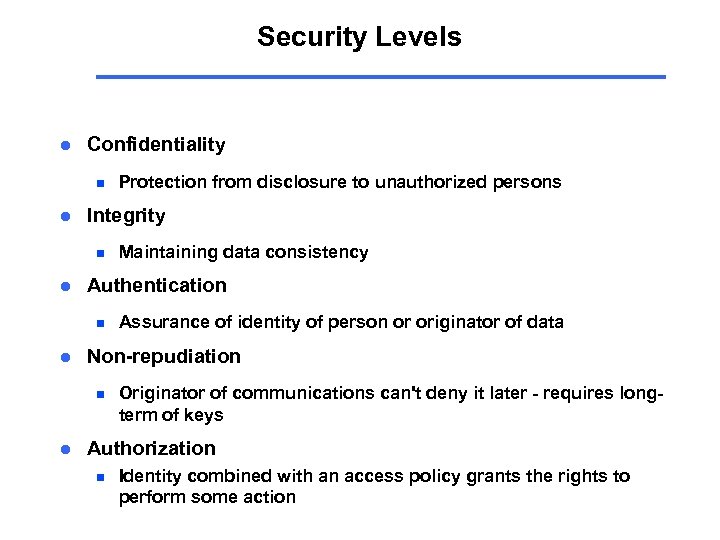
Security Levels l Confidentiality n l Integrity n l Assurance of identity of person or originator of data Non-repudiation n l Maintaining data consistency Authentication n l Protection from disclosure to unauthorized persons Originator of communications can't deny it later - requires longterm of keys Authorization n Identity combined with an access policy grants the rights to perform some action
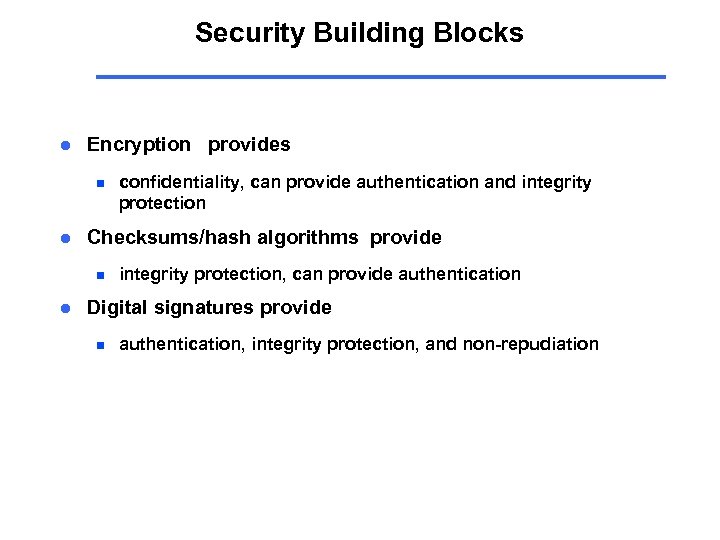
Security Building Blocks l Encryption provides n l Checksums/hash algorithms provide n l confidentiality, can provide authentication and integrity protection, can provide authentication Digital signatures provide n authentication, integrity protection, and non-repudiation
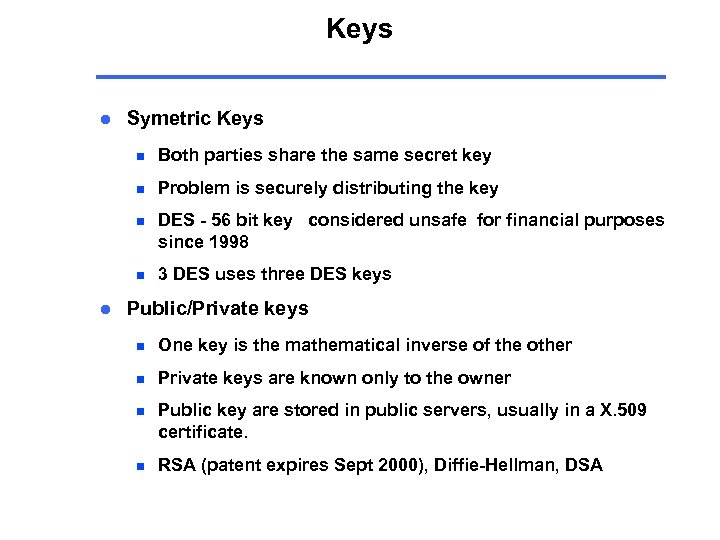
Keys l Symetric Keys n n Problem is securely distributing the key n DES - 56 bit key considered unsafe for financial purposes since 1998 n l Both parties share the same secret key 3 DES uses three DES keys Public/Private keys n One key is the mathematical inverse of the other n Private keys are known only to the owner n Public key are stored in public servers, usually in a X. 509 certificate. n RSA (patent expires Sept 2000), Diffie-Hellman, DSA
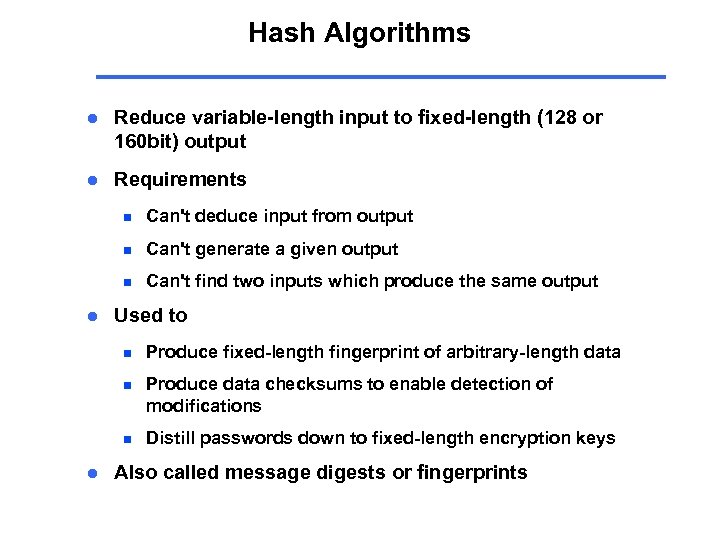
Hash Algorithms l Reduce variable-length input to fixed-length (128 or 160 bit) output l Requirements n n Can't generate a given output n l Can't deduce input from output Can't find two inputs which produce the same output Used to n n Produce data checksums to enable detection of modifications n l Produce fixed-length fingerprint of arbitrary-length data Distill passwords down to fixed-length encryption keys Also called message digests or fingerprints
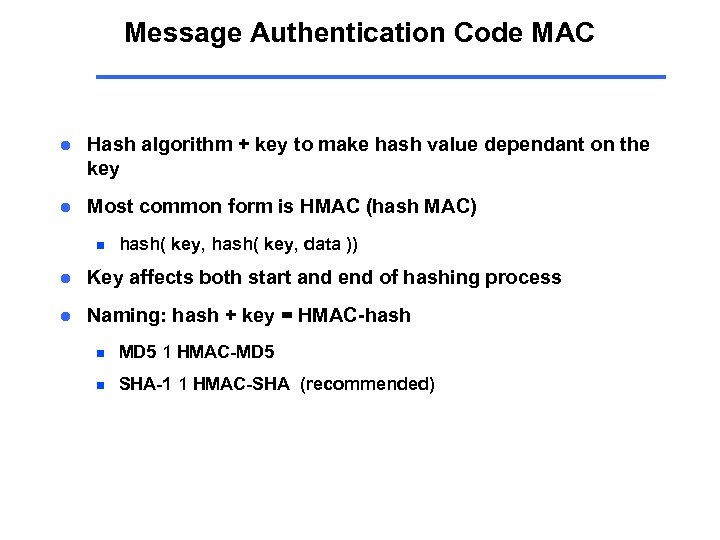
Message Authentication Code MAC l Hash algorithm + key to make hash value dependant on the key l Most common form is HMAC (hash MAC) n hash( key, data )) l Key affects both start and end of hashing process l Naming: hash + key = HMAC-hash n MD 5 1 HMAC-MD 5 n SHA-1 1 HMAC-SHA (recommended)
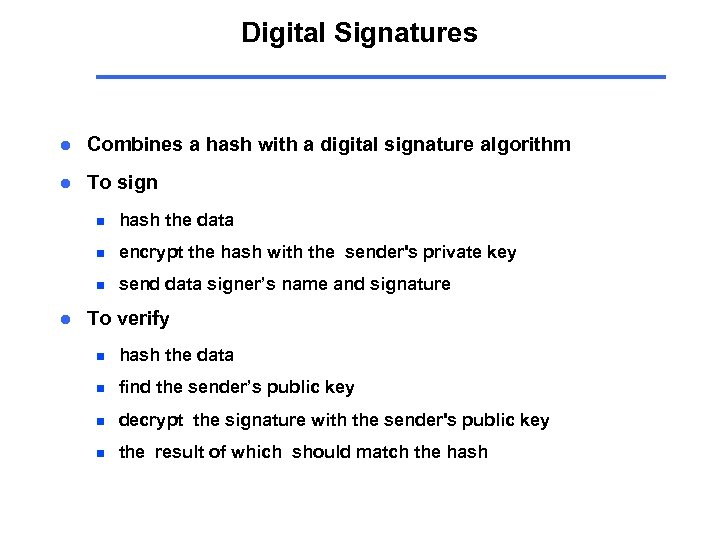
Digital Signatures l Combines a hash with a digital signature algorithm l To sign n n encrypt the hash with the sender's private key n l hash the data send data signer’s name and signature To verify n hash the data n find the sender’s public key n decrypt the signature with the sender's public key n the result of which should match the hash
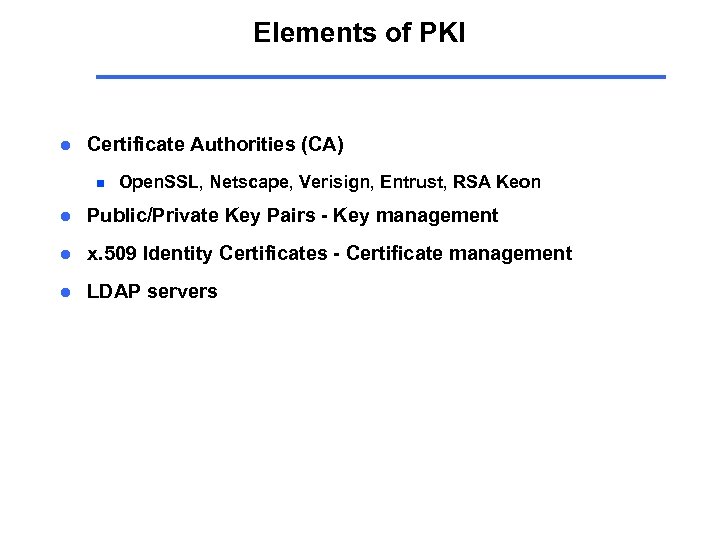
Elements of PKI l Certificate Authorities (CA) n Open. SSL, Netscape, Verisign, Entrust, RSA Keon l Public/Private Key Pairs - Key management l x. 509 Identity Certificates - Certificate management l LDAP servers
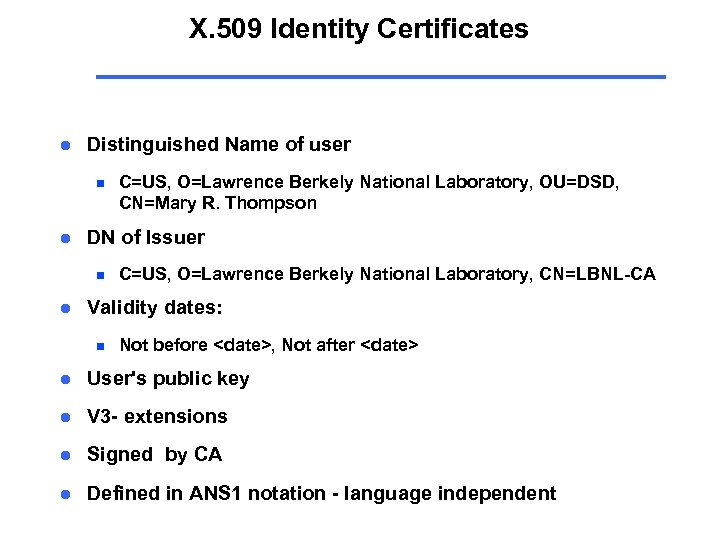
X. 509 Identity Certificates l Distinguished Name of user n l DN of Issuer n l C=US, O=Lawrence Berkely National Laboratory, OU=DSD, CN=Mary R. Thompson C=US, O=Lawrence Berkely National Laboratory, CN=LBNL-CA Validity dates: n Not before <date>, Not after <date> l User's public key l V 3 - extensions l Signed by CA l Defined in ANS 1 notation - language independent
Certificate Authority l A trusted third party - must be a secure server l Signs and publishes X. 509 Identity certificates l Revokes certificates and publishes a Certification Revocation List (CRL) l Many vendors n Open. SSL - open source, very simple n Netscape - free for limited number of certificates n Entrust - Can be run by enterprise or by Entrust n Verisign - Run by Verisign under contract to enterprise n RSA Security - Keon servers
LDAP server l Lightweight Directory Access Protocol (IETF standard) n Evolved from DAP and X. 500 Identities l Used by CA's to store user's Identity Certificate l Open source implementations l Standard protocol for lookup, entry, etc. l Access control is implemented by user, password.
SSL / TLS l Secure Sockets Layer/Transport Layer Security Protocol l SSLv 3. 1 = TLS v 1. 0; WTLS -- TLS for Wireless Links l Works over TCP; Application Independent. SSL/TLS allows client/server apps to communicate via a protected channel. l Common example -- HTTP over SSL/TLS, e. g. https: //www. entrust. com
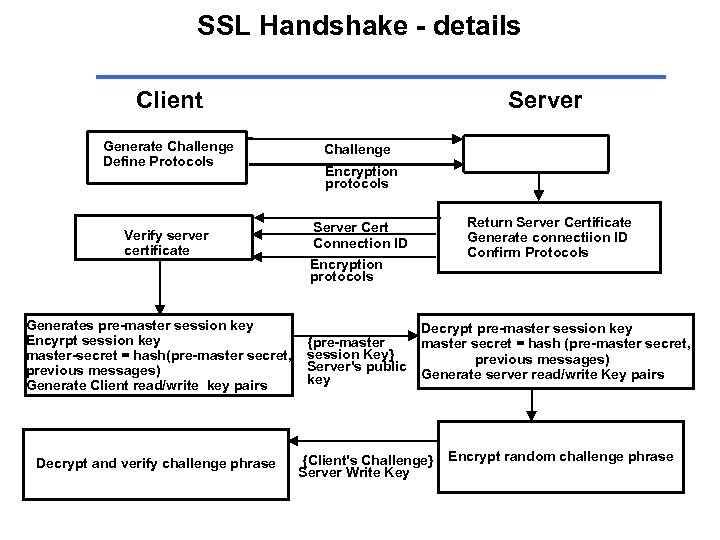
SSL Handshake l When you type https: //www. entrust. com, browser initiates a new SSL/TLS connection. l For the new connection SSL Handshake must be performed which will: : Negotiate the cipher suite : Authenticate the server to the client [optional] : Use public-key algorithms to establish a shared session key : Authenticate the client to the server [optional]
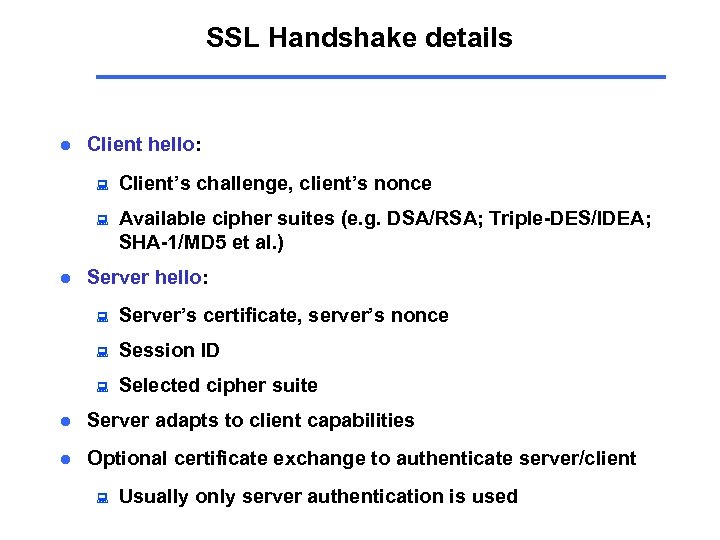
SSL Handshake details l Client hello: : : l Client’s challenge, client’s nonce Available cipher suites (e. g. DSA/RSA; Triple-DES/IDEA; SHA-1/MD 5 et al. ) Server hello: : Server’s certificate, server’s nonce : Session ID : Selected cipher suite l Server adapts to client capabilities l Optional certificate exchange to authenticate server/client : Usually only server authentication is used
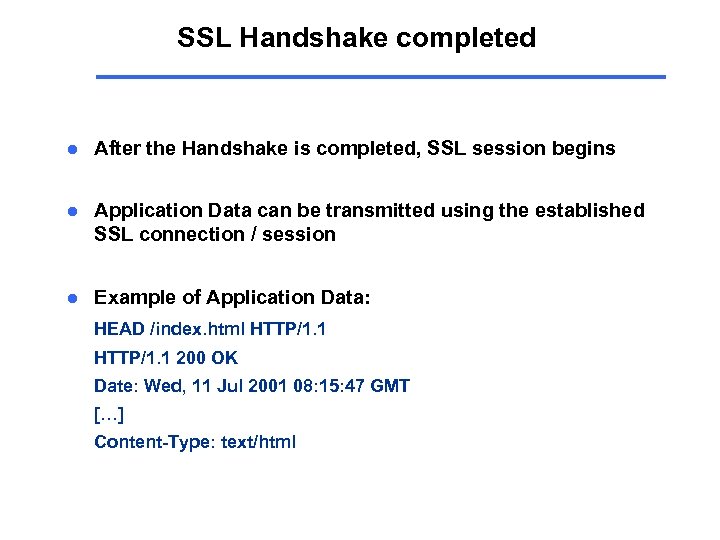
SSL Handshake completed l After the Handshake is completed, SSL session begins l Application Data can be transmitted using the established SSL connection / session l Example of Application Data: HEAD /index. html HTTP/1. 1 200 OK Date: Wed, 11 Jul 2001 08: 15: 47 GMT […] Content-Type: text/html
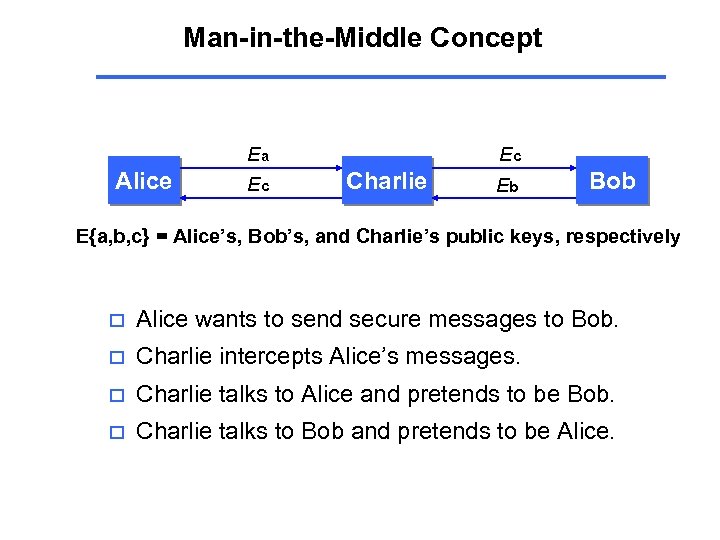
Man-in-the-Middle Concept Alice Ea Ec Ec Charlie Eb Bob E{a, b, c} = Alice’s, Bob’s, and Charlie’s public keys, respectively o Alice wants to send secure messages to Bob. o Charlie intercepts Alice’s messages. o Charlie talks to Alice and pretends to be Bob. o Charlie talks to Bob and pretends to be Alice.
MITM Concept (II) o Alice uses the public key she thinks she received from Bob (Charlie’s) o Bob uses the key he thinks is Alice’s (also Charlie’s) o As a result, Charlie not only gains access to secure information but also can modify it (e. g. transfer money to a different account etc. )
Users under Attack: Secure Browsers o User is typically presented with a menu asking whether to accept new [root] certificate o Usually, users click on “Yes” and accept new certificate without even thinking about the consequences o ~ 60 Root Certificates in my Browser. Did I verify each one of them thoroughly ?
MITM and Certificates o Digital Certificates designed to solve the problem but do they always help ? o Third party CA signs Alice’s and Bob’s public keys so they exchange signed keys (certificates) instead o Good so far ?
Trusting Certificates o Problem: Alice and Bob must trust CA o CA’s information must be delivered to Alice and Bob via Secure Channel o But how CA’s information usually gets to Alice and Bob ? Via Unprotected Public Network : )
How Attackers Work This is where attackers come into play, they: o Obtain access to traffic by: Breaking into a gateway | Spoofing routing tables (RIP/IGP) | DHCP entries (default gateway) | DNS | ARP caches o Intercept traffic at connection establishment phase and generate self-signed PKI certificates to replace originals o Start forwarding data and gain full access to sensitive information
Demonstration
Implications o Attackers breaking into core routers/servers, adding ‘transparent forwarding’, and then using dsniff to capture and decrypt HTTPS/SSH 1 data o Government installing their machines at large ISPs and using MITM to decrypt HTTPS/SSL, Privacy Enhanced Mail (PEM) and other data.
Recommendations o Data Link Layer: n o Network Layer: n o Enable port security on a switch; use static arp entries DNSSEC and IPSEC to prevent DNS spoofing and sniffing Transport Layer: n Verify root CAs and public keys before adding them; expire your public keys; pay attention to key/certificate change notifications
Things to remember o User almost always is the weakest link, i. e. social aspect. o Be aware of what do those SSHv 1 and SSL messages about adding certificates / key change mean before typing ‘y’ o Be careful with your public keys and make sure your party has access to *your* public key
Questions ?
Thank you !
SSL Handshake - details Client Generate Challenge Define Protocols Verify server certificate Generates pre-master session key Encyrpt session key master-secret = hash(pre-master secret, previous messages) Generate Client read/write key pairs Decrypt and verify challenge phrase Server Challenge Encryption protocols Return Server Certificate Generate connectiion ID Confirm Protocols Server Cert Connection ID Encryption protocols {pre-master session Key} Server's public key Decrypt pre-master session key master secret = hash (pre-master secret, previous messages) Generate server read/write Key pairs {Client's Challenge} Server Write Key Encrypt random challenge phrase
Скачать презентацию An Introduction to Distributed Security Concepts and Public
0a513c11ffec2537f25047c23472c9de.ppt