 Скачать презентацию An Introduction to Computerassisted Assessment Joanna Bull and
6413c9b61a21388fd97067770a2b1979.ppt
- Количество слайдов: 38



An Introduction to Computerassisted Assessment Joanna Bull and Ian Hesketh CAA Centre Teaching and Learning Directorate
Overview l What is CAA? l Why use it? l l Objective tests Integration: assessment methods & strategies l Hands-on session
Computer-assisted Assessment I Computer-assisted assessment (CAA) is a common term for the use of computers in the assessment of student learning.
Computer-assisted assessment II Deliver, mark and analyse assignments or examinations (computer or web-based) l Collate and analyse data gathered from optical mark readers (OMR) l Record, analyse and report on achievement l Collate, analyse and transfer assessment information through networks l
Assessment l Formative primarily to provide feedback to students and promote student learning m l Summative m l Diagnostic m l contributes to final grade for course/module to determine ability and understanding Self-assessment m to allow students to evaluate their learning
Why use CAA? What are the benefits to using CAA?
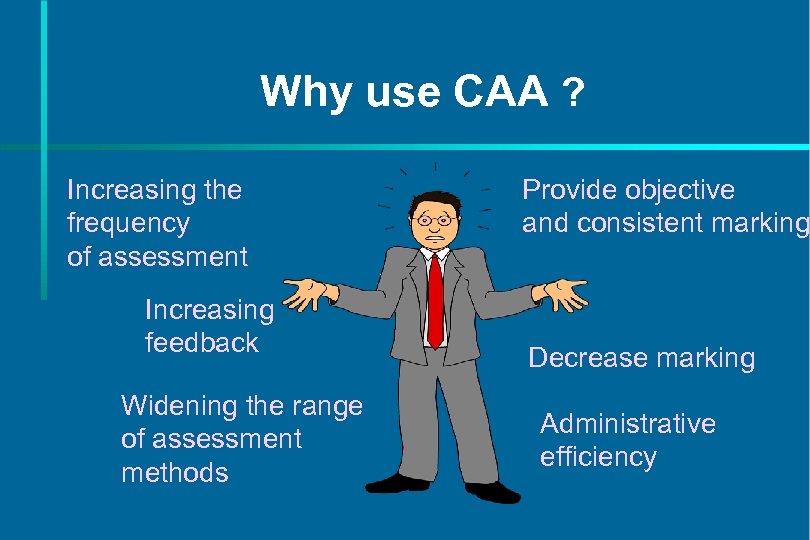
Why use CAA ? Increasing the frequency of assessment Increasing feedback Widening the range of assessment methods Provide objective and consistent marking Decrease marking Administrative efficiency
Increasing the frequency of assessment l Motivating students to learn l Encouraging students to practice skills l Broadening the knowledge assessed
Increasing feedback l Students to motivate students m needs to be timely, accurate and constructive m l Staff m m about student performance about test and question performance
Widen range of assessment methods Different assessment methods for different skills, abilities and knowledge l l l Balance of assessment methods Utilisation of multimedia to create innovative assessments
Provide objective and consistent assessment Assessment can be unreliable, subjective and inconsistent l Automated marking enables consistent, objective assessment for large groups l Rigorous evaluation of questions ensures overall consistency and standards. l
Decrease marking l Potential time savings: m dependent on level of implementation m must be offset against investment in design m may represent a re-distribution of workload m may demand a cultural shift
Administrative efficiency l Automatic transfer of data to MIS, or SRS l Examination papers and handling l Speed of results
Objective Tests l Examples of question types l Guidelines for writing items l Assessing skills and abilities l Feedback and scoring
Objective Tests Require students to provide a response to a question with a predetermined answer: l m m m select a solution from a set of choices identify an object or position supply brief numeric or text responses
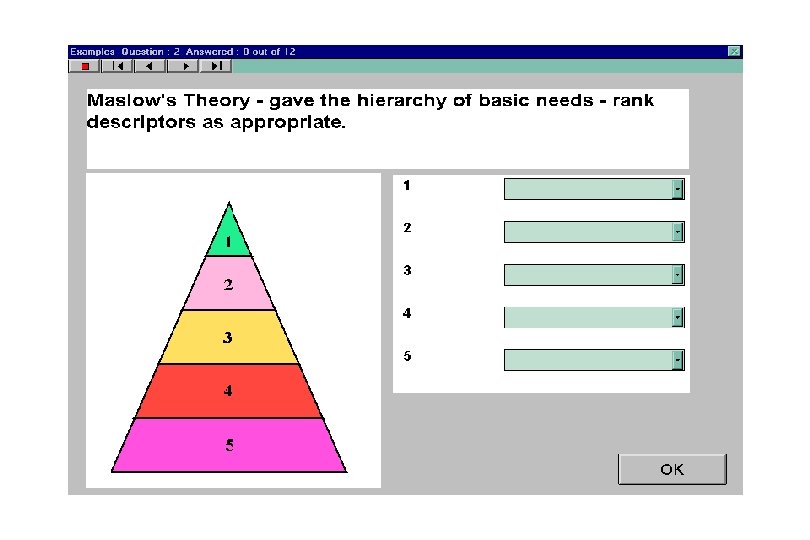
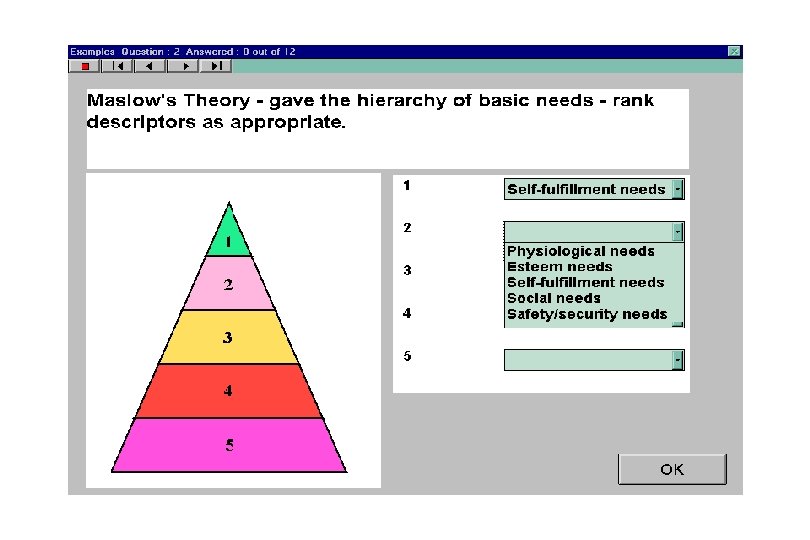
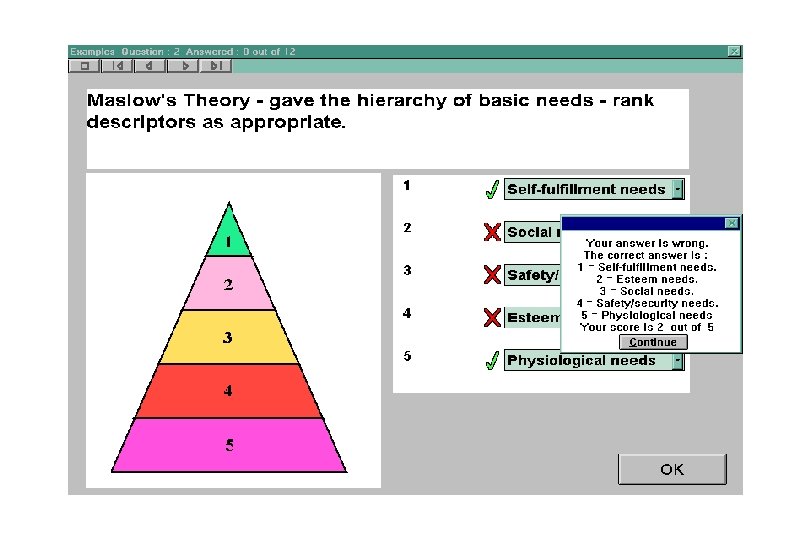
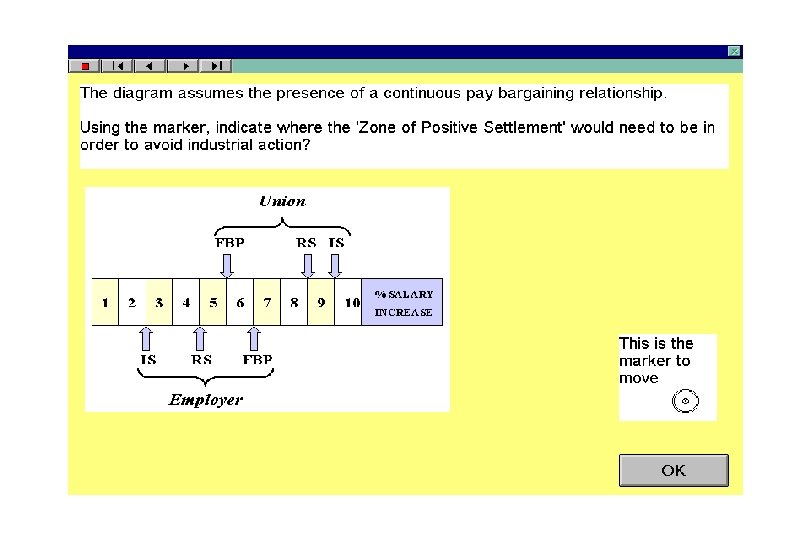
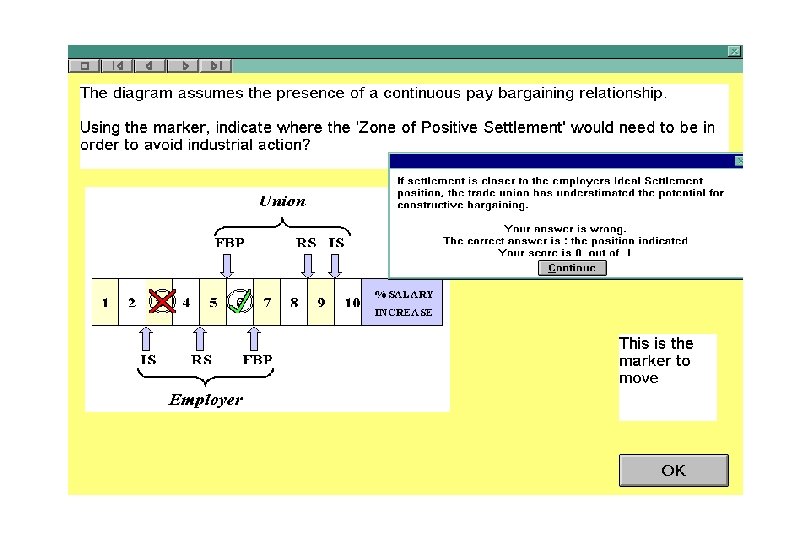
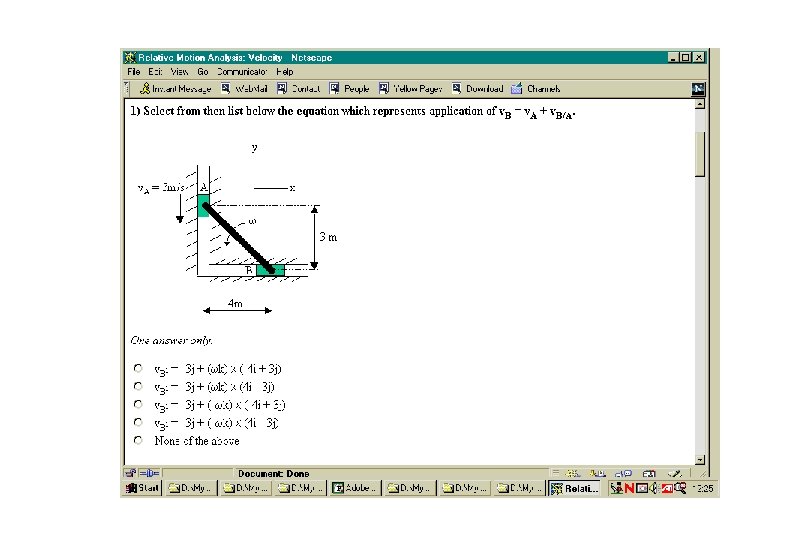
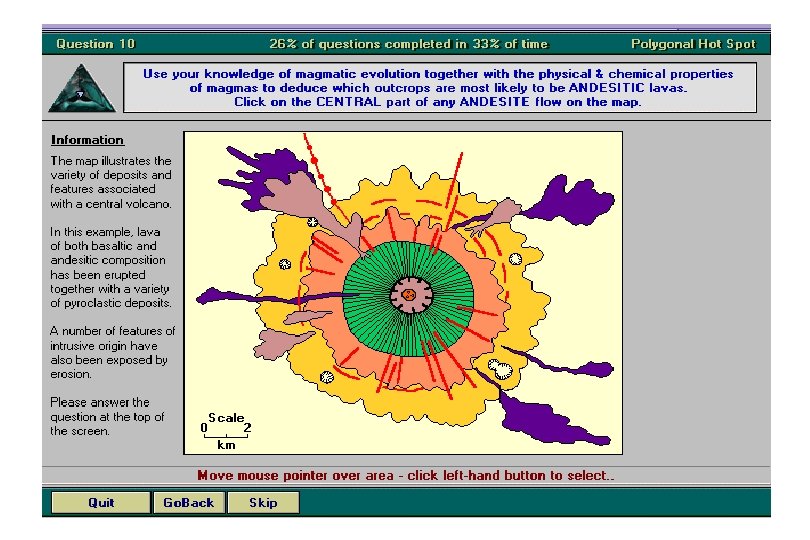
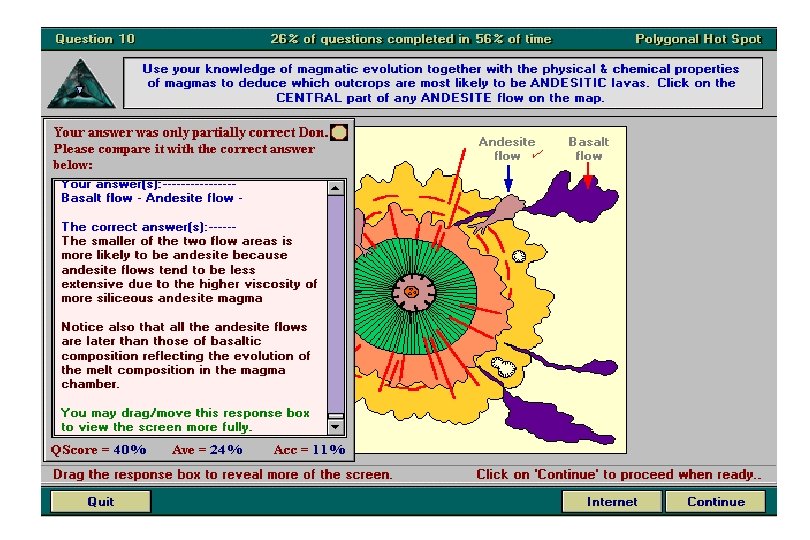
Question Types l l l l l Multiple choice Multiple response Assertion-reason Graphical hotspot Text/numerical Matching/ranking Sore finger questions Sequencing Assembly Graphing
Designing questions I l Questions m m m single, definitive statement avoid unnecessary or irrelevant material use clear language use negatives sparingly put as much of the question in the stem do not use double negatives
Designing questions II l Distractors ensure there is only one correct answer m use plausible distractors m avoid clues to the correct answer m avoid ‘all of the above’ and ‘none of the above’ m base distractors on common student errors m avoid ambiguity m
Blooms Taxonomy m l knowledge, comprehension, application, analysis, synthesis and evaluation Example questions
Feedback Objective tests allow provision of : m timely, specific formative feedback to students m fast and detailed feedback to staff l Enables a consistent level of feedback to large student groups l Can focus and direct learning through anticipated problem areas l Enables curriculum design modification during a course l
Scoring l One score per correct answer l Issue of guessing l Negative marking
Discrimination and facility l Discrimination m l power of an individual question to differentiate between weaker and better students Facility measures the difficulty of a question by dividing the number of correct responses by the total number of responses. m
Integration: assessment methods & strategies Appropriateness and balance l Quality of feedback and student learning l Extending the skills and knowledge assessed l
Test structure II l Analyse material m m content difficulty assessment type question style Identify areas of low coverage and spread l uneven
CAA Website l CAA Centre http: //caacentre. ac. uk email: info@caacentre. ac. uk
CAA in business studies Introduction to financial accounting l Intermediate/advanced financial accounting l Principles of finance l Production and operations management l Professional certificate in management l
Advantages of CAAbusiness studies respondents l l l Speed Remote access Anonymity Neutrality Quick feedback Wide course coverage
Disadvantages of CAA-business studies respondents l Inflation of students' marks Difficult to set appropriate questions l Steep learning curve/time investment l Fails to develop students' argumentation skills l
CAA Website l CAA Centre http: //caacentre. ac. uk email: joanna. bull@luton. ac. uk
 Скачать презентацию An Introduction to Computerassisted Assessment Joanna Bull and
6413c9b61a21388fd97067770a2b1979.ppt