 Скачать презентацию AJAX By Steven Hernandez Research Analyst NIATEC
a1ca7fb6cf8a75ed8d85d6995b8852bc.ppt
- Количество слайдов: 24




AJAX By Steven Hernandez Research Analyst NIATEC

Introduction l Who I am l Education AAS Electronic Systems l AAS Lasers and Electro-Optics l BBA CIS from COB at ISU l Currently working towards MBA in IA l l Experience Network Administration l Desktop Support/Helpdesk Management l Systems Administration Consulting l Research Analyst l

NIATEC National Information Assurance Training and Education Center l SFS: Scholarship for Service l l Undergrads: Junior Rising or Candidates with 2 years remaining l Grad students – MBA l http: //niatec. info/
Goals and Objectives l Overview of AJAX l History l Technologies Involved l Limitations & Uses l Implementations l Basic Terms and Components l Basic Objects
AJAX History Microsoft Remote Scripting l l l First to make use of asynchronous scripting IFRAME based JSRS (2000) Image/Cookie techniques (2000) Java. Script on Demand (2002) User-community mod to Remote scripting: l l XMLHttp. Request Asynchronous Java. Script and XML l Jesse James Garrett of Adaptive Path
The Good l Interactive l Very GUI and fun to play with! l Very responsive Supported by features found in all major browsers on most existing platforms l Examples of AJAX done right l l Google Maps, Mail, and Suggest l http: //www. flickr. com/
The Bad l There’s no going back baby! l Back button functionality l Sessions and cookies work around this l Response time concerns l Network Latency Considerations l Feedback to the user l Preloading of data l Proper use of XMLHttp. Request l Devices
The Ugly l Java. Script MUST be enabled! l Elaborate Error handling l Browser Handling l Learning Curve and Development l Early Stages l Sharp Learning Curve l Crafty use of CSS, DHTML, XHTML, and JS l More of an Art than a Science at present

Security Considerations l Securing AJAX l New technology l Client Side Processing l Federal l Man Guidelines in the Middle attacks
Accessibility Considerations l WAI accessibility Guidelines l AJAX relies heavily on features present in desktop graphical browsers l If unable to use the AJAX interface l Would the page still be usable? l Performance? l Feel? l Content?
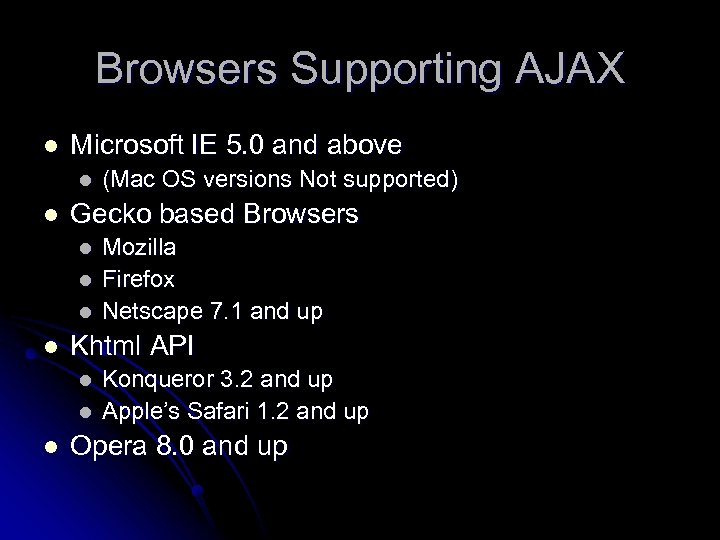
Browsers Supporting AJAX l Microsoft IE 5. 0 and above l l Gecko based Browsers l l Mozilla Firefox Netscape 7. 1 and up Khtml API l l l (Mac OS versions Not supported) Konqueror 3. 2 and up Apple’s Safari 1. 2 and up Opera 8. 0 and up
Who’s Using AJAX l Google l l http: //www. meebo. com/ l l Online messenger system http: //www. flickr. com/ l l Google Maps Google Suggest Google Mail Online Photo system http: //www. interaktonline. com/Products/KTML/Li ve-Demos/? from=ajax l Online webpage development
AJAX Innards HTML l Java. Script l DHTML l l Dynamic l HTML DOM l Document Object Model
HTML l Hypertext markup language l Build webforms l Identify Fields for use
Java. Script Core Code Running! l Facilitates communications with the server l
DHTML l Dynamic HTML l Helps update forms dynamically l Mostly “div” and “span”
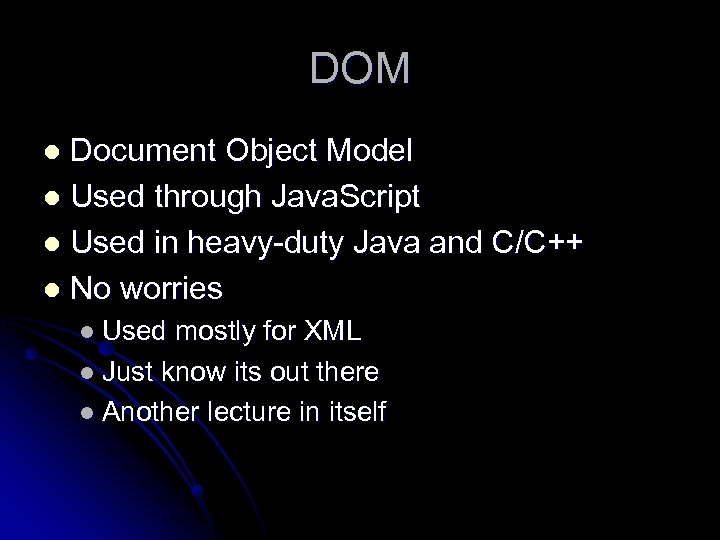
DOM Document Object Model l Used through Java. Script l Used in heavy-duty Java and C/C++ l No worries l l Used mostly for XML l Just know its out there l Another lecture in itself
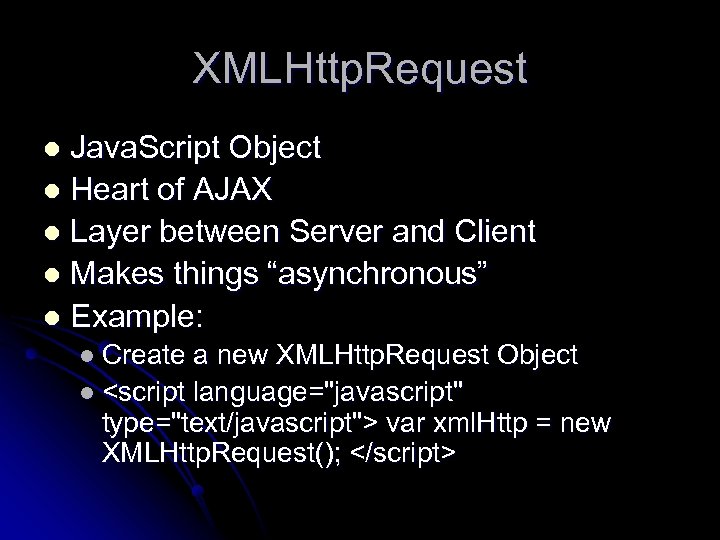
XMLHttp. Request Java. Script Object l Heart of AJAX l Layer between Server and Client l Makes things “asynchronous” l Example: l l Create a new XMLHttp. Request Object l <script language="javascript" type="text/javascript"> var xml. Http = new XMLHttp. Request(); </script>
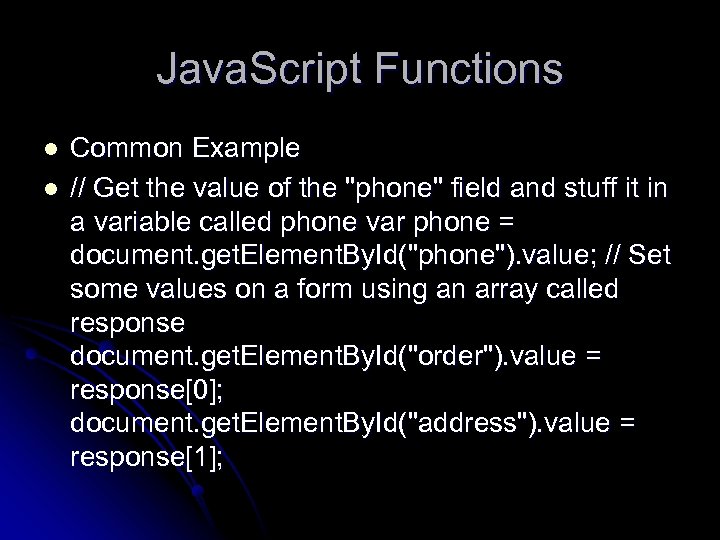
Java. Script Functions l l Common Example // Get the value of the "phone" field and stuff it in a variable called phone var phone = document. get. Element. By. Id("phone"). value; // Set some values on a form using an array called response document. get. Element. By. Id("order"). value = response[0]; document. get. Element. By. Id("address"). value = response[1];
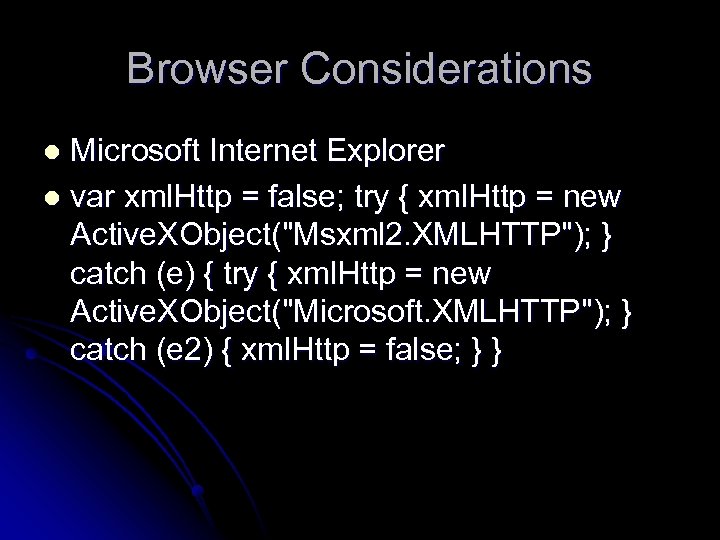
Browser Considerations Microsoft Internet Explorer l var xml. Http = false; try { xml. Http = new Active. XObject("Msxml 2. XMLHTTP"); } catch (e) { try { xml. Http = new Active. XObject("Microsoft. XMLHTTP"); } catch (e 2) { xml. Http = false; } } l
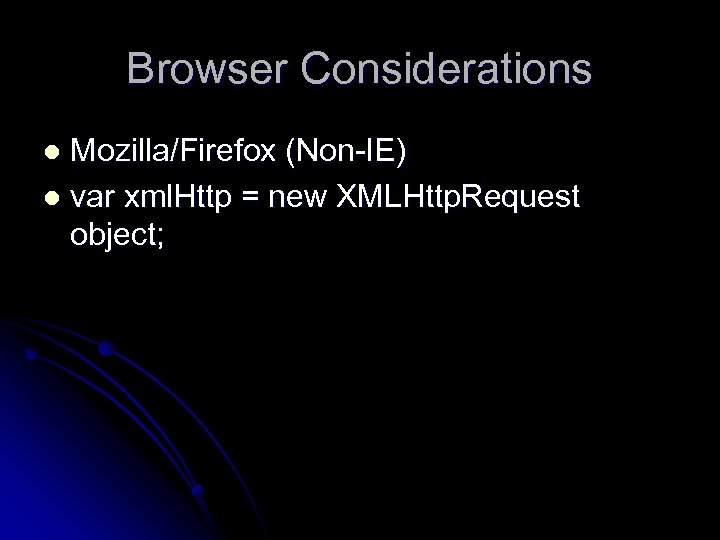
Browser Considerations Mozilla/Firefox (Non-IE) l var xml. Http = new XMLHttp. Request object; l
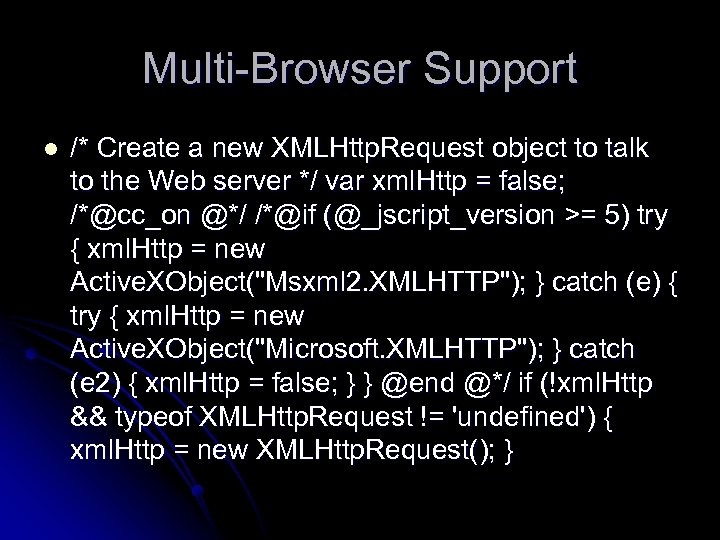
Multi-Browser Support l /* Create a new XMLHttp. Request object to talk to the Web server */ var xml. Http = false; /*@cc_on @*/ /*@if (@_jscript_version >= 5) try { xml. Http = new Active. XObject("Msxml 2. XMLHTTP"); } catch (e) { try { xml. Http = new Active. XObject("Microsoft. XMLHTTP"); } catch (e 2) { xml. Http = false; } } @end @*/ if (!xml. Http && typeof XMLHttp. Request != 'undefined') { xml. Http = new XMLHttp. Request(); }
Conclusions New Technology l Standards and common criteria are still in development l More of an art than a science l Beautiful interfaces and webpages l The future l l AJAX. NET and similar
Questions/Comments l Thanks!
Скачать презентацию AJAX By Steven Hernandez Research Analyst NIATEC
a1ca7fb6cf8a75ed8d85d6995b8852bc.ppt