


 Скачать презентацию Airport GIS Data e ALP Coming
eb92dd97e227f35f877acef6b55a390b.ppt
- Количество слайдов: 41
 Airport GIS Data & e. ALP – Coming To An Airport Near You Kevin Shirer, AAE – Project Manager Association of California Airports; September 2009
 Today’s Presentation & Expectations Take away • Basic knowledge of what is GIS – “GIS 101” • Roles & responsibilities for managing airport data • What’s here - airport GIS standards & FAA “AGIS” • What’s coming - e. ALP
 The Driving Needs • Need to improved business processes – Creation of paperless processes – e-Business – faster coordination • Need of a centralized database – – Same data used by all Accurate and validated data Maintable data Transferable data • Need for accurate maps that are easily accessible
 What is GIS?
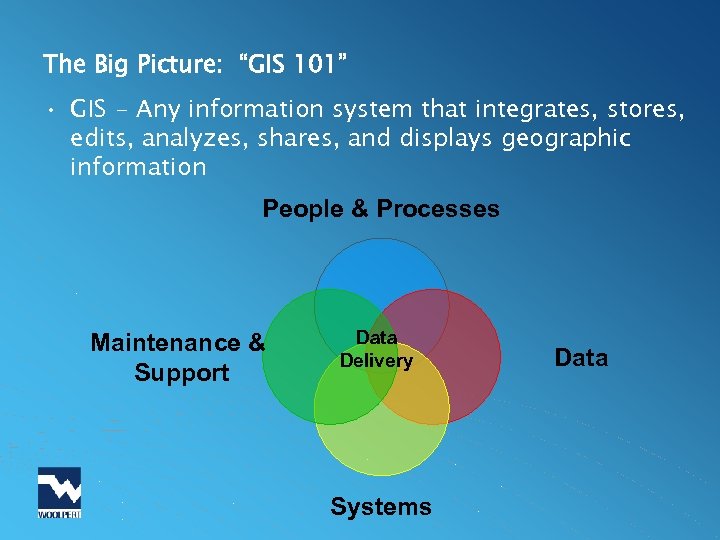 The Big Picture: “GIS 101” • GIS - Any information system that integrates, stores, edits, analyzes, shares, and displays geographic information People & Processes Maintenance & Support Data Delivery Systems Data
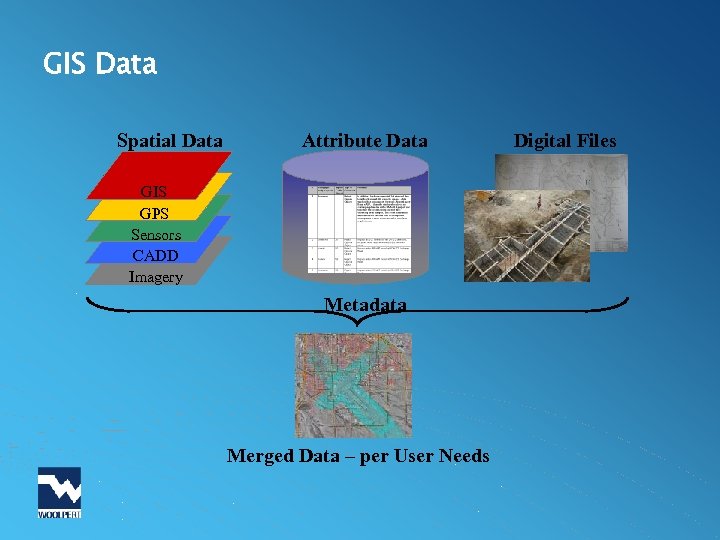 GIS Data Spatial Data Attribute Data GIS GPS Sensors CADD Imagery Metadata Merged Data – per User Needs Digital Files
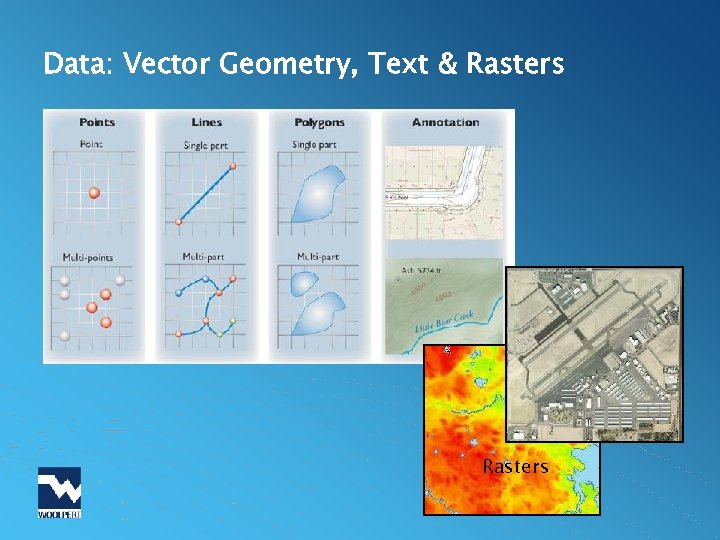 Data: Vector Geometry, Text & Rasters
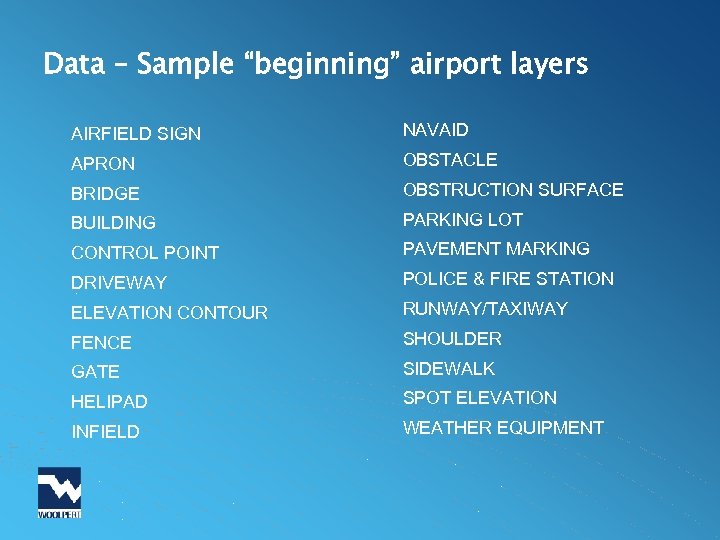 Data – Sample “beginning” airport layers AIRFIELD SIGN NAVAID APRON OBSTACLE BRIDGE OBSTRUCTION SURFACE BUILDING PARKING LOT CONTROL POINT PAVEMENT MARKING DRIVEWAY POLICE & FIRE STATION ELEVATION CONTOUR RUNWAY/TAXIWAY FENCE SHOULDER GATE SIDEWALK HELIPAD SPOT ELEVATION INFIELD WEATHER EQUIPMENT
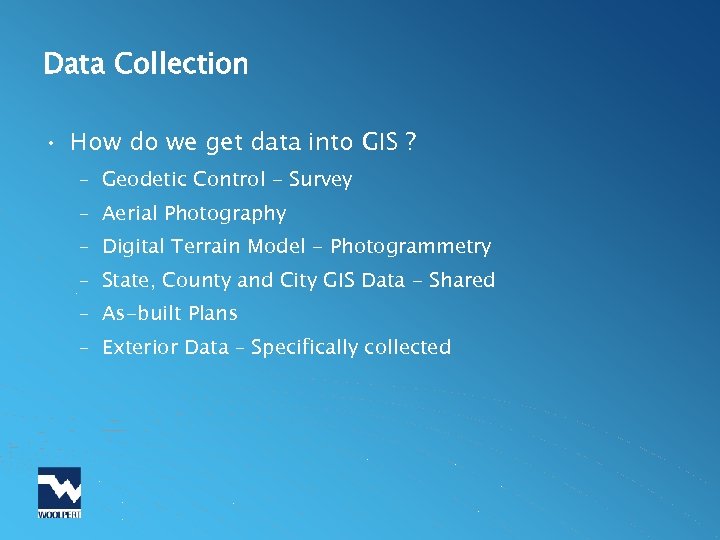 Data Collection • How do we get data into GIS ? – Geodetic Control - Survey – Aerial Photography – Digital Terrain Model - Photogrammetry – State, County and City GIS Data - Shared – As-built Plans – Exterior Data – Specifically collected
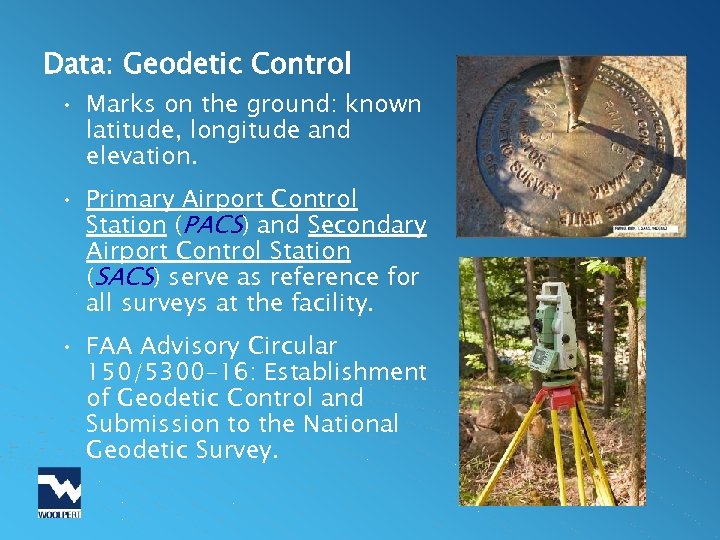 Data: Geodetic Control • Marks on the ground: known latitude, longitude and elevation. • Primary Airport Control Station (PACS) and Secondary Airport Control Station (SACS) serve as reference for all surveys at the facility. • FAA Advisory Circular 150/5300 -16: Establishment of Geodetic Control and Submission to the National Geodetic Survey.
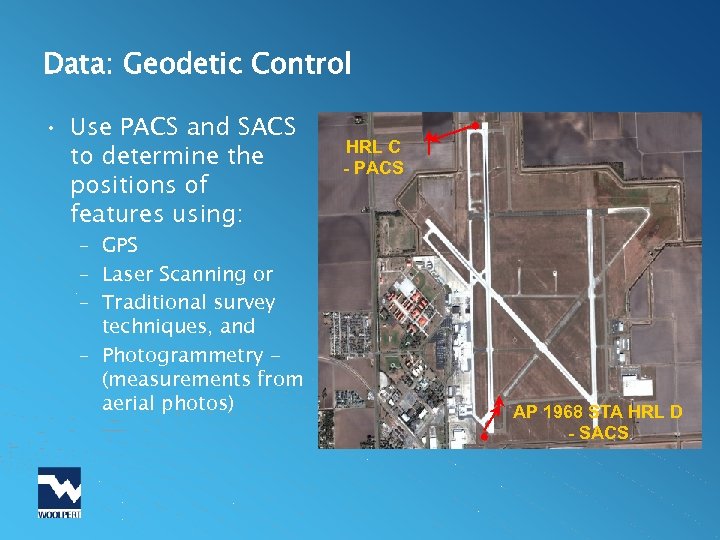 Data: Geodetic Control • Use PACS and SACS to determine the positions of features using: – GPS – Laser Scanning or – Traditional survey techniques, and – Photogrammetry (measurements from aerial photos) HRL C - PACS AP 1968 STA HRL D - SACS
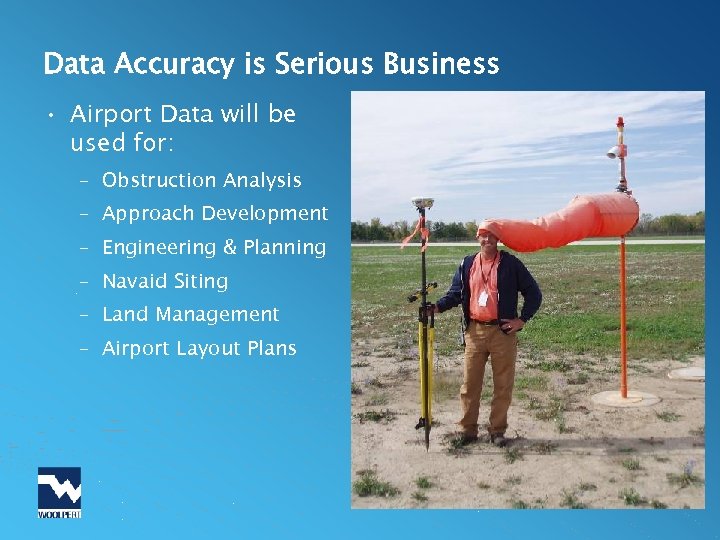 Data Accuracy is Serious Business • Airport Data will be used for: – Obstruction Analysis – Approach Development – Engineering & Planning – Navaid Siting – Land Management – Airport Layout Plans
 Systems: GIS & CAD Software • ESRI: Arc. GIS 9, Arc. IMS, Arc. PAD, Arc. SDE, Map. Objects… • Autodesk: Auto. CAD, Auto. CAD Map 3 D, Map. Guide, Revit… • Micro. Station : Version 8 • Intergraph: Geo. Media, Geo. Media Professional…
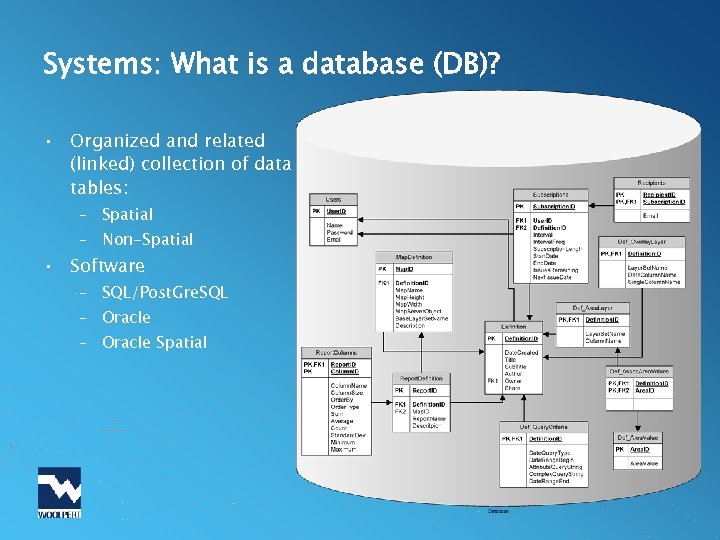 Systems: What is a database (DB)? • Organized and related (linked) collection of data tables: – Spatial – Non-Spatial • Software – SQL/Post. Gre. SQL – Oracle Spatial
 Data Maintenance & Support • Data Maintenance - Roles – Airport Staff & Consultants – FAA & NGS • Data Maintenance – Policies & Procedures – Change Control: Update data for ongoing Improvements
 FAA Airports GIS (AGIS) • What’s Here Now – FAA Advisory Circulars – Geospatial Data Standards – FAA Airports Surveying-GIS (AGIS) Website • What’s Coming – FAA Industry Education – Integrated Distance Learning Environment (FAA IDLE) – Electronic Airport Layout Plans – e. ALP • FAA Office of Airport Safety and Standards - Airport Engineering Division (AAS-100)
 FAA Advisory Circulars: “-16, -17 & -18” • AC 150/5300 -16: General Guidance and Specifications for Aeronautical Surveys: Establishment of Geodetic Control and Submission to the National Geodetic Survey • AC 150/5300 -17: General Guidance and Specifications for Aeronautical Survey Airport Imagery Acquisition and Submission to the National Geodetic Survey • AC 150/5300 -18: General Guidance and Specifications for Submission of Aeronautical Surveys to NGS: Field Data Collection and Geographic Information System (GIS) Standards
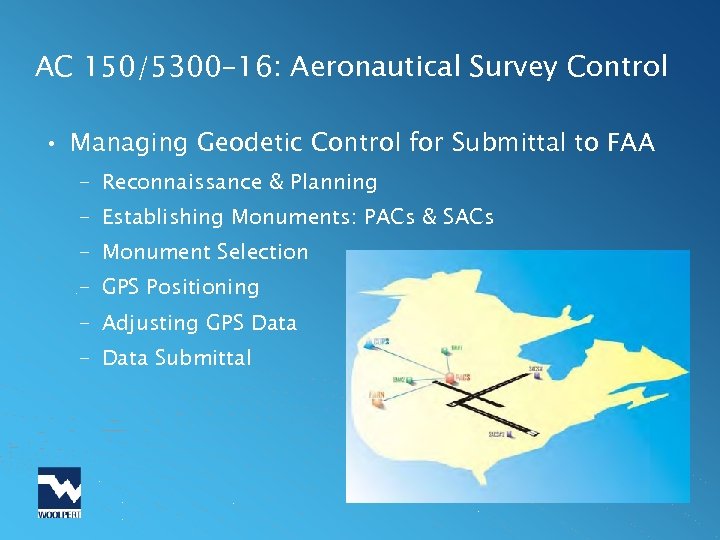 AC 150/5300 -16: Aeronautical Survey Control • Managing Geodetic Control for Submittal to FAA – Reconnaissance & Planning – Establishing Monuments: PACs & SACs – Monument Selection – GPS Positioning – Adjusting GPS Data – Data Submittal
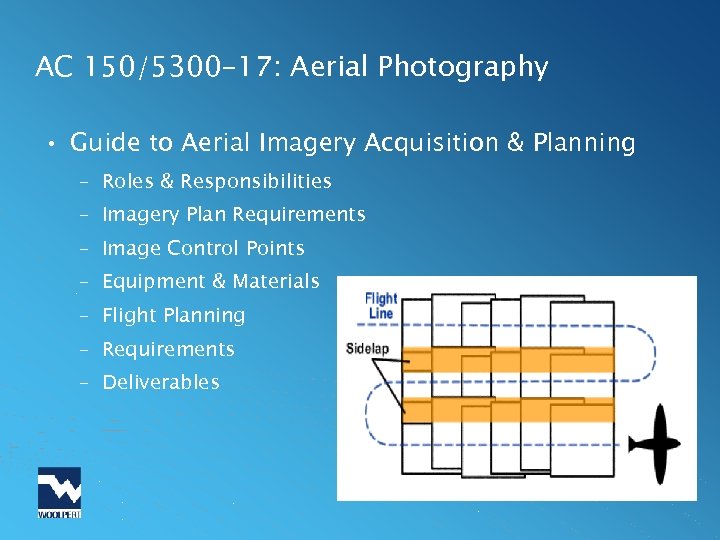 AC 150/5300 -17: Aerial Photography • Guide to Aerial Imagery Acquisition & Planning – Roles & Responsibilities – Imagery Plan Requirements – Image Control Points – Equipment & Materials – Flight Planning – Requirements – Deliverables
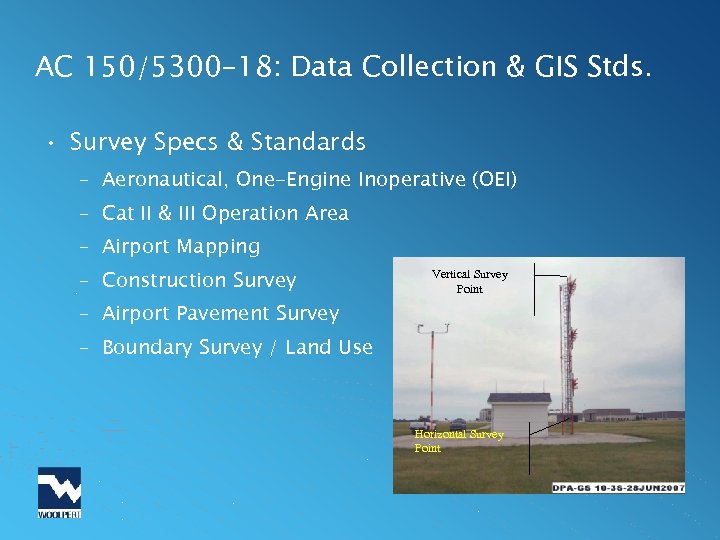 AC 150/5300 -18: Data Collection & GIS Stds. • Survey Specs & Standards – Aeronautical, One-Engine Inoperative (OEI) – Cat II & III Operation Area – Airport Mapping – Construction Survey Vertical Survey Point – Airport Pavement Survey – Boundary Survey / Land Use Horizontal Survey Point
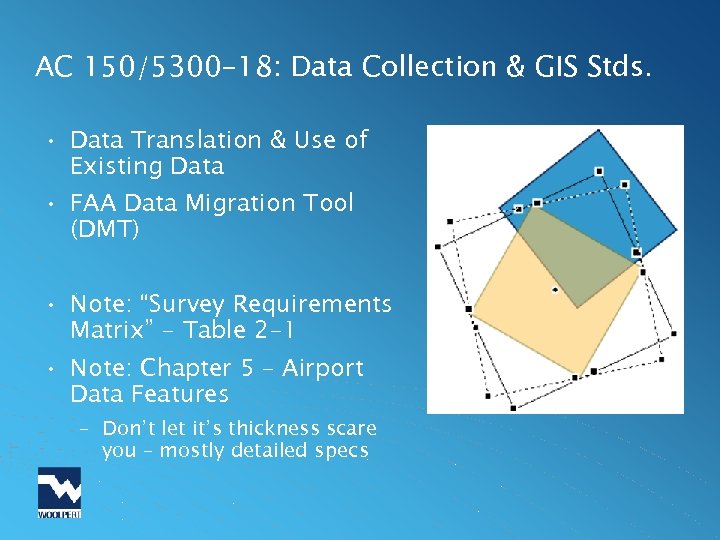 AC 150/5300 -18: Data Collection & GIS Stds. • Data Translation & Use of Existing Data • FAA Data Migration Tool (DMT) • Note: “Survey Requirements Matrix” - Table 2 -1 • Note: Chapter 5 – Airport Data Features – Don’t let it’s thickness scare you – mostly detailed specs
 FAA Airports Surveying-GIS (AGIS) Database • Purpose: To streamline the airport survey process and centralize airport data storage into one integrated web-based Geographic Information System • https: //airports-gis. faa. gov • Supplementary Information – A Guide to Airport Surveys – FAA Whitepaper May 2009
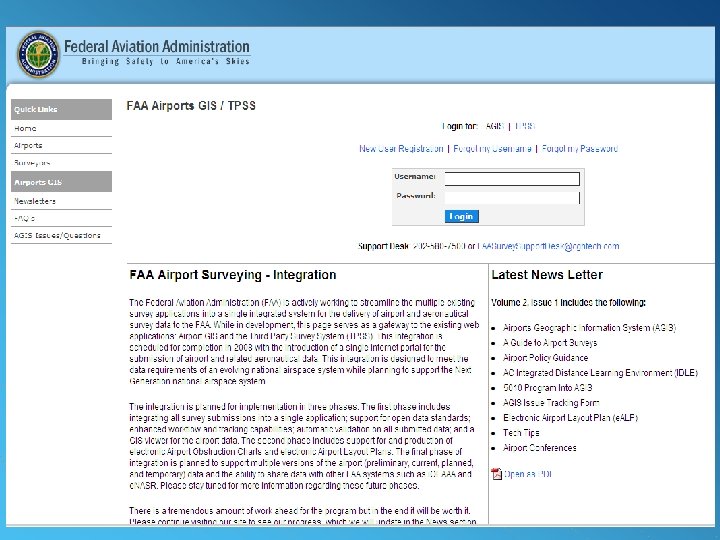 AGIS
AGIS
 AGIS – What an Airport Owner Needs to Know • Airport Sponsors and Proponents (AS/P) are the owner of all data for their airport, even after loading into AGIS • The AS/P (or designated contractor) must ensure all documentation is complete, accurate, and meets criteria outlined in the ACs • Data accuracy begins with the creation of the project’s Statement of Work (SOW) • FAA provides a draft SOW on the AGIS Site
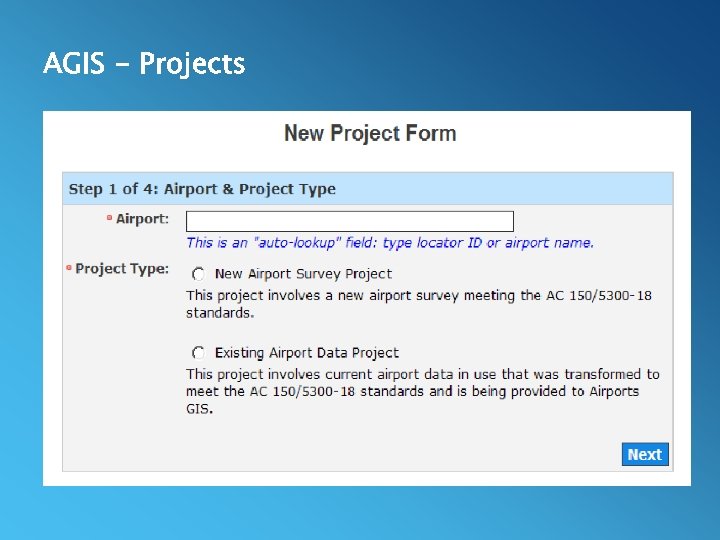 AGIS - Projects
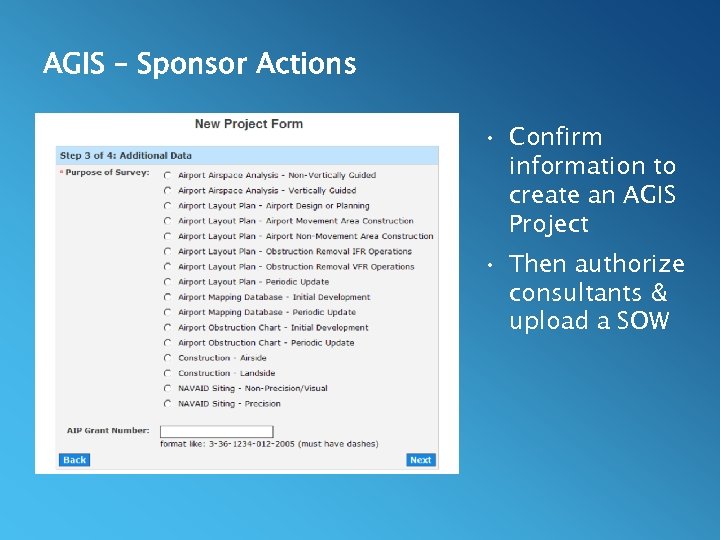 AGIS – Sponsor Actions • Confirm information to create an AGIS Project • Then authorize consultants & upload a SOW
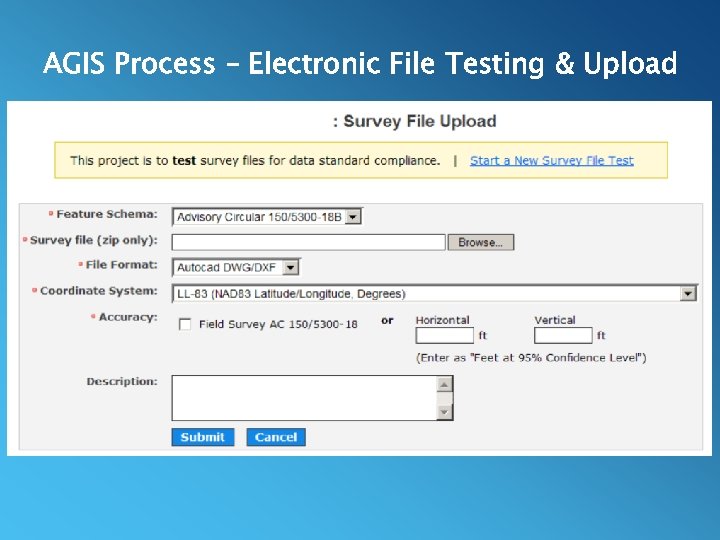 AGIS Process – Electronic File Testing & Upload
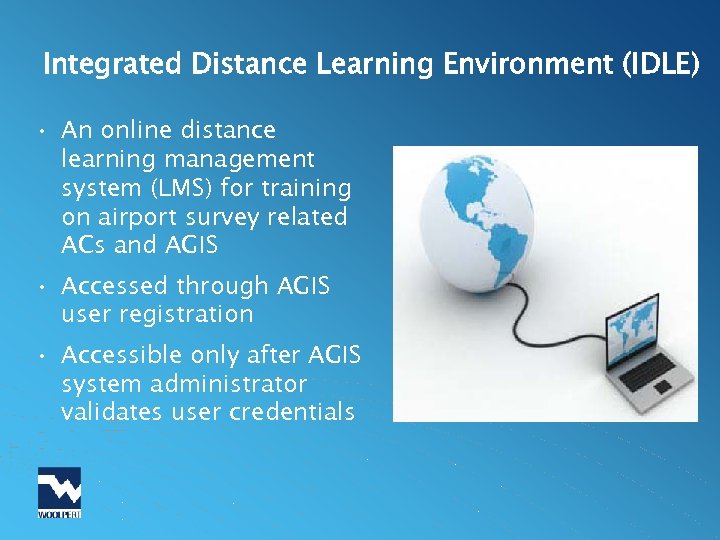 Integrated Distance Learning Environment (IDLE) • An online distance learning management system (LMS) for training on airport survey related ACs and AGIS • Accessed through AGIS user registration • Accessible only after AGIS system administrator validates user credentials
 FAA IDLE • Roll-based Training – Tier 1 - Airport Managers/Proponents/Planners • Basic airport project management, advisory circular requirements and overviews, and general AGIS use – Tier 2 - Functional Managers • Overseers of multiple airports – FAA, State – Tier 3 - Surveyors/Contractors • Tier 1 & 2 information, plus… • Detailed requirements and procedures tailored to airport surveyors/contractors
 FAA IDLE • Easily accessible educational tool • Fills educational gap: – AAS-100 AC program updates – Airport survey requirements/procedures • Provides visualizations of survey processes • Provides training for airport sponsor roles and responsibilities
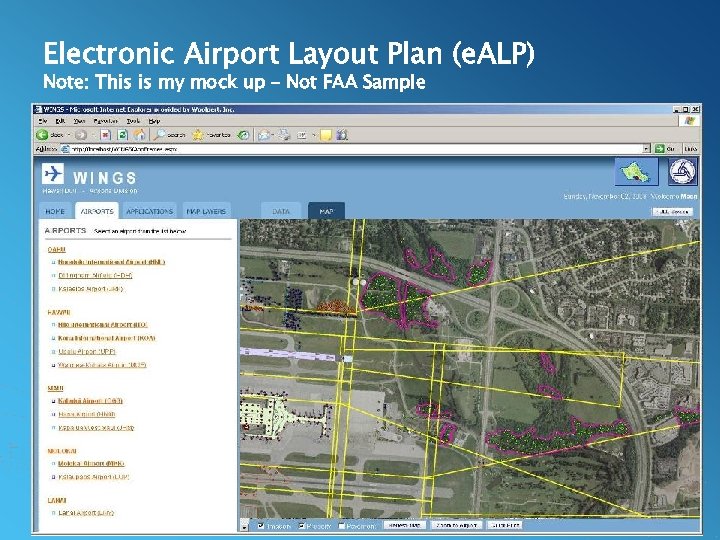 Electronic Airport Layout Plan (e. ALP) Note: This is my mock up – Not FAA Sample
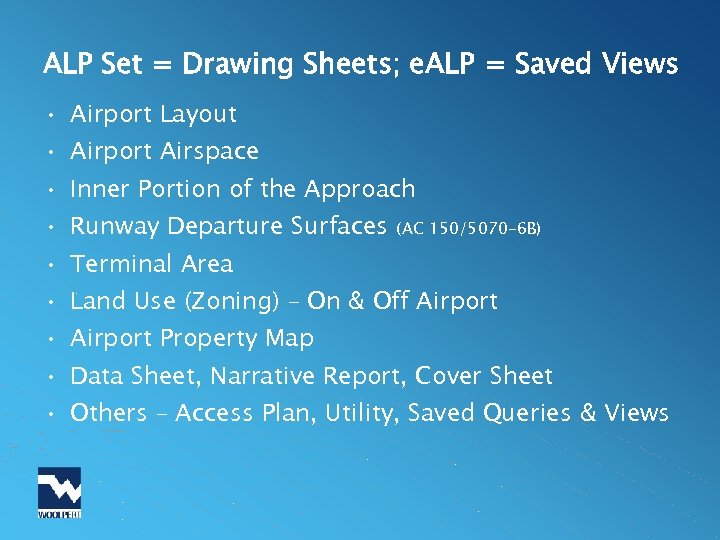 ALP Set = Drawing Sheets; e. ALP = Saved Views • Airport Layout • Airport Airspace • Inner Portion of the Approach • Runway Departure Surfaces (AC 150/5070 -6 B) • Terminal Area • Land Use (Zoning) – On & Off Airport • Airport Property Map • Data Sheet, Narrative Report, Cover Sheet • Others – Access Plan, Utility, Saved Queries & Views
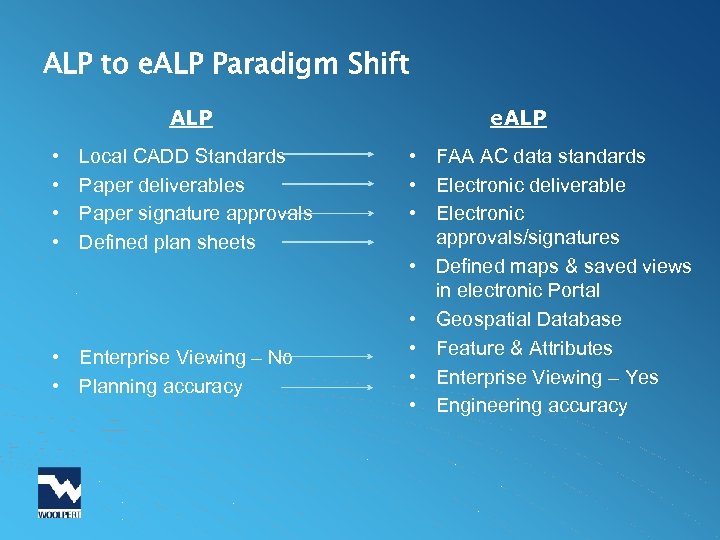 ALP to e. ALP Paradigm Shift ALP • • Local CADD Standards Paper deliverables Paper signature approvals Defined plan sheets • Enterprise Viewing – No • Planning accuracy e. ALP • FAA AC data standards • Electronic deliverable • Electronic approvals/signatures • Defined maps & saved views in electronic Portal • Geospatial Database • Feature & Attributes • Enterprise Viewing – Yes • Engineering accuracy
 Electronic Airport Layout Plan - e. ALP • e. ALP platform & standards – in development • Integrated with AGIS database • Provide access by authorized airport owners, managers, planners and designers • Users will be able to: – View, evaluate, format, print – Grant access to their airport data located within AGIS – Import/export data from/to authorized FAA resources
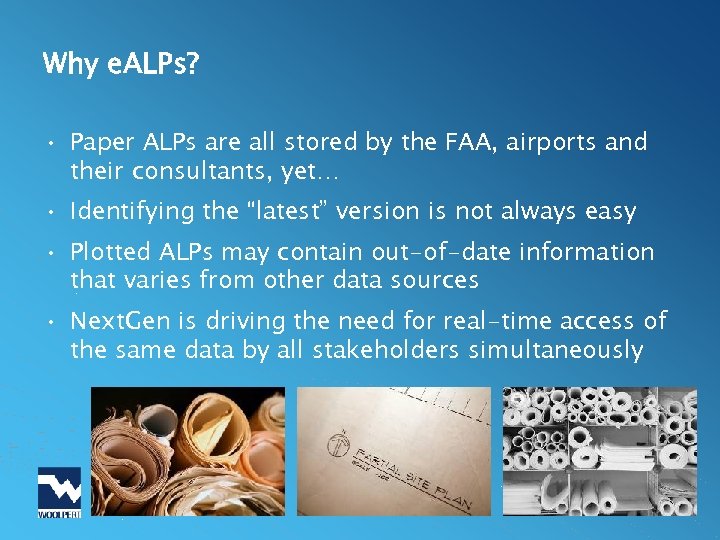 Why e. ALPs? • Paper ALPs are all stored by the FAA, airports and their consultants, yet… • Identifying the “latest” version is not always easy • Plotted ALPs may contain out-of-date information that varies from other data sources • Next. Gen is driving the need for real-time access of the same data by all stakeholders simultaneously
 e. ALP Challenges • Paradigm Shift – Standards development & standardizing ALP checklists – Accommodating standards and desire for custom views – Desire for paper ALP’s • Technical challenges – – Electronic approvals/signatures Data update processes & data archiving Symbology that works at different scales Viewing electronically
 e. ALP – FAA Program Status • FAA Southern Region has six “test bed” airports – Full ALP airport surveys are in progress/coordination • Develop “Proof of Concept Data” for testing – Identify “Best Practices” – Identify costs – Develop electronic coordination procedures to improve AGIS portal and e. ALP coordination/approval • Develop capability within the AGIS for e. ALP and digital obstruction charts; SEPTEMBER 2009
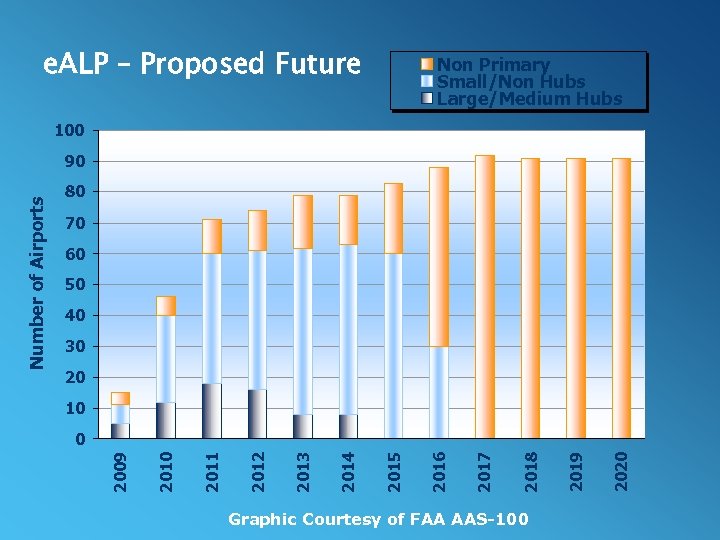 e. ALP – Proposed Future Non Primary Small/Non Hubs Large/Medium Hubs 100 80 70 60 50 40 30 20 10 Graphic Courtesy of FAA AAS-100 2020 2019 2018 2017 2016 2015 2014 2013 2012 2011 2010 0 2009 Number of Airports 90
 e. ALP – Looking Forward • Development of AGIS and e. ALP guidance – Software program adjustments – Associated policy changes for conducting surveys and electronically-generated ALP drawing sets • How you can help – Implement current AC project/survey requirements – Use the AGIS website – Submit survey costs in SOWs – Suggest practical improvements & best practices
 Summary • This being achieved – not science fiction • Technology is the easy part, culture shift is not easy • Benefits – Nextgen - aeronautical data to same standards – Integrations with other databases – environmental – Get us all on the same page • Supplementary Information – https: //airports-gis. faa. gov – A Guide to Airport Surveys – FAA Whitepaper May 2009
 Questions? Kevin Shirer, AAE – Project Manager Kevin. shirer@woolpert. com 480. 707. 3501