


 Скачать презентацию Air Pollution Dispersion Models Applications with the AERMOD
96e447b2dc20dd20a762084dc6680df2.ppt
- Количество слайдов: 53
 Air Pollution Dispersion Models: Applications with the AERMOD Modeling System AERMET – PART 2 COURSE #423 DAY 2 MORNING
 DAY 2 MORNING: AERMET – PART 2
 OVERVIEW This lesson introduces: § AERMET Pathways and Keywords § AERMET Processing Stages § Special Topics in AERMET § Running AERMET § Evaluating AERMET Output
 LEARNING OBJECTIVES At the end of this training, you will be able to: § Understand the pathways, keywords, and options in AERMET control files § How to construct a control file § How to run AERMET and its multiple stages § How to understand QA AERMET output
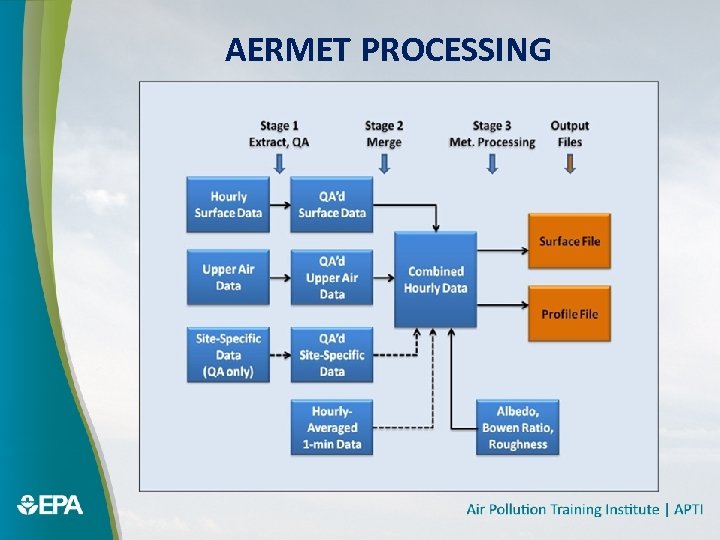 AERMET PROCESSING
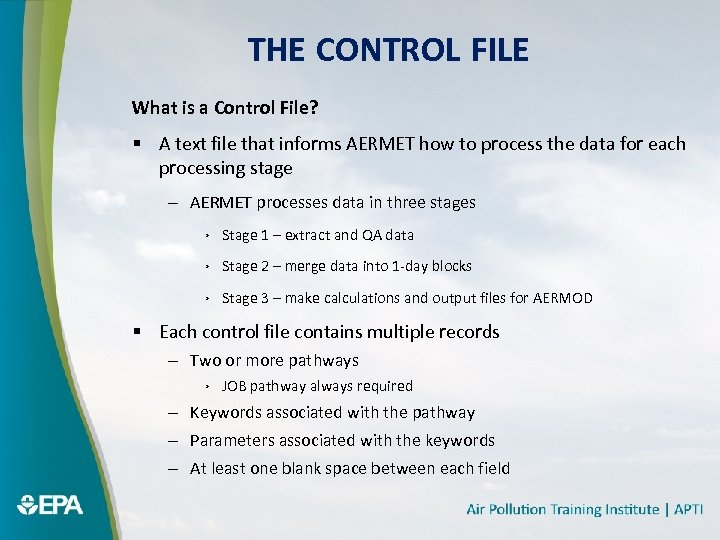 THE CONTROL FILE What is a Control File? § A text file that informs AERMET how to process the data for each processing stage – AERMET processes data in three stages › Stage 1 – extract and QA data › Stage 2 – merge data into 1 -day blocks › Stage 3 – make calculations and output files for AERMOD § Each control file contains multiple records – Two or more pathways › JOB pathway always required – Keywords associated with the pathway – Parameters associated with the keywords – At least one blank space between each field
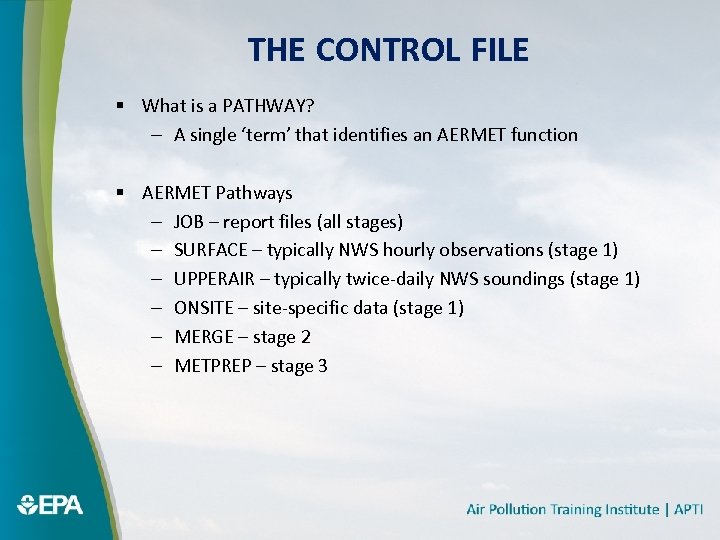 THE CONTROL FILE § What is a PATHWAY? – A single ‘term’ that identifies an AERMET function § AERMET Pathways – JOB – report files (all stages) – SURFACE – typically NWS hourly observations (stage 1) – UPPERAIR – typically twice-daily NWS soundings (stage 1) – ONSITE – site-specific data (stage 1) – MERGE – stage 2 – METPREP – stage 3
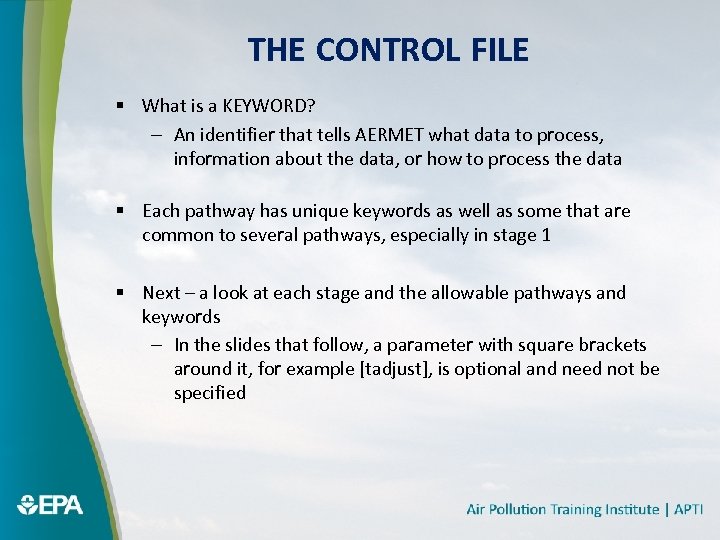 THE CONTROL FILE § What is a KEYWORD? – An identifier that tells AERMET what data to process, information about the data, or how to process the data § Each pathway has unique keywords as well as some that are common to several pathways, especially in stage 1 § Next – a look at each stage and the allowable pathways and keywords – In the slides that follow, a parameter with square brackets around it, for example [tadjust], is optional and need not be specified
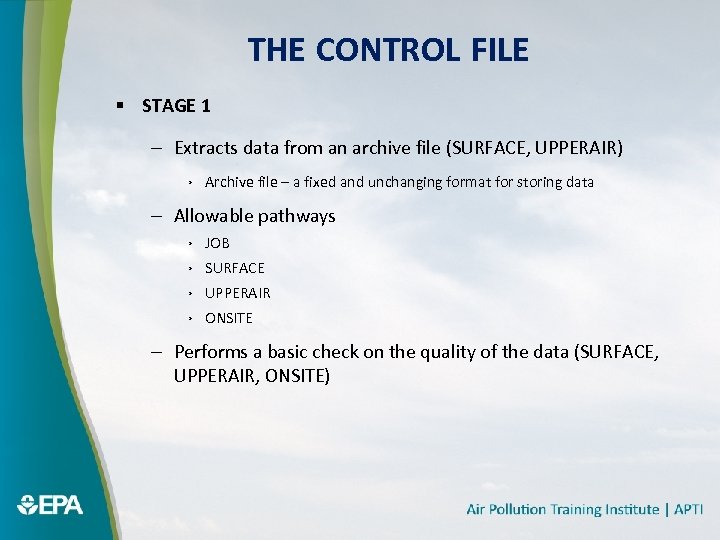 THE CONTROL FILE § STAGE 1 – Extracts data from an archive file (SURFACE, UPPERAIR) › Archive file – a fixed and unchanging format for storing data – Allowable pathways › JOB › SURFACE › UPPERAIR › ONSITE – Performs a basic check on the quality of the data (SURFACE, UPPERAIR, ONSITE)
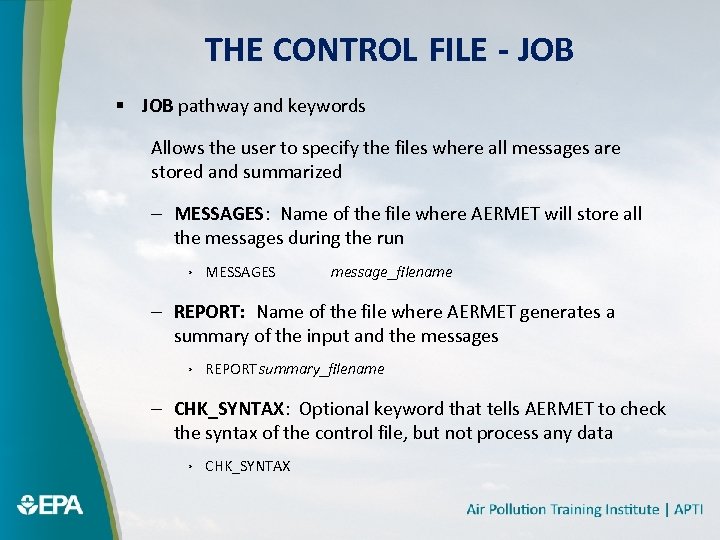 THE CONTROL FILE - JOB § JOB pathway and keywords Allows the user to specify the files where all messages are stored and summarized – MESSAGES: Name of the file where AERMET will store all the messages during the run › MESSAGES message_filename – REPORT: Name of the file where AERMET generates a summary of the input and the messages › REPORT summary_filename – CHK_SYNTAX: Optional keyword that tells AERMET to check the syntax of the control file, but not process any data › CHK_SYNTAX
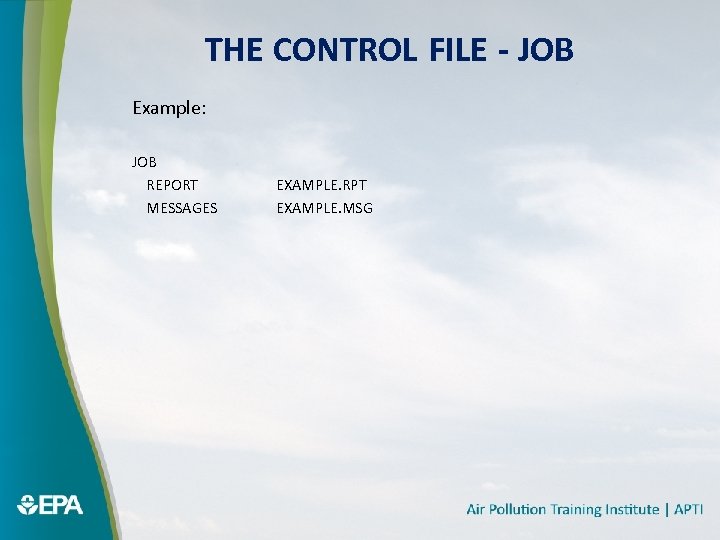 THE CONTROL FILE - JOB Example: JOB REPORT MESSAGES EXAMPLE. RPT EXAMPLE. MSG
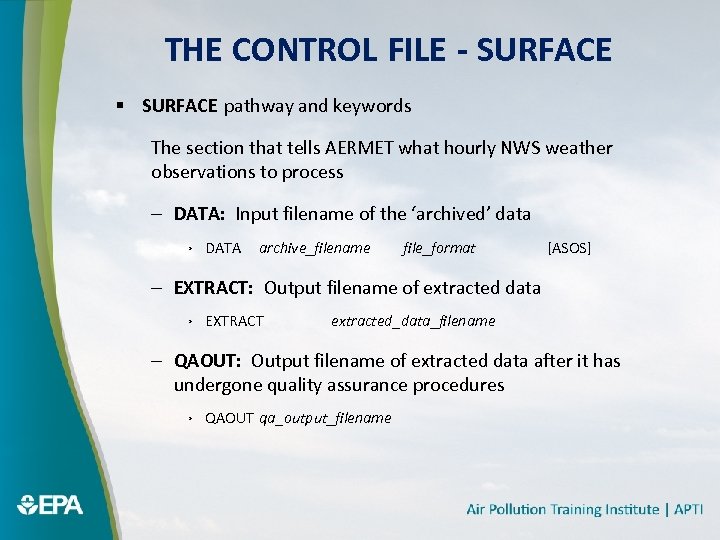 THE CONTROL FILE - SURFACE § SURFACE pathway and keywords The section that tells AERMET what hourly NWS weather observations to process – DATA: Input filename of the ‘archived’ data › DATA archive_filename file_format [ASOS] – EXTRACT: Output filename of extracted data › EXTRACT extracted_data_filename – QAOUT: Output filename of extracted data after it has undergone quality assurance procedures › QAOUT qa_output_filename
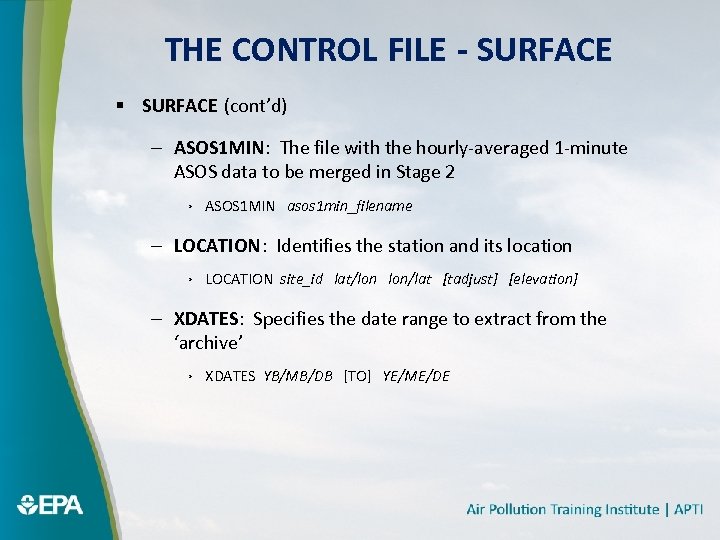 THE CONTROL FILE - SURFACE § SURFACE (cont’d) – ASOS 1 MIN: The file with the hourly-averaged 1 -minute ASOS data to be merged in Stage 2 › ASOS 1 MIN asos 1 min_filename – LOCATION: Identifies the station and its location › LOCATION site_id lat/lon lon/lat [tadjust] [elevation] – XDATES: Specifies the date range to extract from the ‘archive’ › XDATES YB/MB/DB [TO] YE/ME/DE
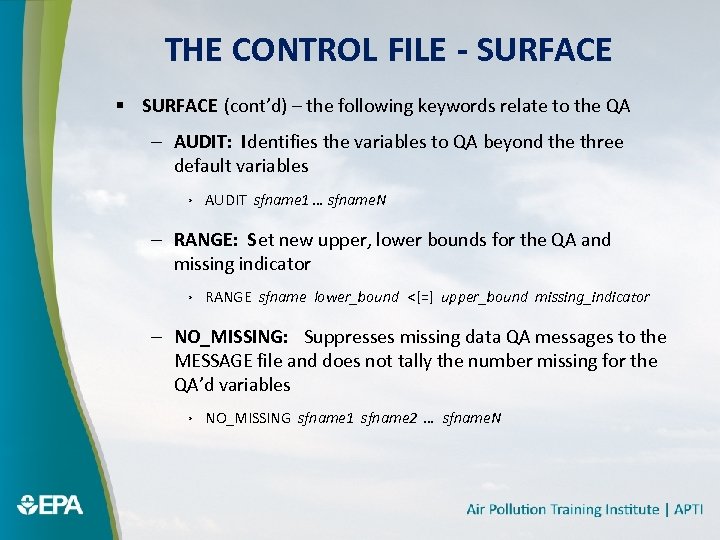 THE CONTROL FILE - SURFACE § SURFACE (cont’d) – the following keywords relate to the QA – AUDIT: Identifies the variables to QA beyond the three default variables › AUDIT sfname 1 … sfname. N – RANGE: Set new upper, lower bounds for the QA and missing indicator › RANGE sfname lower_bound <[=] upper_bound missing_indicator – NO_MISSING: Suppresses missing data QA messages to the MESSAGE file and does not tally the number missing for the QA’d variables › NO_MISSING sfname 1 sfname 2 … sfname. N
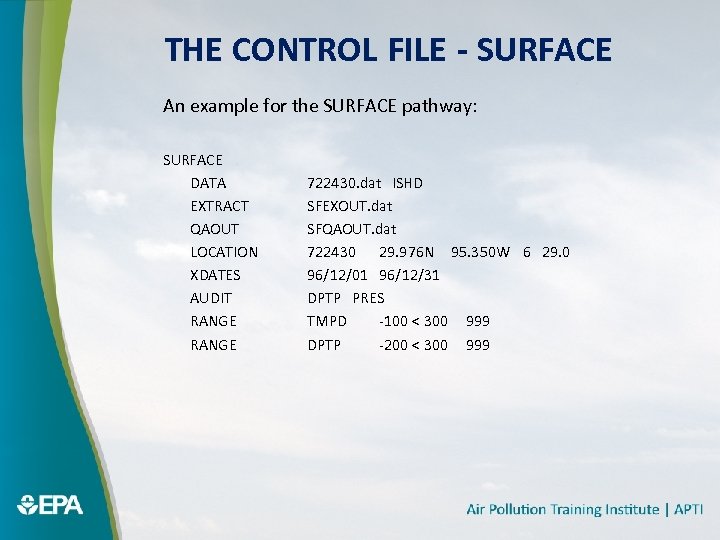 THE CONTROL FILE - SURFACE An example for the SURFACE pathway: SURFACE DATA EXTRACT QAOUT LOCATION XDATES AUDIT RANGE 722430. dat ISHD SFEXOUT. dat SFQAOUT. dat 722430 29. 976 N 95. 350 W 6 29. 0 96/12/01 96/12/31 DPTP PRES TMPD -100 < 300 999 DPTP -200 < 300 999
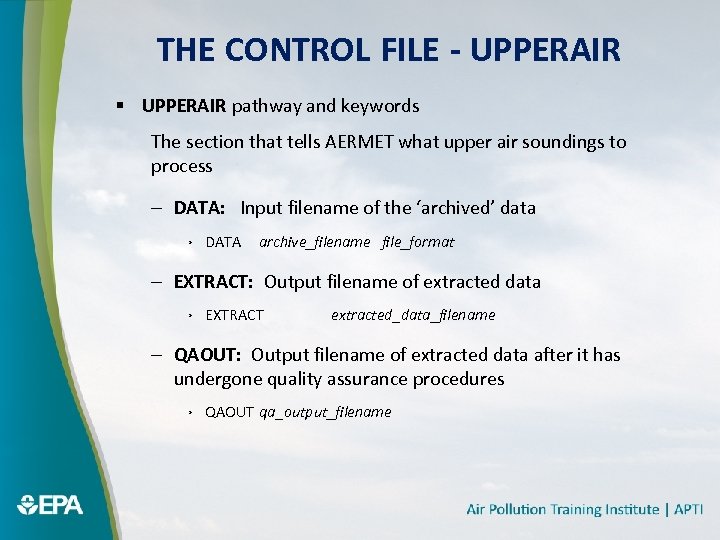 THE CONTROL FILE - UPPERAIR § UPPERAIR pathway and keywords The section that tells AERMET what upper air soundings to process – DATA: Input filename of the ‘archived’ data › DATA archive_filename file_format – EXTRACT: Output filename of extracted data › EXTRACT extracted_data_filename – QAOUT: Output filename of extracted data after it has undergone quality assurance procedures › QAOUT qa_output_filename
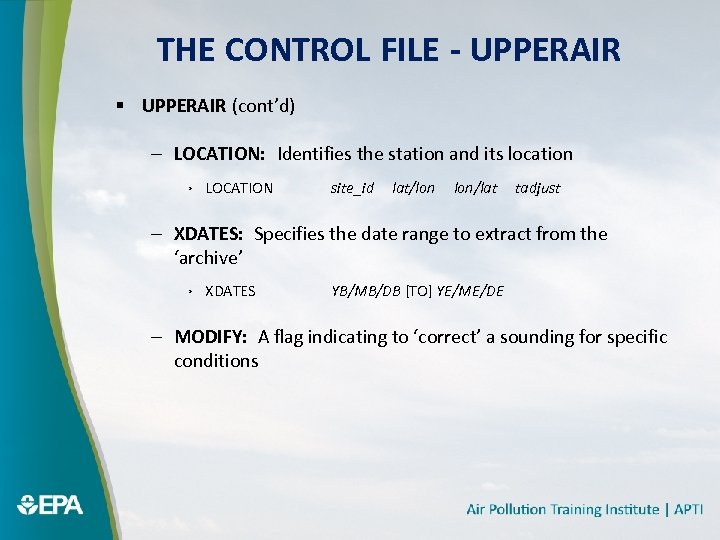 THE CONTROL FILE - UPPERAIR § UPPERAIR (cont’d) – LOCATION: Identifies the station and its location › LOCATION site_id lat/lon lon/lat tadjust – XDATES: Specifies the date range to extract from the ‘archive’ › XDATES YB/MB/DB [TO] YE/ME/DE – MODIFY: A flag indicating to ‘correct’ a sounding for specific conditions
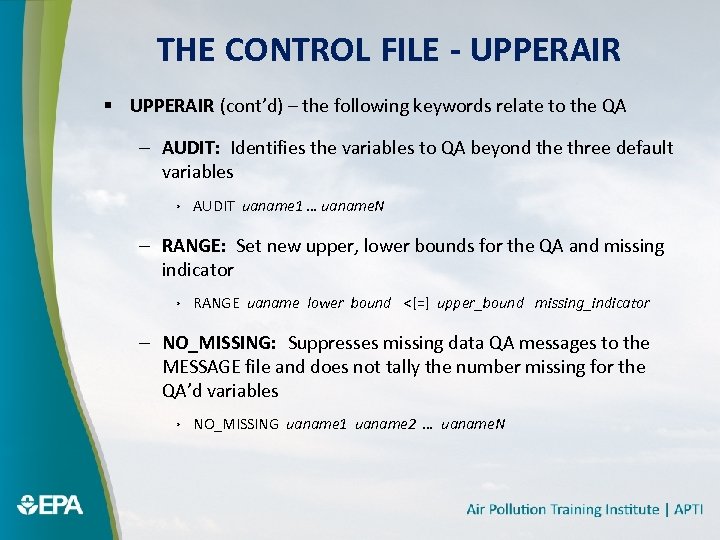 THE CONTROL FILE - UPPERAIR § UPPERAIR (cont’d) – the following keywords relate to the QA – AUDIT: Identifies the variables to QA beyond the three default variables › AUDIT uaname 1 … uaname. N – RANGE: Set new upper, lower bounds for the QA and missing indicator › RANGE uaname lower bound <[=] upper_bound missing_indicator – NO_MISSING: Suppresses missing data QA messages to the MESSAGE file and does not tally the number missing for the QA’d variables › NO_MISSING uaname 1 uaname 2 … uaname. N
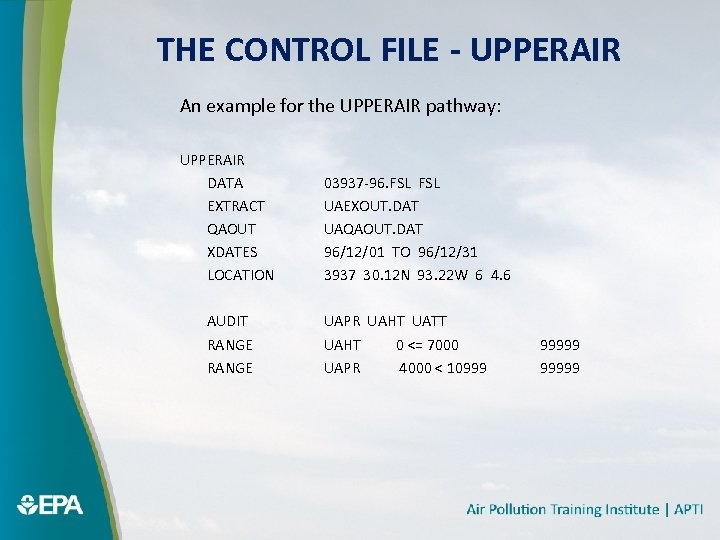 THE CONTROL FILE - UPPERAIR An example for the UPPERAIR pathway: UPPERAIR DATA EXTRACT QAOUT XDATES LOCATION AUDIT RANGE 03937 -96. FSL UAEXOUT. DAT UAQAOUT. DAT 96/12/01 TO 96/12/31 3937 30. 12 N 93. 22 W 6 4. 6 UAPR UAHT UATT UAHT 0 <= 7000 UAPR 4000 < 10999 99999
 THE CONTROL FILE - ONSITE § ONSITE pathway and keywords – The section instructs AERMET how to process site-specific data – For a regulatory application, site-specific data must comply with approved plans for data collection and meet 90% completeness criteria (per quarter and annually) and includes periodic calibration and performance testing of the instrumentation.
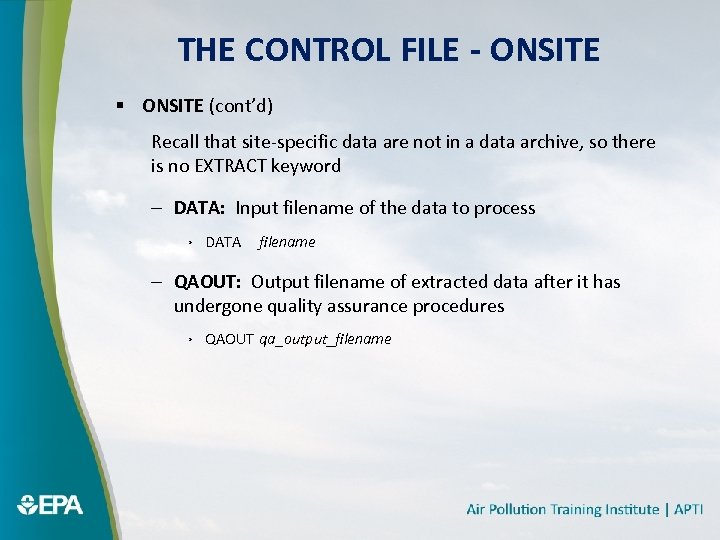 THE CONTROL FILE - ONSITE § ONSITE (cont’d) Recall that site-specific data are not in a data archive, so there is no EXTRACT keyword – DATA: Input filename of the data to process › DATA filename – QAOUT: Output filename of extracted data after it has undergone quality assurance procedures › QAOUT qa_output_filename
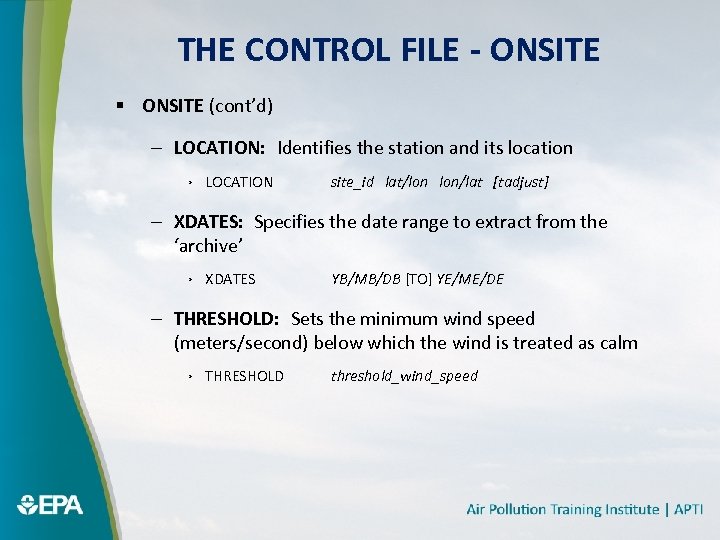 THE CONTROL FILE - ONSITE § ONSITE (cont’d) – LOCATION: Identifies the station and its location › LOCATION site_id lat/lon lon/lat [tadjust] – XDATES: Specifies the date range to extract from the ‘archive’ › XDATES YB/MB/DB [TO] YE/ME/DE – THRESHOLD: Sets the minimum wind speed (meters/second) below which the wind is treated as calm › THRESHOLD threshold_wind_speed
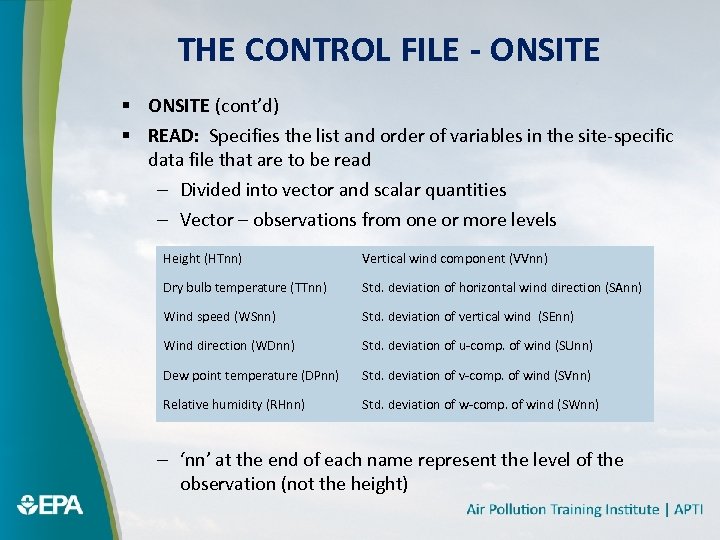 THE CONTROL FILE - ONSITE § ONSITE (cont’d) § READ: Specifies the list and order of variables in the site-specific data file that are to be read – Divided into vector and scalar quantities – Vector – observations from one or more levels Height (HTnn) Vertical wind component (VVnn) Dry bulb temperature (TTnn) Std. deviation of horizontal wind direction (SAnn) Wind speed (WSnn) Std. deviation of vertical wind (SEnn) Wind direction (WDnn) Std. deviation of u-comp. of wind (SUnn) Dew point temperature (DPnn) Std. deviation of v-comp. of wind (SVnn) Relative humidity (RHnn) Std. deviation of w-comp. of wind (SWnn) – ‘nn’ at the end of each name represent the level of the observation (not the height)
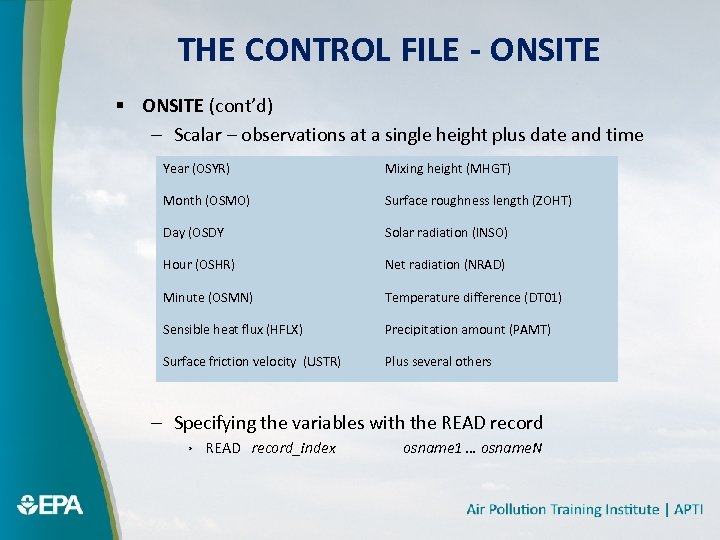 THE CONTROL FILE - ONSITE § ONSITE (cont’d) – Scalar – observations at a single height plus date and time Year (OSYR) Mixing height (MHGT) Month (OSMO) Surface roughness length (ZOHT) Day (OSDY Solar radiation (INSO) Hour (OSHR) Net radiation (NRAD) Minute (OSMN) Temperature difference (DT 01) Sensible heat flux (HFLX) Precipitation amount (PAMT) Surface friction velocity (USTR) Plus several others – Specifying the variables with the READ record › READ record_index osname 1 … osname. N
 THE CONTROL FILE - ONSITE § ONSITE (cont’d) – FORMAT: The format of the data using FORTRAN formatting rules – Date and time fields are integer values – All others are real values – The format used to read the data is also used to write it out – Specifying the format › FORMAT record_index Fortran_format – Fortran_format is a string that follows Fortran language standards – Beginning with version 11059, if there are delimeters (spaces, tabs, commas) between each field on a data record, the Fortran_format can be specified as ‘FREE’ (without quotation marks; not case-sensitive) – simplifies the input
 THE CONTROL FILE - ONSITE § ONSITE (cont’d) – Specify FREE format for some data records, while specifying the Fortran FORMAT explicitly for other data records – AERMET User’s Manual gives instructions and guidance on developing the Fortran_format § Restrictions – ASCII text file – Records for one observation period must be contiguous – Same variables must appear for all observation periods – Date and time must be on first record of each observation period and are integer values – Specify variables according to the internal names on previous slides and are real values
 THE CONTROL FILE - ONSITE § ONSITE (cont’d) – General layout of a Fortran_format › (field descriptors) – Parentheses required – Field Descriptors › › › I – integer value F – real value, floating point E – real value, exponential notation X – skip T – tab to column – For the date and time, use the I field descriptor › I is followed by the field width (# columns), e. g. I 4 – For all other variables, F is the most likely descriptor (we seldom see the E descriptor) › F is followed by the field width (w), a decimal point, and the number of digits after the decimal point (d), i. e. Fw. d; e. g. , F 7. 3
 THE CONTROL FILE - ONSITE § ONSITE (cont’d) – Use the X descriptors to skip columns or T descriptor to tab to a specific column › The number of columns to skip precedes the X descriptor, e. g. , 20 X › The column to tab to follows the T descriptor, e. g. T 40 – Data are written to QAOUT file in the same format they are read into AERMET – Use a backward slash () to skip an entire record
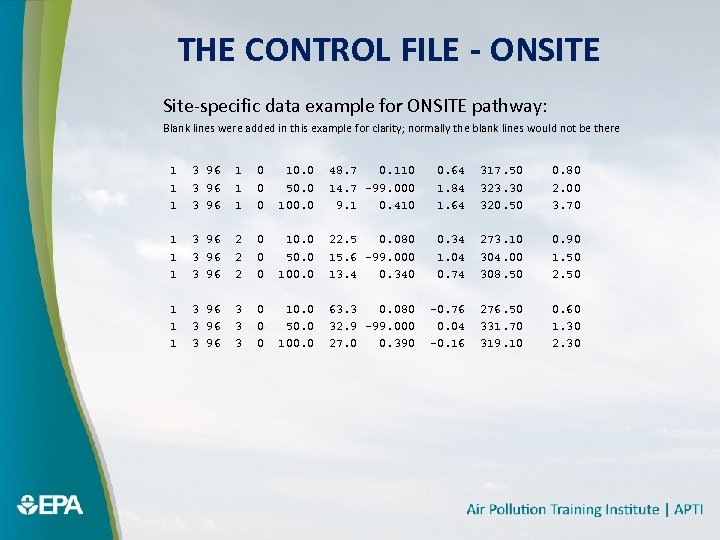 THE CONTROL FILE - ONSITE Site-specific data example for ONSITE pathway: Blank lines were added in this example for clarity; normally the blank lines would not be there 1 1 1 3 96 1 1 1 0 0 0 10. 0 50. 0 100. 0 48. 7 0. 110 14. 7 -99. 000 9. 1 0. 410 0. 64 1. 84 1. 64 317. 50 323. 30 320. 50 0. 80 2. 00 3. 70 1 1 1 3 96 2 2 2 0 0 0 10. 0 50. 0 100. 0 22. 5 0. 080 15. 6 -99. 000 13. 4 0. 340 0. 34 1. 04 0. 74 273. 10 304. 00 308. 50 0. 90 1. 50 2. 50 1 1 1 3 96 3 3 3 0 0 0 10. 0 50. 0 100. 0 63. 3 0. 080 32. 9 -99. 000 27. 0 0. 390 -0. 76 0. 04 -0. 16 276. 50 331. 70 319. 10 0. 60 1. 30 2. 30
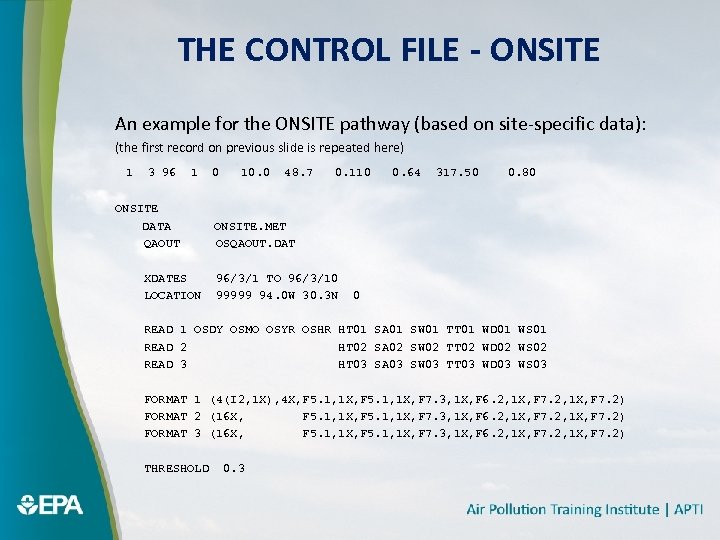 THE CONTROL FILE - ONSITE An example for the ONSITE pathway (based on site-specific data): (the first record on previous slide is repeated here) 1 3 96 1 ONSITE DATA QAOUT XDATES LOCATION 0 10. 0 48. 7 0. 110 0. 64 317. 50 0. 80 ONSITE. MET OSQAOUT. DAT 96/3/1 TO 96/3/10 99999 94. 0 W 30. 3 N 0 READ 1 OSDY OSMO OSYR OSHR HT 01 SA 01 SW 01 TT 01 WD 01 WS 01 READ 2 HT 02 SA 02 SW 02 TT 02 WD 02 WS 02 READ 3 HT 03 SA 03 SW 03 TT 03 WD 03 WS 03 FORMAT 1 (4(I 2, 1 X), 4 X, F 5. 1, 1 X, F 7. 3, 1 X, F 6. 2, 1 X, F 7. 2) FORMAT 2 (16 X, F 5. 1, 1 X, F 7. 3, 1 X, F 6. 2, 1 X, F 7. 2) FORMAT 3 (16 X, F 5. 1, 1 X, F 7. 3, 1 X, F 6. 2, 1 X, F 7. 2) THRESHOLD 0. 3
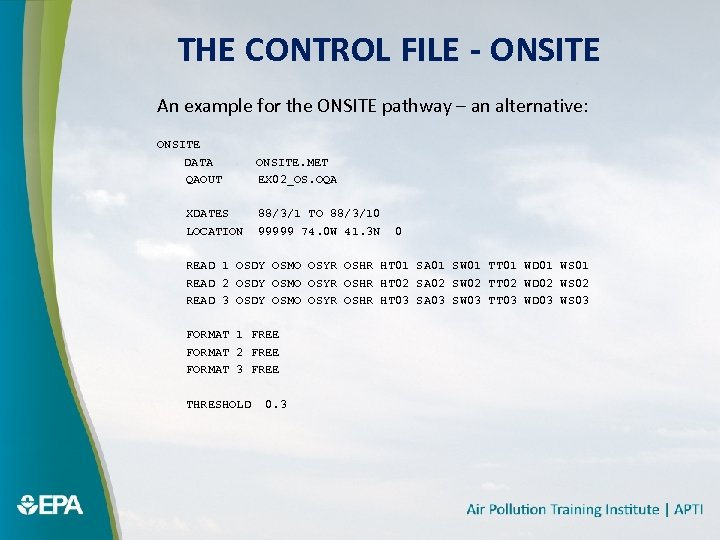 THE CONTROL FILE - ONSITE An example for the ONSITE pathway – an alternative: ONSITE DATA QAOUT XDATES LOCATION ONSITE. MET EX 02_OS. OQA 88/3/1 TO 88/3/10 99999 74. 0 W 41. 3 N 0 READ 1 OSDY OSMO OSYR OSHR HT 01 SA 01 SW 01 TT 01 WD 01 WS 01 READ 2 OSDY OSMO OSYR OSHR HT 02 SA 02 SW 02 TT 02 WD 02 WS 02 READ 3 OSDY OSMO OSYR OSHR HT 03 SA 03 SW 03 TT 03 WD 03 WS 03 FORMAT 1 FREE FORMAT 2 FREE FORMAT 3 FREE THRESHOLD 0. 3
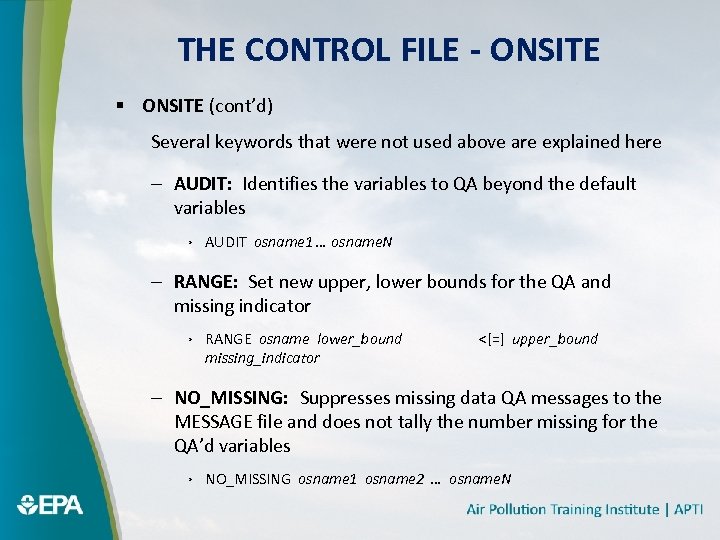 THE CONTROL FILE - ONSITE § ONSITE (cont’d) Several keywords that were not used above are explained here – AUDIT: Identifies the variables to QA beyond the default variables › AUDIT osname 1 … osname. N – RANGE: Set new upper, lower bounds for the QA and missing indicator › RANGE osname lower_bound missing_indicator <[=] upper_bound – NO_MISSING: Suppresses missing data QA messages to the MESSAGE file and does not tally the number missing for the QA’d variables › NO_MISSING osname 1 osname 2 … osname. N
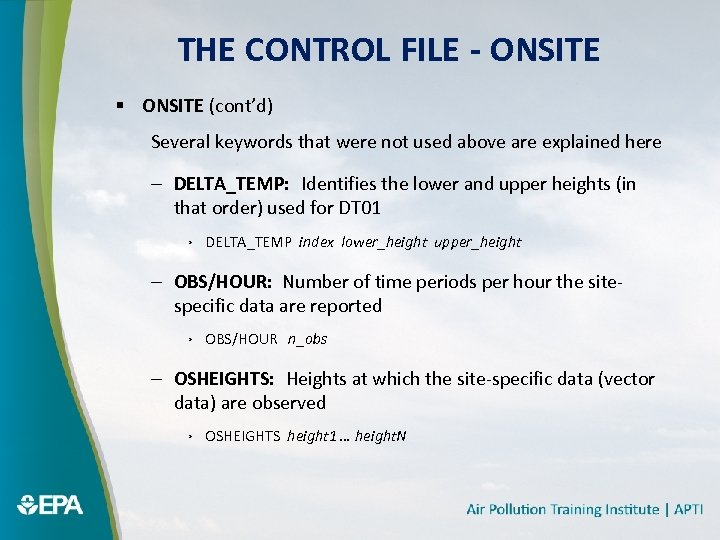 THE CONTROL FILE - ONSITE § ONSITE (cont’d) Several keywords that were not used above are explained here – DELTA_TEMP: Identifies the lower and upper heights (in that order) used for DT 01 › DELTA_TEMP index lower_height upper_height – OBS/HOUR: Number of time periods per hour the sitespecific data are reported › OBS/HOUR n_obs – OSHEIGHTS: Heights at which the site-specific data (vector data) are observed › OSHEIGHTS height 1 … height. N
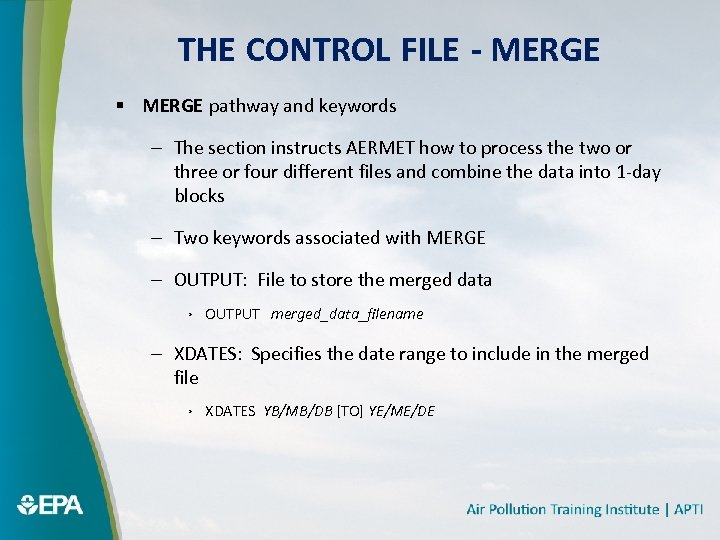 THE CONTROL FILE - MERGE § MERGE pathway and keywords – The section instructs AERMET how to process the two or three or four different files and combine the data into 1 -day blocks – Two keywords associated with MERGE – OUTPUT: File to store the merged data › OUTPUT merged_data_filename – XDATES: Specifies the date range to include in the merged file › XDATES YB/MB/DB [TO] YE/ME/DE
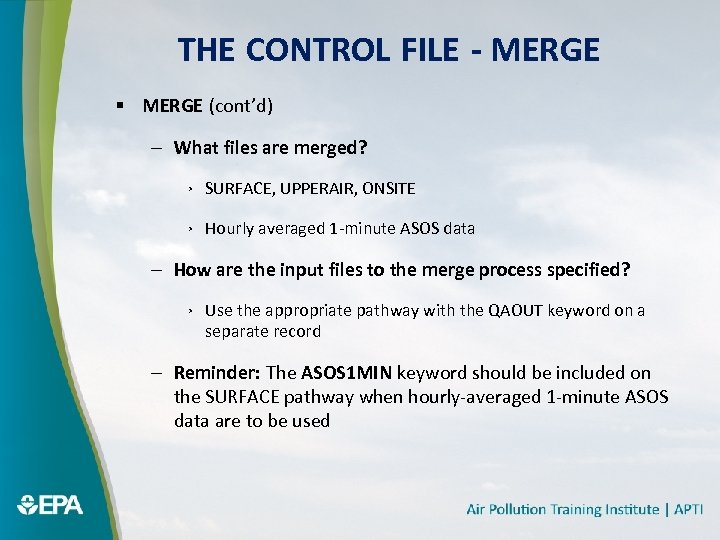 THE CONTROL FILE - MERGE § MERGE (cont’d) – What files are merged? › SURFACE, UPPERAIR, ONSITE › Hourly averaged 1 -minute ASOS data – How are the input files to the merge process specified? › Use the appropriate pathway with the QAOUT keyword on a separate record – Reminder: The ASOS 1 MIN keyword should be included on the SURFACE pathway when hourly-averaged 1 -minute ASOS data are to be used
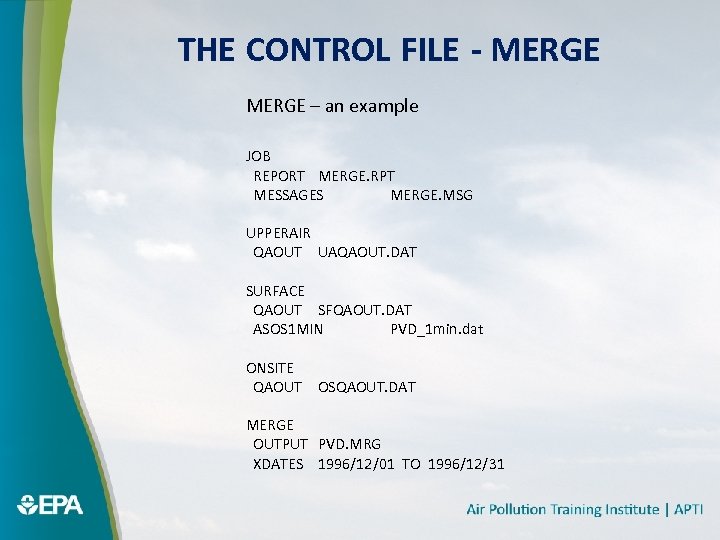 THE CONTROL FILE - MERGE – an example JOB REPORT MERGE. RPT MESSAGES MERGE. MSG UPPERAIR QAOUT UAQAOUT. DAT SURFACE QAOUT SFQAOUT. DAT ASOS 1 MIN PVD_1 min. dat ONSITE QAOUT OSQAOUT. DAT MERGE OUTPUT PVD. MRG XDATES 1996/12/01 TO 1996/12/31
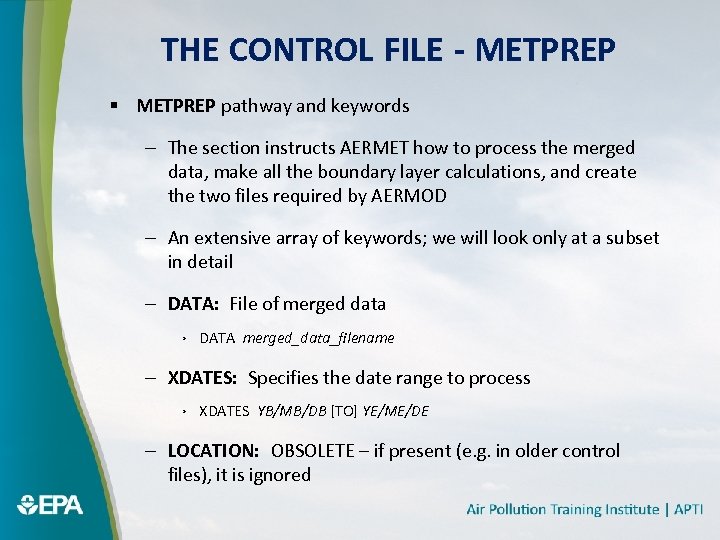 THE CONTROL FILE - METPREP § METPREP pathway and keywords – The section instructs AERMET how to process the merged data, make all the boundary layer calculations, and create the two files required by AERMOD – An extensive array of keywords; we will look only at a subset in detail – DATA: File of merged data › DATA merged_data_filename – XDATES: Specifies the date range to process › XDATES YB/MB/DB [TO] YE/ME/DE – LOCATION: OBSOLETE – if present (e. g. in older control files), it is ignored
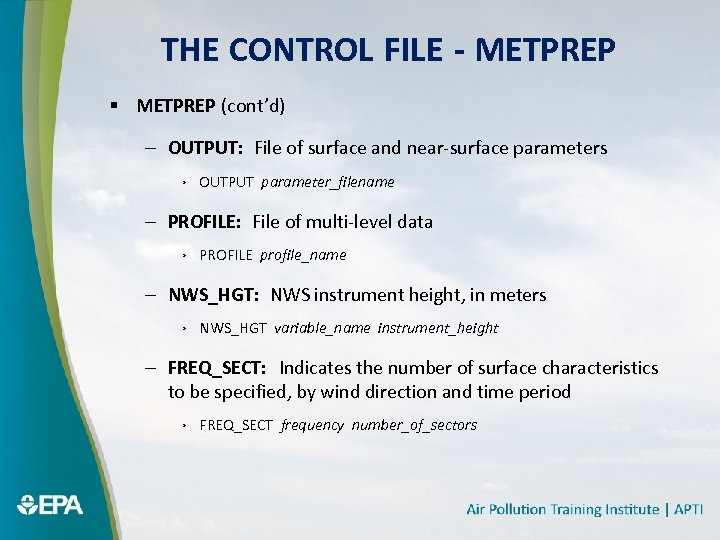 THE CONTROL FILE - METPREP § METPREP (cont’d) – OUTPUT: File of surface and near-surface parameters › OUTPUT parameter_filename – PROFILE: File of multi-level data › PROFILE profile_name – NWS_HGT: NWS instrument height, in meters › NWS_HGT variable_name instrument_height – FREQ_SECT: Indicates the number of surface characteristics to be specified, by wind direction and time period › FREQ_SECT frequency number_of_sectors
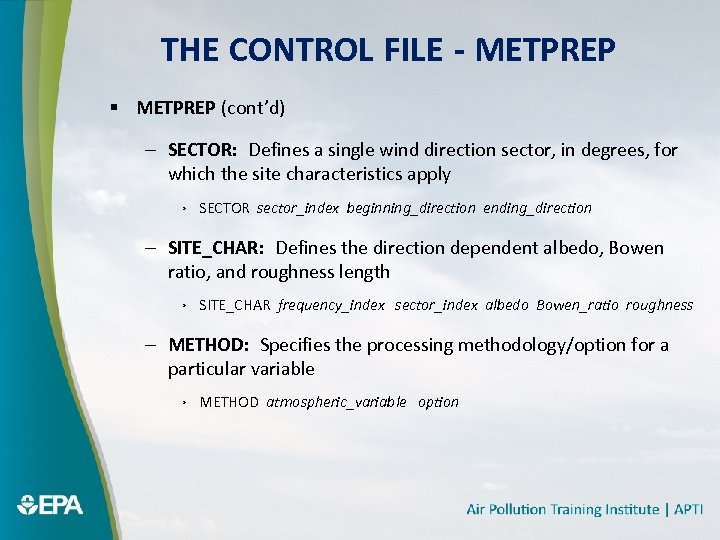 THE CONTROL FILE - METPREP § METPREP (cont’d) – SECTOR: Defines a single wind direction sector, in degrees, for which the site characteristics apply › SECTOR sector_index beginning_direction ending_direction – SITE_CHAR: Defines the direction dependent albedo, Bowen ratio, and roughness length › SITE_CHAR frequency_index sector_index albedo Bowen_ratio roughness – METHOD: Specifies the processing methodology/option for a particular variable › METHOD atmospheric_variable option
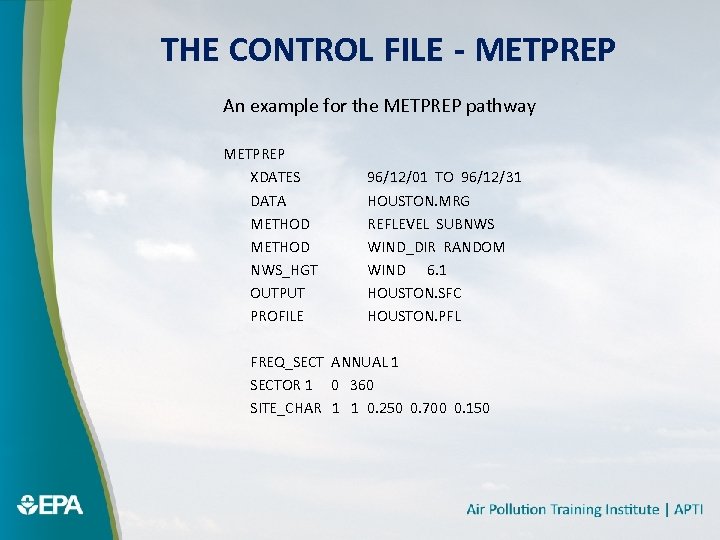 THE CONTROL FILE - METPREP An example for the METPREP pathway METPREP XDATES DATA METHOD NWS_HGT OUTPUT PROFILE 96/12/01 TO 96/12/31 HOUSTON. MRG REFLEVEL SUBNWS WIND_DIR RANDOM WIND 6. 1 HOUSTON. SFC HOUSTON. PFL FREQ_SECT ANNUAL 1 SECTOR 1 0 360 SITE_CHAR 1 1 0. 250 0. 700 0. 150
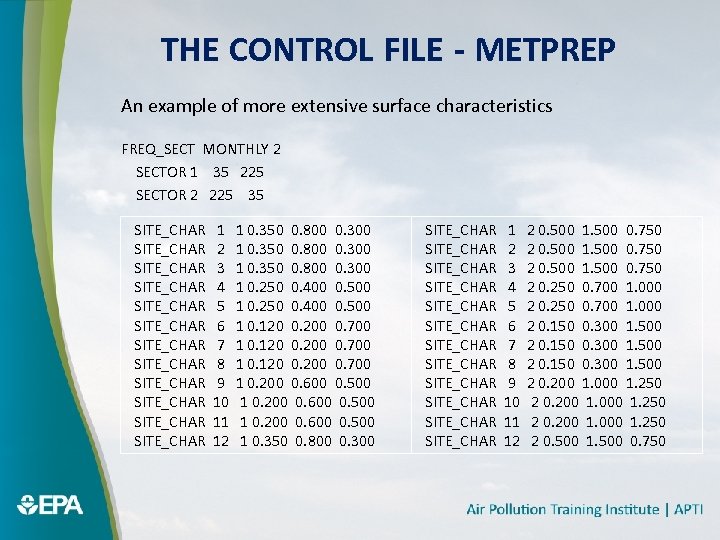 THE CONTROL FILE - METPREP An example of more extensive surface characteristics FREQ_SECT MONTHLY 2 SECTOR 1 35 225 SECTOR 2 225 35 SITE_CHAR SITE_CHAR SITE_CHAR 1 2 3 4 5 6 7 8 9 10 11 12 1 0. 350 0. 800 0. 300 1 0. 250 0. 400 0. 500 1 0. 120 0. 200 0. 700 1 0. 200 0. 600 0. 500 1 0. 350 0. 800 0. 300 SITE_CHAR SITE_CHAR SITE_CHAR 1 2 3 4 5 6 7 8 9 10 11 12 2 0. 500 1. 500 0. 750 2 0. 250 0. 700 1. 000 2 0. 150 0. 300 1. 500 2 0. 200 1. 000 1. 250 2 0. 500 1. 500 0. 750
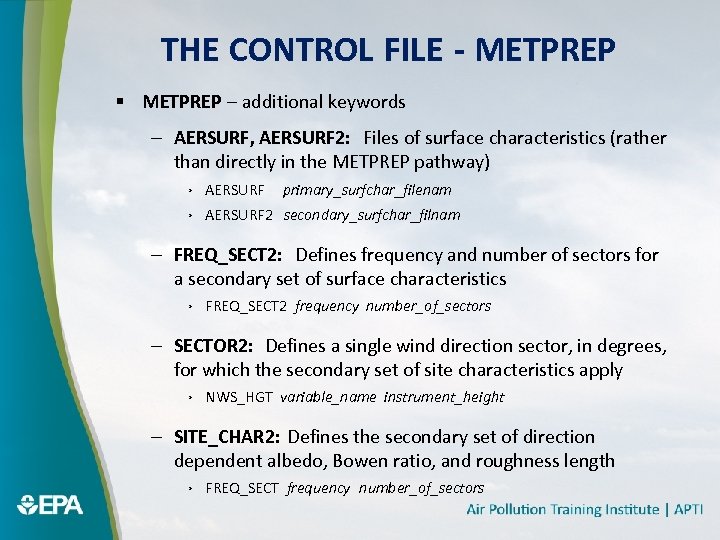 THE CONTROL FILE - METPREP § METPREP – additional keywords – AERSURF, AERSURF 2: Files of surface characteristics (rather than directly in the METPREP pathway) › AERSURF primary_surfchar_filenam › AERSURF 2 secondary_surfchar_filnam – FREQ_SECT 2: Defines frequency and number of sectors for a secondary set of surface characteristics › FREQ_SECT 2 frequency number_of_sectors – SECTOR 2: Defines a single wind direction sector, in degrees, for which the secondary set of site characteristics apply › NWS_HGT variable_name instrument_height – SITE_CHAR 2: Defines the secondary set of direction dependent albedo, Bowen ratio, and roughness length › FREQ_SECT frequency number_of_sectors
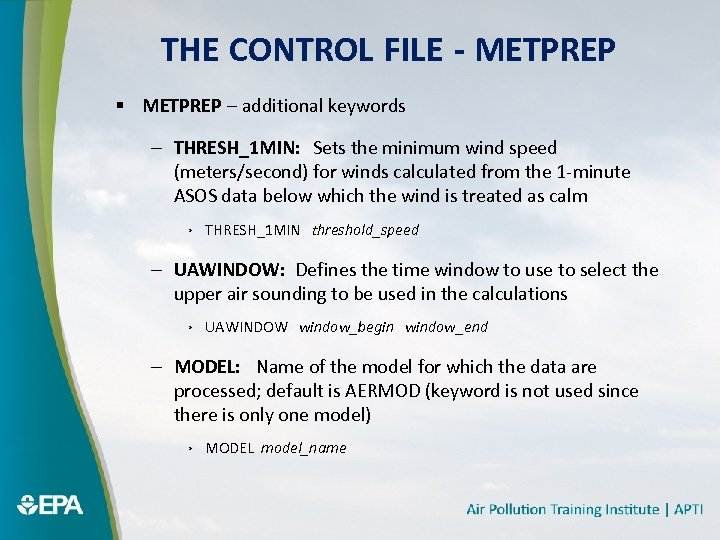 THE CONTROL FILE - METPREP § METPREP – additional keywords – THRESH_1 MIN: Sets the minimum wind speed (meters/second) for winds calculated from the 1 -minute ASOS data below which the wind is treated as calm › THRESH_1 MIN threshold_speed – UAWINDOW: Defines the time window to use to select the upper air sounding to be used in the calculations › UAWINDOW window_begin window_end – MODEL: Name of the model for which the data are processed; default is AERMOD (keyword is not used since there is only one model) › MODEL model_name
 SPECIAL TOPICS § Upper Air Sounding Selection § Threshold Wind Speeds § ASOS Wind Truncation § File Formats § Running with Site-specific Data Only
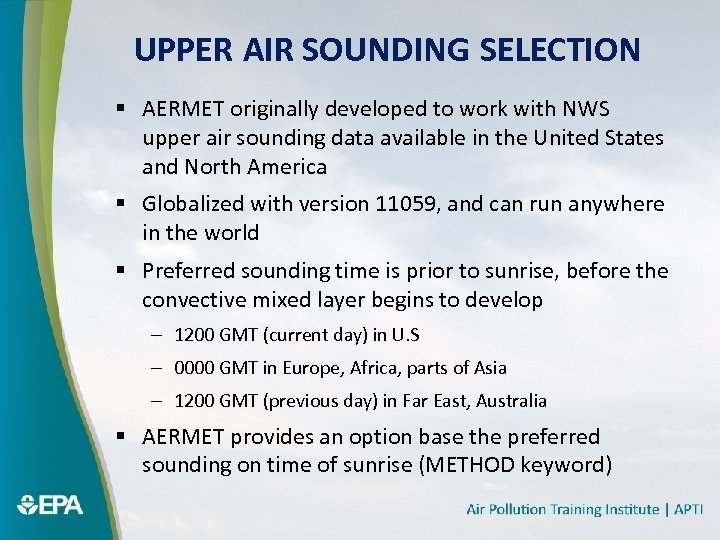 UPPER AIR SOUNDING SELECTION § AERMET originally developed to work with NWS upper air sounding data available in the United States and North America § Globalized with version 11059, and can run anywhere in the world § Preferred sounding time is prior to sunrise, before the convective mixed layer begins to develop – 1200 GMT (current day) in U. S – 0000 GMT in Europe, Africa, parts of Asia – 1200 GMT (previous day) in Far East, Australia § AERMET provides an option base the preferred sounding on time of sunrise (METHOD keyword)
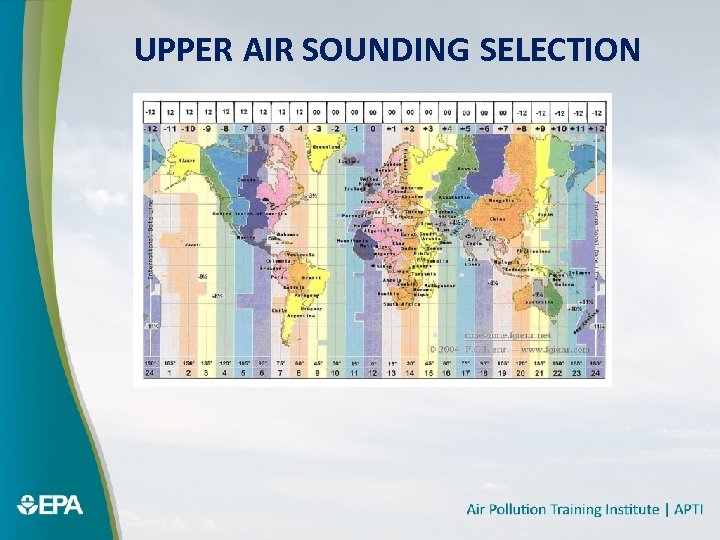 UPPER AIR SOUNDING SELECTION
 THRESHOLD WIND SPEED § Two in AERMET – For site-specific data – For hourly averaged 1 -minute ASOS data § Standard cup anemometer has a nominal starting threshold of about 2 knots § Sonic anemometers have virtually no starting threshold § Minimum acceptable wind speed threshold for site-specific meteorological monitoring is 0. 5 m/s under current EPA guidance § THRESHOLD keyword – for site-specific data on ONSITE pathway § THRESH_1 MIN – for hourly averaged 1 -minute ASOS data – To avoid imposing a more stringent requirement on data derived from 1 -minute ASOS data than would be required for a site-specific monitoring program
 ASOS WIND TRUNCATION § Applies only to the NWS hourly surface weather observations § The wind speed is truncated – NOT rounded – 3. 4 m/s is truncated to 3 m/s – 3. 7 m/s is truncated to 3 m/s, not rounded to 4 m/s § Introduces a bias § AERMET compensates for this bias by adding 0. 257 m/s (0. 5 knot) § Can be overridden with METHOD keyword – METHOD ASOS_ADJ NO_ADJ
 FILE FORMATS § Active Date Range for NWS Hourly Surface Files – AERMET checks for consistency between the date of the observation and the range of dates for which the NWS format is considered to be active and valid – If outside the valid range, assumed to have been reformatted from some other data format – Concerns over converting ASOS-derived cloud cover to SAMSON and SCRAM (pre-ASOS) formats NWS Surface Format Start Date End Date CD-144 --- 12/31/1995 HUSWO 1/1/1990 12/31/1995 ISHD --- SAMSON 1/1/1961 12/31/1990 SCRAM 1/1/1984 12/31/1992 TD-3280 --- – Reformatting is discouraged
 USING ONLY SITE-SPECIFIC AND UPPER AIR § Running AERMET with site-specific data and upper air soundings is possible, and may be necessary in regions where NWS stations are sparsely distributed – North Slope, Alaska § Only if all the necessary variables are present including – Wind speed & direction – Temperature – Solar radiation and temperature difference – ‘Preferred’ sounding
 USING ONLY SITE-SPECIFIC DATA § Running AERMET with site-specific data only is possible – Only if all the necessary variables are present including › Wind speed & direction › Temperature › Cloud cover OR Solar radiation and temperature difference › Heat flux and friction velocity › Mixing height – Not easy to collect hourly observations of mixing heights
 RUNNING AERMET § Three step (stage) process § AERMET expects the control file to be named AERMET. INP § AERMET determines the processing to be performed based on the pathways included § Windows-like environment – double-click aermet. exe § Command prompt environment – type ‘aermet’ (without quotes) and press return
 REVIEWING AERMET OUTPUT § Report and Messages files § ‘Surface’ and ‘Profile’ files – Minimum/maximum values – Temporal consistency – daytime vs. nightime