 Скачать презентацию Aigburth Park — IT Services Guide Instructions for
2b6c799fd1b7ca54ea6cffbeb2f1bbe7.ppt
- Количество слайдов: 1



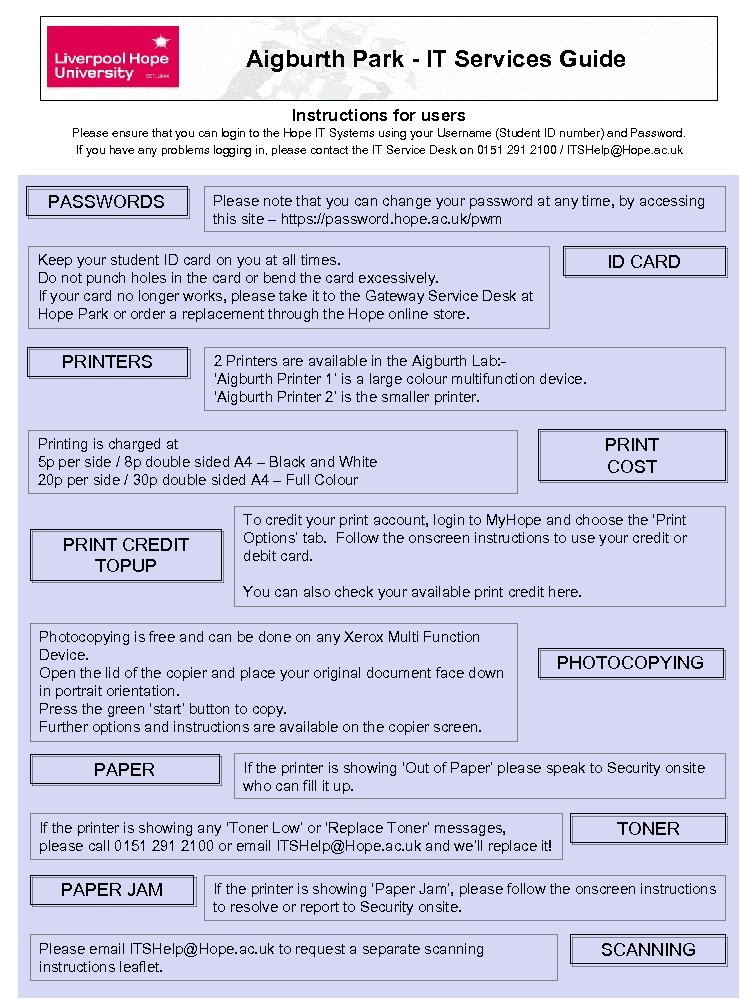
Aigburth Park - IT Services Guide Instructions for users Please ensure that you can login to the Hope IT Systems using your Username (Student ID number) and Password. If you have any problems logging in, please contact the IT Service Desk on 0151 291 2100 / ITSHelp@Hope. ac. uk PASSWORDS Please note that you can change your password at any time, by accessing this site – https: //password. hope. ac. uk/pwm ID CARD Keep your student ID card on you at all times. Do not punch holes in the card or bend the card excessively. If your card no longer works, please take it to the Gateway Service Desk at Hope Park or order a replacement through the Hope online store. PRINTERS 2 Printers are available in the Aigburth Lab: ‘Aigburth Printer 1’ is a large colour multifunction device. ‘Aigburth Printer 2’ is the smaller printer. PRINT COST Printing is charged at 5 p per side / 8 p double sided A 4 – Black and White 20 p per side / 30 p double sided A 4 – Full Colour PRINT CREDIT TOPUP To credit your print account, login to My. Hope and choose the ‘Print Options’ tab. Follow the onscreen instructions to use your credit or debit card. You can also check your available print credit here. Photocopying is free and can be done on any Xerox Multi Function Device. Open the lid of the copier and place your original document face down in portrait orientation. Press the green ‘start’ button to copy. Further options and instructions are available on the copier screen. PAPER If the printer is showing ‘Out of Paper’ please speak to Security onsite who can fill it up. If the printer is showing any ‘Toner Low’ or ‘Replace Toner’ messages, please call 0151 291 2100 or email ITSHelp@Hope. ac. uk and we’ll replace it! PAPER JAM PHOTOCOPYING TONER If the printer is showing ‘Paper Jam’, please follow the onscreen instructions to resolve or report to Security onsite. Please email ITSHelp@Hope. ac. uk to request a separate scanning instructions leaflet. SCANNING
Скачать презентацию Aigburth Park — IT Services Guide Instructions for
2b6c799fd1b7ca54ea6cffbeb2f1bbe7.ppt