


 Скачать презентацию AHPS River Data Quality Control Techniques and Tools
4cfecc13373d220cddeb5abe774ad074.ppt
- Количество слайдов: 26
 AHPS River Data Quality Control Techniques and Tools OCWWS/HSD Hydrologic Support Branch December 15, 2011 Note: This presentation is being recorded for training purposes. 1
 Outline Introduction Ø Solution Ø Review of Quality Control (QC) Operations Ø Operational Discussion l Identifying. . . Problem Data l Reporting. . . Problem Data l Correcting. . . Problem Data Ø Conclusion Ø Note: This presentation is being recorded for training purposes. 2
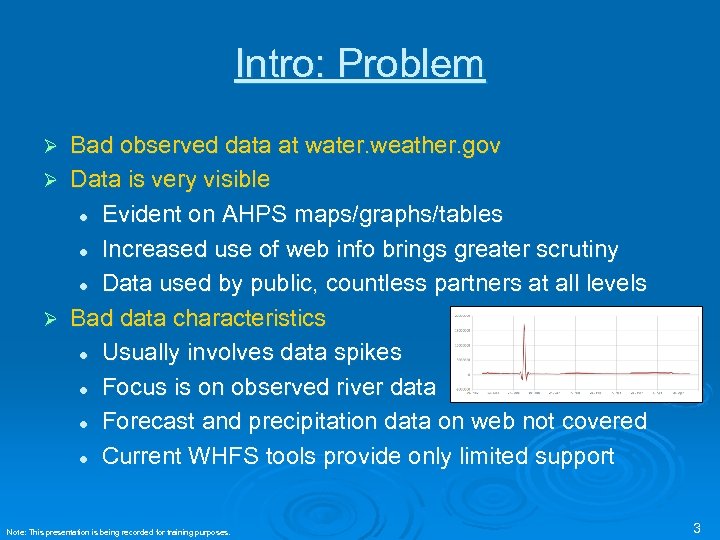 Intro: Problem Bad observed data at water. weather. gov Ø Data is very visible l Evident on AHPS maps/graphs/tables l Increased use of web info brings greater scrutiny l Data used by public, countless partners at all levels Ø Bad data characteristics l Usually involves data spikes l Focus is on observed river data l Forecast and precipitation data on web not covered l Current WHFS tools provide only limited support Ø Note: This presentation is being recorded for training purposes. 3
 Intro: Goals 1) 2) 3) 4) Eliminate bad data presented to public Ensure reliable observations, best forecasts Provide decision support at local, regional, and national levels using web info Minimize burden on WFO staff - provide automated tools where possible Note: This presentation is being recorded for training purposes. 4
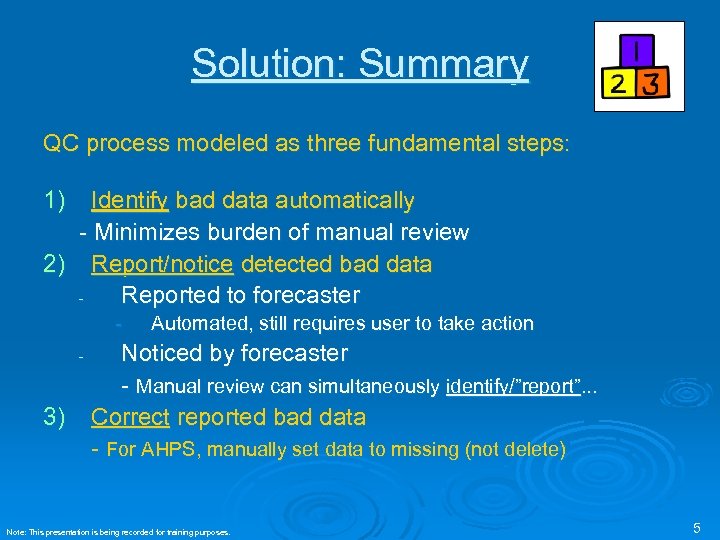 Solution: Summary QC process modeled as three fundamental steps: 1) Identify bad data automatically - Minimizes burden of manual review 2) Report/notice detected bad data Reported to forecaster - 3) Automated, still requires user to take action Noticed by forecaster - Manual review can simultaneously identify/”report”. . . Correct reported bad data - For AHPS, manually set data to missing (not delete) Note: This presentation is being recorded for training purposes. 5
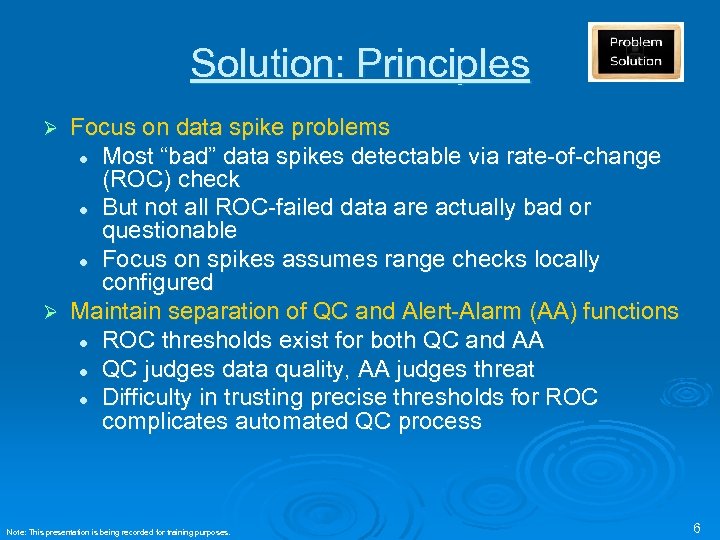 Solution: Principles Focus on data spike problems l Most “bad” data spikes detectable via rate-of-change (ROC) check l But not all ROC-failed data are actually bad or questionable l Focus on spikes assumes range checks locally configured Ø Maintain separation of QC and Alert-Alarm (AA) functions l ROC thresholds exist for both QC and AA l QC judges data quality, AA judges threat l Difficulty in trusting precise thresholds for ROC complicates automated QC process Ø Note: This presentation is being recorded for training purposes. 6
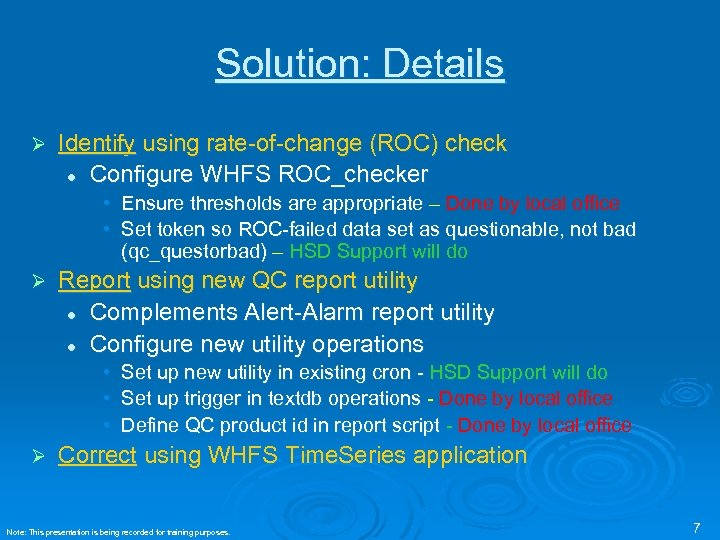 Solution: Details Ø Identify using rate-of-change (ROC) check l Configure WHFS ROC_checker • Ensure thresholds are appropriate – Done by local office – • Set token so ROC-failed data set as questionable, not bad (qc_questorbad) – HSD Support will do Ø Report using new QC report utility l Complements Alert-Alarm report utility l Configure new utility operations • • • Ø Set up new utility in existing cron - HSD Support will do Set up trigger in textdb operations - Done by local office - Define QC product id in report script - Done by local office - Correct using WHFS Time. Series application Note: This presentation is being recorded for training purposes. 7
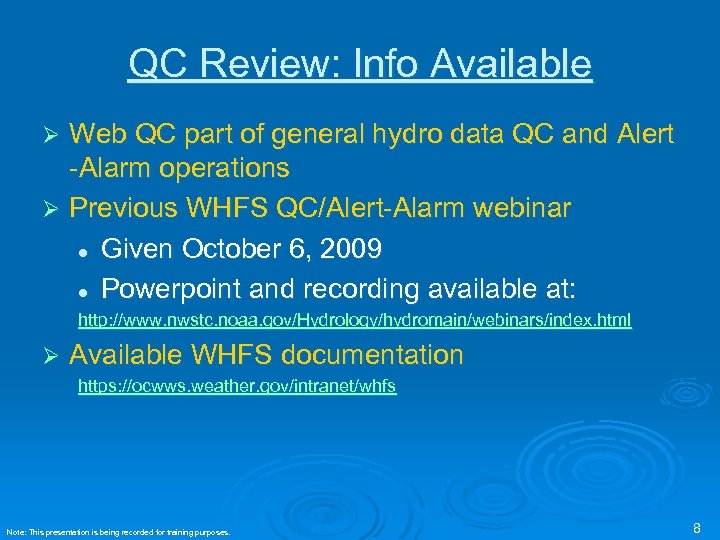 QC Review: Info Available Web QC part of general hydro data QC and Alert -Alarm operations Ø Previous WHFS QC/Alert-Alarm webinar l Given October 6, 2009 l Powerpoint and recording available at: Ø http: //www. nwstc. noaa. gov/Hydrology/hydromain/webinars/index. html Ø Available WHFS documentation https: //ocwws. weather. gov/intranet/whfs Note: This presentation is being recorded for training purposes. 8
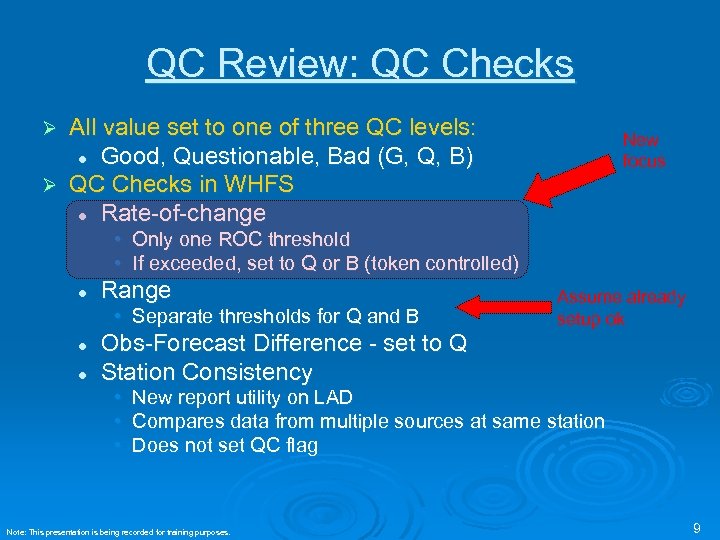 QC Review: QC Checks All value set to one of three QC levels: l Good, Questionable, Bad (G, Q, B) Ø QC Checks in WHFS l Rate-of-change Ø New focus • Only one ROC threshold • If exceeded, set to Q or B (token controlled) l Range • Separate thresholds for Q and B l l Assume already setup ok Obs-Forecast Difference - set to Q Station Consistency • New report utility on LAD • Compares data from multiple sources at same station • Does not set QC flag Note: This presentation is being recorded for training purposes. 9
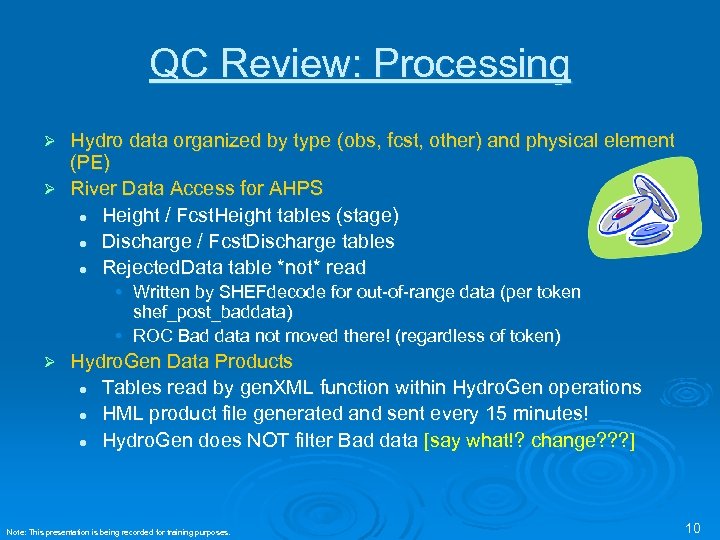 QC Review: Processing Hydro data organized by type (obs, fcst, other) and physical element (PE) Ø River Data Access for AHPS l Height / Fcst. Height tables (stage) l Discharge / Fcst. Discharge tables l Rejected. Data table *not* read Ø • Written by SHEFdecode for out-of-range data (per token shef_post_baddata) • ROC Bad data not moved there! (regardless of token) Ø Hydro. Gen Data Products l Tables read by gen. XML function within Hydro. Gen operations l HML product file generated and sent every 15 minutes! l Hydro. Gen does NOT filter Bad data [say what!? change? ? ? ] Note: This presentation is being recorded for training purposes. 10
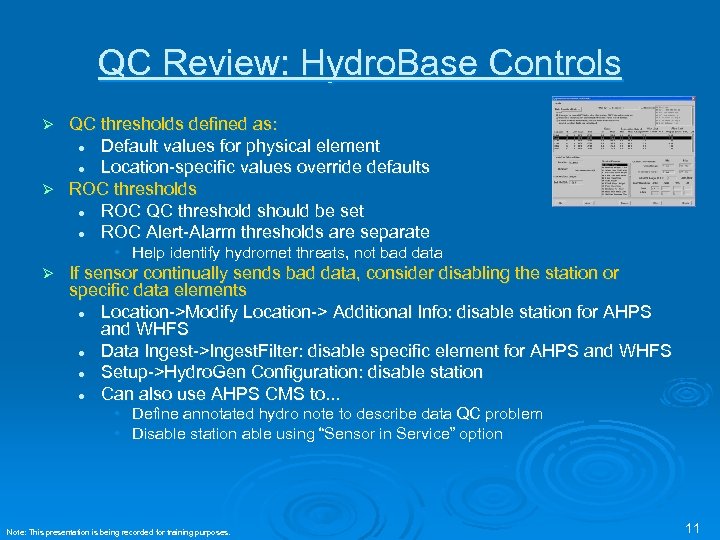 QC Review: Hydro. Base Controls QC thresholds defined as: l Default values for physical element l Location-specific values override defaults Ø ROC thresholds l ROC QC threshold should be set l ROC Alert-Alarm thresholds are separate Ø • Help identify hydromet threats, not bad data Ø If sensor continually sends bad data, consider disabling the station or specific data elements l Location->Modify Location-> Additional Info: disable station for AHPS and WHFS l Data Ingest->Ingest. Filter: disable specific element for AHPS and WHFS l Setup->Hydro. Gen Configuration: disable station l Can also use AHPS CMS to. . . • Define annotated hydro note to describe data QC problem • Disable station able using “Sensor in Service” option Note: This presentation is being recorded for training purposes. 11
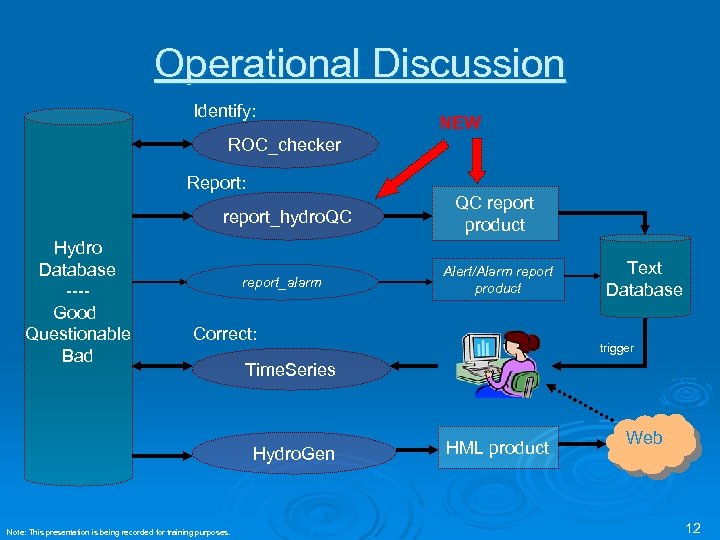 Operational Discussion Identify: NEW ROC_checker Report: report_hydro. QC Hydro Database ---Good Questionable Bad report_alarm QC report product Alert/Alarm report product Correct: trigger Time. Series Hydro. Gen Note: This presentation is being recorded for training purposes. Text Database HML product Web 12
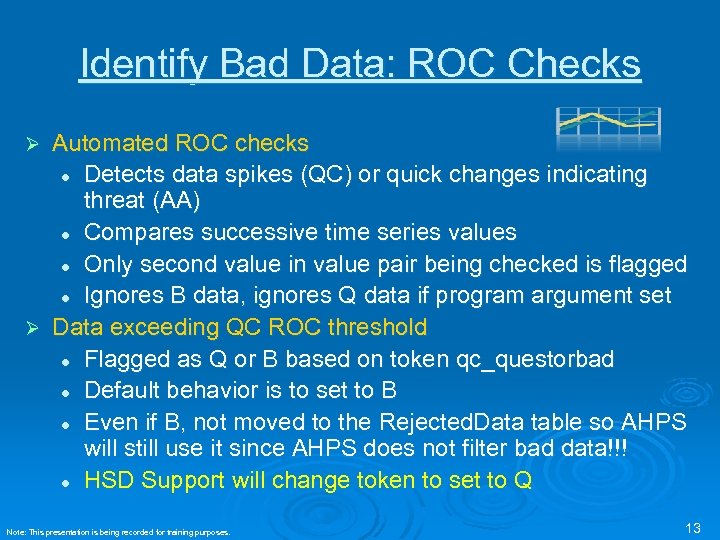 Identify Bad Data: ROC Checks Automated ROC checks l Detects data spikes (QC) or quick changes indicating threat (AA) l Compares successive time series values l Only second value in value pair being checked is flagged l Ignores B data, ignores Q data if program argument set Ø Data exceeding QC ROC threshold Data exceeding l Flagged as Q or B based on token qc_questorbad l Default behavior is to set to B l Even if B, not moved to the Rejected. Data table so AHPS will still use it since AHPS does not filter bad data!!! l HSD Support will change token to set to Q Ø Note: This presentation is being recorded for training purposes. 13
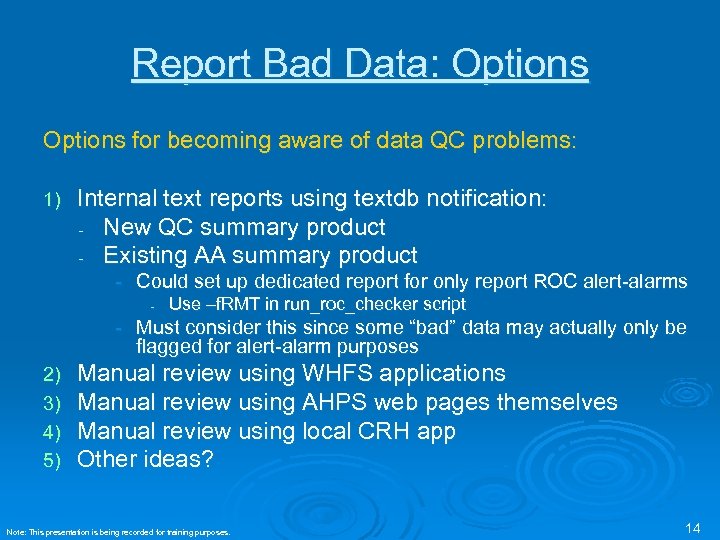 Report Bad Data: Options for becoming aware of data QC problems: 1) Internal text reports using textdb notification: New QC summary product Existing AA summary product - Could set up dedicated report for only report ROC alert-alarms - Use –f. RMT in run_roc_checker script - Must consider this since some “bad” data may actually only be flagged for alert-alarm purposes 2) 3) 4) 5) Manual review using WHFS applications Manual review using AHPS web pages themselves Manual review using local CRH app Other ideas? Note: This presentation is being recorded for training purposes. 14
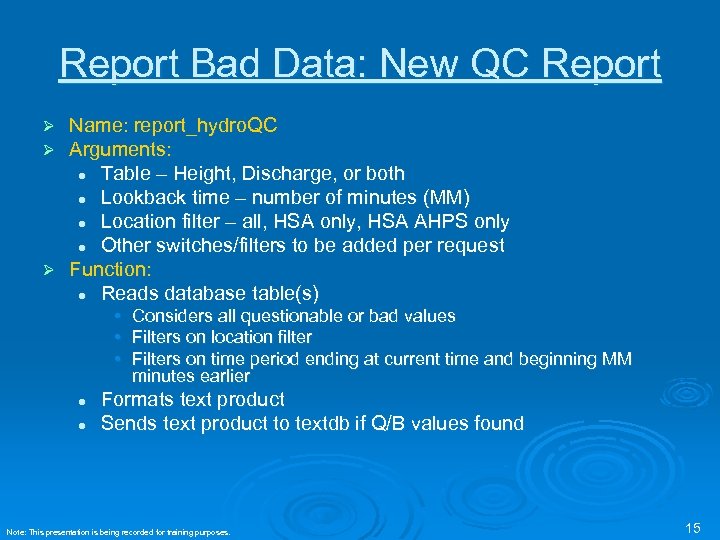 Report Bad Data: New QC Report Name: report_hydro. QC Arguments: l Table – Height, Discharge, or both l Lookback time – number of minutes (MM) l Location filter – all, HSA only, HSA AHPS only l Other switches/filters to be added per request Ø Function: l Reads database table(s) Ø Ø • Considers all questionable or bad values • Filters on location filter • Filters on time period ending at current time and beginning MM minutes earlier l l Formats text product Sends text product to textdb if Q/B values found Note: This presentation is being recorded for training purposes. 15
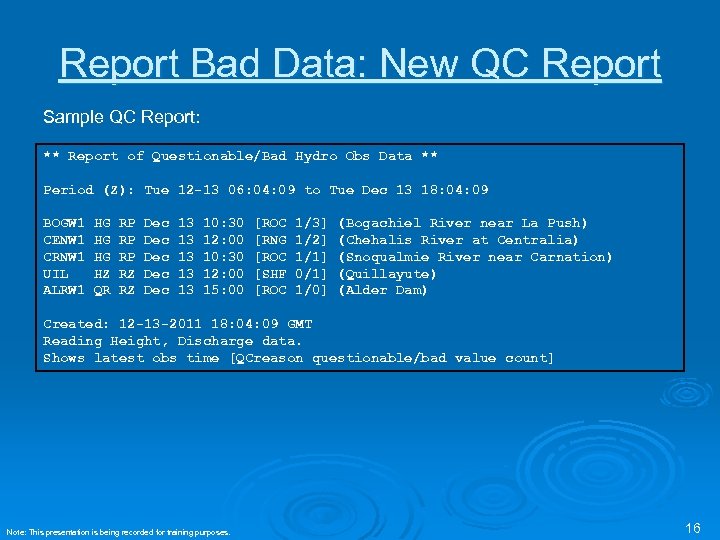 Report Bad Data: New QC Report Sample QC Report: ** Report of Questionable/Bad Hydro Obs Data ** Period (Z): Tue 12 -13 06: 04: 09 to Tue Dec 13 18: 04: 09 BOGW 1 HG RP Dec 13 10: 30 [ROC 1/3] (Bogachiel River near La Push) CENW 1 HG RP Dec 13 12: 00 [RNG 1/2] (Chehalis River at Centralia) CRNW 1 HG RP Dec 13 10: 30 [ROC 1/1] (Snoqualmie River near Carnation) UIL HZ RZ Dec 13 12: 00 [SHF 0/1] (Quillayute) ALRW 1 QR RZ Dec 13 15: 00 [ROC 1/0] (Alder Dam) Created: 12 -13 -2011 18: 04: 09 GMT Reading Height, Discharge data. Shows latest obs time [QCreason questionable/bad value count] Note: This presentation is being recorded for training purposes. 16
 Notice Bad Data: WHFS Applications Hydro. View Live. Data-> l Questionable/Bad window l Rejected Data (‘trash”) window Ø Time. Series l Tabular/graphical display Ø River Monitor l Automatically updates Ø Note: This presentation is being recorded for training purposes. 17
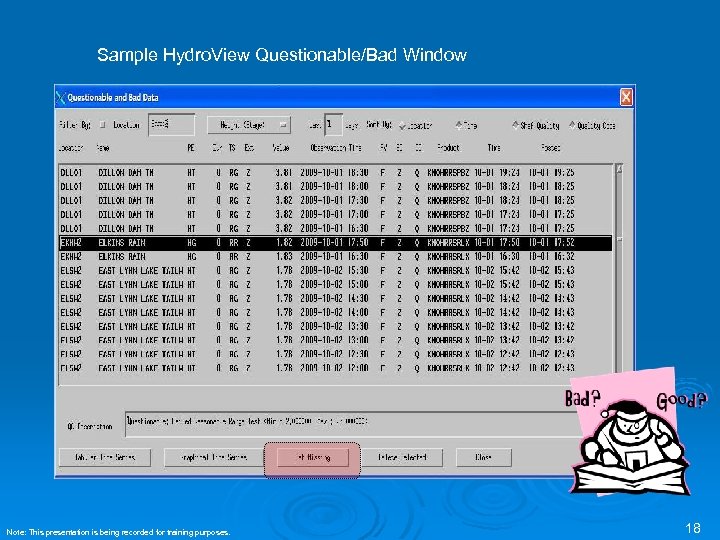 Sample Hydro. View Questionable/Bad Window Note: This presentation is being recorded for training purposes. 18
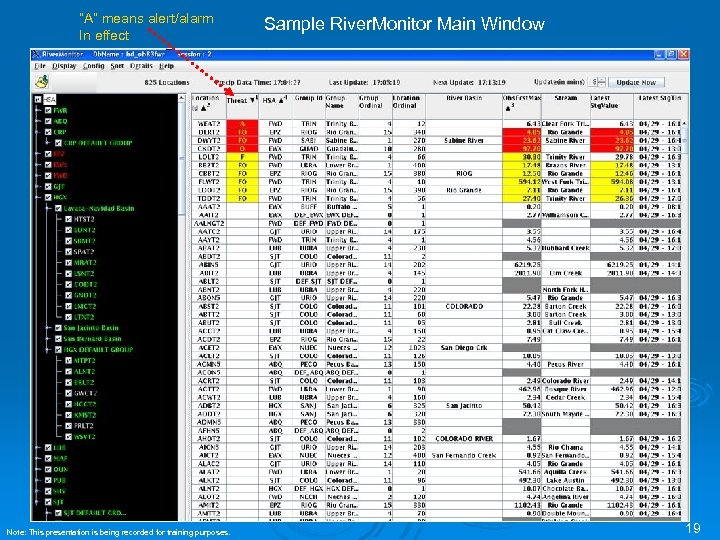 “A” means alert/alarm In effect Note: This presentation is being recorded for training purposes. Sample River. Monitor Main Window 19
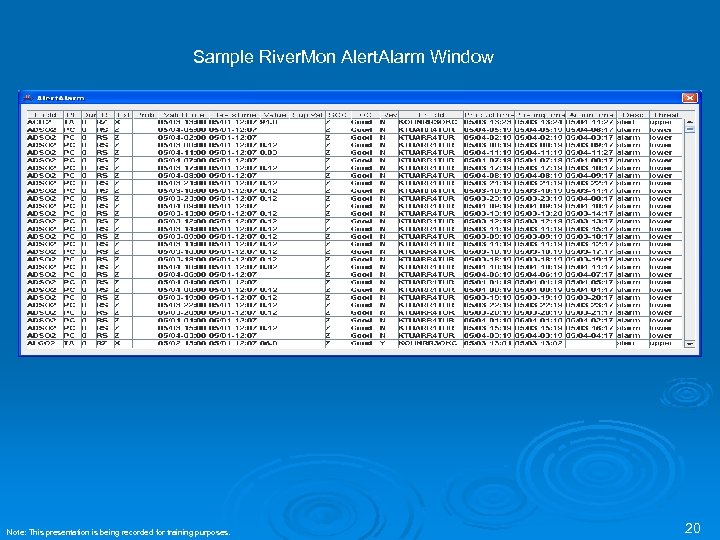 Sample River. Mon Alert. Alarm Window Note: This presentation is being recorded for training purposes. 20
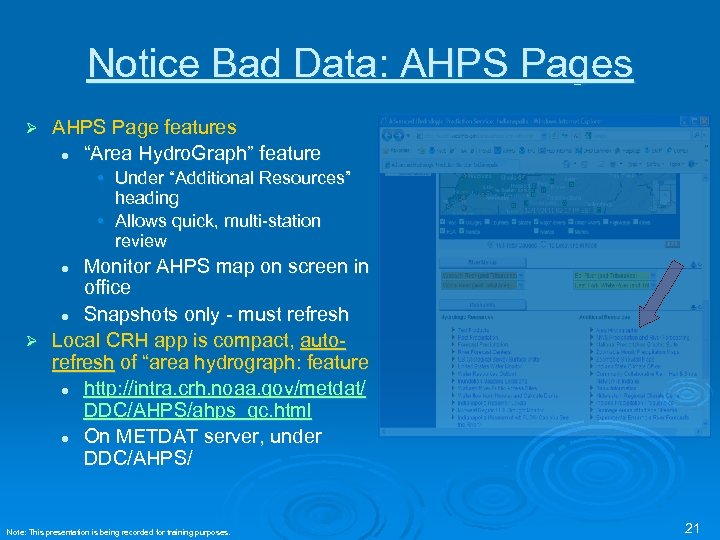 Notice Bad Data: AHPS Pages Ø AHPS Page features l “Area Hydro. Graph” feature • Under “Additional Resources” heading • Allows quick, multi-station review Monitor AHPS map on screen in office l Snapshots only - must refresh Ø Local CRH app is compact, autorefresh of “area hydrograph: feature l http: //intra. crh. noaa. gov/metdat/ DDC/AHPS/ahps_qc. html l On METDAT server, under DDC/AHPS/ l Note: This presentation is being recorded for training purposes. 21
 Correcting Bad Data: Time. Series General functions l Primary tool to edit data l Also very helpful for reviewing data l Using the "pre-defined groups" mode, can be preconfigured to show select station data Ø Correcting of data l Data already sent to AHPS must be set to missing to correct it at the web farm database l Next Hydro. Gen run will retransmit data to web l Presentation, titled "Data QC Procedural Change for WHFS", describing this: Ø
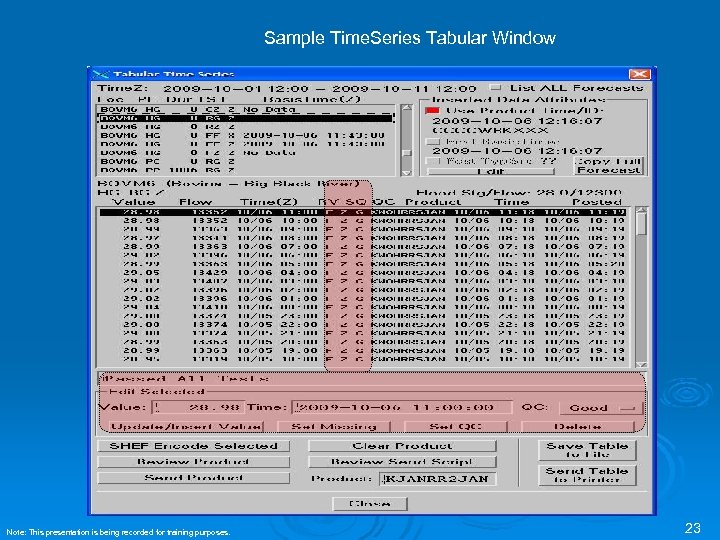 Sample Time. Series Tabular Window Note: This presentation is being recorded for training purposes. 23
 Conclusion: HQ To-Do HSD Support To-Do l Will update token l Will update script to create hydro. QC product l Will provide instructions for local changes l May do this as early as next week Ø Future Changes l Will push for future AWIPS work to improve displays and tools for QC and situational awareness Ø Note: This presentation is being recorded for training purposes. 24
 Conclusion: WFO To-Do Configure l Review QC/AA thresholds in Hydro. Base l Define triggers in text. DB l Define product id in report_hydro. QC script Ø Review data regularly l River. Mon/Precip. Mon, AA reports, Hydro. View, Time. Series… Ø Correct l Set AHPS data to missing. . . don’t delete Ø Note: This presentation is being recorded for training purposes. 25
 Conclusion Questions? Ø Contact: whfs@noaa. gov Ø Thanks Ø Note: This presentation is being recorded for training purposes. 26