


 Скачать презентацию Advantages of Using the Common Component Architecture CCA
967d190c938f6833fdc221360ed3c7fd.ppt
- Количество слайдов: 28
 Advantages of Using the Common Component Architecture (CCA) for the CSDMS Project Dr. Scott Peckham Chief Software Architect for CSDMS February 4, 2008 csdms. colorado. edu CSDMS Cyber Working Group Meeting, Univ. of Colorado at Boulder
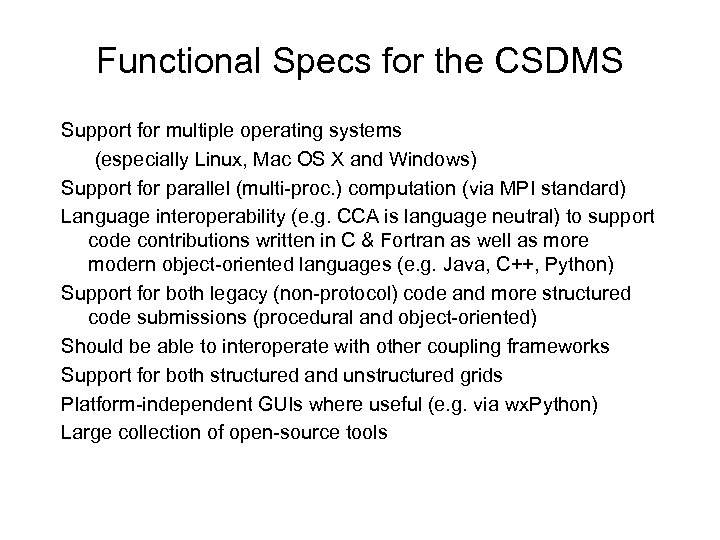 Functional Specs for the CSDMS Support for multiple operating systems (especially Linux, Mac OS X and Windows) Support for parallel (multi-proc. ) computation (via MPI standard) Language interoperability (e. g. CCA is language neutral) to support code contributions written in C & Fortran as well as more modern object-oriented languages (e. g. Java, C++, Python) Support for both legacy (non-protocol) code and more structured code submissions (procedural and object-oriented) Should be able to interoperate with other coupling frameworks Support for both structured and unstructured grids Platform-independent GUIs where useful (e. g. via wx. Python) Large collection of open-source tools
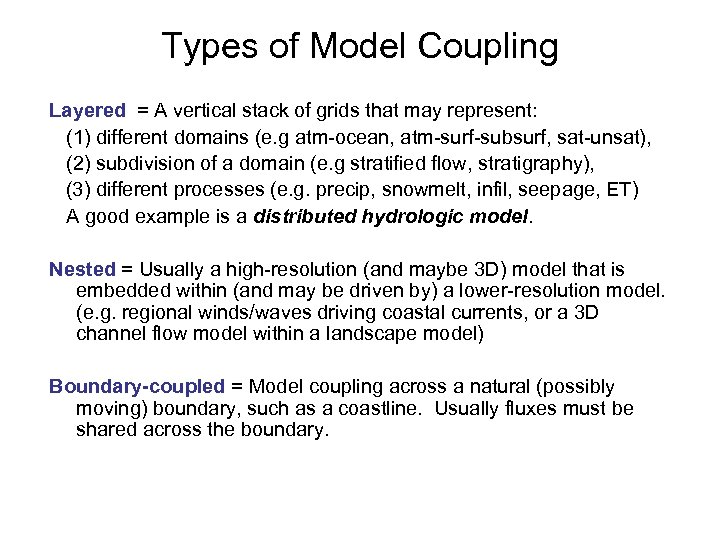 Types of Model Coupling Layered = A vertical stack of grids that may represent: (1) different domains (e. g atm-ocean, atm-surf-subsurf, sat-unsat), (2) subdivision of a domain (e. g stratified flow, stratigraphy), (3) different processes (e. g. precip, snowmelt, infil, seepage, ET) A good example is a distributed hydrologic model. Nested = Usually a high-resolution (and maybe 3 D) model that is embedded within (and may be driven by) a lower-resolution model. (e. g. regional winds/waves driving coastal currents, or a 3 D channel flow model within a landscape model) Boundary-coupled = Model coupling across a natural (possibly moving) boundary, such as a coastline. Usually fluxes must be shared across the boundary.
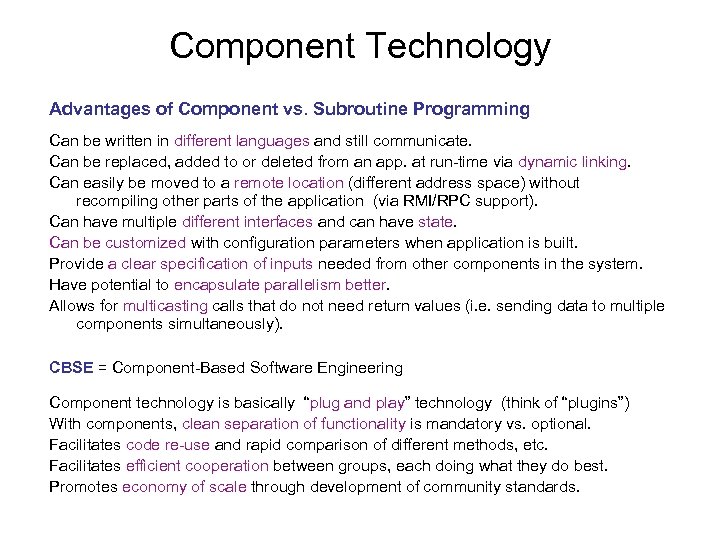 Component Technology Advantages of Component vs. Subroutine Programming Can be written in different languages and still communicate. Can be replaced, added to or deleted from an app. at run-time via dynamic linking. Can easily be moved to a remote location (different address space) without recompiling other parts of the application (via RMI/RPC support). Can have multiple different interfaces and can have state. Can be customized with configuration parameters when application is built. Provide a clear specification of inputs needed from other components in the system. Have potential to encapsulate parallelism better. Allows for multicasting calls that do not need return values (i. e. sending data to multiple components simultaneously). CBSE = Component-Based Software Engineering Component technology is basically “plug and play” technology (think of “plugins”) With components, clean separation of functionality is mandatory vs. optional. Facilitates code re-use and rapid comparison of different methods, etc. Facilitates efficient cooperation between groups, each doing what they do best. Promotes economy of scale through development of community standards.
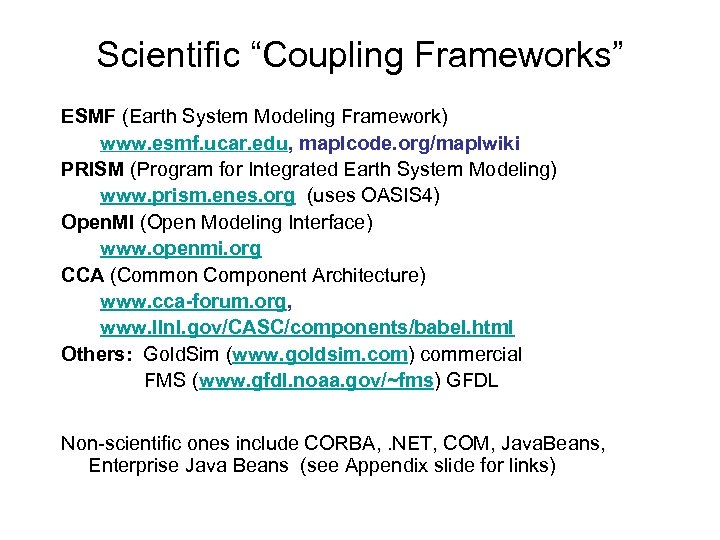 Scientific “Coupling Frameworks” ESMF (Earth System Modeling Framework) www. esmf. ucar. edu, maplcode. org/maplwiki PRISM (Program for Integrated Earth System Modeling) www. prism. enes. org (uses OASIS 4) Open. MI (Open Modeling Interface) www. openmi. org CCA (Common Component Architecture) www. cca-forum. org, www. llnl. gov/CASC/components/babel. html Others: Gold. Sim (www. goldsim. com) commercial FMS (www. gfdl. noaa. gov/~fms) GFDL Non-scientific ones include CORBA, . NET, COM, Java. Beans, Enterprise Java Beans (see Appendix slide for links)
 Overview of CCA Widely used at DOE labs (e. g. LLNL, ANL, Sandia) for a wide variety of projects (e. g. fusion, combustion) Language neutral; Components can be written in C, C++, Fortran 77/90/95/03, Java, or Python; supported via a compiler called Babel, using SIDL / XML metadata Interoperable with ESMF, PRISM, MCT, etc. Has a rapid application development tool called BOCCA Similar to CORBA & COM, but science application support Can be used for single or multiple-processor systems, distributed or parallel, MPI, high-performance (HPC) Structured, unstructured & adaptive grids Has stable DOE / Sci. DAC (www. scidac. gov) funding
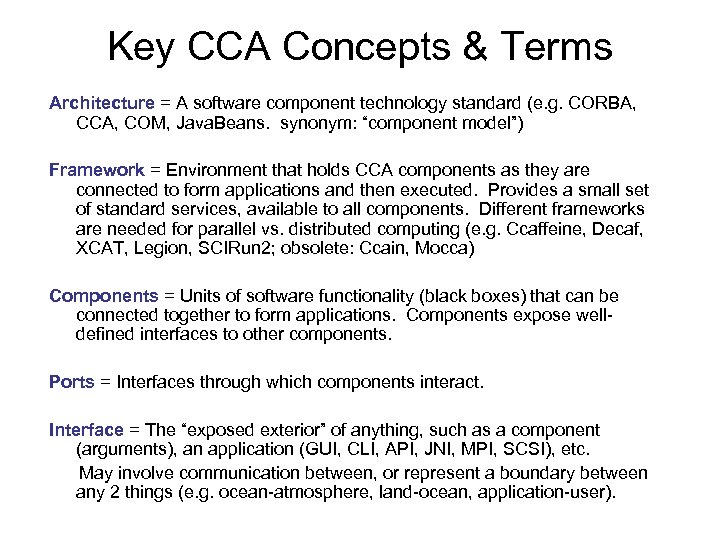 Key CCA Concepts & Terms Architecture = A software component technology standard (e. g. CORBA, CCA, COM, Java. Beans. synonym: “component model”) Framework = Environment that holds CCA components as they are connected to form applications and then executed. Provides a small set of standard services, available to all components. Different frameworks are needed for parallel vs. distributed computing (e. g. Ccaffeine, Decaf, XCAT, Legion, SCIRun 2; obsolete: Ccain, Mocca) Components = Units of software functionality (black boxes) that can be connected together to form applications. Components expose welldefined interfaces to other components. Ports = Interfaces through which components interact. Interface = The “exposed exterior” of anything, such as a component (arguments), an application (GUI, CLI, API, JNI, MPI, SCSI), etc. May involve communication between, or represent a boundary between any 2 things (e. g. ocean-atmosphere, land-ocean, application-user).
 Discussion of Interface Issues One of the key tasks that now faces the CSDMS community is how to best define the interfaces for our components (including models) in order to maximize their interoperability with each other and with components (e. g. PDE solvers, mesh routines, visualization tools) written by people outside of our community. The goal is to create the richest possible collection of shared “plug-and-play” components and to ensure that they can also be used in an HPC context. In an object-oriented context, this includes defining robust object classes and methods. (e. g. string class and associated methods, “grid class” and associated methods [total, average, histogram, smooth, regrid, rescale, display]) To better appreciate interface issues, try to imagine how you could create “plug and play” meshing and discretization components. What would be inside the black box and what would be passed in and out? There are several groups working on these issues.
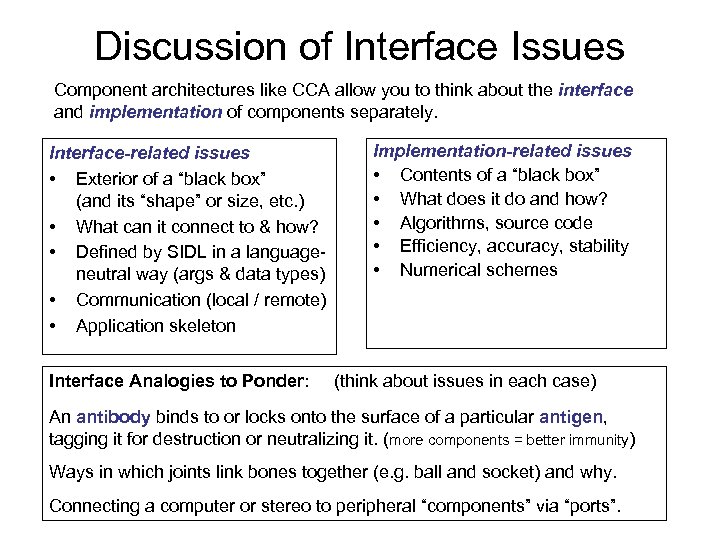 Discussion of Interface Issues Component architectures like CCA allow you to think about the interface and implementation of components separately. Interface-related issues • Exterior of a “black box” (and its “shape” or size, etc. ) • What can it connect to & how? • Defined by SIDL in a languageneutral way (args & data types) • Communication (local / remote) • Application skeleton Interface Analogies to Ponder: Implementation-related issues • Contents of a “black box” • What does it do and how? • Algorithms, source code • Efficiency, accuracy, stability • Numerical schemes (think about issues in each case) An antibody binds to or locks onto the surface of a particular antigen, tagging it for destruction or neutralizing it. (more components = better immunity) Ways in which joints link bones together (e. g. ball and socket) and why. Connecting a computer or stereo to peripheral “components” via “ports”.
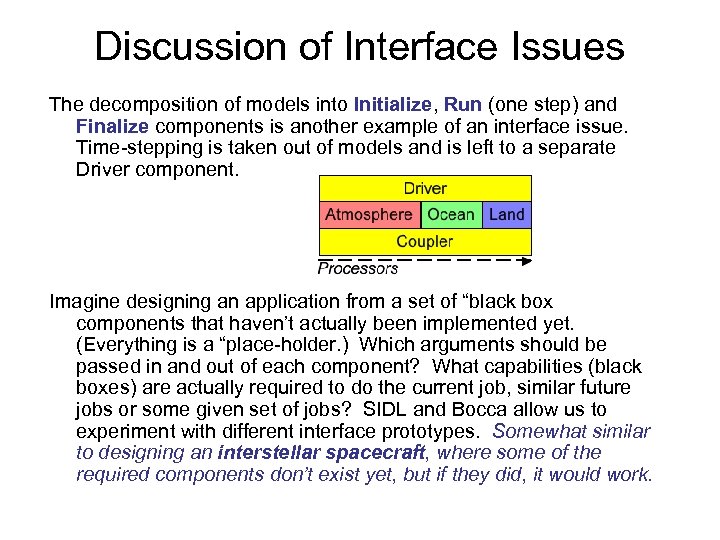 Discussion of Interface Issues The decomposition of models into Initialize, Run (one step) and Finalize components is another example of an interface issue. Time-stepping is taken out of models and is left to a separate Driver component. Imagine designing an application from a set of “black box components that haven’t actually been implemented yet. (Everything is a “place-holder. ) Which arguments should be passed in and out of each component? What capabilities (black boxes) are actually required to do the current job, similar future jobs or some given set of jobs? SIDL and Bocca allow us to experiment with different interface prototypes. Somewhat similar to designing an interstellar spacecraft, where some of the required components don’t exist yet, but if they did, it would work.
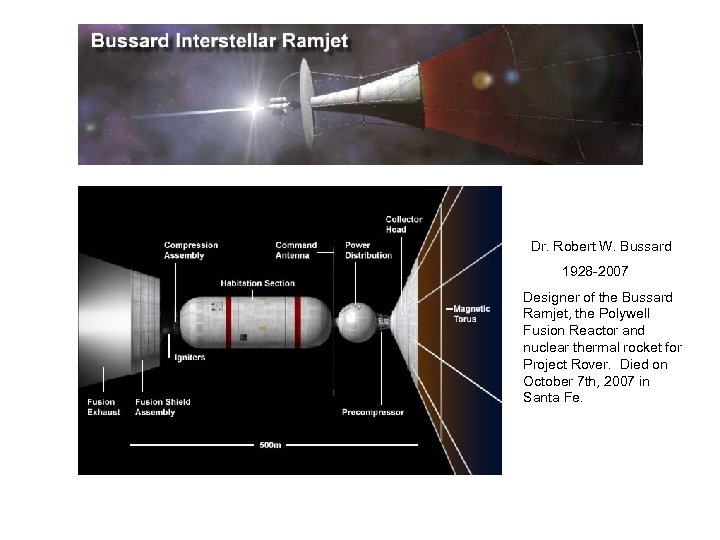 Bussard Ramjet Diagram Dr. Robert W. Bussard 1928 -2007 Designer of the Bussard Ramjet, the Polywell Fusion Reactor and nuclear thermal rocket for Project Rover. Died on October 7 th, 2007 in Santa Fe.
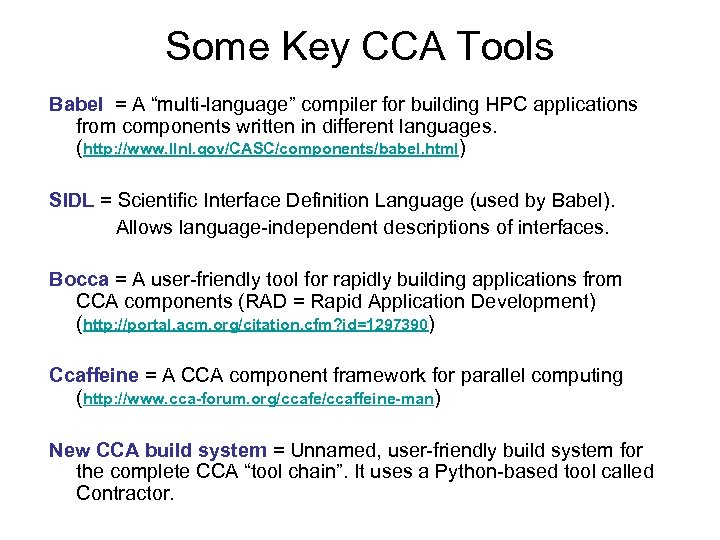 Some Key CCA Tools Babel = A “multi-language” compiler for building HPC applications from components written in different languages. (http: //www. llnl. gov/CASC/components/babel. html) SIDL = Scientific Interface Definition Language (used by Babel). Allows language-independent descriptions of interfaces. Bocca = A user-friendly tool for rapidly building applications from CCA components (RAD = Rapid Application Development) (http: //portal. acm. org/citation. cfm? id=1297390) Ccaffeine = A CCA component framework for parallel computing (http: //www. cca-forum. org/ccafe/ccaffeine-man) New CCA build system = Unnamed, user-friendly build system for the complete CCA “tool chain”. It uses a Python-based tool called Contractor.
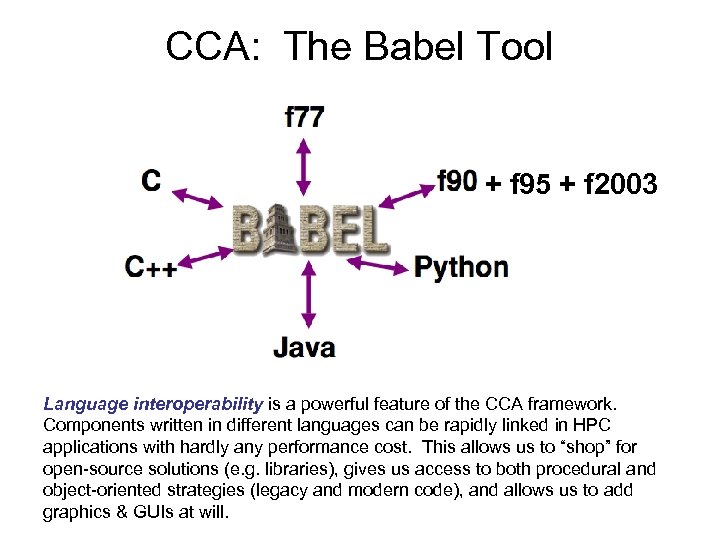 CCA: The Babel Tool + f 95 + f 2003 Language interoperability is a powerful feature of the CCA framework. Components written in different languages can be rapidly linked in HPC applications with hardly any performance cost. This allows us to “shop” for open-source solutions (e. g. libraries), gives us access to both procedural and object-oriented strategies (legacy and modern code), and allows us to add graphics & GUIs at will.
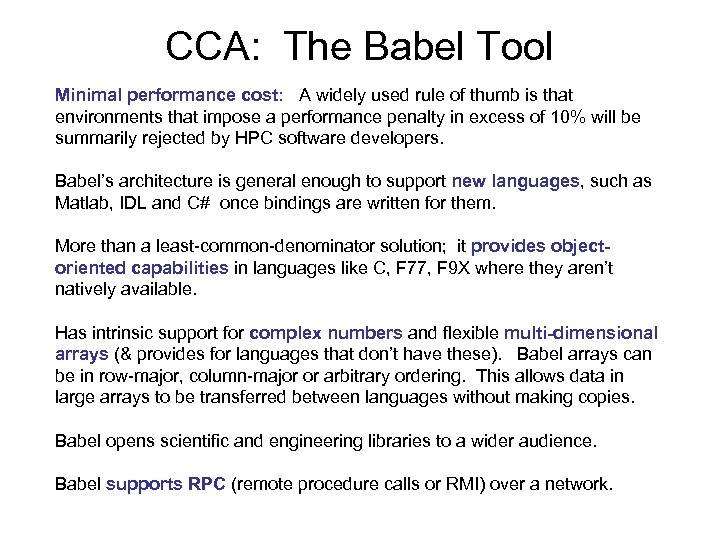 CCA: The Babel Tool Minimal performance cost: A widely used rule of thumb is that environments that impose a performance penalty in excess of 10% will be summarily rejected by HPC software developers. Babel’s architecture is general enough to support new languages, such as Matlab, IDL and C# once bindings are written for them. More than a least-common-denominator solution; it provides objectoriented capabilities in languages like C, F 77, F 9 X where they aren’t natively available. Has intrinsic support for complex numbers and flexible multi-dimensional arrays (& provides for languages that don’t have these). Babel arrays can be in row-major, column-major or arbitrary ordering. This allows data in large arrays to be transferred between languages without making copies. Babel opens scientific and engineering libraries to a wider audience. Babel supports RPC (remote procedure calls or RMI) over a network.
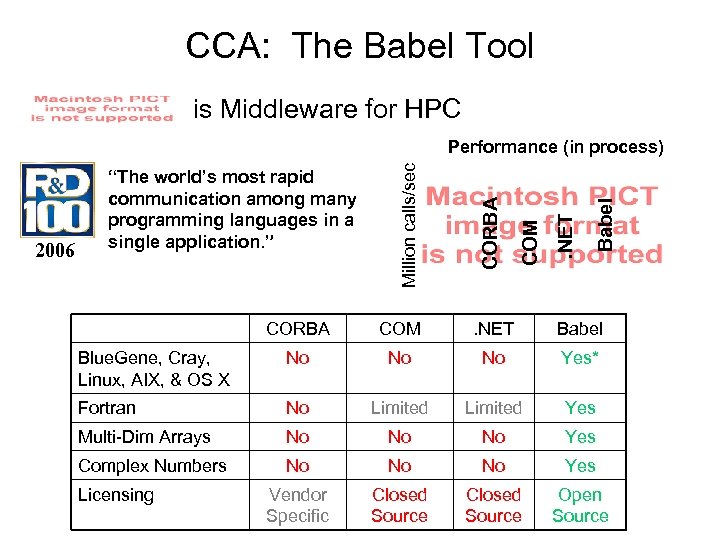 CCA: The Babel Tool is Middleware for HPC Babel . NET COM CORBA 2006 “The world’s most rapid communication among many programming languages in a single application. ” Million calls/sec Performance (in process) CORBA COM . NET Babel Blue. Gene, Cray, Linux, AIX, & OS X No No No Yes* Fortran No Limited Yes Multi-Dim Arrays No No No Yes Complex Numbers No No No Yes Vendor Specific Closed Source Open Source Licensing
 Python Support in CCA / Babel Support for Java & Python makes it possible to add components with GUIs, graphics or network access anywhere in the application (e. g. via wx. Python or Py. QT). Python code can be compiled to Java with Jython. (See www. jython. org for details) Num. Py is a fairly new Python package that provides fast, arraybased processing similar to Matlab or IDL. Sci. Py is a closely related package for scientific computing. Matplotlib is a package that allows Python users to make plots using Matlab syntax. Python is used by Google and is the new ESRI scripting language. It can be expected that this will result in new GIS-related packages/plug-ins. Python is entirely open-source and a large number of components are available (e. g. XML parser). Currently has over one million users and is growing. GIS tools are often useful for earth-surface modeling and visualization.
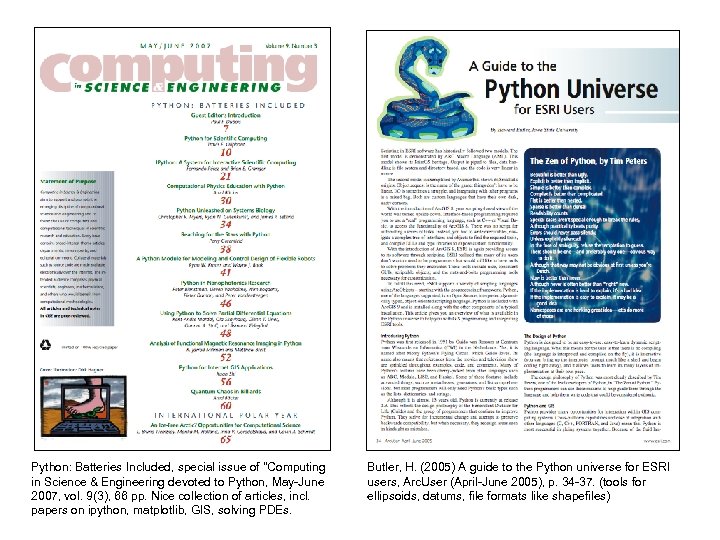 Python: Batteries Included, special issue of "Computing in Science & Engineering devoted to Python, May-June 2007, vol. 9(3), 66 pp. Nice collection of articles, incl. papers on ipython, matplotlib, GIS, solving PDEs. Butler, H. (2005) A guide to the Python universe for ESRI users, Arc. User (April-June 2005), p. 34 -37. (tools for ellipsoids, datums, file formats like shapefiles)
 CCA: The Bocca Tool Provides project management and comprehensive build environment for creating and managing applications composed of CCA components The purpose of Bocca is to let the user create and maintain useful HPC components without the need to learn the intricacies of CCA (and Babel) and waste time and effort in low-level software development and maintenance tasks. Can be abandoned at any time without issues. Bocca lays down the scaffolding for a complete componentized application without any atttendent scientific or mathematical implementation. Built on top of Babel; is language-neutral and further automates tasks related to component “glue code” Supports short time to first solution in an HPC environment Easy-to-make, stand-alone executables coming in March 2008 (automatically bundles all required libraries; RC + XML -> EXE)
![CCA: The Bocca Tool General usage: bocca [options] <verb> <subject type> [suboptions] <target name>](https://present5.com/presentation/967d190c938f6833fdc221360ed3c7fd/image-19.jpg "CCA: The Bocca Tool General usage: bocca [options] <verb> <subject type> [suboptions] <target name>") CCA: The Bocca Tool General usage: bocca [options]
CCA: The Bocca Tool General usage: bocca [options]
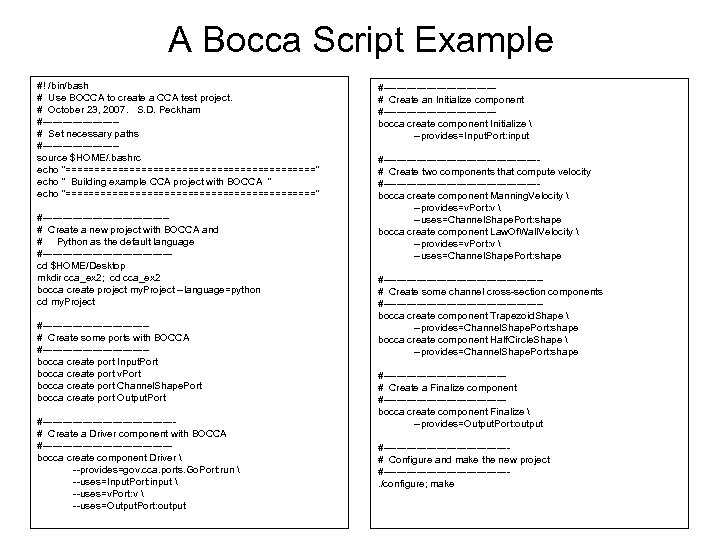 A Bocca Script Example #! /bin/bash # Use BOCCA to create a CCA test project. # October 23, 2007. S. D. Peckham #-----------# Set necessary paths #-----------source $HOME/. bashrc echo "======================" echo " Building example CCA project with BOCCA " echo "======================" #-------------------# Create a new project with BOCCA and # Python as the default language #-------------------cd $HOME/Desktop mkdir cca_ex 2; cd cca_ex 2 bocca create project my. Project --language=python cd my. Project #----------------# Create some ports with BOCCA #----------------bocca create port Input. Port bocca create port v. Port bocca create port Channel. Shape. Port bocca create port Output. Port #--------------------# Create a Driver component with BOCCA #-------------------bocca create component Driver --provides=gov. cca. ports. Go. Port: run --uses=Input. Port: input --uses=v. Port: v --uses=Output. Port: output #-----------------# Create an Initialize component #-----------------bocca create component Initialize --provides=Input. Port: input #-----------------------# Create two components that compute velocity #-----------------------bocca create component Manning. Velocity --provides=v. Port: v --uses=Channel. Shape. Port: shape bocca create component Law. Of. Wall. Velocity --provides=v. Port: v --uses=Channel. Shape. Port: shape #------------------------# Create some channel cross-section components #------------------------bocca create component Trapezoid. Shape --provides=Channel. Shape. Port: shape bocca create component Half. Circle. Shape --provides=Channel. Shape. Port: shape #------------------# Create a Finalize component #------------------bocca create component Finalize --provides=Output. Port: output #-------------------# Configure and make the new project #-------------------. /configure; make
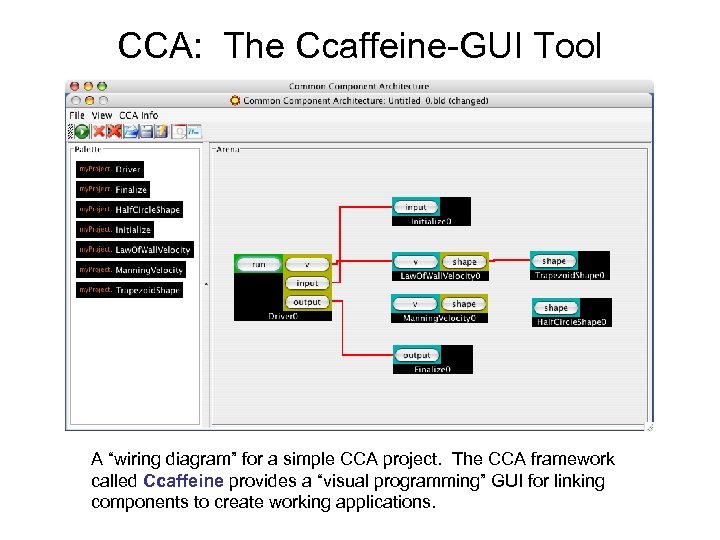 CCA: The Ccaffeine-GUI Tool A “wiring diagram” for a simple CCA project. The CCA framework called Ccaffeine provides a “visual programming” GUI for linking components to create working applications.
 CCA: The Ccaffeine Tools Ccaffeine is the standard CCA framework that supports parallel computing. Three distinct “Ccaffeine executables” are available, namely: Ccafe-client = a client version that expects to connect to a multiplexer front end which can then be connected to the Ccaffeine-GUI or a plain command line interface. Ccafe-single = a single-process, interactive version useful for debugging Ccafe-batch = a batch version that has no need of a front end and no interactive ability These executables make use of “Ccaffeine resource files” that have “rc” in the filename (e. g. test-gui-rc). The Ccaffeine Muxer is a central multiplexor that creates a single multiplexed communication stream (back to the GUI) out of the many cafe-client streams. For more information, see: http: //www. cca-forum. org/ccafe/ccaffeine-man/
 Other CCA-Related Projects CASC = Center for Applied Scientific Computing (https: //computation. llnl. gov/casc/) TASCS = The Center for Technology for Advanced Scientific Computing Software (http: //www. tascs-scidac. org) (focus is on CCA and associated tools; was CCTTSS) PETSc = Portable, Extensible Toolkit for Scientific Computation (http: //www. mcs. anl. gov/petsc) (focus is on linear & nonlinear PDE solvers; HPC/MPI) ITAPS = The Interoperable Technologies for Advanced Petascale Simulations Center (http: //www. itaps-scidac. org) (focus is on meshing & discretization; was TSTT) PERI = Performance Engineering Research Institute (http: //www. peri-scidac. org) (focus is on HPC quality of service & performance) TOPS = Terascale Optimal PDE Solvers (http: //www. scidac. gov/ASCR_TOPS. html) (focus is on solvers) SCIRun = CCA framework from Scientific Computing and Imaging Institute (http: //software. sci. utah. edu/scirun. html) (this is a CCA framework)
 Conclusions The Common Component Architecture (CCA) is a mature and powerful environment for component-based software engineering (CBSE) and building high-performance computing (HPC) applications. Some of its most powerful tools include Babel, Bocca, Ccafe-GUI and the Ccaffeine framework. Each of these tools fulfills a particular need in an elegant manner in order to greatly simplify the effort that is required to build an HPC application. The CCA framework currently meets most of the requirements of CSDMS and native Windows support (vs. Cygwin) is likely in the near future. CCA has been shown to be interoperable with ESMF and should also be interoperable with a Java version of Open. MI. For more information, please see the “CCA Recommended Reading List” at http: //csdms. colorado. edu (Products tab)
 Other Component Architecture Links (Commercial, non-HPC, non-scientific computing) CORBA (Object Management Group) http: //www. omg. org/gettingstarted/history_of_corba. htm COM (Component Object Model, Microsoft, incl. COM+, DCOM & Active. X) http: //www. microsoft. com/default. mspx. NET (Microsoft Corp. ) http: //www. microsoft. com/net Java. Beans (Sun Microsystems) http: //java. sun. com/products/javabeans Enterprise Java. Beans (Sun Microsystems) http: //java. sun. com/products/ejb

 Overview of ESMF Widely used by U. S. climate modelers Based on Fortran 90 (efforts underway for C coupling) Components follow the Initialize, Run, Finalize scheme Has a new development tool called MAPL Started with NASA, now has buy-in from NOAA, Do. D, DOE, NSF. May be adopted by CCSM; see: www. ccsm. ucar. edu/cseg/Projects/Working_Groups/soft/esmf • Parallel-computing friendly (MPI) • Compatible with PRISM & CCA. • Many useful tools in its Infrastructure & Superstructure • Mainly structured grids so far
 Overview of Open. MI Emerged from hydrologic community in Europe with corporate buy-in (e. g. Delft Hydraulics, DHI, HR Wallingford) Based on Microsoft’s C# (similar to Java) and support for Java is under development by Hydroli. GIS (Italy) Components follow the Initialize, Run, Finalize scheme Emphasizes support for data formats (e. g. WML) Currently incompatible with non-Windows computers, so language and platform specific Designed for a single-processor (PC) environment Funding future is currently uncertain beyond 2010 Does not seem to have the maturity or buy-in of ESMF & CCA.