


 Скачать презентацию Advanced Technical Support Dallas Systems Center CICS
851d57a36aee5d06577d3cf7091a2f2c.ppt
- Количество слайдов: 54
 Advanced Technical Support – Dallas Systems Center CICS Transaction Server V 3. 1 Migrating from CICS V 1. 3 Steve Zemblowski zem@us. ibm. com © 2005 IBM Corporation
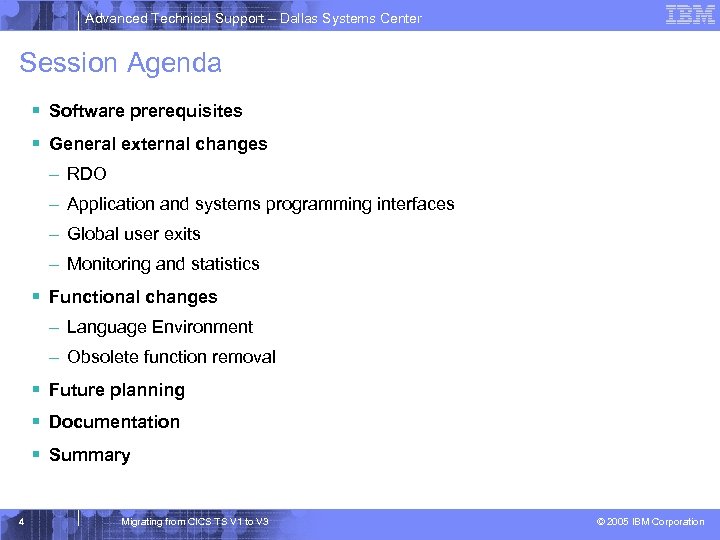 Advanced Technical Support – Dallas Systems Center Session Agenda § Software prerequisites § General external changes – RDO – Application and systems programming interfaces – Global user exits – Monitoring and statistics § Functional changes – Language Environment – Obsolete function removal § Future planning § Documentation § Summary 4 Migrating from CICS TS V 1 to V 3 © 2005 IBM Corporation
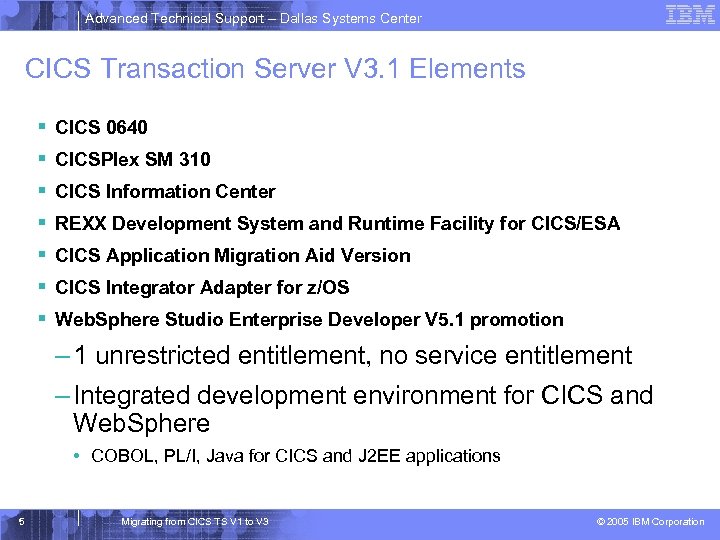 Advanced Technical Support – Dallas Systems Center CICS Transaction Server V 3. 1 Elements § § § § CICS 0640 CICSPlex SM 310 CICS Information Center REXX Development System and Runtime Facility for CICS/ESA CICS Application Migration Aid Version CICS Integrator Adapter for z/OS Web. Sphere Studio Enterprise Developer V 5. 1 promotion – 1 unrestricted entitlement, no service entitlement – Integrated development environment for CICS and Web. Sphere • COBOL, PL/I, Java for CICS and J 2 EE applications 5 Migrating from CICS TS V 1 to V 3 © 2005 IBM Corporation
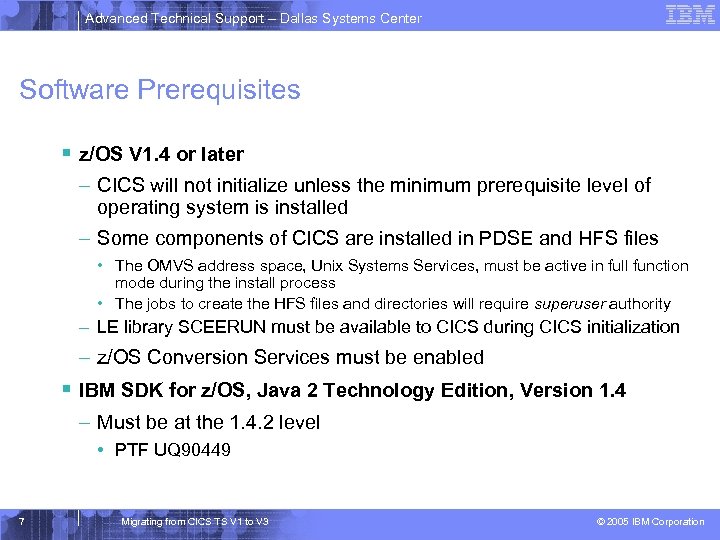 Advanced Technical Support – Dallas Systems Center Software Prerequisites § z/OS V 1. 4 or later – CICS will not initialize unless the minimum prerequisite level of operating system is installed – Some components of CICS are installed in PDSE and HFS files • The OMVS address space, Unix Systems Services, must be active in full function mode during the install process • The jobs to create the HFS files and directories will require superuser authority – LE library SCEERUN must be available to CICS during CICS initialization – z/OS Conversion Services must be enabled § IBM SDK for z/OS, Java 2 Technology Edition, Version 1. 4 – Must be at the 1. 4. 2 level • PTF UQ 90449 7 Migrating from CICS TS V 1 to V 3 © 2005 IBM Corporation
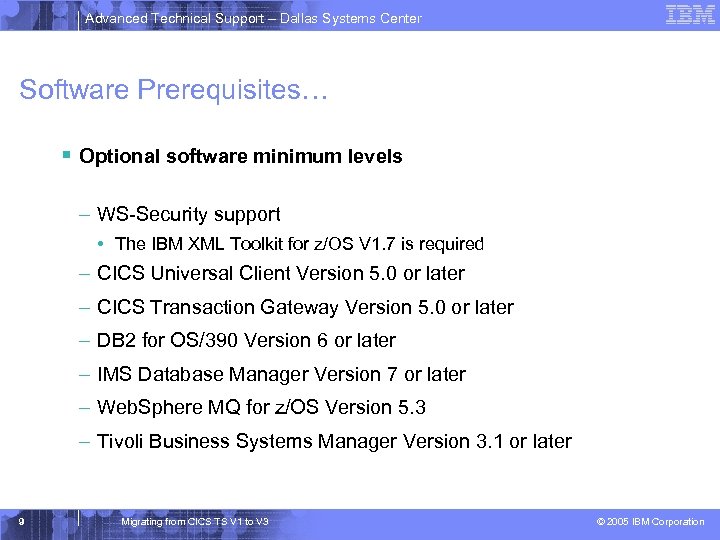 Advanced Technical Support – Dallas Systems Center Software Prerequisites… § Optional software minimum levels – WS-Security support • The IBM XML Toolkit for z/OS V 1. 7 is required – CICS Universal Client Version 5. 0 or later – CICS Transaction Gateway Version 5. 0 or later – DB 2 for OS/390 Version 6 or later – IMS Database Manager Version 7 or later – Web. Sphere MQ for z/OS Version 5. 3 – Tivoli Business Systems Manager Version 3. 1 or later 9 Migrating from CICS TS V 1 to V 3 © 2005 IBM Corporation
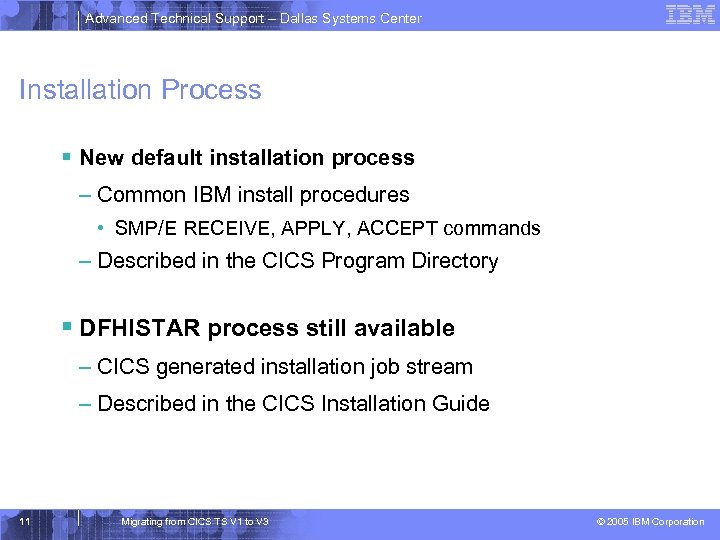 Advanced Technical Support – Dallas Systems Center Installation Process § New default installation process – Common IBM install procedures • SMP/E RECEIVE, APPLY, ACCEPT commands – Described in the CICS Program Directory § DFHISTAR process still available – CICS generated installation job stream – Described in the CICS Installation Guide 11 Migrating from CICS TS V 1 to V 3 © 2005 IBM Corporation
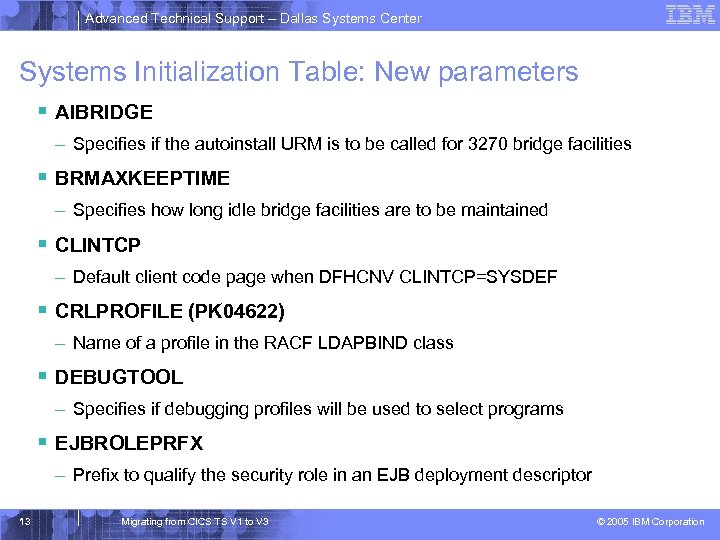 Advanced Technical Support – Dallas Systems Center Systems Initialization Table: New parameters § AIBRIDGE – Specifies if the autoinstall URM is to be called for 3270 bridge facilities § BRMAXKEEPTIME – Specifies how long idle bridge facilities are to be maintained § CLINTCP – Default client code page when DFHCNV CLINTCP=SYSDEF § CRLPROFILE (PK 04622) – Name of a profile in the RACF LDAPBIND class § DEBUGTOOL – Specifies if debugging profiles will be used to select programs § EJBROLEPRFX – Prefix to qualify the security role in an EJB deployment descriptor 13 Migrating from CICS TS V 1 to V 3 © 2005 IBM Corporation
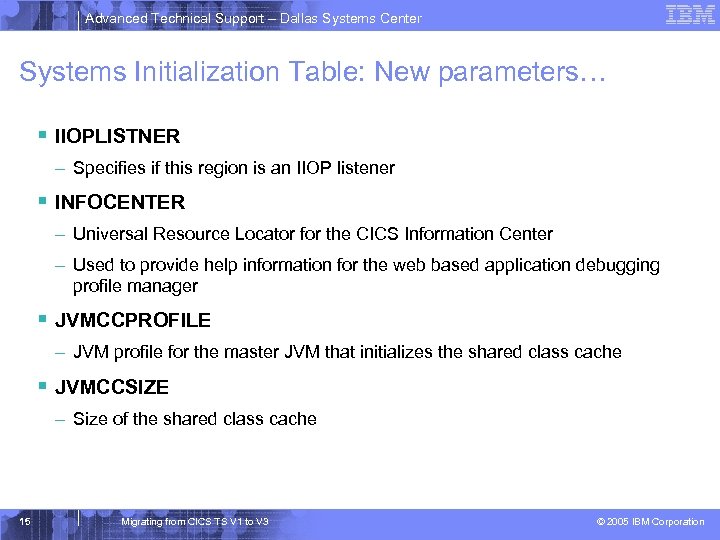 Advanced Technical Support – Dallas Systems Center Systems Initialization Table: New parameters… § IIOPLISTNER – Specifies if this region is an IIOP listener § INFOCENTER – Universal Resource Locator for the CICS Information Center – Used to provide help information for the web based application debugging profile manager § JVMCCPROFILE – JVM profile for the master JVM that initializes the shared class cache § JVMCCSIZE – Size of the shared class cache 15 Migrating from CICS TS V 1 to V 3 © 2005 IBM Corporation
 Advanced Technical Support – Dallas Systems Center Systems Initialization Table: New parameters… § JVMCCSTART – Specifies how the shared class cache is to be started • Auto: at CICS initialization • Yes: at first JVM request • No: by CEMT PERFORM CLASSCACHE START § JVMLEVEL 0 TRACE, JVMLEVEL 1 TRACE, JVMLEVEL 2 TRACE – Specifies the default level for JVM level 0. 1 and 2 tracing, corresponds to CICS SJ trace levels 29 -31 § JVMUSERTRACE – Specifies the default level for JVM user tracing, corresponds to CICS SJ trace level 32 § JVMPROFILEDIR – Specifies the HFS directory that contains the CICS JVM profiles 17 Migrating from CICS TS V 1 to V 3 © 2005 IBM Corporation
 Advanced Technical Support – Dallas Systems Center Systems Initialization Table: New parameters… § KEYRING – Specifies the name of the key king in RACF § LOCALCCSID – Default CCSID for local region § MAXJVMTCBS – Specifies the maximum number of J 8 and J 9 TCBs • Minimum value now 1 • Master JVM (JM) does not count towards MAXJVMTCBS § MAXSOCKETS – Specifies the number of sockets for the CICS sockets domain § MAXSSLTCBS – Maximum number of S 8 TCBs for use with SSL 19 Migrating from CICS TS V 1 to V 3 © 2005 IBM Corporation
 Advanced Technical Support – Dallas Systems Center Systems Initialization Table: New parameters… § MAXXPTCBS – Maximum number of X 8 and X 9 TCBs for use by XPLINK programs § RSTSIGNOFF – Specifies if signons are maintained across a persistent restart § RSTSIGNTIME – Specifies the time-out delay interval for sign on retention § SRVERCP – Default server code page when DFHCNV SRVERCP=SYSDEF § SSLCACHE – Specifies scope of SSL caching § STATEOD – Specifies the statistics end of day time 21 Migrating from CICS TS V 1 to V 3 © 2005 IBM Corporation
 Advanced Technical Support – Dallas Systems Center Systems Initialization Table: New parameters… § STATINT – Specifies the statistics interval § XEJB – Specifies if EJB security role support is to be enabled 23 Migrating from CICS TS V 1 to V 3 © 2005 IBM Corporation
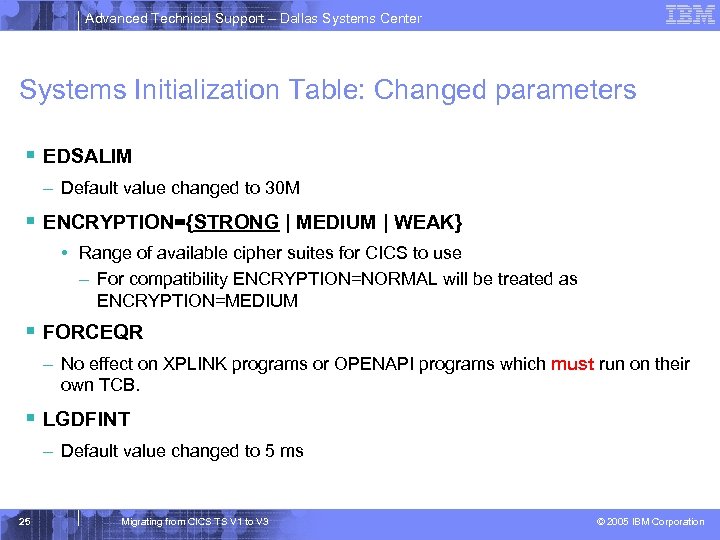 Advanced Technical Support – Dallas Systems Center Systems Initialization Table: Changed parameters § EDSALIM – Default value changed to 30 M § ENCRYPTION={STRONG | MEDIUM | WEAK} • Range of available cipher suites for CICS to use – For compatibility ENCRYPTION=NORMAL will be treated as ENCRYPTION=MEDIUM § FORCEQR – No effect on XPLINK programs or OPENAPI programs which must run on their own TCB. § LGDFINT – Default value changed to 5 ms 25 Migrating from CICS TS V 1 to V 3 © 2005 IBM Corporation
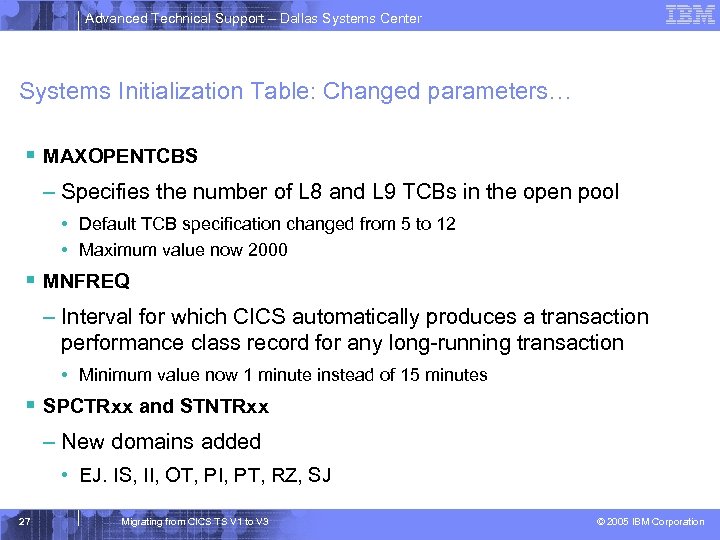 Advanced Technical Support – Dallas Systems Center Systems Initialization Table: Changed parameters… § MAXOPENTCBS – Specifies the number of L 8 and L 9 TCBs in the open pool • Default TCB specification changed from 5 to 12 • Maximum value now 2000 § MNFREQ – Interval for which CICS automatically produces a transaction performance class record for any long-running transaction • Minimum value now 1 minute instead of 15 minutes § SPCTRxx and STNTRxx – New domains added • EJ. IS, II, OT, PI, PT, RZ, SJ 27 Migrating from CICS TS V 1 to V 3 © 2005 IBM Corporation
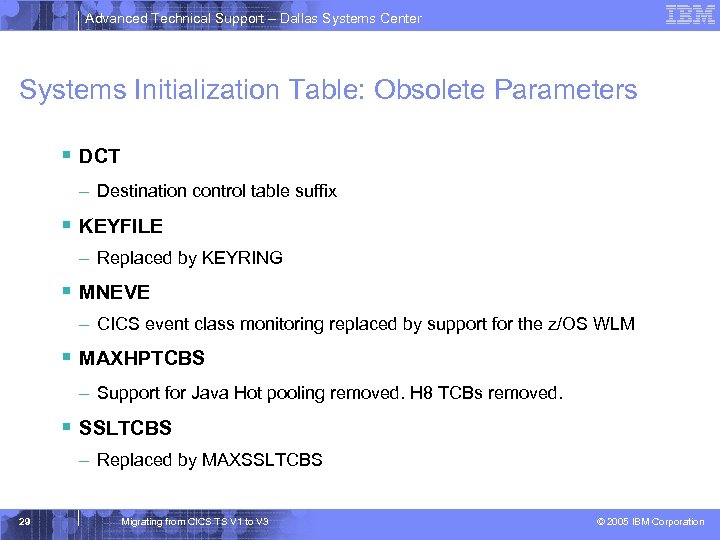 Advanced Technical Support – Dallas Systems Center Systems Initialization Table: Obsolete Parameters § DCT – Destination control table suffix § KEYFILE – Replaced by KEYRING § MNEVE – CICS event class monitoring replaced by support for the z/OS WLM § MAXHPTCBS – Support for Java Hot pooling removed. H 8 TCBs removed. § SSLTCBS – Replaced by MAXSSLTCBS 29 Migrating from CICS TS V 1 to V 3 © 2005 IBM Corporation
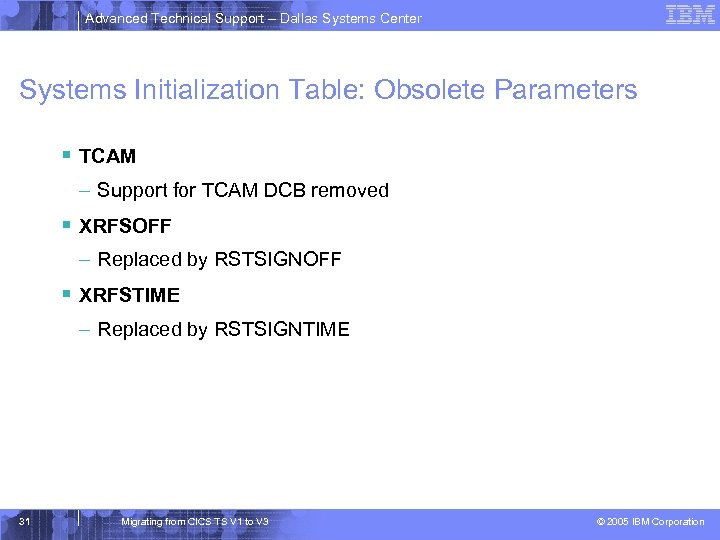 Advanced Technical Support – Dallas Systems Center Systems Initialization Table: Obsolete Parameters § TCAM – Support for TCAM DCB removed § XRFSOFF – Replaced by RSTSIGNOFF § XRFSTIME – Replaced by RSTSIGNTIME 31 Migrating from CICS TS V 1 to V 3 © 2005 IBM Corporation
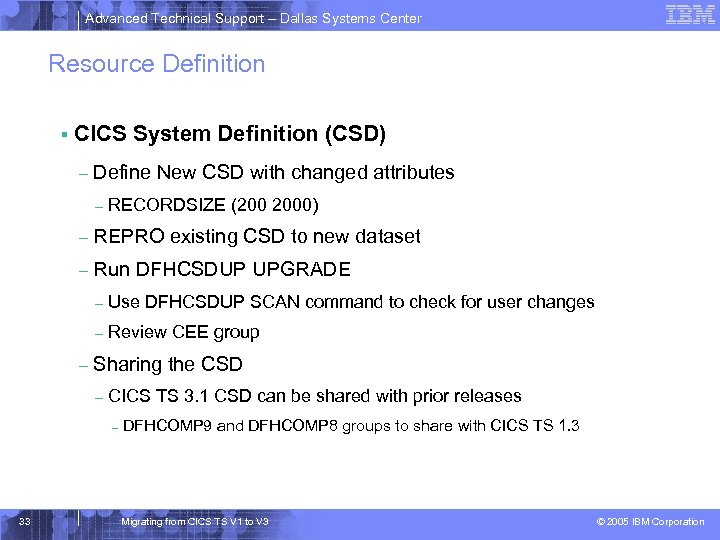 Advanced Technical Support – Dallas Systems Center Resource Definition § CICS System Definition (CSD) – Define New CSD with changed attributes – RECORDSIZE (200 2000) – REPRO existing CSD to new dataset – Run DFHCSDUP UPGRADE – – – Use DFHCSDUP SCAN command to check for user changes Review CEE group Sharing the CSD – CICS TS 3. 1 CSD can be shared with prior releases – 33 DFHCOMP 9 and DFHCOMP 8 groups to share with CICS TS 1. 3 Migrating from CICS TS V 1 to V 3 © 2005 IBM Corporation
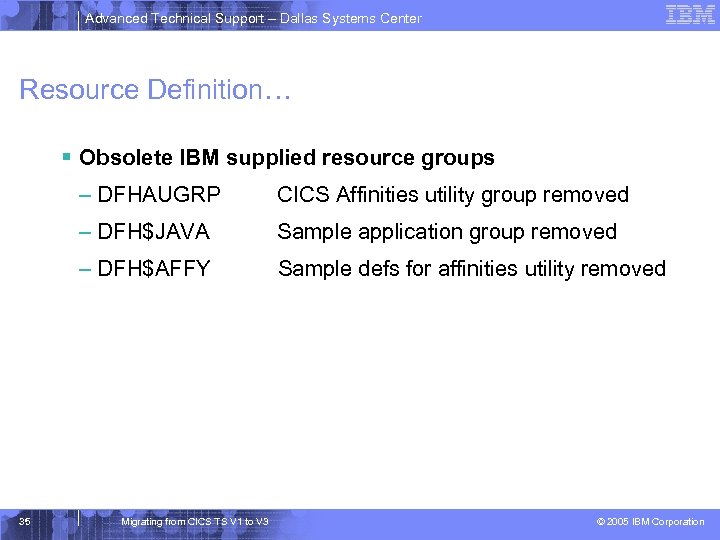 Advanced Technical Support – Dallas Systems Center Resource Definition… § Obsolete IBM supplied resource groups – DFHAUGRP – DFH$JAVA Sample application group removed – DFH$AFFY 35 CICS Affinities utility group removed Sample defs for affinities utility removed Migrating from CICS TS V 1 to V 3 © 2005 IBM Corporation
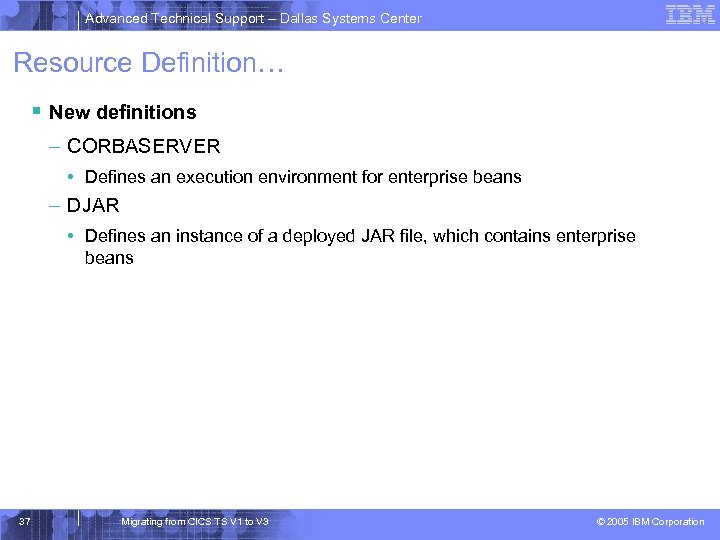 Advanced Technical Support – Dallas Systems Center Resource Definition… § New definitions – CORBASERVER • Defines an execution environment for enterprise beans – DJAR • Defines an instance of a deployed JAR file, which contains enterprise beans 37 Migrating from CICS TS V 1 to V 3 © 2005 IBM Corporation
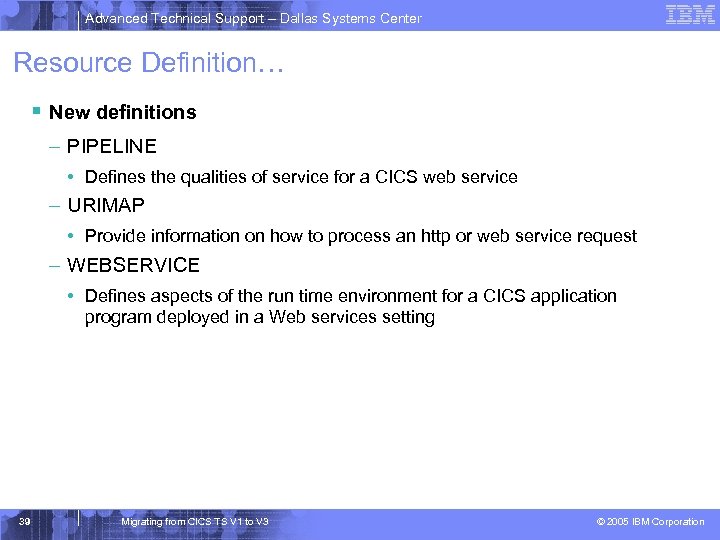 Advanced Technical Support – Dallas Systems Center Resource Definition… § New definitions – PIPELINE • Defines the qualities of service for a CICS web service – URIMAP • Provide information on how to process an http or web service request – WEBSERVICE • Defines aspects of the run time environment for a CICS application program deployed in a Web services setting 39 Migrating from CICS TS V 1 to V 3 © 2005 IBM Corporation
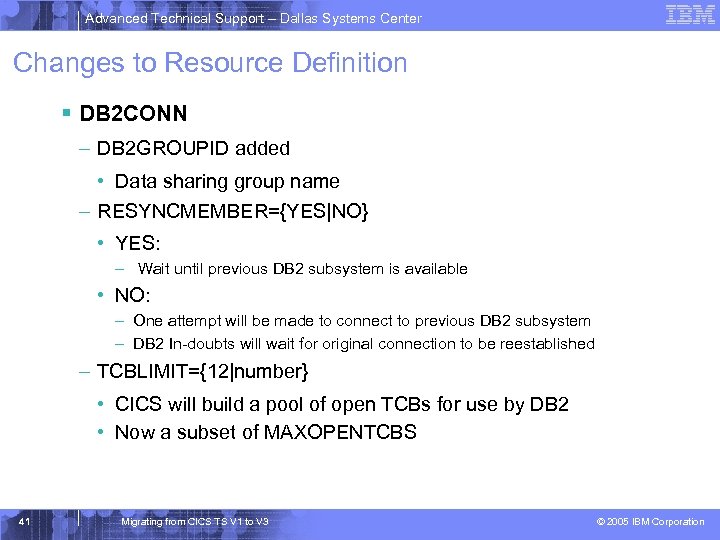 Advanced Technical Support – Dallas Systems Center Changes to Resource Definition § DB 2 CONN – DB 2 GROUPID added • Data sharing group name – RESYNCMEMBER={YES|NO} • YES: – Wait until previous DB 2 subsystem is available • NO: – One attempt will be made to connect to previous DB 2 subsystem – DB 2 In-doubts will wait for original connection to be reestablished – TCBLIMIT={12|number} • CICS will build a pool of open TCBs for use by DB 2 • Now a subset of MAXOPENTCBS 41 Migrating from CICS TS V 1 to V 3 © 2005 IBM Corporation
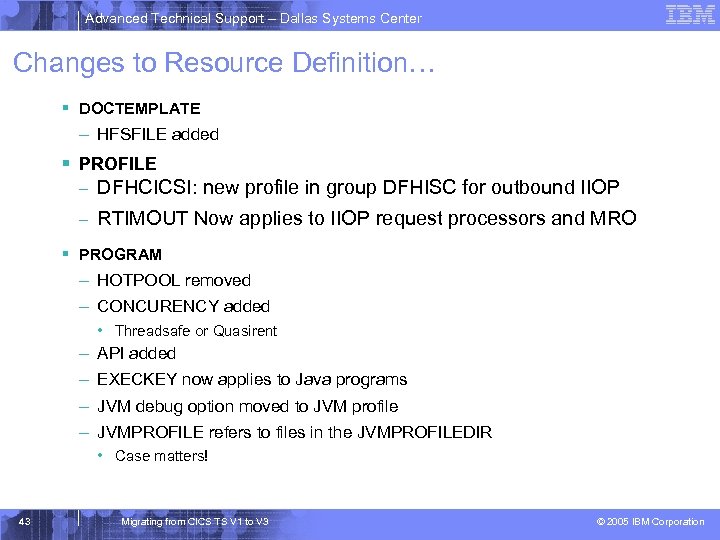 Advanced Technical Support – Dallas Systems Center Changes to Resource Definition… § DOCTEMPLATE – HFSFILE added § PROFILE – DFHCICSI: new profile in group DFHISC for outbound IIOP – RTIMOUT Now applies to IIOP request processors and MRO § PROGRAM – HOTPOOL removed – CONCURENCY added • Threadsafe or Quasirent – API added – EXECKEY now applies to Java programs – JVM debug option moved to JVM profile – JVMPROFILE refers to files in the JVMPROFILEDIR • Case matters! 43 Migrating from CICS TS V 1 to V 3 © 2005 IBM Corporation
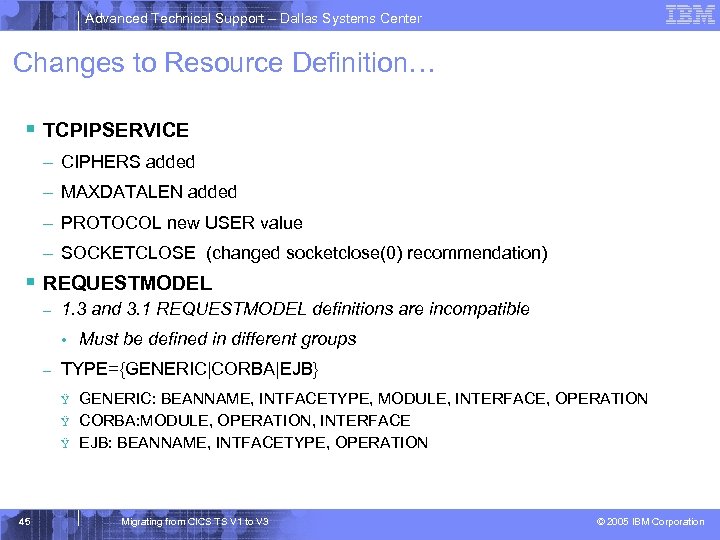 Advanced Technical Support – Dallas Systems Center Changes to Resource Definition… § TCPIPSERVICE – CIPHERS added – MAXDATALEN added – PROTOCOL new USER value – SOCKETCLOSE (changed socketclose(0) recommendation) § REQUESTMODEL – 1. 3 and 3. 1 REQUESTMODEL definitions are incompatible • – TYPE={GENERIC|CORBA|EJB} Ÿ Ÿ Ÿ 45 Must be defined in different groups GENERIC: BEANNAME, INTFACETYPE, MODULE, INTERFACE, OPERATION CORBA: MODULE, OPERATION, INTERFACE EJB: BEANNAME, INTFACETYPE, OPERATION Migrating from CICS TS V 1 to V 3 © 2005 IBM Corporation
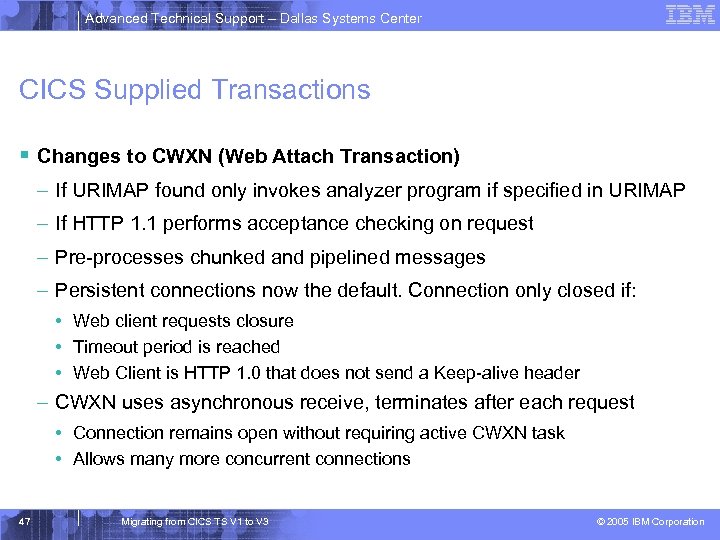 Advanced Technical Support – Dallas Systems Center CICS Supplied Transactions § Changes to CWXN (Web Attach Transaction) – If URIMAP found only invokes analyzer program if specified in URIMAP – If HTTP 1. 1 performs acceptance checking on request – Pre-processes chunked and pipelined messages – Persistent connections now the default. Connection only closed if: • Web client requests closure • Timeout period is reached • Web Client is HTTP 1. 0 that does not send a Keep-alive header – CWXN uses asynchronous receive, terminates after each request • Connection remains open without requiring active CWXN task • Allows many more concurrent connections 47 Migrating from CICS TS V 1 to V 3 © 2005 IBM Corporation
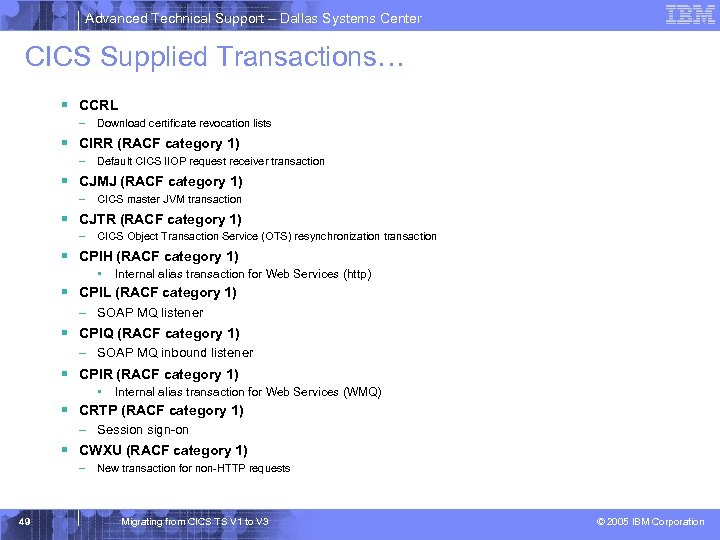 Advanced Technical Support – Dallas Systems Center CICS Supplied Transactions… § CCRL – Download certificate revocation lists § CIRR (RACF category 1) – Default CICS IIOP request receiver transaction § CJMJ (RACF category 1) – CICS master JVM transaction § CJTR (RACF category 1) – CICS Object Transaction Service (OTS) resynchronization transaction § CPIH (RACF category 1) • Internal alias transaction for Web Services (http) § CPIL (RACF category 1) – SOAP MQ listener § CPIQ (RACF category 1) – SOAP MQ inbound listener § CPIR (RACF category 1) • Internal alias transaction for Web Services (WMQ) § CRTP (RACF category 1) – Session sign-on § CWXU (RACF category 1) – New transaction for non-HTTP requests 49 Migrating from CICS TS V 1 to V 3 © 2005 IBM Corporation
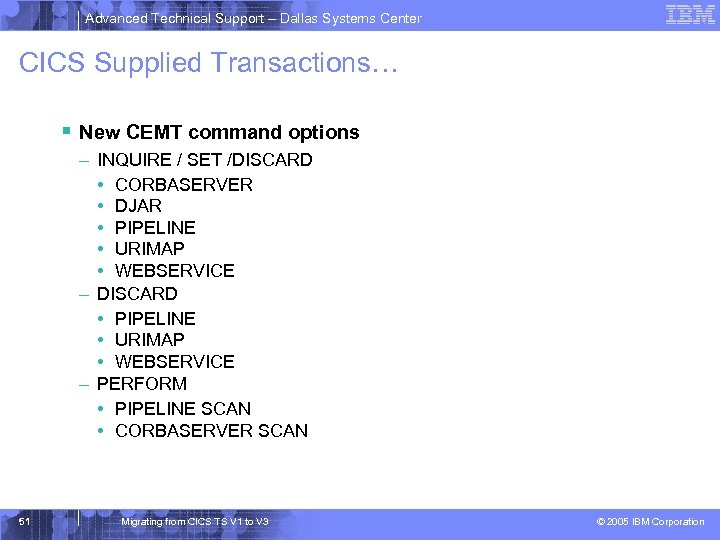 Advanced Technical Support – Dallas Systems Center CICS Supplied Transactions… § New CEMT command options – INQUIRE / SET /DISCARD • CORBASERVER • DJAR • PIPELINE • URIMAP • WEBSERVICE – DISCARD • PIPELINE • URIMAP • WEBSERVICE – PERFORM • PIPELINE SCAN • CORBASERVER SCAN 51 Migrating from CICS TS V 1 to V 3 © 2005 IBM Corporation
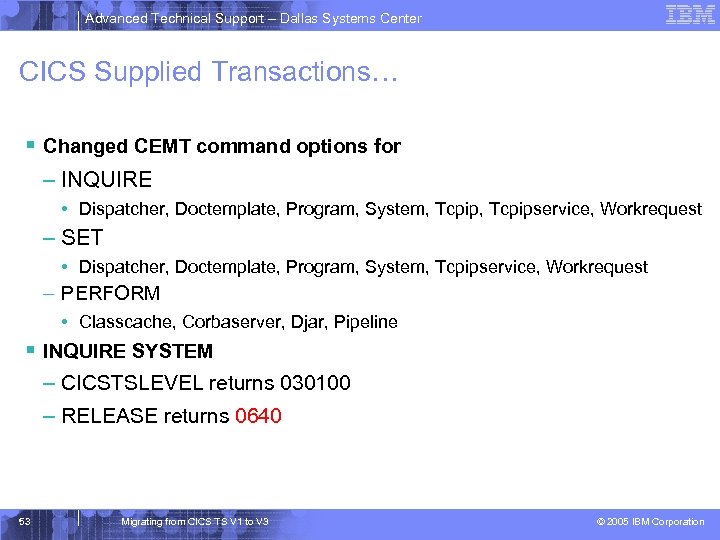 Advanced Technical Support – Dallas Systems Center CICS Supplied Transactions… § Changed CEMT command options for – INQUIRE • Dispatcher, Doctemplate, Program, System, Tcpipservice, Workrequest – SET • Dispatcher, Doctemplate, Program, System, Tcpipservice, Workrequest – PERFORM • Classcache, Corbaserver, Djar, Pipeline § INQUIRE SYSTEM – CICSTSLEVEL returns 030100 – RELEASE returns 0640 53 Migrating from CICS TS V 1 to V 3 © 2005 IBM Corporation
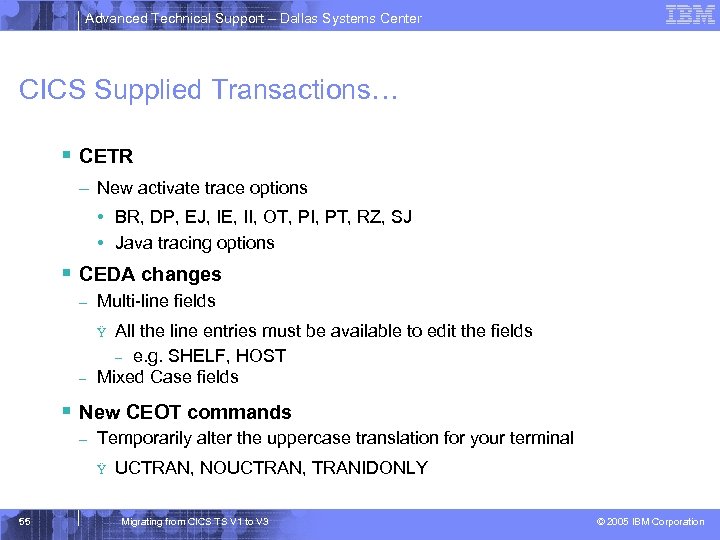 Advanced Technical Support – Dallas Systems Center CICS Supplied Transactions… § CETR – New activate trace options • BR, DP, EJ, IE, II, OT, PI, PT, RZ, SJ • Java tracing options § CEDA changes – Multi-line fields – All the line entries must be available to edit the fields – e. g. SHELF, HOST Mixed Case fields Ÿ § New CEOT commands – Temporarily alter the uppercase translation for your terminal Ÿ 55 UCTRAN, NOUCTRAN, TRANIDONLY Migrating from CICS TS V 1 to V 3 © 2005 IBM Corporation
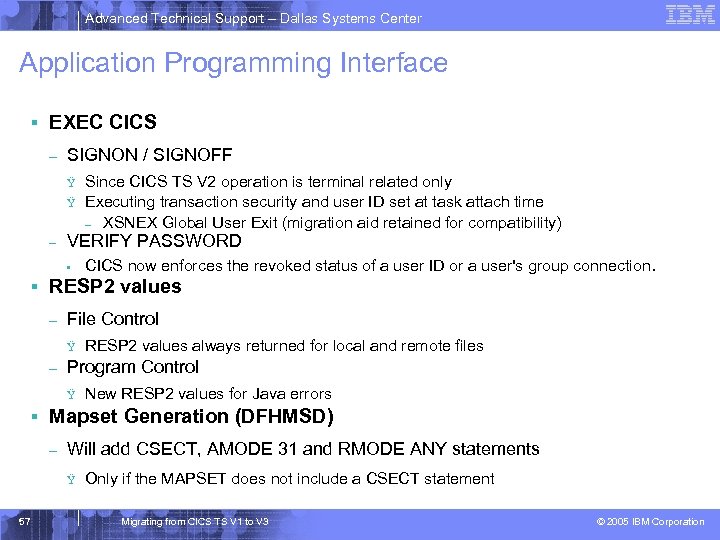 Advanced Technical Support – Dallas Systems Center Application Programming Interface § EXEC CICS – SIGNON / SIGNOFF Ÿ Ÿ – Since CICS TS V 2 operation is terminal related only Executing transaction security and user ID set at task attach time – XSNEX Global User Exit (migration aid retained for compatibility) VERIFY PASSWORD • CICS now enforces the revoked status of a user ID or a user's group connection. § RESP 2 values – File Control Ÿ – RESP 2 values always returned for local and remote files Program Control Ÿ New RESP 2 values for Java errors § Mapset Generation (DFHMSD) – Will add CSECT, AMODE 31 and RMODE ANY statements Ÿ 57 Only if the MAPSET does not include a CSECT statement Migrating from CICS TS V 1 to V 3 © 2005 IBM Corporation
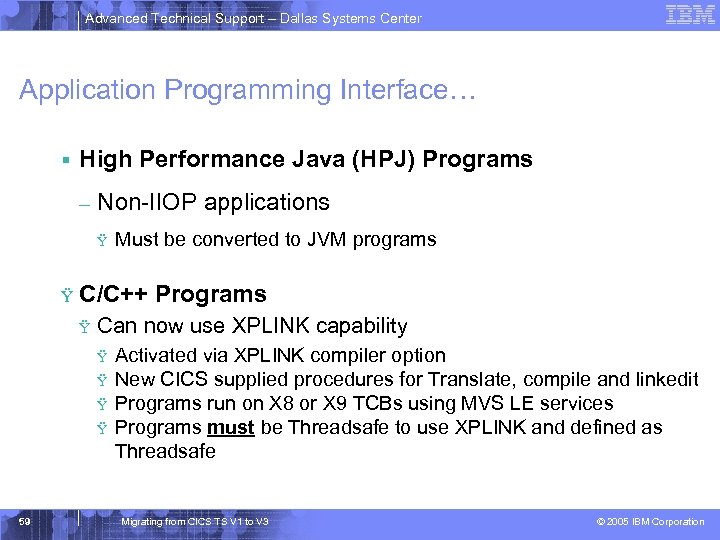 Advanced Technical Support – Dallas Systems Center Application Programming Interface… § High Performance Java (HPJ) Programs – Non-IIOP applications Ÿ Ÿ C/C++ Programs Ÿ Can now use XPLINK capability Ÿ Ÿ 59 Must be converted to JVM programs Activated via XPLINK compiler option New CICS supplied procedures for Translate, compile and linkedit Programs run on X 8 or X 9 TCBs using MVS LE services Programs must be Threadsafe to use XPLINK and defined as Threadsafe Migrating from CICS TS V 1 to V 3 © 2005 IBM Corporation
 Advanced Technical Support – Dallas Systems Center Systems Programming Interface § New and changed commands – Changes similar to the CEMT changes § EXEC CICS EXTRACT STATISTICS – PIPELINE – URIMAP – WEBSERVICE 61 Migrating from CICS TS V 1 to V 3 © 2005 IBM Corporation
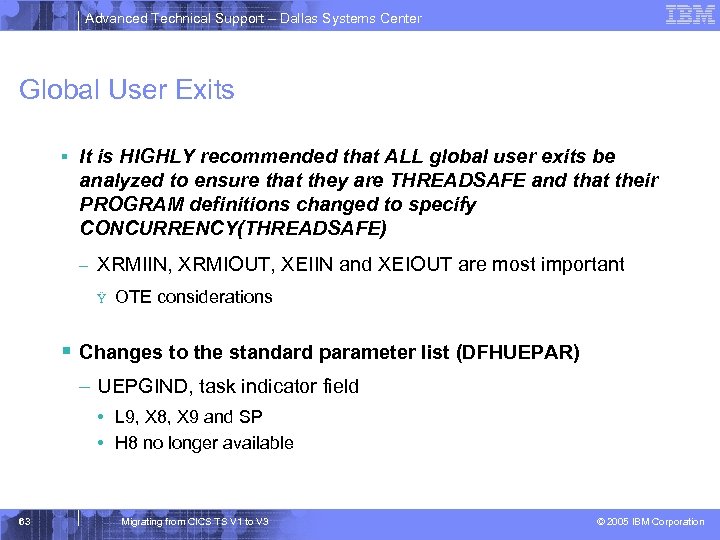 Advanced Technical Support – Dallas Systems Center Global User Exits § It is HIGHLY recommended that ALL global user exits be analyzed to ensure that they are THREADSAFE and that their PROGRAM definitions changed to specify CONCURRENCY(THREADSAFE) – XRMIIN, XRMIOUT, XEIIN and XEIOUT are most important Ÿ OTE considerations § Changes to the standard parameter list (DFHUEPAR) – UEPGIND, task indicator field • L 9, X 8, X 9 and SP • H 8 no longer available 63 Migrating from CICS TS V 1 to V 3 © 2005 IBM Corporation
 Advanced Technical Support – Dallas Systems Center Global User Exits… § New global user exits – XWBOPEN • Called during WEB OPEN, before the session is established – Can be used to bar access to a whole host – XWBSNDO • Called during WEB SEND or WEB CONVERSE – Enables systems administrators to specify a security policy for HTTP requests by CICS 65 Migrating from CICS TS V 1 to V 3 © 2005 IBM Corporation
 Advanced Technical Support – Dallas Systems Center Global User Exits… § New global user exits – XICERES • Enables the user to determine the availability of resources in a remote region for dynamically routed starts – XPCERES • Enables the user to determine the availability of resources in a remote region for dynamic Distributed Program Links 67 Migrating from CICS TS V 1 to V 3 © 2005 IBM Corporation
 Advanced Technical Support – Dallas Systems Center Global User Exits… § New global user exits – XFAINTU • Parameter list change to support new bridge enhancements – XFCREQ • Only invoked in AOR, may change or reject the request – XFCREQC • Only invoked in AOR, may change the return code – XFCFRIN • Invoked in AOR and FOR, may change SYSID or reject – XFCFROUT • 69 Invoked in AOR and FOR, may monitor return code Migrating from CICS TS V 1 to V 3 © 2005 IBM Corporation
 Advanced Technical Support – Dallas Systems Center Global User Exits… § Changed global user exits – Parameter list changes • Existence bits with channel name passed to exits – XICEREQ, XICEREQC – XPCREQ, XPCEREQC – XPCTA, XPCFTCH, XPCHAIR, XPCABND • Exits may not access contents of channels – XPlink programs • XPCTA does not allow a resume address – New flag PCUE_NO_RESUME, in PCUE_CONTROL_BITS • XPCFTCH does not allow a modified entry address – New flag PCUE_NO_MODIFY, in PCUE_CONTROL_BITS – Alternative is CEEBXITA 71 Migrating from CICS TS V 1 to V 3 © 2005 IBM Corporation
 Advanced Technical Support – Dallas Systems Center Global User Exits… § Removed global user exits – XTCTIN and XTCTOUT • TCAM network support 73 Migrating from CICS TS V 1 to V 3 © 2005 IBM Corporation
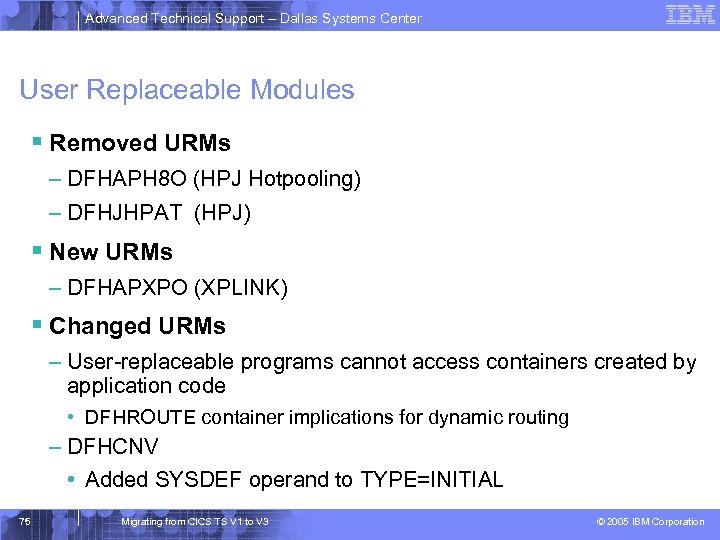 Advanced Technical Support – Dallas Systems Center User Replaceable Modules § Removed URMs – DFHAPH 8 O (HPJ Hotpooling) – DFHJHPAT (HPJ) § New URMs – DFHAPXPO (XPLINK) § Changed URMs – User-replaceable programs cannot access containers created by application code • DFHROUTE container implications for dynamic routing – DFHCNV • Added SYSDEF operand to TYPE=INITIAL 75 Migrating from CICS TS V 1 to V 3 © 2005 IBM Corporation
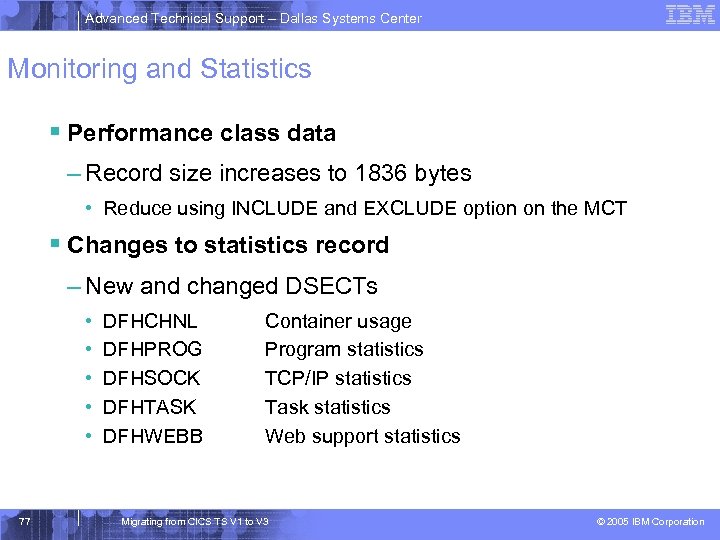 Advanced Technical Support – Dallas Systems Center Monitoring and Statistics § Performance class data – Record size increases to 1836 bytes • Reduce using INCLUDE and EXCLUDE option on the MCT § Changes to statistics record – New and changed DSECTs • • • 77 DFHCHNL DFHPROG DFHSOCK DFHTASK DFHWEBB Container usage Program statistics TCP/IP statistics Task statistics Web support statistics Migrating from CICS TS V 1 to V 3 © 2005 IBM Corporation
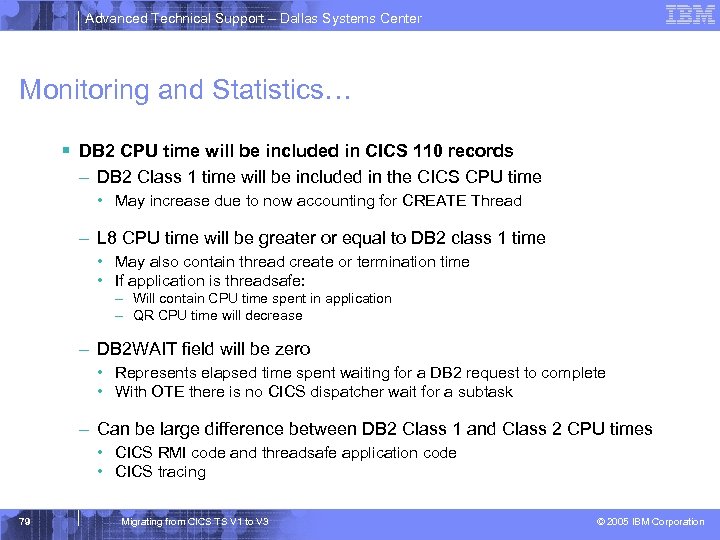 Advanced Technical Support – Dallas Systems Center Monitoring and Statistics… § DB 2 CPU time will be included in CICS 110 records – DB 2 Class 1 time will be included in the CICS CPU time • May increase due to now accounting for CREATE Thread – L 8 CPU time will be greater or equal to DB 2 class 1 time • May also contain thread create or termination time • If application is threadsafe: – Will contain CPU time spent in application – QR CPU time will decrease – DB 2 WAIT field will be zero • Represents elapsed time spent waiting for a DB 2 request to complete • With OTE there is no CICS dispatcher wait for a subtask – Can be large difference between DB 2 Class 1 and Class 2 CPU times • CICS RMI code and threadsafe application code • CICS tracing 79 Migrating from CICS TS V 1 to V 3 © 2005 IBM Corporation
 Advanced Technical Support – Dallas Systems Center Monitoring and Statistics… § XPLINK CPU time will be included in CICS 110 records – X 8 CPU, Dispatch and delay times – X 9 CPU, Dispatch and delay times § OPENAPI – New L 9 CPU, Dispatch and delay times as well as existing L 8 times § SP and S 8 CPU time – SP time will be included in miscellaneous – S 8 CPU, Dispatch and dispatch delay times 81 Migrating from CICS TS V 1 to V 3 © 2005 IBM Corporation
 Advanced Technical Support – Dallas Systems Center CICS SOAP Feature § Not orderable with CICS TS V 3. 1 – Existing Version 2 feature may be used with 3. 1 • Intent is to aid migration • Not intended as a substitute for Web Services 83 Migrating from CICS TS V 1 to V 3 © 2005 IBM Corporation
 Advanced Technical Support – Dallas Systems Center CICSPlex Systems Manager § CICSPlex migrations similar to previous releases – CAS, CMAS and MAS agent code must all be at 3. 1 level – WUI Server and its connected CMAS must be at 3. 1 level • Migrate contents of WUI Server repository – – – At prior CICS level, export view set and menu definitions Create a new WUI server repository for 3. 1 Start the 3. 1 WUI server Import the new starter set definitions Review the new view formats with your changes > Import previous release view set and menu definitions > Specify SKIP on Duplicate Names field of COVC panel – Maintenance point CMAS must be upgraded first 85 Migrating from CICS TS V 1 to V 3 © 2005 IBM Corporation
 Advanced Technical Support – Dallas Systems Center Language Environment § OS/VS COBOL – Support has been removed – Programs using this level of COBOL will abend ALIK § CICS interfaces for the VS COBOL II, OS PL/I and C/370 runtimes are removed – Will need run-time libraries distributed with LE to execute current load modules 87 Migrating from CICS TS V 1 to V 3 © 2005 IBM Corporation
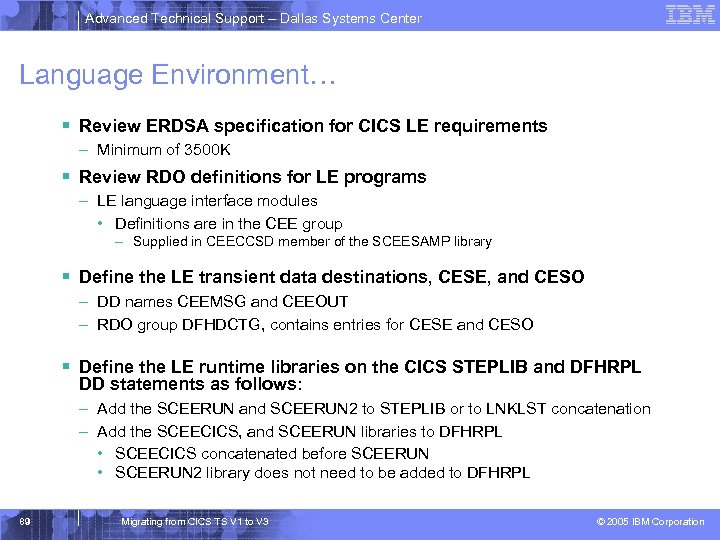 Advanced Technical Support – Dallas Systems Center Language Environment… § Review ERDSA specification for CICS LE requirements – Minimum of 3500 K § Review RDO definitions for LE programs – LE language interface modules • Definitions are in the CEE group – Supplied in CEECCSD member of the SCEESAMP library § Define the LE transient data destinations, CESE, and CESO – DD names CEEMSG and CEEOUT – RDO group DFHDCTG, contains entries for CESE and CESO § Define the LE runtime libraries on the CICS STEPLIB and DFHRPL DD statements as follows: – Add the SCEERUN and SCEERUN 2 to STEPLIB or to LNKLST concatenation – Add the SCEECICS, and SCEERUN libraries to DFHRPL • SCEECICS concatenated before SCEERUN • SCEERUN 2 library does not need to be added to DFHRPL 89 Migrating from CICS TS V 1 to V 3 © 2005 IBM Corporation
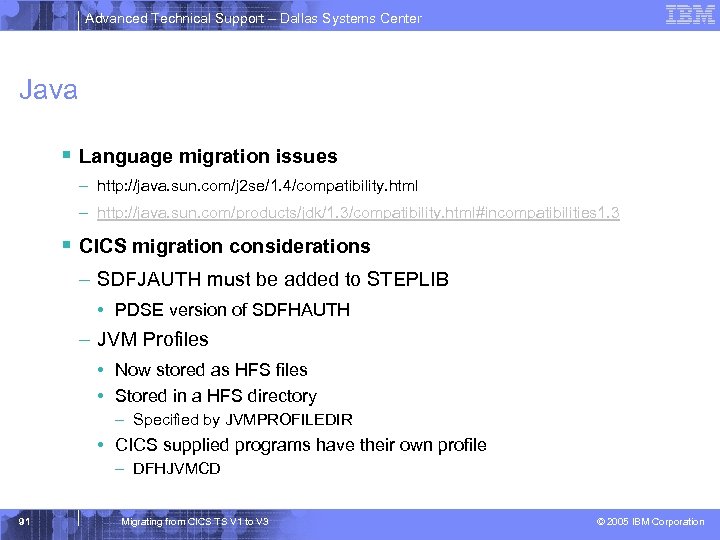 Advanced Technical Support – Dallas Systems Center Java § Language migration issues – http: //java. sun. com/j 2 se/1. 4/compatibility. html – http: //java. sun. com/products/jdk/1. 3/compatibility. html#incompatibilities 1. 3 § CICS migration considerations – SDFJAUTH must be added to STEPLIB • PDSE version of SDFHAUTH – JVM Profiles • Now stored as HFS files • Stored in a HFS directory – Specified by JVMPROFILEDIR • CICS supplied programs have their own profile – DFHJVMCD 91 Migrating from CICS TS V 1 to V 3 © 2005 IBM Corporation
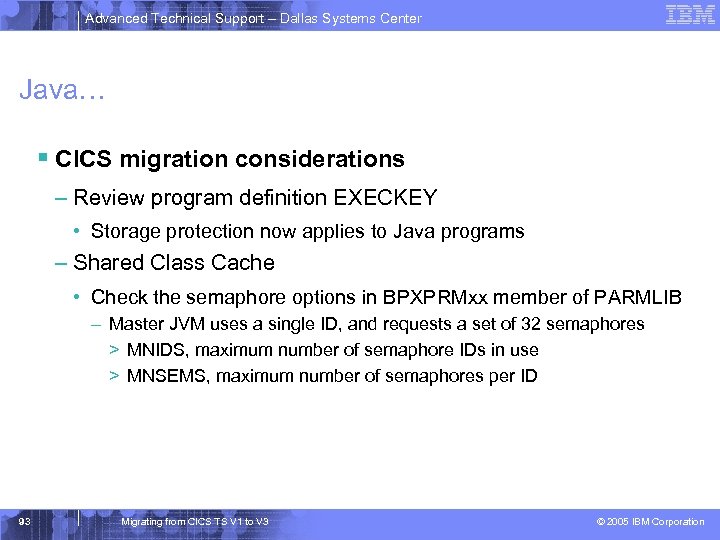 Advanced Technical Support – Dallas Systems Center Java… § CICS migration considerations – Review program definition EXECKEY • Storage protection now applies to Java programs – Shared Class Cache • Check the semaphore options in BPXPRMxx member of PARMLIB – Master JVM uses a single ID, and requests a set of 32 semaphores > MNIDS, maximum number of semaphore IDs in use > MNSEMS, maximum number of semaphores per ID 93 Migrating from CICS TS V 1 to V 3 © 2005 IBM Corporation
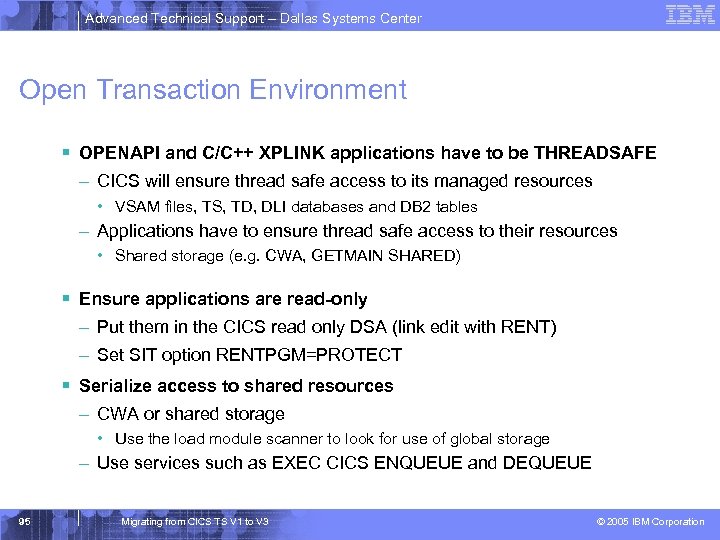 Advanced Technical Support – Dallas Systems Center Open Transaction Environment § OPENAPI and C/C++ XPLINK applications have to be THREADSAFE – CICS will ensure thread safe access to its managed resources • VSAM files, TS, TD, DLI databases and DB 2 tables – Applications have to ensure thread safe access to their resources • Shared storage (e. g. CWA, GETMAIN SHARED) § Ensure applications are read-only – Put them in the CICS read only DSA (link edit with RENT) – Set SIT option RENTPGM=PROTECT § Serialize access to shared resources – CWA or shared storage • Use the load module scanner to look for use of global storage – Use services such as EXEC CICS ENQUEUE and DEQUEUE 95 Migrating from CICS TS V 1 to V 3 © 2005 IBM Corporation
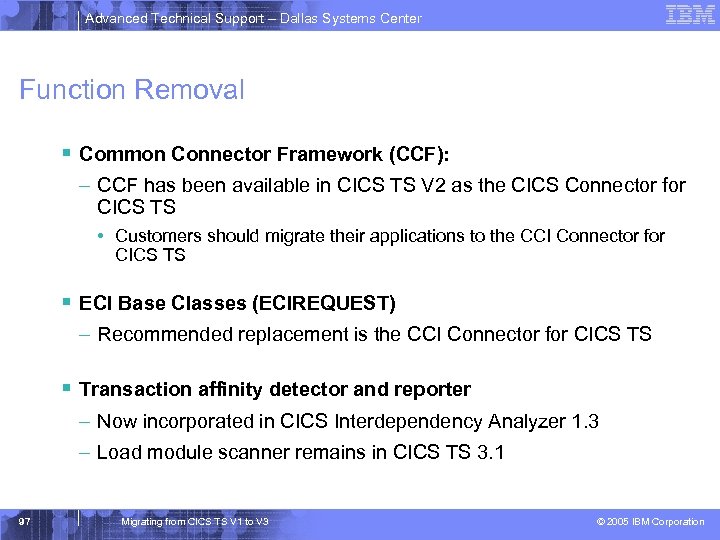 Advanced Technical Support – Dallas Systems Center Function Removal § Common Connector Framework (CCF): – CCF has been available in CICS TS V 2 as the CICS Connector for CICS TS • Customers should migrate their applications to the CCI Connector for CICS TS § ECI Base Classes (ECIREQUEST) – Recommended replacement is the CCI Connector for CICS TS § Transaction affinity detector and reporter – Now incorporated in CICS Interdependency Analyzer 1. 3 – Load module scanner remains in CICS TS 3. 1 97 Migrating from CICS TS V 1 to V 3 © 2005 IBM Corporation
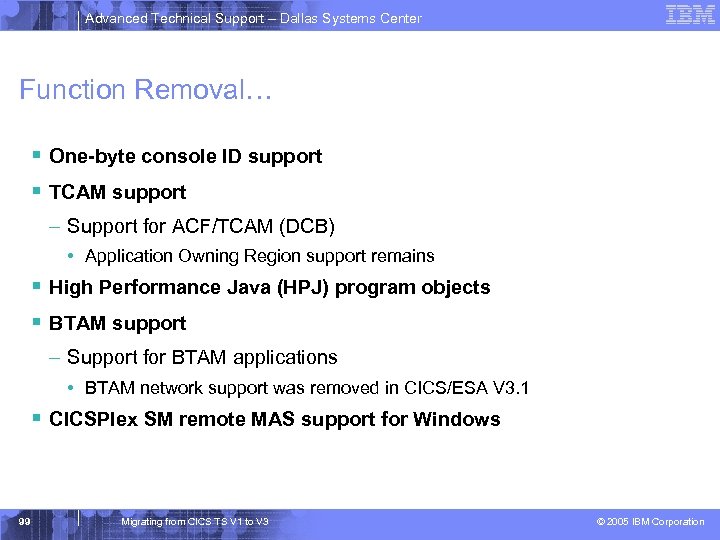 Advanced Technical Support – Dallas Systems Center Function Removal… § One-byte console ID support § TCAM support – Support for ACF/TCAM (DCB) • Application Owning Region support remains § High Performance Java (HPJ) program objects § BTAM support – Support for BTAM applications • BTAM network support was removed in CICS/ESA V 3. 1 § CICSPlex SM remote MAS support for Windows 99 Migrating from CICS TS V 1 to V 3 © 2005 IBM Corporation
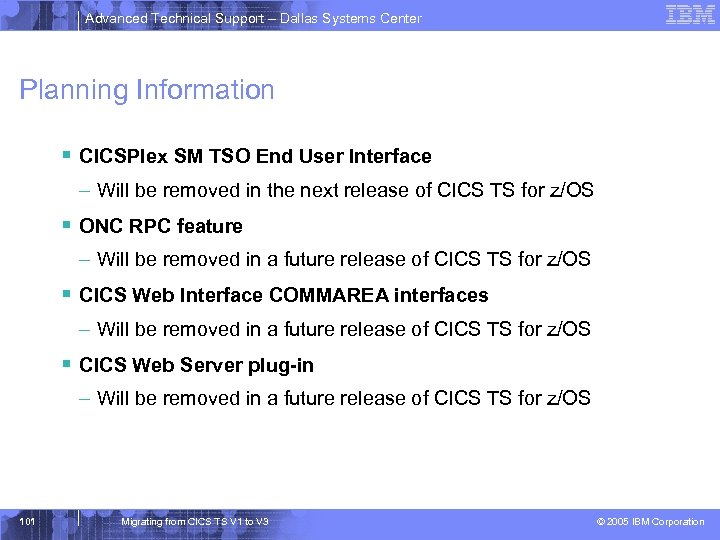 Advanced Technical Support – Dallas Systems Center Planning Information § CICSPlex SM TSO End User Interface – Will be removed in the next release of CICS TS for z/OS § ONC RPC feature – Will be removed in a future release of CICS TS for z/OS § CICS Web Interface COMMAREA interfaces – Will be removed in a future release of CICS TS for z/OS § CICS Web Server plug-in – Will be removed in a future release of CICS TS for z/OS 101 Migrating from CICS TS V 1 to V 3 © 2005 IBM Corporation
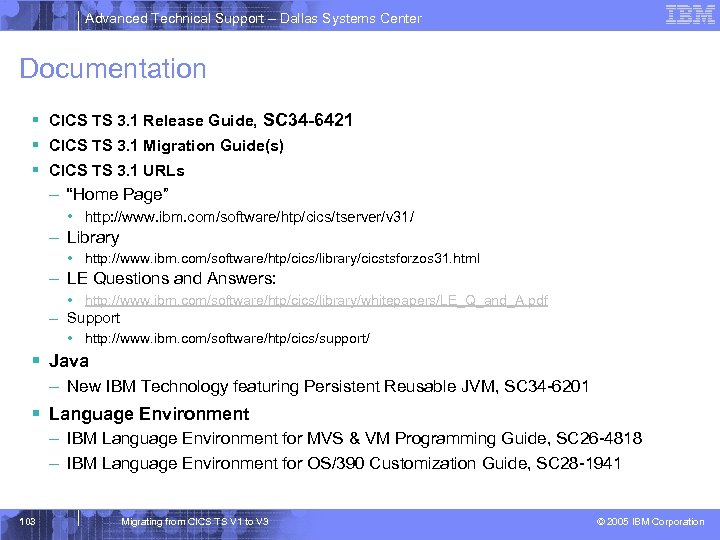 Advanced Technical Support – Dallas Systems Center Documentation § CICS TS 3. 1 Release Guide, SC 34 -6421 § CICS TS 3. 1 Migration Guide(s) § CICS TS 3. 1 URLs – “Home Page” • http: //www. ibm. com/software/htp/cics/tserver/v 31/ – Library • http: //www. ibm. com/software/htp/cics/library/cicstsforzos 31. html – LE Questions and Answers: • http: //www. ibm. com/software/htp/cics/library/whitepapers/LE_Q_and_A. pdf – Support • http: //www. ibm. com/software/htp/cics/support/ § Java – New IBM Technology featuring Persistent Reusable JVM, SC 34 -6201 § Language Environment – IBM Language Environment for MVS & VM Programming Guide, SC 26 -4818 – IBM Language Environment for OS/390 Customization Guide, SC 28 -1941 103 Migrating from CICS TS V 1 to V 3 © 2005 IBM Corporation
 Advanced Technical Support – Dallas Systems Center Documentation… § CICS Information Center Primary source of CICS information – Eclipse based workbench Ÿ Shipped on a CD Ÿ Accessed with a web browser Ÿ Extensive search capabilities Ÿ Bookmarks can be set – Existing CICS library available in both HTML and PDF formats – § Hardcopy Publications (shipped with order) – – – CICS TS for z/OS Release Guide CICS TS for z/OS Installation Guide CICS TS for z/OS Licensed Specifications CICS TS for z/OS Memo to Licensees CICS TS for z/OS Program Directory GC 34 -6421 GC 34 -6426 GC 34 -6608 GI 10 -2585 GI 10 -2586 Other manuals available as separate priced feature 105 Migrating from CICS TS V 1 to V 3 © 2005 IBM Corporation
 Advanced Technical Support – Dallas Systems Center Summary § Installation – Similar to previous releases • Standard installation procedure or DFHISTAR – Additional Unix System Services and HFS components § Migration – Application Programmers • OS/VS COBOL considerations • C/C++ Threadsafe considerations for XPLINK usage • Threadsafe considerations for OPENAPI usage – Systems Programmers • Function Removal • Review ALL GLUEs, TRUEs and URMs – Threadsafe considerations 107 Migrating from CICS TS V 1 to V 3 © 2005 IBM Corporation