 Скачать презентацию Admission Self Service Kimberly A Saving-Sherman Sun Gard
f9fba07687dedf6678ecee2d5bf4efb5.ppt
- Количество слайдов: 35




Admission Self Service Kimberly A Saving-Sherman Sun. Gard SCT
Agenda u Overview u Applicant Processing u Admissions Office Processing u Admission Self Service Functionality u Quick. Start Functionality u Questions and Answers
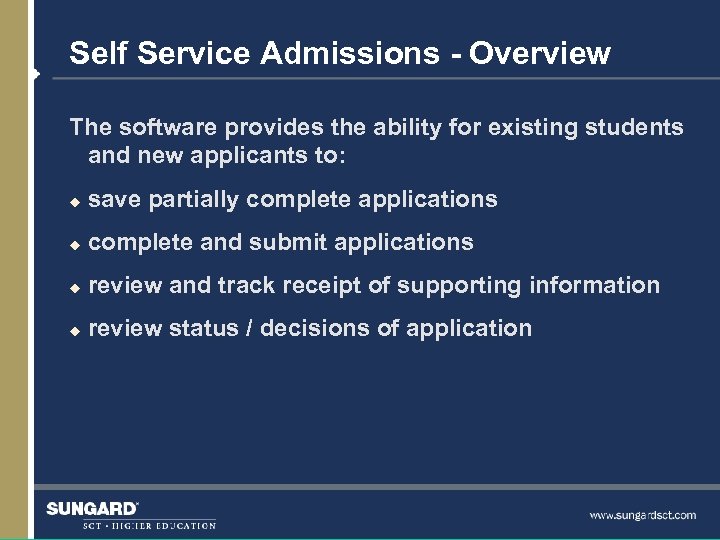
Self Service Admissions - Overview The software provides the ability for existing students and new applicants to: u save partially complete applications u complete and submit applications u review and track receipt of supporting information u review status / decisions of application
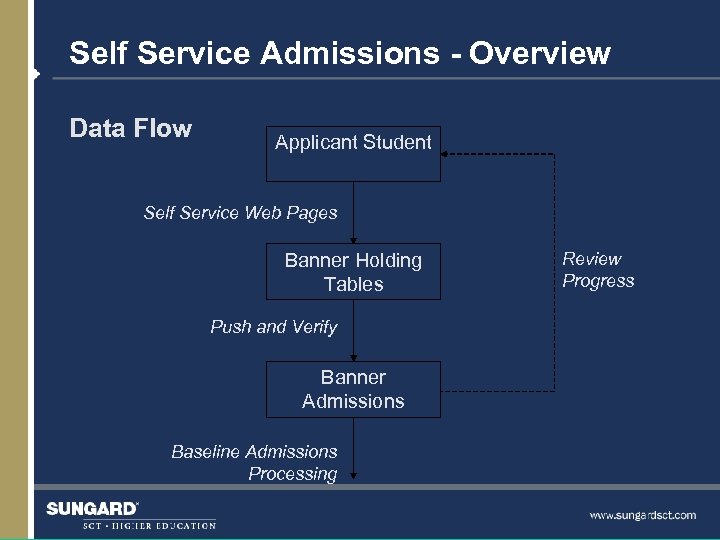
Self Service Admissions - Overview Data Flow Applicant Student Self Service Web Pages Banner Holding Tables Push and Verify Banner Admissions Baseline Admissions Processing Review Progress
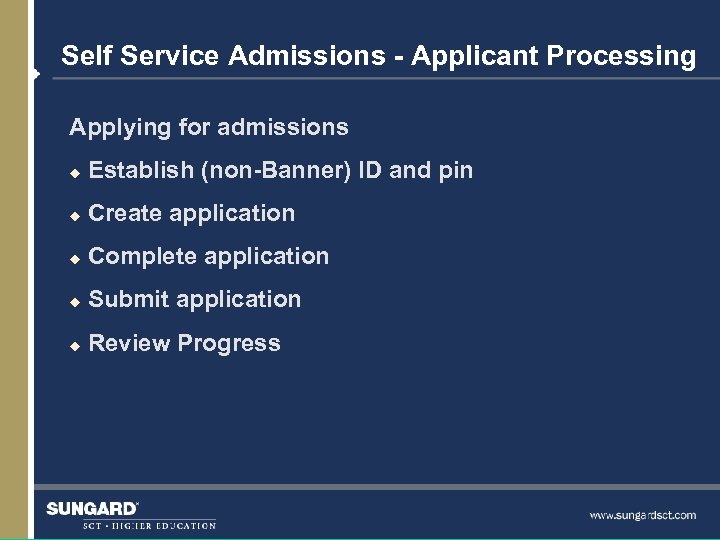
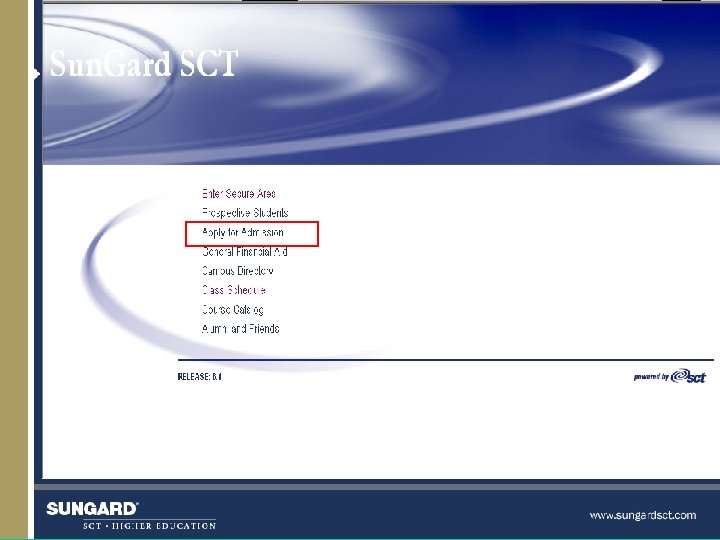
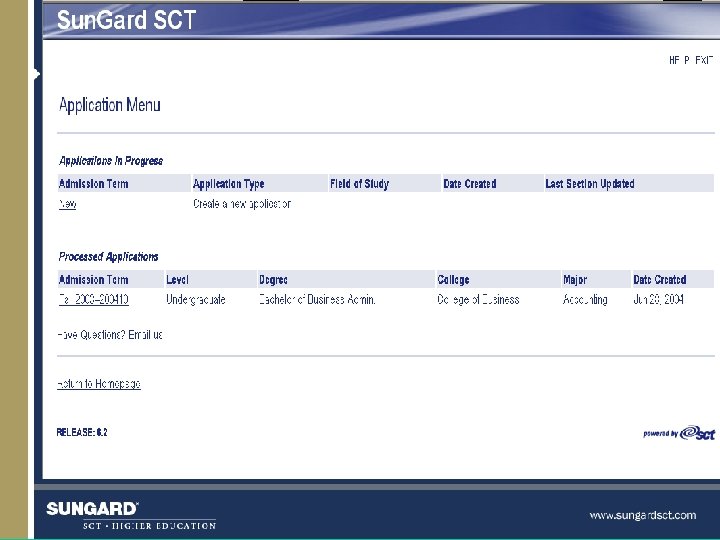
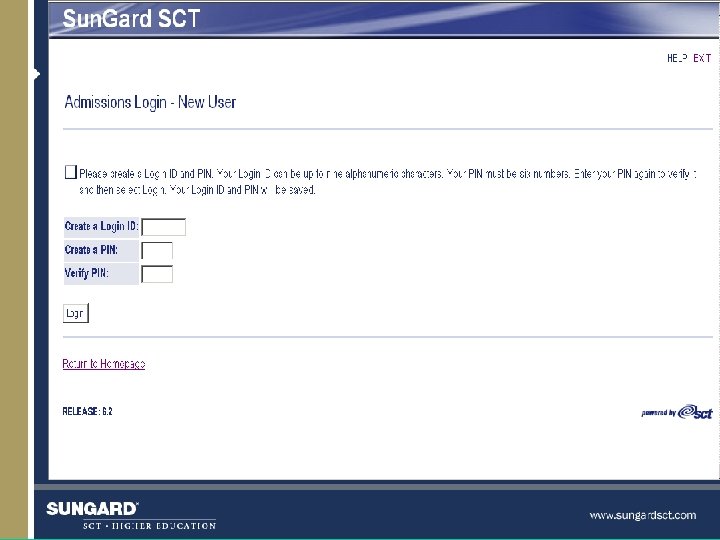
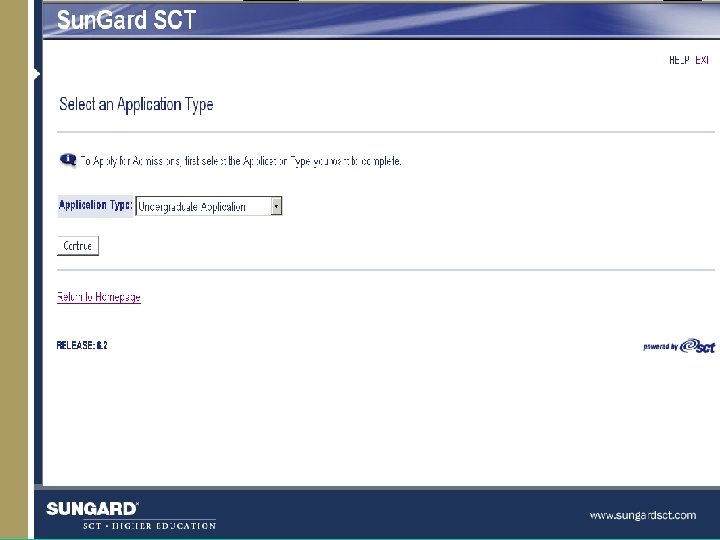
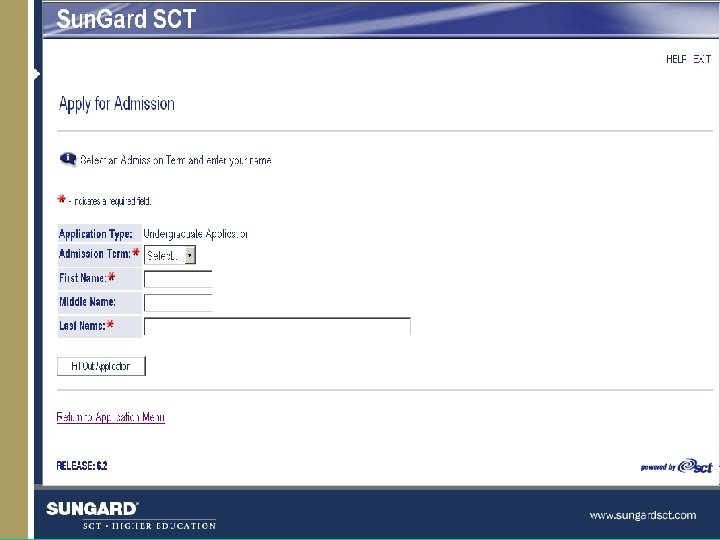
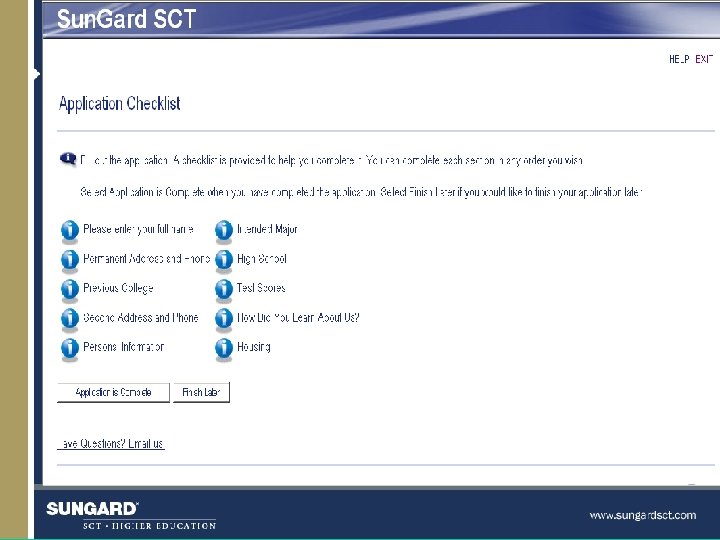
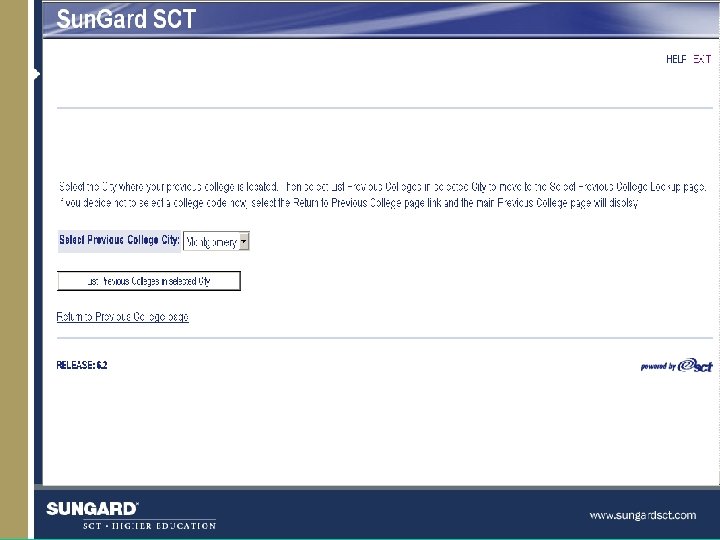
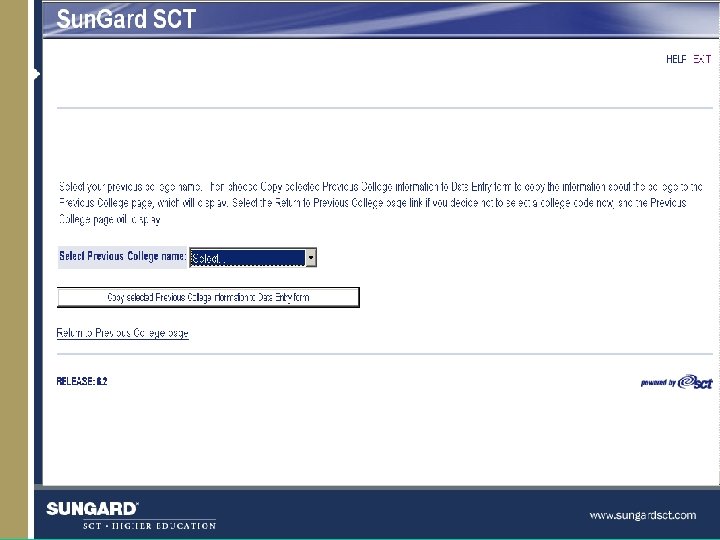
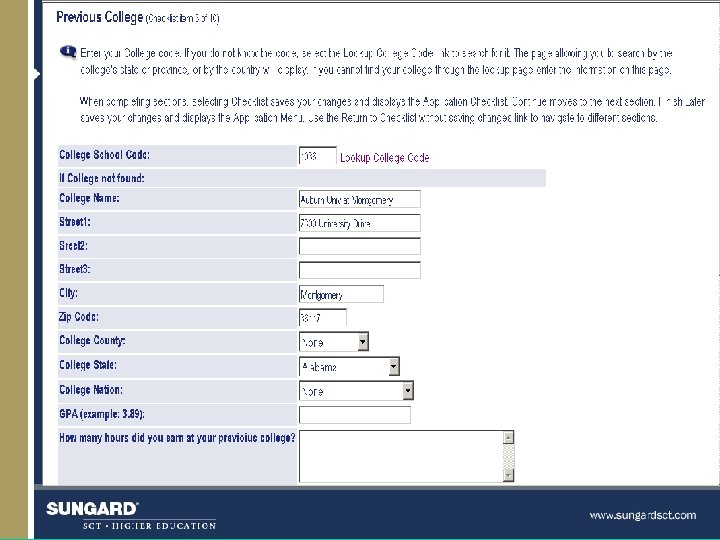
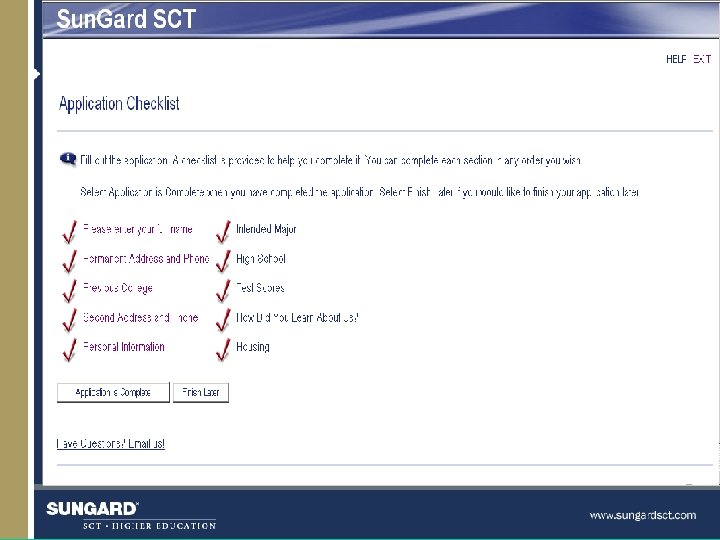
Self Service Admissions - Applicant Processing Applying for admissions u Establish (non-Banner) ID and pin u Create application u Complete application u Submit application u Review Progress
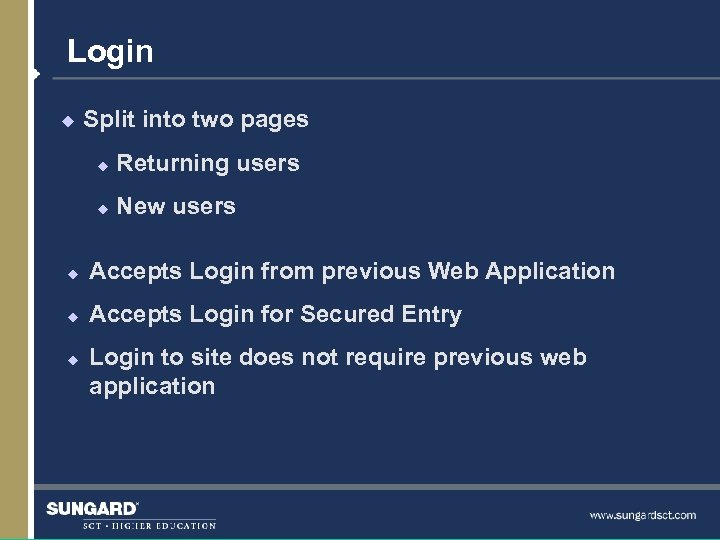
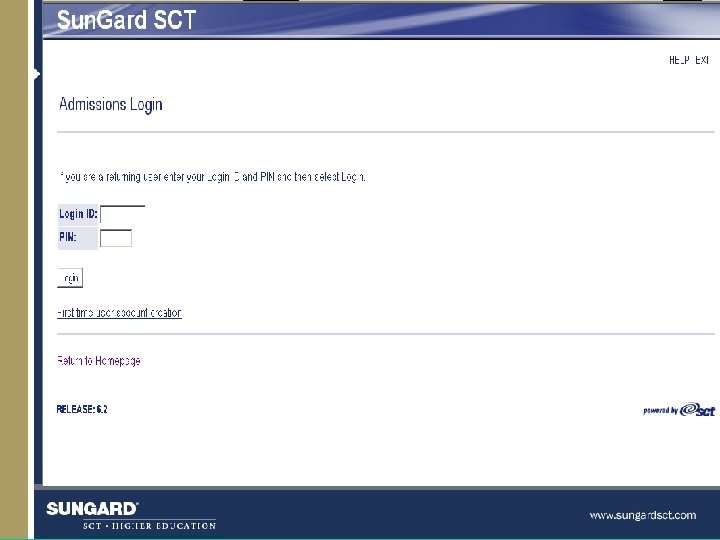
Login u Split into two pages u Returning users u New users u Accepts Login from previous Web Application u Accepts Login for Secured Entry u Login to site does not require previous web application
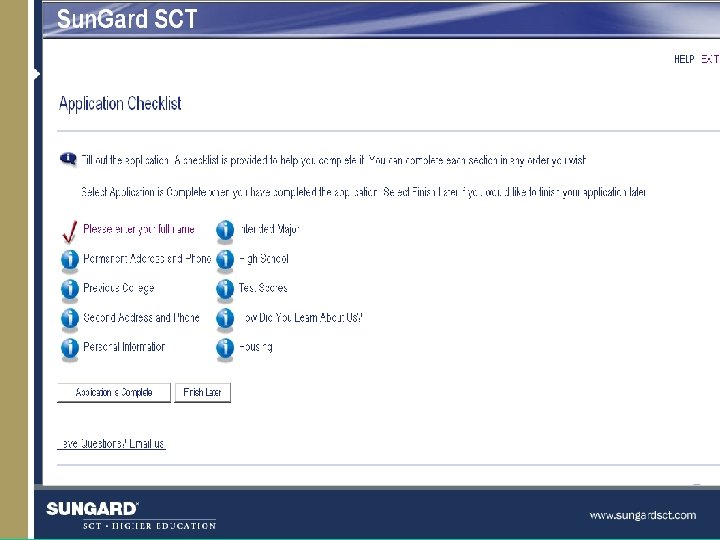
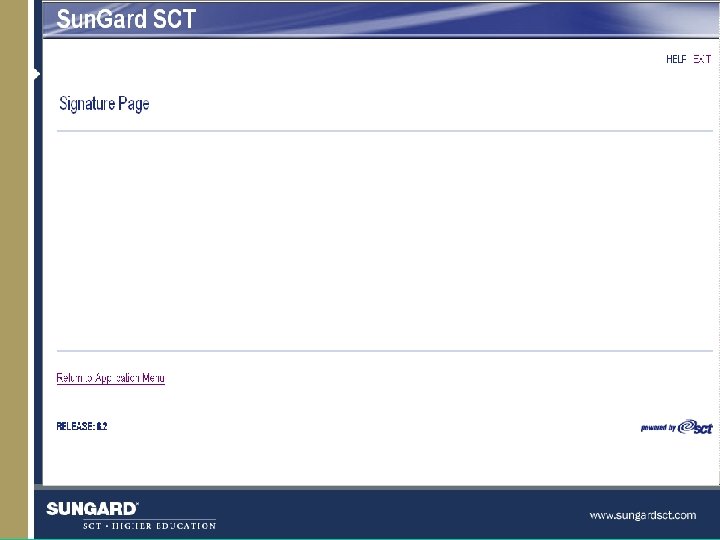
Signature page u Can use a default signature page entered in Web Tailor Create Or u Can place applicant data within a customized signature page
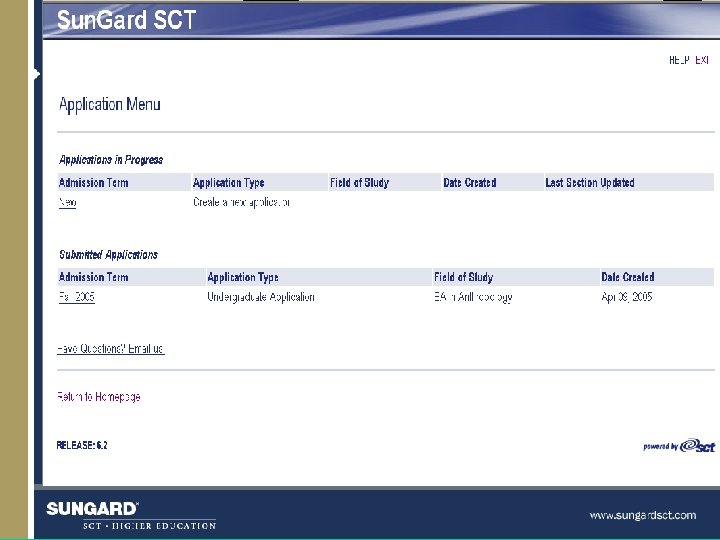
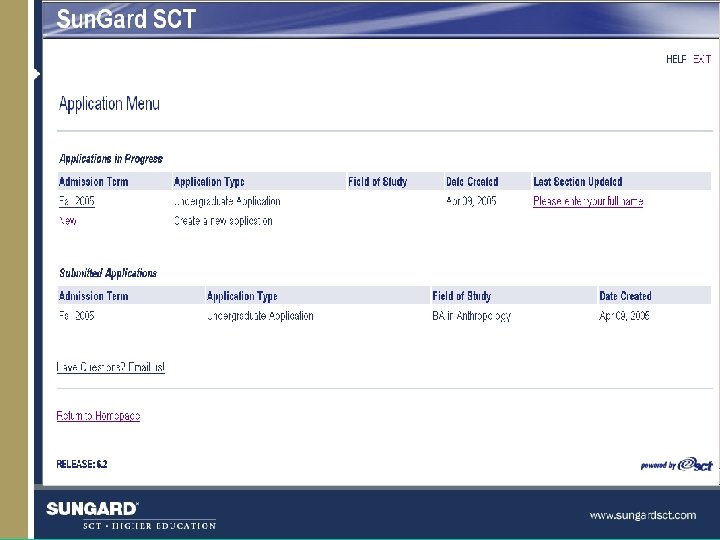
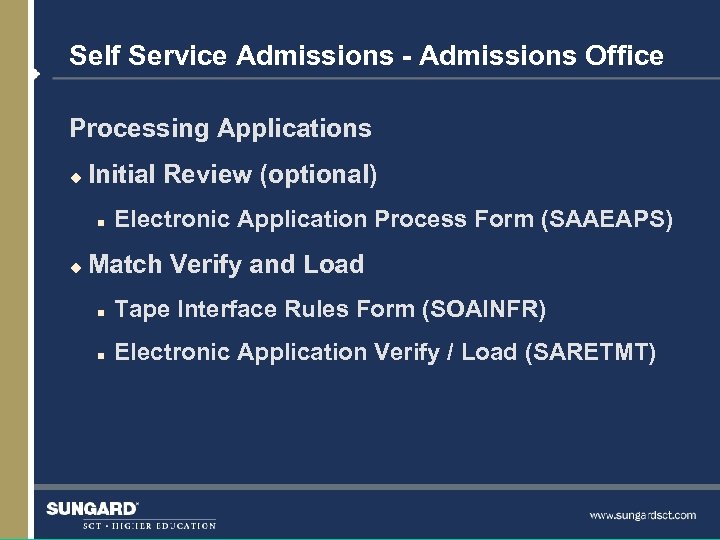
Self Service Admissions - Admissions Office Processing Applications u Initial Review (optional) n u Electronic Application Process Form (SAAEAPS) Match Verify and Load n Tape Interface Rules Form (SOAINFR) n Electronic Application Verify / Load (SARETMT)
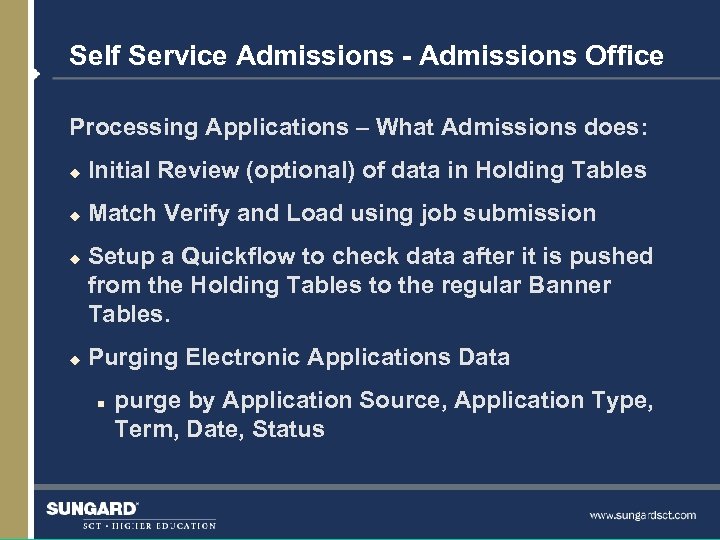
Self Service Admissions - Admissions Office Processing Applications – What Admissions does: u Initial Review (optional) of data in Holding Tables u Match Verify and Load using job submission u u Setup a Quickflow to check data after it is pushed from the Holding Tables to the regular Banner Tables. Purging Electronic Applications Data n purge by Application Source, Application Type, Term, Date, Status
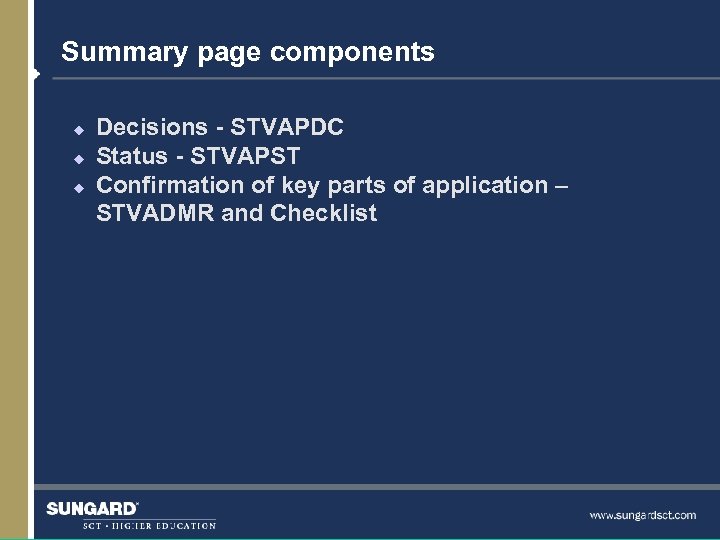
Summary page components u u u Decisions - STVAPDC Status - STVAPST Confirmation of key parts of application – STVADMR and Checklist
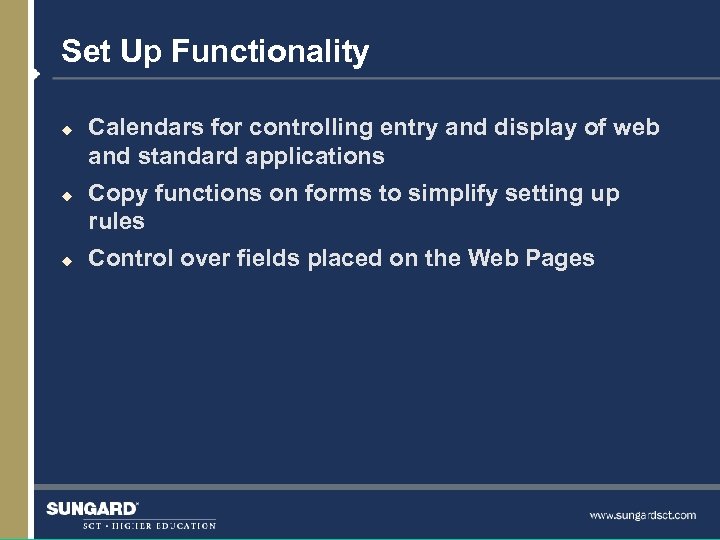
Set Up Functionality u u u Calendars for controlling entry and display of web and standard applications Copy functions on forms to simplify setting up rules Control over fields placed on the Web Pages
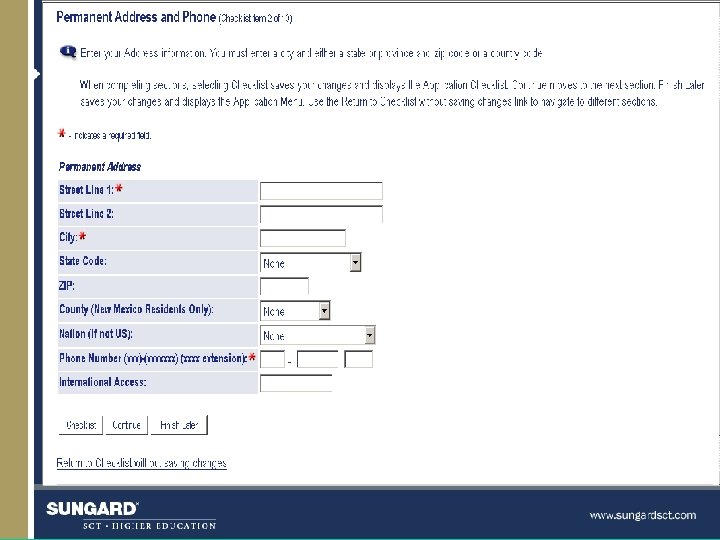
The required indicator u Indicator lets you decide which fields the applicant needs to complete on the application
Web User Defined Questions u u Up to 10 user-defined questions can be displayed on each application section Up to 20 user-defined questions can be displayed in the “Additional Information” section Essay and yes/no questions can be defined on this form Can link questions to an admissions checklist code (STVADMR)
Quick. Start Functionality u u u The Banner self-service (web) application process can create the General Student record so that the student can register for classes via Banner selfservice immediately. Web Signature Pages can be used to tell students if there were any problems creating their record, and give them instructions. This training only covers the Admissions web setup. You must coordinate this with self-service registration set-up.
Question and Answers

Thank you for your participation

Sun. Gard, the Sun. Gard logo, SCT, the SCT logo, and Banner, Campus Pipeline, Luminis, Power. CAMPUS, SCT Matrix, SCT Plus, and SCT Pocket. Recruiter are trademarks or registered trademarks of Sun. Gard Data Systems Inc. or its subsidiaries in the U. S. and other countries. All other trade names are trademarks or registered trademarks of their respective holders. © 2003 -2004 Sun. Gard
Скачать презентацию Admission Self Service Kimberly A Saving-Sherman Sun Gard
f9fba07687dedf6678ecee2d5bf4efb5.ppt