 Скачать презентацию Addressing C 3 Cyber Ethics Safety and Security
3683f68103fb8b77ab8de3f2530d0e78.ppt
- Количество слайдов: 55



Addressing C 3: Cyber Ethics, Safety, and Security in Web 2. 0 Davina Pruitt-Mentle Nancy Willard 1/29/08 2008 Copyright ETPRO 1
Cybersecurity The Forgotten Element Davina Pruitt-Mentle Education Technology Policy, Research and Outreach Cyber. WATCH June 29, 2008 NECC 1/29/08 2008 Copyright ETPRO 2
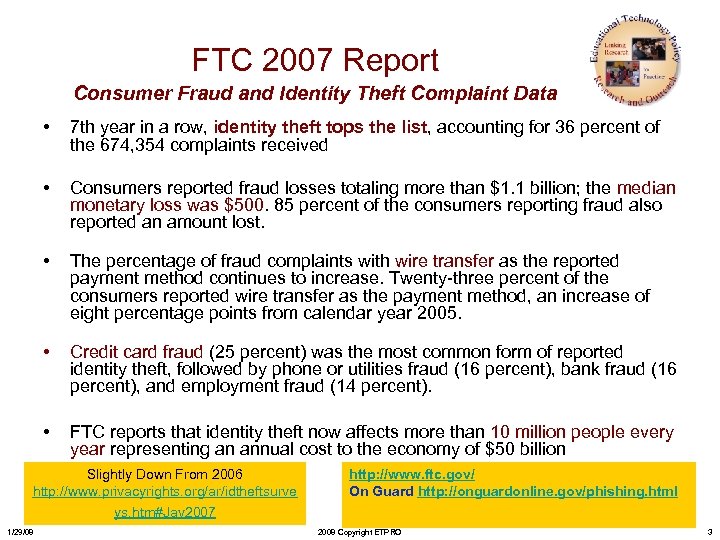
FTC 2007 Report Consumer Fraud and Identity Theft Complaint Data • 7 th year in a row, identity theft tops the list, accounting for 36 percent of the 674, 354 complaints received • Consumers reported fraud losses totaling more than $1. 1 billion; the median monetary loss was $500. 85 percent of the consumers reporting fraud also reported an amount lost. • The percentage of fraud complaints with wire transfer as the reported payment method continues to increase. Twenty-three percent of the consumers reported wire transfer as the payment method, an increase of eight percentage points from calendar year 2005. • Credit card fraud (25 percent) was the most common form of reported identity theft, followed by phone or utilities fraud (16 percent), bank fraud (16 percent), and employment fraud (14 percent). • FTC reports that identity theft now affects more than 10 million people every year representing an annual cost to the economy of $50 billion Slightly Down From 2006 http: //www. privacyrights. org/ar/idtheftsurve ys. htm#Jav 2007 1/29/08 http: //www. ftc. gov/ On Guard http: //onguardonline. gov/phishing. html 2008 Copyright ETPRO 3
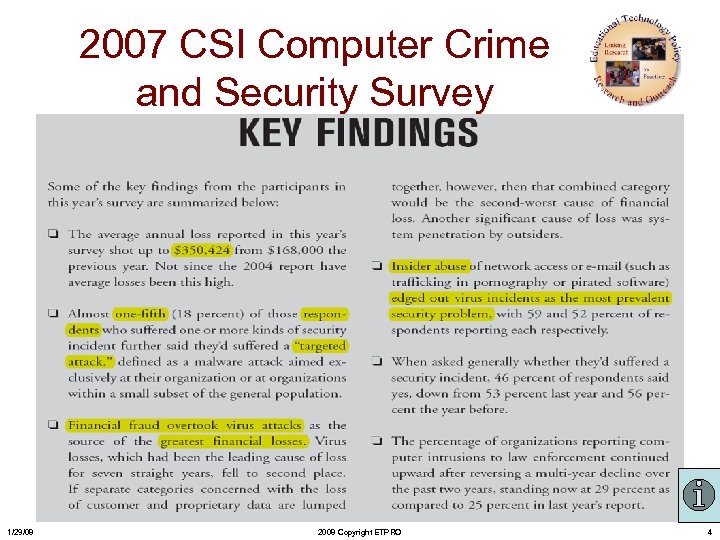
2007 CSI Computer Crime and Security Survey 1/29/08 2008 Copyright ETPRO 4
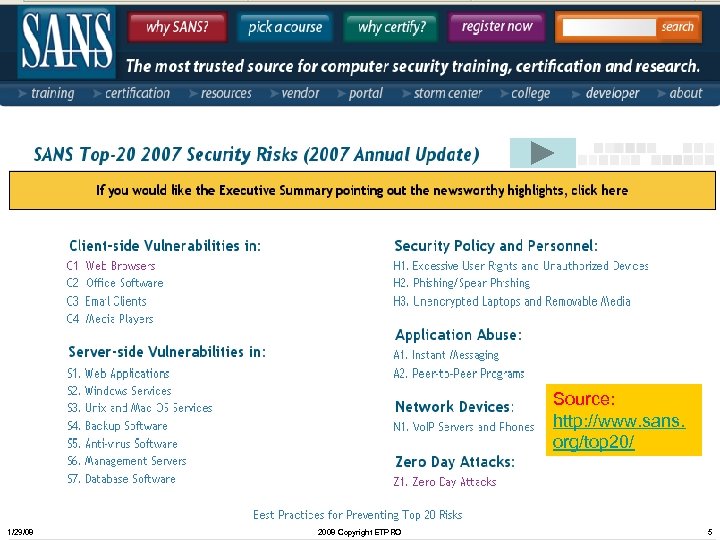
Source: http: //www. sans. org/top 20/ 1/29/08 2008 Copyright ETPRO 5
Georgia Tech's Information Security Center (GTISC) 2008 Top 5 Emerging Cyber Threats • Web 2. 0 and Client-Side Attacks – including social networking attacks and new attacks that will exploit Web 2. 0 vulnerabilities • Targeted Messaging Attacks – including Instant Messaging attacks and malware propagation via online video-sharing • Botnets – specifically the spread of botnet attacks to wireless and peer-to-peer network • Threats Targeting Mobile Convergence – including voice spam, vishing and smishing • Threats to Radio Frequency Identification (RFID) Systems – evolving and varied threats in this emerging technology sector http: //www. gatech. edu/news-room/release. php? id=1531 1/29/08 2008 Copyright ETPRO 6
Think Your Home Computer Is Safe? • 2007 Mc. Afee-NCSA Online Safety Study – conducted a comprehensive consumer online security research study – compared online Americans’ opinions of their computer security to the reality – what security software they were actually running – telephone survey and then participated in a remote scan which collected the type of security software installed on the respondents’ computer SOURCE: http: //staysafeonline. org/features/ncsalibrary. html 1/29/08 2008 Copyright ETPRO 7
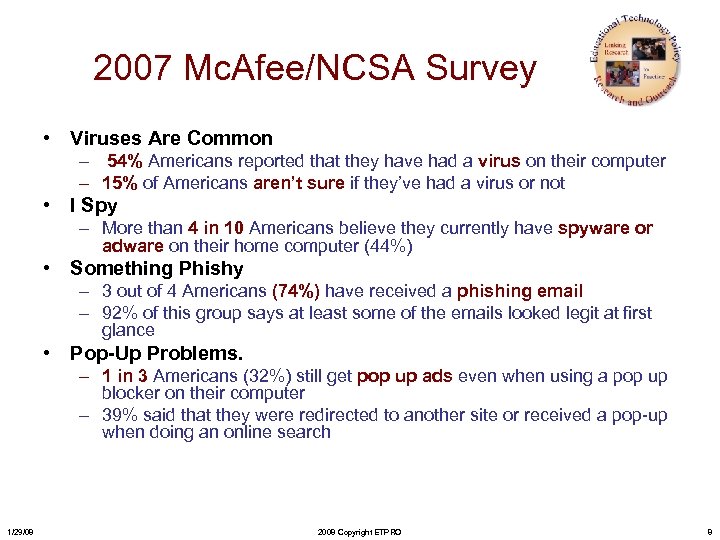
2007 Mc. Afee/NCSA Survey • Viruses Are Common – 54% Americans reported that they have had a virus on their computer – 15% of Americans aren’t sure if they’ve had a virus or not • I Spy – More than 4 in 10 Americans believe they currently have spyware or adware on their home computer (44%) • Something Phishy – 3 out of 4 Americans (74%) have received a phishing email – 92% of this group says at least some of the emails looked legit at first glance • Pop-Up Problems. – 1 in 3 Americans (32%) still get pop up ads even when using a pop up blocker on their computer – 39% said that they were redirected to another site or received a pop-up when doing an online search 1/29/08 2008 Copyright ETPRO 8
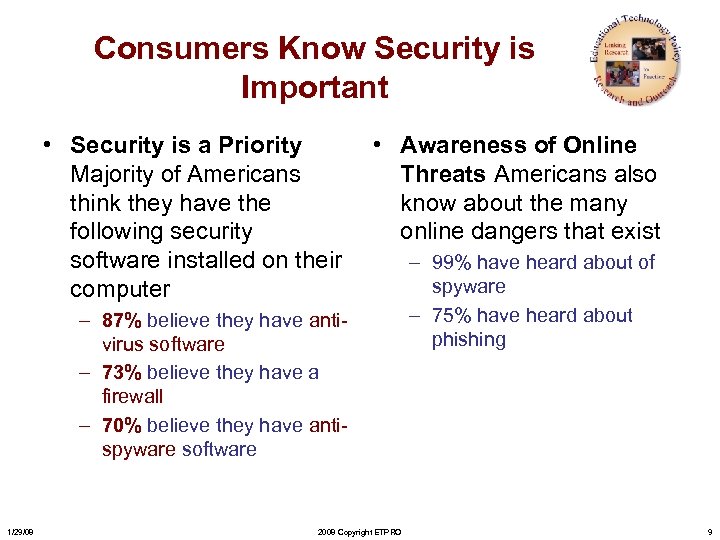
Consumers Know Security is Important • Security is a Priority • Awareness of Online Majority of Americans Threats Americans also think they have the know about the many following security online dangers that exist software installed on their – 99% have heard about of spyware computer – 87% believe they have antivirus software – 73% believe they have a firewall – 70% believe they have antispyware software 1/29/08 2008 Copyright ETPRO – 75% have heard about phishing 9
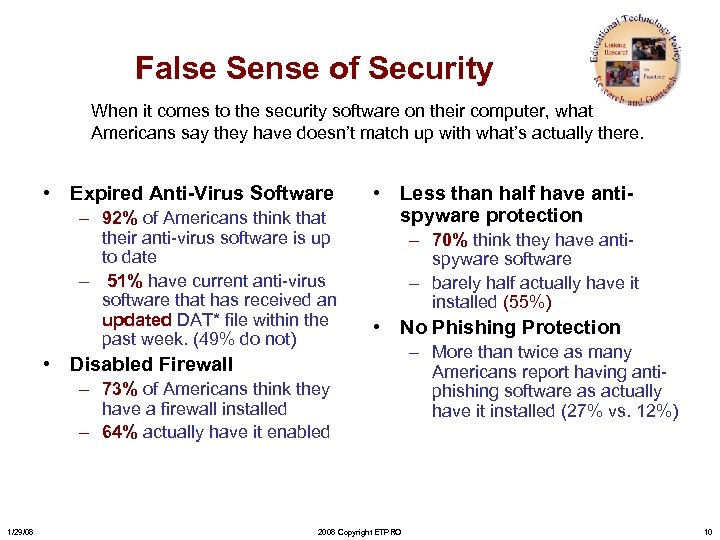
False Sense of Security When it comes to the security software on their computer, what Americans say they have doesn’t match up with what’s actually there. • Expired Anti-Virus Software – 92% of Americans think that their anti-virus software is up to date – 51% have current anti-virus software that has received an updated DAT* file within the past week. (49% do not) • Less than half have antispyware protection – 70% think they have antispyware software – barely half actually have it installed (55%) • No Phishing Protection • Disabled Firewall – 73% of Americans think they have a firewall installed – 64% actually have it enabled 1/29/08 2008 Copyright ETPRO – More than twice as many Americans report having antiphishing software as actually have it installed (27% vs. 12%) 10
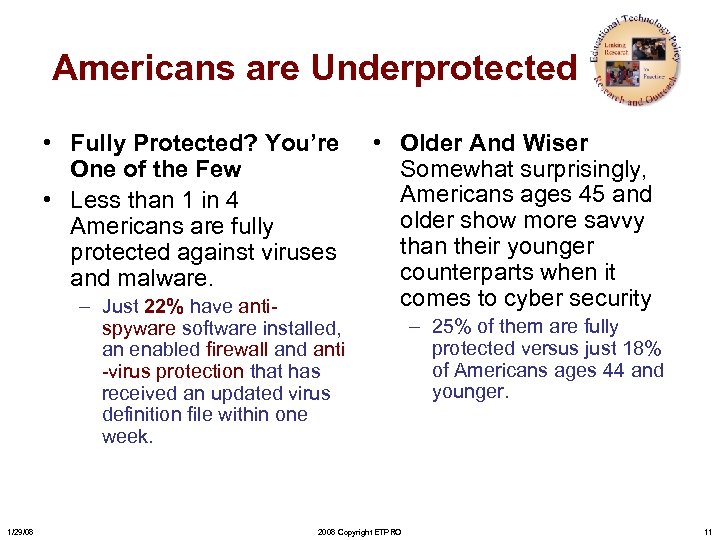
Americans are Underprotected • Fully Protected? You’re One of the Few • Less than 1 in 4 Americans are fully protected against viruses and malware. – Just 22% have antispyware software installed, an enabled firewall and anti -virus protection that has received an updated virus definition file within one week. 1/29/08 • Older And Wiser Somewhat surprisingly, Americans ages 45 and older show more savvy than their younger counterparts when it comes to cyber security 2008 Copyright ETPRO – 25% of them are fully protected versus just 18% of Americans ages 44 and younger. 11
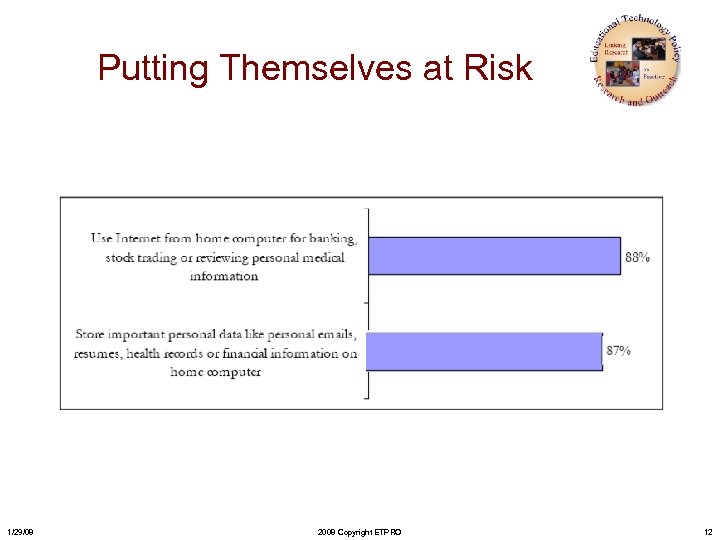
Putting Themselves at Risk 1/29/08 2008 Copyright ETPRO 12
How Computer Savvy Are You? • Safe Search. Almost all Americans agree that it is important to be able to know the risk level of a web site before visiting it (98%), but most do not know how to do this. – 64% of Americans admit they don’t know how to determine if a website is safe before visiting it – Nearly eight in ten (78%) say that when they are viewing search results, they have no idea how to tell if any of them might lead to a high-risk website • What Is A Firewall, Anyway? Just 4% of Americans say they understand firewalls “completely” and more than four out of ten Americans (44%) don’t understand how firewalls work. • The Facts of Phishing. One in four Americans have not even heard of the term “phishing” before (25%). And just half of those who claim to know what phishing is can accurately define it (54%). 1/29/08 2008 Copyright ETPRO 13
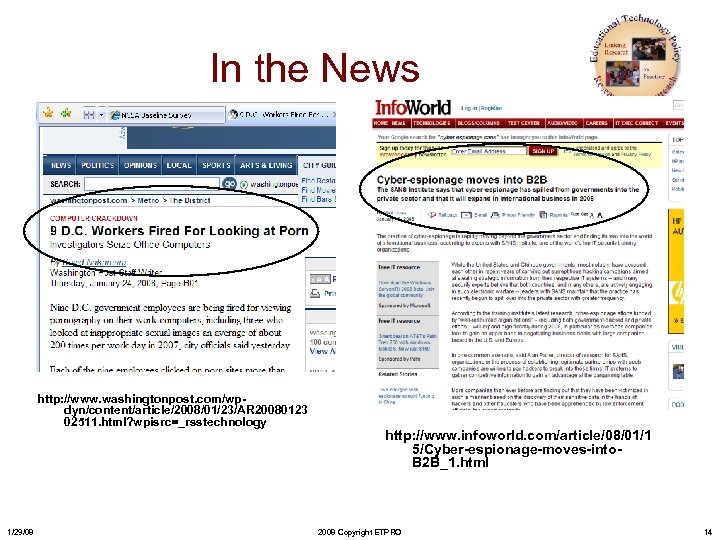
In the News http: //www. washingtonpost. com/wpdyn/content/article/2008/01/23/AR 20080123 02511. html? wpisrc=_rsstechnology 1/29/08 http: //www. infoworld. com/article/08/01/1 5/Cyber-espionage-moves-into. B 2 B_1. html 2008 Copyright ETPRO 14
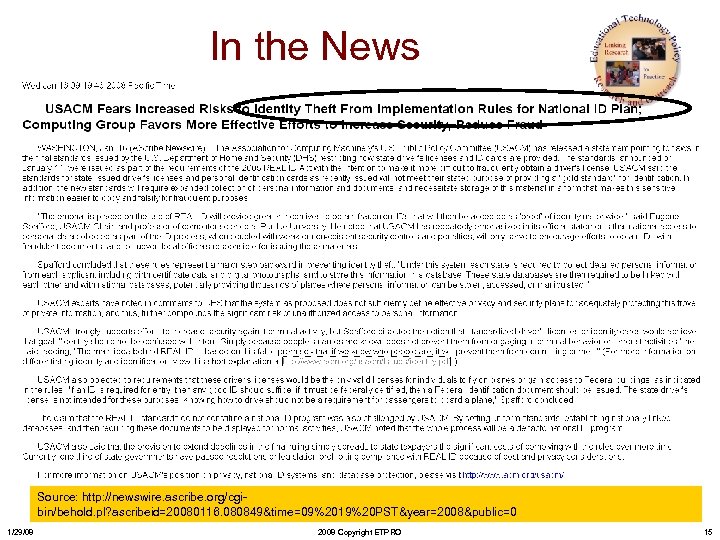
In the News Source: http: //newswire. ascribe. org/cgibin/behold. pl? ascribeid=20080116. 080849&time=09%2019%20 PST&year=2008&public=0 1/29/08 2008 Copyright ETPRO 15
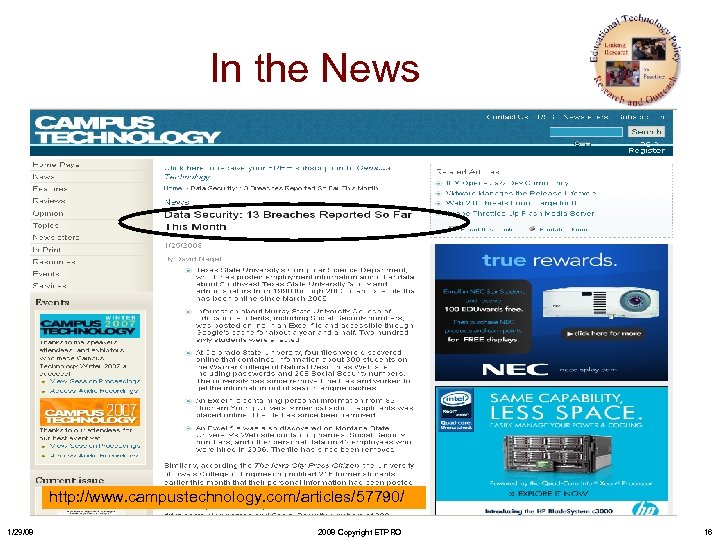
In the News http: //www. campustechnology. com/articles/57790/ 1/29/08 2008 Copyright ETPRO 16
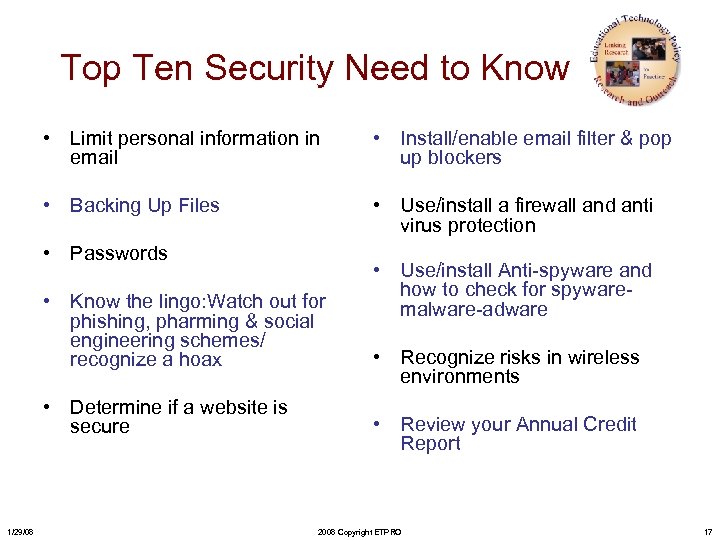
Top Ten Security Need to Know • Limit personal information in email • Install/enable email filter & pop up blockers • Backing Up Files • Use/install a firewall and anti virus protection • Passwords • Know the lingo: Watch out for phishing, pharming & social engineering schemes/ recognize a hoax • Determine if a website is secure 1/29/08 • Use/install Anti-spyware and how to check for spywaremalware-adware • Recognize risks in wireless environments • Review your Annual Credit Report 2008 Copyright ETPRO 17
Limit Personal Information in Email – Never offer your personal information, such as a credit card or social security number, via email or instant message – Never provide personal information via a website, without first consulting the website’s privacy policy 1/29/08 2008 Copyright ETPRO 18
Become Familiar with the Lingo • • 1/29/08 Phishing Pharming Spear phishing Social Engineering Worm Virus Adware Spyware • • Spamming Spoofing Vishing Smishing Voice spam Malware Trojan Horse 2008 Copyright ETPRO 19
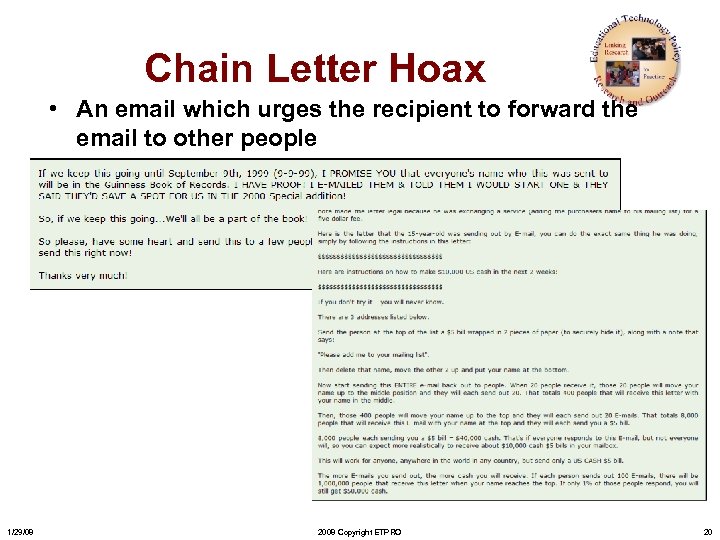
Chain Letter Hoax • An email which urges the recipient to forward the email to other people 1/29/08 2008 Copyright ETPRO 20
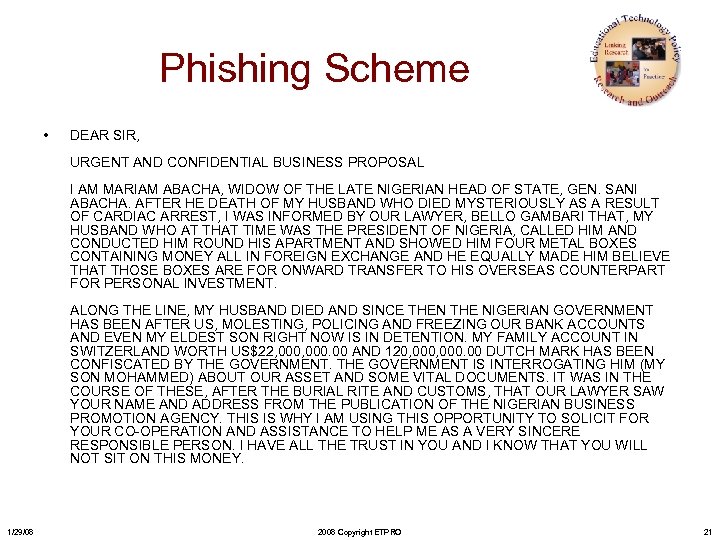
Phishing Scheme • DEAR SIR, URGENT AND CONFIDENTIAL BUSINESS PROPOSAL I AM MARIAM ABACHA, WIDOW OF THE LATE NIGERIAN HEAD OF STATE, GEN. SANI ABACHA. AFTER HE DEATH OF MY HUSBAND WHO DIED MYSTERIOUSLY AS A RESULT OF CARDIAC ARREST, I WAS INFORMED BY OUR LAWYER, BELLO GAMBARI THAT, MY HUSBAND WHO AT THAT TIME WAS THE PRESIDENT OF NIGERIA, CALLED HIM AND CONDUCTED HIM ROUND HIS APARTMENT AND SHOWED HIM FOUR METAL BOXES CONTAINING MONEY ALL IN FOREIGN EXCHANGE AND HE EQUALLY MADE HIM BELIEVE THAT THOSE BOXES ARE FOR ONWARD TRANSFER TO HIS OVERSEAS COUNTERPART FOR PERSONAL INVESTMENT. ALONG THE LINE, MY HUSBAND DIED AND SINCE THEN THE NIGERIAN GOVERNMENT HAS BEEN AFTER US, MOLESTING, POLICING AND FREEZING OUR BANK ACCOUNTS AND EVEN MY ELDEST SON RIGHT NOW IS IN DETENTION. MY FAMILY ACCOUNT IN SWITZERLAND WORTH US$22, 000. 00 AND 120, 000. 00 DUTCH MARK HAS BEEN CONFISCATED BY THE GOVERNMENT IS INTERROGATING HIM (MY SON MOHAMMED) ABOUT OUR ASSET AND SOME VITAL DOCUMENTS. IT WAS IN THE COURSE OF THESE, AFTER THE BURIAL RITE AND CUSTOMS, THAT OUR LAWYER SAW YOUR NAME AND ADDRESS FROM THE PUBLICATION OF THE NIGERIAN BUSINESS PROMOTION AGENCY. THIS IS WHY I AM USING THIS OPPORTUNITY TO SOLICIT FOR YOUR CO-OPERATION AND ASSISTANCE TO HELP ME AS A VERY SINCERE RESPONSIBLE PERSON. I HAVE ALL THE TRUST IN YOU AND I KNOW THAT YOU WILL NOT SIT ON THIS MONEY. 1/29/08 2008 Copyright ETPRO 21
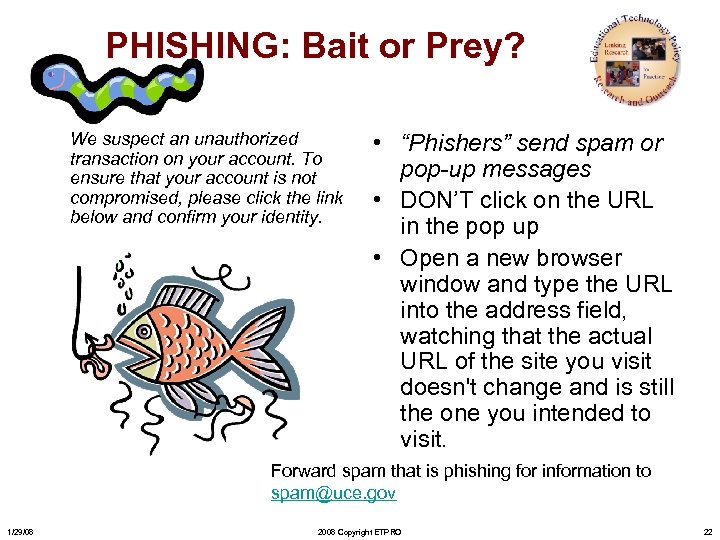
PHISHING: Bait or Prey? We suspect an unauthorized transaction on your account. To ensure that your account is not compromised, please click the link below and confirm your identity. • “Phishers” send spam or pop-up messages • DON’T click on the URL in the pop up • Open a new browser window and type the URL into the address field, watching that the actual URL of the site you visit doesn't change and is still the one you intended to visit. Forward spam that is phishing for information to spam@uce. gov 1/29/08 2008 Copyright ETPRO 22
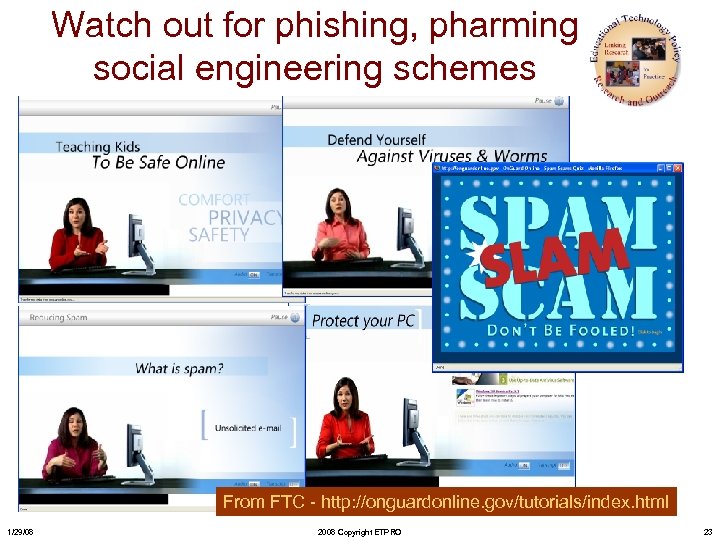
Watch out for phishing, pharming social engineering schemes From FTC - http: //onguardonline. gov/tutorials/index. html 1/29/08 2008 Copyright ETPRO 23
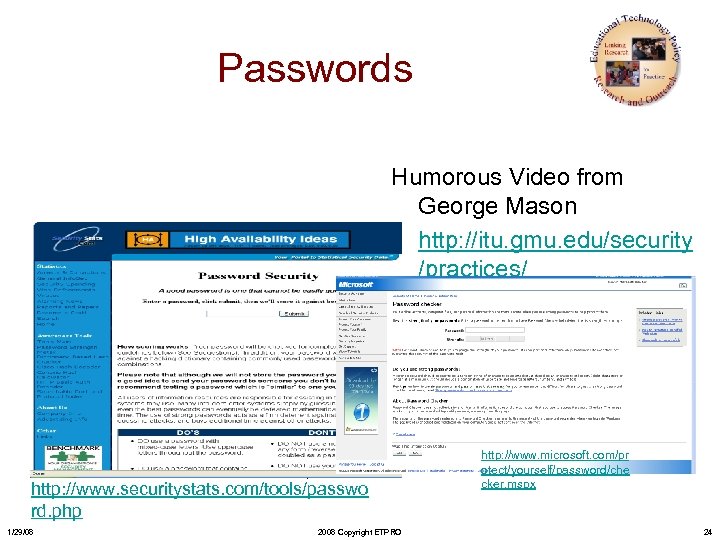
Passwords Humorous Video from George Mason • http: //itu. gmu. edu/security /practices/ • • • 8+ character Uppercase letters ( A-Z ) Lowercase letters ( a-z ) Numbers ( 0 -9 ) Punctuation marks ( !@#$%^&*()_+=- http: //www. securitystats. com/tools/passwo rd. php 1/29/08 2008 Copyright ETPRO http: //www. microsoft. com/pr otect/yourself/password/che cker. mspx 24
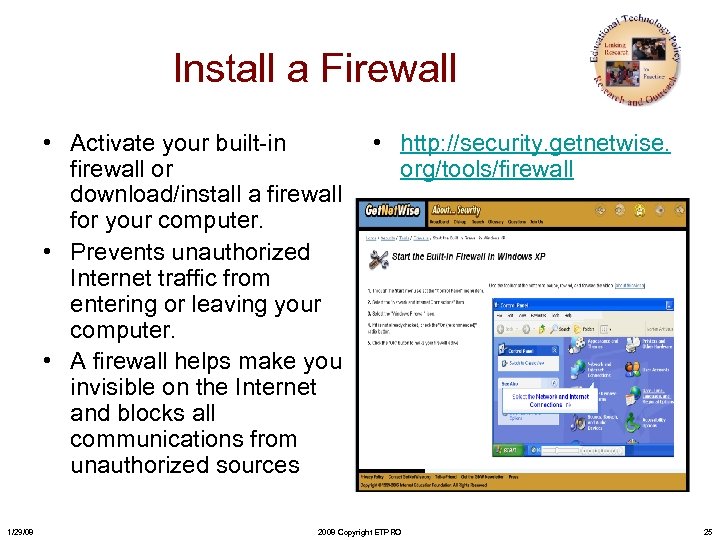
Install a Firewall • Activate your built-in • http: //security. getnetwise. firewall or org/tools/firewall download/install a firewall for your computer. • Prevents unauthorized Internet traffic from entering or leaving your computer. • A firewall helps make you invisible on the Internet and blocks all communications from unauthorized sources 1/29/08 2008 Copyright ETPRO 25
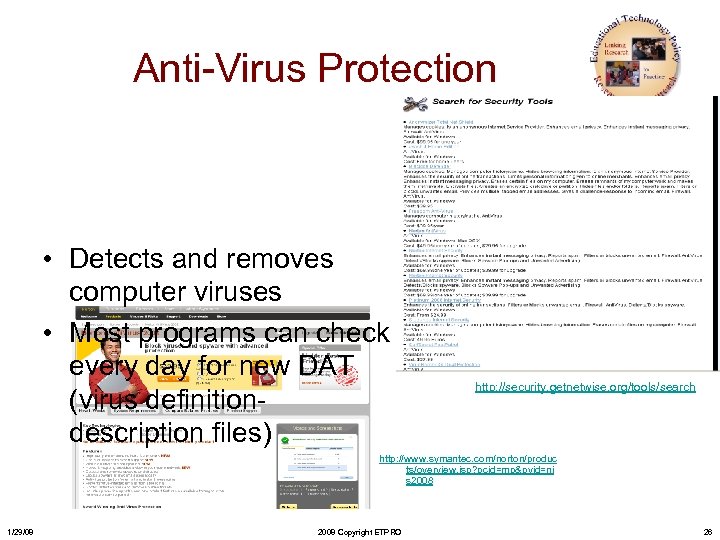
Anti-Virus Protection • Detects and removes computer viruses • Most programs can check every day for new DAT (virus definitiondescription files) http: //security. getnetwise. org/tools/search http: //www. symantec. com/norton/produc ts/overview. jsp? pcid=mp&pvid=ni s 2008 1/29/08 2008 Copyright ETPRO 26
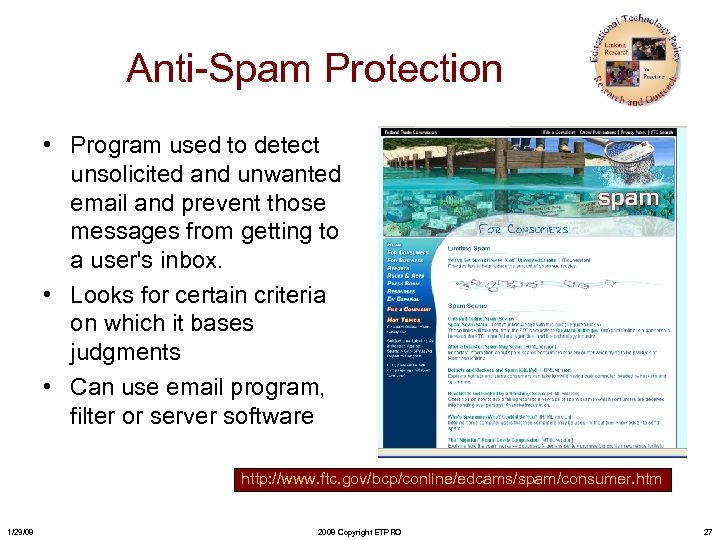
Anti-Spam Protection • Program used to detect unsolicited and unwanted email and prevent those messages from getting to a user's inbox. • Looks for certain criteria on which it bases judgments • Can use email program, filter or server software http: //www. ftc. gov/bcp/conline/edcams/spam/consumer. htm 1/29/08 2008 Copyright ETPRO 27
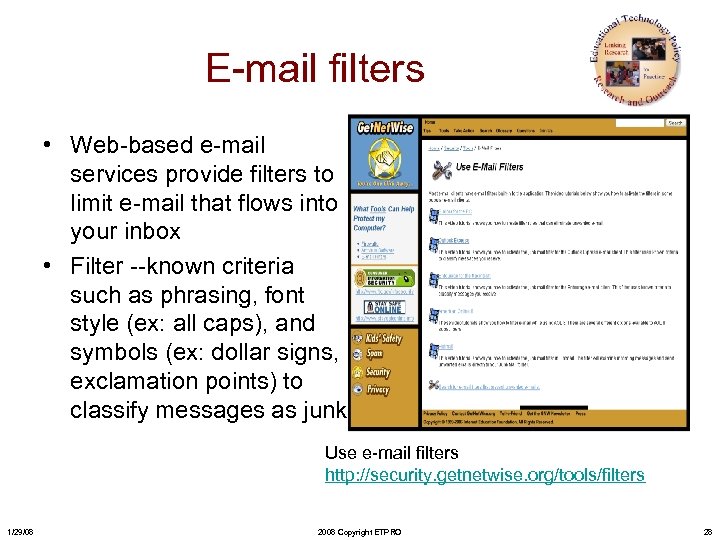
E-mail filters • Web-based e-mail services provide filters to limit e-mail that flows into your inbox • Filter --known criteria such as phrasing, font style (ex: all caps), and symbols (ex: dollar signs, exclamation points) to classify messages as junk. Use e-mail filters http: //security. getnetwise. org/tools/filters 1/29/08 2008 Copyright ETPRO 28
Who’s on the Other Side? • Dealing w/ new site? – Call the seller’s/contact • can’t find a working phone number, take your business elsewhere • Type the site’s name into a search engine: If you find unfavorable reviews posted, you may be better off doing business with a different seller • Read the site’s privacy policy to learn how it uses and shares your personal information 1/29/08 2008 Copyright ETPRO 29
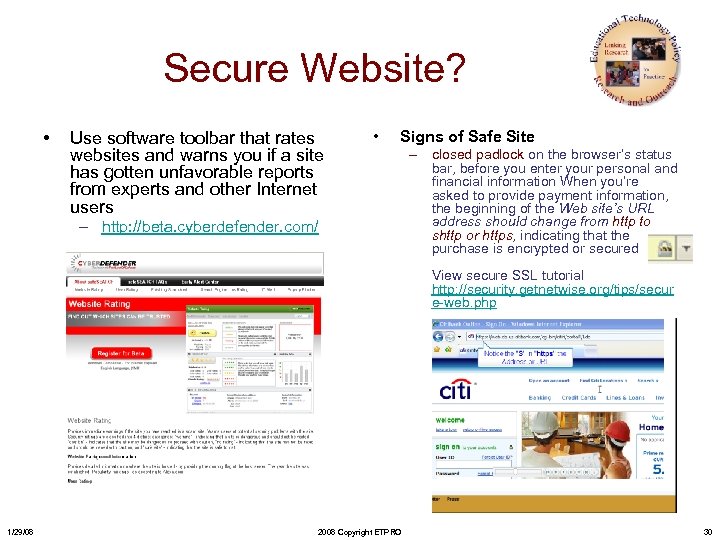
Secure Website? • Use software toolbar that rates websites and warns you if a site has gotten unfavorable reports from experts and other Internet users • Signs of Safe Site – http: //beta. cyberdefender. com/ – closed padlock on the browser’s status bar, before you enter your personal and financial information When you’re asked to provide payment information, the beginning of the Web site’s URL address should change from http to shttp or https, indicating that the purchase is encrypted or secured View secure SSL tutorial http: //security. getnetwise. org/tips/secur e-web. php 1/29/08 2008 Copyright ETPRO 30
What to do if you have Malicious Software • Ways to get rid of – Use your anti-virus software (you have one right!!!) • Scan all your drives • Signs of infection – May seem sluggish or slow down significantly – Might ‘lock up’ more often than usual – Browser program may not work correctly – Pop-up ads – Unusual hard drive activity 1/29/08 2008 Copyright ETPRO – Use Microsoft Malicious Software Removal Tool • http: //www. microsoft. com/s ecurity/malwareremove/def ault. mspx – Mc. Afee: http: //ts. mcafeehelp. com/? si te. ID=1&resolution=1280 x 10 24&rurl=vr. Contact. Options. a sp – Symantec: http: //security. symantec. co m/sscv 6/default. asp? produc tid=symhome&langid=ie&ve nid=sym 31
What to do if you have your share of adware/spyware • Signs of infection – An affected computer can rapidly become infected with large numbers of spyware components – Pop-up advertisements – Unwanted behavior and degradation of system performance. – Significant unwanted CPU activity, disk usage, and network traffic • Ways to get rid of or protect • Slows down other programs • Stability issues— application or system 1/29/08 2008 Copyright ETPRO – Anti-spyware programs • Opt. Out • Ad-Aware SE • Spybot - Search & Destroy 32
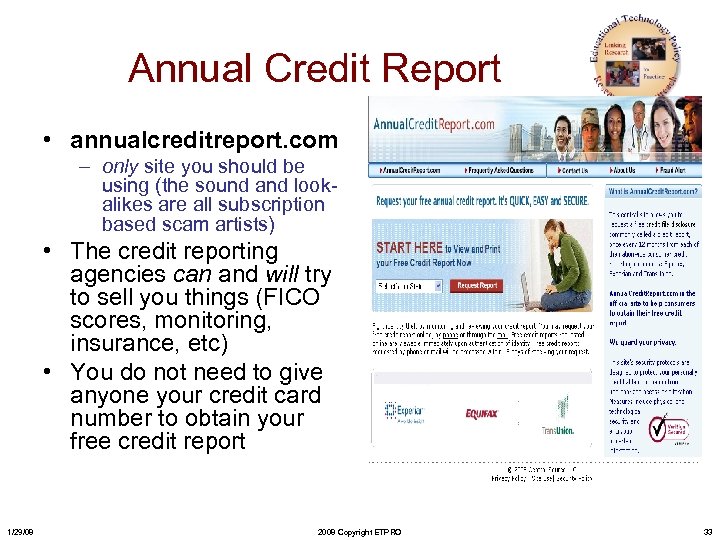
Annual Credit Report • annualcreditreport. com – only site you should be using (the sound and lookalikes are all subscription based scam artists) • The credit reporting agencies can and will try to sell you things (FICO scores, monitoring, insurance, etc) • You do not need to give anyone your credit card number to obtain your free credit report 1/29/08 2008 Copyright ETPRO 33
http: //www. itsa. ufl. edu/trailer/ UF Security Awareness Trailer 1/29/08 2008 Copyright ETPRO 34
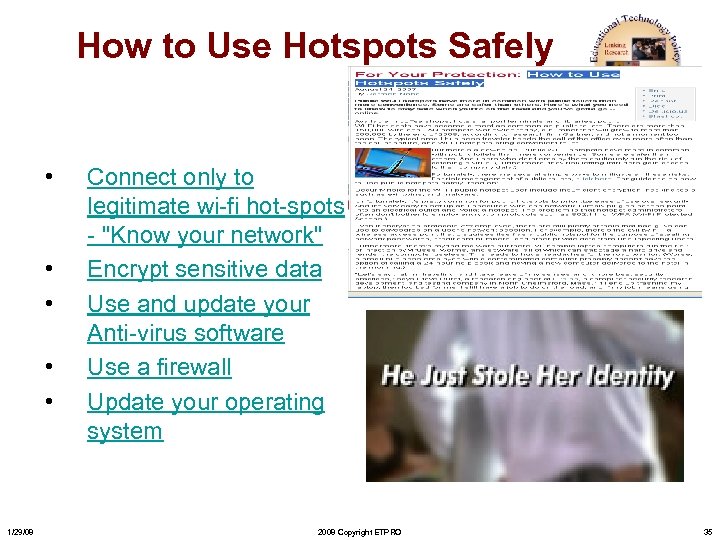
How to Use Hotspots Safely • • • 1/29/08 Connect only to legitimate wi-fi hot-spots - "Know your network" Encrypt sensitive data Use and update your Anti-virus software Use a firewall Update your operating system 2008 Copyright ETPRO 35
Public Hotspots Prioritize Ease of Use Over Security • Use a firewall and a VPN -Virtual Private Network • Use antivirus software • Turn off ad-hoc networking features-before they arrive at a wireless hot spot • Turn off file share mode • Turn off Wi Fi • Encrypt Source: Carmen Nobel: http: //bmighty. com/security/show. Article. jhtml? article. ID=201801882 1/29/08 2008 Copyright ETPRO 36
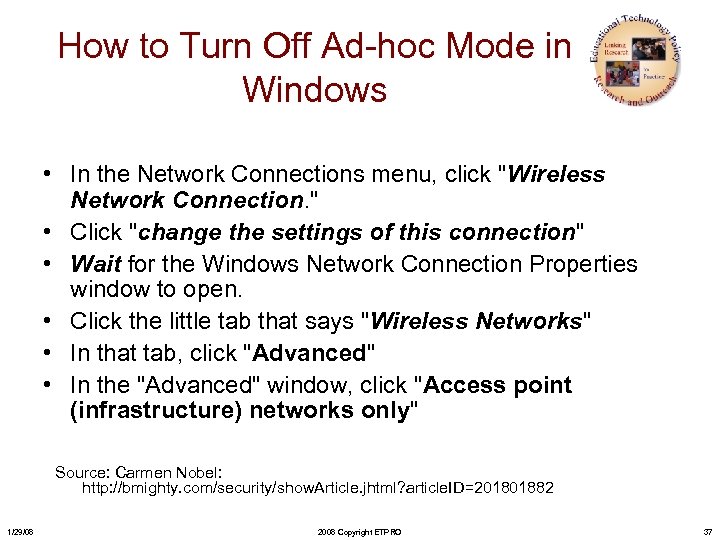
How to Turn Off Ad-hoc Mode in Windows • In the Network Connections menu, click "Wireless Network Connection. " • Click "change the settings of this connection" • Wait for the Windows Network Connection Properties window to open. • Click the little tab that says "Wireless Networks" • In that tab, click "Advanced" • In the "Advanced" window, click "Access point (infrastructure) networks only" Source: Carmen Nobel: http: //bmighty. com/security/show. Article. jhtml? article. ID=201801882 1/29/08 2008 Copyright ETPRO 37
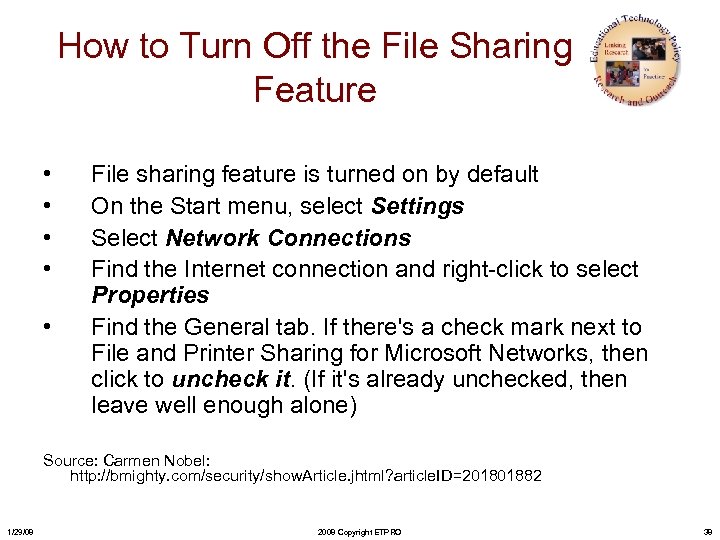
How to Turn Off the File Sharing Feature • • • File sharing feature is turned on by default On the Start menu, select Settings Select Network Connections Find the Internet connection and right-click to select Properties Find the General tab. If there's a check mark next to File and Printer Sharing for Microsoft Networks, then click to uncheck it. (If it's already unchecked, then leave well enough alone) Source: Carmen Nobel: http: //bmighty. com/security/show. Article. jhtml? article. ID=201801882 1/29/08 2008 Copyright ETPRO 38
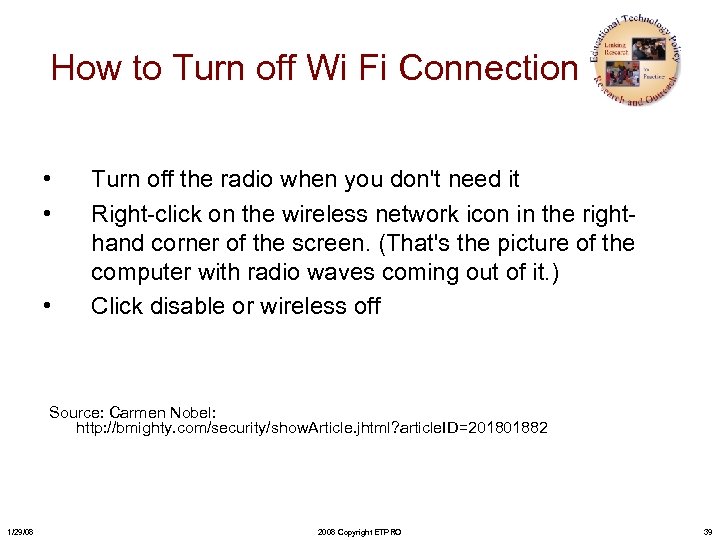
How to Turn off Wi Fi Connection • • • Turn off the radio when you don't need it Right-click on the wireless network icon in the righthand corner of the screen. (That's the picture of the computer with radio waves coming out of it. ) Click disable or wireless off Source: Carmen Nobel: http: //bmighty. com/security/show. Article. jhtml? article. ID=201801882 1/29/08 2008 Copyright ETPRO 39
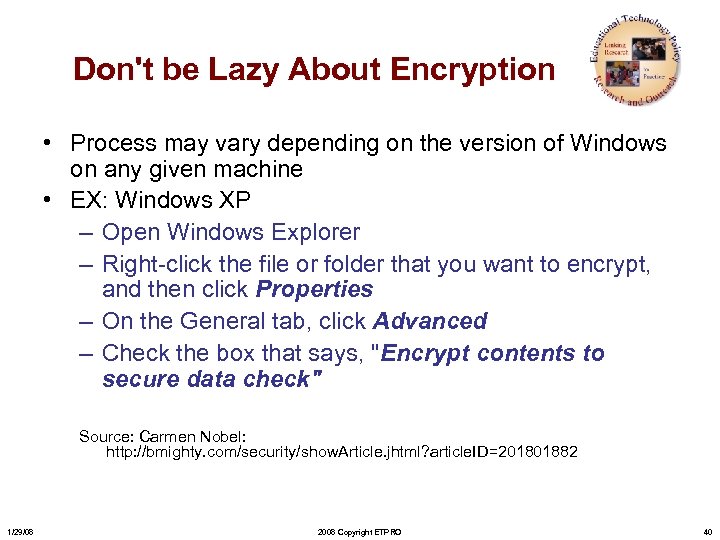
Don't be Lazy About Encryption • Process may vary depending on the version of Windows on any given machine • EX: Windows XP – Open Windows Explorer – Right-click the file or folder that you want to encrypt, and then click Properties – On the General tab, click Advanced – Check the box that says, "Encrypt contents to secure data check" Source: Carmen Nobel: http: //bmighty. com/security/show. Article. jhtml? article. ID=201801882 1/29/08 2008 Copyright ETPRO 40
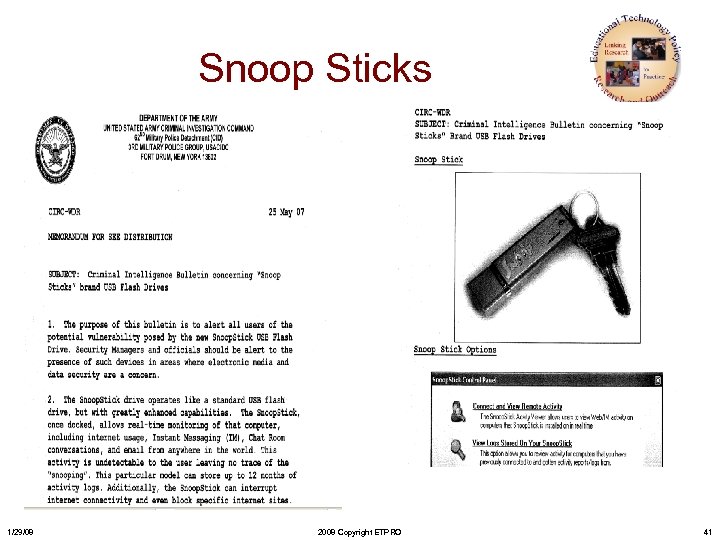
Snoop Sticks 1/29/08 2008 Copyright ETPRO 41
Activities • NCSA Stay. Safe. Online http: //staysafeonline. org/basics/quiz. html • James Mason's Computer Security Awareness tutorial page – http: //www. jmu. edu/computing/security/ - • George Mason University's IT Security Quiz – http: //itu. gmu. edu/security/quiz/ • Carnegie Mellon's Home Computer Security tutorial site • Microsoft Spyware Quiz part 1 and part 2 http: //www. microsoft. com/nz/athome/security/quiz/def ault. mspx 1/29/08 2008 Copyright ETPRO 42
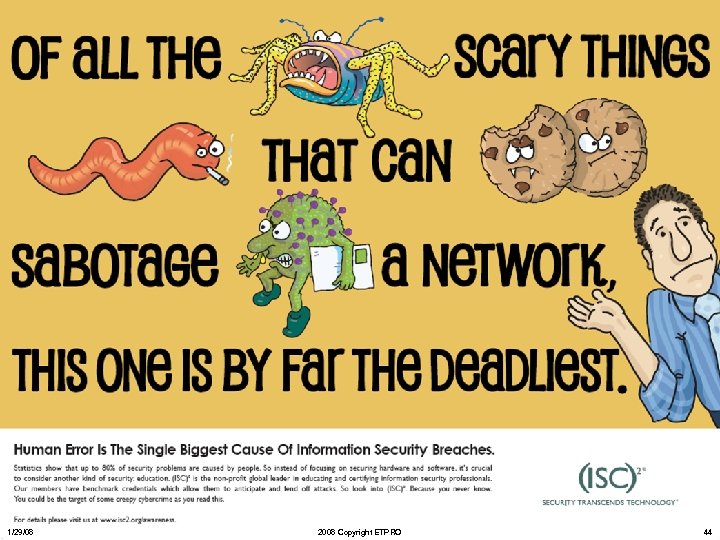
Activities • Humorous video on Passwords at George Mason’s Security Website http: //itu. gmu. edu/security/practices/. • The University of Arizona’s Security Awareness Posters http: //security. arizona. edu/posters • and the http: //www. itd. umich. edu/posters/ University of Michigan’s posters (my favorite). 1/29/08 2008 Copyright ETPRO 43
1/29/08 2008 Copyright ETPRO 44
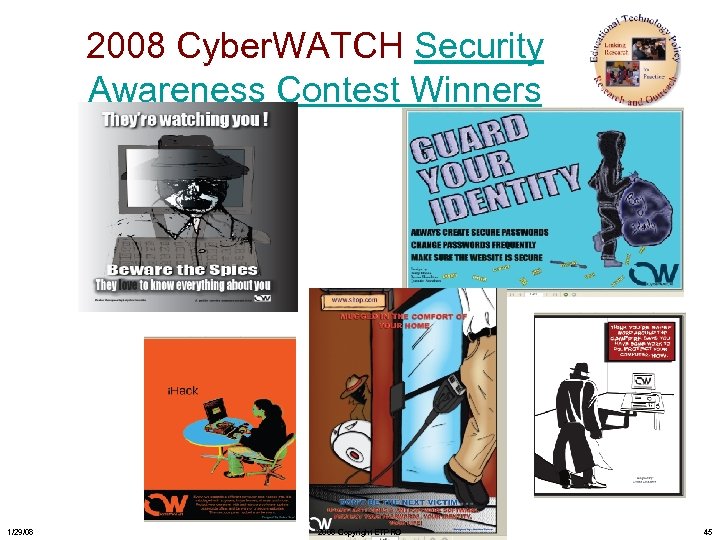
2008 Cyber. WATCH Security Awareness Contest Winners 1/29/08 2008 Copyright ETPRO 45
SAVE THE DATE C 3 Conference October 2 -3, 2008 1/29/08 2008 Copyright ETPRO 46
Questions Contact Information: Davina Pruitt-Mentle Educational Technology Policy, Research and Outreach (301) 503 -8070 dpruitt@umd. edu 1/29/08 2008 Copyright ETPRO 47
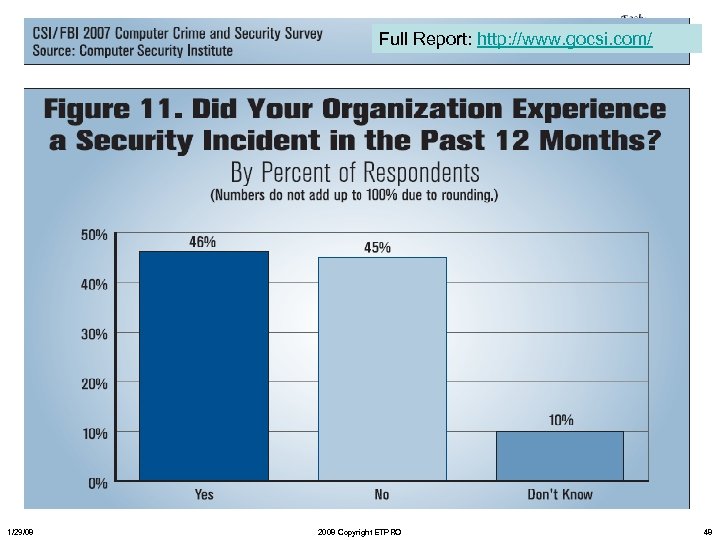
Full Report: http: //www. gocsi. com/ 1/29/08 2008 Copyright ETPRO 48
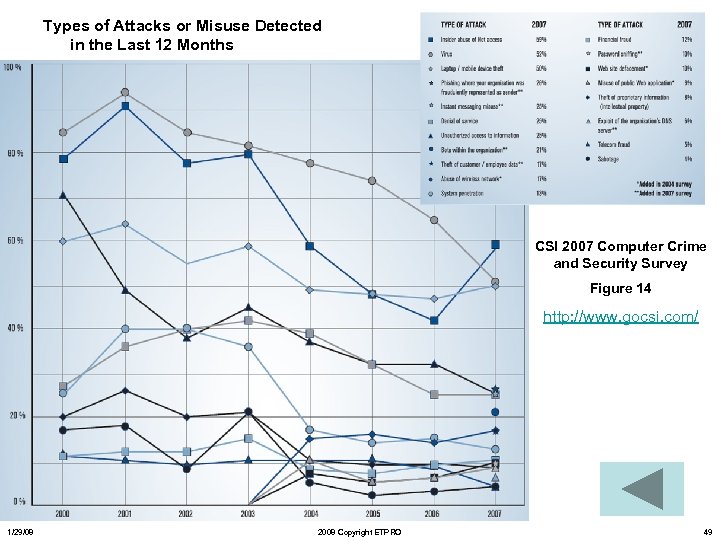
Types of Attacks or Misuse Detected in the Last 12 Months CSI 2007 Computer Crime and Security Survey Figure 14 http: //www. gocsi. com/ 1/29/08 2008 Copyright ETPRO 49
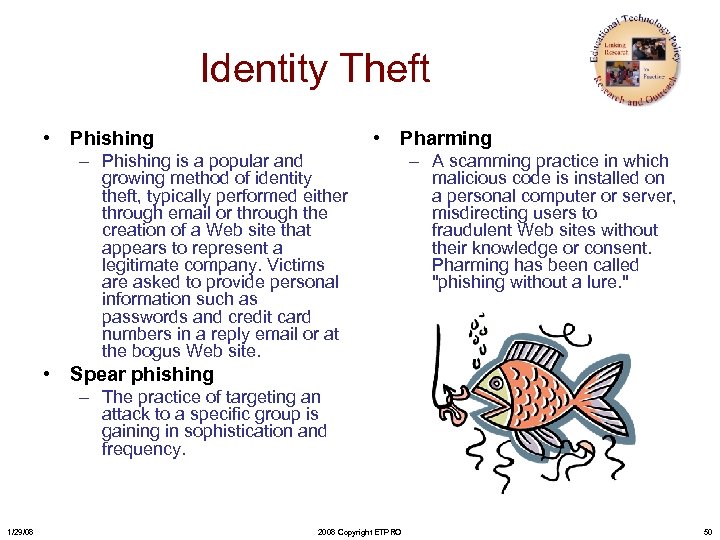
Identity Theft • Phishing • Pharming – Phishing is a popular and growing method of identity theft, typically performed either through email or through the creation of a Web site that appears to represent a legitimate company. Victims are asked to provide personal information such as passwords and credit card numbers in a reply email or at the bogus Web site. – A scamming practice in which malicious code is installed on a personal computer or server, misdirecting users to fraudulent Web sites without their knowledge or consent. Pharming has been called "phishing without a lure. " • Spear phishing – The practice of targeting an attack to a specific group is gaining in sophistication and frequency. 1/29/08 2008 Copyright ETPRO 50
Lingo • Spamming • Spoofing – Sending of unsolicited bulk unsolicited e-mail and received by multiple recipients – One person or program successfully pretends to be another by falsifying data and thereby gains an illegitimate advantage • Solutions – Source-based blocking solutions prevent receipt of spam – Content filtering solutions identify spam after it’s been received – Disposable identities 1/29/08 • Webpage spoofing 2008 Copyright ETPRO – A legitimate web page such as a bank's site is reproduced in "look and feel" on another server under control of the attacker. They fool users into thinking they are connected to a trusted site, to gather user names and passwords. 51
Lingo • Vishing – (Voice ph. ISHING) Also called "Vo. IP phishing, " SPIT (spam over Internet telephony), or sometimes known as vam -- is the voice counterpart to phishing. Instead of being directed by e-mail to a Web site, an e-mail message asks the user to make a telephone call. The call triggers a voice response system that asks for the user's credit card number. The initial bait can also be a telephone call with a recording that instructs the user to phone an 800 number. In either case, because people are used to entering credit card numbers over the phone, this technique can be effective. Voice over IP (Vo. IP) is used for vishing because caller IDs can be spoofed, and the entire operation can be brought up and taken down in a short time, compared to a real telephone line. • Smishing – The mobile phone counterpart to phishing. Instead of being directed by e-mail to a Web site, a text message is sent to the user's cellphone with some ploy to click on a link. The link causes a Trojan to be installed in the phone • Voice Spam – schemes includes the use of Interactive Voice Response (IVR) systems in conjunction with automated telemarketing sales to repeatedly initiate call setups and fill voicemail boxes. 1/29/08 2008 Copyright ETPRO 52
Lingo • Worm: a self-replicating computer program, similar to a computer virus. It is self-contained and does not need to be part of another program to propagate itself. – Example: Sobig and Mydoom. • Virus: attaches itself to, and becomes part of, another executable program; – Macro viruses are written in the scripting languages for Microsoft programs such as Word and Excel. • In general, a virus cannot propagate by itself whereas worms can. A worm uses a network to send copies of itself to other systems and it does so without any intervention. In general, worms harm the network and consume bandwidth, whereas viruses infect or corrupt files on a targeted computer. Viruses generally do not affect network performance, as their malicious activities are mostly confined within the target computer itself. From Wikipedia - http: //en. wikipedia. org/wiki/Computer_worm 1/29/08 2008 Copyright ETPRO 53
Lingo • Trojan Horse: A malicious program that is disguised as legitimate software – These are often those attachments to email that entice you to open them • Malware: Software designed to infiltrate or damage a computer system, without the owner's consent – Includes computer viruses, Trojan horses, spyware and adware 1/29/08 2008 Copyright ETPRO 54
Lingo • Adware – Software package which automatically plays, displays, or downloads advertising material to a computer after the software is installed on it or while the application is being used. • Spyware – designed to intercept or take partial control of a computer's operation without the informed consent of that machine's owner or legitimate user. 1/29/08 2008 Copyright ETPRO 55
Скачать презентацию Addressing C 3 Cyber Ethics Safety and Security
3683f68103fb8b77ab8de3f2530d0e78.ppt