Скачать презентацию Active X EXE Out of Process Components Please
2f468ca61b40d85ed158a23ff53375c9.ppt
- Количество слайдов: 8
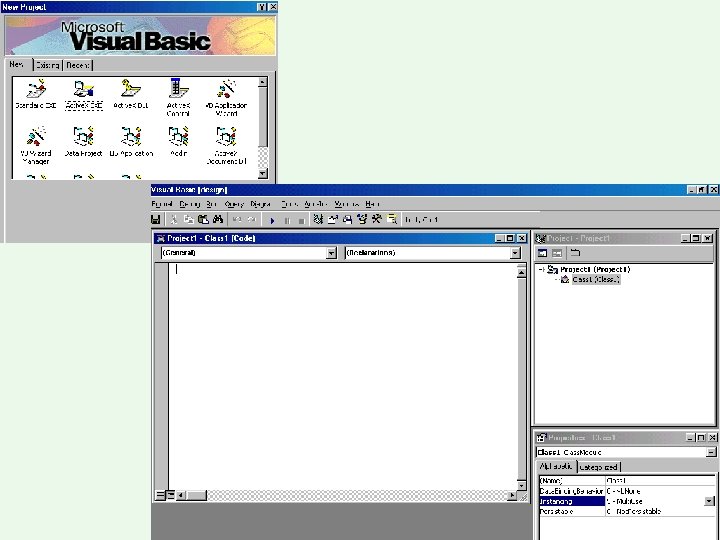
 Active X EXE (Out of Process Components) Please see speaker notes for additional information!
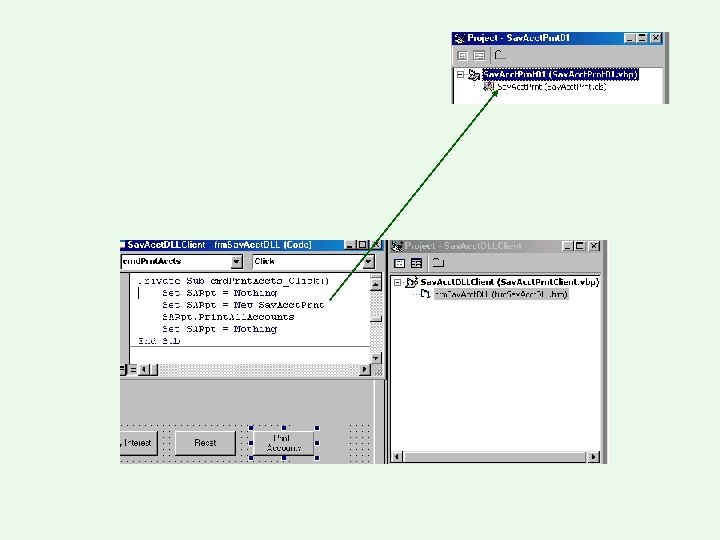
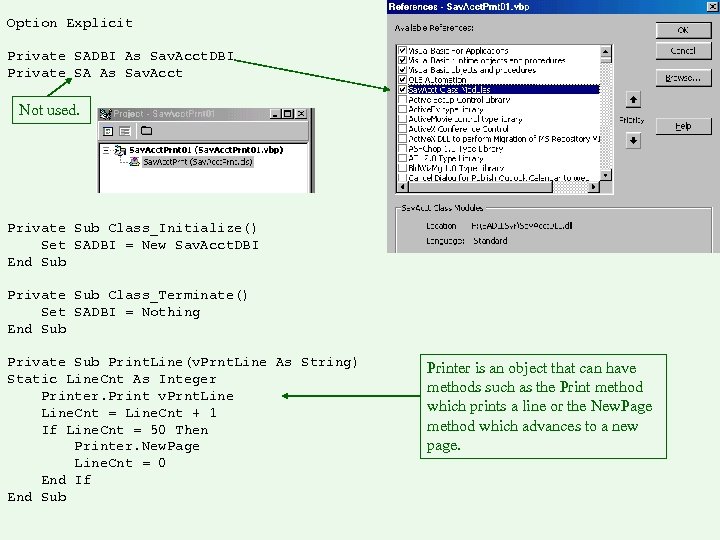 Option Explicit Private SADBI As Sav. Acct. DBI Private SA As Sav. Acct Not used. Private Sub Class_Initialize() Set SADBI = New Sav. Acct. DBI End Sub Private Sub Class_Terminate() Set SADBI = Nothing End Sub Private Sub Print. Line(v. Prnt. Line As String) Static Line. Cnt As Integer Printer. Print v. Prnt. Line. Cnt = Line. Cnt + 1 If Line. Cnt = 50 Then Printer. New. Page Line. Cnt = 0 End If End Sub Printer is an object that can have methods such as the Print method which prints a line or the New. Page method which advances to a new page.
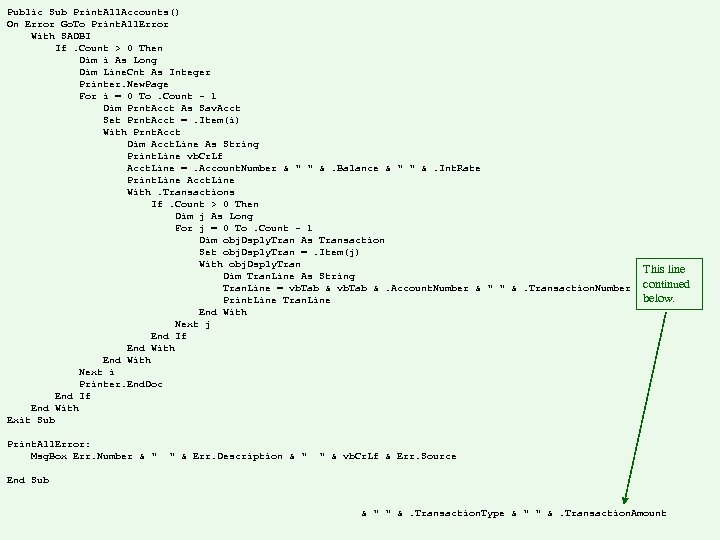 Public Sub Print. All. Accounts() On Error Go. To Print. All. Error With SADBI If. Count > 0 Then Dim i As Long Dim Line. Cnt As Integer Printer. New. Page For i = 0 To. Count - 1 Dim Prnt. Acct As Sav. Acct Set Prnt. Acct =. Item(i) With Prnt. Acct Dim Acct. Line As String Print. Line vb. Cr. Lf Acct. Line =. Account. Number & " " &. Balance & " " &. Int. Rate Print. Line Acct. Line With. Transactions If. Count > 0 Then Dim j As Long For j = 0 To. Count - 1 Dim obj. Dsply. Tran As Transaction Set obj. Dsply. Tran =. Item(j) With obj. Dsply. Tran Dim Tran. Line As String Tran. Line = vb. Tab &. Account. Number & " " &. Transaction. Number Print. Line Tran. Line End With Next j End If End With Next i Printer. End. Doc End If End With Exit Sub Print. All. Error: Msg. Box Err. Number & " " & Err. Description & " This line continued below. " & vb. Cr. Lf & Err. Source End Sub & " " &. Transaction. Type & " " &. Transaction. Amount
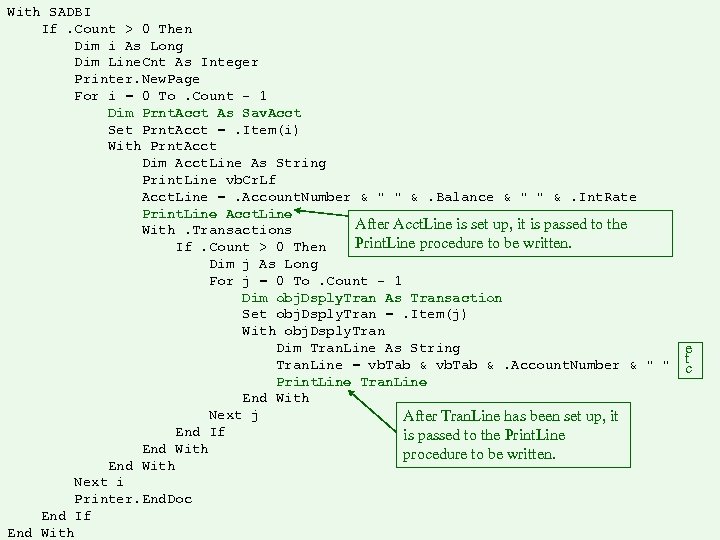 With SADBI If. Count > 0 Then Dim i As Long Dim Line. Cnt As Integer Printer. New. Page For i = 0 To. Count - 1 Dim Prnt. Acct As Sav. Acct Set Prnt. Acct =. Item(i) With Prnt. Acct Dim Acct. Line As String Print. Line vb. Cr. Lf Acct. Line =. Account. Number & " " &. Balance & " " &. Int. Rate Print. Line Acct. Line After Acct. Line is set up, it is passed to the With. Transactions Print. Line procedure to be written. If. Count > 0 Then Dim j As Long For j = 0 To. Count - 1 Dim obj. Dsply. Tran As Transaction Set obj. Dsply. Tran =. Item(j) With obj. Dsply. Tran Dim Tran. Line As String Tran. Line = vb. Tab &. Account. Number & " " Print. Line Tran. Line End With Next j After Tran. Line has been set up, it End If is passed to the Print. Line End With procedure to be written. End With Next i Printer. End. Doc End If End With e t c