


 Скачать презентацию Account Creation Process Change Starting 07 24 2007 New
56ad08ea37dbe88b1f6c7c8ab3be0ed2.ppt
- Количество слайдов: 9
 Account Creation Process Change Starting 07/24/2007
 New MIAP Account Process • MIAP Account Creation Process – Current Process: • Requires each site Security Officer to submit a SINGLE or Multiple DD 2875 for the site, and a LIST of AUTHORIZED SWA USERS for that site to the DISA Processing Element at Dayton. – New Process: • CAC card users will establish MIAP accounts at the MIAP website: https: //miap. csd. disa. mil/ by clicking on the CAC Registration button. • Individuals without CAC card will be required to complete and submit a DD 2875 to the DISA Processing Element at Dayton. 2
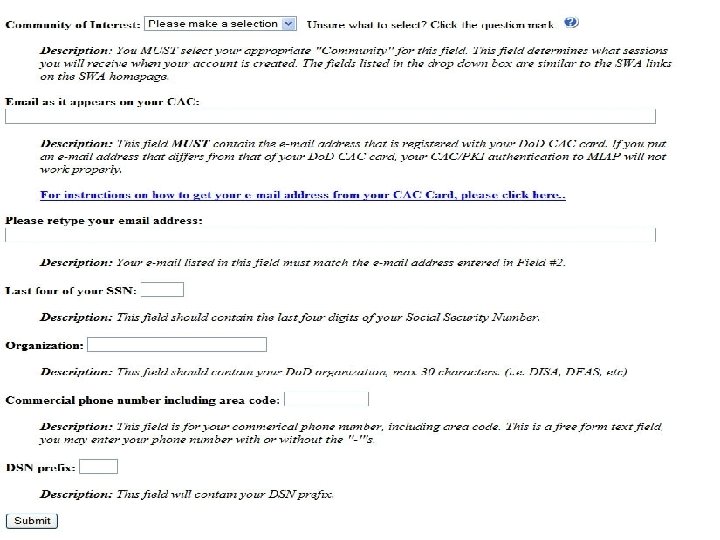
 CAC Card Account Activation • Users with CAC cards that do not have an MIAP account can establish account after providing the following information at the MIAP website: – Community of interest (dropdown menu selection) – Email address / email address verification – Last four numbers of the SSN – Organization – Commercial phone number – DSN prefix • After submitting this information, their MIAP will be activated immediately. • Users with an existing MIAP account will be prompted for the PIN and Certificate to proceed to the MIAP webpage. 3
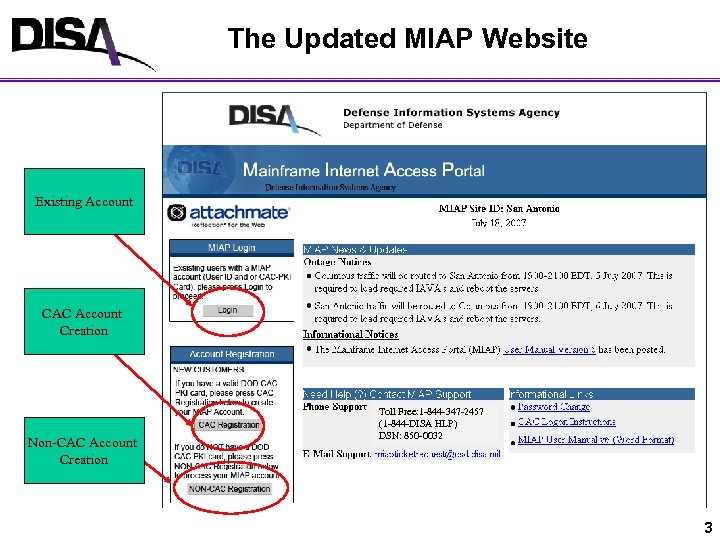 The Updated MIAP Website Existing Account CAC Account Creation Non-CAC Account Creation Toll Free: 1 -844 -347 -2457 (1 -844 -DISA HLP) DSN: 850 -0032 3
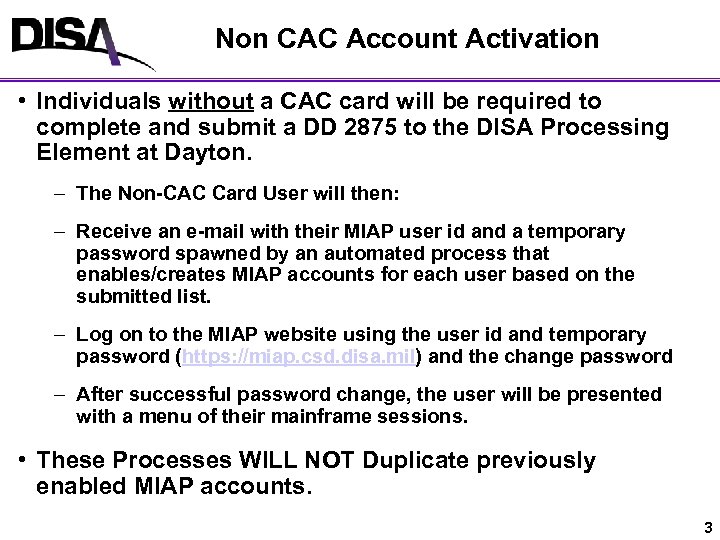 Non CAC Account Activation • Individuals without a CAC card will be required to complete and submit a DD 2875 to the DISA Processing Element at Dayton. – The Non-CAC Card User will then: – Receive an e-mail with their MIAP user id and a temporary password spawned by an automated process that enables/creates MIAP accounts for each user based on the submitted list. – Log on to the MIAP website using the user id and temporary password (https: //miap. csd. disa. mil) and the change password – After successful password change, the user will be presented with a menu of their mainframe sessions. • These Processes WILL NOT Duplicate previously enabled MIAP accounts. 3
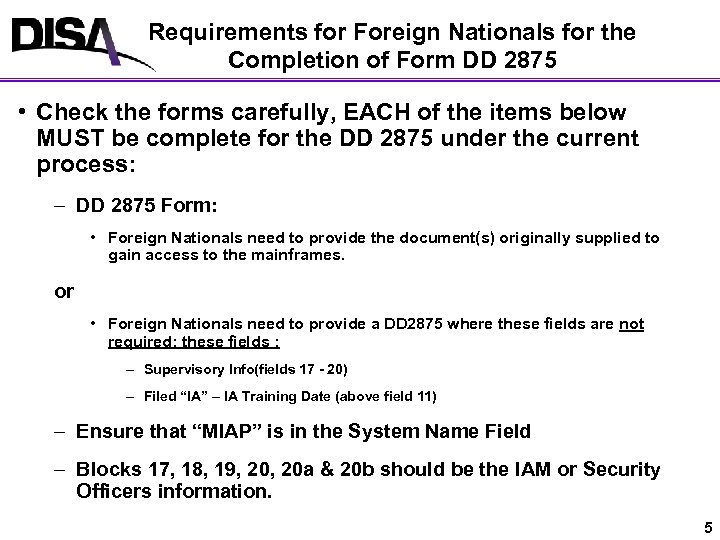 Requirements for Foreign Nationals for the Completion of Form DD 2875 • Check the forms carefully, EACH of the items below MUST be complete for the DD 2875 under the current process: – DD 2875 Form: • Foreign Nationals need to provide the document(s) originally supplied to gain access to the mainframes. or • Foreign Nationals need to provide a DD 2875 where these fields are not required; these fields : – Supervisory Info(fields 17 - 20) – Filed “IA” – IA Training Date (above field 11) – Ensure that “MIAP” is in the System Name Field – Blocks 17, 18, 19, 20 a & 20 b should be the IAM or Security Officers information. 5
 DISA Service Desk Support Toll Free: 1 -844 -347 -2457 (1 -844 -DISA HLP) or DSN: 850 -0032: Press 1 for Applications, press 4 for Mechanicsburg menu and then press 6 for MIAP. 5
 www. disa. mil