 Скачать презентацию Above and Beyond Building Faculty Tools and Relationships
8d8f6b6ca16789067c4bf134fabb9f68.ppt
- Количество слайдов: 32




Above and Beyond: Building Faculty Tools and Relationships Michael T. Buchanon, Information Technologist, Academic Computing & Networking Services buchanon@msu. edu Kristin Schuette, Information Technologist Office of the Registrar schuett 1@msu. edu
Overview • LMS – ANGEL • • Reasons for ANGEL <-> Attendance System ANGEL <-> Scoring office ANGEL Gradebook enhancements • Registrar – Instructor Systems • • • Class List with Images Exam Coversheets with Images Grade Upload
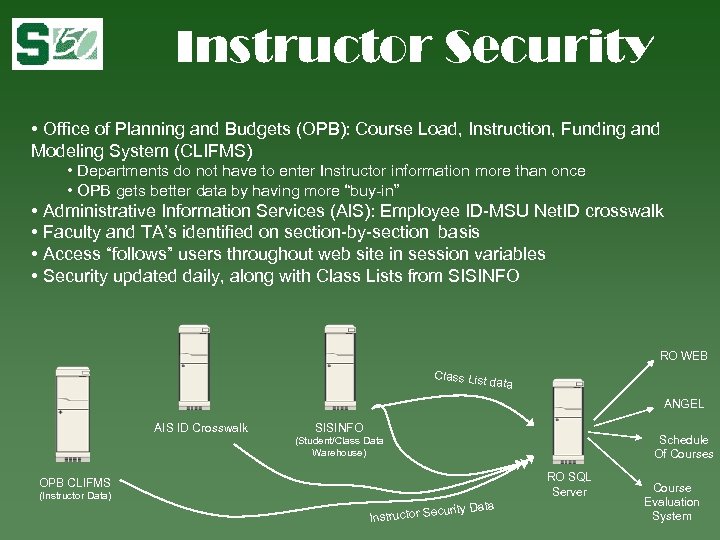
Instructor Security • Office of Planning and Budgets (OPB): Course Load, Instruction, Funding and Modeling System (CLIFMS) • Departments do not have to enter Instructor information more than once • OPB gets better data by having more “buy-in” • Administrative Information Services (AIS): Employee ID-MSU Net. ID crosswalk • Faculty and TA’s identified on section-by-section basis • Access “follows” users throughout web site in session variables • Security updated daily, along with Class Lists from SISINFO RO WEB Class List data ANGEL AIS ID Crosswalk SISINFO Schedule Of Courses (Student/Class Data Warehouse) RO SQL Server OPB CLIFMS (Instructor Data) ty Data ecuri Instructor S Course Evaluation System
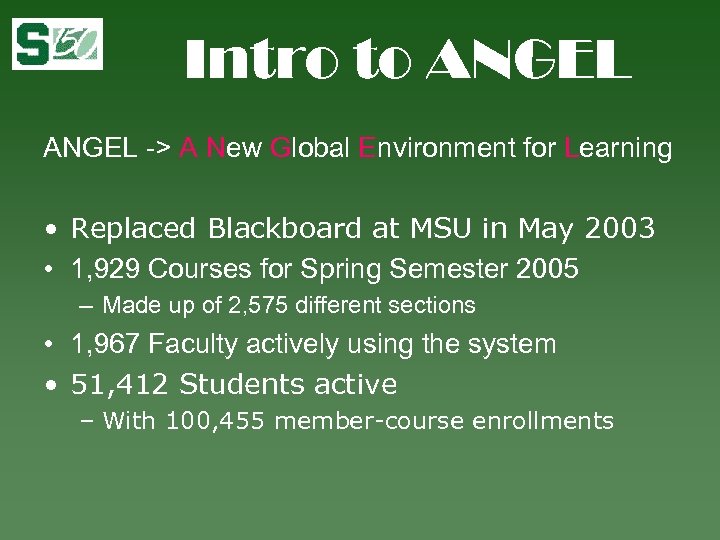
Intro to ANGEL -> A New Global Environment for Learning • Replaced Blackboard at MSU in May 2003 • 1, 929 Courses for Spring Semester 2005 – Made up of 2, 575 different sections • 1, 967 Faculty actively using the system • 51, 412 Students active – With 100, 455 member-course enrollments
Reasons for ANGEL Many factors went into choosing ANGEL • Newer Technology • Ease of use • Excellent customer support • Ability to customize LMS code!
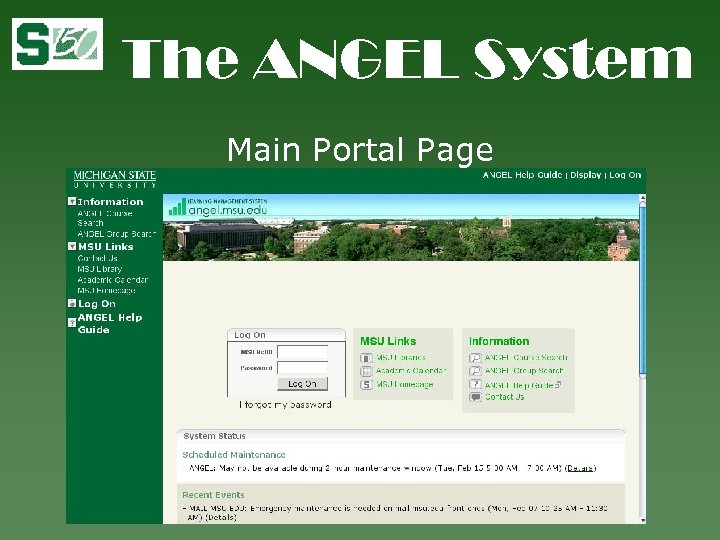
The ANGEL System Main Portal Page
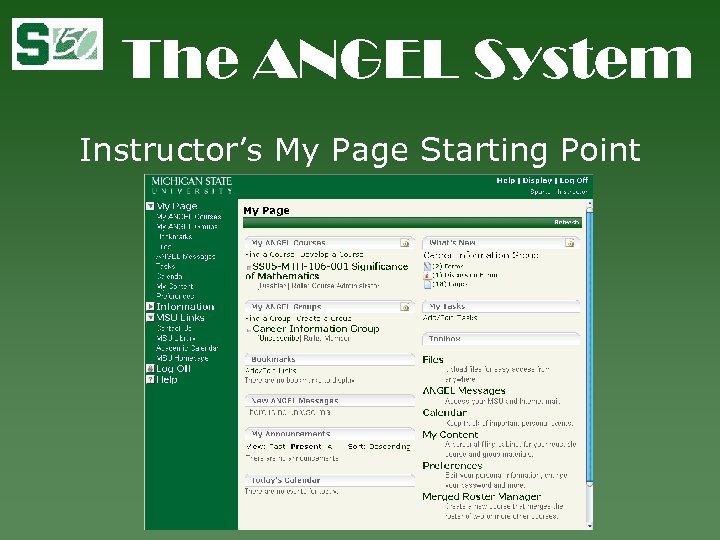
The ANGEL System Instructor’s My Page Starting Point
Attendance Campus Wide Attendance Scanning System • 19 Faculty active for Spring Semester 2005 • 179 Sections of Courses • 235, 296 Scans for Spring Semester 2005
ANGEL <-> Attendance Needed link between disparate systems • Crossed group/departmental boundaries • Strong desire for automated process
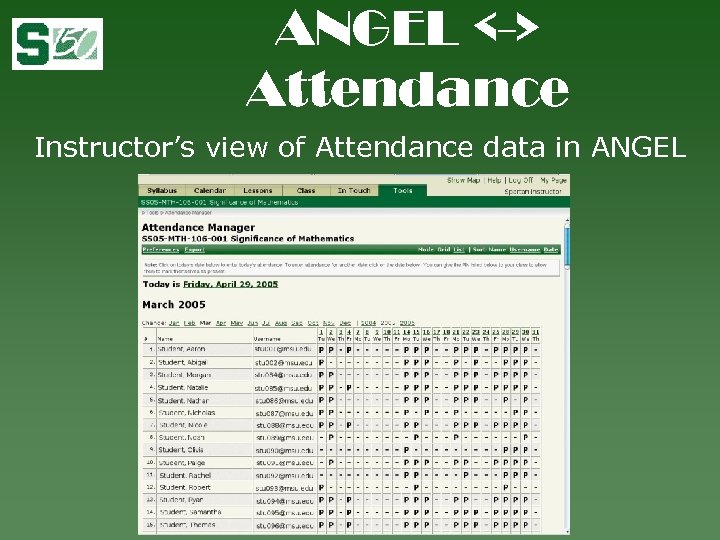
ANGEL <-> Attendance Instructor’s view of Attendance data in ANGEL
Scoring Office Campus Scoring Office AKA ‘that bubble sheet place’ statistics for 2004 • 3, 302 Tests scored with feedback emailed to students • 951 Courses using service • 1, 660, 217 Sheets Scanned
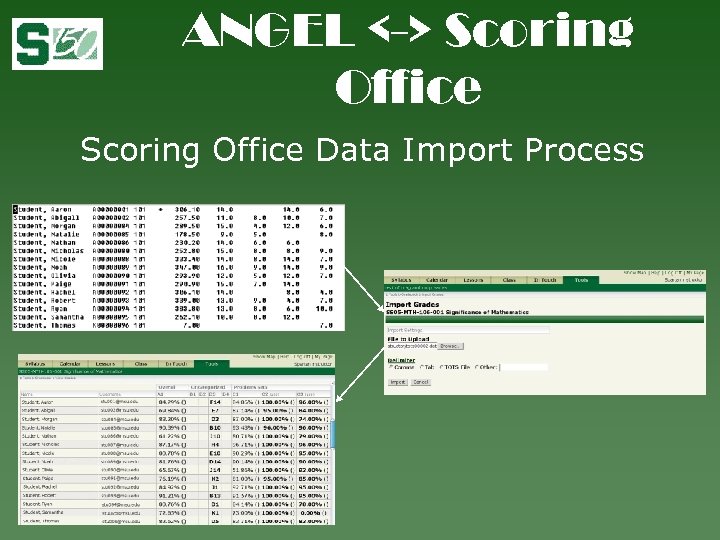
ANGEL <-> Scoring Office Data Import Process
ANGEL Gradebook Enhancements • Highly configurable • Import/Export from/to file for outside manipulation of grade data • Enhanced to export CSV-Simple format required by Registrar’s Office online grade submission application
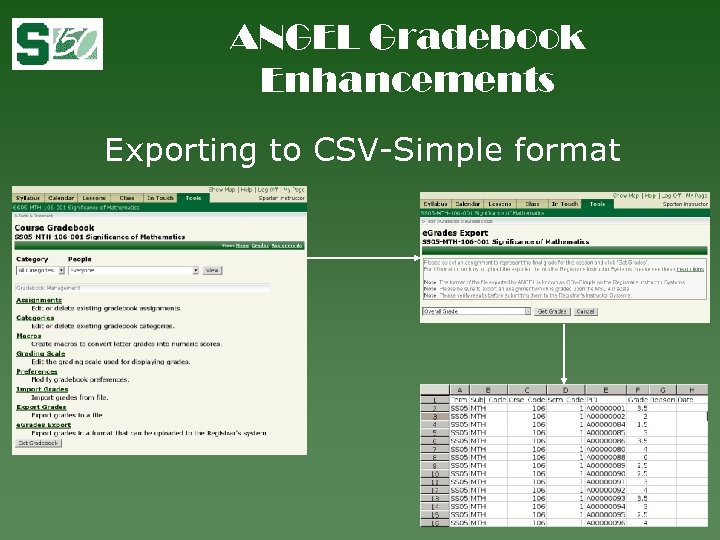
ANGEL Gradebook Enhancements Exporting to CSV-Simple format
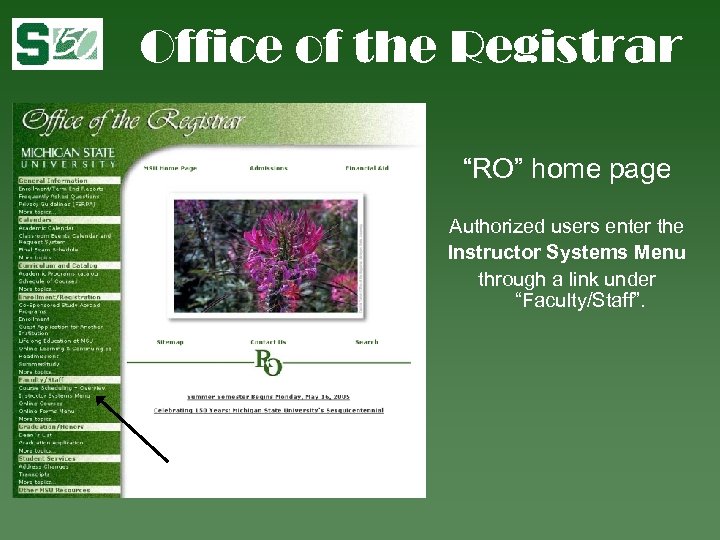
Office of the Registrar “RO” home page Authorized users enter the Instructor Systems Menu through a link under “Faculty/Staff”.
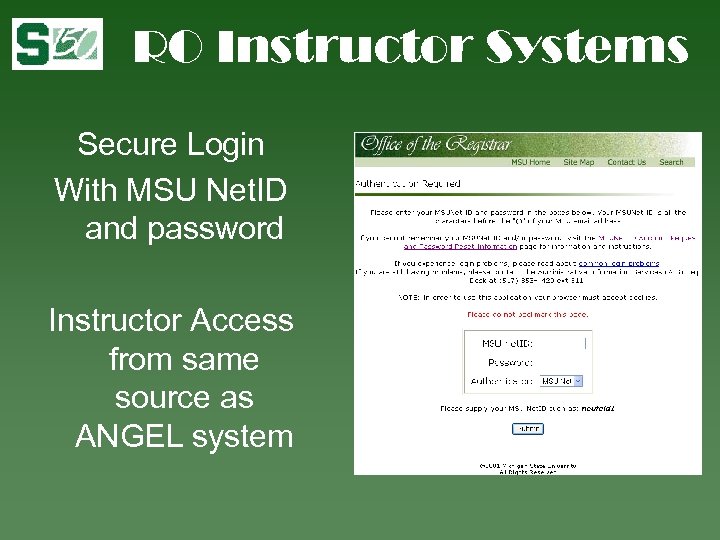
RO Instructor Systems Secure Login With MSU Net. ID and password Instructor Access from same source as ANGEL system
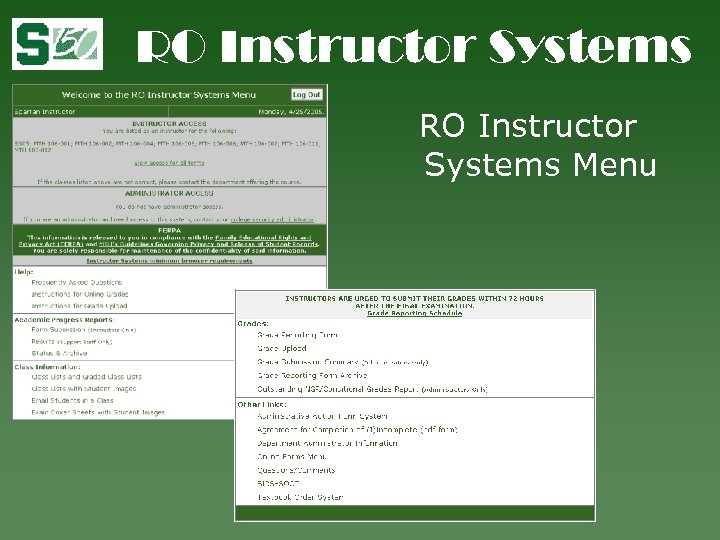
RO Instructor Systems Menu
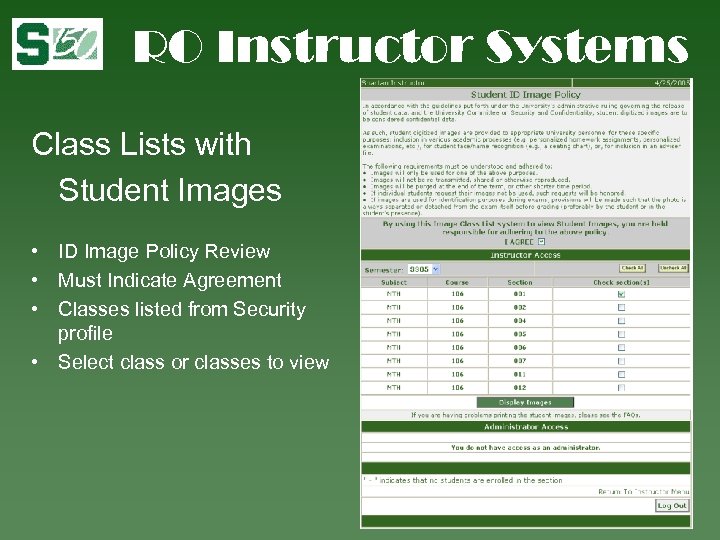
RO Instructor Systems Class Lists with Student Images • ID Image Policy Review • Must Indicate Agreement • Classes listed from Security profile • Select class or classes to view
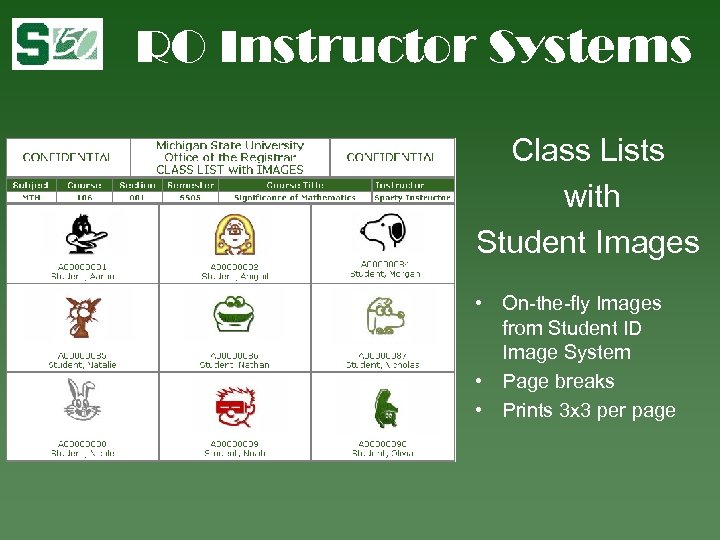
RO Instructor Systems Class Lists with Student Images • On-the-fly Images from Student ID Image System • Page breaks • Prints 3 x 3 per page
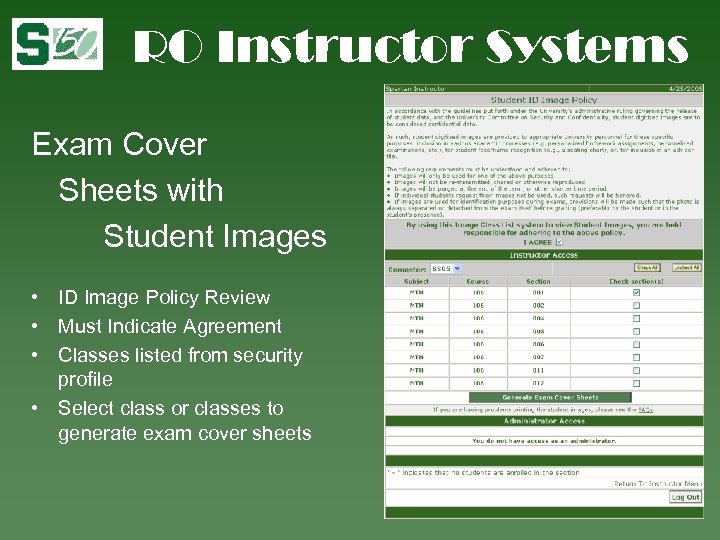
RO Instructor Systems Exam Cover Sheets with Student Images • ID Image Policy Review • Must Indicate Agreement • Classes listed from security profile • Select class or classes to generate exam cover sheets
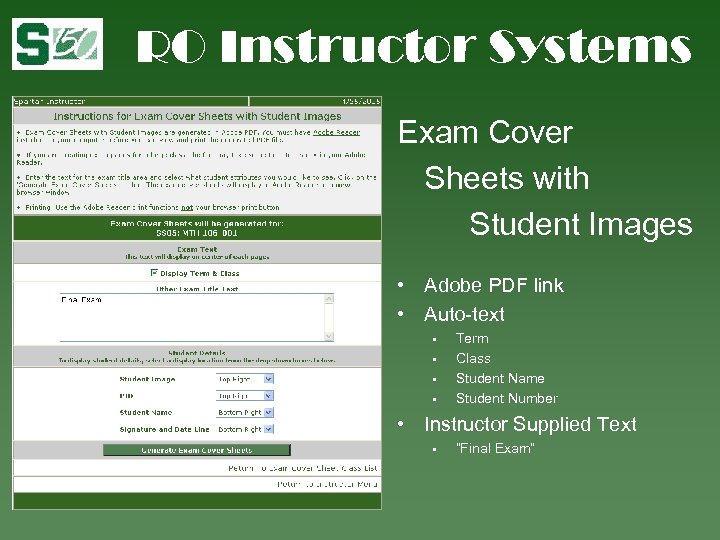
RO Instructor Systems Exam Cover Sheets with Student Images • Adobe PDF link • Auto-text • • Term Class Student Name Student Number • Instructor Supplied Text • “Final Exam”
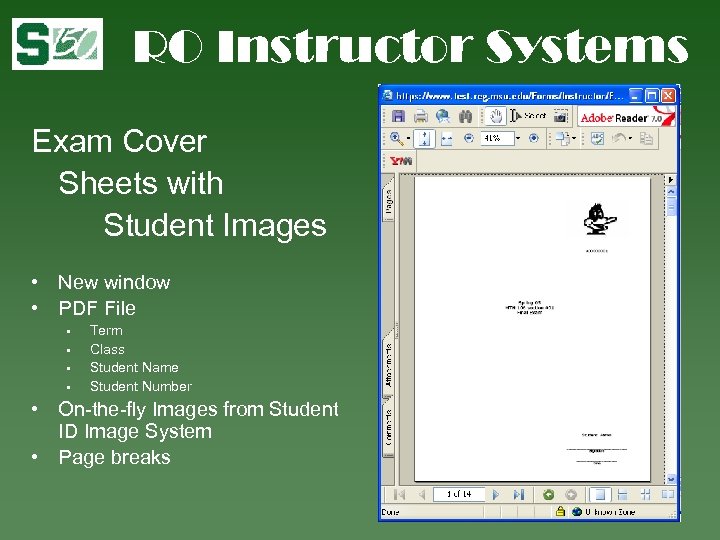
RO Instructor Systems Exam Cover Sheets with Student Images • New window • PDF File • • Term Class Student Name Student Number • On-the-fly Images from Student ID Image System • Page breaks
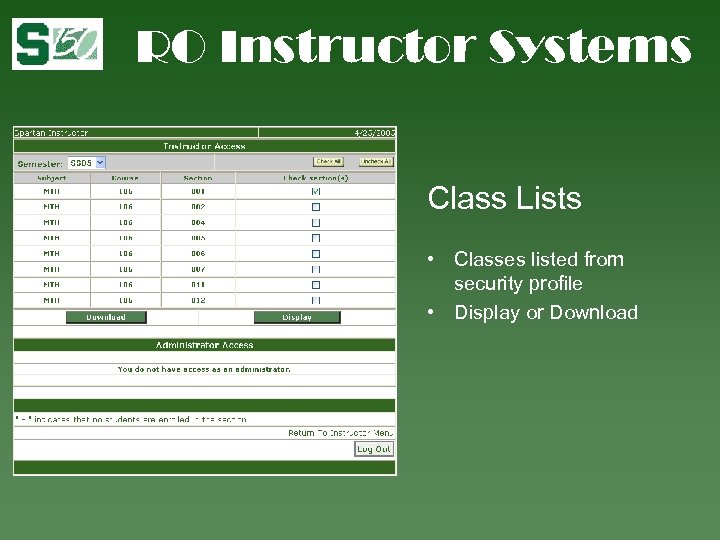
RO Instructor Systems Class Lists • Classes listed from security profile • Display or Download
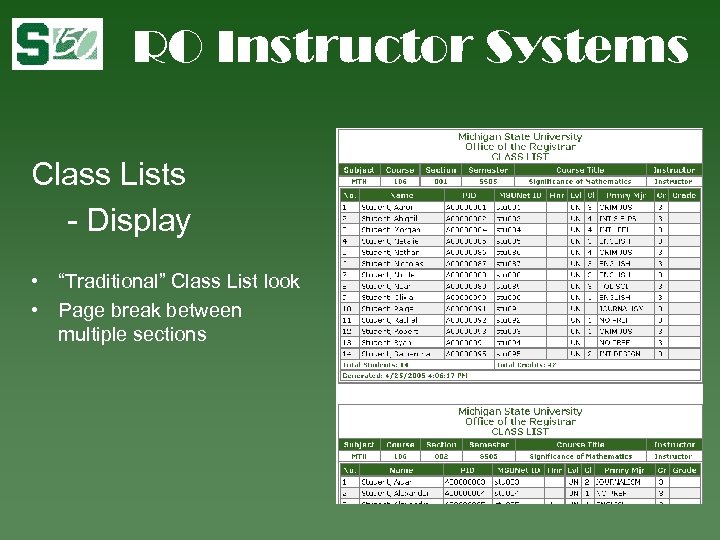
RO Instructor Systems Class Lists - Display • “Traditional” Class List look • Page break between multiple sections
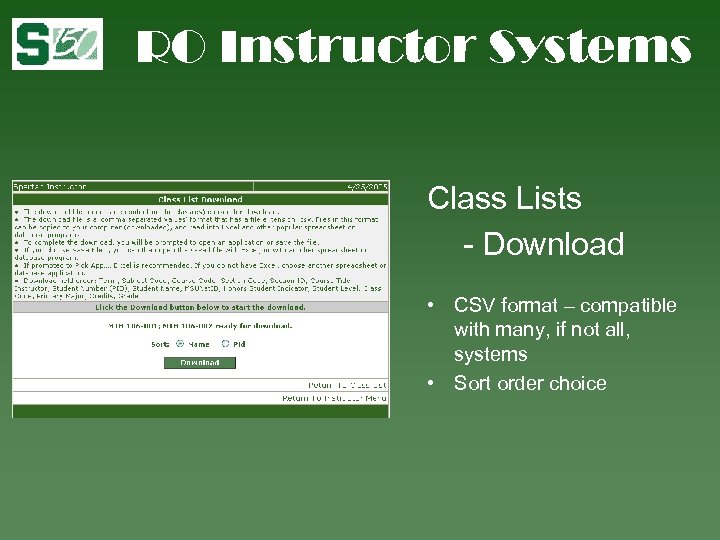
RO Instructor Systems Class Lists - Download • CSV format – compatible with many, if not all, systems • Sort order choice
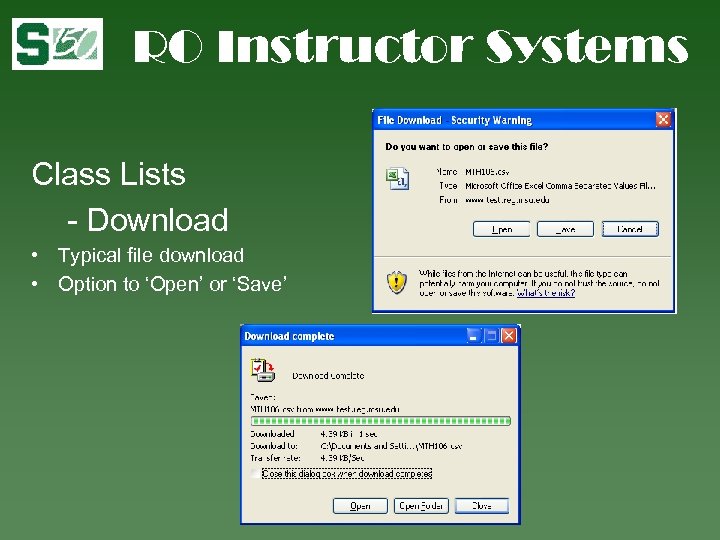
RO Instructor Systems Class Lists - Download • Typical file download • Option to ‘Open’ or ‘Save’
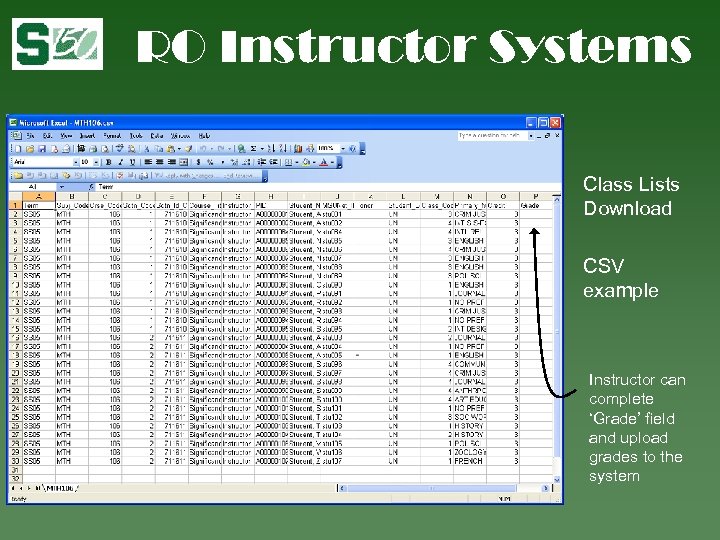
RO Instructor Systems Class Lists Download CSV example Instructor can complete ‘Grade’ field and upload grades to the system
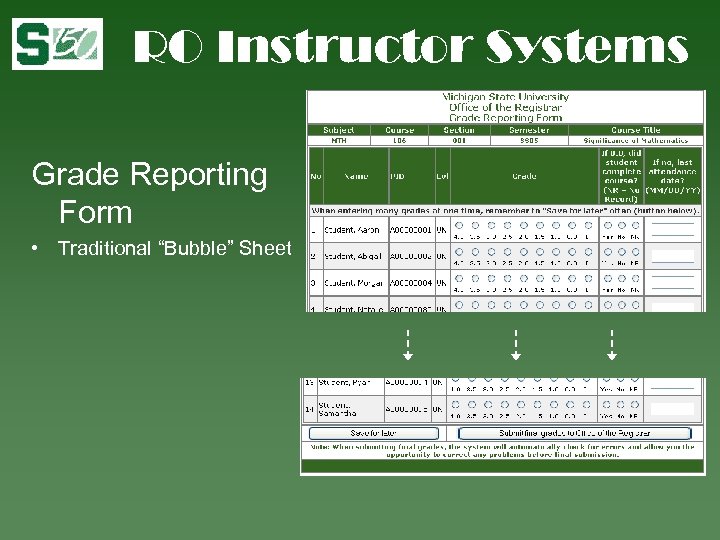
RO Instructor Systems Grade Reporting Form • Traditional “Bubble” Sheet
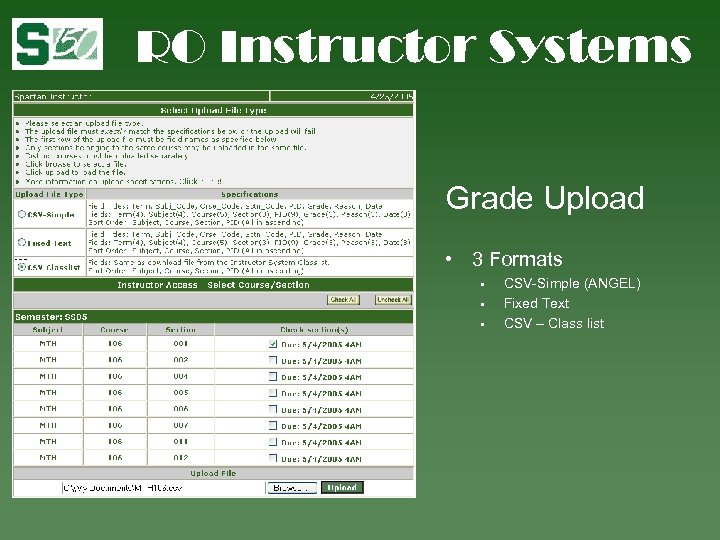
RO Instructor Systems Grade Upload • 3 Formats • • • CSV-Simple (ANGEL) Fixed Text CSV – Class list
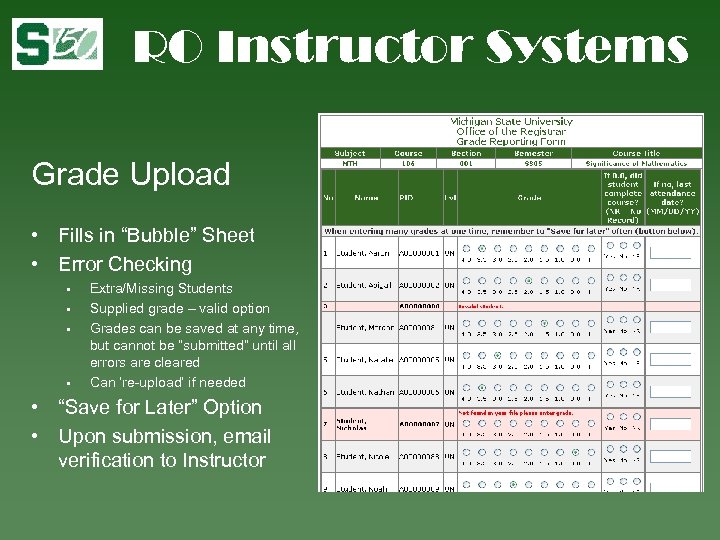
RO Instructor Systems Grade Upload • Fills in “Bubble” Sheet • Error Checking • • Extra/Missing Students Supplied grade – valid option Grades can be saved at any time, but cannot be “submitted” until all errors are cleared Can ‘re-upload’ if needed • “Save for Later” Option • Upon submission, email verification to Instructor
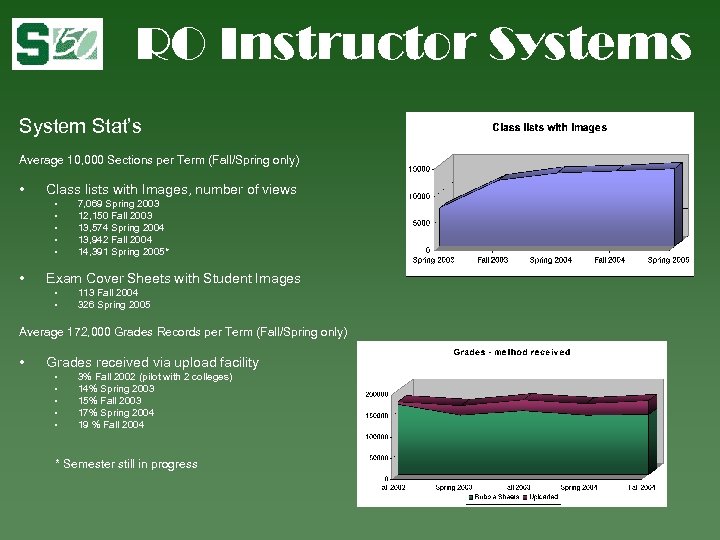
RO Instructor Systems System Stat’s Average 10, 000 Sections per Term (Fall/Spring only) • Class lists with Images, number of views • • • 7, 069 Spring 2003 12, 150 Fall 2003 13, 574 Spring 2004 13, 942 Fall 2004 14, 391 Spring 2005* Exam Cover Sheets with Student Images • • 113 Fall 2004 326 Spring 2005 Average 172, 000 Grades Records per Term (Fall/Spring only) • Grades received via upload facility • • • 3% Fall 2002 (pilot with 2 colleges) 14% Spring 2003 15% Fall 2003 17% Spring 2004 19 % Fall 2004 * Semester still in progress

Questions? ? Michael T. Buchanon Information Technologist Academic Computing & Networking Services buchanon@msu. edu Kristin Schuette Information Technologist Office of the Registrar schuett 1@msu. edu
Скачать презентацию Above and Beyond Building Faculty Tools and Relationships
8d8f6b6ca16789067c4bf134fabb9f68.ppt