 Скачать презентацию A Staff Share Briefing for LG Group Members
eb0e7608bca60e48a65e07407eb444bc.ppt
- Количество слайдов: 18



A Staff. Share Briefing for LG Group Members Local Government Improvement and Development
What is Staff. Share ? Staff. Share is your ‘skill exchange’ service to share skilled employees between councils and organisations in the private and third sector. A meeting place for skill-sharing
What’s so unique ? …Staff. Share creates fast and simple opportunities for ‘secondment’ or re-deployment of skilled and experienced staff to add career development, increase employability and enhance staff confidence. It provides a discrete and automated on-line link between your employees with another employer’s need to use and apply such skills in supporting their businesses.
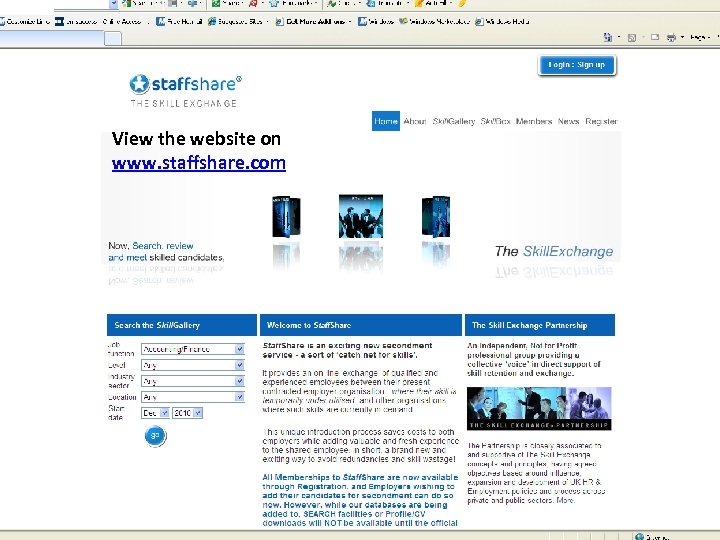
View the website on www. staffshare. com
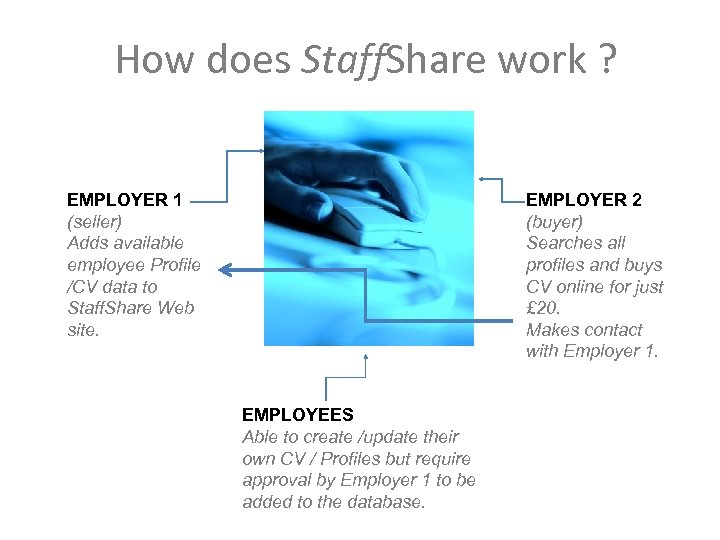
How does Staff. Share work ? EMPLOYER 1 (seller) Adds available employee Profile /CV data to Staff. Share Web site. EMPLOYER 2 (buyer) Searches all profiles and buys CV online for just £ 20. Makes contact with Employer 1. EMPLOYEES Able to create /update their own CV / Profiles but require approval by Employer 1 to be added to the database.
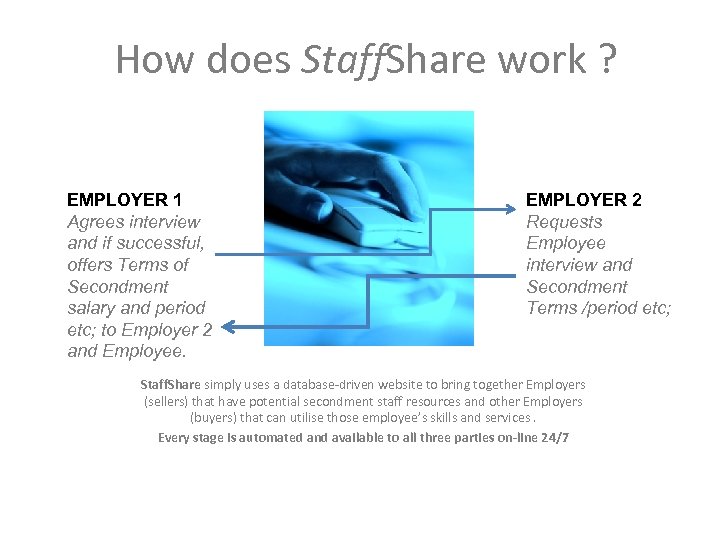
How does Staff. Share work ? EMPLOYER 1 Agrees interview and if successful, offers Terms of Secondment salary and period etc; to Employer 2 and Employee. EMPLOYER 2 Requests Employee interview and Secondment Terms /period etc; Staff. Share simply uses a database-driven website to bring together Employers (sellers) that have potential secondment staff resources and other Employers (buyers) that can utilise those employee’s skills and services. Every stage is automated and available to all three parties on-line 24/7
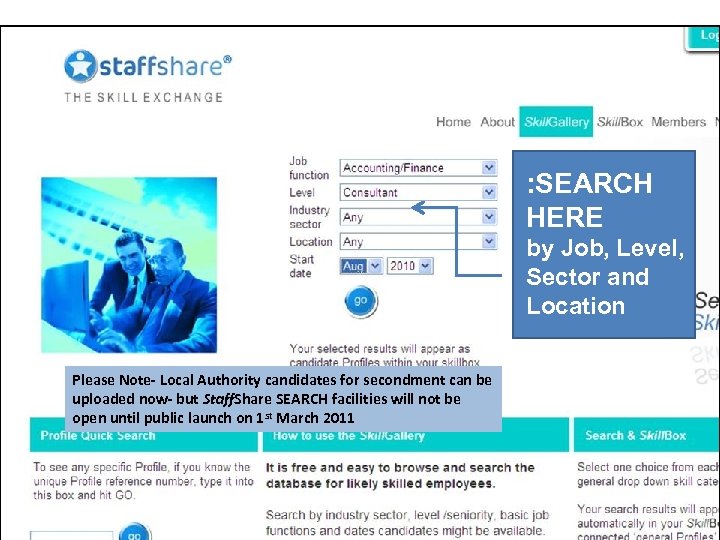
: SEARCH HERE by Job, Level, Sector and Location Please Note- Local Authority candidates for secondment can be uploaded now- but Staff. Share SEARCH facilities will not be open until public launch on 1 st March 2011
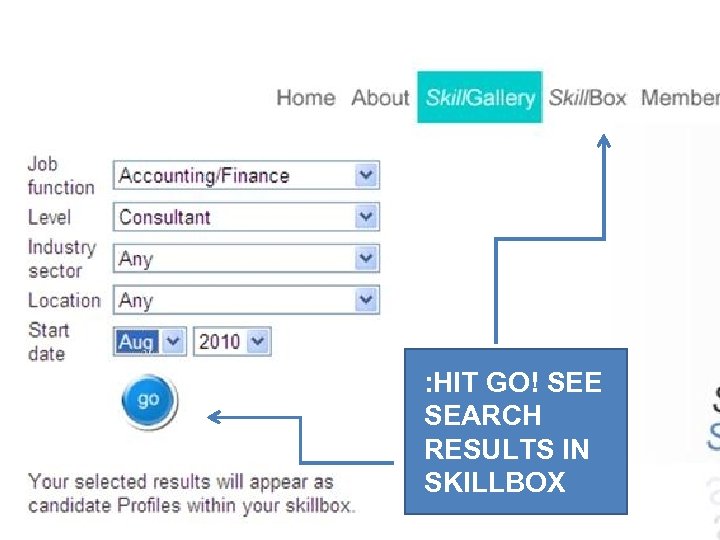
: HIT GO! SEE SEARCH RESULTS IN SKILLBOX
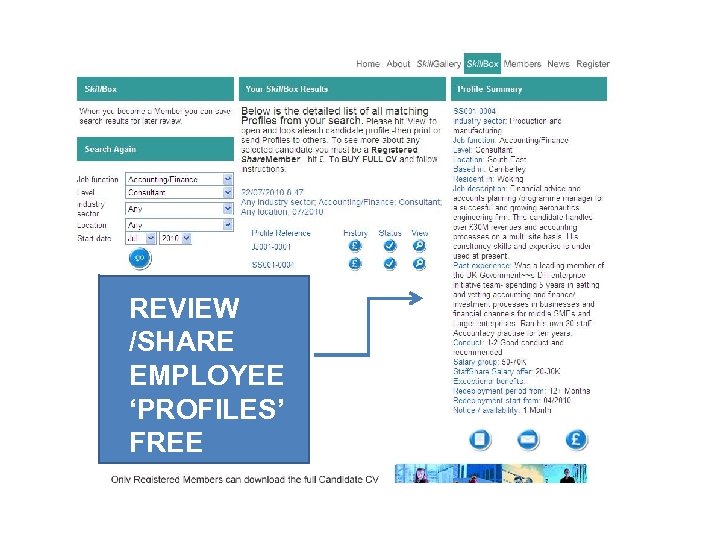
REVIEW /SHARE EMPLOYEE ‘PROFILES’ FREE
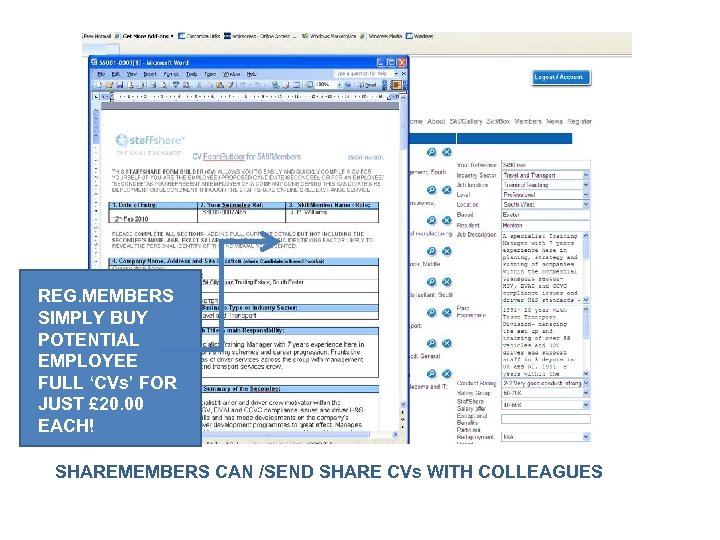
REG. MEMBERS SIMPLY BUY POTENTIAL EMPLOYEE FULL ‘CVs’ FOR JUST £ 20. 00 EACH! SHAREMEMBERS CAN /SEND SHARE CVs WITH COLLEAGUES
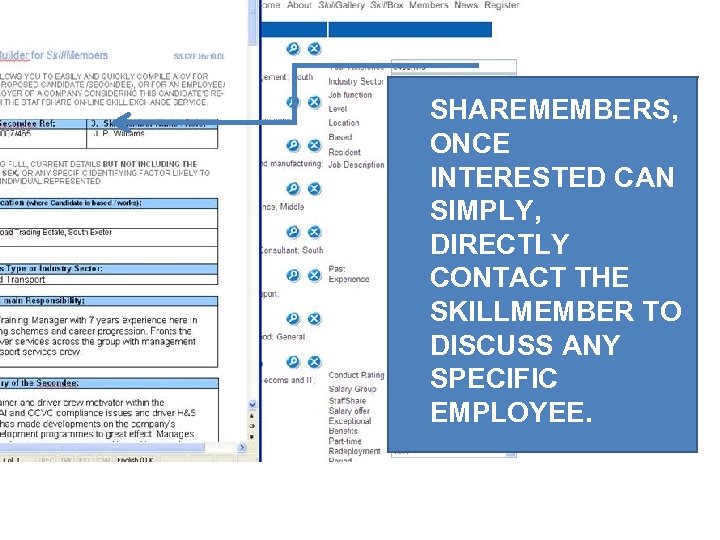
SHAREMEMBERS, ONCE INTERESTED CAN SIMPLY, DIRECTLY CONTACT THE SKILLMEMBER TO DISCUSS ANY SPECIFIC EMPLOYEE.
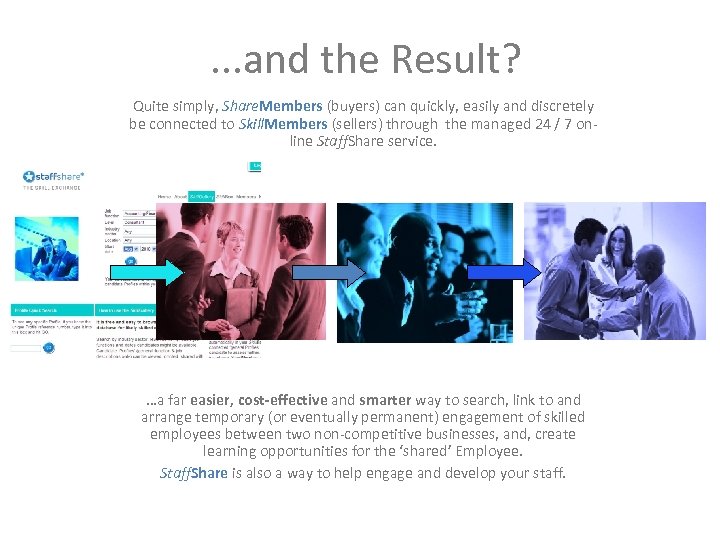
. . . and the Result? Quite simply, Share. Members (buyers) can quickly, easily and discretely be connected to Skill. Members (sellers) through the managed 24 / 7 online Staff. Share service. …a far easier, cost-effective and smarter way to search, link to and arrange temporary (or eventually permanent) engagement of skilled employees between two non-competitive businesses, and, create learning opportunities for the ‘shared’ Employee. Staff. Share is also a way to help engage and develop your staff.
T H E B I G A D V A N T A G E S • Easy and fast to get started, to update and to control Profiles • Links Local Employers together through direct skill transfer • Reduces HR work by allowing employees to build their own CVs on -line but with final approvals by the Employer • But always option to select /search locally by region is preferred • Low cost, self-managed, scalable and accessible • Discrete, controlled for employees and their employers • Suits changing employment ‘Generation Y’ choices and lattice career development trends • Benefits and advantages gained by all parties
A N D S E C U R I T Y I S S U E S • No on-line access to ID of employees or details of the Employer* • *Only Registered Members can download CVs- traceable • Skill. Members can restrict CVs from named /listed competitors • Recruitment Agencies are not accepted as Members • All Members (Skill and Share) agree Terms & Conditions • Data is securely stored within EU and subject to UK and EU Laws and Data Protection principles • Data is continuously duplicated to another second server *Employer / Council contact details are available ONLY to registered Share. Members once they buy a CV.
How do I get started with Staff. Share? 1. 2. 3. 4. 5. Complete the manual Registration form (next slide) Return this form to Staffshare through your HR contact at LG Group Once you receive the e-mail confirmation- log-in as a member to Staff. Share on www. staffshare. com and change password/ update account details as needed. Start to build profiles and share CVs. Study and use the Member’s Resources-available on-line. A range of helpful cascade tools and guides are already in ‘Member Resources’ (within your logged in Account) and more will be added in due course. In the event of needing assistance, please contact Phil Flaxton at Staff. Share and he will assist you in these early steps of Membership. Call Phil on: 07831 112639 or email him at: phil@staffshare. co. uk
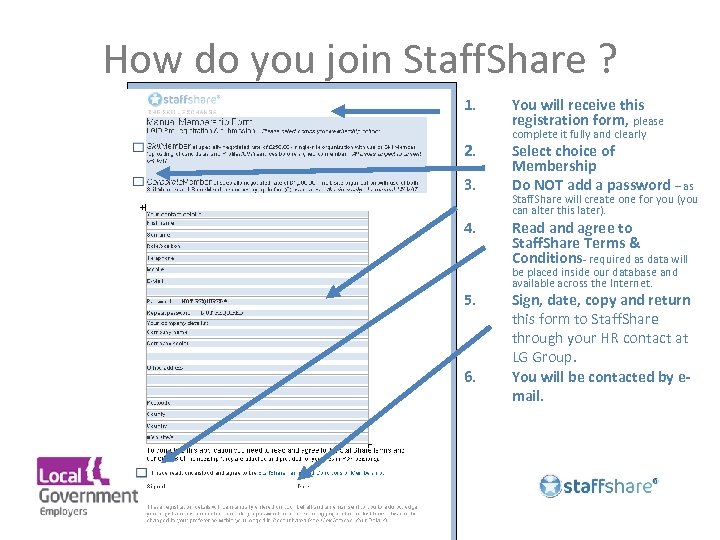
How do you join Staff. Share ? 1. 2. 3. 4. 5. 6. You will receive this registration form, please complete it fully and clearly Select choice of Membership Do NOT add a password – as Staff. Share will create one for you (you can alter this later). Read and agree to Staff. Share Terms & Conditions- required as data will be placed inside our database and available across the Internet. Sign, date, copy and return this form to Staff. Share through your HR contact at LG Group. You will be contacted by email.
Thank you for your time Any Questions ? Contact Phil Flaxton on 01252 311557 (Office) or 07831 112639 (Mobile) or by e-mail: phil@staffshare. co. uk Website: www. staffshare. com
Скачать презентацию A Staff Share Briefing for LG Group Members
eb0e7608bca60e48a65e07407eb444bc.ppt