Скачать презентацию A Real Time Radiosity Architecture for Video Games
Siggraph10-ARR-RealtimeRadiosityArchitecture.ppt
- Количество слайдов: 37
 A Real Time Radiosity Architecture for Video Games Sam Martin, Per Einarsson Geomerics, DICE
 Radiosity Architecture • Hot topic: real time radiosity – Research focus on algorithms – Several popular “categories” of algorithm • Architecture – Structure surrounding the algorithm – Use case: Integration in Frostbite 2
 Agenda • Enlighten – Overview – Architectural Features • Frostbite – Overview – Pipelines – Demo • Summary / Questions
 Overview: Goals And Trade-offs Target current consoles Flexible toolkit, not fixed solution • XBox 360, PS 3, Multi-core PCs • Cost and quality must be scalable Maintain visual quality • Cannot sacrifice VQ for real time “Believability” over accuracy • Physically based but controllable
 Four Key Architectural Features 1. 2. 3. 4. Separate lighting pipeline Single bounce with feedback Lightmap output Relighting from target geometry
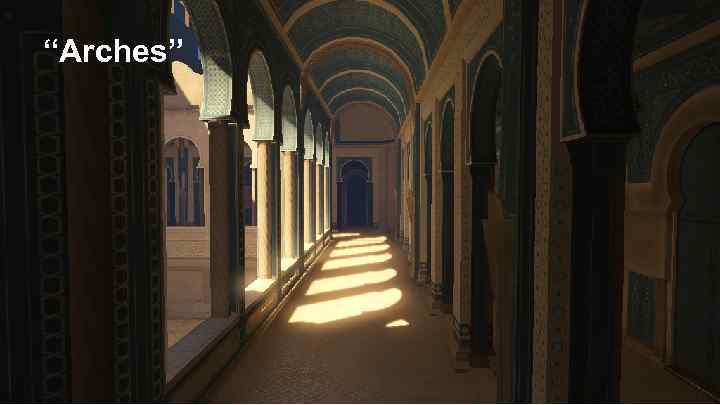 “Arches”
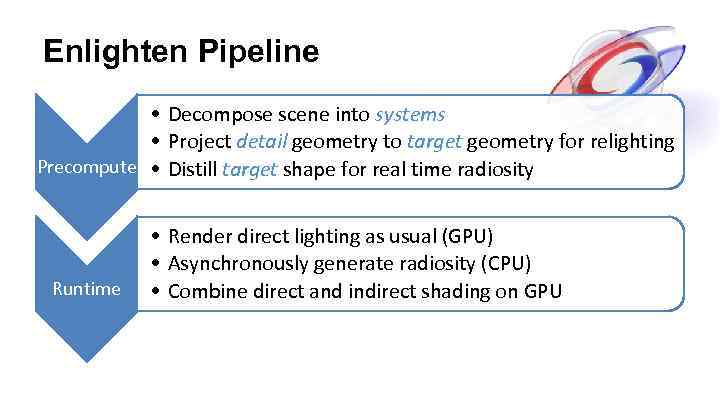 Enlighten Pipeline • Decompose scene into systems • Project detail geometry to target geometry for relighting Precompute • Distill target shape for real time radiosity Runtime • Render direct lighting as usual (GPU) • Asynchronously generate radiosity (CPU) • Combine direct and indirect shading on GPU
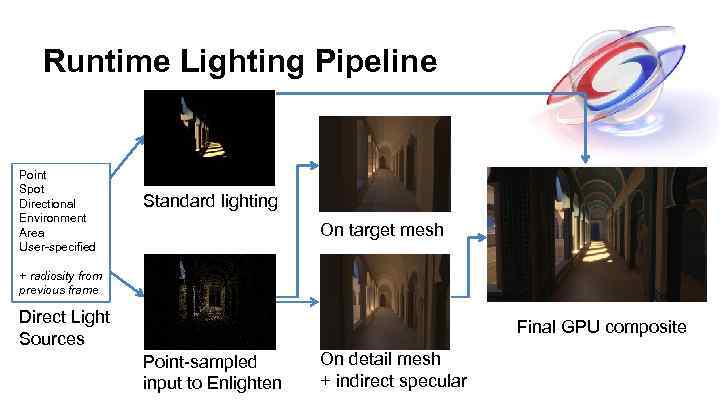 Runtime Lighting Pipeline Point Spot Directional Environment Area User-specified Standard lighting On target mesh + radiosity from previous frame Direct Light Sources Final GPU composite Point-sampled input to Enlighten On detail mesh + indirect specular
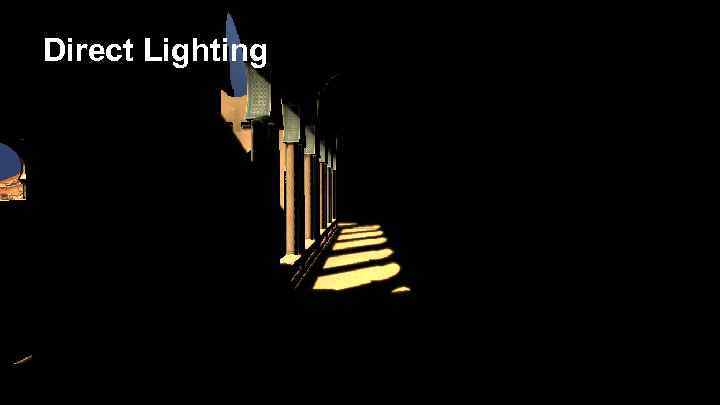 Direct Lighting
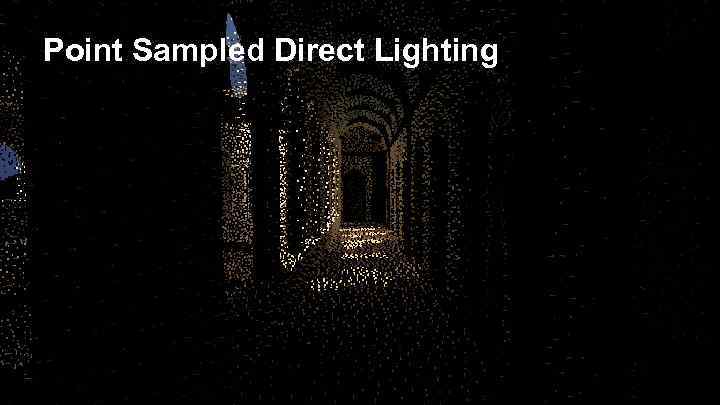 Point Sampled Direct Lighting
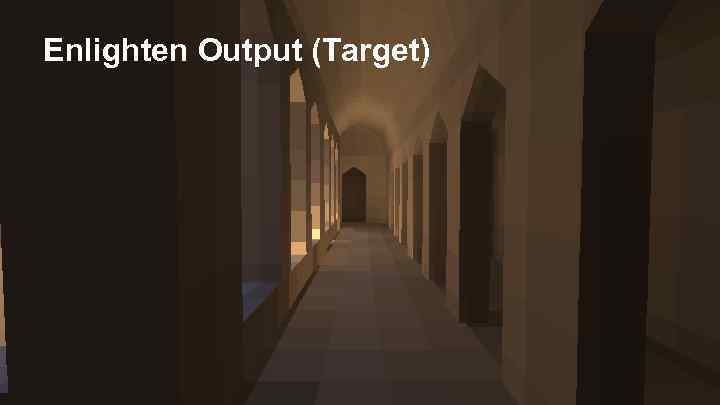 Enlighten Output (Target)
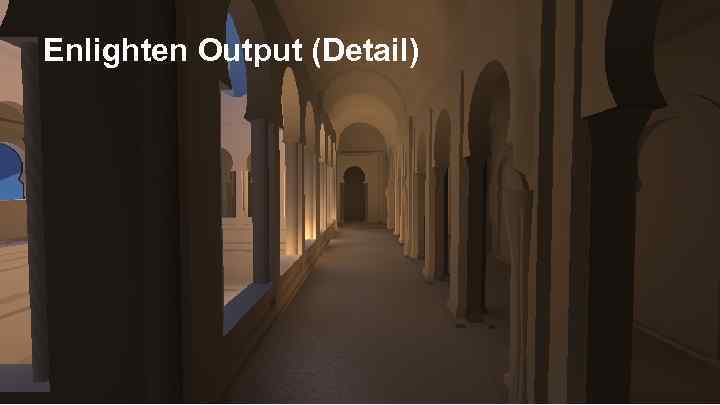 Enlighten Output (Detail)
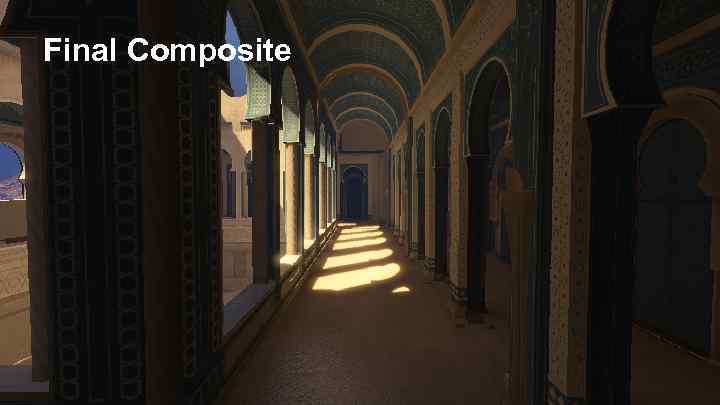 Final Composite
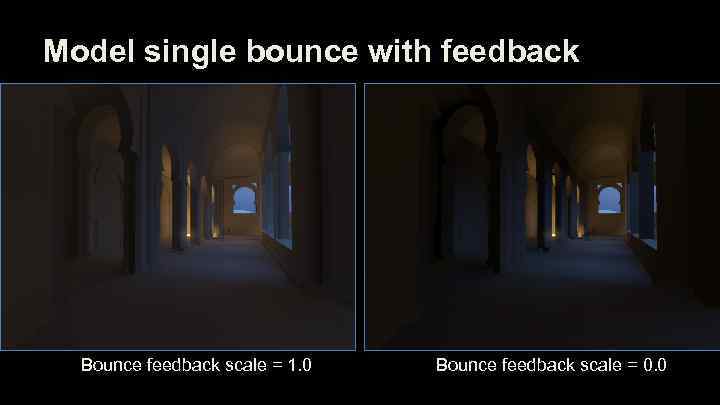 Model single bounce with feedback Bounce feedback scale = 1. 0 Bounce feedback scale = 0. 0
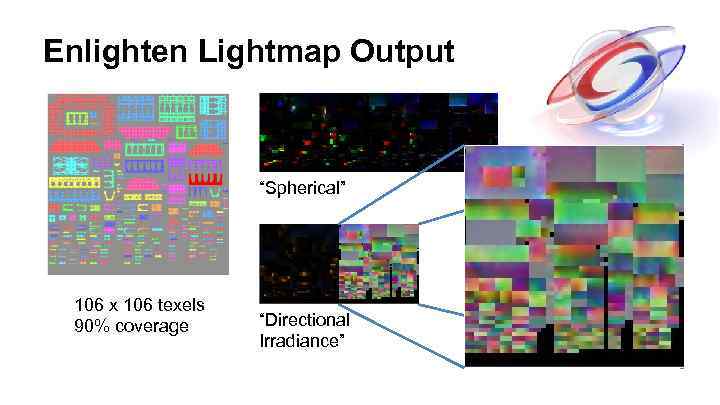 Enlighten Lightmap Output “Spherical” 106 x 106 texels 90% coverage “Directional Irradiance”
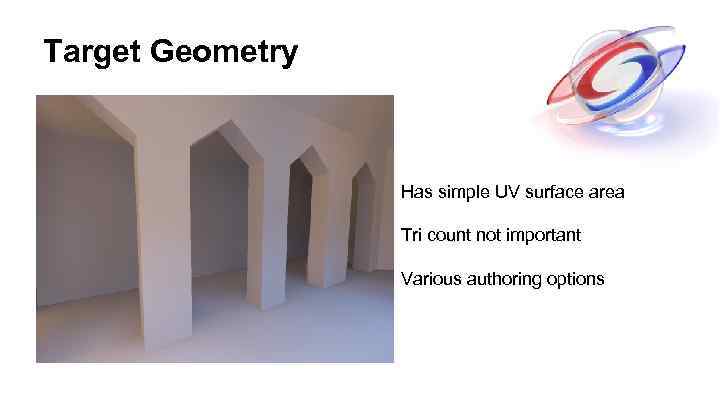 Target Geometry Has simple UV surface area Tri count not important Various authoring options
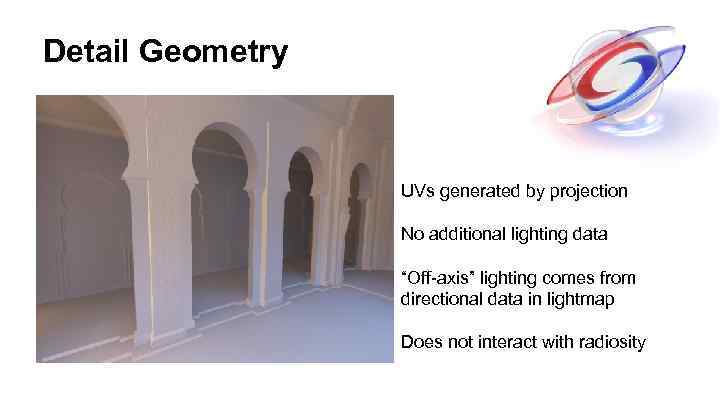 Detail Geometry UVs generated by projection No additional lighting data “Off-axis” lighting comes from directional data in lightmap Does not interact with radiosity
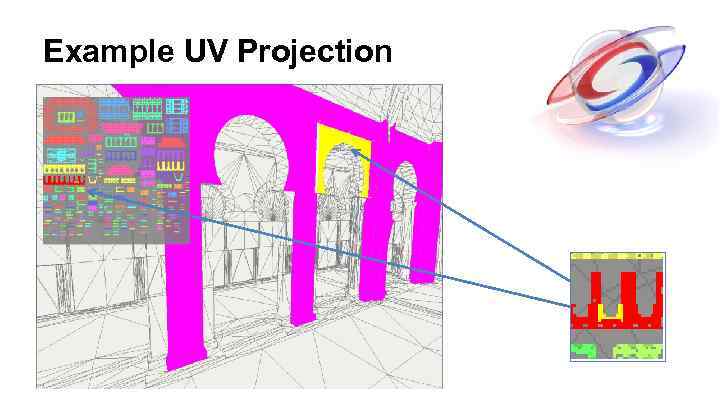 Example UV Projection
 Recap: Architectural Features 1. 2. 3. 4. Separate lighting pipeline Single bounce with feedback Lightmap output Relighting from target geometry
 Agenda • Enlighten – Quick overview, Key decisions, The future • Frostbite – – Motivation Pipeline Runtime Demo • QA?
 Motivation • Why real-time radiosity in Frostbite? - Workflows and iteration times - Dynamic environments - Flexible architecture
 Precompute pipeline 1. 2. 3. 4. Classify static and dynamic objects Generate radiosity systems Parametrize static geometry Generate runtime data
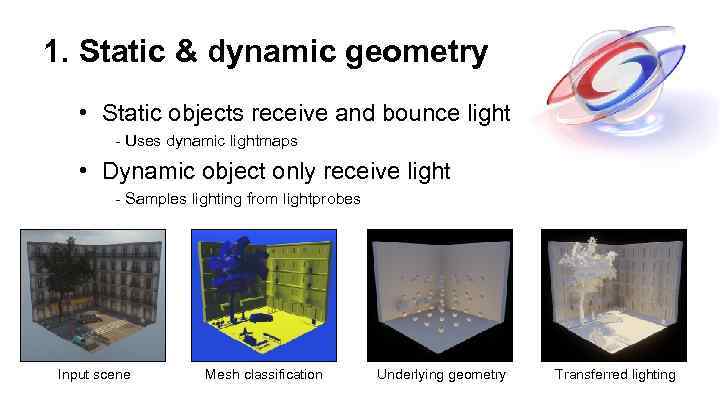 1. Static & dynamic geometry • Static objects receive and bounce light - Uses dynamic lightmaps • Dynamic object only receive light - Samples lighting from lightprobes Input scene Mesh classification Underlying geometry Transferred lighting
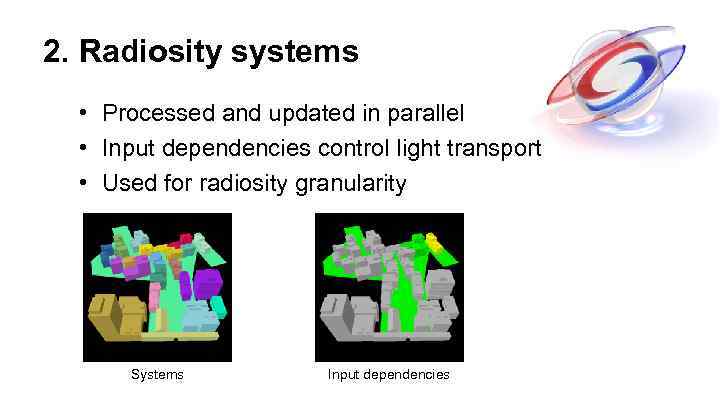 2. Radiosity systems • Processed and updated in parallel • Input dependencies control light transport • Used for radiosity granularity Systems Input dependencies
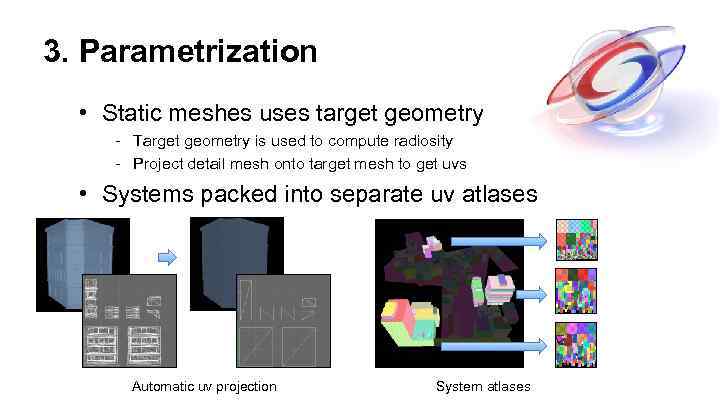 3. Parametrization • Static meshes uses target geometry - Target geometry is used to compute radiosity - Project detail mesh onto target mesh to get uvs • Systems packed into separate uv atlases Automatic uv projection System atlases
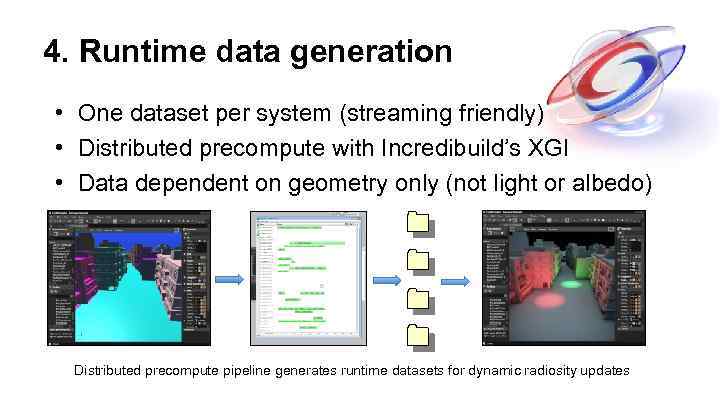 4. Runtime data generation • One dataset per system (streaming friendly) • Distributed precompute with Incredibuild’s XGI • Data dependent on geometry only (not light or albedo) • Distributed precompute pipeline generates runtime datasets for dynamic radiosity updates
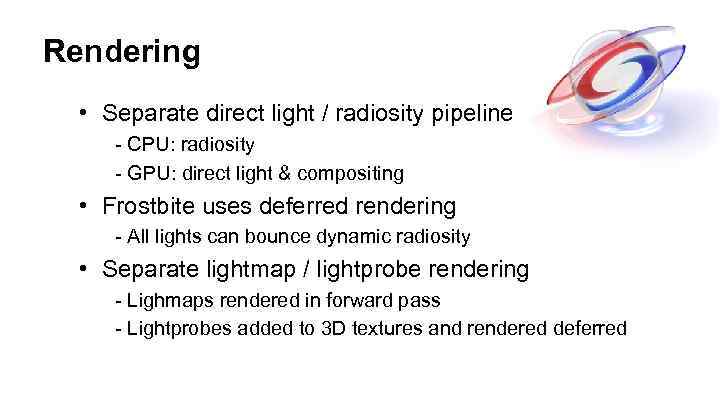 Rendering • Separate direct light / radiosity pipeline - CPU: radiosity - GPU: direct light & compositing • Frostbite uses deferred rendering - All lights can bounce dynamic radiosity • Separate lightmap / lightprobe rendering - Lighmaps rendered in forward pass - Lightprobes added to 3 D textures and rendered deferred
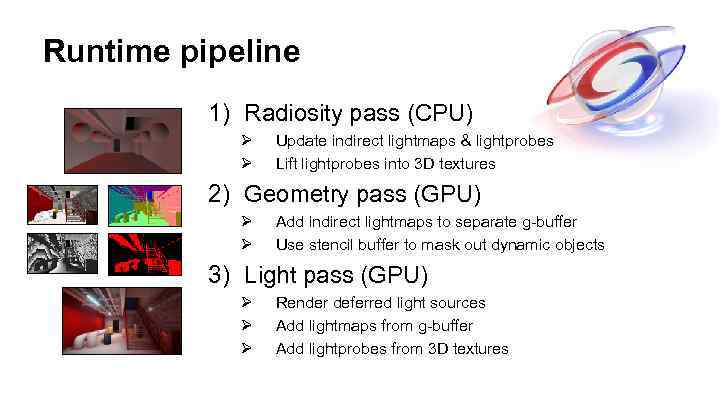 Runtime pipeline 1) Radiosity pass (CPU) Ø Ø Update indirect lightmaps & lightprobes Lift lightprobes into 3 D textures 2) Geometry pass (GPU) Ø Ø Add indirect lightmaps to separate g-buffer Use stencil buffer to mask out dynamic objects 3) Light pass (GPU) Ø Ø Ø Render deferred light sources Add lightmaps from g-buffer Add lightprobes from 3 D textures
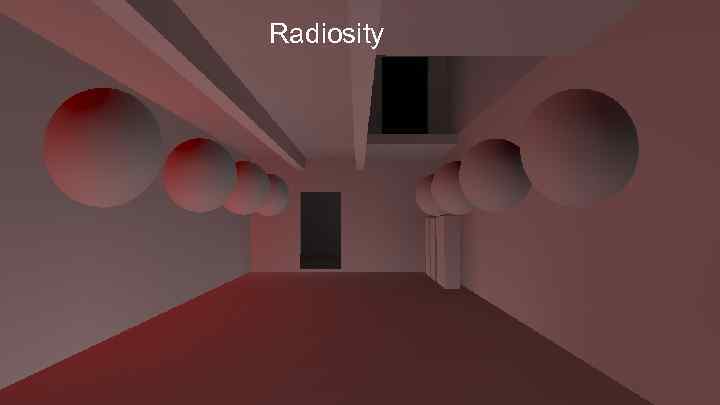 Direct lighting Radiosity
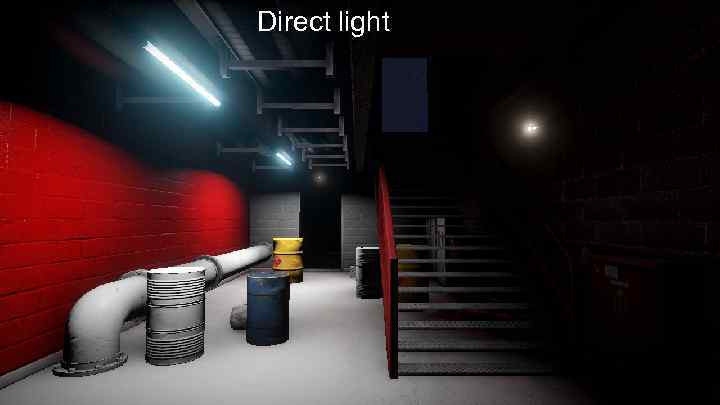 Direct light
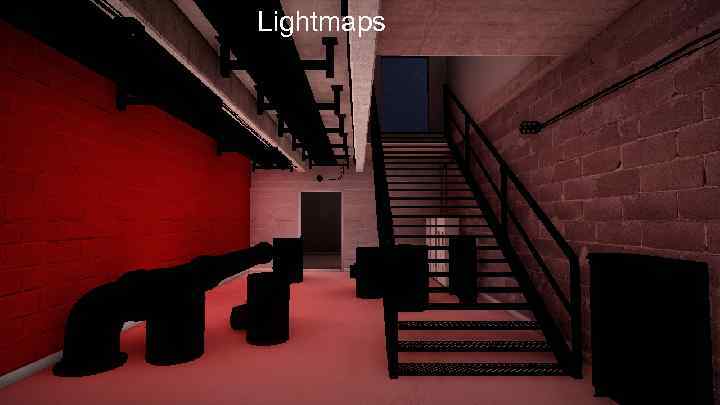 Lightmaps
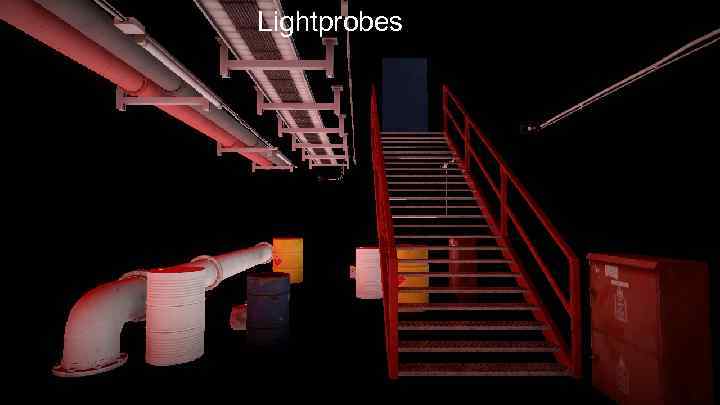 Lightprobes
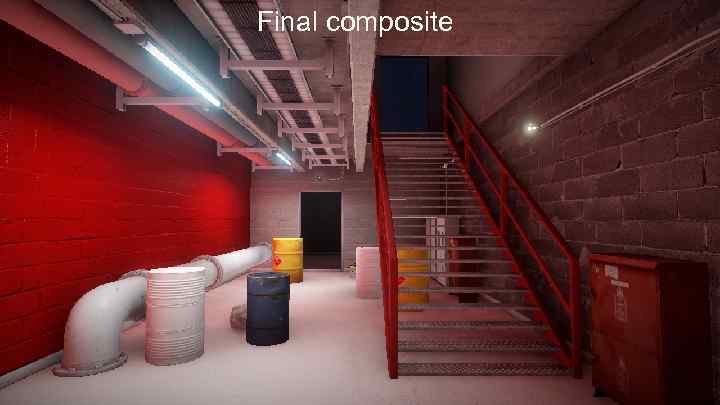 Final composite
 Demo
Demo
 Summary / Questions? • Thanks! • per. einarsson@dice. se • sam. martin@geomerics. com
 Bonus Extras! Enlighten Future • • Replace lightmaps? Shift more towards data parallel? Incremental update vs fixed cost? Split lighting integral by distance?