


 Скачать презентацию A Picture of ICT Integration at Stirling Primary
19ad5309e331abe03c38f540d1704d8a.ppt
- Количество слайдов: 15
 A Picture of ICT Integration at Stirling Primary School by Claire Dean
 Contents • Evidence of educator development… • Intel Teach • Tips in the Foundation Phase • Web. Quest
 Let’s travel to China • Annette Brown, • Head of Grade 4 • Intel Teach to the Future – Power. Point – Publication – Web • Classroom management
 Examples • Educator Support – Introduction to Project – Letter to Parents – Invitation to Showcase – Certificate • Learner Support – Presentation Storyboard – Website Storyboard • Learner Sample – Website • Assessment – Rubric of Website
 Awesome Earth • Debbie Lewis-Williams • Grade 6 teacher • Intel Teach to the Future • Newsletter on Dinosaurs • Newsletter Sample • Assessment Rubric
 Liesel Krüger • Intel and Web. Quest training • Foundation Phase computer lab • Innovative Educator • The next 6 slides are some of her tips for the integration of ICT in the Foundation Phase…
 In the Foundation Phase… • Teach only one or 2 concepts in a lesson. • Use a lot of ‘templates’ • Always linked to themes being done in class.
 Grade 1 Maths + Excel • Learners simply had to click on the text box and fill it with red or green if it was correct or incorrect. They then had to use a line to join the number name to the numeral. • See example. • Another example using Excel for a worksheet.
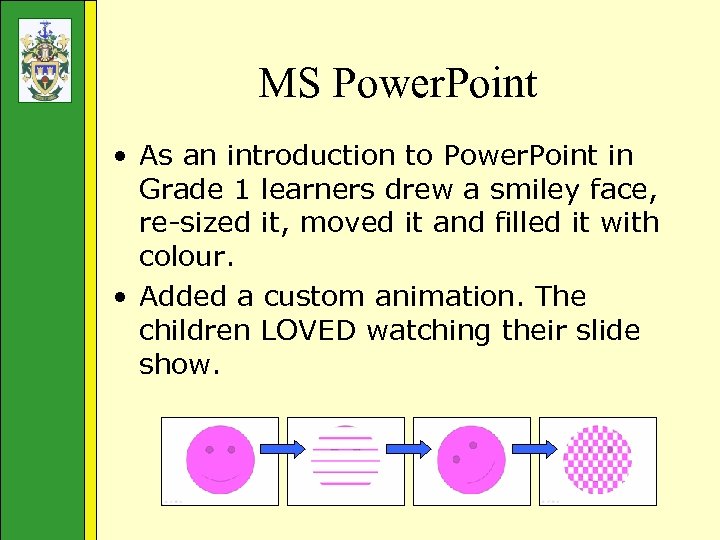 MS Power. Point • As an introduction to Power. Point in Grade 1 learners drew a smiley face, re-sized it, moved it and filled it with colour. • Added a custom animation. The children LOVED watching their slide show.
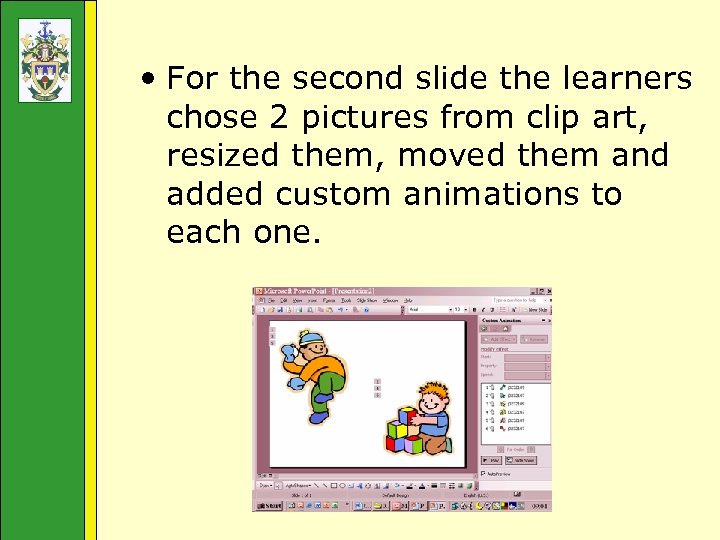 • For the second slide the learners chose 2 pictures from clip art, resized them, moved them and added custom animations to each one.
 Excel for Phonics in Grade 1 • The clip art was scattered around the edge of the sheet • Learners had to drag it into the correct cell depending on the initial sound of the picture. • Class teachers used the worksheet to assess whether their pupils knew their initial sounds and could recognise the sound/letter. • See example.
 Phonics in Grade 2 • A self-marking quiz. • The teacher goes through the whole test with the learners demonstrating how to select the answers. (Reading skills not that strong for many at this age. ) • Learners printed page 3 (which had the score)once the test was completed. • See example:
 Publisher and Internet in Grade 3 • Awareness Campaign to prevent Bullying • Bullying a theme in LO • Worksheets + Internet • Learners used Publisher – created Bully Posters in groups • Best posters were enlarged – laminated and on display • Example:
 Web. Quest on Trees -Grade 3 • Decide which trees must be selected for planting in the school garden. Challenging their thinking. • Groups of four, role play, provide scaffolds. • Resources: a tree expert, the internet, books and CD ROMs. • Presentation of findings and assessment. • See example.
 Conclusion • Schools either buy or receive computers through donations/sponsors. • Are your teachers equipped to effectively integrate ICT into the classroom? • Visit School. Net SA