 Скачать презентацию A PC Buying Guide Office graphic copyright by
13800e7d48fa9923a35a08ae98f02404.ppt
- Количество слайдов: 17



A PC Buying Guide Office graphic copyright by Microsoft Corp.
Overview l Confused about PC ads? l PC or Mac? l Select desktop, tower, mini-tower or notebook computers l Buy from hundreds of companies, retail, mail-order or E commerce A PC Buying Guide 2
Overview l l Select mouse, trackball or pen Select Storage n Hard disk CD-ROM and CD-recordable devices n Removable disk drives n l l Fax-modem card Sound card Video Adapters Tape Backup Units A PC Buying Guide 3
Personal Computer History IBM offered PC in 1981 l Intel designed microprocessor for IBM platform l Microsoft designed operating system l Open design created IBM PC Compatible market l Upgraded with expansion cards l A PC Buying Guide 4
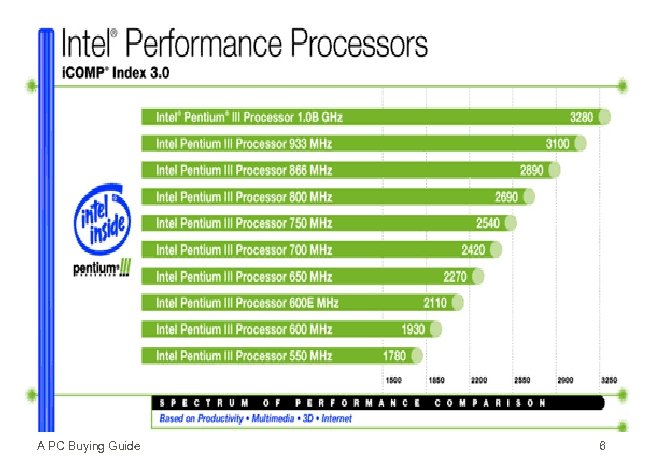
The Microprocessor Clock Speed l Megahertz l Intel CPU Performance index (i. COMP) l A PC Buying Guide 5
A PC Buying Guide 6
Memory l l l Memory - temporary, fast storage area that holds data, instructions, and results, and passes everything to the CPU RAM = Random Access Memory Byte = 1 character Kilobyte = 1, 024 bytes Megabyte ~ million bytes Minimum 64 -128 A PC Buying Guide 7
Auxiliary Storage Floppy disks l Hard disk = Fixed Disk l Gigabyte ~ 1 billion bytes l Access Time l High Density = 1. 44 MB l Removable Disks l CD ROM l Second Hard Disk l A PC Buying Guide 8
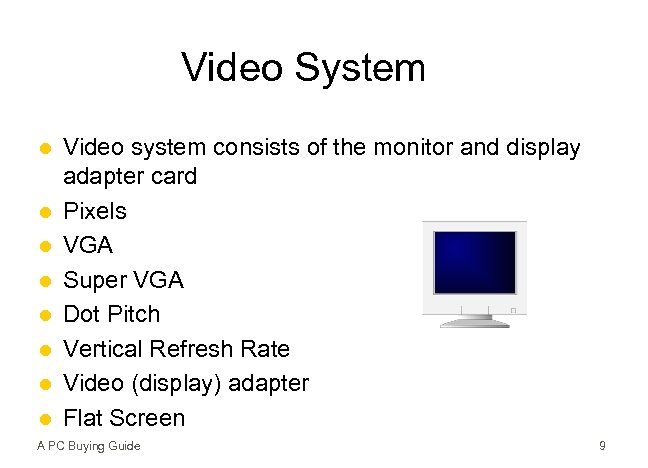
Video System l l l l Video system consists of the monitor and display adapter card Pixels VGA Super VGA Dot Pitch Vertical Refresh Rate Video (display) adapter Flat Screen A PC Buying Guide 9
Local Bus is circuitry that transports data to/from the motherboard to other peripheral devices A PC Buying Guide 10
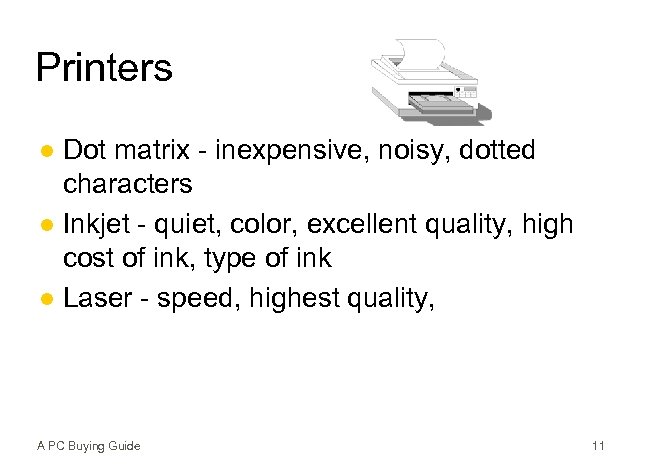
Printers Dot matrix - inexpensive, noisy, dotted characters l Inkjet - quiet, color, excellent quality, high cost of ink, type of ink l Laser - speed, highest quality, l A PC Buying Guide 11
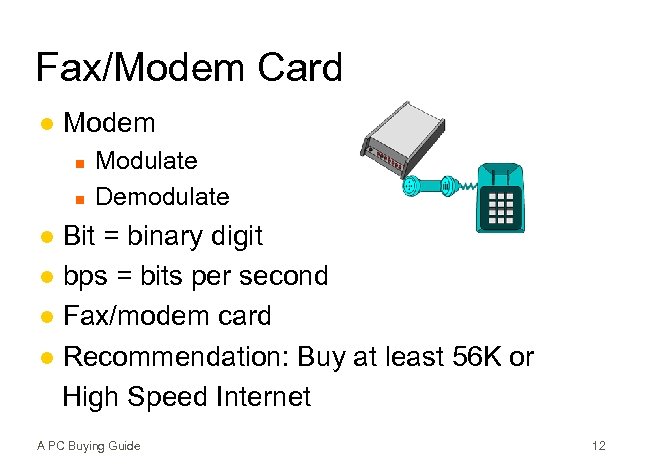
Fax/Modem Card l Modem n n Modulate Demodulate Bit = binary digit l bps = bits per second l Fax/modem card l Recommendation: Buy at least 56 K or High Speed Internet l A PC Buying Guide 12
Multimedia CD-ROM Compact Disk, Read Only Memory l Access time l Speeds l Transfer Rate l DVD l Sound card needed for microphone and speakers l A PC Buying Guide 13
A Guide to Smart Shopping l l l l Research and Plan - One Stop Shopping Start at University Computer Center or Bookstore Retail Store Mail Order/Ecommerce User Buyer Protection Plan Service Software Bundling may not be your best buy A PC Buying Guide 14
Buying a Computer Hands-On Exercise 1 1. Dell Computer 2. Configure the System 3. View Your Shopping Cart 4. Print Your Order 5. Comparison Shopping A PC Buying Guide 15
Summary l l l l Computer is a big-ticket item Consider Local Service and Support Insist on a guarantee Include software in your computer budget Microprocessor, memory, hard disk and monitor are major performance and pricing considerations One stop shopping Firm’s track record A PC Buying Guide 16
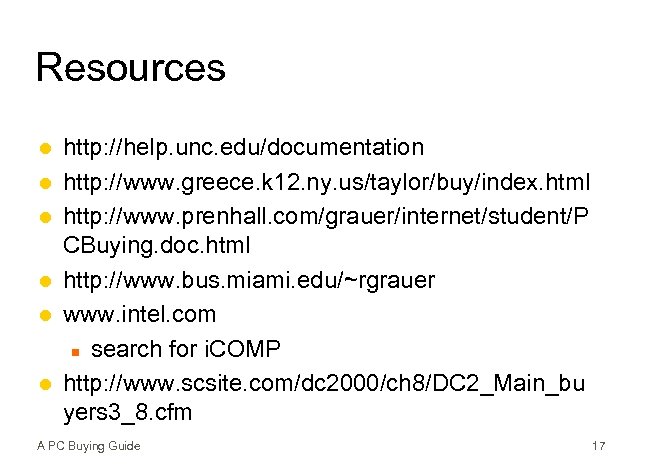
Resources l l l http: //help. unc. edu/documentation http: //www. greece. k 12. ny. us/taylor/buy/index. html http: //www. prenhall. com/grauer/internet/student/P CBuying. doc. html http: //www. bus. miami. edu/~rgrauer www. intel. com n search for i. COMP http: //www. scsite. com/dc 2000/ch 8/DC 2_Main_bu yers 3_8. cfm A PC Buying Guide 17
Скачать презентацию A PC Buying Guide Office graphic copyright by
13800e7d48fa9923a35a08ae98f02404.ppt