


 Скачать презентацию A New Production Environment for LCLS Controls System
7dd589796b142e60136c3adc547a2601.ppt
- Количество слайдов: 16
 A New Production Environment for LCLS Controls System Ernest and Jingchen
 Migrated to Standalone Production Environment • Why needed? – Wide open and vulnerable – Dependent on SCCS services • Not for production • No 24/7 support • Beyond our control • Standalone? – The LCLS controls systems hosted on a secure and private network designed for production – CA network (Channel Access network) – All the services required by the controls system provided by MCC instead of SCCS • The goal: – To improve the reliability – To improve the security – To improve the performance • What missing: Transparency

 Services Provided with CA • • • • NFS: file server for applications and data DHCP: bootp for network setting TFTP: loading up the kernel NTP: time synchronization DNS: “phone book” for network NIS: Authentication server for account management (in progress) Matlab License Server A cluster of application servers: daemons, elog, archivers, high level apps and etc. A cluster of OPIs: operational consoles Software packages: required to build controls applications Automated patching system Backup/Restore Network and system monitoring and diagnosis User support etc.
 lcls-prod 02: the Gateway to CA • lcls-prod 02 – A public machine on DMZ network – Access to CA via lcls-prod 02 – Access to the public via lcls-prod 02 • Log in lcls-prod 02 – From any public node in SLAC, e. g. , your office desktop – ssh lcls-prod 02 • kinit if needed
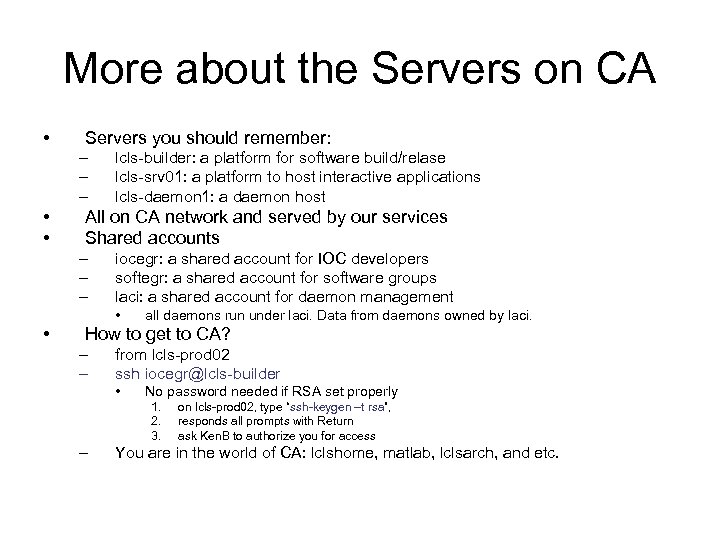 More about the Servers on CA • Servers you should remember: – – – • • lcls-builder: a platform for software build/relase lcls-srv 01: a platform to host interactive applications lcls-daemon 1: a daemon host All on CA network and served by our services Shared accounts – – – iocegr: a shared account for IOC developers softegr: a shared account for software groups laci: a shared account for daemon management • • all daemons run under laci. Data from daemons owned by laci. How to get to CA? – – from lcls-prod 02 ssh iocegr@lcls-builder • No password needed if RSA set properly 1. 2. 3. – on lcls-prod 02, type “ssh-keygen –t rsa”, responds all prompts with Return ask Ken. B to authorize you for access You are in the world of CA: lclshome, matlab, lclsarch, and etc.
![OPIs: Operational Consoles on CA • lcls-opi 1[-4] – – • lcls-opi 5[-x] –](https://present5.com/presentation/7dd589796b142e60136c3adc547a2601/image-7.jpg "OPIs: Operational Consoles on CA • lcls-opi 1[-4] – – • lcls-opi 5[-x] –") OPIs: Operational Consoles on CA • lcls-opi 1[-4] – – • lcls-opi 5[-x] – – • • On CA network In sectors All are operations consoles and for production only Log in as physics – – • On CA network In MCC, formerly called Kiosks No more AFS token issue Will be changed to lclsops when LCLS is in production Completely independent of SCCS services – – No direct access to any public resources: email, WEB, your AFS home directory Log in lcls-prod 02 if needed for public resources
OPIs: Operational Consoles on CA • lcls-opi 1[-4] – – • lcls-opi 5[-x] – – • • On CA network In sectors All are operations consoles and for production only Log in as physics – – • On CA network In MCC, formerly called Kiosks No more AFS token issue Will be changed to lclsops when LCLS is in production Completely independent of SCCS services – – No direct access to any public resources: email, WEB, your AFS home directory Log in lcls-prod 02 if needed for public resources
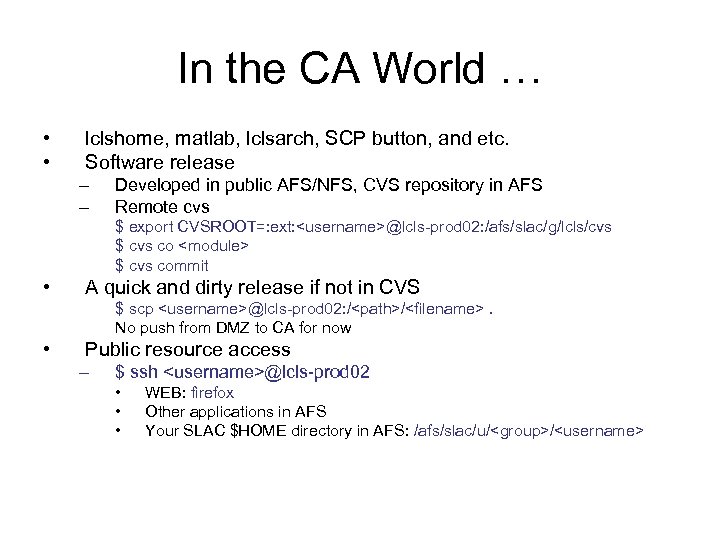 In the CA World … • • lclshome, matlab, lclsarch, SCP button, and etc. Software release – – Developed in public AFS/NFS, CVS repository in AFS Remote cvs $ export CVSROOT=: ext:
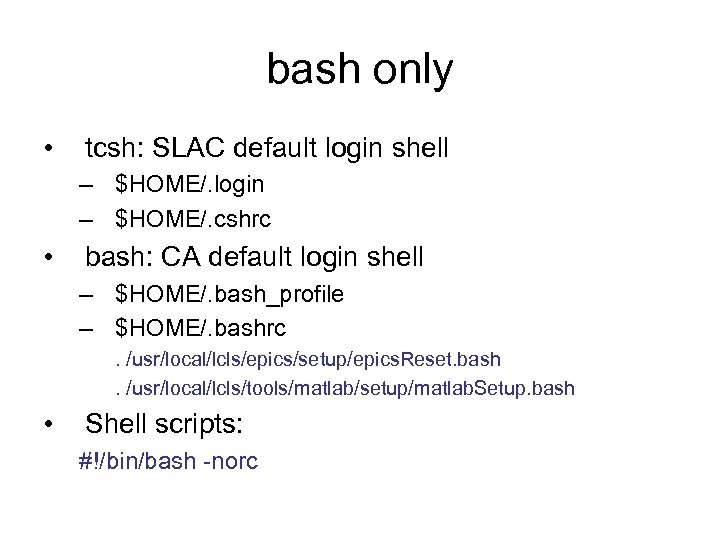 bash only • tcsh: SLAC default login shell – $HOME/. login – $HOME/. cshrc • bash: CA default login shell – $HOME/. bash_profile – $HOME/. bashrc. /usr/local/lcls/epics/setup/epics. Reset. bash. /usr/local/lcls/tools/matlab/setup/matlab. Setup. bash • Shell scripts: #!/bin/bash -norc
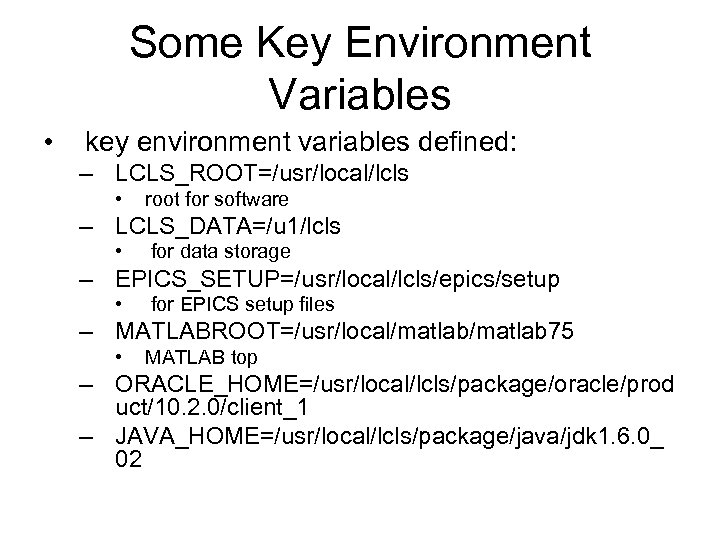 Some Key Environment Variables • key environment variables defined: – LCLS_ROOT=/usr/local/lcls • root for software – LCLS_DATA=/u 1/lcls • for data storage – EPICS_SETUP=/usr/local/lcls/epics/setup • for EPICS setup files – MATLABROOT=/usr/local/matlab 75 • MATLAB top – ORACLE_HOME=/usr/local/lcls/package/oracle/prod uct/10. 2. 0/client_1 – JAVA_HOME=/usr/local/lcls/package/java/jdk 1. 6. 0_ 02
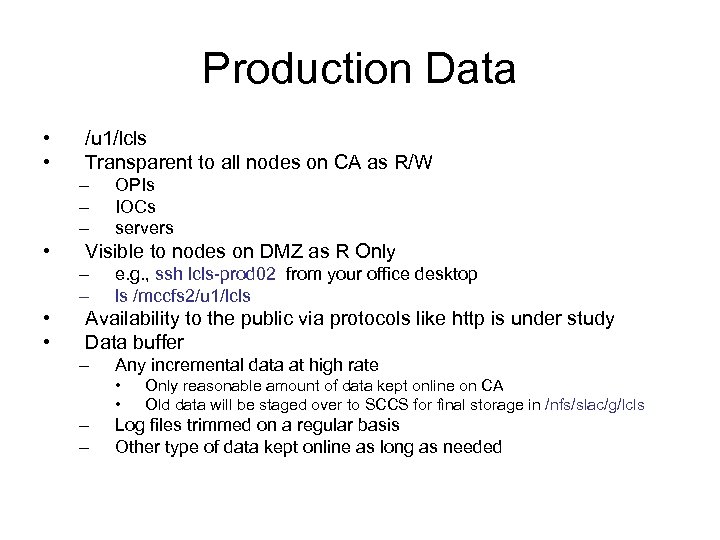 Production Data • • /u 1/lcls Transparent to all nodes on CA as R/W – – – • Visible to nodes on DMZ as R Only – – • • OPIs IOCs servers e. g. , ssh lcls-prod 02 from your office desktop ls /mccfs 2/u 1/lcls Availability to the public via protocols like http is under study Data buffer – Any incremental data at high rate • • – – Only reasonable amount of data kept online on CA Old data will be staged over to SCCS for final storage in /nfs/slac/g/lcls Log files trimmed on a regular basis Other type of data kept online as long as needed
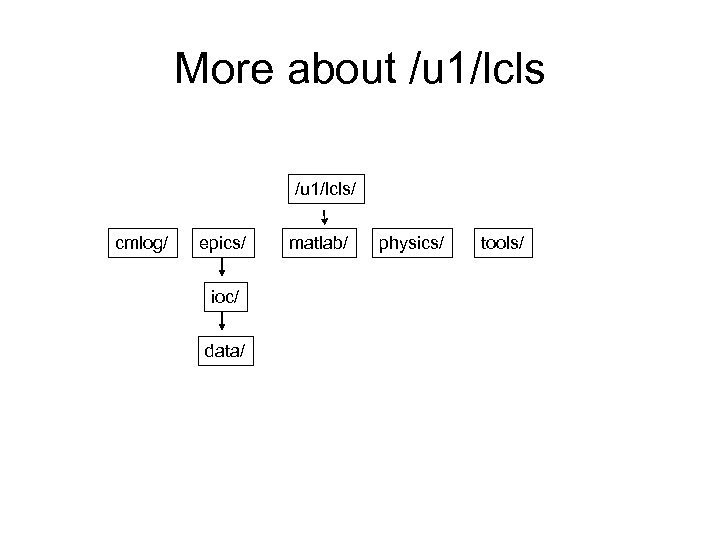 More about /u 1/lcls/ cmlog/ epics/ ioc/ data/ matlab/ physics/ tools/
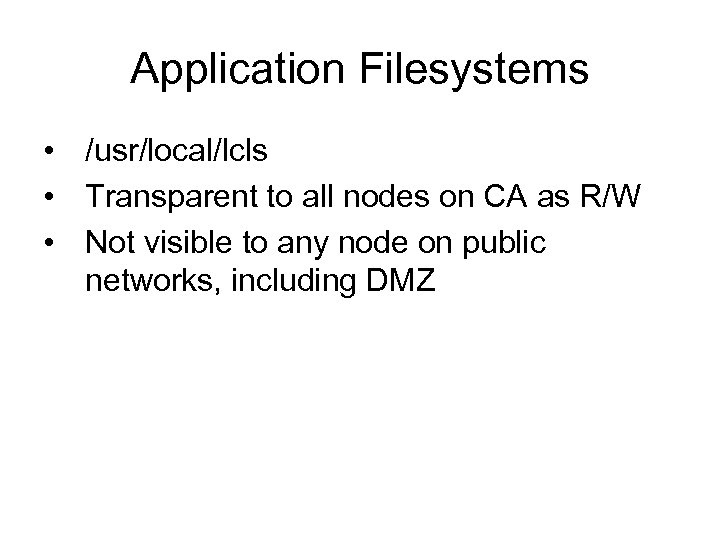 Application Filesystems • /usr/local/lcls • Transparent to all nodes on CA as R/W • Not visible to any node on public networks, including DMZ
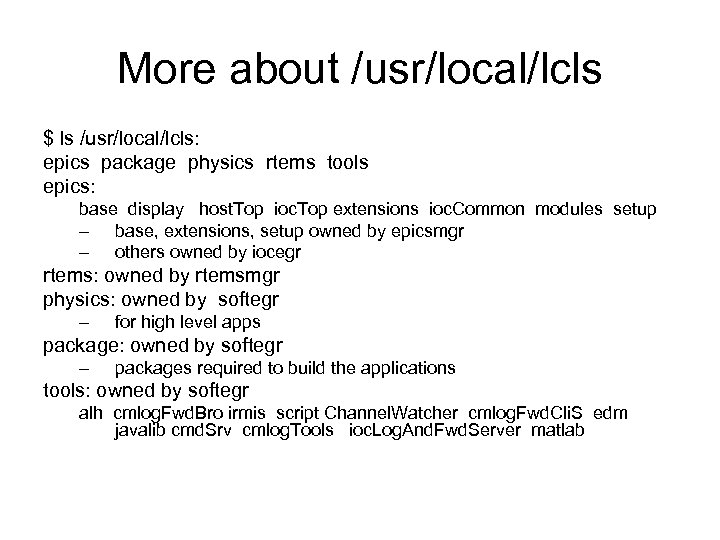 More about /usr/local/lcls $ ls /usr/local/lcls: epics package physics rtems tools epics: base display host. Top ioc. Top extensions ioc. Common modules setup – base, extensions, setup owned by epicsmgr – others owned by iocegr rtems: owned by rtemsmgr physics: owned by softegr – for high level apps package: owned by softegr – packages required to build the applications tools: owned by softegr alh cmlog. Fwd. Bro irmis script Channel. Watcher cmlog. Fwd. Cli. S edm javalib cmd. Srv cmlog. Tools ioc. Log. And. Fwd. Server matlab
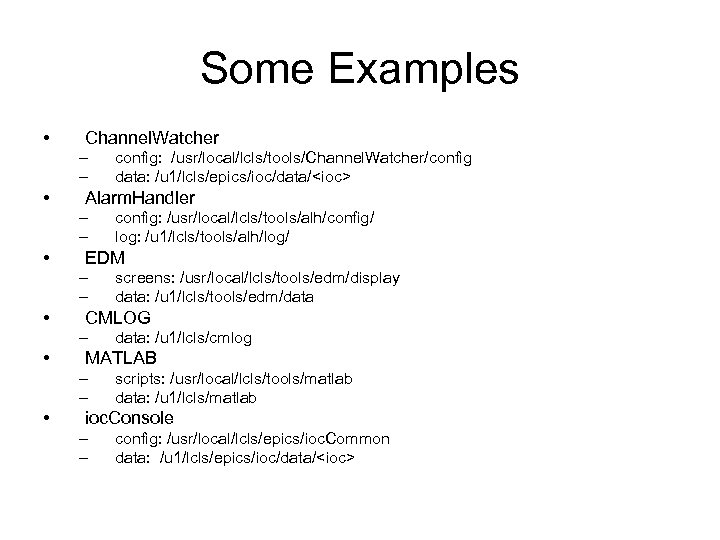 Some Examples • Channel. Watcher – – • Alarm. Handler – – • data: /u 1/lcls/cmlog MATLAB – – • screens: /usr/local/lcls/tools/edm/display data: /u 1/lcls/tools/edm/data CMLOG – • config: /usr/local/lcls/tools/alh/config/ log: /u 1/lcls/tools/alh/log/ EDM – – • config: /usr/local/lcls/tools/Channel. Watcher/config data: /u 1/lcls/epics/ioc/data/
 The Goal • Robust • Secure • Optimized