 Скачать презентацию A Look at Current Malware Problems and Their
3513db0779e04f1229ba6899ce72d9cc.ppt
- Количество слайдов: 22




A Look at Current Malware Problems and Their Solutions Tzi-cker Chiueh
The Malware Problem • Malware: any program that enters a user machine with malicious intentions, e. g. compromise, hijack or steal • The malware problem: how to detect them AND remove them after the fact if necessary • Malware detection: – Network-based – Host-based: Symantec is here • Remediation is a less explored area, but is increasingly more important Being able to detect a malware program exists on a machine but not able to remove it cleanly is not good enough • Data-only attack: phishing 2
How do they get in? 1. Exploiting bugs in software applications, e. g. buffer overflow vulnerability 2. Entice a user to load and/or install an executable via social engineering, e. g. , “password cracking software for porn sites” 3. Embed code within legitimate data, e. g. include an IFrame in a legitimate web page that points to a malicious Javascript Bottom line: As soon as a new way of introducing code into a system is discovered, the hacker will exploit it 3
Vulnerability-Based Attack • Mostly exploit memory bugs/errors in vulnerable programs – Buffer overflow: access A[23] when A has only twenty elements – Integer overflow: assign a negative number to an unsigned integer – Input argument list overflow: access the fifth argument of a call to printf() with three arguments, e. g. printf(“The answer of Question %d is %d n”, ID, answer) • Types of exploits: – Code injection – Return to libc – Data attack 4
Three-Step Recipe • Overflow some data structure in the victim program, e. g. the stack – Sneak a weapon into an airplane • Hijack the control of the victim program, e. g. injected code gets executed – Take control of the cockpit • Perform damaging actions through system calls, e. g. create a remote shell – Use the hijacked airplane as a weapon 5
Defenses • Stopping any of the three steps will do • Preventing overflow through run-time checks – Bounds checking, e. g. , CASH – Integer overflow prevention, e. g. , RICH – Format string attack prevention, e. g. Lisbon • Preventing unauthorized control flow transfer – Randomization of address space layout or instruction set – Control flow integrity check • Preventing illegitimate system calls – Checking the order, sites, and arguments of every system call, e. g. PAID, which automatically derives program-specific sandboxing policy 6
Graceful Post-Detection Recovery • Detecting attacks is not enough: In many cases terminating the victimized process is not always an acceptable option Example: Outlook keeps crashing when an incoming email exploits a buffer overflow vulnerability in it • Challenge: Upon detecting an attack, how to automatically clean up side effects left by the attack, resume the application, and possibly bypass the attack input next time • Idea: – Identify a place in victim program that is ready to handle error condition and clean up, e. g. , a call site to a COM function – Automatically locate such places for each vulnerability exploited 7
Current Consensus • In practice, the vulnerability-based attack problem is largely contained • Non-executable bit (NX) and address space layout randomization (ASLR) can catch most of the low-hanging fruits – Do not handle return-to-libc and data attacks • System call pattern monitoring (such as PAID) provides a last line of defense • Research focus shifts to – Automated attack signature generation – Automated patch generation 8
Malicious Binary Download/Install • Almost always requires user action: – Executable (adware, spyware, Trojan horse) – Broswer helper object (BHO) – Active. X control • Still, many users are susceptible to such social engineering attacks – Bug is in a human’s brain • Ideal solution: When a piece of executable binary is downloaded, check if it is malicious 9
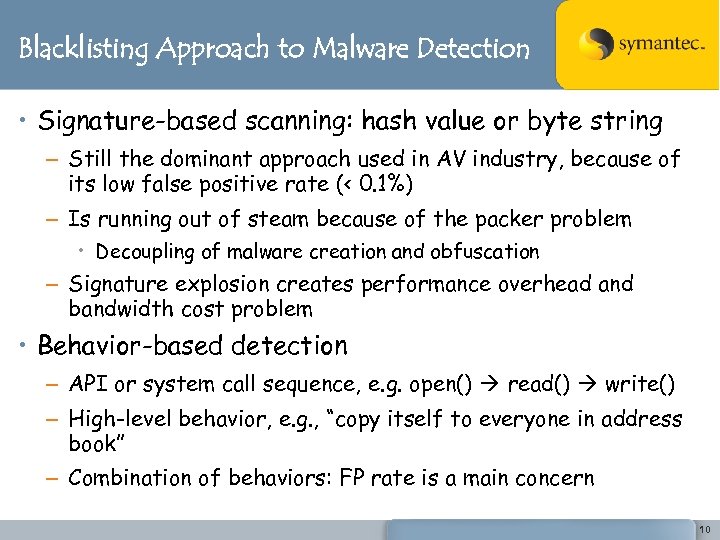
Blacklisting Approach to Malware Detection • Signature-based scanning: hash value or byte string – Still the dominant approach used in AV industry, because of its low false positive rate (< 0. 1%) – Is running out of steam because of the packer problem • Decoupling of malware creation and obfuscation – Signature explosion creates performance overhead and bandwidth cost problem • Behavior-based detection – API or system call sequence, e. g. open() read() write() – High-level behavior, e. g. , “copy itself to everyone in address book” – Combination of behaviors: FP rate is a main concern 10
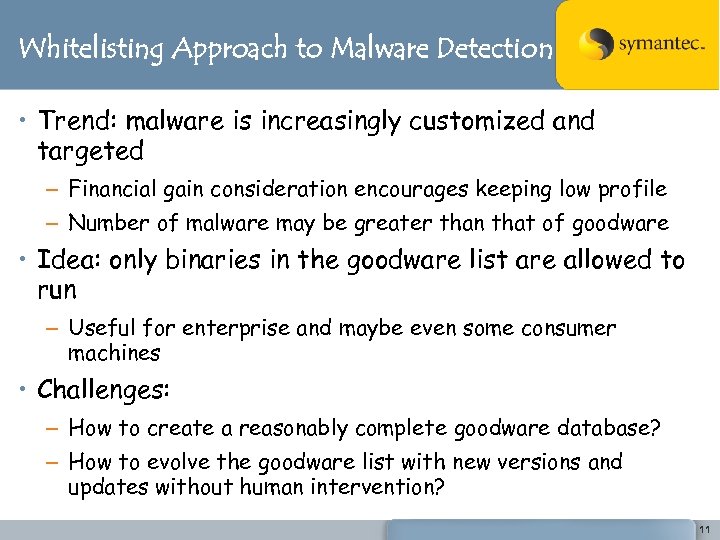
Whitelisting Approach to Malware Detection • Trend: malware is increasingly customized and targeted – Financial gain consideration encourages keeping low profile – Number of malware may be greater than that of goodware • Idea: only binaries in the goodware list are allowed to run – Useful for enterprise and maybe even some consumer machines • Challenges: – How to create a reasonably complete goodware database? – How to evolve the goodware list with new versions and updates without human intervention? 11
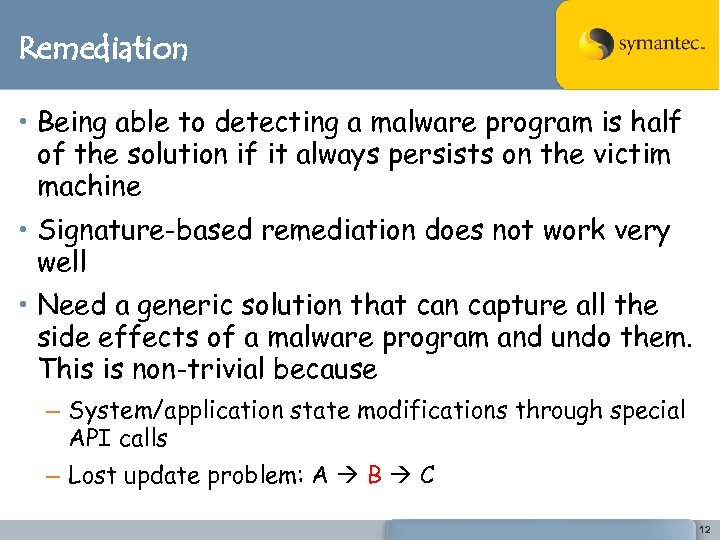
Remediation • Being able to detecting a malware program is half of the solution if it always persists on the victim machine • Signature-based remediation does not work very well • Need a generic solution that can capture all the side effects of a malware program and undo them. This is non-trivial because – System/application state modifications through special API calls – Lost update problem: A B C 12
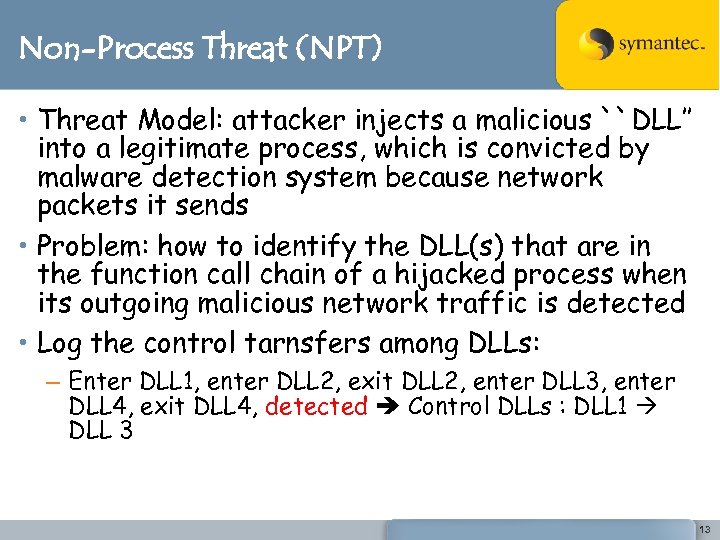
Non-Process Threat (NPT) • Threat Model: attacker injects a malicious ``DLL’’ into a legitimate process, which is convicted by malware detection system because network packets it sends • Problem: how to identify the DLL(s) that are in the function call chain of a hijacked process when its outgoing malicious network traffic is detected • Log the control tarnsfers among DLLs: – Enter DLL 1, enter DLL 2, exit DLL 2, enter DLL 3, enter DLL 4, exit DLL 4, detected Control DLLs : DLL 1 DLL 3 13
Culprit DLL Identification Problem Statement: Given an arbitrary DLL that is to be inserted into an arbitrary process, identify all interactions between the DLL and the main program – Calls to and returns from exported functions in the DLL – Calls to and returns from non-exported internal functions in the DLL – Accesses to DLL’s internal data structures directly – Calls from the DLL to functions in the main program and their returns – Accesses from the DLL to data structures in main program 14
Browser-based Attack • Web browser is the most popular application users use to interact with the Internet – Complicated (and buggy) piece of software – Designed to handle a wide variety of input formats, e. g. , HTML, XML, Javascript, VBscript, etc. • Increasingly becomes a major target of attacks – Machine compromise – Identity/credential theft 15
Classification • Rogue browser helper object (BHO) or extensions: a form of binary malware • Use browser inputs such as Java. Script scripts, Active. X controls, malformed HTML or VML contents to hijack the control of or crash a hosting web browser – Example: MOBB, VML numcolors heap overflow, HTML Layout and Positioning buffer overflow • Web 2. 0 attack: Leverage Ajax technology to turn a hosting web browser into a zombie attack source against other machines – Drive-by pharming, click fraud, Ajax worms 16
Web 2. 0 Attack • Downloaded Java. Script scripts that attack other machines rather than host machine • Cross-site scripting (XSS): – Reflective: A sends an email to V an incorrect URL destined to T, and T returns to V an error message – Persistent: A posts something to X’s profile in Myspace and V views X’s profile • Cross-site request forging (CSRF): – When a victim user V logs into a site S, a malicious injected script performs operations against S on behalf of V, e. g. changing your Gmail account’s forwarding address or issuing a stock trade 17
Defense Strategy • Fundamental question: how can one determine if a piece of script code is doing such bad things as – Port/vulnerability scanning – Carrying out E-transactions using stolen cookies – Propagating malicious scripts through social network sites (e. g. Myspace worm) • Hints: – Attempts to circumvent Same Origin policy – DNS pharming, Google Translate gateway – Does not interact with the user 18
Counter Measures • Ensuring a web site never sends out unauthorized scripts as part of its response to an end user – WASC system • Ensuring a web browser only executes scripts authorized by a web site – Need new standard • Preventing a script from knowing the URLs associated with sensitive Web services – Randomize the URLs of sensitive web services • Preventing DNS poisoning by pinning down DNS map entries within a user session 19
New Security Features in IE 8. 0 • Turns on NX and ASLR by default for both the browser core and extensions • Supports per-site access control to Active. X control • Renders each tab using a separate process • Does NOT solve the Web 2. 0 attack problem 20
General Lessons • Bad guys are not that good – Many low-hanging-fruit research projects are available – Good enough solutions usually do the job • Robustness of security solutions is very important in commercial products – No crash, no Do. S, and no (noticeable) slow-down • How to turn out research with real-world impacts – – Test your techniques on the Windows platform Reduce false positive rate to close to zero Keep performance overhead to under 5 -10% Pay extra attention to the trade-off between solution completeness and technology deployability 21
Thank You! Tzi-cker Chiueh Tzi-cker_chiueh@symantec. com © 2007 Symantec Corporation. All rights reserved. THIS DOCUMENT IS PROVIDED FOR INFORMATIONAL PURPOSES ONLY AND IS NOT INTENDED AS ADVERTISING. ALL WARRANTIES RELATING TO THE INFORMATION IN THIS DOCUMENT, EITHER EXPRESS OR IMPLIED, ARE DISCLAIMED TO THE MAXIMUM EXTENT ALLOWED BY LAW. THE INFORMATION IN THIS DOCUMENT IS SUBJECT TO CHANGE WITHOUT NOTICE. 22
Скачать презентацию A Look at Current Malware Problems and Their
3513db0779e04f1229ba6899ce72d9cc.ppt