


 Скачать презентацию 360 -Degree Support Wrapping a Full Array of
9d6b4afe943f2603d7d7301a44d52e32.ppt
- Количество слайдов: 28
 360 -Degree Support: Wrapping a Full Array of Faculty Support Services Around the Introduction of Multimedia Classrooms by Dr. Richard A. Ranker Director of Academic Technology Support East Tennessee State University (ETSU) for Seminars on Academic Computing Snowmass, CO. . . SAC, Aug 2001 August, 2001 1
 Abstract This presentation starts by describing practical and successful steps taken to introduce multimedia classrooms on one mid-sized campus. It ends with transforming this approach into a rubric that might be applied to the introduction of any technology in academe. . . . SAC, Aug 2001 2
 Topics l Classroom description l Standard equipment l Checkout equipment l Training and support l Golden Key Club l Goals l Rubric. . . SAC, Aug 2001 3
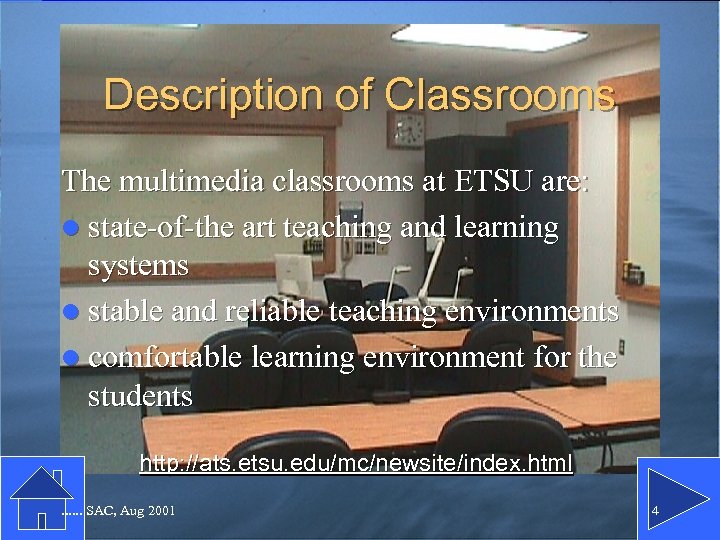 Description of Classrooms The multimedia classrooms at ETSU are: l state-of-the art teaching and learning systems l stable and reliable teaching environments l comfortable learning environment for the students http: //ats. etsu. edu/mc/newsite/index. html. . . SAC, Aug 2001 4
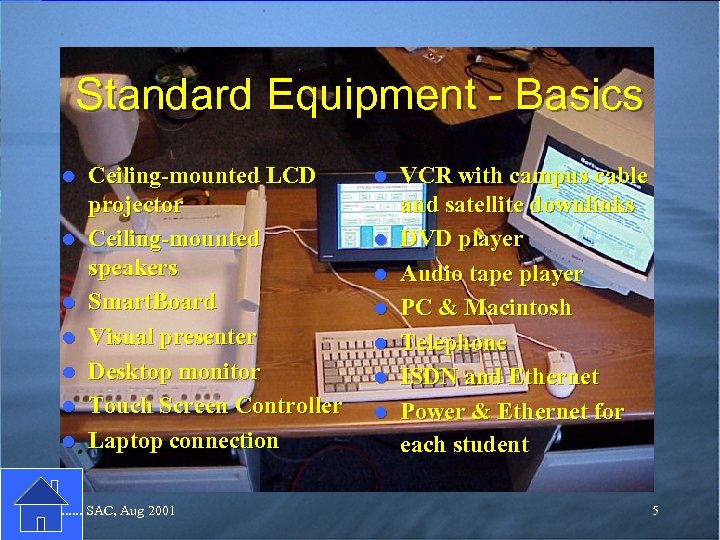 Standard Equipment - Basics l l l l Ceiling-mounted LCD projector Ceiling-mounted speakers Smart. Board Visual presenter Desktop monitor Touch Screen Controller Laptop connection . . . SAC, Aug 2001 l l l l VCR with campus cable and satellite downlinks DVD player Audio tape player PC & Macintosh Telephone ISDN and Ethernet Power & Ethernet for each student 5
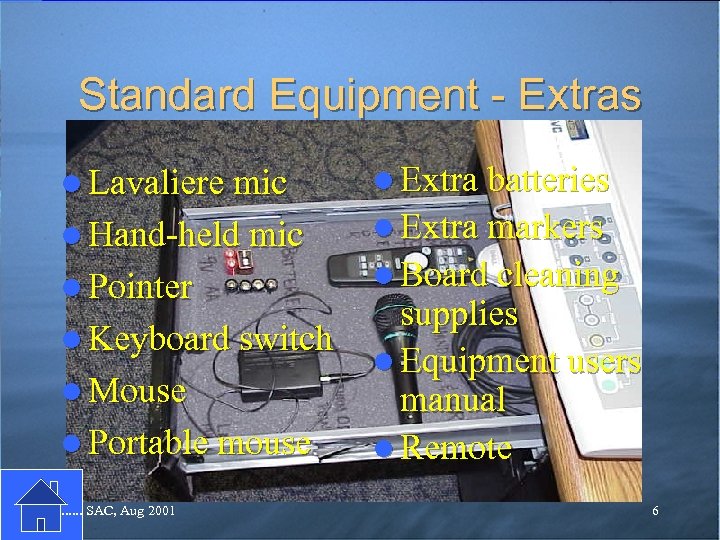 Standard Equipment - Extras l Lavaliere mic l Extra batteries l Hand-held mic l Extra markers l Pointer l Keyboard switch l Mouse l Portable mouse. . . SAC, Aug 2001 l Board cleaning supplies l Equipment users manual l Remote 6
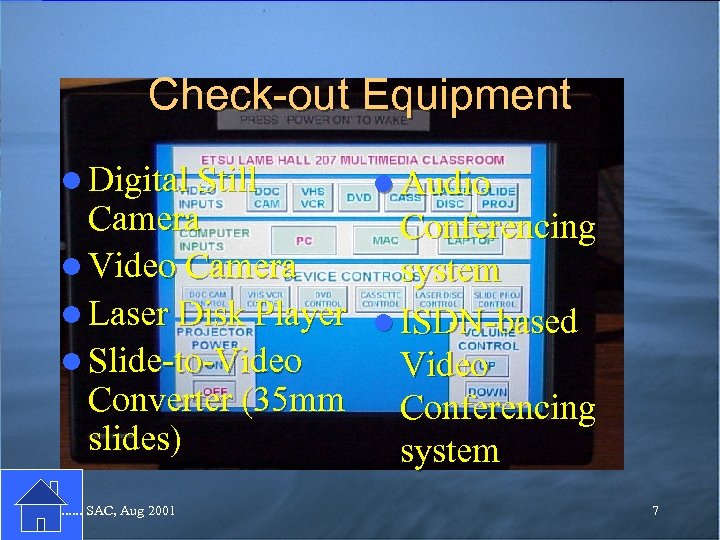 Check-out Equipment l Digital Still l Audio Camera Conferencing l Video Camera system l Laser Disk Player l ISDN-based l Slide-to-Video Converter (35 mm Conferencing slides) system. . . SAC, Aug 2001 7
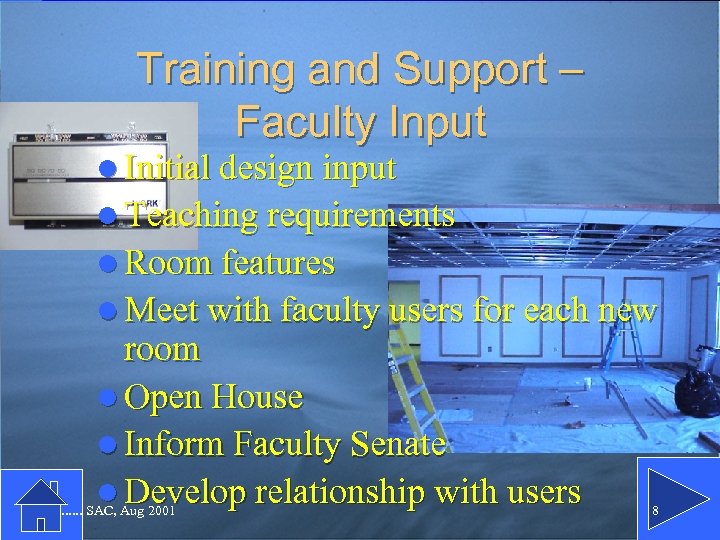 Training and Support – Faculty Input l Initial design input l Teaching requirements l Room features l Meet with faculty users for each new room l Open House l Inform Faculty Senate l Develop relationship with users . . . SAC, Aug 2001 8
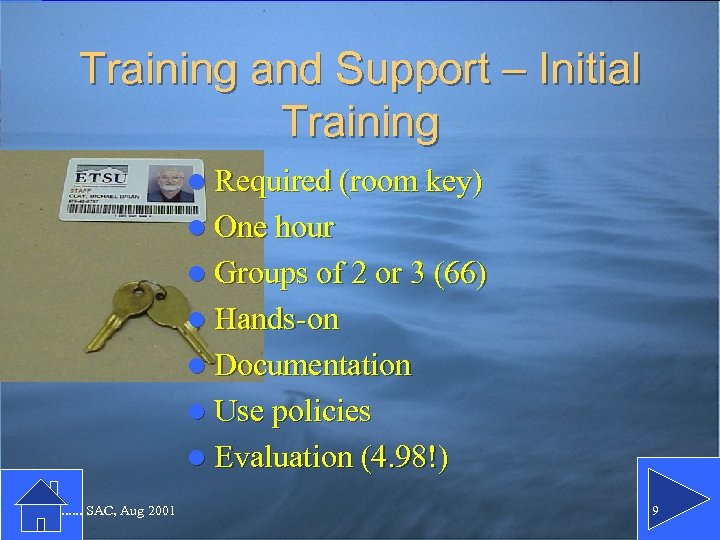 Training and Support – Initial Training l Required (room key) l One hour l Groups of 2 or 3 (66) l Hands-on l Documentation l Use policies l Evaluation (4. 98!). . . SAC, Aug 2001 9
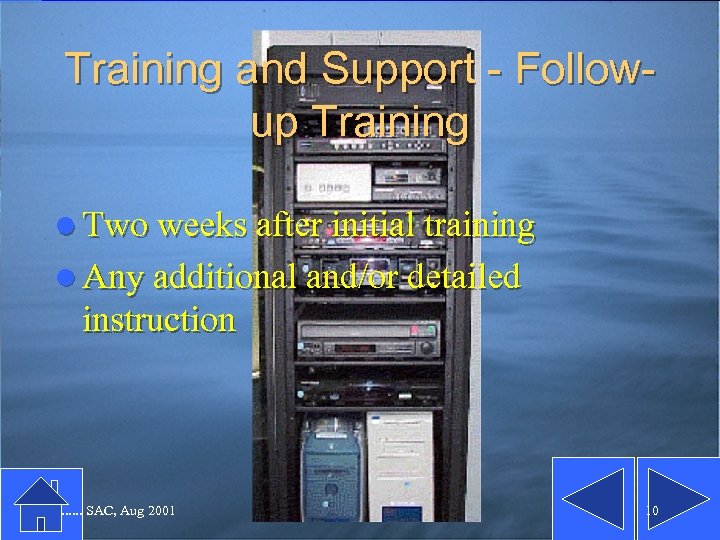 Training and Support - Followup Training l Two weeks after initial training l Any additional and/or detailed instruction . . . SAC, Aug 2001 10
 Training and Support - User Survey l By classroom l Near the end of each semester l Gather faculty feedback: – Six simple questions – All scheduled users l Ratings are part of MC Supervisor’s evaluation . . . SAC, Aug 2001 11
 Training and Support - User Forums l In each classroom l Near the end of each semester l Gather faculty feedback: – report on survey results – problems and successes – all comments and suggestions – scheduled improvements l Minutes are collected and distributed. . . SAC, Aug 2001 12
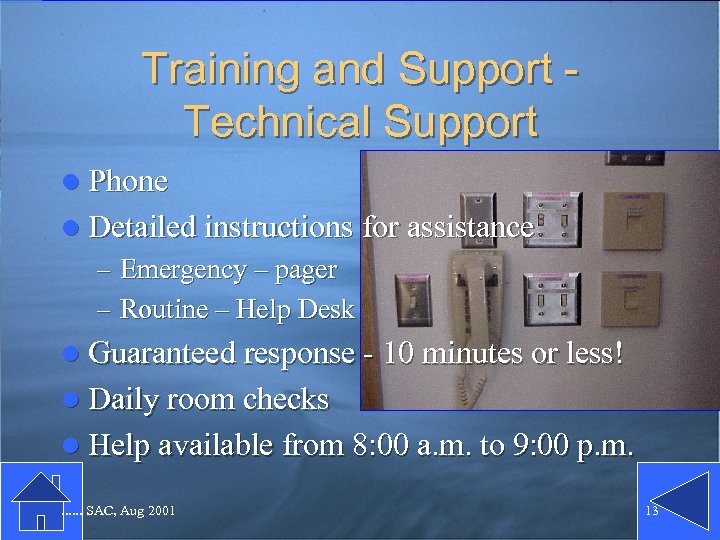 Training and Support Technical Support l Phone l Detailed instructions for assistance – Emergency – pager – Routine – Help Desk l Guaranteed response - 10 minutes or less! l Daily room checks l Help available from 8: 00 a. m. to 9: 00 p. m. . . . SAC, Aug 2001 13
 Training and Support References l Web site l Users’ Manual – In room – Tab for each piece of equipment l CD-ROM . . . SAC, Aug 2001 14
 Training and Support – Expanded Training l 330 open enrollment and cohort workshops on 87 topics l MC-related workshops – Smart. Board – Posting in class to the Web – Video-conferencing l CD-ROM. . . SAC, Aug 2001 15
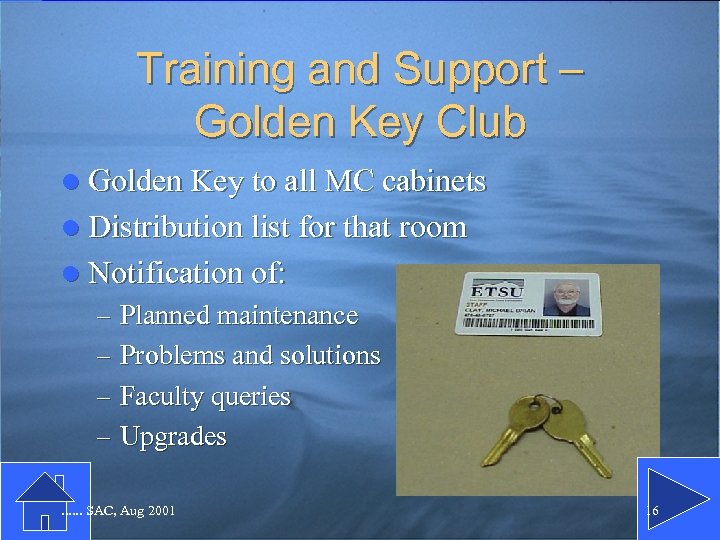 Training and Support – Golden Key Club l Golden Key to all MC cabinets l Distribution list for that room l Notification of: – Planned maintenance – Problems and solutions – Faculty queries – Upgrades. . . SAC, Aug 2001 16
 Goals l To provide faculty an easy-to-use, stable and predictable teaching environment l To provide access to all needed instructional technologies l To provide students a comfortable learning environment . . . SAC, Aug 2001 17
 Rubric l Jerry Niebaum-Data-Info-Knowledge-Wisdom l Build ownership l Construct with users in mind l Train the users l Keep users informed l Support the user l Fight for feedback l 360 degree look. . . SAC, Aug 2001 18
 Build Ownership l Faculty choice of CMS l Student body support l Advertise l Make it optional and apolitical l Show benefits . . . SAC, Aug 2001 19
 Construct with the User in Mind l Get fac input l Standardize – but… l Support infrastructure in place . . . SAC, Aug 2001 20
 Train the Users . . . SAC, Aug 2001 21
 Keep the Users Informed . . . SAC, Aug 2001 22
 Support the Users . . . SAC, Aug 2001 23
 Fight for Feedback . . . SAC, Aug 2001 24
 360 Degree Look . . . SAC, Aug 2001 25
 Summary l Classroom description l Standard equipment l Checkout equipment l Training and support l Golden Key Club l Goals l Rubric. . . SAC, Aug 2001 26
 Contact: l Dr. Rich Ranker Director, Academic Technology Support East Tennessee State University Johnson City, TN 37614 l rankerr@etsu. edu l 423. 439. 8613 . . . SAC, Aug 2001 27
 360 -Degree Support: Wrapping a Full Array of Faculty Support Services Around the Introduction of Multimedia Classrooms Questions? ? ? ? ? . . . SAC, Aug 2001 28