


 Скачать презентацию 3 ways of supporting a group of computers
01acc9c0d7d5f37a8aae55965eadaab7.ppt
- Количество слайдов: 27
 3 ways of supporting a group of computers ● Machine by machine ● Centrally structured ● Centrally managed (AD/Novell)
 Pre-reqs for Remote/Central Administration ● ● ● list of machines NT based OS Known Account w/ Admin rights Network Access to Machines Purchasing – – – Single Vendor: Dell Premier access = inventory w/ specs; drivers Central Purchasing: avoid mistakes Licensing – MSDNAA Likely saves money
 Remote Administration: Tools already there ● Remote Registry ● MMC ● Mapped Drives ● XP: Terminal Services ● Automatic Updates (www. windowsupdate. com) ● Windows Script Host
 Remote Administration: Tools easily gotten ● ● ● VNC OS Resource Kit PSTools Josh's TCL app Hfnetchk Commercial Solutions – – Hyena SMS
 Windows Deployment ● RIS ● Ghost Images ● Sneaker. Net, Minion Mayham ● Have users join themselves to domain? ● Others? – Combinations of the above – What do you use?
 RIS Reqs ● A RIS server for each location – ECE’s Setup ● ● ● 1 Dell Power. Edge 1650 for each building Pentium 3 1400 Mhz, 1 GB RAM, 36 and 60 GB SCSI Hard Drives Microsoft Windows 2000/2003 Domain – Active Directory – DNS (NCSU's DNS is sufficient) – DHCP (NCSU's DHCP is sufficient)
 RIS is Angelic ● ● Install Microsoft Windows 2000/XP quickly and unattended over the network Create 'golden' images with software and custom settings to deploy to clients – Excellent for deploying a common desktop in labs ● Somewhat tolerant of different hardware ● Free – ● Included in Microsoft Windows 2000/2003 Server Can integrate service packs and 'chain' hotfixes
 RIS is Evil ● Hardware Support – Must have same HAL – Size of the target partition must be at least as big as the partition the image was created on, regardless of how much space is used. – Client must support PXE or have a supported network card ● Poorly Documented ● Heavy network load – RIS'ing a lab of 18 computers with an 8 GB image has taken over 12 hours
 Application Deployment ● AD via MSI's and GPO's ● Software Distribution Database - coming ● MSI's for stand-alone boxes ● ITD Novell Lab kit
 Mailing lists ● on-campus: – – Ndstech – Apptest – Nag – ● Activedirectory Sysnews off-campus: – Windows-hied (Stanford) – Ntbugtraq. com (or bugtraq) – activedir. org – Microsoft's Security Notifications Service
 Active Directory Welcome to the Dark Side of Windows
 AD is… ● ● ● “provides the means to manage the identities and relationships that make up network environments” (basically) 2 Domain Controllers talking to each other and any clients you connect to it. Centralized user accounts and permissions for domain resources (computers, printing, files) ● Not necessarily better than Novell, just an alternative. ● Very redundant. DCs replicate; clients remember…
 AD isn’t (i. e. , the fine print) ● The solution to all your computer problems. ● Necessarily Easy… ● ● University supported. YOU have to deal with all accounts, software. But the other AD groups can help… Ready for Prime. Time at NCSU, but we’re getting there…
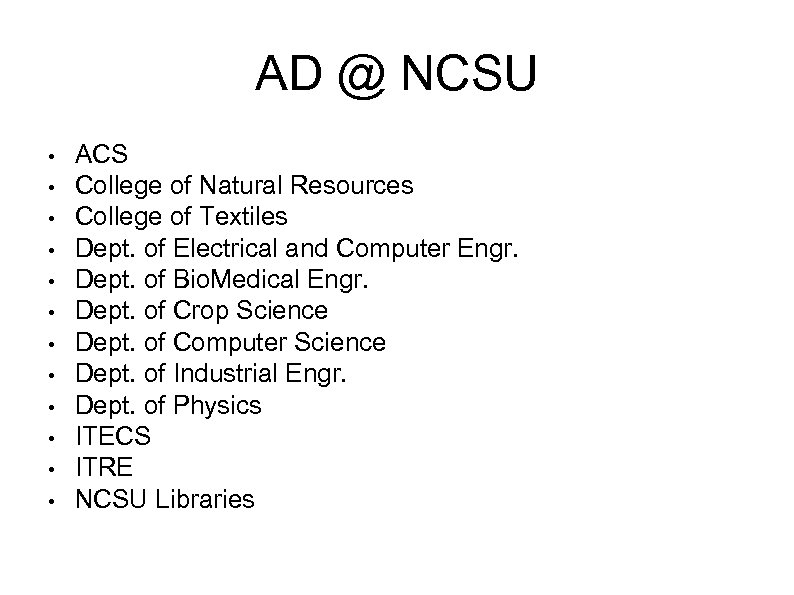 AD @ NCSU • • • ACS College of Natural Resources College of Textiles Dept. of Electrical and Computer Engr. Dept. of Bio. Medical Engr. Dept. of Crop Science Dept. of Computer Science Dept. of Industrial Engr. Dept. of Physics ITECS ITRE NCSU Libraries
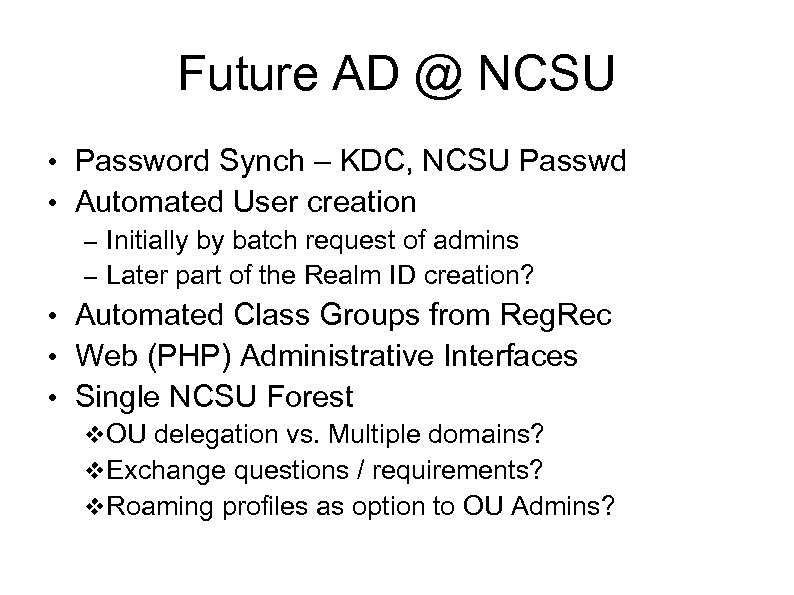 Future AD @ NCSU • Password Synch – KDC, NCSU Passwd • Automated User creation – Initially by batch request of admins – Later part of the Realm ID creation? • Automated Class Groups from Reg. Rec • Web (PHP) Administrative Interfaces • Single NCSU Forest OU delegation vs. Multiple domains? Exchange questions / requirements? Roaming profiles as option to OU Admins?
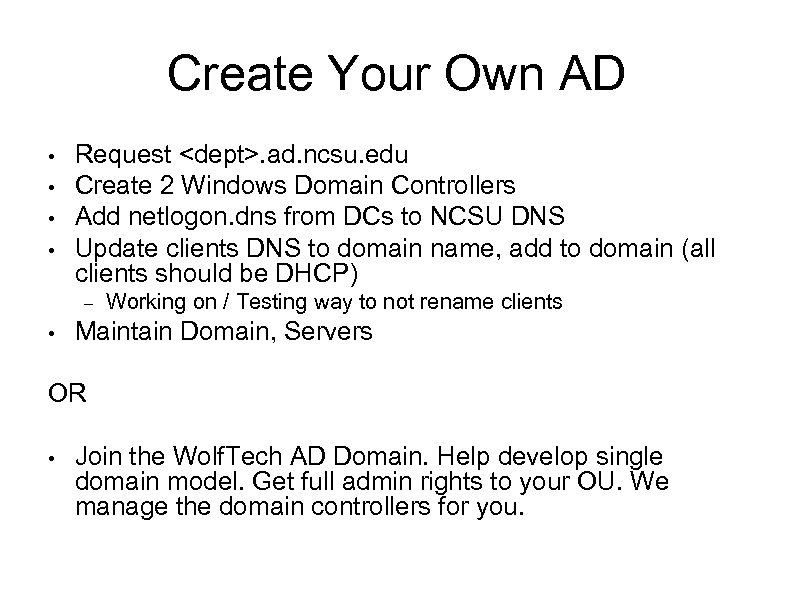 Create Your Own AD • • Request
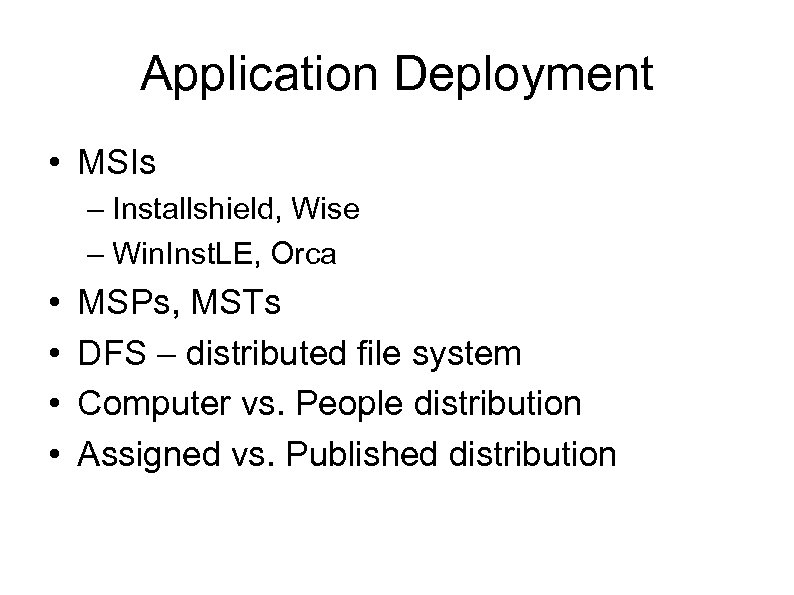 Application Deployment • MSIs – Installshield, Wise – Win. Inst. LE, Orca • • MSPs, MSTs DFS – distributed file system Computer vs. People distribution Assigned vs. Published distribution
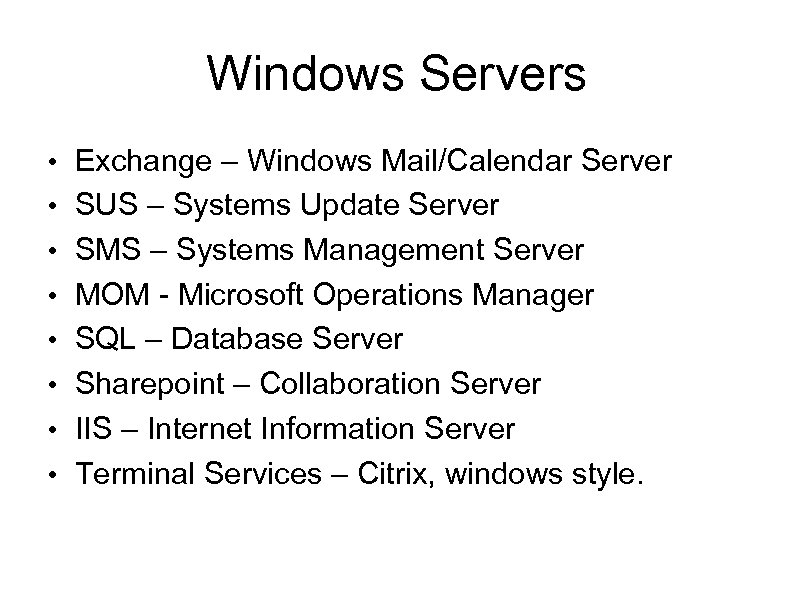 Windows Servers • Exchange – Windows Mail/Calendar Server • SUS – Systems Update Server • SMS – Systems Management Server • MOM - Microsoft Operations Manager • SQL – Database Server • Sharepoint – Collaboration Server • IIS – Internet Information Server • Terminal Services – Citrix, windows style.
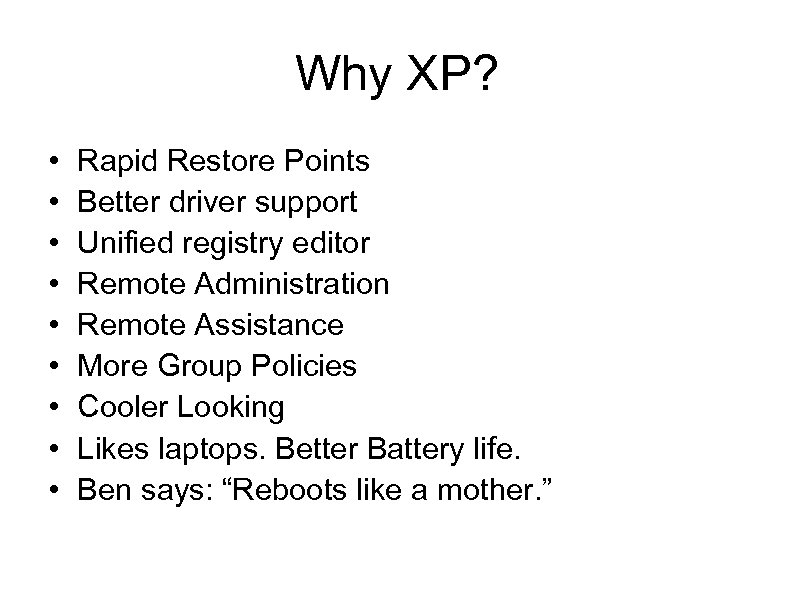 Why XP? • • • Rapid Restore Points Better driver support Unified registry editor Remote Administration Remote Assistance More Group Policies Cooler Looking Likes laptops. Better Battery life. Ben says: “Reboots like a mother. ”
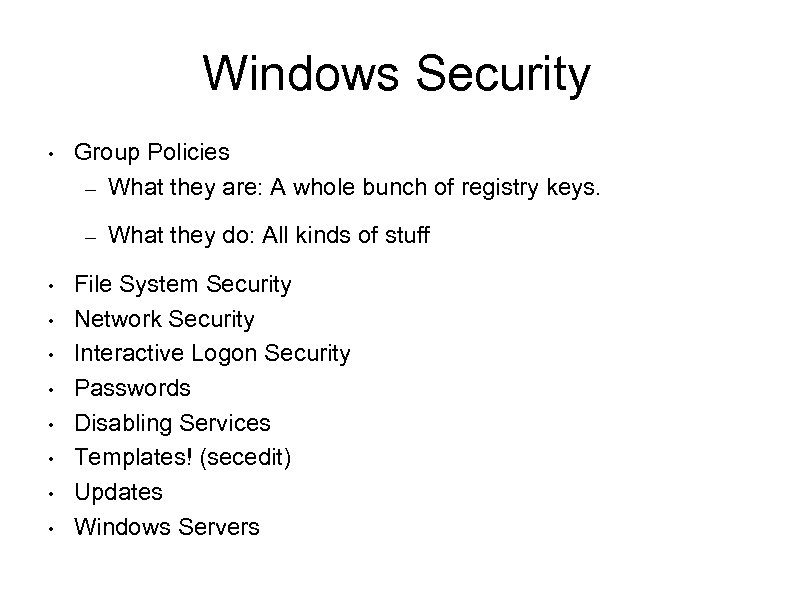 Windows Security • Group Policies – What they are: A whole bunch of registry keys. – • • What they do: All kinds of stuff File System Security Network Security Interactive Logon Security Passwords Disabling Services Templates! (secedit) Updates Windows Servers
 Windows Security: Passwords • • LM vs. NTLM hashes – LM is case-insensitive – LM is much easier to break Password Age & Complexity – Enforcing via Group Policy
 Windows Security: Group Policies • • Single interface for configuration of Machine and User Policies Types Include: – – – Security Settings Account Policies Login/Startup Scripts User Interface Customizations Windows Component Global Customizations IPSec
 Windows Security: Network • Windows 2000/XP support 4 types of authentication: – LM, NTLMv 2, and Kerberos • NTLMv 2 Disabled by default? • Authenticating to Network Shares – First: Negotiation of protocol and security options – Second: Windows automatically forwards the credentials of current user, unless otherwise pre-specified • Null Sessions • NOTE: Even if authentication is encrypted, data transfer is not! • Internet Connection Firewall
 Windows Security: Interactive Logon • • • Don't use Auto-logon (Single User Mode) Disable LM Hash Creation Use Power Users instead of Administrators – Lots of Exploits run in the context of the current user – Power Users can't crack local account passwords
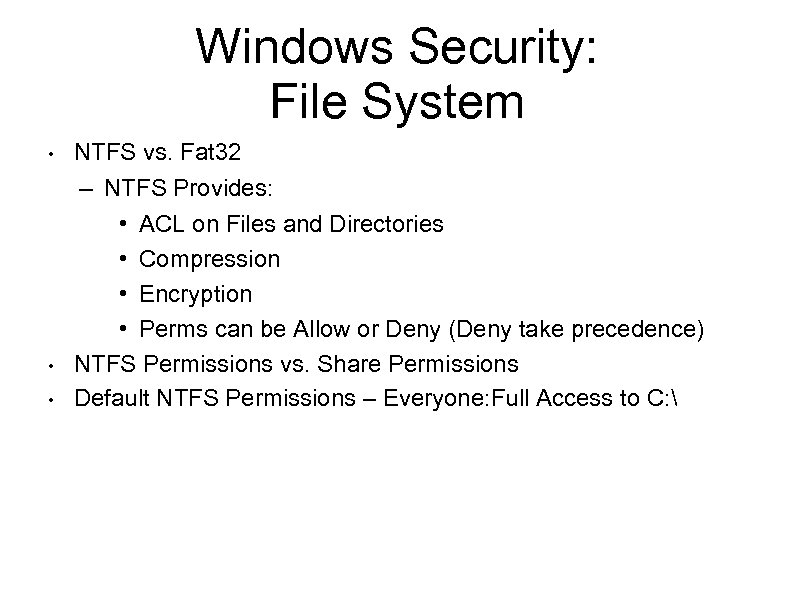 Windows Security: File System • • • NTFS vs. Fat 32 – NTFS Provides: • ACL on Files and Directories • Compression • Encryption • Perms can be Allow or Deny (Deny take precedence) NTFS Permissions vs. Share Permissions Default NTFS Permissions – Everyone: Full Access to C:
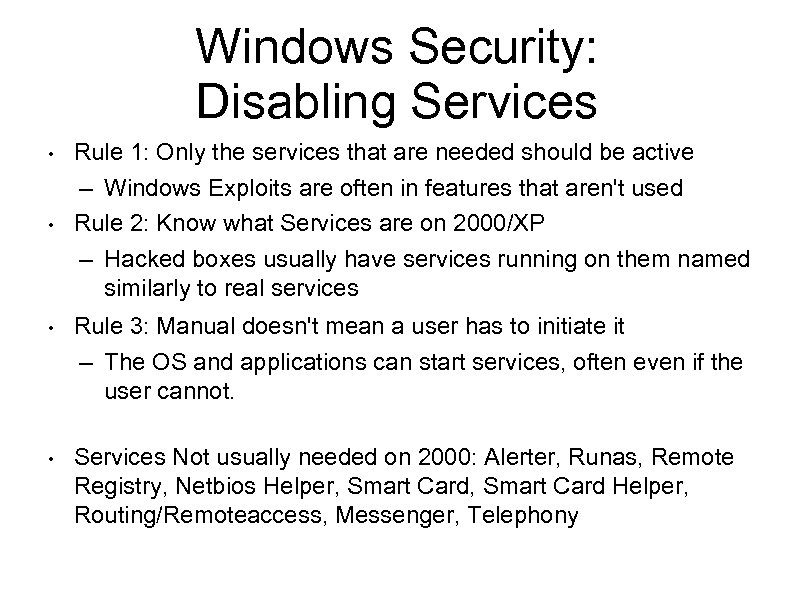 Windows Security: Disabling Services • • • Rule 1: Only the services that are needed should be active – Windows Exploits are often in features that aren't used Rule 2: Know what Services are on 2000/XP – Hacked boxes usually have services running on them named similarly to real services Rule 3: Manual doesn't mean a user has to initiate it – The OS and applications can start services, often even if the user cannot. • Services Not usually needed on 2000: Alerter, Runas, Remote Registry, Netbios Helper, Smart Card Helper, Routing/Remoteaccess, Messenger, Telephony
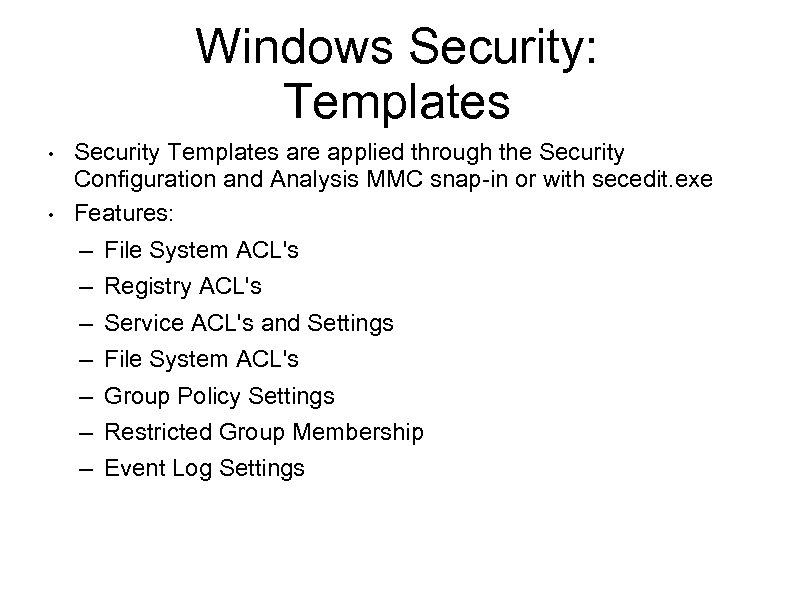 Windows Security: Templates • • Security Templates are applied through the Security Configuration and Analysis MMC snap-in or with secedit. exe Features: – – – – File System ACL's Registry ACL's Service ACL's and Settings File System ACL's Group Policy Settings Restricted Group Membership Event Log Settings