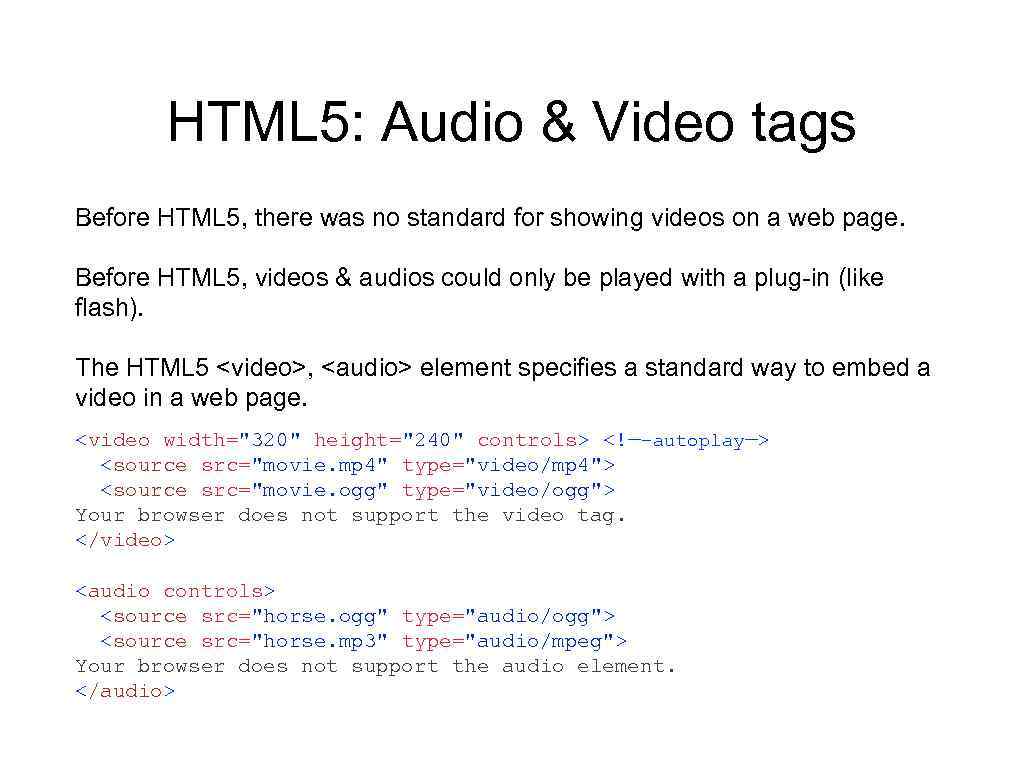
, and , element specifies a standard way to embed a video in a web page. Your browser does not support the video tag. Your browser does not support the audio element.
Jill Smith 50 Eve Jackson 94 " src="https://present5.com/presentation/-77347704_329811654/image-13.jpg" alt="HTML Tables Jill Smith 50 Eve Jackson 94 " />
HTML Tables Jill Smith 50 Eve Jackson 94
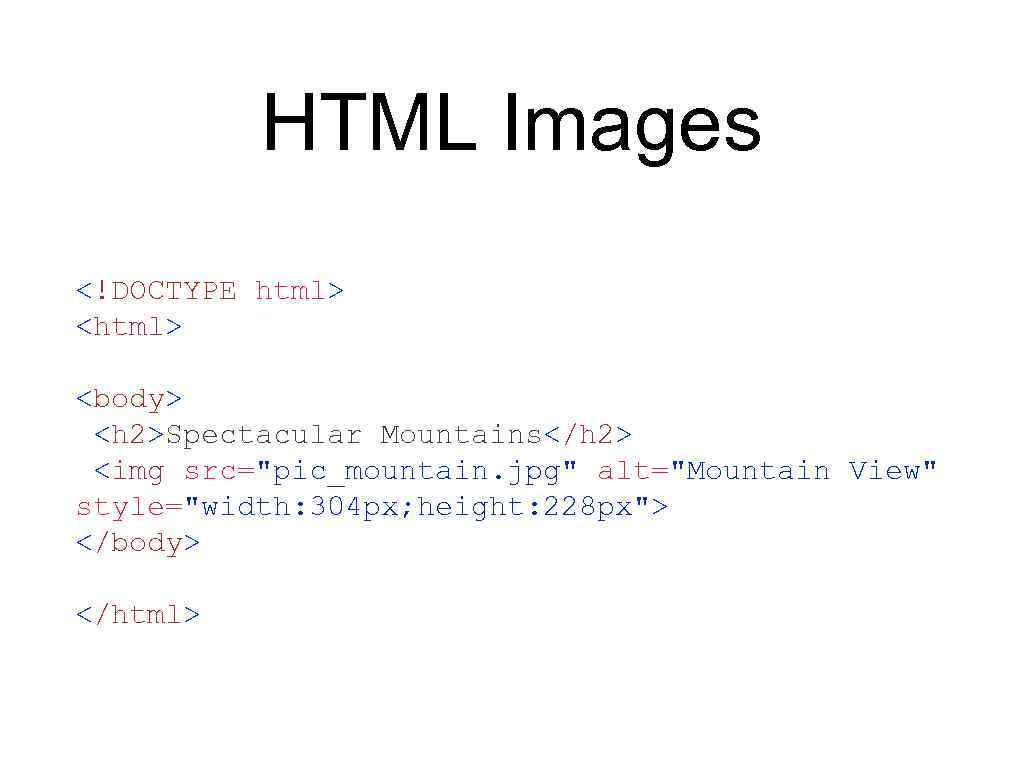
Spectacular Mountains



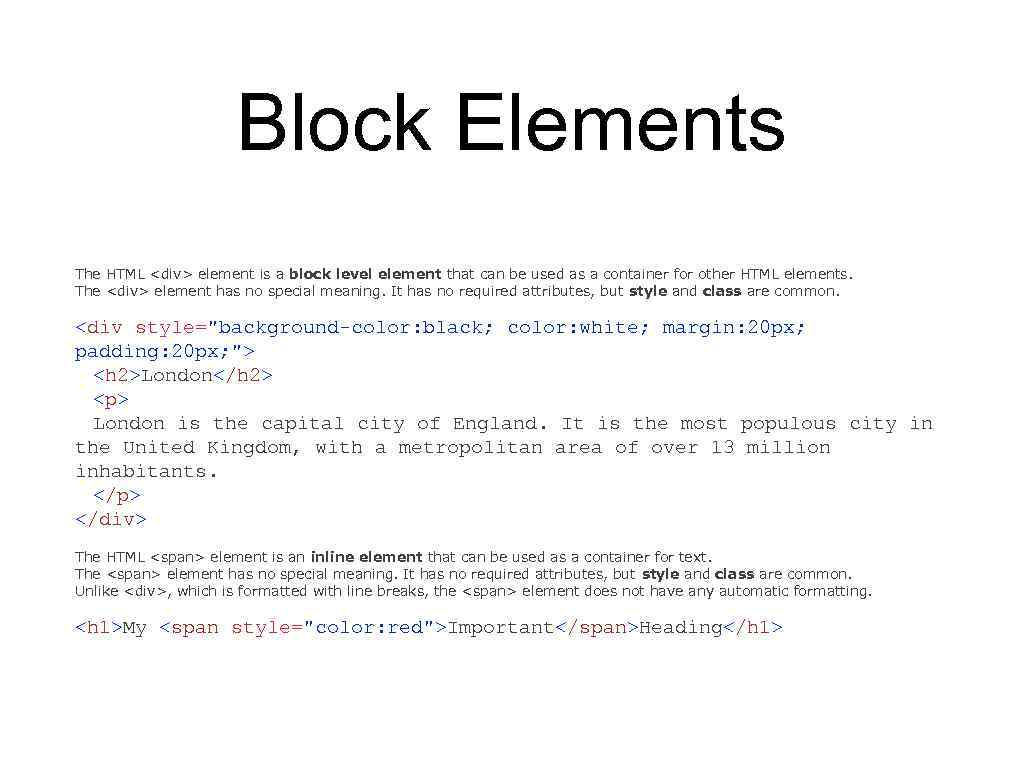
 Скачать презентацию 2014 Yedrissov Nariman Lesson 2 HTML 5 CSS
 2014 Yedrissov Nariman Lesson 2 HTML 5, CSS, HTTP error codes, some tags
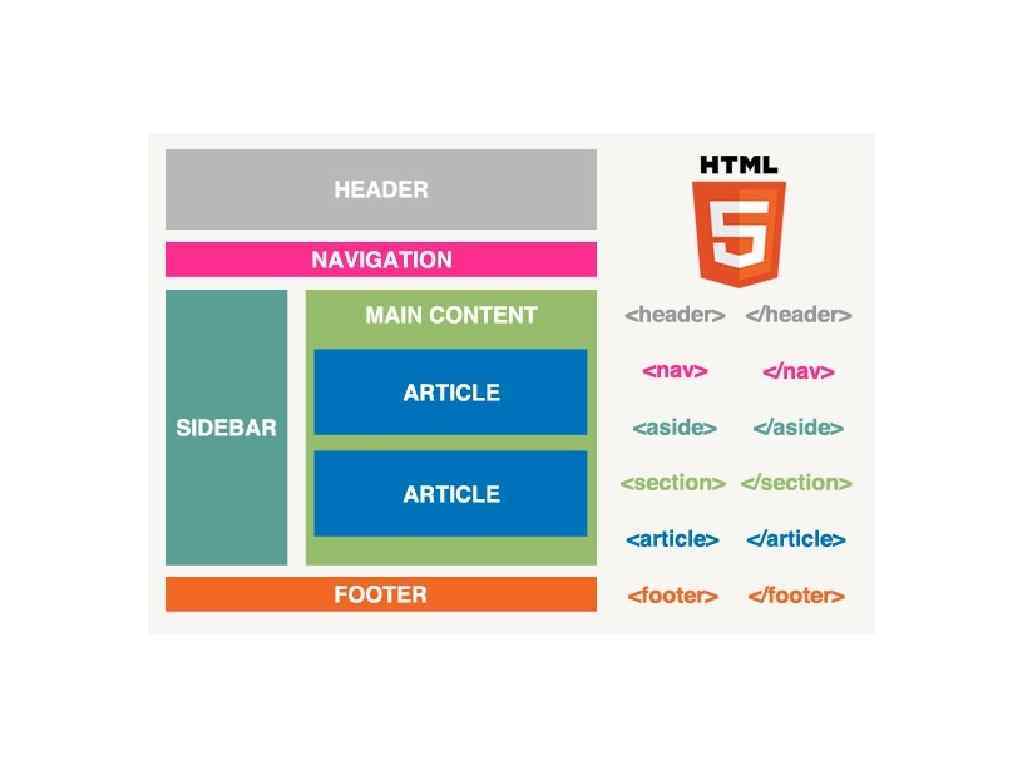
 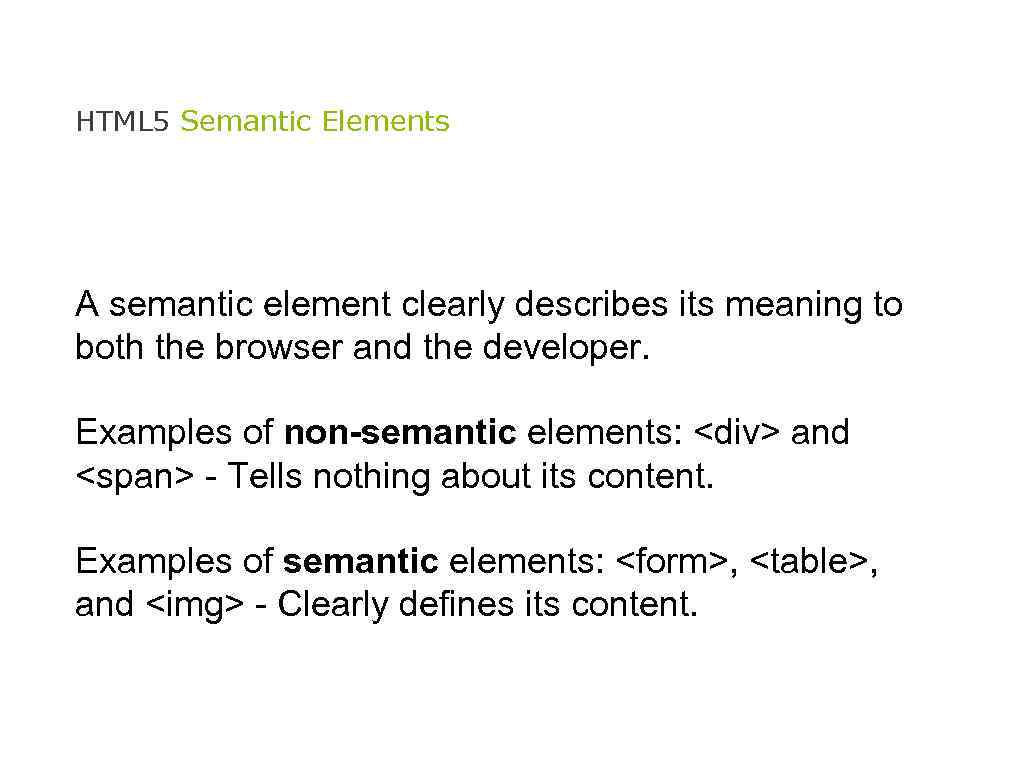 HTML 5 Semantic Elements A semantic element clearly describes its meaning to both the browser and the developer. Examples of non-semantic elements: