


 Скачать презентацию 2 1 Origins and Evolution of HTML —
fa7e0f41c57412e5e7f31d46bb18c9d5.ppt
- Количество слайдов: 36
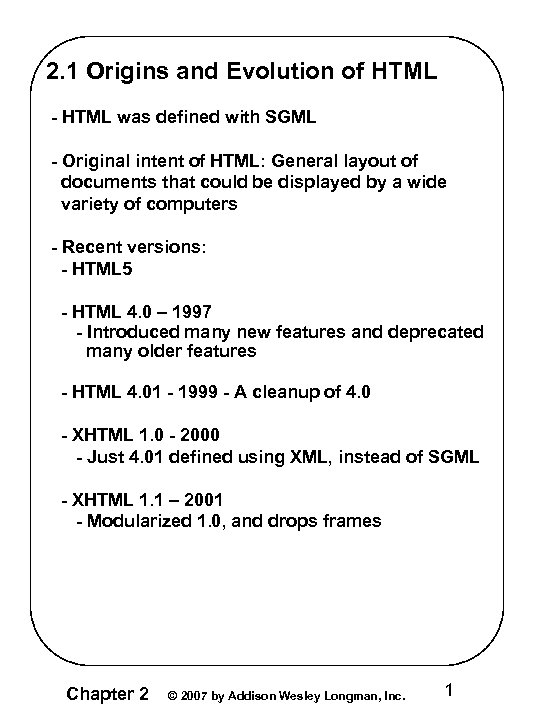 2. 1 Origins and Evolution of HTML - HTML was defined with SGML - Original intent of HTML: General layout of documents that could be displayed by a wide variety of computers - Recent versions: - HTML 5 - HTML 4. 0 – 1997 - Introduced many new features and deprecated many older features - HTML 4. 01 - 1999 - A cleanup of 4. 0 - XHTML 1. 0 - 2000 - Just 4. 01 defined using XML, instead of SGML - XHTML 1. 1 – 2001 - Modularized 1. 0, and drops frames Chapter 2 © 2007 by Addison Wesley Longman, Inc. 1
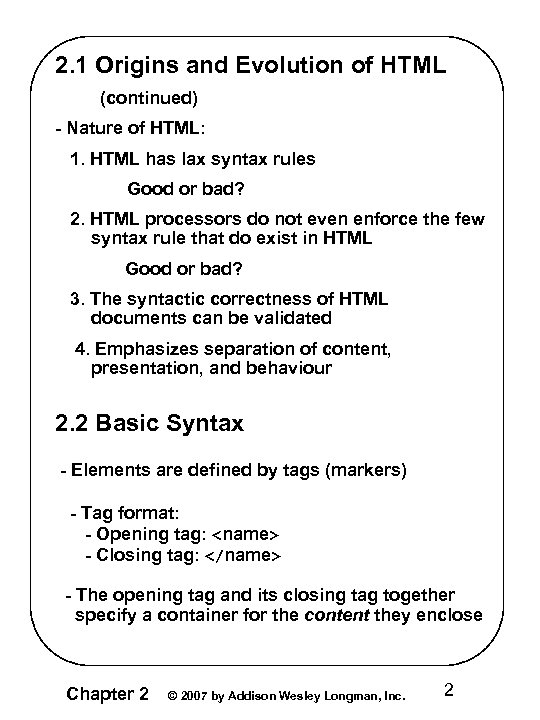 2. 1 Origins and Evolution of HTML (continued) - Nature of HTML: 1. HTML has lax syntax rules Good or bad? 2. HTML processors do not even enforce the few syntax rule that do exist in HTML Good or bad? 3. The syntactic correctness of HTML documents can be validated 4. Emphasizes separation of content, presentation, and behaviour 2. 2 Basic Syntax - Elements are defined by tags (markers) - Tag format: - Opening tag:
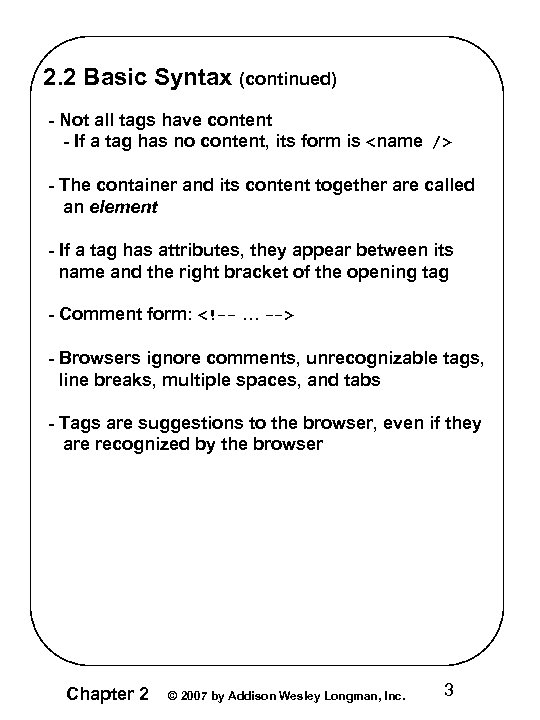 2. 2 Basic Syntax (continued) - Not all tags have content - If a tag has no content, its form is
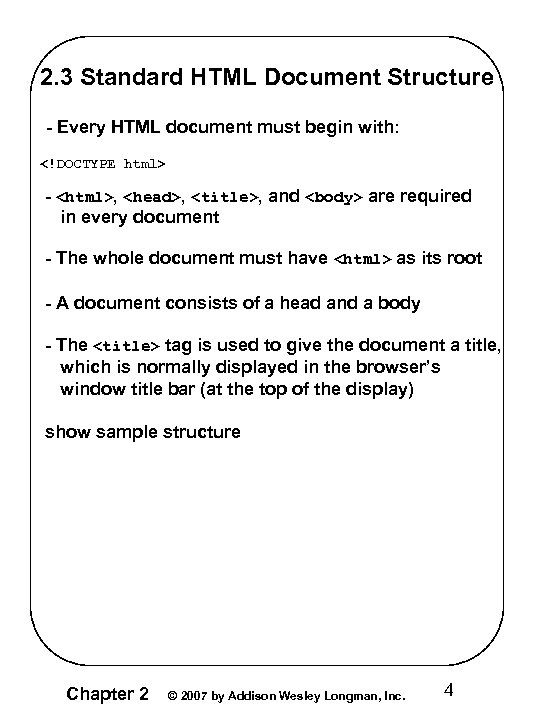 2. 3 Standard HTML Document Structure - Every HTML document must begin with: - ,
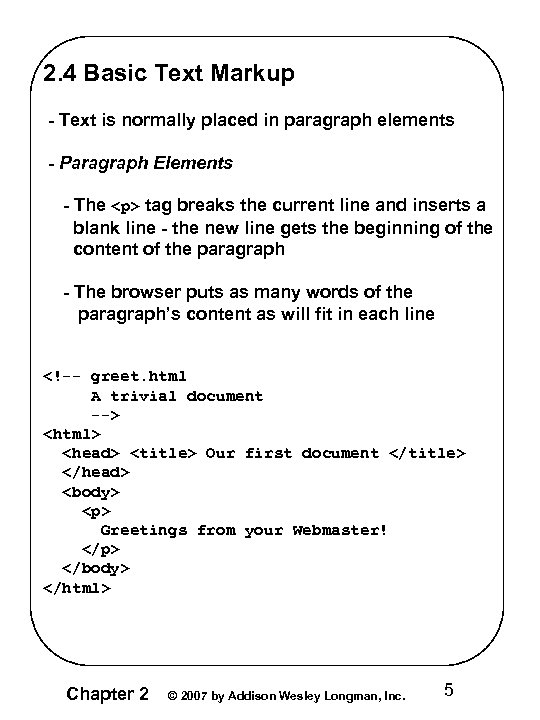
Greetings from your Webmaster!
Chapter 2 © 2007 by Addison Wesley Longman, Inc. 5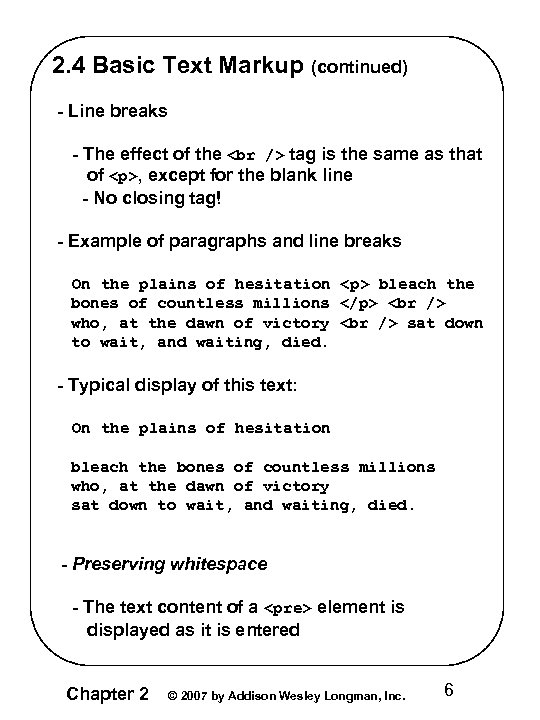 2. 4 Basic Text Markup (continued) - Line breaks - The effect of the tag is the same as that of
, except for the blank line - No closing tag! - Example of paragraphs and line breaks On the plains of hesitation
bleach the bones of countless millions
who, at the dawn of victory sat down to wait, and waiting, died. - Typical display of this text: On the plains of hesitation bleach the bones of countless millions who, at the dawn of victory sat down to wait, and waiting, died. - Preserving whitespace - The text content of aelement is displayed as it is entered Chapter 2 © 2007 by Addison Wesley Longman, Inc. 6
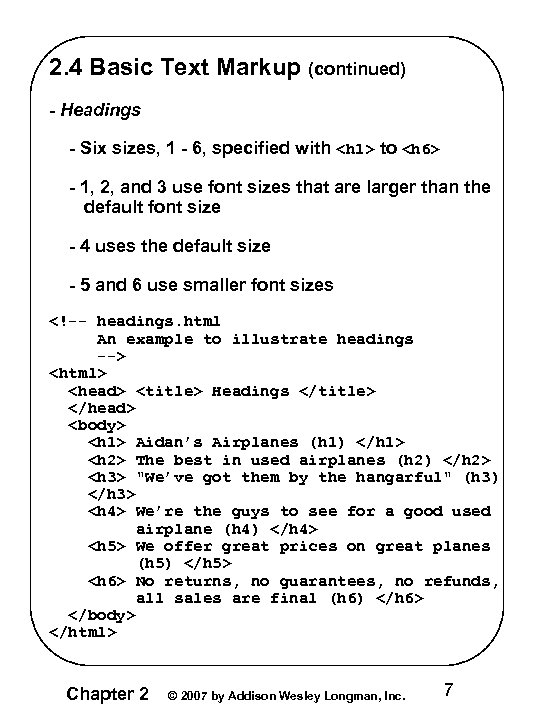 2. 4 Basic Text Markup (continued) - Headings - Six sizes, 1 - 6, specified with
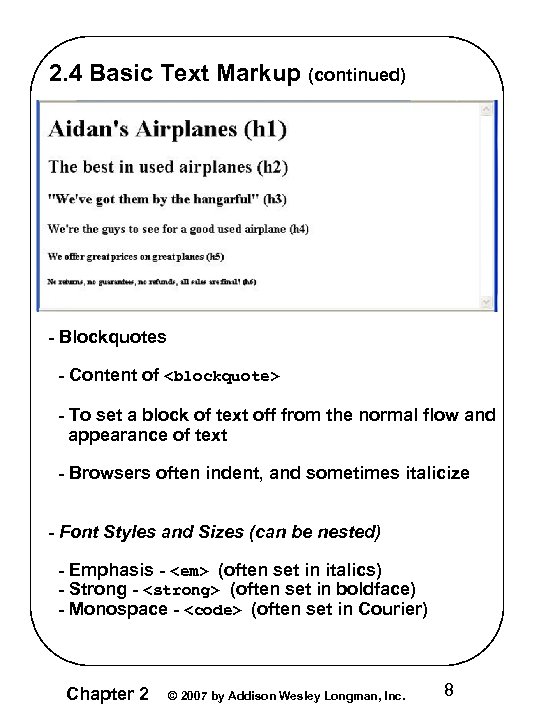 2. 4 Basic Text Markup (continued) - Blockquotes - Content of
- To set a block of text off from the normal flow and appearance of text - Browsers often indent, and sometimes italicize - Font Styles and Sizes (can be nested) - Emphasis - (often set in italics) - Strong - (often set in boldface) - Monospace - (often set in Courier) Chapter 2 © 2007 by Addison Wesley Longman, Inc. 8
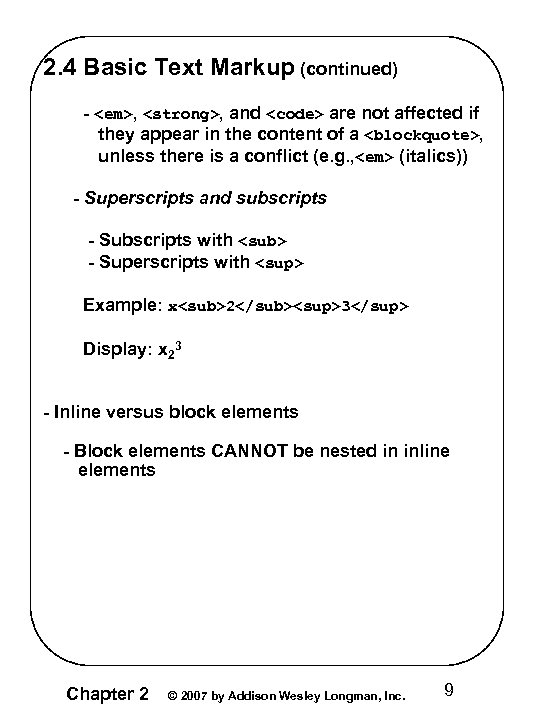 2. 4 Basic Text Markup (continued) - , , and
 are not affected if they appear in the content of a , unless there is a conflict (e. g. , (italics)) - Superscripts and subscripts - Subscripts with - Superscripts with Example: x23 Display: x 23 - Inline versus block elements - Block elements CANNOT be nested in inline elements Chapter 2 © 2007 by Addison Wesley Longman, Inc. 9
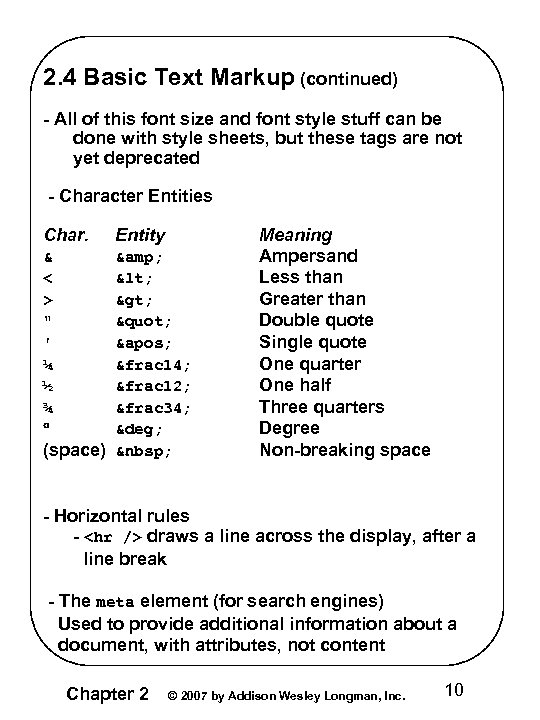 2. 4 Basic Text Markup (continued) - All of this font size and font style stuff can be done with style sheets, but these tags are not yet deprecated - Character Entities Char. Entity & < > " ' ¼ ½ ¾ & < > " ' &frac 14; &frac 12; &frac 34; ° (space) Meaning Ampersand Less than Greater than Double quote Single quote One quarter One half Three quarters Degree Non-breaking space - Horizontal rules -
draws a line across the display, after a line break - The meta element (for search engines) Used to provide additional information about a document, with attributes, not content Chapter 2 © 2007 by Addison Wesley Longman, Inc. 10
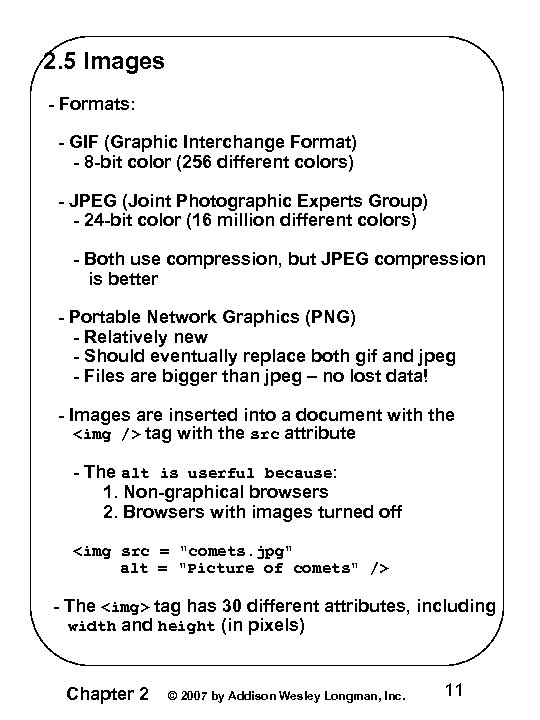 2. 5 Images - Formats: - GIF (Graphic Interchange Format) - 8 -bit color (256 different colors) - JPEG (Joint Photographic Experts Group) - 24 -bit color (16 million different colors) - Both use compression, but JPEG compression is better - Portable Network Graphics (PNG) - Relatively new - Should eventually replace both gif and jpeg - Files are bigger than jpeg – no lost data! - Images are inserted into a document with the
 tag with the src attribute - The alt is userful because: 1. Non-graphical browsers 2. Browsers with images turned off
- The
tag has 30 different attributes, including width and height (in pixels) Chapter 2 © 2007 by Addison Wesley Longman, Inc. 11
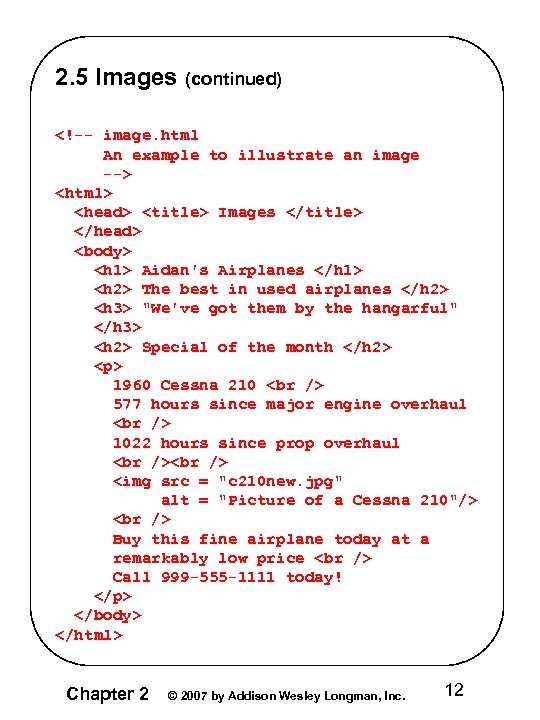 2. 5 Images (continued)
1960 Cessna 210 577 hours since major engine overhaul 1022 hours since prop overhaul Buy this fine airplane today at a remarkably low price Call 999 -555 -1111 today!
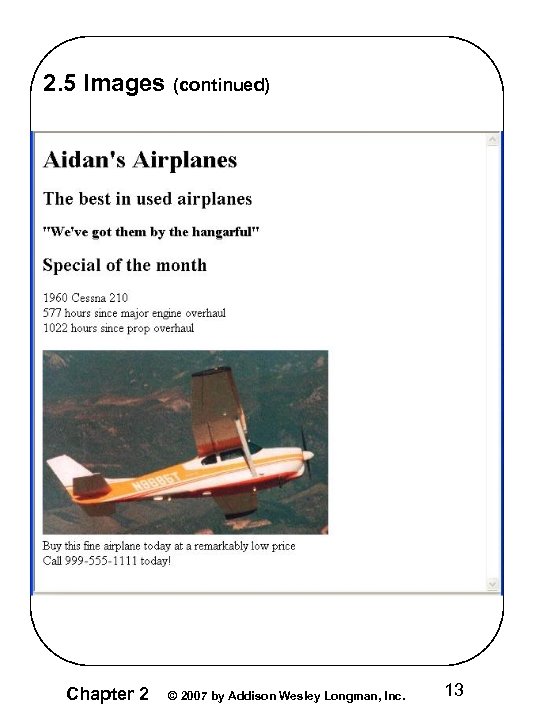 2. 5 Images (continued) Chapter 2 © 2007 by Addison Wesley Longman, Inc. 13
 2. 5 Images (continued) - W 3 C HTML Validation Service http: //validator. w 3. org/file-upload. html 2. 6 Hypertext Links - Hypertext is the essence of the Web! - A link is specified with the href (hypertext reference) attribute of (the anchor tag) - The content of is the visual link in the document - If the target is a whole document (not the one in which the link appears), the target need not be specified in the target document as being the target - Note: Relative addressing of targets is easier to maintain and more portable than absolute addressing Chapter 2 © 2007 by Addison Wesley Longman, Inc. 14
 2. 6 Hypertext Links (continued)
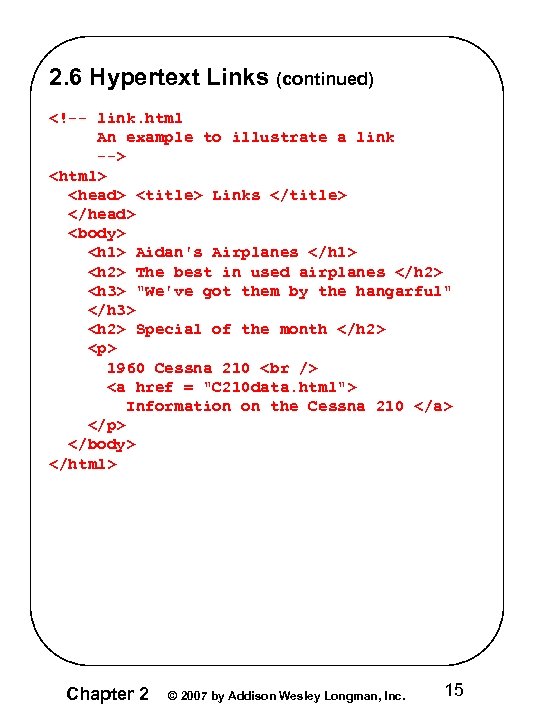
1960 Cessna 210 Information on the Cessna 210
Chapter 2 © 2007 by Addison Wesley Longman, Inc. 15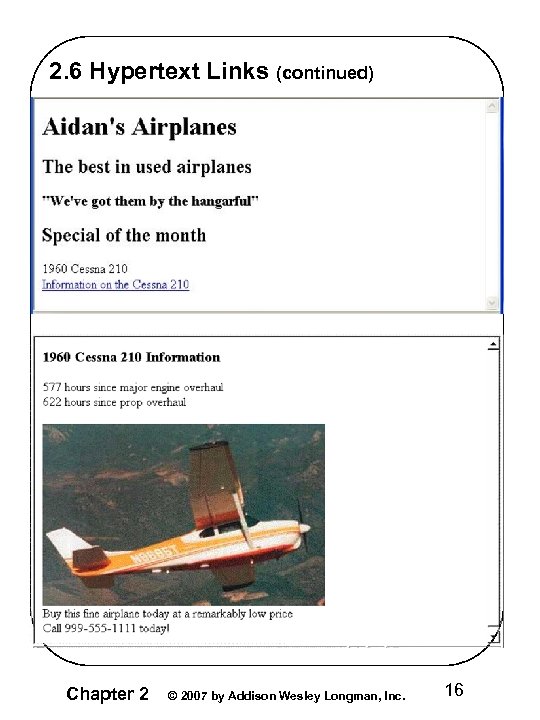 2. 6 Hypertext Links (continued) Chapter 2 © 2007 by Addison Wesley Longman, Inc. 16
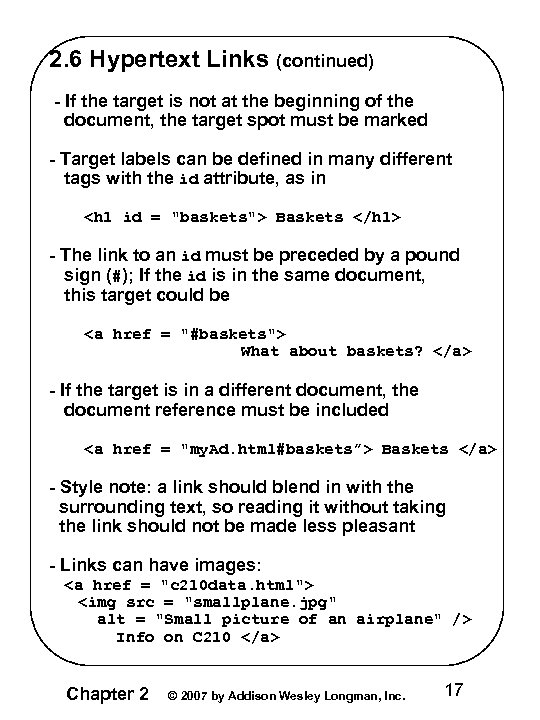 2. 6 Hypertext Links (continued) - If the target is not at the beginning of the document, the target spot must be marked - Target labels can be defined in many different tags with the id attribute, as in
 Info on C 210 Chapter 2 © 2007 by Addison Wesley Longman, Inc. 17
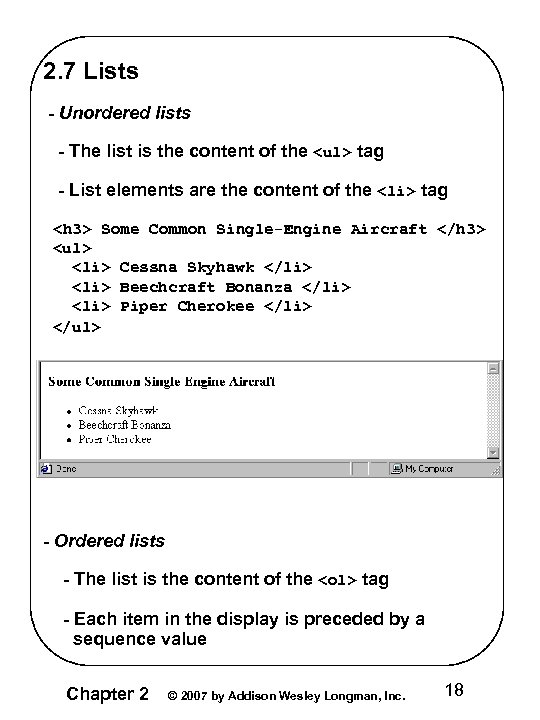 2. 7 Lists - Unordered lists - The list is the content of the
- tag - List elements are the content of the
- tag
Some Common Single-Engine Aircraft - Cessna Skyhawk
- Beechcraft Bonanza
- Piper Cherokee
- tag - Each item in the display is preceded by a sequence value Chapter 2 © 2007 by Addison Wesley Longman, Inc. 18
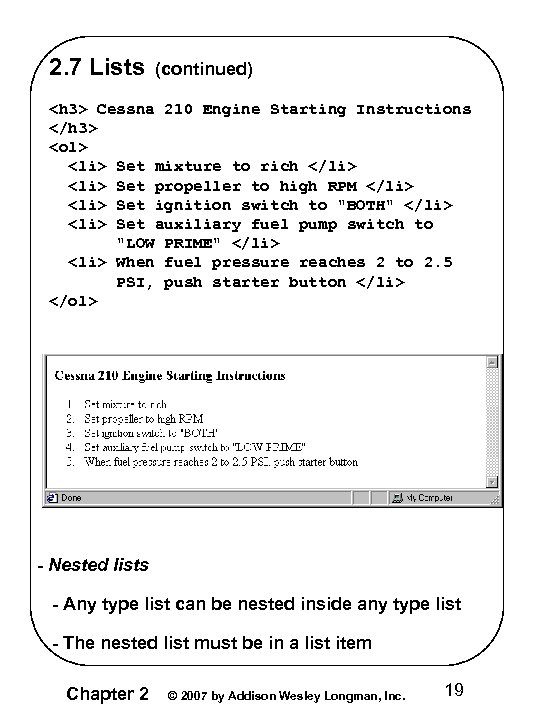 2. 7 Lists (continued)
- Set mixture to rich
- Set propeller to high RPM
- Set ignition switch to "BOTH"
- Set auxiliary fuel pump switch to "LOW PRIME"
- When fuel pressure reaches 2 to 2. 5 PSI, push starter button
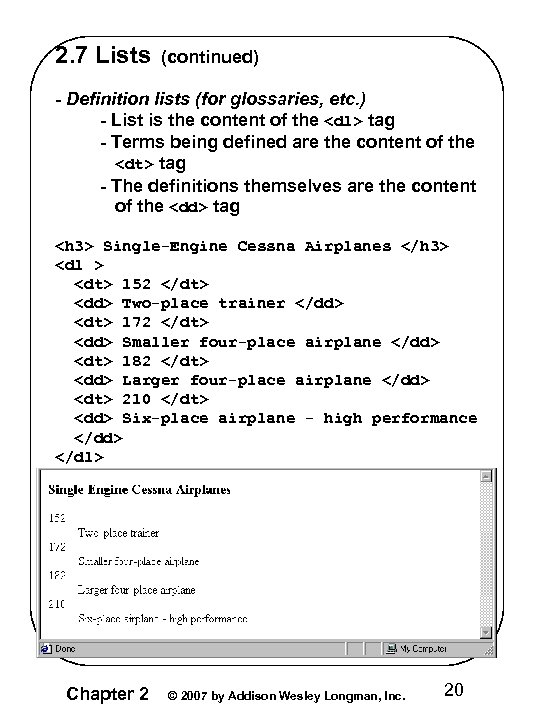 2. 7 Lists (continued) - Definition lists (for glossaries, etc. ) - List is the content of the
- tag - Terms being defined are the content of the
- tag - The definitions themselves are the content of the
- tag
Single-Engine Cessna Airplanes - 152
- Two-place trainer
- 172
- Smaller four-place airplane
- 182
- Larger four-place airplane
- 210
- Six-place airplane - high performance
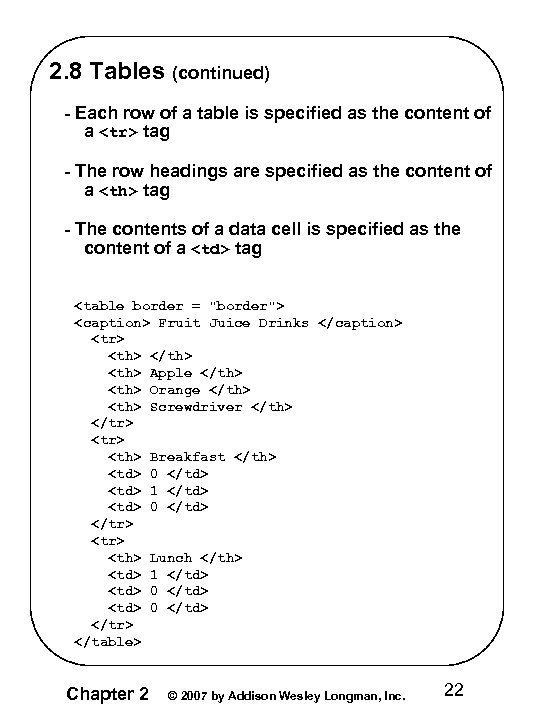
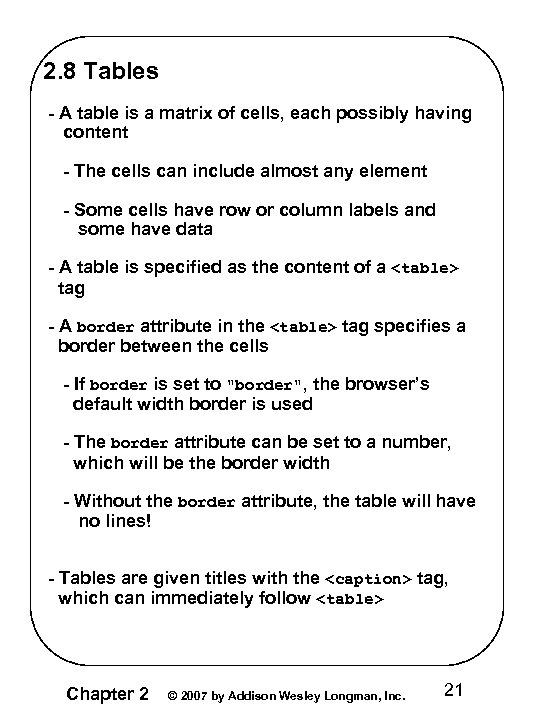 2. 8 Tables - A table is a matrix of cells, each possibly having content - The cells can include almost any element - Some cells have row or column labels and some have data - A table is specified as the content of a
| tag - The contents of a data cell is specified as the content of a | tag
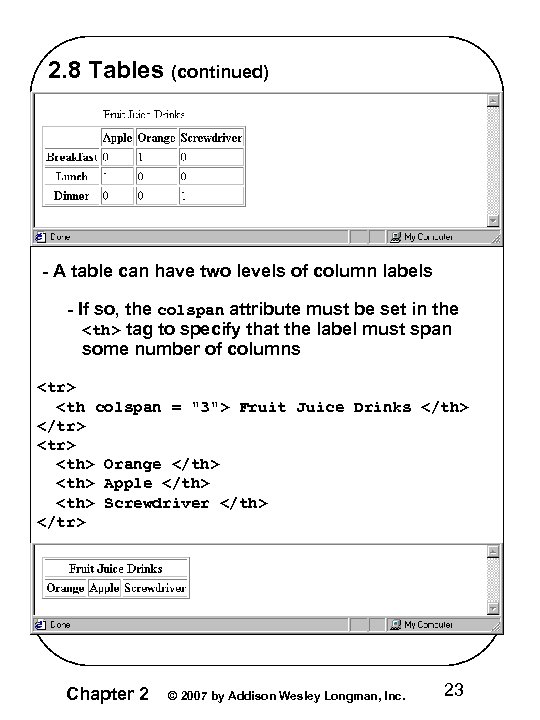
tag to specify that the label must span some number of columns | Fruit Juice Drinks | Orange | Apple | Screwdriver | | |||||||||||||
|---|---|---|---|---|---|---|---|---|---|---|---|---|---|---|---|---|---|---|---|
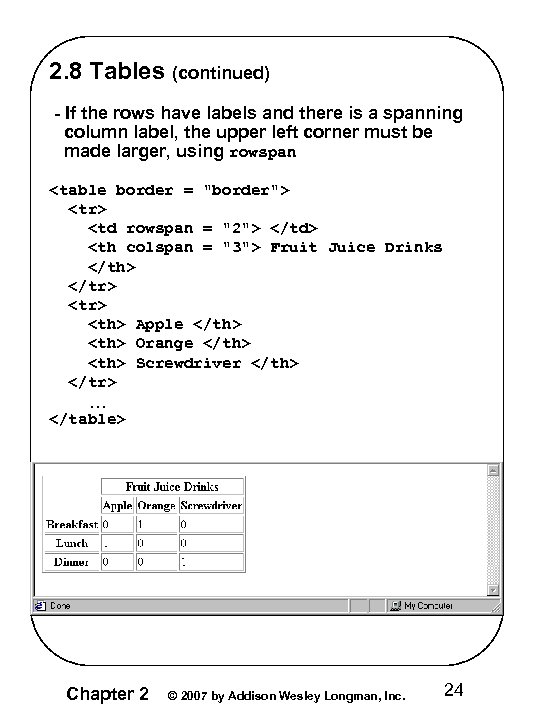
| Fruit Juice Drinks | Apple | Orange | Screwdriver | …
|---|---|---|---|
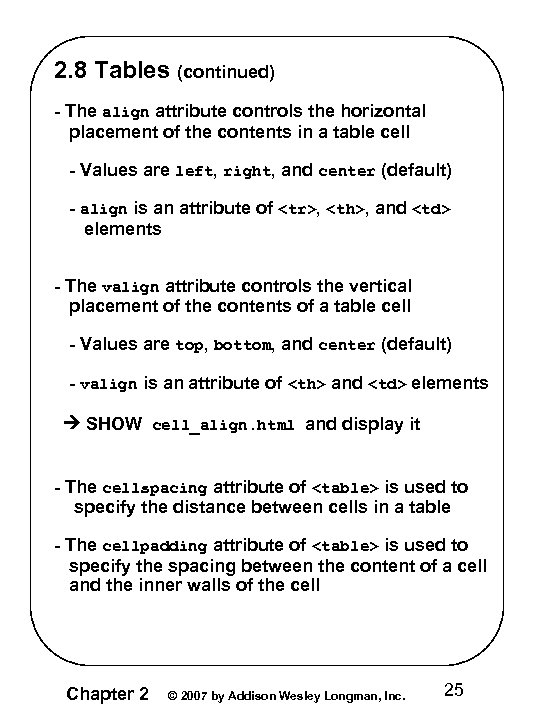 2. 8 Tables (continued) - The align attribute controls the horizontal placement of the contents in a table cell - Values are left, right, and center (default) - align is an attribute of
Colorado is a state" src="https://present5.com/presentation/fa7e0f41c57412e5e7f31d46bb18c9d5/image-26.jpg" alt="2. 8 Tables (continued)
|