 Скачать презентацию 1 of 19 Локальные преобразования фильтр маска шаблон
DIP lect 6.ppt
- Количество слайдов: 24



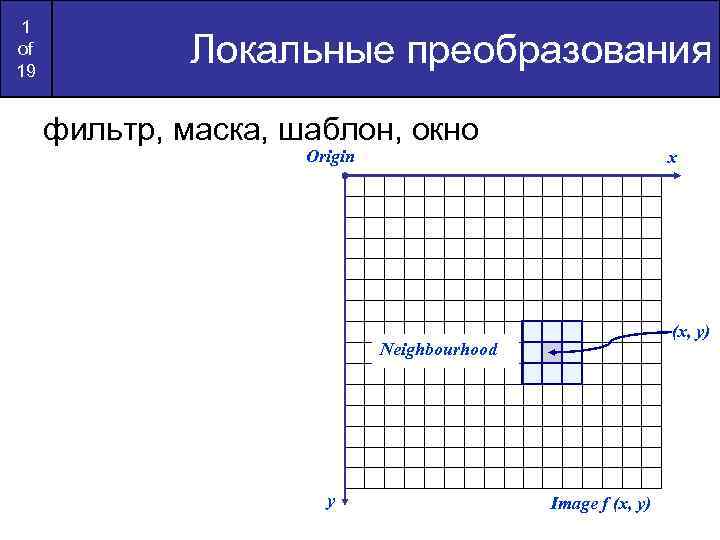
1 of 19 Локальные преобразования фильтр, маска, шаблон, окно Origin x (x, y) Neighbourhood y Image f (x, y)
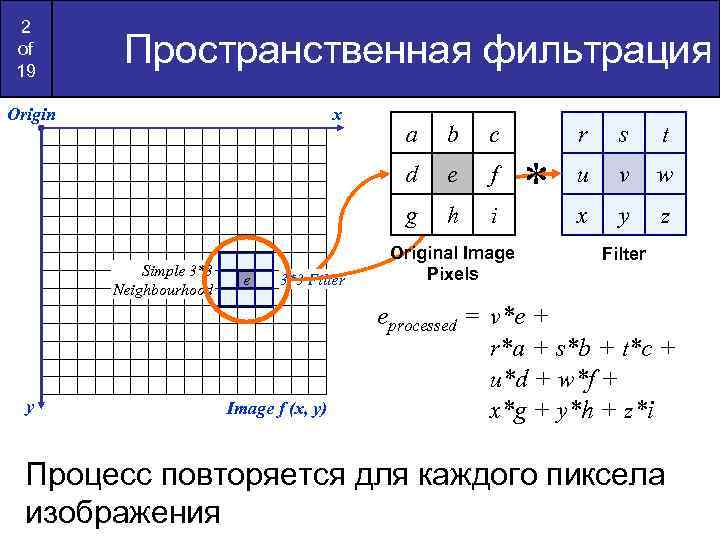
2 of 19 Пространственная фильтрация Origin x y 3*3 Filter Image f (x, y) c e f g e b d Simple 3*3 Neighbourhood a h i Original Image Pixels r * s t u v w x y z Filter eprocessed = v*e + r*a + s*b + t*c + u*d + w*f + x*g + y*h + z*i Процесс повторяется для каждого пиксела изображения
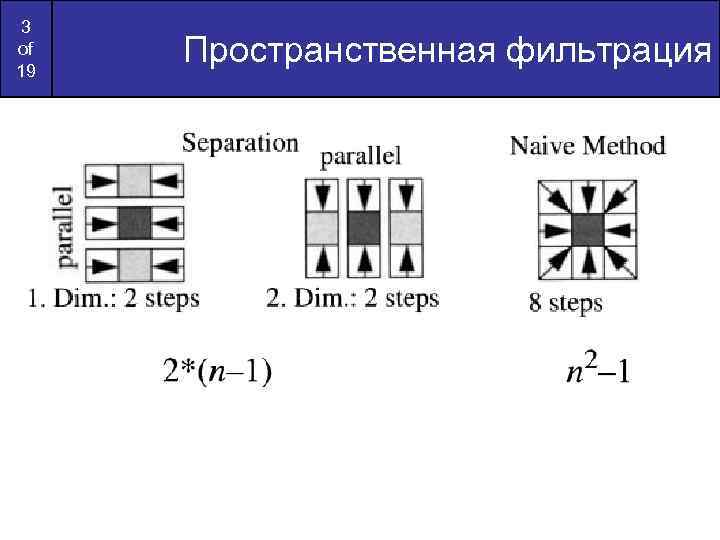
3 of 19 Пространственная фильтрация
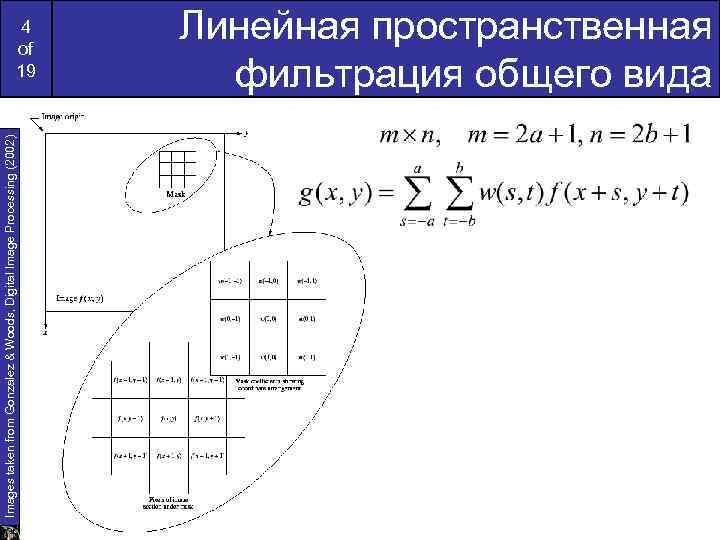
Images taken from Gonzalez & Woods, Digital Image Processing (2002) 4 of 19 Линейная пространственная фильтрация общего вида
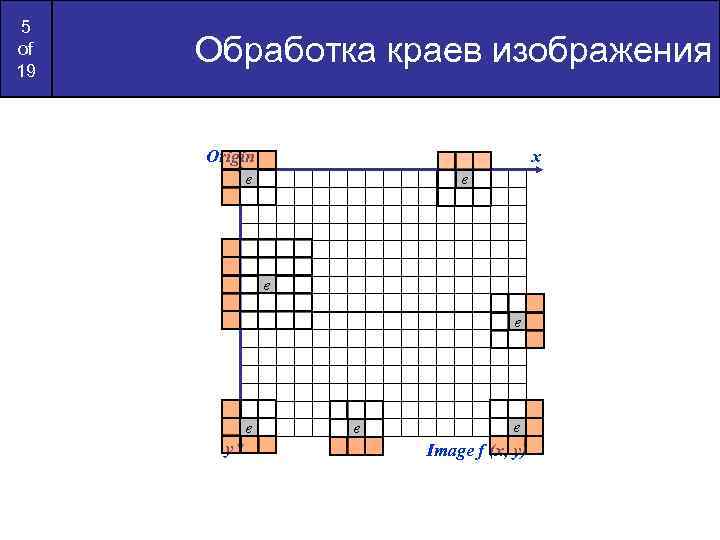
5 of 19 Обработка краев изображения Origin x e e e y e e Image f (x, y)
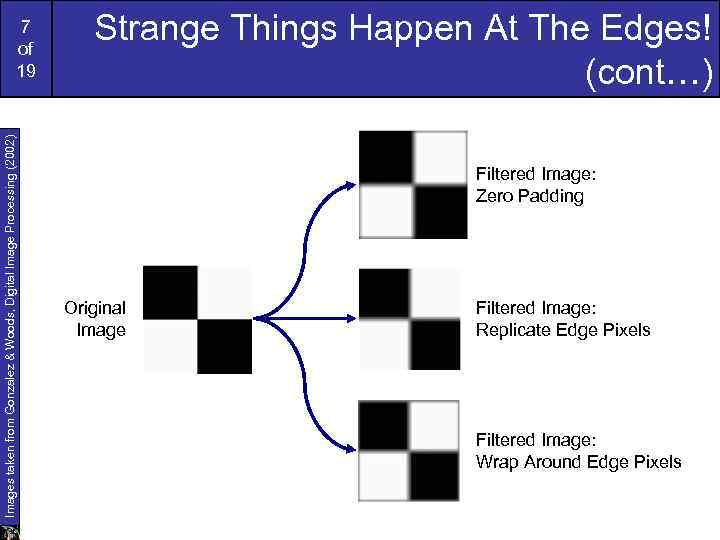
Images taken from Gonzalez & Woods, Digital Image Processing (2002) 7 of 19 Strange Things Happen At The Edges! (cont…) Filtered Image: Zero Padding Original Image Filtered Image: Replicate Edge Pixels Filtered Image: Wrap Around Edge Pixels
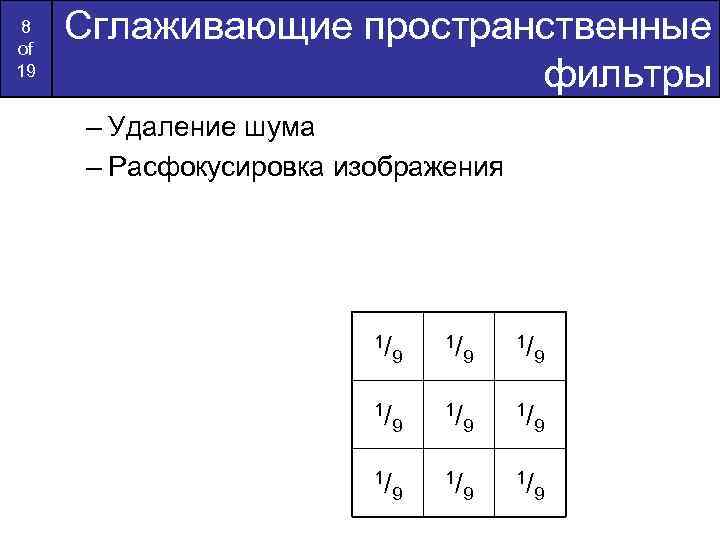
8 of 19 Сглаживающие пространственные фильтры – Удаление шума – Расфокусировка изображения 1/ 9 1/ 9 1/ 9
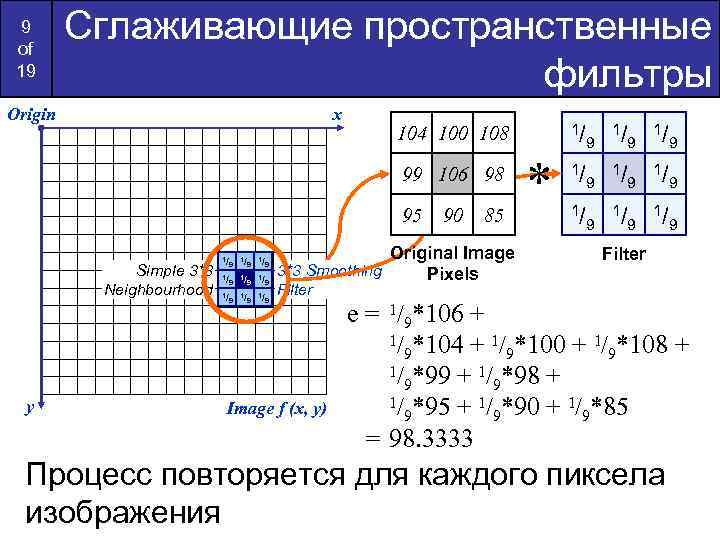
9 of 19 Сглаживающие пространственные фильтры Origin x 99 106 98 95 Simple 3*3 Neighbourhood y 1/ 1/ 1/ 104 100 108 9 9 9 1/ 99 9 1/ 106 1/9 9 98 1/ 95 9 1/ 90 9 1/ 85 9 1/ 104 100 108 90 85 Original Image 3*3 Smoothing Pixels * 9 1/ 9 1/ 9 Filter Image f (x, y) e = 1/9*106 + 1/ *104 + 1/ *100 + 1/ *108 + 9 9 9 1/ *99 + 1/ *98 + 9 9 1/ *95 + 1/ *90 + 1/ *85 9 9 9 = 98. 3333 Процесс повторяется для каждого пиксела изображения
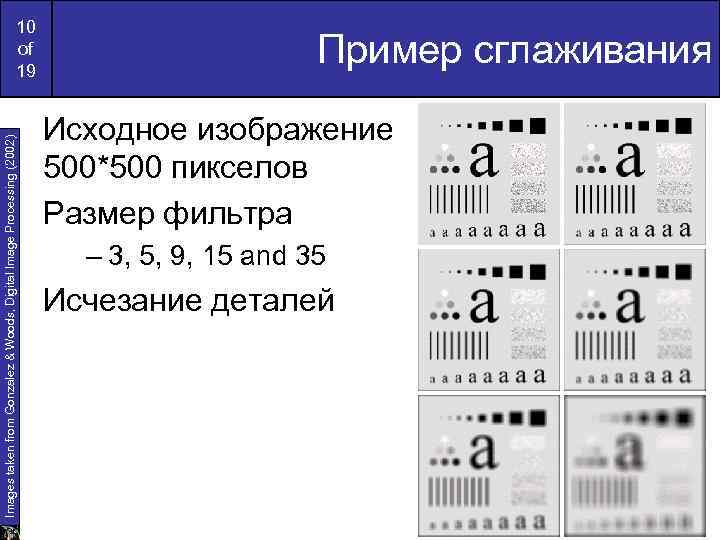
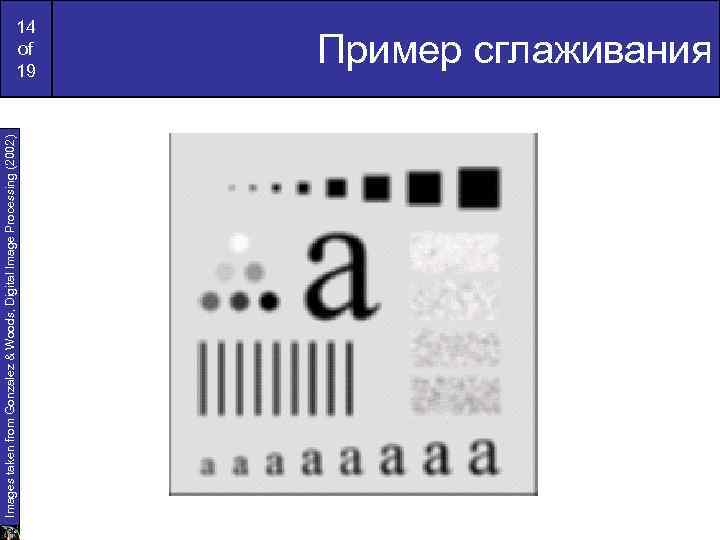
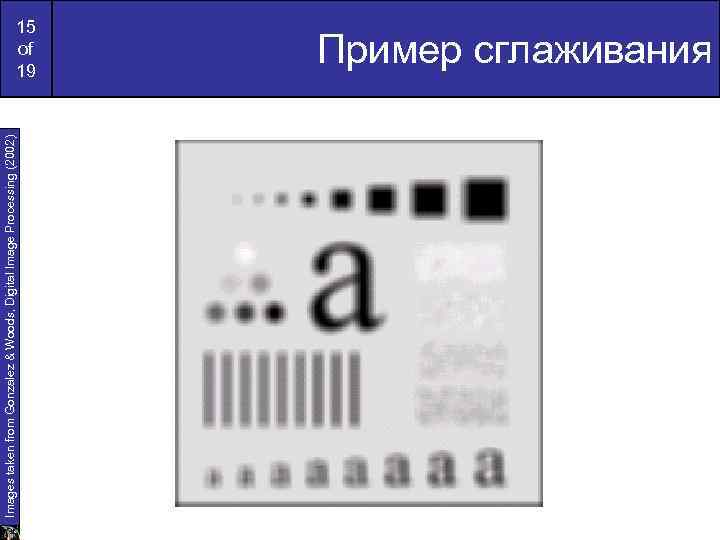
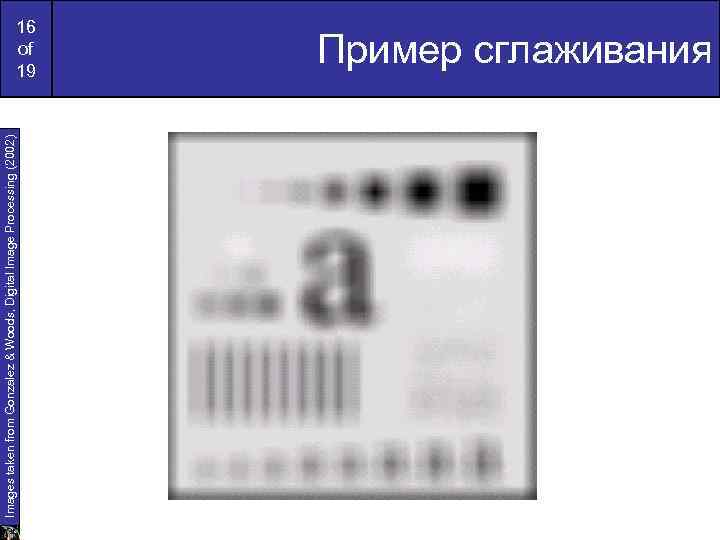
Images taken from Gonzalez & Woods, Digital Image Processing (2002) 10 of 19 Пример сглаживания Исходное изображение 500*500 пикселов Размер фильтра – 3, 5, 9, 15 and 35 Исчезание деталей
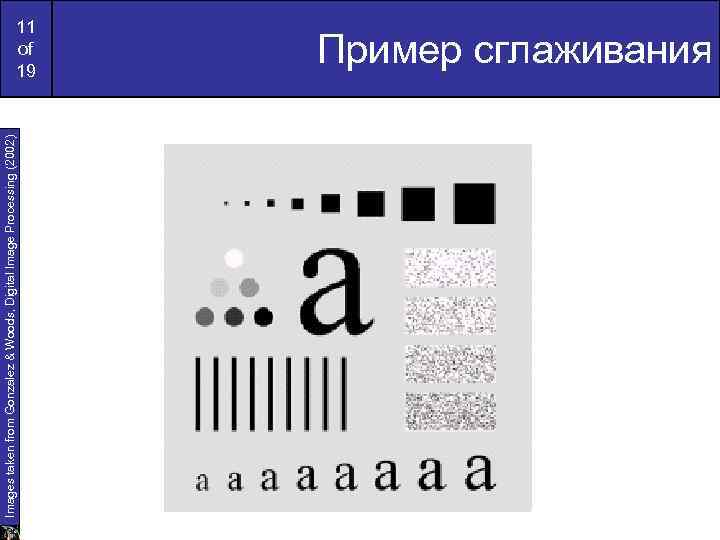
Images taken from Gonzalez & Woods, Digital Image Processing (2002) 11 of 19 Пример сглаживания
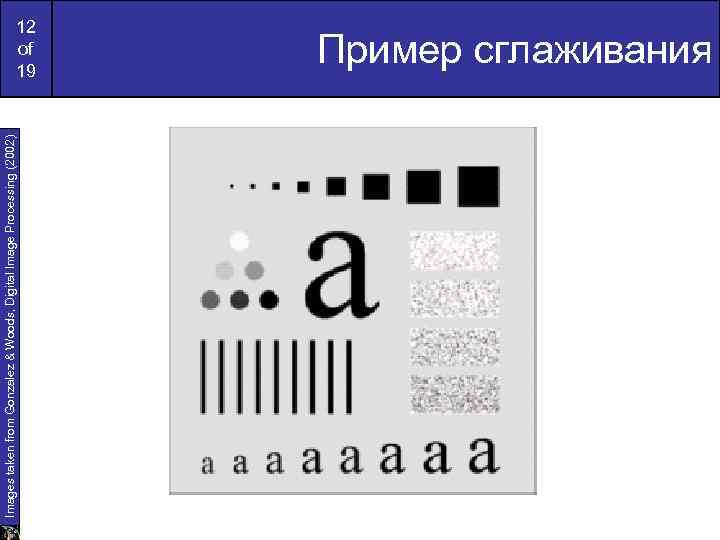
Images taken from Gonzalez & Woods, Digital Image Processing (2002) 12 of 19 Пример сглаживания
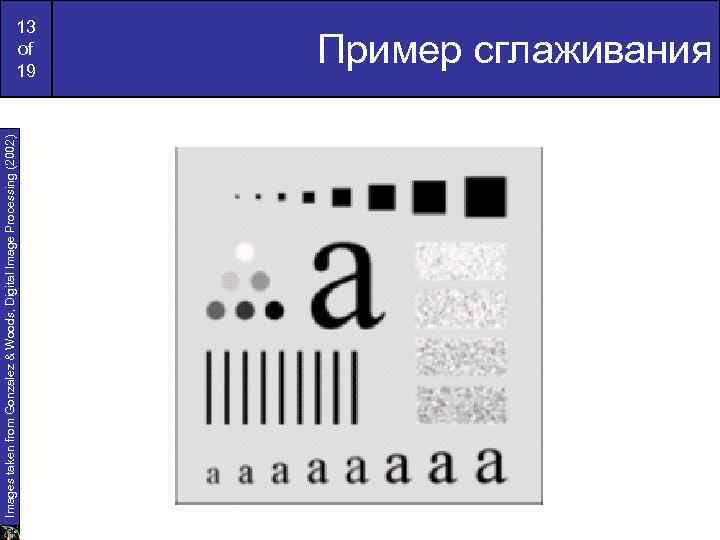
Images taken from Gonzalez & Woods, Digital Image Processing (2002) 13 of 19 Пример сглаживания
Images taken from Gonzalez & Woods, Digital Image Processing (2002) 14 of 19 Пример сглаживания
Images taken from Gonzalez & Woods, Digital Image Processing (2002) 15 of 19 Пример сглаживания
Images taken from Gonzalez & Woods, Digital Image Processing (2002) 16 of 19 Пример сглаживания
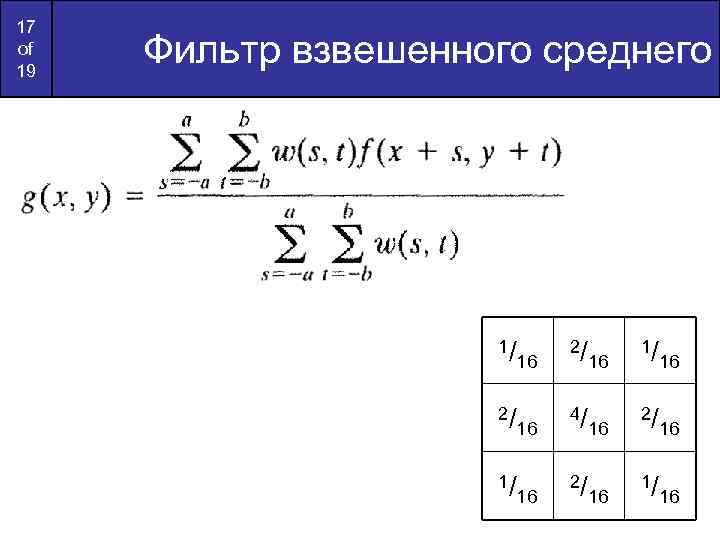
17 of 19 Фильтр взвешенного среднего 1/ 16 2/ 16 4/ 16 2/ 16 1/ 16
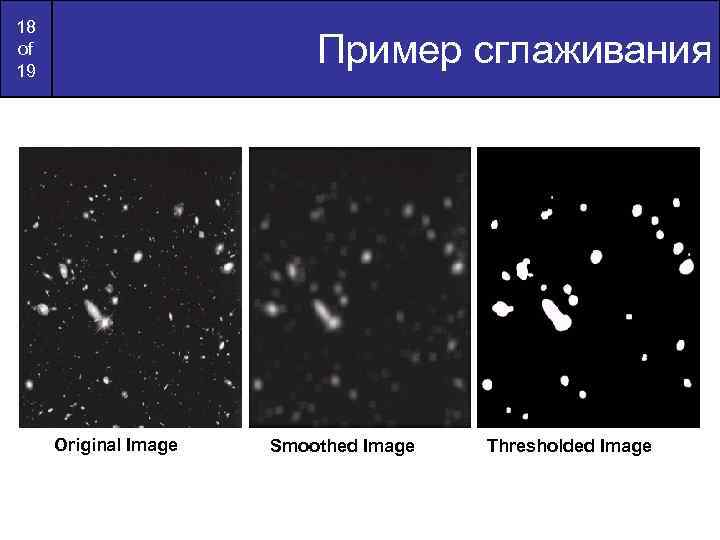
18 of 19 Пример сглаживания Original Image Smoothed Image Thresholded Image
19 of 19 Нелинейные фильтры Важные локальные операции: – Min: Set the pixel value to the minimum in the neighbourhood – Max: Set the pixel value to the maximum in the neighbourhood – Median: The median value of a set of numbers is the midpoint value in that set (e. g. from the set [1, 7, 15, 18, 24] 15 is the median). Sometimes the median works better than the average
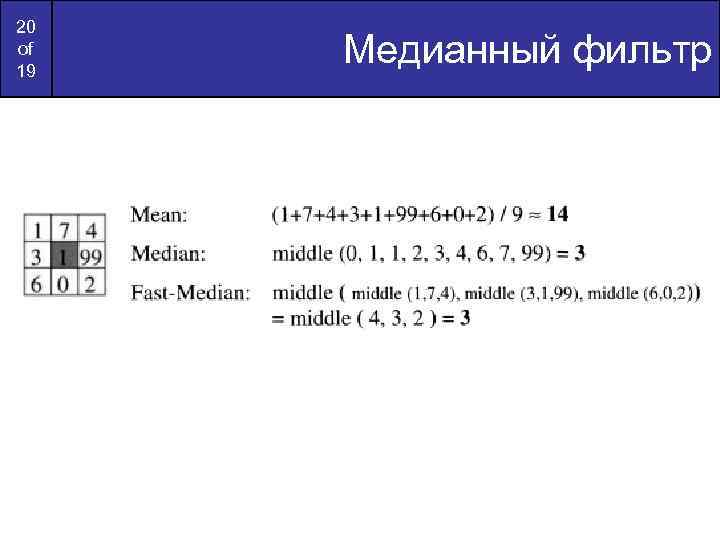
20 of 19 Медианный фильтр
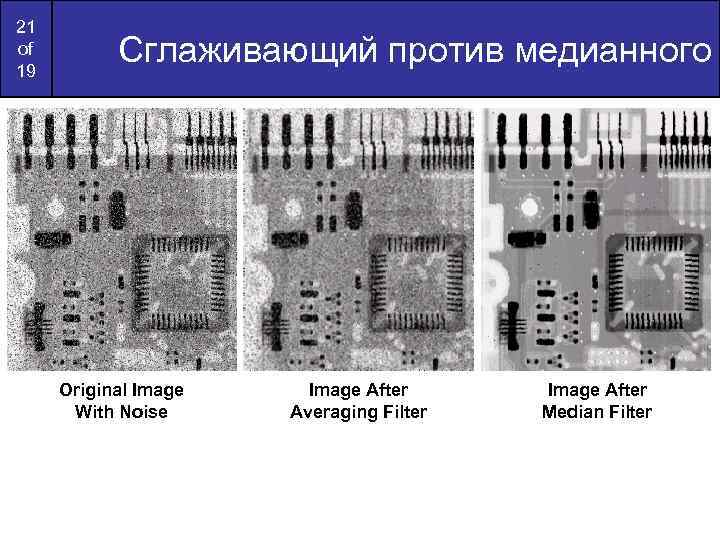
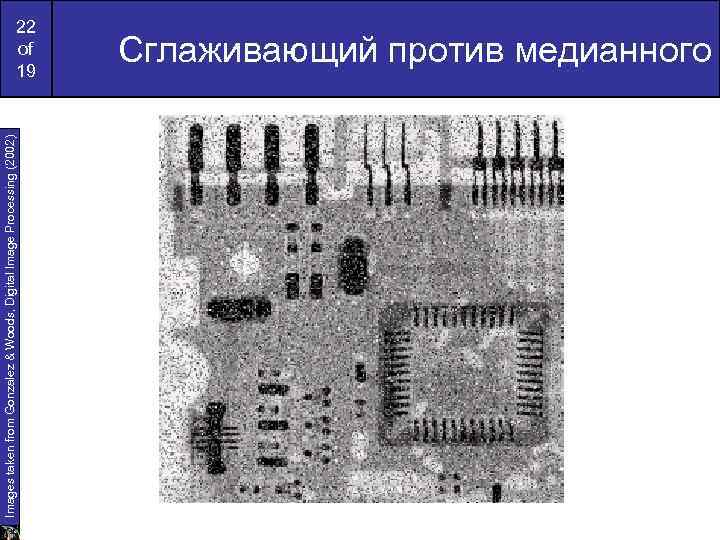
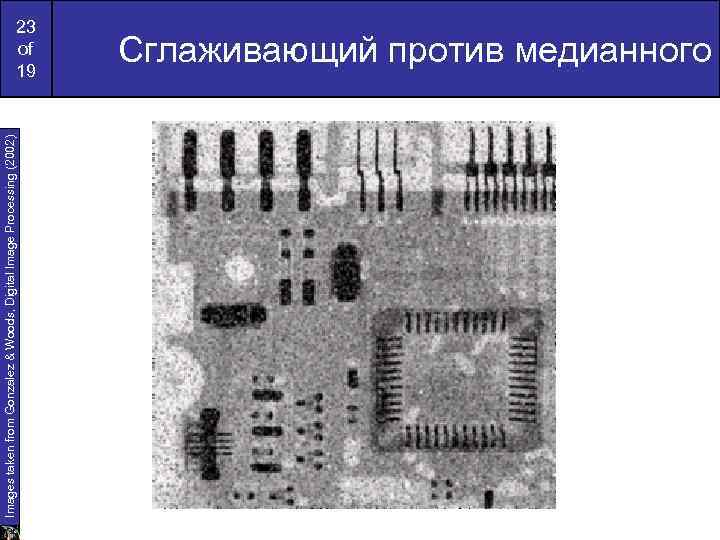
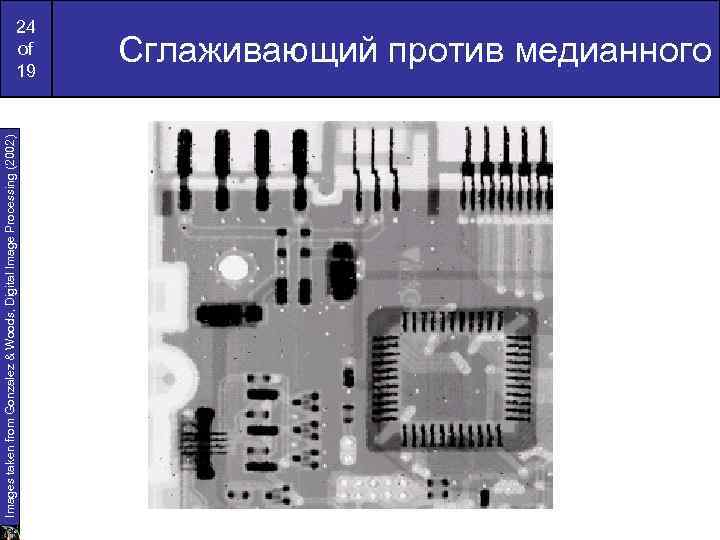
21 of 19 Сглаживающий против медианного Original Image With Noise Image After Averaging Filter Image After Median Filter
Images taken from Gonzalez & Woods, Digital Image Processing (2002) 22 of 19 Сглаживающий против медианного
Images taken from Gonzalez & Woods, Digital Image Processing (2002) 23 of 19 Сглаживающий против медианного
Images taken from Gonzalez & Woods, Digital Image Processing (2002) 24 of 19 Сглаживающий против медианного
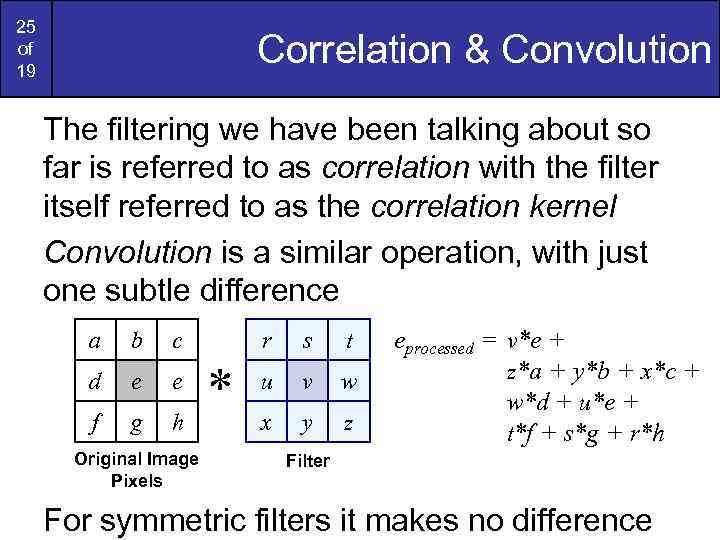
25 of 19 Correlation & Convolution The filtering we have been talking about so far is referred to as correlation with the filter itself referred to as the correlation kernel Convolution is a similar operation, with just one subtle difference a b c d e e f g h Original Image Pixels r * s t u v w x y z eprocessed = v*e + z*a + y*b + x*c + w*d + u*e + t*f + s*g + r*h Filter For symmetric filters it makes no difference
Скачать презентацию 1 of 19 Локальные преобразования фильтр маска шаблон
DIP lect 6.ppt