


 Скачать презентацию 1 Laws and information technology ICT Foundation Copyright
623dbdf6607faa934327c18bb82f010c.ppt
- Количество слайдов: 10
 1 Laws and information technology ICT Foundation Copyright © 2010, IT Gatekeeper Project – Ohiwa Lab. All rights reserved. Copyright © 2010, IT Gatekeeper Ohiwa Lab. All rights reserved.
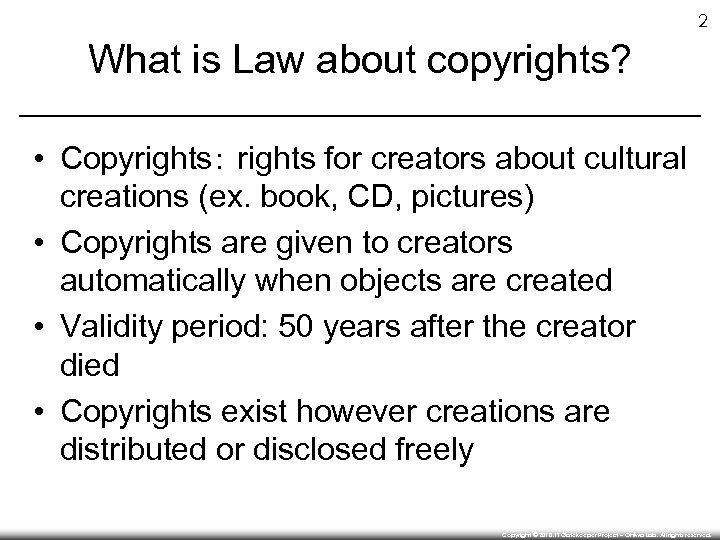 2 What is Law about copyrights? • Copyrights: rights for creators about cultural creations (ex. book, CD, pictures) • Copyrights are given to creators automatically when objects are created • Validity period: 50 years after the creator died • Copyrights exist however creations are distributed or disclosed freely Copyright © 2010, IT Gatekeeper Project – Ohiwa Lab. All rights reserved.
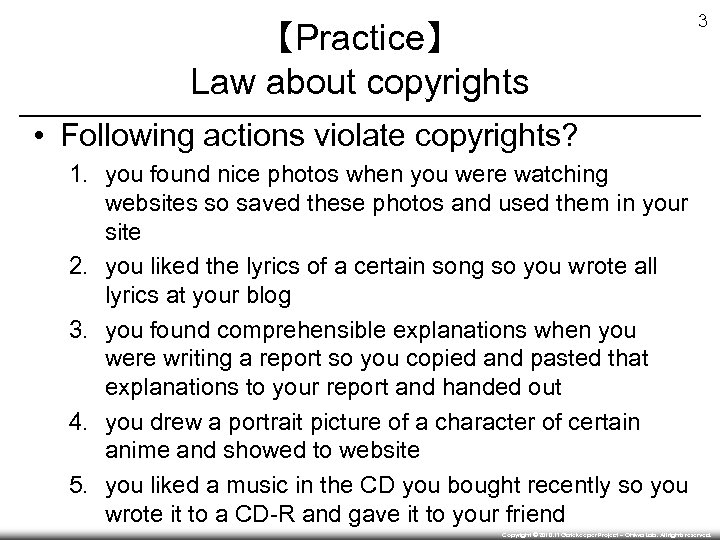 【Practice】 Law about copyrights 3 • Following actions violate copyrights? 1. you found nice photos when you were watching websites so saved these photos and used them in your site 2. you liked the lyrics of a certain song so you wrote all lyrics at your blog 3. you found comprehensible explanations when you were writing a report so you copied and pasted that explanations to your report and handed out 4. you drew a portrait picture of a character of certain anime and showed to website 5. you liked a music in the CD you bought recently so you wrote it to a CD-R and gave it to your friend Copyright © 2010, IT Gatekeeper Project – Ohiwa Lab. All rights reserved.
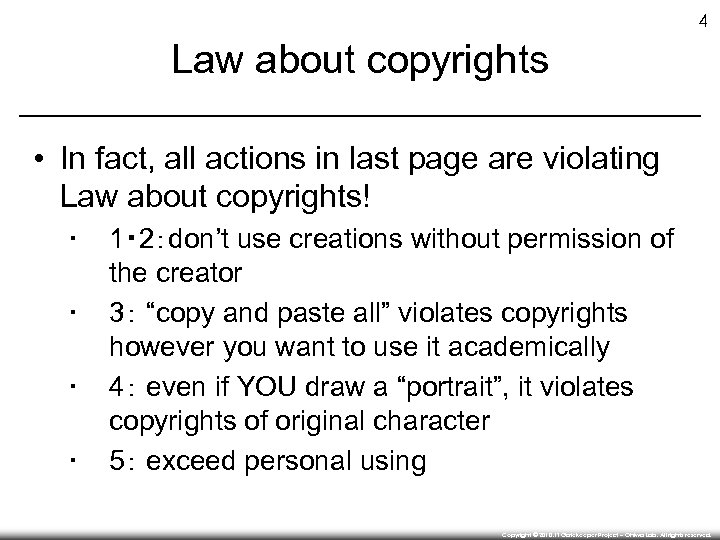 4 Law about copyrights • In fact, all actions in last page are violating Law about copyrights! ▪ ▪ 1・ 2:don’t use creations without permission of the creator 3: “copy and paste all” violates copyrights however you want to use it academically 4: even if YOU draw a “portrait”, it violates copyrights of original character 5: exceed personal using Copyright © 2010, IT Gatekeeper Project – Ohiwa Lab. All rights reserved.
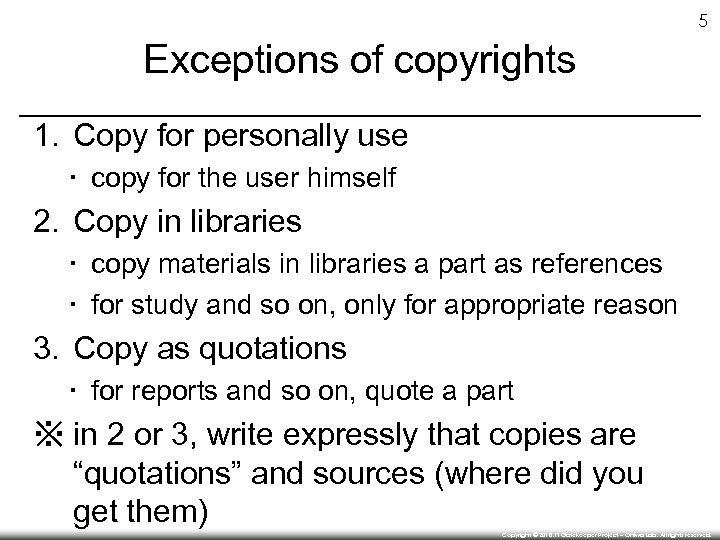 5 Exceptions of copyrights 1. Copy for personally use ▪ copy for the user himself 2. Copy in libraries ▪ copy materials in libraries a part as references ▪ for study and so on, only for appropriate reason 3. Copy as quotations ▪ for reports and so on, quote a part ※ in 2 or 3, write expressly that copies are “quotations” and sources (where did you get them) Copyright © 2010, IT Gatekeeper Project – Ohiwa Lab. All rights reserved.
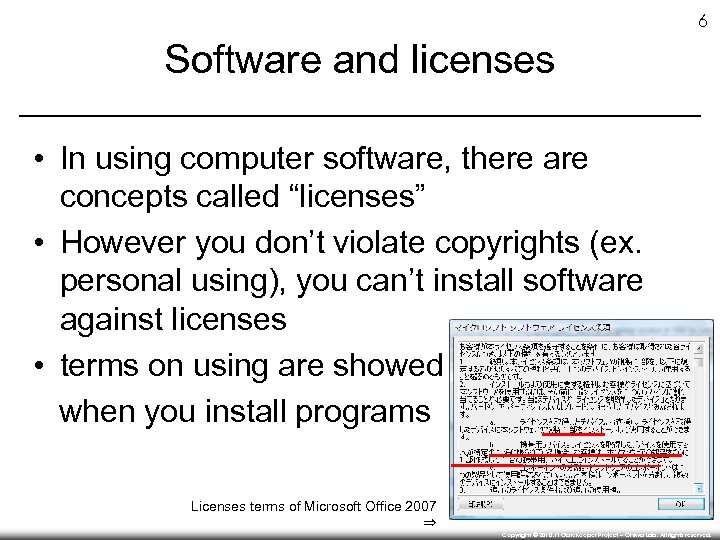 6 Software and licenses • In using computer software, there are concepts called “licenses” • However you don’t violate copyrights (ex. personal using), you can’t install software against licenses • terms on using are showed when you install programs Licenses terms of Microsoft Office 2007 ⇒ Copyright © 2010, IT Gatekeeper Project – Ohiwa Lab. All rights reserved.
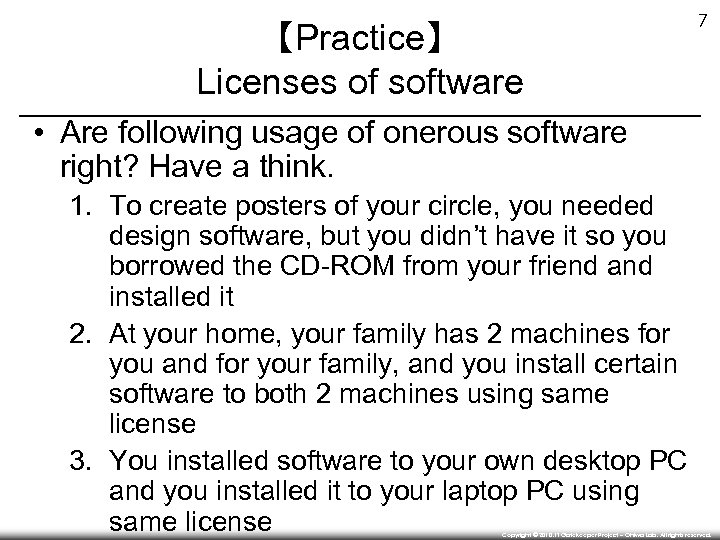 【Practice】 Licenses of software 7 • Are following usage of onerous software right? Have a think. 1. To create posters of your circle, you needed design software, but you didn’t have it so you borrowed the CD-ROM from your friend and installed it 2. At your home, your family has 2 machines for you and for your family, and you install certain software to both 2 machines using same license 3. You installed software to your own desktop PC and you installed it to your laptop PC using same license Copyright © 2010, IT Gatekeeper Project – Ohiwa Lab. All rights reserved.
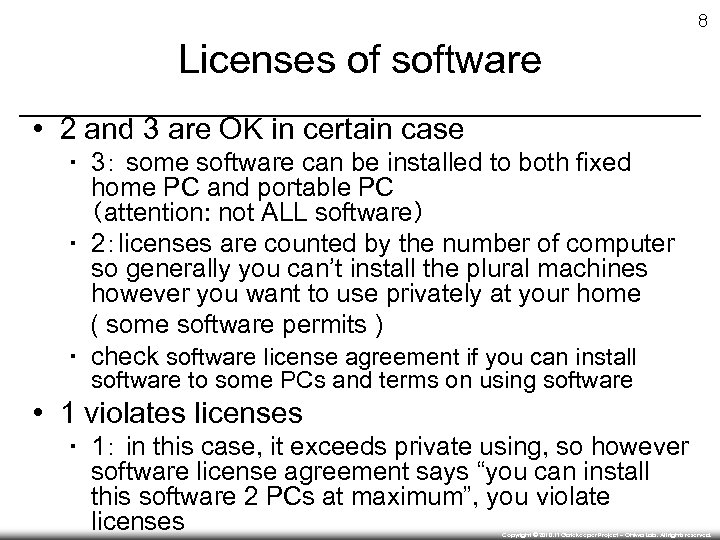 8 Licenses of software • 2 and 3 are OK in certain case ▪ 3: some software can be installed to both fixed home PC and portable PC (attention: not ALL software) ▪ 2:licenses are counted by the number of computer so generally you can’t install the plural machines however you want to use privately at your home ( some software permits ) ▪ check software license agreement if you can install software to some PCs and terms on using software • 1 violates licenses ▪ 1: in this case, it exceeds private using, so however software license agreement says “you can install this software 2 PCs at maximum”, you violate licenses Copyright © 2010, IT Gatekeeper Project – Ohiwa Lab. All rights reserved.
 9 Site licenses • We can get some licenses excepting “buying software at stores” ▪ ex) download sales • In some cases, we can cut price (ex: for corporations, or buy the plural number) ▪ volume license (VL) : same opinion as normal licenses basically ▪ site license : you can install any computers used only in that organization Copyright © 2010, IT Gatekeeper Project – Ohiwa Lab. All rights reserved.
 10 Site licenses in SFC • SFC signs up some site license software and students can use some of them ▪ click “site license software” in menu (left of screen) of http: //itc. sfc. keio. ac. jp/ ▪ software students can use: JMP, SAS etc. • Software signed up by Keio University ▪ log in to http: //keio. jp • if you have not activated, you have to activate at first ▪ software students can use: Trend Micro Internet Security Copyright © 2010, IT Gatekeeper Project – Ohiwa Lab. All rights reserved.