 Скачать презентацию 1 CREATING A PROFESSIONAL WEBSITE II LG 400
5168e4c41b3175e95323364f9b7ad2bd.ppt
- Количество слайдов: 13




1 CREATING A PROFESSIONAL WEBSITE II LG 400 – wk 11 Mutsumi Ogawa - mogawa@essex. ac. uk
General Information 2 Course homepage http: //courses. essex. ac. uk/lg/lg 400 Updated after session runs Email: mogawa@essex. ac. uk
Introduction 3 Making your work available online opens it up to the rest of the academic and non-academic world. This session focuses on exploring more advanced as well as alternative ways of building and maintaining your professional information online.
Outline 4 Topics of this week’s session will include: Inserting images Changing the font and background colour of your page Inserting an embedded object (video, other objects) Activating the developer tab Academic social networking sites Hosting your website outside the university’s server

Inserting Images 5
Changing Fonts & Background Colour 6
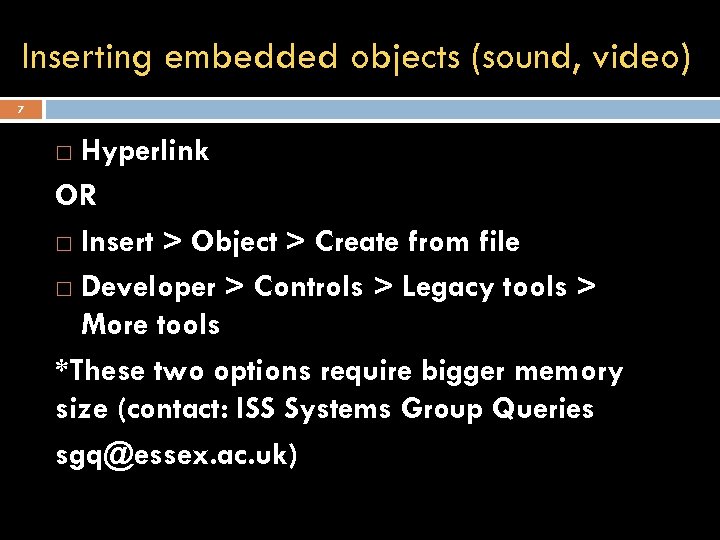
Inserting embedded objects (sound, video) 7 Hyperlink OR Insert > Object > Create from file Developer > Controls > Legacy tools > More tools *These two options require bigger memory size (contact: ISS Systems Group Queries sgq@essex. ac. uk)
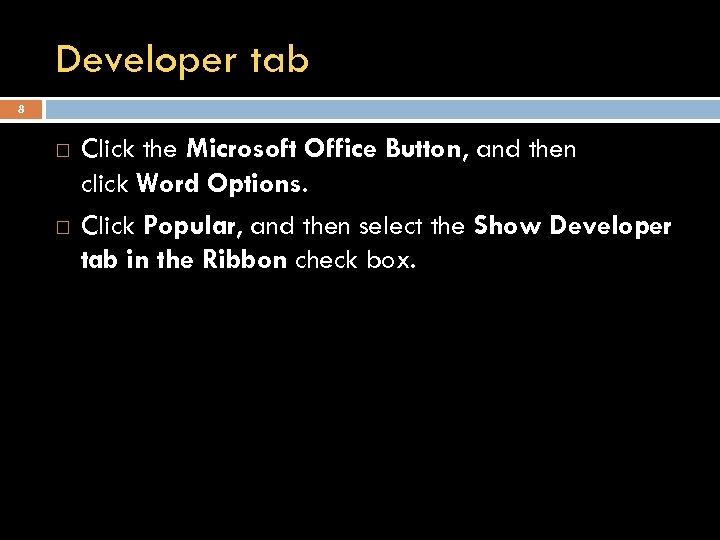
Developer tab 8 Click the Microsoft Office Button, and then click Word Options. Click Popular, and then select the Show Developer tab in the Ribbon check box.
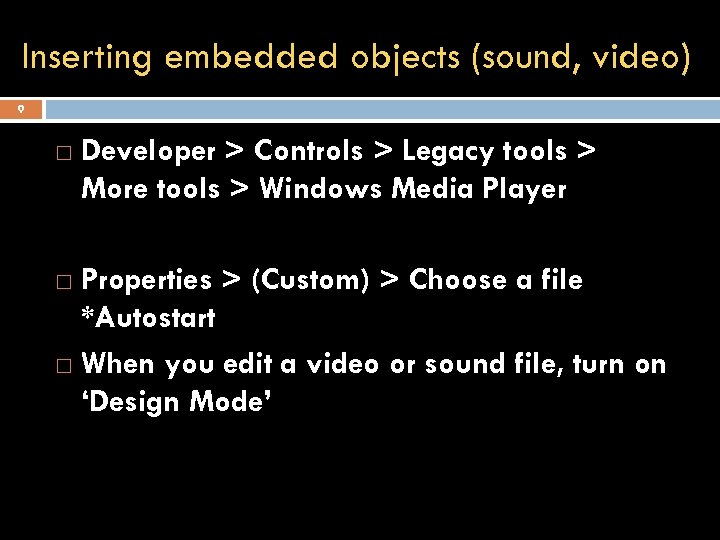
Inserting embedded objects (sound, video) 9 Developer > Controls > Legacy tools > More tools > Windows Media Player Properties > (Custom) > Choose a file *Autostart When you edit a video or sound file, turn on ‘Design Mode’
Using other programmes Documentation for the privatewww webserver Share. Point / Frontpage Web authoring guides
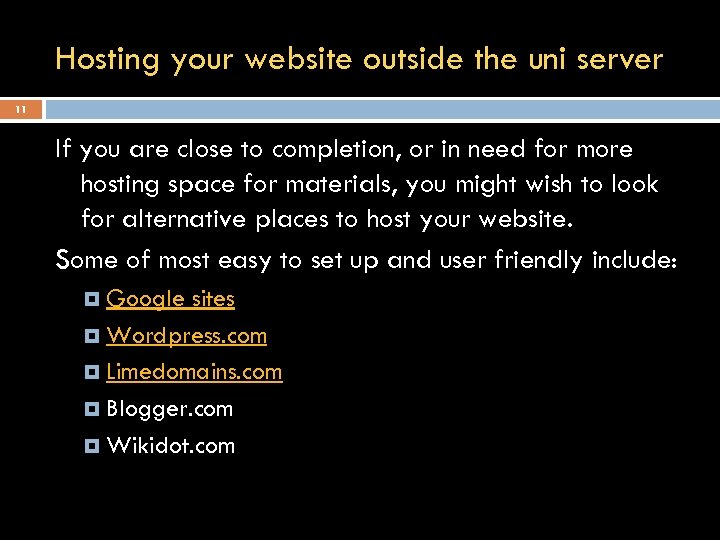
Hosting your website outside the uni server 11 If you are close to completion, or in need for more hosting space for materials, you might wish to look for alternative places to host your website. Some of most easy to set up and user friendly include: Google sites Wordpress. com Limedomains. com Blogger. com Wikidot. com
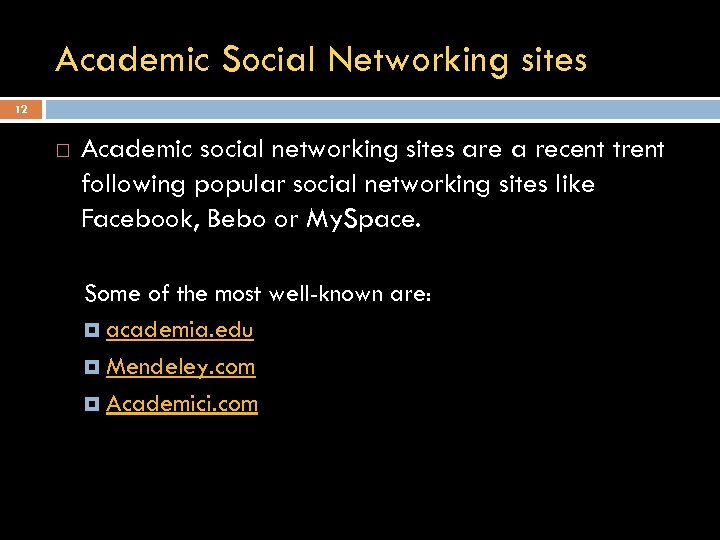
Academic Social Networking sites 12 Academic social networking sites are a recent trent following popular social networking sites like Facebook, Bebo or My. Space. Some of the most well-known are: academia. edu Mendeley. com Academici. com

13 HO HO HO! MERRY CHRISTMAS! and a Happy New Year 2013!
Скачать презентацию 1 CREATING A PROFESSIONAL WEBSITE II LG 400
5168e4c41b3175e95323364f9b7ad2bd.ppt