


 Скачать презентацию 1 Considering the Plug-in 2 It s
77b0913a70a787d5373a15f79e32502a.ppt
- Количество слайдов: 17
 1
1
 Considering the Plug-in 2
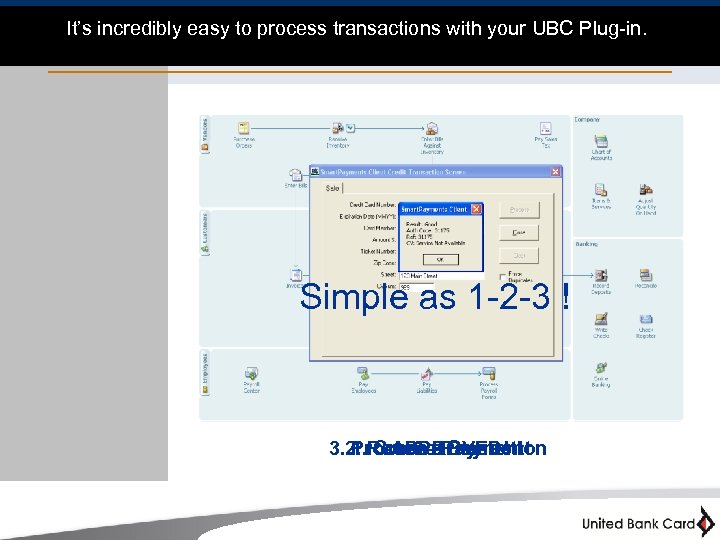 It’s incredibly easy to process transactions with your UBC Plug-in. Simple as 1 -2 -3 ! 3. 2. Receive. Payment Process Transaction 1. Create Payment APPROVED! 3
 Features and Settings 4
 Settings: Requirements: • Supported Versions of Quick. Books: 2004 Quick. Books Professional or Premier (Limited support and may need QB SDK) 2005 Professional, Premier and Enterprise 2006 Professional, Premier and Enterprise 2007 Professional, Premier and Enterprise 2008 Professional, Premier and Enterprise • Supported Platforms: Windows 2000 Service Pack 4, and Windows XP and Windows Server 2003 • The following software is required to use HPS Quick. Books Plug-in: Microsoft. NET Framework 1. 1 Hardware Requirements: Minimum Requirements: Pentium 600 MHz 256 MB RAM 200 MB Disk Space Recommended Setup: Pentium 1 GHZ 512 MB RAM 350 MB Disk Space 5
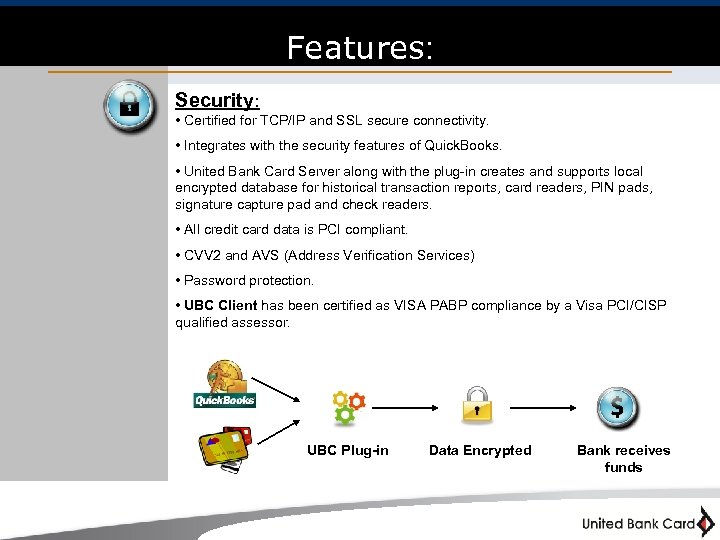 Features: Security: • Certified for TCP/IP and SSL secure connectivity. • Integrates with the security features of Quick. Books. • United Bank Card Server along with the plug-in creates and supports local encrypted database for historical transaction reports, card readers, PIN pads, signature capture pad and check readers. • All credit card data is PCI compliant. • CVV 2 and AVS (Address Verification Services) • Password protection. • UBC Client has been certified as VISA PABP compliance by a Visa PCI/CISP qualified assessor. UBC Plug-in Data Encrypted Bank receives funds 6
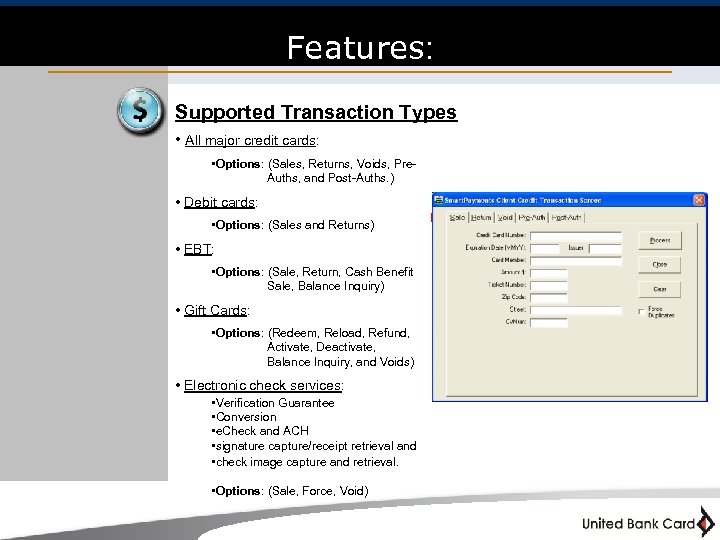 Features: Supported Transaction Types • All major credit cards: • Options: (Sales, Returns, Voids, Pre- Auths, and Post-Auths. ) • Debit cards: • Options: (Sales and Returns) • EBT: • Options: (Sale, Return, Cash Benefit Sale, Balance Inquiry) • Gift Cards: • Options: (Redeem, Reload, Refund, Activate, Deactivate, Balance Inquiry, and Voids) • Electronic check services: • Verification Guarantee • Conversion • e. Check and ACH • signature capture/receipt retrieval and • check image capture and retrieval. • Options: (Sale, Force, Void) 7
 Features: Integration: • Compatible with PCCharge INP / XML file exchange and integration. • Integrate to Microsoft RMS POS Retail Management System (optional) • Additional Input Formats: TCP/IP XMLPay *SDKs are available upon request. 8
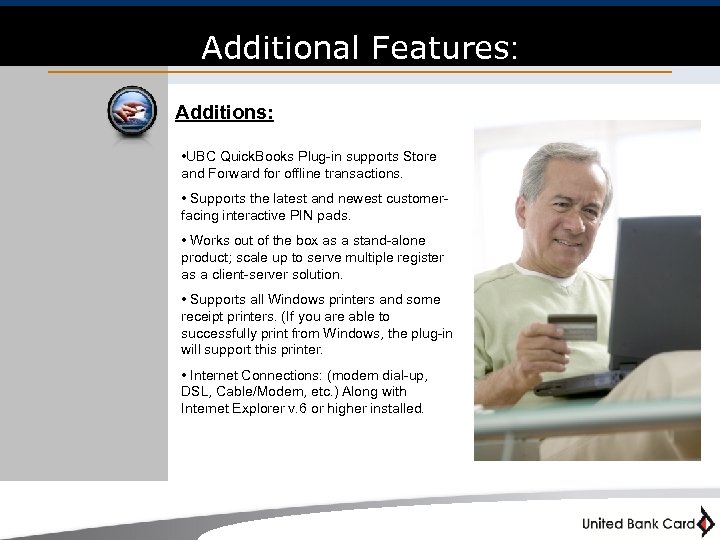 Additional Features: Additions: • UBC Quick. Books Plug-in supports Store and Forward for offline transactions. • Supports the latest and newest customerfacing interactive PIN pads. • Works out of the box as a stand-alone product; scale up to serve multiple register as a client-server solution. • Supports all Windows printers and some receipt printers. (If you are able to successfully print from Windows, the plug-in will support this printer. • Internet Connections: (modem dial-up, DSL, Cable/Modem, etc. ) Along with Internet Explorer v. 6 or higher installed. 9
 Find out how it works 10
 UBC Quick. Books Plug-in is Fast, Easy, and Secure! Getting Started: There are only 3 things you will need prior to using your plug-in: 1) Merchant account information 2) UBC Client 3) UBC Quick. Books Plug-in 11
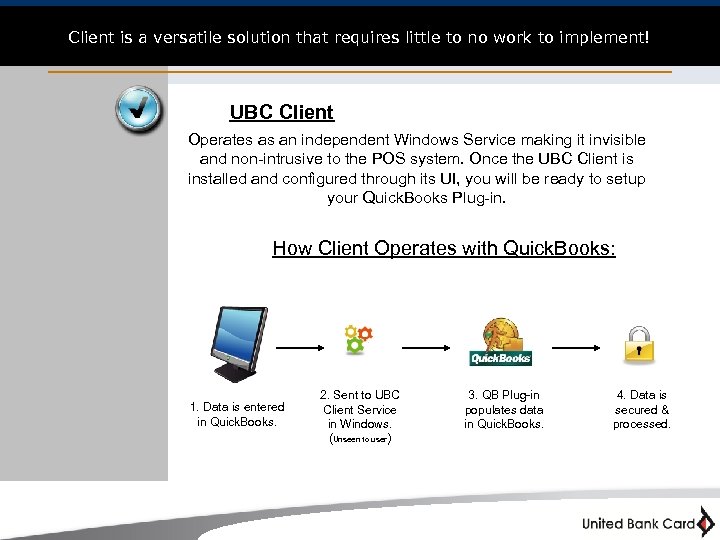 Client is a versatile solution that requires little to no work to implement! UBC Client Operates as an independent Windows Service making it invisible and non-intrusive to the POS system. Once the UBC Client is installed and configured through its UI, you will be ready to setup your Quick. Books Plug-in. How Client Operates with Quick. Books: 1. Data is entered in Quick. Books. 2. Sent to UBC Client Service in Windows. (Unseen to user ) 3. QB Plug-in populates data in Quick. Books. 4. Data is secured & processed. 12
 The Checklist 13
 The Checklist: So far you have: ü 1. Gathered your merchant account information. ü 2. Setup & Configured Client. 3. Lastly you will need to setup the UBC Quick. Books Plug-in. The Quick. Books Plug-in setup is easy! Once you open Quick. Books, your plug-in can be configured in just 3 steps! 14
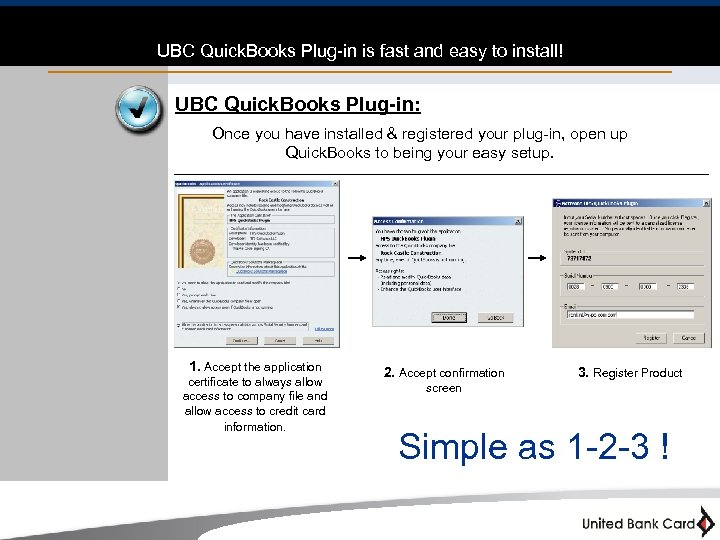 UBC Quick. Books Plug-in is fast and easy to install! UBC Quick. Books Plug-in: Once you have installed & registered your plug-in, open up Quick. Books to being your easy setup. 1. Accept the application certificate to always allow access to company file and allow access to credit card information. 2. Accept confirmation 3. Register Product screen Simple as 1 -2 -3 ! 15
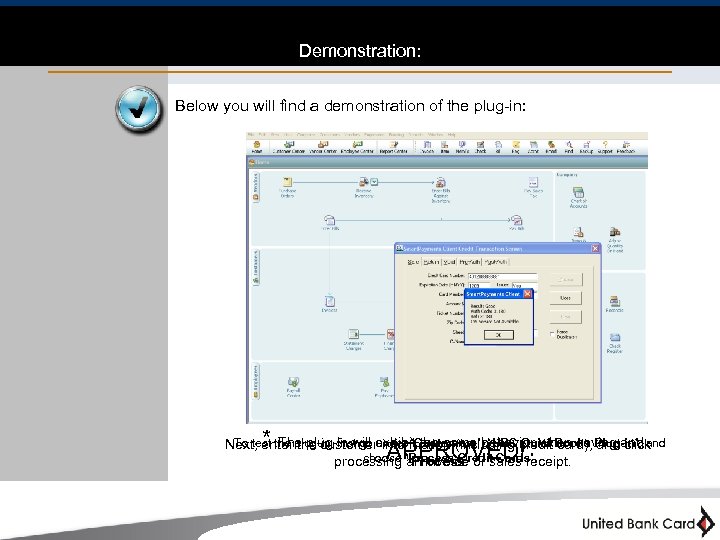 Demonstration: Below you will find a demonstration of the plug-in: * The plug-in will exhibit the same behavior when saving and To test the plug-in, first go under “Customers”, “UBC Quick. Books Plug-in”, and Next, enter the customer information (including credit card), and click choose “Process Credit Cards”. processing an invoice or sales receipt. “Process” APPROVED! 16
 The End 17